Summary
- Sleep mode conserves battery, updates system automatically, and preserves game progress with minimal power draw.
- Complete shutdowns clear RAM, end background tasks, and may affect game progress and system updates.
- Daily use favors sleep mode for convenience, but restarts can boost performance periodically.
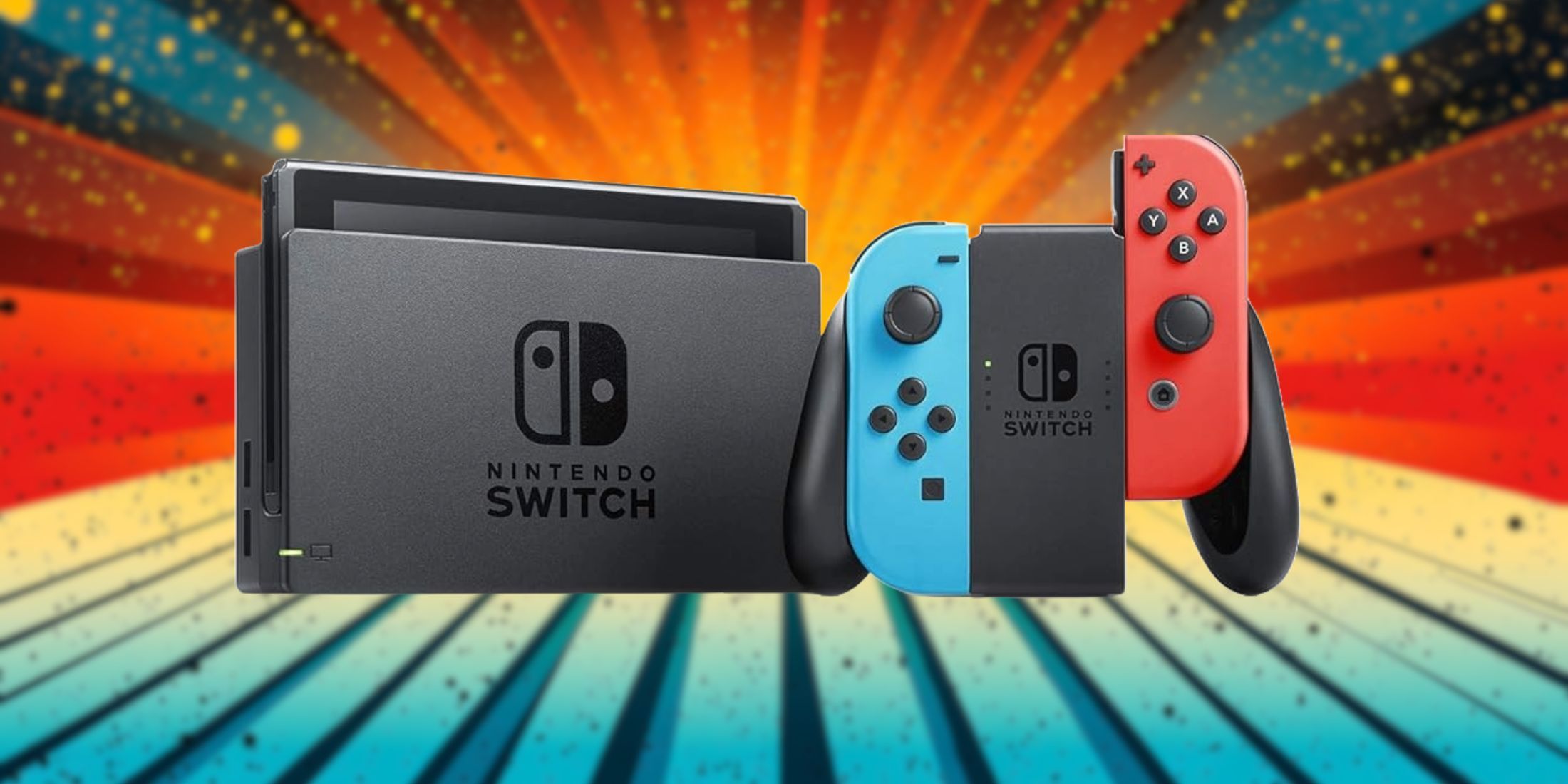
It’s generally best for your Nintendo Switch to use sleep mode rather than turning it fully off. This is because the Switch was designed to be in sleep mode most of the time, not powered off entirely. The idea that electronics should always be turned off completely originated from older devices that struggled with standby power consumption.
Your Nintendo Switch consumes minimal battery during sleep mode, quickly resumes right where you last left off, and performs system updates autonomously while not in use. While full shutdowns do have their purpose, they’re often unnecessary for everyday use and can even become more of a hassle than an aid. Here’s a comparison of what transpires when your Switch goes to sleep versus when it’s fully powered off, along with instances where each choice is suitable.
What Sleep Mode Actually Does
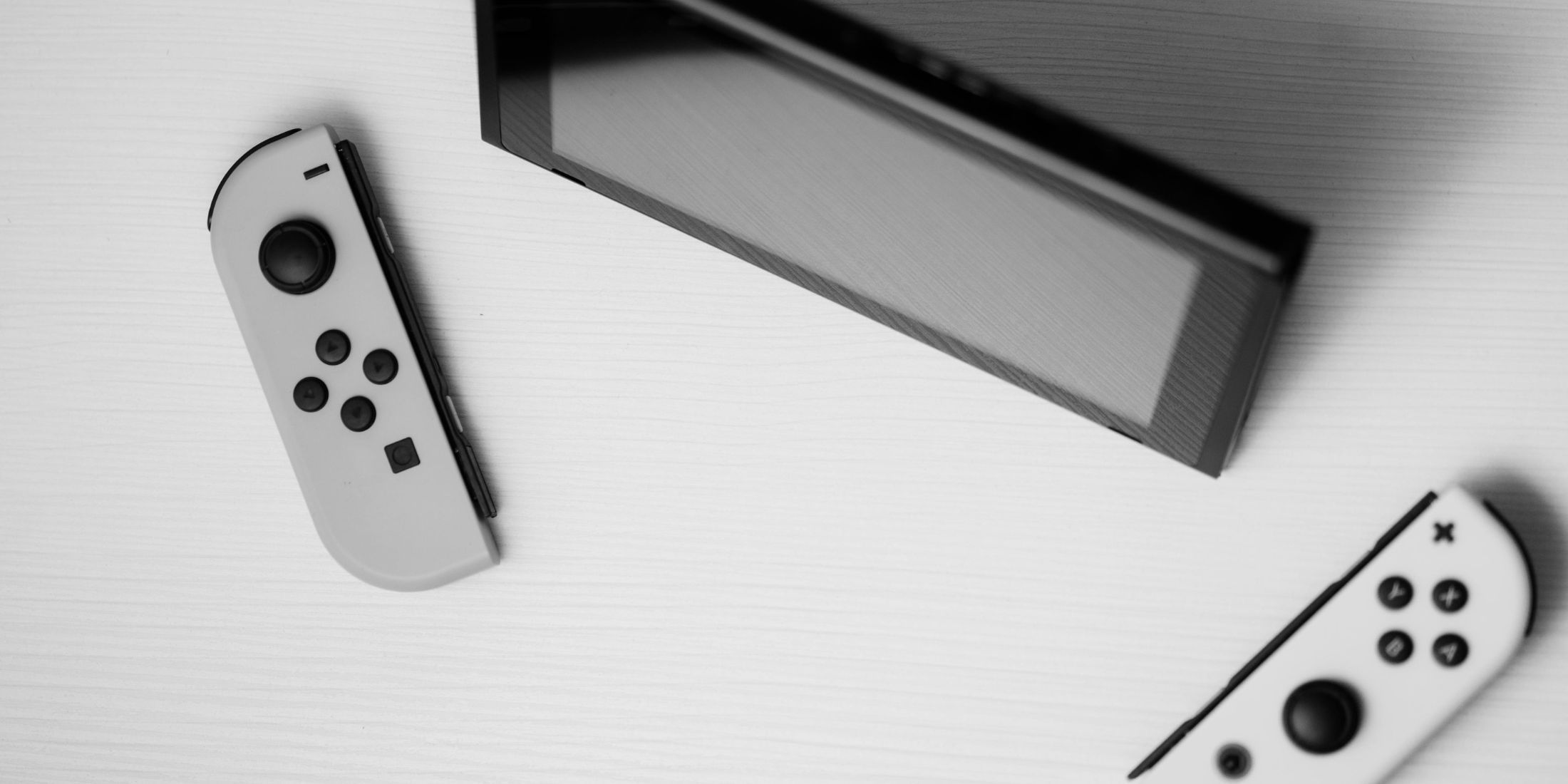
When you press the power button or place your Nintendo Switch in its dock, it doesn’t fully turn off. Instead, it enters a low-power mode, where most functions are suspended except for those necessary to wake up quickly. This means your game will remain exactly as you left it when you resume play, your system will stay connected to Wi-Fi for updates, and the battery consumption decreases significantly.
In essence, when your Nintendo Switch enters sleep mode, it consumes approximately the same amount of power as a TV remote control sitting idle on a coffee table. This means that if you’re fortunate, you might lose around 2-3% of battery life over a 24-hour period; however, if your Wi-Fi is actively downloading updates, this could increase to about 5-6%.
The reason for this minimal energy consumption lies in the fact that your game state gets saved onto Random Access Memory (RAM), which requires only a small, continuous flow of power to keep it active. This is why you can pause your game during a boss fight and pick up right where you left off, even after three days, without needing a complete shutdown.
In sleep mode, your system continues crucial functions such as maintaining the correct time, keeping the network active, and taking care of background tasks like updating games or system software – essentially it manages household chores with minimal energy consumption.
Complete Shutdown: The Nuclear Option
Pressing and selecting the power button on your Nintendo Switch will fully shut it down. This means all activities cease, memory is wiped clean, electricity usage drops to zero, no more background processes run, and there’s no longer any network connectivity.
As a film enthusiast, I’d hate to find myself back at square one in my favorite game because I forgot to save it. It can take anywhere from 30 to 45 seconds for the game to start up again, compared to the usual 2-3 seconds. This could mean missing out on crucial system updates that would have been automatically downloaded during sleep mode.
As a movie enthusiast, I get the logic behind a total shutdown in certain scenarios, yet it seems excessive for regular everyday activities. It’s much like turning off your car engine each time you stop at a traffic light, which clearly isn’t practical or efficient.
Where Battery Life Comes In
As a dedicated movie critic, I’ve found myself intrigued by the misconceptions surrounding the sleep mode on the Nintendo Switch. Contrary to popular belief, it doesn’t seem to be as battery-draining as some might think. In fact, a fully charged Switch can comfortably rest in sleep mode for weeks before completely running out of juice. Nintendo themselves estimate around 12 days in sleep mode with a full charge, and anecdotal evidence from users generally aligns with this claim. So, fear not the sleep mode; it’s a feature that, in my experience, provides a reliable battery life for your gaming pleasure.
Consider this: The energy consumption in sleep mode is minimal and practically insignificant compared to when you actively use the device for gaming, which can range from 3 to 6 hours based on what game you’re playing. Unless you’re embarking on a lengthy journey without your charger, it’s more beneficial to keep the device in sleep mode rather than turning it off completely to conserve battery life. For regular usage, worrying about the battery drain in sleep mode isn’t necessary.
Your Switch has a more efficient power-saving mode than you might think. It can automatically enter a deeper rest state following prolonged idleness, thereby conserving energy even more effectively. Essentially, the device is adept at managing its own power usage without needing manual interventions like shutdowns.
For extended periods, it’s crucial to fully power down your Nintendo Switch. If you plan on keeping it inactive for several months, make sure to turn it off completely and charge it up to about 50%. Lithium-ion batteries function best when stored with a partial charge, not at full capacity or completely drained.
How Sleep Mode Can Sometimes Cause Problems
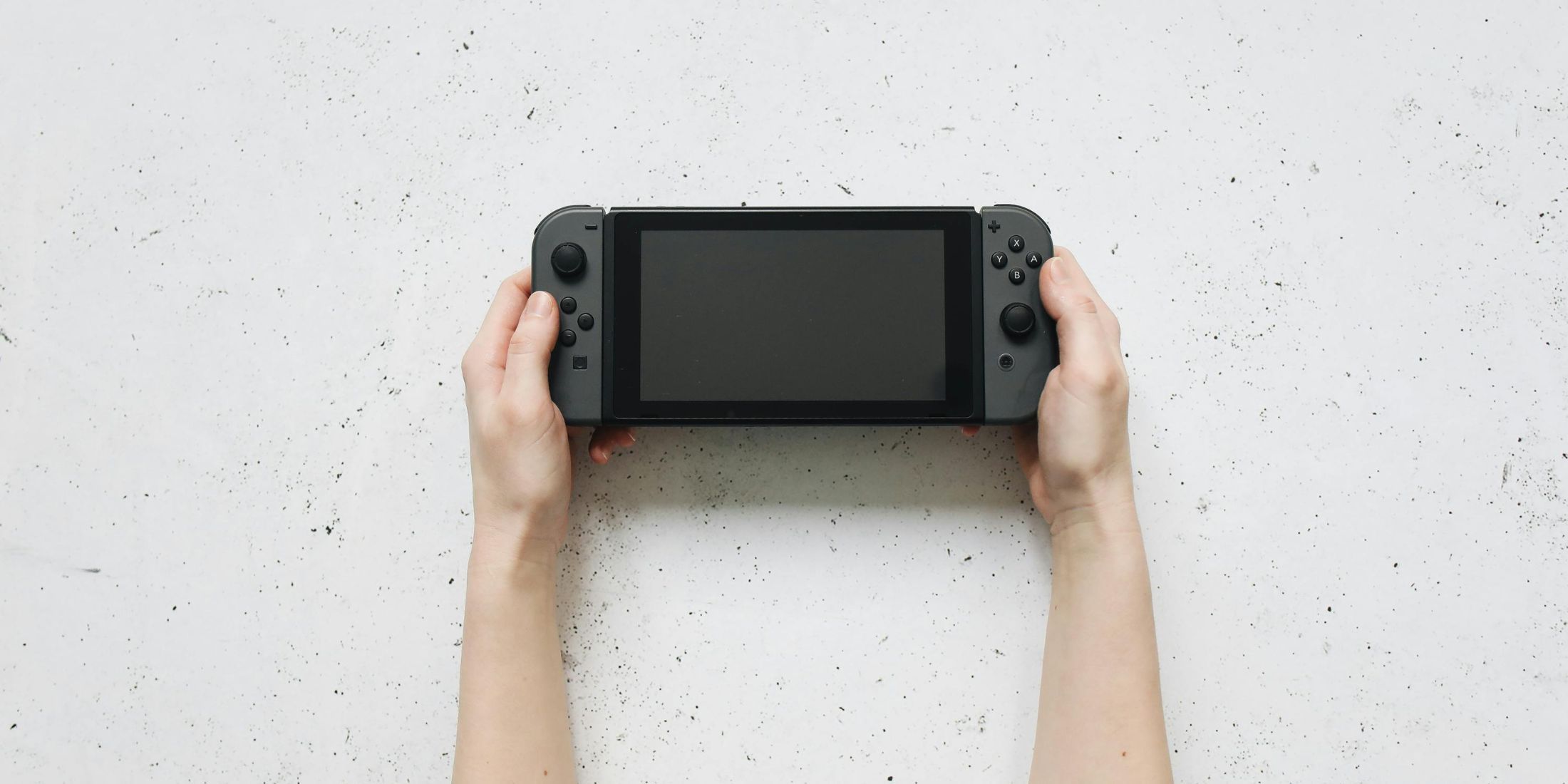
The sleep function may not be flawless. Prolonged suspension of games could lead to unusual behavior. Occasionally, online games might drop their connection and require reconnection. In extremely rare cases, the system might seize up during sleep mode and necessitate a forceful restart.
Certain video games may not function properly when a device is set to sleep mode. Some lesser-known titles or older versions of games might encounter problems resuming from sleep, leading to crashes or loss of progress. However, most contemporary games manage sleep mode effectively. If you’re playing an unusual game, it’s advisable to save your progress before putting the device into sleep mode.
Prolonged device hibernation may lead to Wi-Fi troubles. In such cases, your device might disconnect from the network and have difficulties reconnecting on its own. Typically, the problem resolves itself upon waking the system, but sometimes manual reconnection to Wi-Fi becomes necessary.
Prolonged cycles between sleep mode and charging on your Nintendo Switch may cause the battery calibration to malfunction, potentially leading to an inaccuracy in the displayed battery percentage over time.
System Updates And Sleep Mode
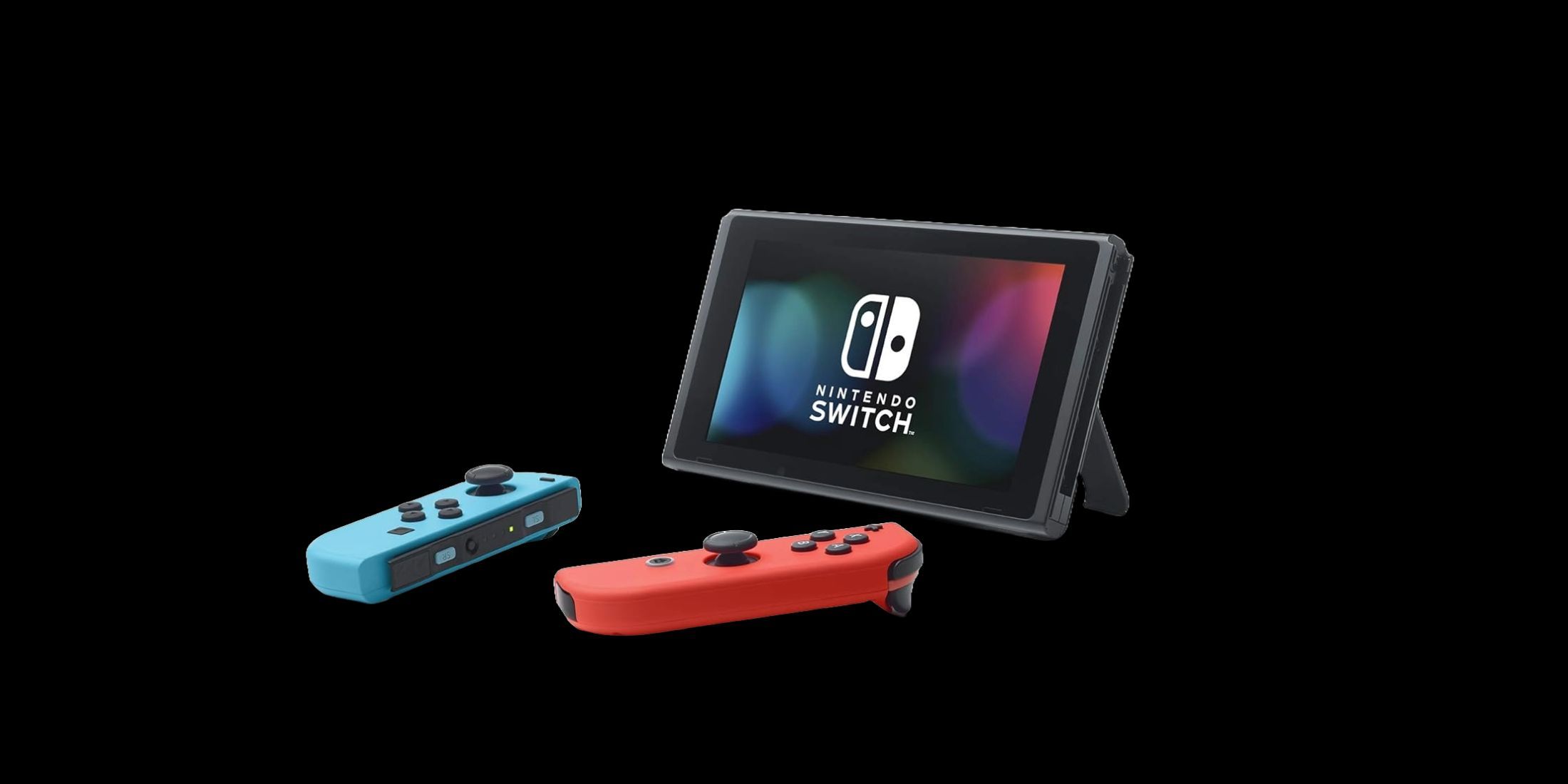
As a passionate cinephile, I’d like to highlight one feature that truly sets my gaming console apart: the automatic system updates during sleep mode. This means my Nintendo Switch can quietly take care of software upgrades while I’m away, so when it’s time for gameplay, there are no lengthy download delays interrupting the action!
Functionality is ensured as long as your Nintendo Switch remains linked to Wi-Fi while in sleep mode, a state it typically assumes automatically. The system occasionally awakens to search for updates, downloads them silently, and then resumes sleeping. This results in a system that’s always up-to-date with minimal intervention from you.
In simpler terms, if you opt for a complete shutdown, it means the system won’t automatically update while it’s off. You’ll need to manually check and download updates yourself once you power it back on. It’s not a major hassle, but it does add an extra step when all you want is to jump into your games without delay.
In sleep mode, your game updates can automatically download if you’ve enabled the automatic software update option in your system settings. This means that you might wake up to discover that your games have been updated during the night without requiring any action on your part.
The Restart Benefit – How It Factors In
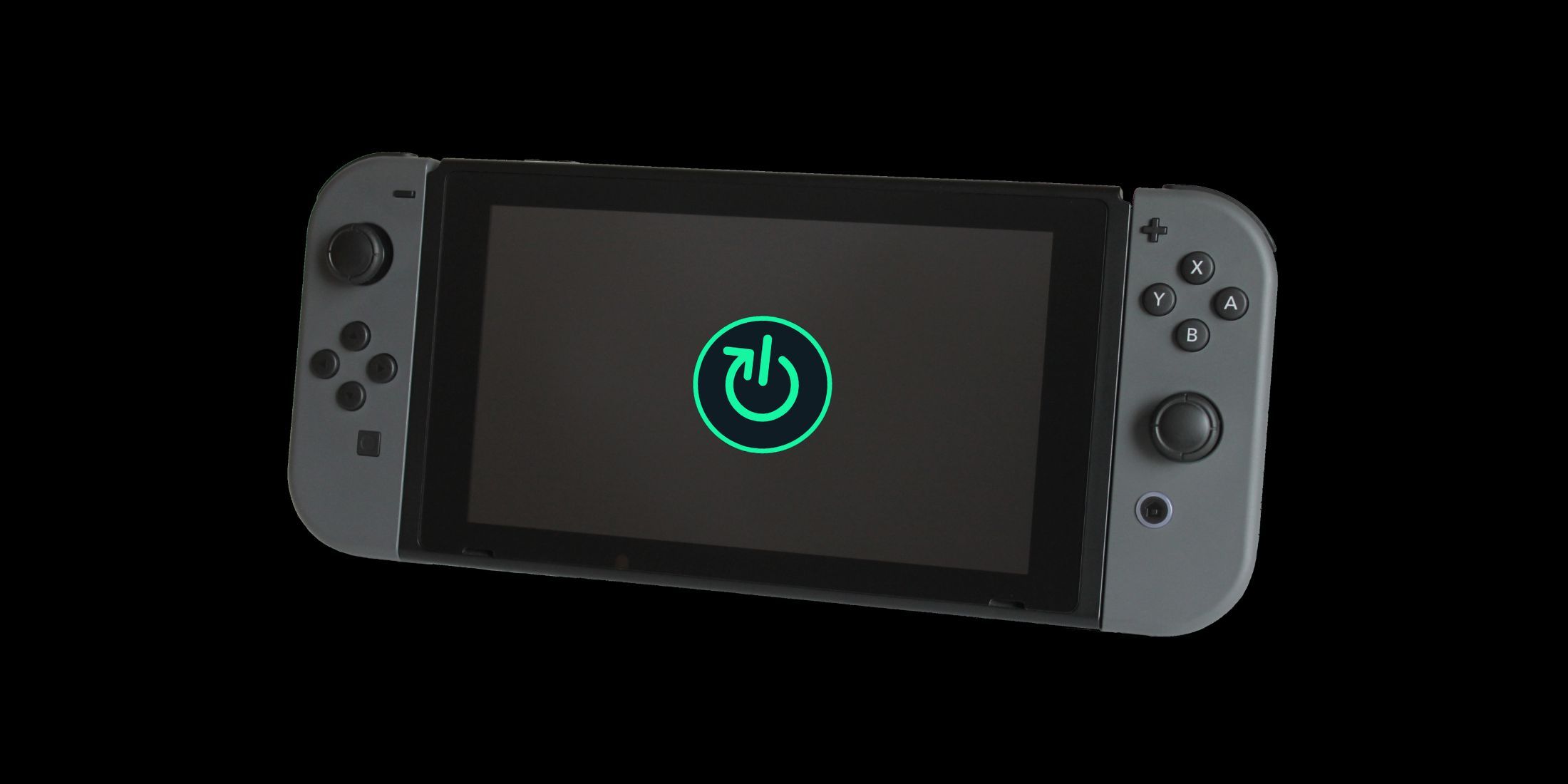
As a dedicated gamer, I’ve found that giving my Nintendo Switch a good reboot every now and then really helps keep its performance smooth. You see, just like my trusty PC, the Switch benefits greatly from a bit of housekeeping – clearing out temporary files, restarting system processes, and starting anew. It’s like hitting the refresh button on life!
If your Nintendo Switch seems to be running slowly, games take longer than usual to load, or you encounter unusual errors, try giving it a full reset – similar to restarting your router when the internet connection becomes unstable. This remedy isn’t always required, but in certain situations, the straightforward solution can work wonders.
While Nintendo doesn’t offer explicit guidelines on when to reset your Nintendo Switch, performing a weekly reset likely won’t cause any harm. However, frequent resets beyond this point may be unnecessary, unless you’re experiencing particular issues with the device.
Different individuals favor either a regular weekly restart for optimal performance or leaving the Nintendo Switch in standby mode for extended periods without encountering problems. Both methods are effective, indicating that the choice is largely influenced by personal preference rather than technical requirements.
How Docked Vs. Handheld Mode Comes In
When the Nintendo Switch is docked, it remains powered, allowing for less worry about battery life. This means that the system can perform more background tasks as there are fewer limitations on its power supply.
In simpler terms, the handheld device’s sleep mode is designed to save power. This could lead to a decrease in background activities that consume energy, potentially resulting in slower or less frequent updates being downloaded.
In a docked setup, it’s generally best to opt for sleep mode as it keeps your system on, allows automatic updates, and quickly resumes gameplay without any significant drawbacks.
Users of handheld devices could think about doing a full power-off for extended storage times, however, operating in daily sleep mode is still acceptable. The energy consumption is low enough that it won’t significantly impact usual activity habits.
For short trips ranging from a couple of days to a week, putting your device in sleep mode should be just fine. The battery will gradually discharge, but this shouldn’t pose a problem unless you’re almost out of power when you leave.
The Verdict On Daily Use
In everyday usage, it’s best to opt for the sleep function. This feature is user-friendly, saves your game progress, manages updates seamlessly, and consumes only a small amount of battery life. The Switch console was thoughtfully designed with sleep mode as its main standby state, and this is clearly evident.
Total shutdowns do serve a purpose – resolving performance problems, storing data over long periods, or conserving battery life when not in use for an extended time without recharging. However, they are usually unnecessary for regular operations and may prove more inconvenience than advantage.
If you always power off your laptop when you finish using it, you may find yourself doing the same with your Nintendo Switch. However, unlike a laptop, the Switch’s standby (sleep) mode is quite effective, meaning that shutting it down on a daily basis doesn’t offer significant advantages.
The main argument between sleep mode and shutting down often boils down to individual routines and tastes. Nintendo designed the device to operate optimally in sleep mode, so it’s advisable to stick with that setting for regular gameplay. Reserve full shutdowns for instances when they are genuinely necessary.
Frequently Asked Questions
Will my Joy-Cons charge if the Switch is shut down?
The Nintendo Switch needs to either be in sleep mode or turned on for optimal functionality. Leaving it switched off will cause the Joy-Cons to remain idle, even if they are connected via the charging dock.
Does the OLED model handle sleep mode differently?
In essence, all Nintendo Switch models – be it the standard, Lite, OLED, or potentially even the Switch 2 – share similar sleep modes. However, it’s worth noting that the battery life on the Switch 2 and OLED models might offer a slight advantage when it comes to overnight drain compared to the others in the series.
Can sleep mode affect Bluetooth accessories or headphones?
Absolutely. Pairing wireless earbuds or a Pro Controller with your Nintendo Switch may cause the device to enter sleep mode briefly, disconnecting these accessories. Upon waking the Switch, they may not immediately reconnect automatically. In such cases, you might need to switch Bluetooth off and on again to re-establish the connection.
Read More
- All Skyblazer Armor Locations in Crimson Desert
- All Shadow Armor Locations in Crimson Desert
- How to Get the Sunset Reed Armor Set and Hollow Visage Sword in Crimson Desert
- Marni Laser Helm Location & Upgrade in Crimson Desert
- Best Bows in Crimson Desert
- All Helfryn Armor Locations in Crimson Desert
- All Golden Greed Armor Locations in Crimson Desert
- How to Craft the Elegant Carmine Armor in Crimson Desert
- Keeping Large AI Models Connected Through Network Chaos
- One Piece Chapter 1179 Preview: The Real Imu Arrives in Elbaf
2025-05-28 01:06