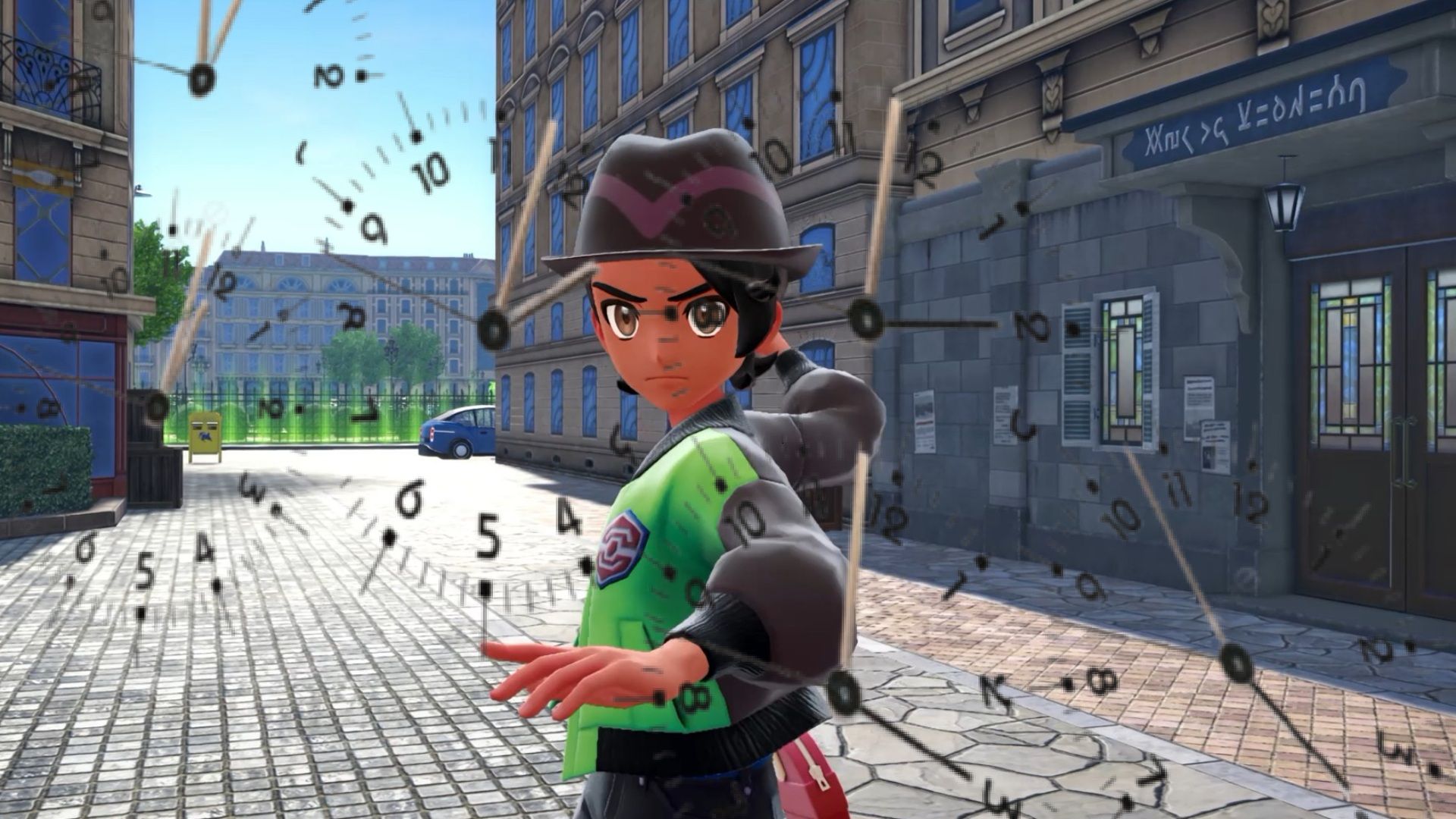
In Pokemon Legends: Z-A, the Wild Zones are full of Pokemon to discover. Just like in many other Pokemon games, you’ll find that some Pokemon only appear at night.
In *Pokemon Legends: Z-A*, you can change the in-game time from day to night, and vice versa, but it takes several hours of gameplay to unlock this feature. Here’s how it works.
How to Pass Time and Change it From Day to Night in Pokemon Legends: Z-A
You See Those Benches?
In Pokémon Legends: Z-A, you can skip forward in time by sitting on the benches found throughout Lumiose City. However, this feature isn’t available right away. You’ll need to finish Main Mission 5, “The City in the Shadow of Prism Tower,” before you can use the benches to control the time of day.
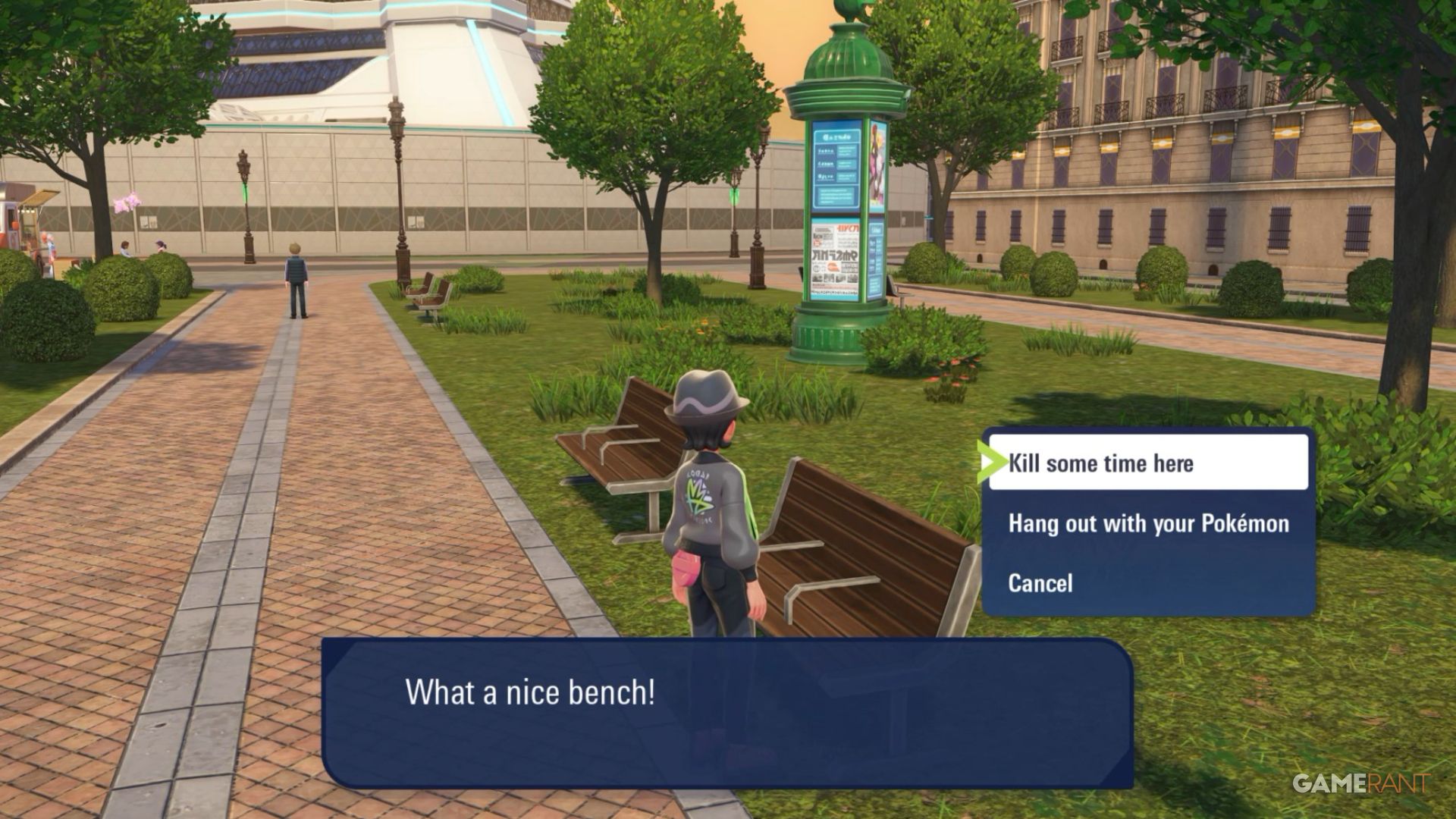
After your current Rank battle ends and you’re able to move around again, you can access the bench to select one of two choices.
- Kill some time here
- Hang out with your Pokemon
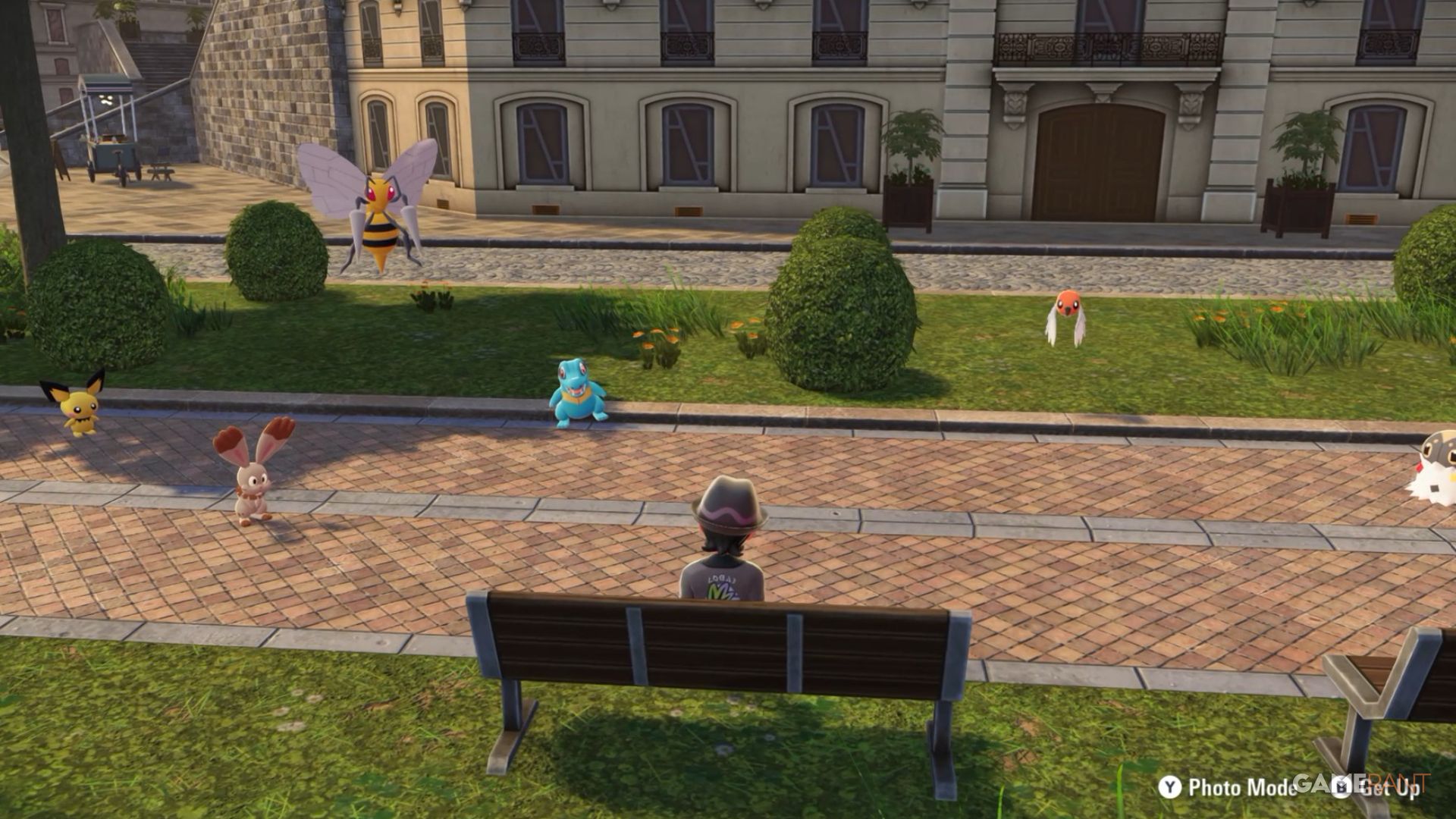
If you pick the first choice, you’ll then be asked if you want to stay until nighttime or until morning, depending on what time it is. Choosing the second option lets you view all six of your Pokémon at once, which is great for taking pictures in photo mode.
Turning it dark will activate the Battle Zone where you can face trainers for your Rank-Up battles.

Read More
- All Skyblazer Armor Locations in Crimson Desert
- All Shadow Armor Locations in Crimson Desert
- How to Get the Sunset Reed Armor Set and Hollow Visage Sword in Crimson Desert
- Marni Laser Helm Location & Upgrade in Crimson Desert
- Best Bows in Crimson Desert
- All Helfryn Armor Locations in Crimson Desert
- All Golden Greed Armor Locations in Crimson Desert
- How to Craft the Elegant Carmine Armor in Crimson Desert
- Keeping Large AI Models Connected Through Network Chaos
- One Piece Chapter 1179 Preview: The Real Imu Arrives in Elbaf
2025-10-16 00:56