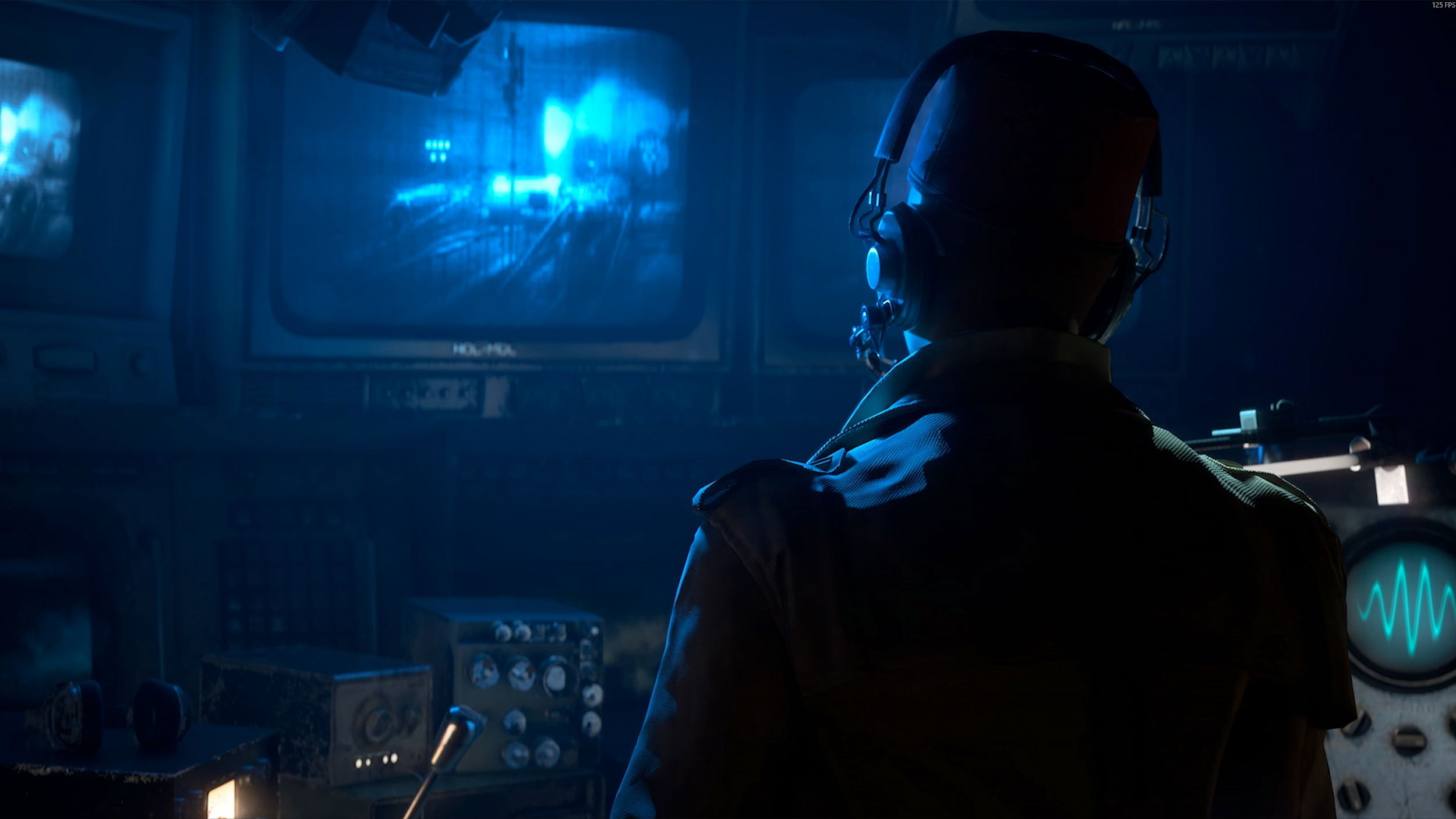
The recent 1.7.0 update for ARC Raiders introduced the Cold Snap weather condition, but a great visual upgrade might have been overlooked. Buried in the patch notes released on December 16, 2025, Embark announced a new “Cinematic” graphics setting for ARC Raiders. This setting dramatically improves the game’s appearance on powerful PCs.
A key strength of ARC Raiders has always been how immersive it feels, and the game’s graphics play a big part in that. Now, players with high-end PCs can use the new Cinematic graphics preset. Previously, the game offered Low, Medium, High, and Epic options, but Cinematic takes the visual quality even further than Epic, making the game look better than ever.
How to Utilize ARC Raiders’ New Cinematic Preset
- When not in a round, press Esc on keyboard
- Click Settings
- Navigate to the Graphics tab
- Scroll down to Quality
- Change Overall Quality Level to Cinematic
The Cinematic graphics setting is currently exclusive to PC users. We advise against turning it on mid-game, as it might cause extra textures to load and potentially disrupt gameplay.
If you’re playing ARC Raiders on PC and want to use the new Cinematic preset, go to the Graphics tab in the Settings menu. Scroll down to the Quality section and click the arrow until you see “Cinematic.” This will automatically improve your graphics settings, like view distance and textures. You can still adjust individual settings if you experience performance issues. The preset applies instantly – you don’t need to restart the game. However, it’s a good idea to make sure your graphics drivers are updated first.
Embark hasn’t shared the exact PC specs needed for the Cinematic visual setting, so players will likely need to experiment with different settings to find what works best for their computers. Like most PC games, shadows are the biggest factor affecting performance. If you’re seeing a drop in frame rate, try lowering the shadow quality first – you might be able to keep everything else set to Cinematic.
ARC Raiders’ Cinematic Preset Enhances the Game’s Visuals
Since its release, players on PC have been trying out the new ‘Cinematic’ graphics setting in ARC Raiders and sharing what they’ve found on Reddit. One player, MrSlitherz, noted that this setting makes textures look more detailed and clear. Others, like n0tAgOat, have pointed out that the biggest improvement seems to be in how far you can see in the game – the environment looks much sharper and more detailed at a distance when the Cinematic setting is turned on.
If Cinematic mode causes noticeable performance drops, players should first try lowering the shadow settings. If that’s not enough, adjusting view distance and visual effects can also help improve performance while still maintaining good graphics quality.
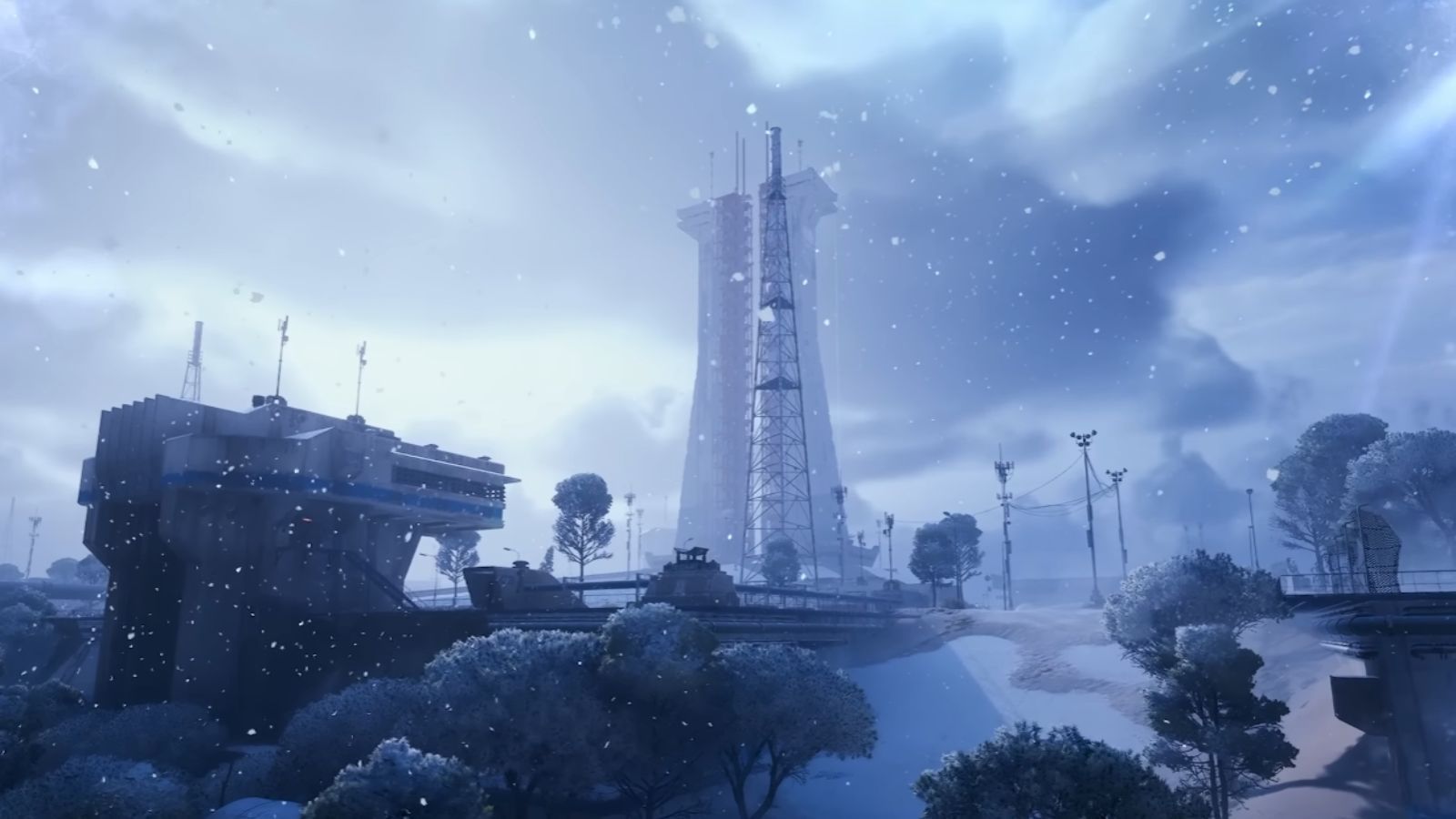 Image via Embark Studios
 Important Cinematic Mode Takeaways
- Players with 16GB VRAM GPUs report little to no issue running Cinematic textures
- Texture quality itself seems to have minimal FPS impact if VRAM headroom is available
- Reduce performance by 40–60 FPS compared to Epic in GPU-bound scenarios
- Frame Gen can push FPS into extreme ranges, but several players disable it due to latency or PvP concerns
- Cinematic mode favors strong CPUs to avoid bottlenecks at high frame targets
- Cinematic mode requires willingness to trade raw FPS for clarity, especially at 1440p and 4K
The new ‘Cinematic’ graphics setting in ARC Raiders is more of a nice addition than a necessary one. While it does make textures crisper and lets you see further if you have a powerful computer, it also significantly impacts performance, which won’t be worth it for all players. However, if your PC can handle it, definitely turn on Cinematic mode – it greatly improves the game’s visuals.
Read More
- All Skyblazer Armor Locations in Crimson Desert
- Robinhood’s $75M OpenAI Bet: Retail Access or Legal Minefield?
- How to Get the Sunset Reed Armor Set and Hollow Visage Sword in Crimson Desert
- How to Catch All Itzaland Bugs in Infinity Nikki
- Speedsters Sandbox Roblox Codes
- Who Can You Romance In GreedFall 2: The Dying World?
- Re:Zero Season 4 Episode 3 Release Date & Where to Watch
- Top 10 Must-Watch Isekai Anime on Crunchyroll Revealed!
- USD CNY PREDICTION
- All Upcoming Banners in Umamusume Global
2025-12-22 20:35