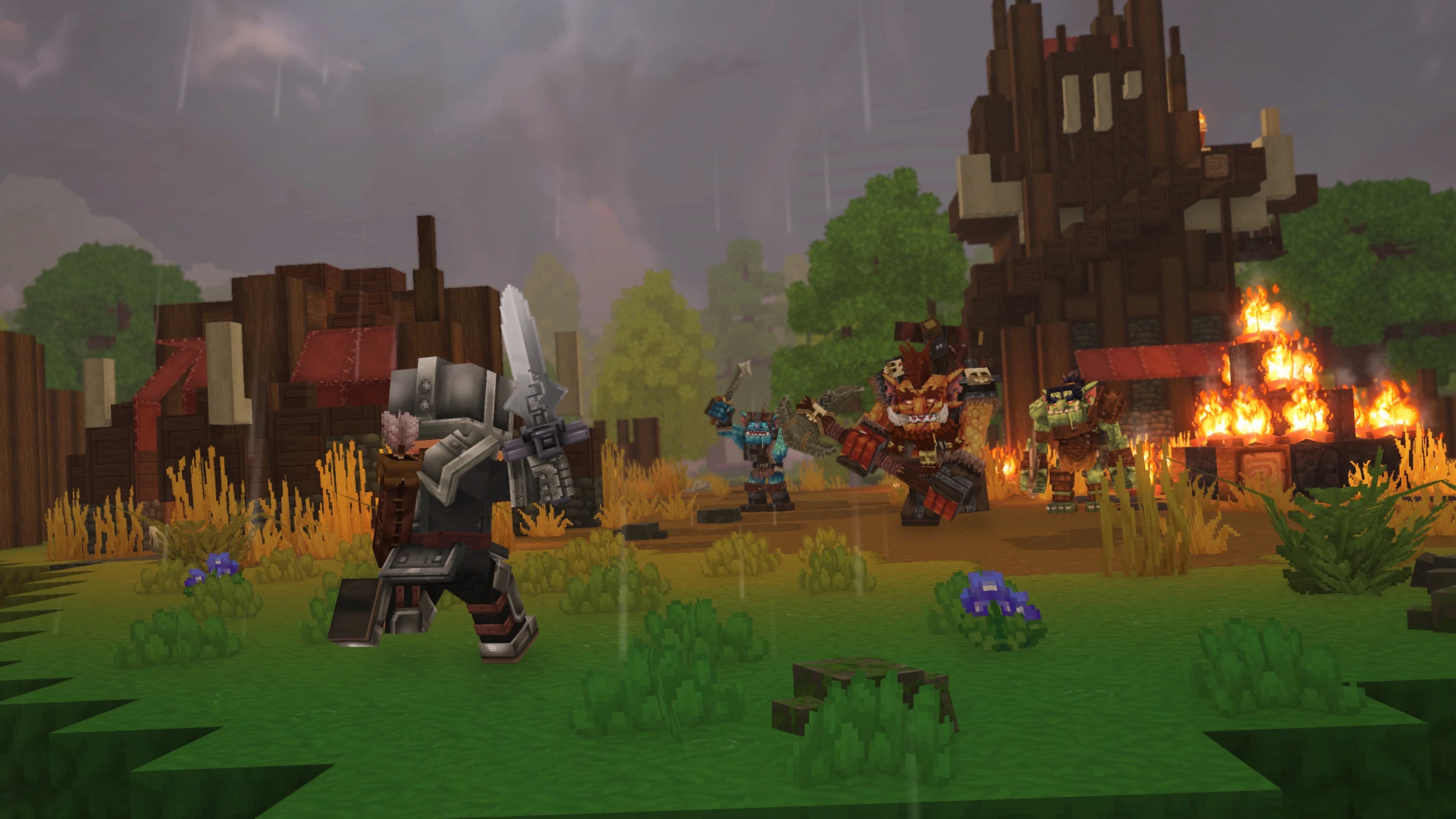
Hytale is a massive game with tons to do, and it will likely take players a good amount of time to experience everything it offers. Whether you’re interested in exploring the world or simply enjoying building and experimenting, Hytale features a robust Creative Mode designed for those kinds of activities and much more.
Creative Mode gives players incredible freedom to build and experiment. You can instantly create items and characters, change the game world, and even make your own movies within the game. If you’re just looking to activate cheats and have fun exploring, here’s a guide to getting started.
How to Use Cheats in Hytale
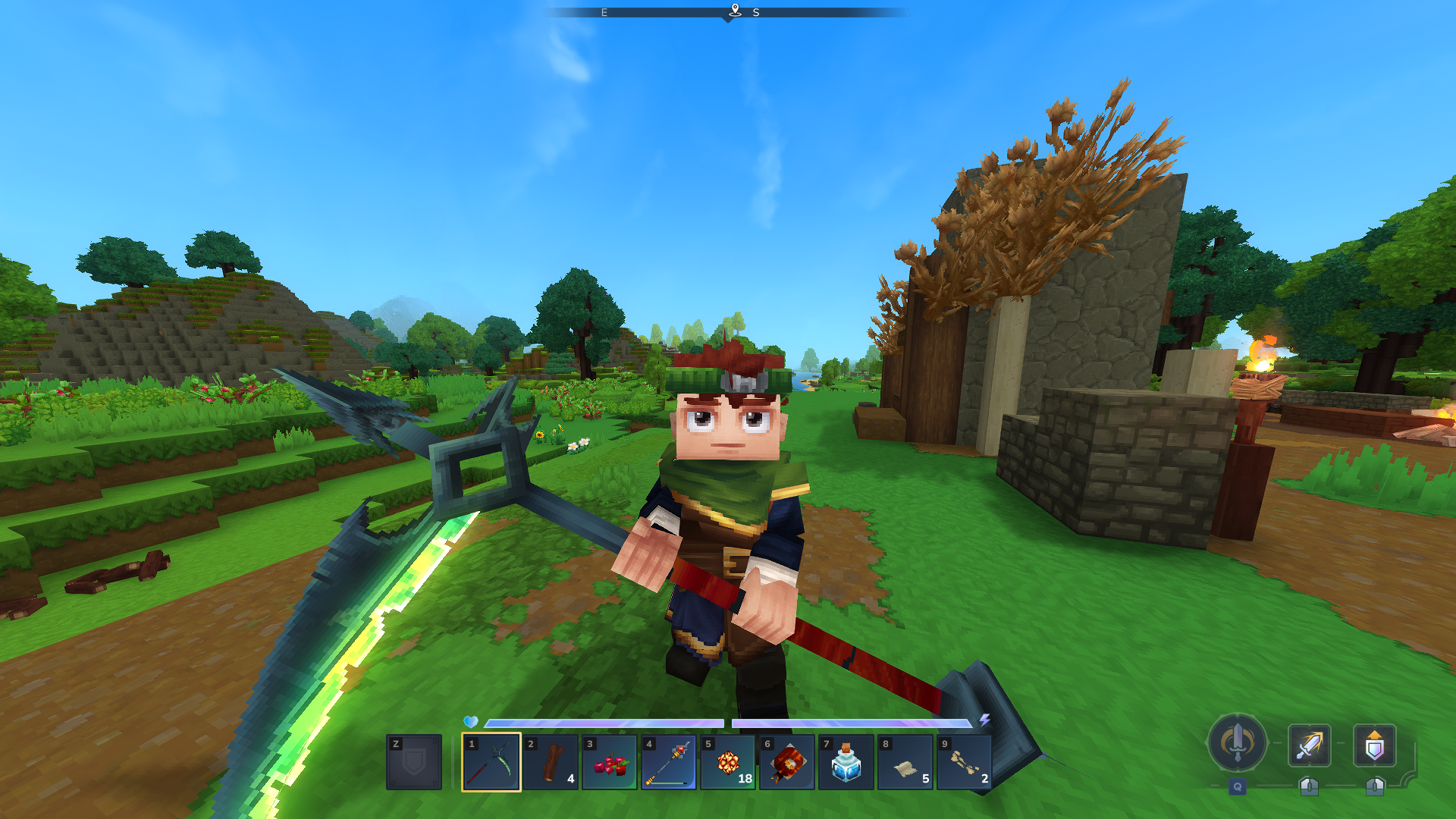
You don’t have to create a Creative Mode world to use cheats or console commands in Hytale. Whether you’re playing by yourself or hosting a server with friends, start by typing this code into the in-game chat:
- /op self
This will grant you full administrative access, which means you’ll be able to use cheats and advanced commands. The game has many commands, but here are a few helpful ones for players who want to experiment or just enjoy themselves:
- /gamemode [a/c] [playername]: Switches the game mode from Adventure (a) to Creative (c) for the specified player.
- Alternatively, press the O key.
- /give [playername] [item name] [–quantity=x]: Gives you specific quantities of an item of choice, such as unreleased weapons or copious amounts of metal ores.
- You need to use the item’s ID name. For example: /give [name] Tool_Hatchet_Cobalt –quantity=5.
- /time set [0-24]: Changes the time based on the 24-hour clock.
- /tp [player1] [player2]: Teleports [player1] to the location of [player2]
How to Fly in Hytale Creative Mode
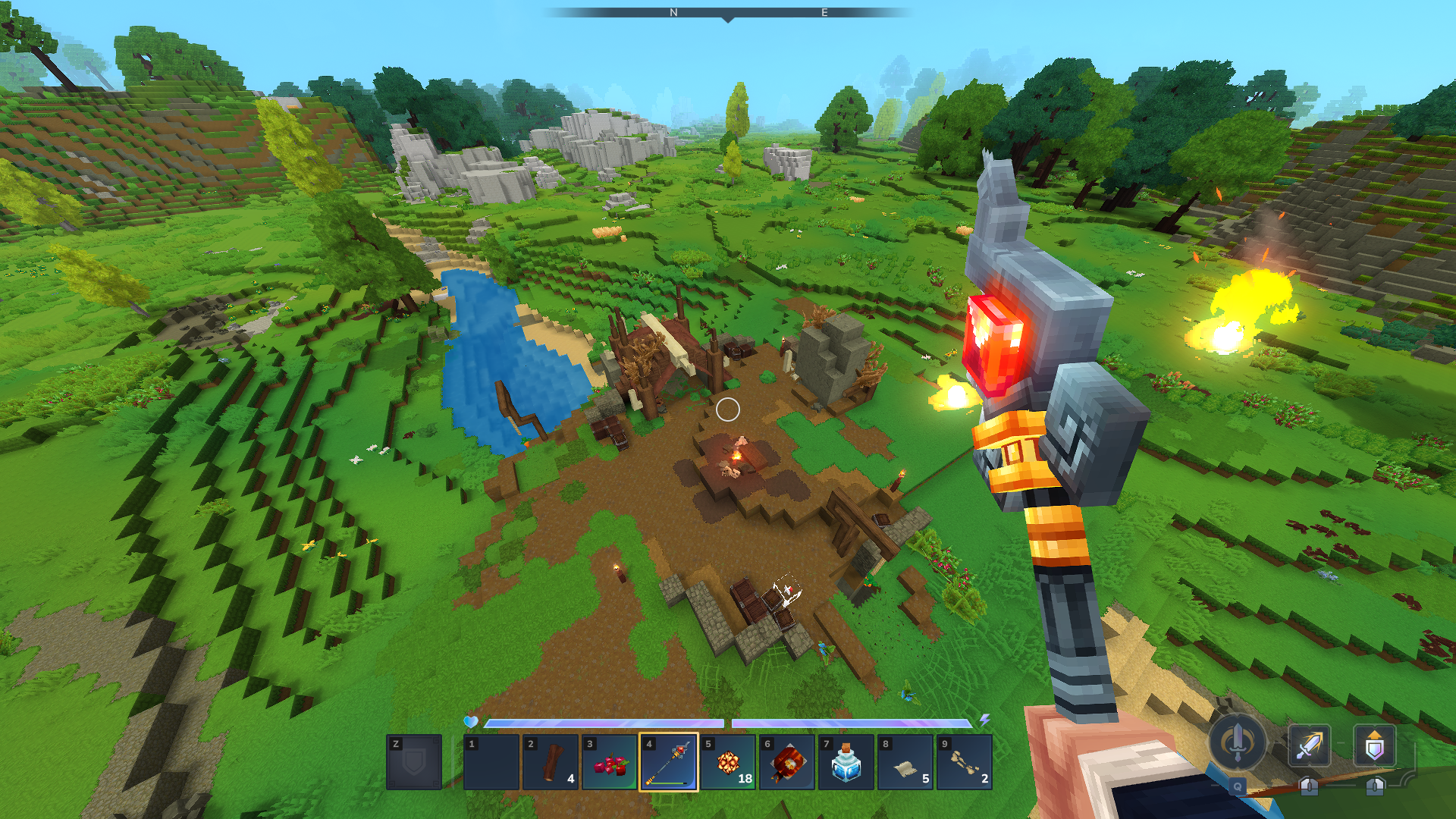
In Creative Mode, you can start flying by quickly pressing the Space bar twice. While flying, hold the Space bar to go up and Ctrl to go down. Press the Space bar twice again to stop flying.
How to Use God Mode in Hytale
When you’re in Creative Mode, you won’t take any damage or lose stamina. If your world is already set to Creative, this happens automatically. If you’re playing in Exploration Mode, you can activate a ‘god mode’ by typing “/op self” in the chat and then pressing the ‘O’ key.
All Console Commands in Hytale
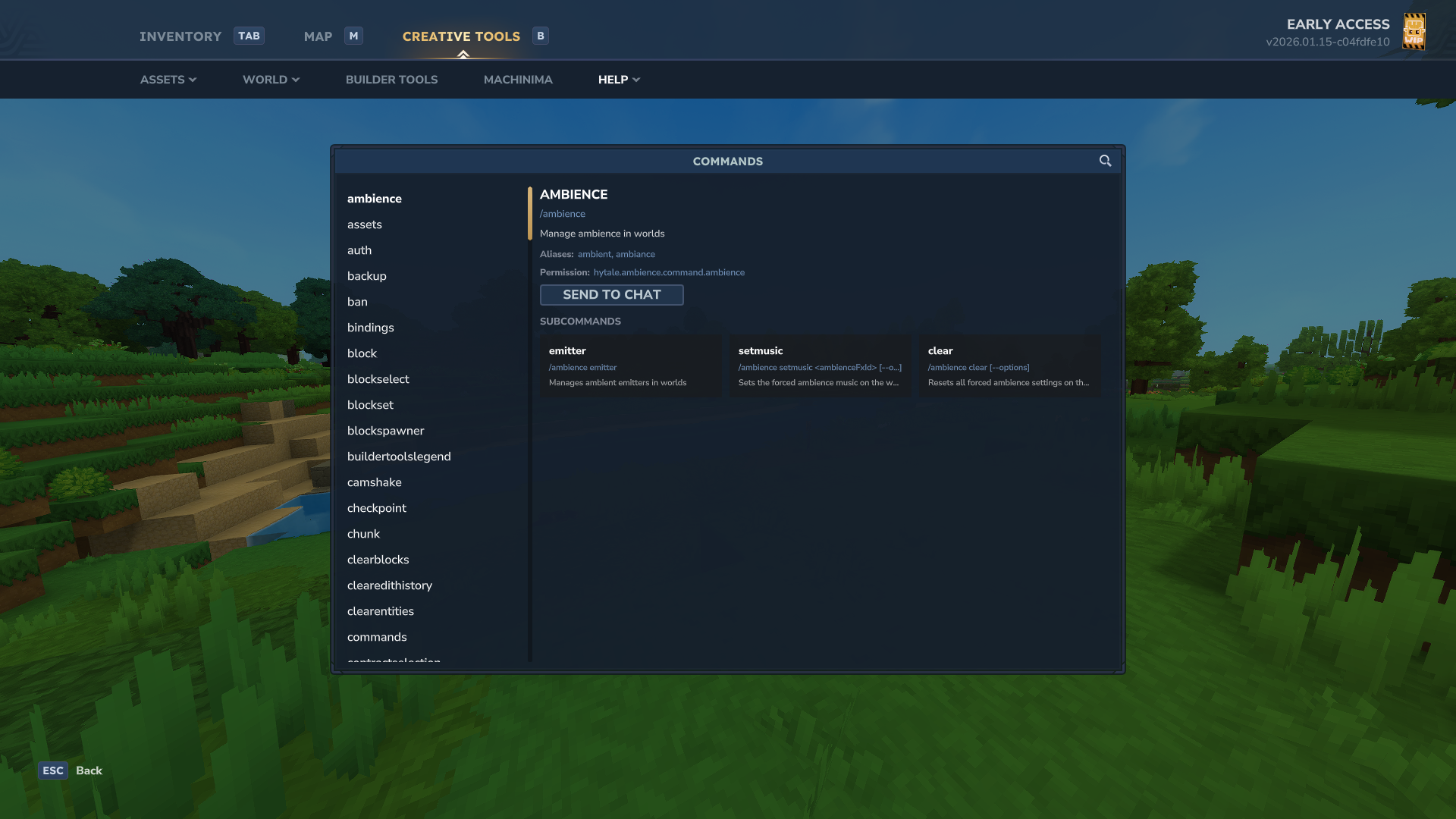
To see a list of all commands you can use in the game, simply type “help” in the chat window. Or, if you’re in Creative mode, open your character menu and go to the Creative Tools tab. You’ll find a full section explaining all the commands and how to use them. Here’s a list of those commands (not including “help”):
- /ambience
- /assets
- /auth
- /backup
- /ban
- /bindings
- /block
- /blockselect
- /blockset
- /blockspawner
- /buildertoolslegend
- /camshake
- /checkpoint
- /chunk
- /clearblocks
- /clearedithistory
- /clearentities
- /commands
- /contractselection
- /convertprefabs
- /copy
- /cursethis
- /cut
- /damage
- /debug
- /debugplayerposition
- /delete
- /deselect
- /desyncdamage
- /droplist
- /echo
- /editline
- /editprefab
- /emote
- /entity
- /environment
- /eventtitle
- /expand
- /extendface
- /fillblocks
- /fillsignature
- /flip
- /fluid
- /fragment
- /gmask
- /heal
- /help
- /hide
- /hitbox
- /hitboxcollision
- /hitdetection
- /hollow
- /hotbar
- /hub
- /hudtest
- /importimage
- /importobj
- /instances
- /interaction
- /inventory
- /itemstate
- /kick
- /kill
- /landiscovery
- /land
- /leave
- /lighting
- /log
- /maxplayers
- /memories
- /messagetest
- /model
- /mount
- /move
- /neardeath
- /network
- /networkchunksending
- /noon
- /notify
- /npc
- /objective
- /packetstats
- /packs
- /particle
- /paste
- /path
- /perm
- /pidcheck
- /ping
- /play
- /player
- /plugin
- /pos1
- /pos2
- /prefab
- /prefabspawner
- /recipe
- /redo
- /refer
- /repairfillers
- /replace
- /repulsion
- /reputation
- /resetrotation
- /rotate
- /say
- /scriptedbrushes
- /selectchunk
- /selectchunksection
- /selectionhistory
- /server
- /setblocks
- /setticking
- /settimeandgohome
- /settoolhistorysize
- /shift
- /sleep
- /sound
- /spawn
- /spawnblock
- /spawning
- /spawnitem
- /stack
- /stash
- /stop
- /stresstest
- /submerge
- /sudo
- /tagpattern
- /tint
- /togglelockplacementoverride
- /toggletmptags
- /unban
- /undo
- /unstuck
- /update
- /updateselection
- /validatecpb
- /version
- /viewport
- /voidevent
- /wait
- /wall
- /warp
- /weather
- /whereami
- /whitelist
- /who
- /whoami
- /world
- /worldgen
- /worldmap
- /worldpath
Read More
- NTE Drift Guide (& Best Car Mods for Drifting)
- How to Get the Wunderbarrage in Totenreich (BO7 Zombies)
- All Aswang Evidence & Weaknesses in Phasmophobia
- How to Get Necrolei Cyst & Strong Acid in Subnautica 2
- Where to Find Prescription in Where Winds Meet (Raw Leaf Porridge Quest)
- Conduit Crystal Location In Subnautica 2
- Diablo 4 Best Loot Filter Codes
- Boruto: Ikemoto Has Already Hinted At Sasuke’s New Eye After Return
- Best Burst & Full Auto Builds for the M16A4 in BF6
- How to Craft Repair Tools in Subnautica 2
2026-01-16 18:40