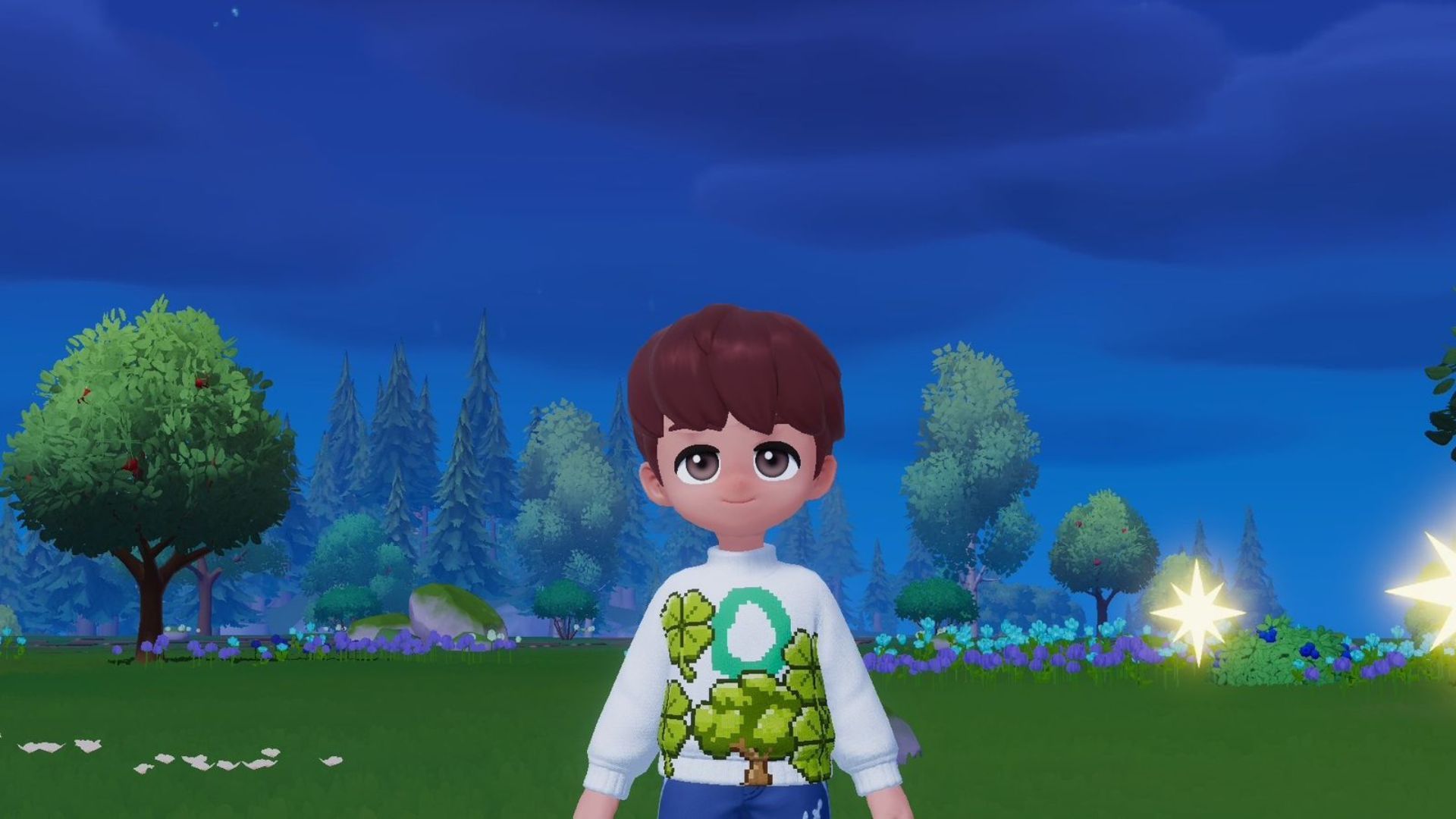
Heartopia offers a relaxing and enjoyable life simulation experience, with many activities and hobbies to choose from. But what really sets it apart is the ability to design and create your own clothes, letting you express your personal style and creativity.
In Heartopia, you’ll eventually be able to create your own clothes instead of only using the default outfits. But you won’t have access to this feature right away – you’ll need to progress in the game first. This guide will show you exactly how to unlock custom clothing and start designing your own looks in Heartopia.
How to Unlock Custom Clothing in Heartopia
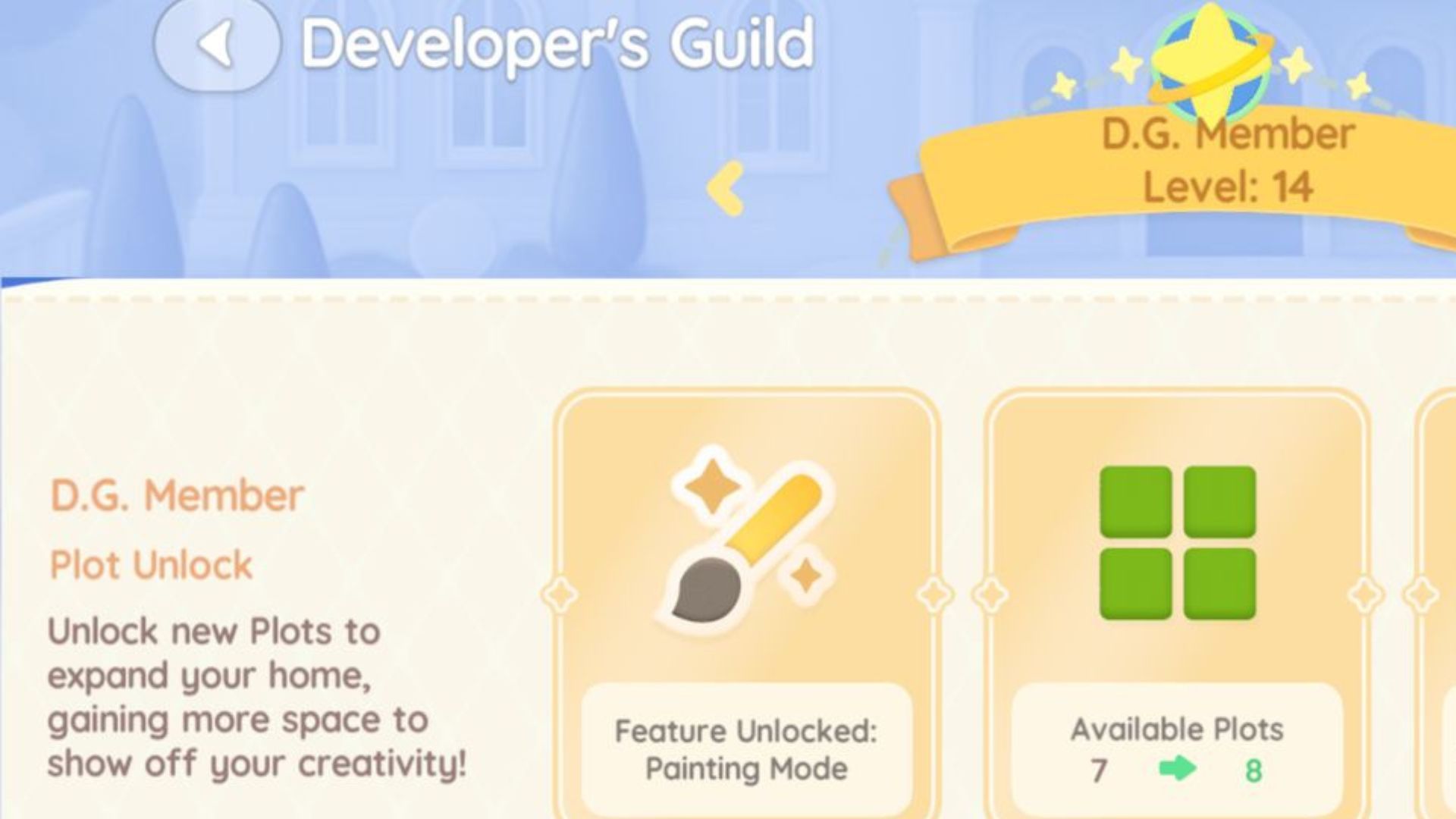
You can unlock the ability to create custom clothing once you reach level 14 in the D.G. After hitting that level, simply talk to Ka Ching and buy a drawing board from her shop for 2,000 Gold. She’ll give you a quick tutorial on painting, but here’s a breakdown of the basics to get you started with designing your own clothes.
How to Make Custom Clothes in Heartopia
Once you’ve set up your drawing board, you can put it anywhere you like. Then, choose how big you want your canvas to be and start creating! You can paint whatever you want just for fun, but if you’re designing clothes, you’ll need to pick what kind of item you want to make – like a sweatshirt or a baseball cap, for example.
In Heartopia, you can create your own designs or start with a template. You can also enhance your artwork with decorations like candies and trees. To use these pre-made decorations, simply choose the final option in the left-hand menu.
If you like to draw things by hand, simply choose a color and pencil size, then begin! Don’t worry about mistakes – you can easily fix them by clicking the left arrow at the top of the screen.
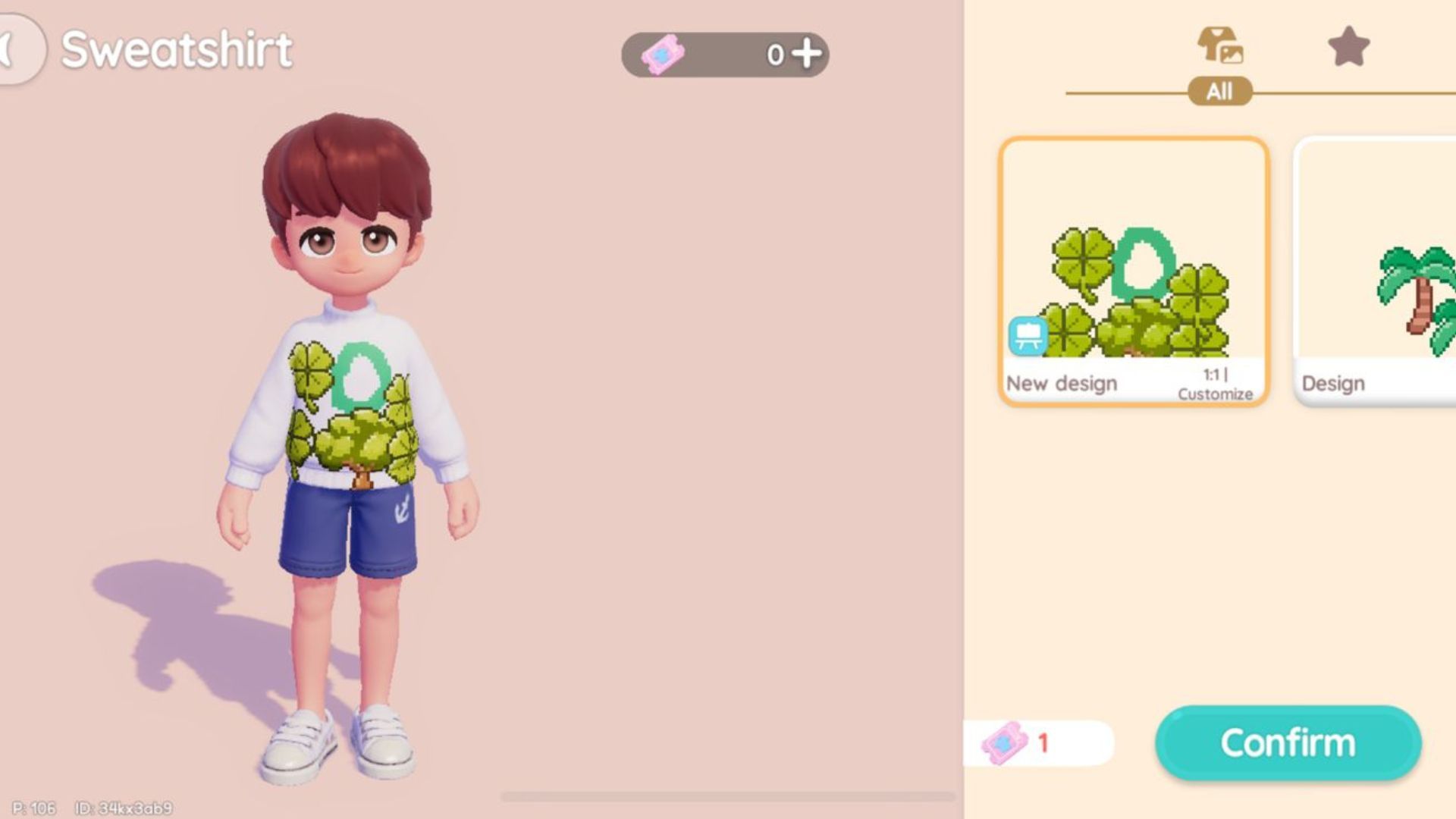
After you’ve finished designing the front of the clothing, move on to the back and any other sections. Once you’re happy with the overall design, players can tap the camera icon located next to the arrows to save it.
Next, head to any workbench. You’ll see an icon that looks like a shirt and scissors—select that. Then, choose the clothing piece you created, and you’ll be able to view all your saved designs for it. Finally, you can create the item by paying with Tailoring Tickets. If you don’t have enough tickets, you can use Moonlight Crystals instead.
Read More
- Forza Horizon 6: Find the Ohtani Treasure Chest Location
- LEGO Batman Legacy of the Dark Knight Batcave Minikits & WayneTech Caches
- NTE Drift Guide (& Best Car Mods for Drifting)
- Diablo 4 Best Loot Filter Codes
- PS Plus Monthly Games for June 2026 Wish List
- USD CNY PREDICTION
- USD RUB PREDICTION
- GBP CNY PREDICTION
- CNY RUB PREDICTION
- Cookie Run Kingdom Timeline of Fate Update Guide
2026-01-23 15:05