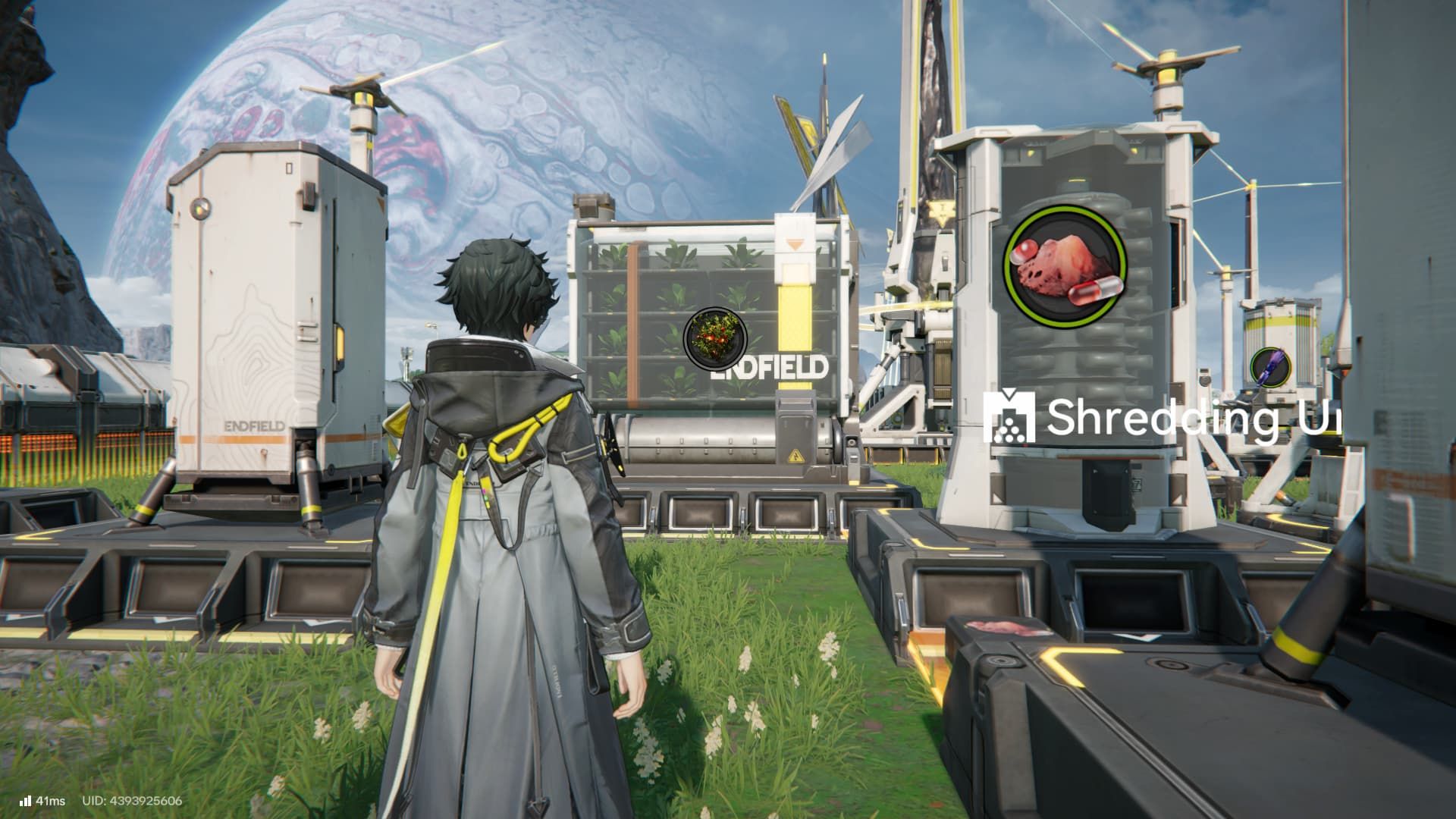
Arknights Endfield offers more than just battles, exploration, and story progression. Building and managing a factory is a key part of the game. In fact, how well you build your factory heavily influences your character’s development and overall progress, which some players might find frustrating.
Setting up the Automated Industrial Complex for Endfield Industries can seem daunting, especially if you don’t usually play automation games. Luckily, you can find helpful pre-made designs created by other players to simplify the process.
How to Get Use Factory Blueprints in Arknights Endfield
You can earn ready-made blueprints for your factory by finishing the AIC Factory Simulations. You’ll find these simulations listed with your daily tasks in the Operational Manual. The best part? They don’t involve any combat, so you can complete them without worrying about your team’s strengths.
Factory Simulations are learning tools that teach you the basics of building factories. Completing them rewards you with Oroberyls and blueprints for creating essential materials like Origocrusts and Amethyst Components. These materials are then used to craft Gear in Endfield.
How to Use Factory Blueprints in Endfield
Now, if you want to actually build one of the blueprints you have, do the following:
- Enter AIC Mode
- Press the Blueprints button on the right side of the screen
- Go to System Blueprints
- Pick a blueprint you want to build
- Place the blueprint hologram on vacant space
The game will automatically create or retrieve all the buildings and resources your design needs from your storage. If your design is incomplete or requires extra items, you’ll have to add those yourself.
You can find blueprints you’ve created in the ‘My Blueprints’ section. Blueprints that other players have shared with you will be located in the ‘Shared Blueprints’ section.
How to Import & Share Factory Blueprints in Arknights Endfield
To use a blueprint created by another player in Endfield, you’ll first need to copy their Share Code. Then, go to the Blueprints menu and select the Shared Blueprints tab. Tap the Import Blueprint button at the bottom of the screen, and paste the Share Code into the box that appears. This will show you a preview of the blueprint, and you can then save it to your own Shared Blueprints.
How to Create & Share Factory Blueprints in Endfield
Now, if you’re the one who wants to share your custom blueprints, do the following:
- Enter AIC Mode
- Enter Top View Mode
- Press the Bulk Action button to the right of your screen
- Select the facilities you want to include in your blueprint
- Press the Save Blueprint button at the top-right of your screen
- Go to the My Blueprints tab
- Press the Submit for Review button
- Once approved, press the Share button
- Share the blueprint with your friends, or get a code that you can send to others
All your saved blueprints will be under the My Blueprints tab.
Read More
- All Shadow Armor Locations in Crimson Desert
- Jujutsu Kaisen Season 3 Episode 12 Release Date
- Dark Marksman Armor Locations in Crimson Desert
- Keeping AI Agents on Track: A New Approach to Reliable Action
- How to Beat Antumbra’s Sword (Sanctum of Absolution) in Crimson Desert
- Top 5 Militaristic Civs in Civilization 7
- Sega Reveals Official Sonic Timeline: From Prehistoric to Modern Era
- How to Get the Sunset Reed Armor Set and Hollow Visage Sword in Crimson Desert
- Sakuga: The Hidden Art Driving Anime’s Stunning Visual Revolution!
- How To Beat Ator Archon of Antumbra In Crimson Desert
2026-01-24 20:34