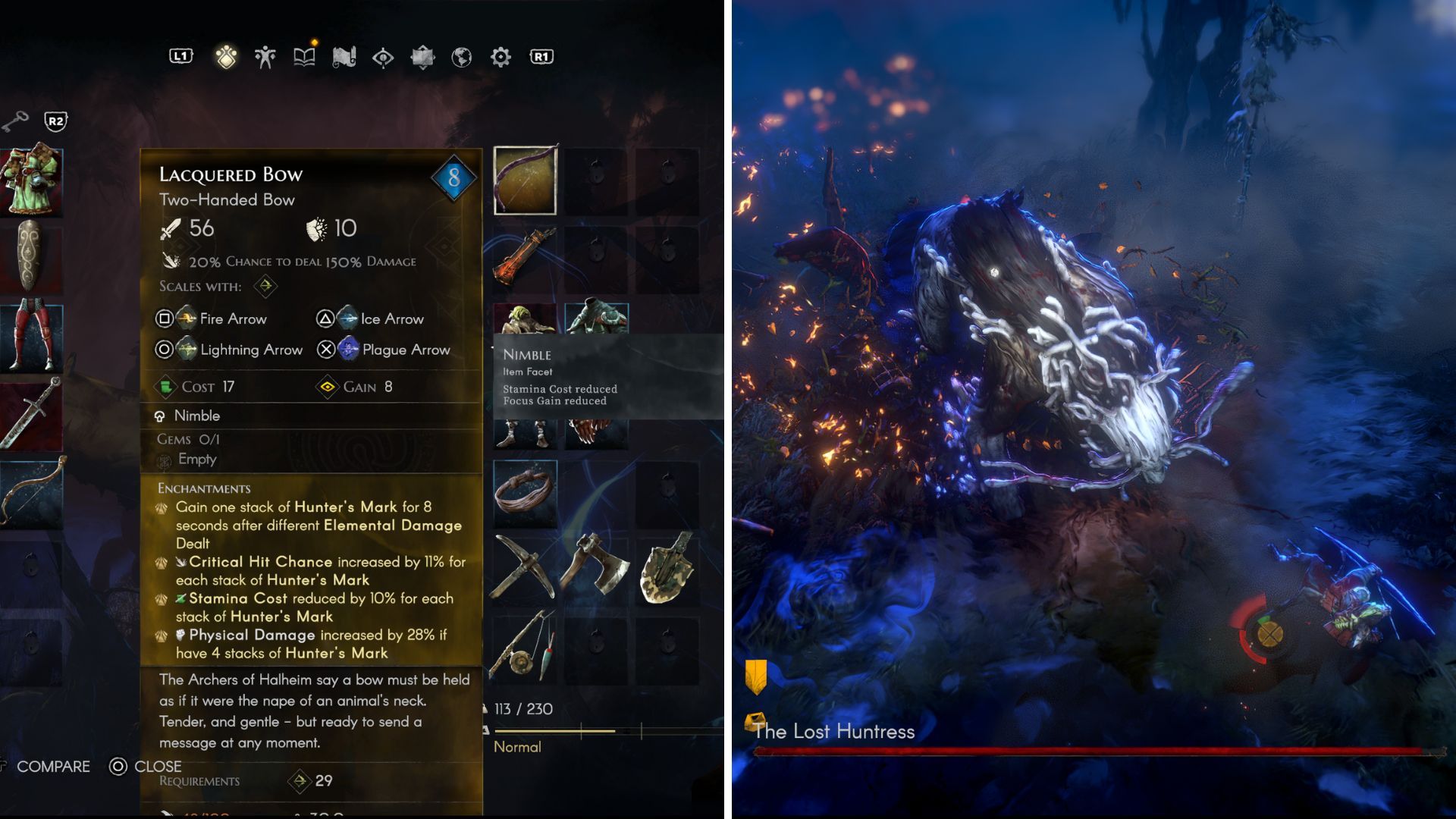
Even though No Rest for the Wicked is still in development, there’s already a lot to do. The recent update lets you play with friends, which significantly improves the game.
Understanding how combat works in the game is helpful, no matter if you’re playing alone or with a friend. You can use different elements, for example, to give enemies negative effects.
Here’s a simple guide to understanding status effects in No Rest for the Wicked, helping you use them to your benefit.
All Element Types and Statuses in No Rest for the Wicked
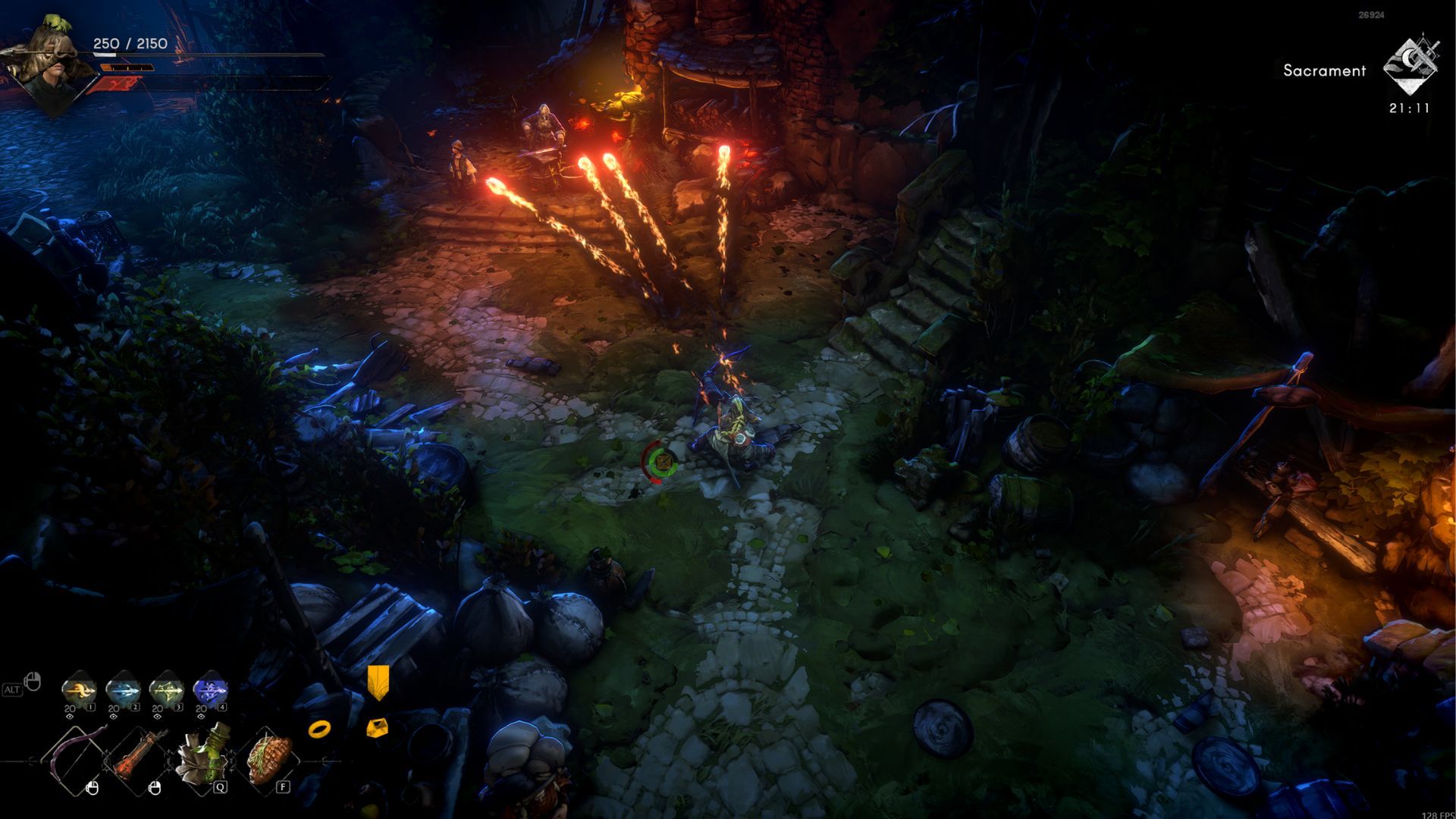
Because No Rest for the Wicked is still in early access, there aren’t many different types of elements or status effects yet. However, a few options are available that can significantly increase your damage output against enemies.
| Element Type | Status | Effect |
|---|---|---|
| Fire | Burn | Burn deals damage over time to enemies that are ignited. This status can be built up by hitting the same enemy multiple times. Once built up, it deals 25% increased damage over time to the target. |
| Ice | Freeze | Initially, it slows the target down. Additionally, when built up, the target is frozen solid, preventing them from moving and attacking for a short time. Attacking a frozen enemy can shatter them, multiplying the damage of the attack by two. |
| Lightning | Shock | Shock damage is built up on the target, causing a large lightning strike with consecutive hits. This strike branches to nearby enemies, shocking them as well. |
| Plague | Infection | Grants lifesteal to the attacker, and seems to cause a damage over time effect similar to burn. |
| Physical | Bleed | Enemies who are affected by bleed will take damage over time as they move. |
Currently, these are all the different enemy types and status effects found in No Rest for the Wicked. Because the game is still in early access, the developers may add more in the future.
Combining Elements and Status Effects
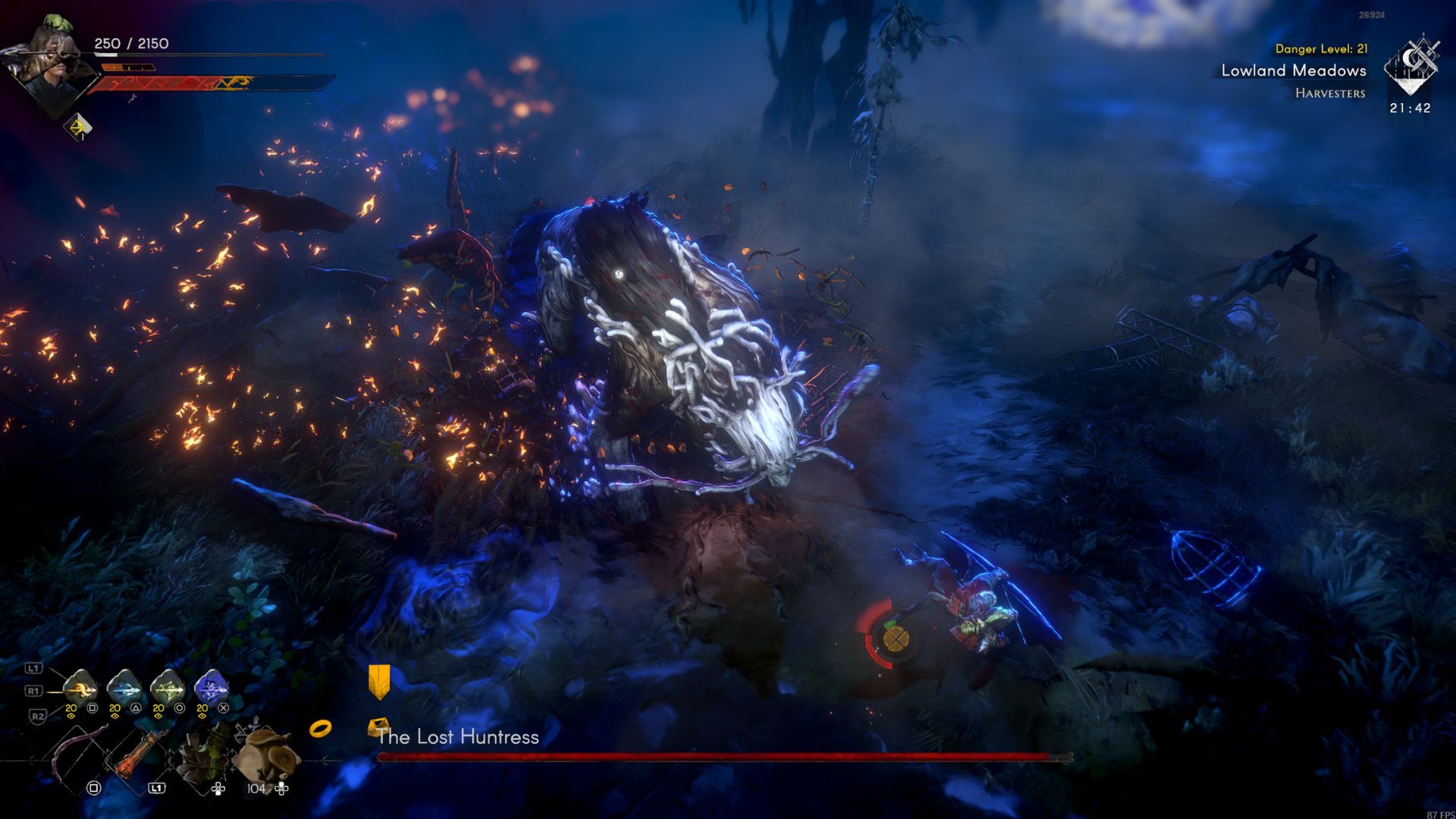
In addition to regular status effects, you can combine them for increased damage and unique results. This is especially useful when playing with friends or using a weapon that applies multiple types of damage.
| Element Combination | Status | Effect |
|---|---|---|
| Fire and Plague | Searing | Fire damage dealt to the target is increased. |
| Lightning and Fire | Overload | Hitting a burning target will cause it to become overloaded, creating a lightning AOE in a burst. |
| Plague and Bleed | Fester | Infecting a target affected by bleed will reduce the target’s buildup recovery speed. |
You can apply these effects whether you’re playing alone or with friends in co-op. Just be careful when using effects like overload, as friendly fire is enabled in No Rest for the Wicked.
Subscribe for Advanced No Rest for the Wicked Guides
Don’t forget to improve your town and character – doing so unlocks more powerful weapons. Having a variety of weapons with different elemental types lets you inflict more status effects on enemies, giving you an edge in battle.
Read More
- All Shadow Armor Locations in Crimson Desert
- How to Get the Sunset Reed Armor Set and Hollow Visage Sword in Crimson Desert
- All Skyblazer Armor Locations in Crimson Desert
- Best Bows in Crimson Desert
- Marni Laser Helm Location & Upgrade in Crimson Desert
- All Golden Greed Armor Locations in Crimson Desert
- All Helfryn Armor Locations in Crimson Desert
- Wings of Iron Walkthrough in Crimson Desert
- How to Craft the Elegant Carmine Armor in Crimson Desert
- Keeping Large AI Models Connected Through Network Chaos
2026-01-31 07:09