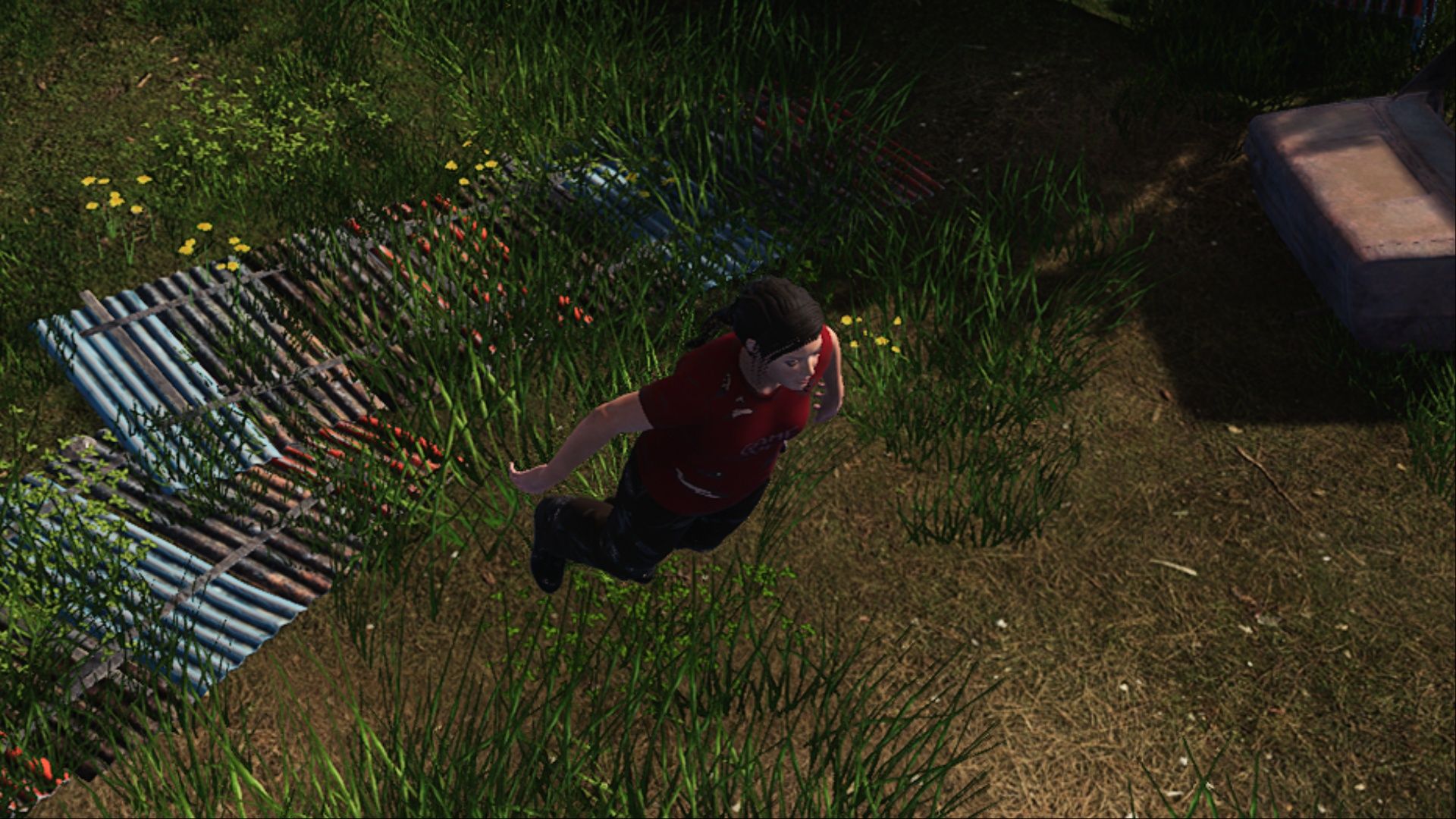
In the game HumanitZ, you’ll need to survive a dangerous world after a disaster. It can be tough going with limited resources, but players can use cheat codes entered into the game console to make things a bit easier.
This guide provides a complete list of all console commands available in HumanitZ, explaining what each one does to help players choose which commands best suit their playstyle.
General Cheats and Console Commands in HumanitZ
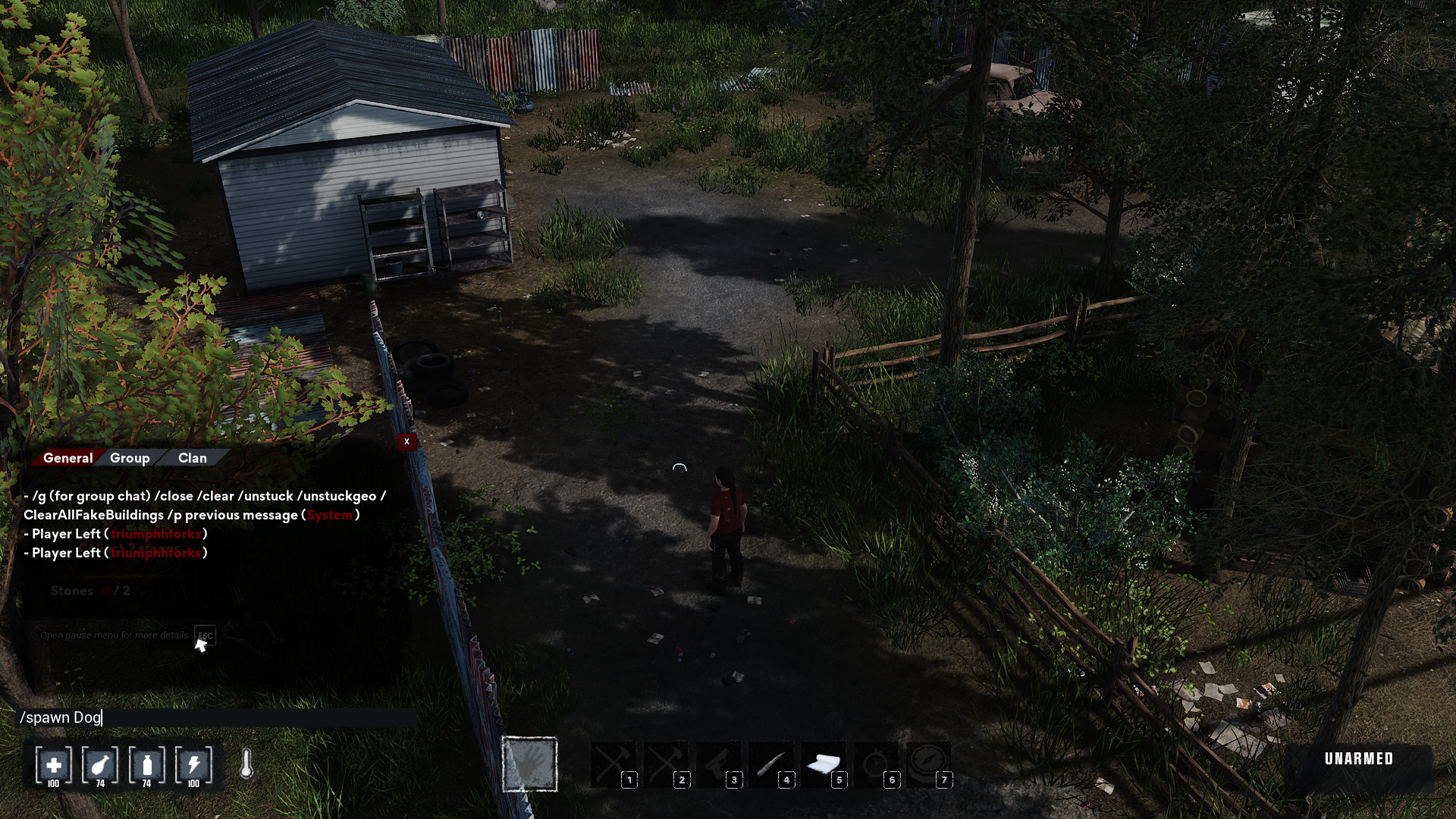
In HumanitZ, players can use special commands by opening the chat box—simply press Enter. Then, type the command, starting with a forward slash (/), and send it like a message.
Some cheat codes drastically alter the game, letting players redo their character’s abilities, control how many enemies appear, or instantly get strong weapons and helpful items. However, other cheats are more minor and don’t give players a significant unfair edge. Importantly, these commands are accessible to all players, both in single-player and multiplayer games, regardless of their admin status.
You don’t need to worry about typing commands with the correct capitalization; the game isn’t sensitive to uppercase or lowercase letters. Just type what you need, and it will work!
| Code | Description |
|---|---|
| /unstuck | Resets the player if they are unable to interact or move. |
| /unstuckgeo | Gets the player unstuck from the game’s geometry. |
| /clear | Clears the chat history. |
| /close | Closes the chat window. |
| /fps | Toggles the game’s current FPS on and off. |
| /TPdog | Teleports the player’s dog companion close to them. |
| /DogSetName [name] | Allows players to set their dog companion’s name in-game. For example, inserting the code “/dogsetname Lenny” will change the dog’s name to Lenny. |
Admin Cheats and Console Commands in HumanitZ
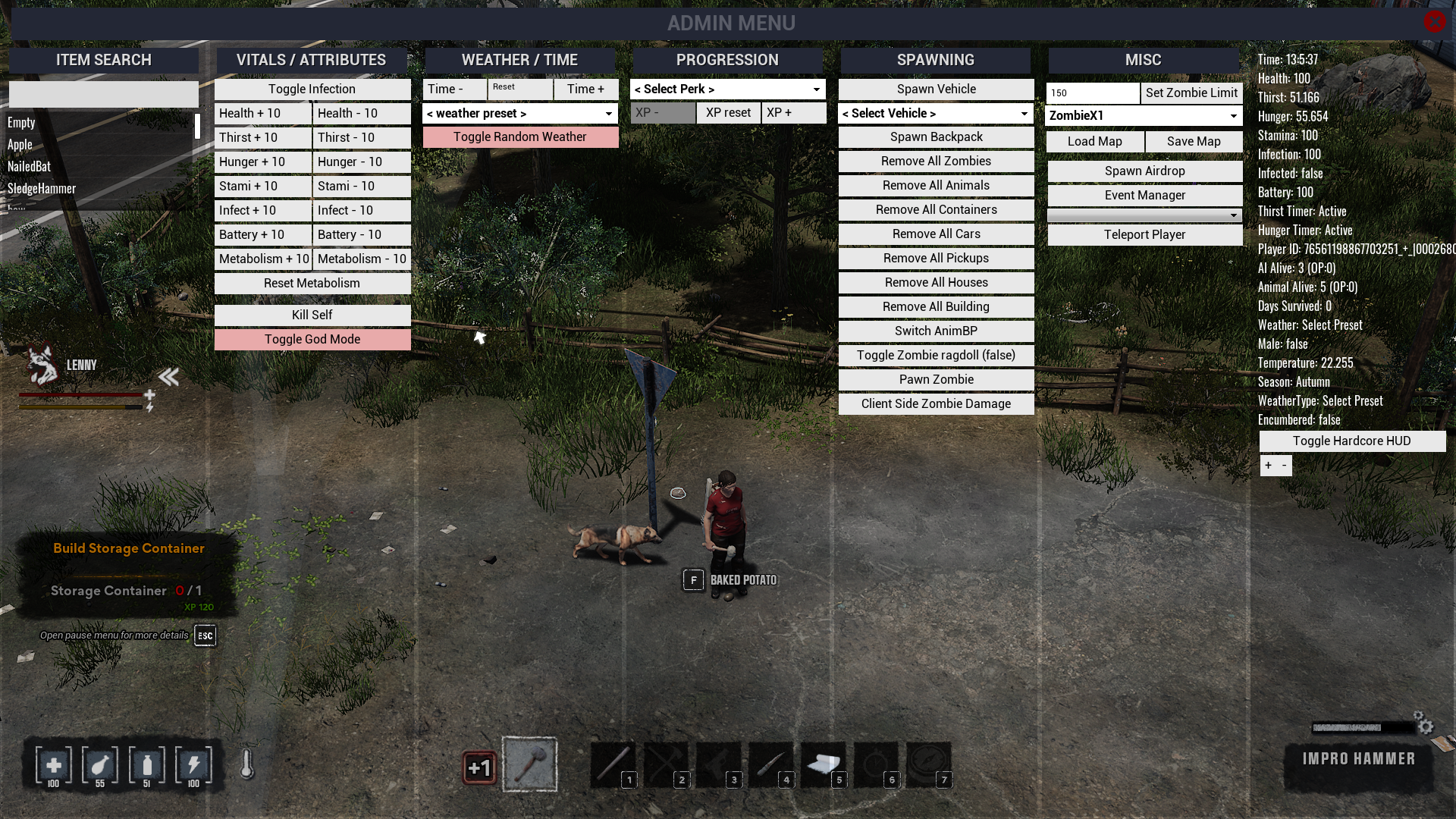
Admin commands let players have more control over their game, whether it’s a server they manage or a single-player experience. Server admins use them to manage multiplayer games, while single-player gamers can use them to modify their own gameplay.
These console commands unlock powerful cheats that can significantly change the game. Players who want to maintain a fair challenge should use them with caution.
| Code | Description |
|---|---|
| /adminw | Opens the admin menu, which features extensive options to modify the game, such as the zombie limit, the current weather, or simply to search nearby objects. |
| /AdminAccess [password] | Add another admin to the server. Players must look into the GameServerSettings.ini file to provide the current admin with their password so they can insert the right code and grant them these privileges. |
| /savegame | Saves the game. |
| /Shutdown [seconds] | Players can pick how many seconds they want before the server autosaves and shuts down. Inputting this code will also let others in the server know how long they have until the server is shut down, as it sends a warning message in the chat. |
| /ClearAllFakeBuildings | Deletes all unbuilt blueprints that have been placed. |
| /spawn dog | Spawns a dog companion for the player. |
| /god | God mode prevents the player from taking damage, and materials are no longer necessary to build – only to repair or upgrade buildings. |
| /superadmin | Allows the player to fly around the map, making them invisible to players but not AI (animals, NPCs, and hostiles) |
| /spawn item_[Name] | Spawns items, like weapons, food, resources, and materials. |
| /spawn backpack_[Name] | Spawns a backpack. |
| /spawn car_[Name] | Spawns a vehicle. |
| /spawn ai_[Name] | Spawns AI, such as humans, zombies, or animals. |
| /fspawn | Whenever the environment prevents an item, car, or AI from spawning, players can use the fspawn command followed by the same code to force it to appear. |
| /exp [Value] | Grants the player 1,000 times the value of the XP inserts on the code, allowing them to quickly level up their character. |
| /ExecCmd [Command] | Executes a command, allowing players to check specific stats. |
Read More
- All Skyblazer Armor Locations in Crimson Desert
- One Piece Chapter 1180 Release Date And Where To Read
- How to Get the Sunset Reed Armor Set and Hollow Visage Sword in Crimson Desert
- All Shadow Armor Locations in Crimson Desert
- All Golden Greed Armor Locations in Crimson Desert
- How to Beat Stonewalker Antiquum at the Gate of Truth in Crimson Desert
- All Helfryn Armor Locations in Crimson Desert
- Marni Laser Helm Location & Upgrade in Crimson Desert
- USD RUB PREDICTION
- Cassius Morten Armor Set Locations in Crimson Desert
2026-02-08 14:35