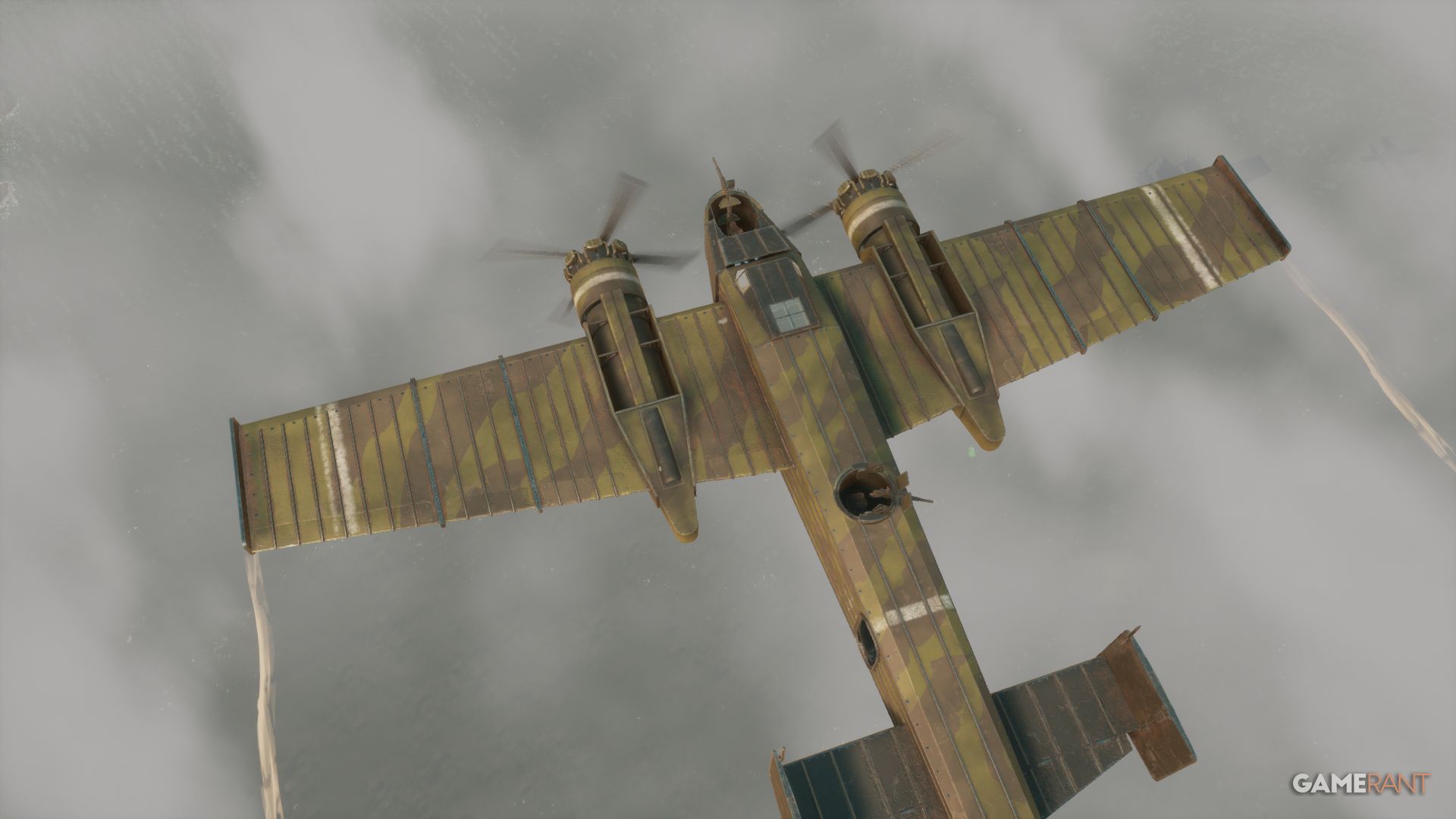
Now that the Airborne update has launched in Foxhole, players are eager to learn how to fly the new scout planes, fighters, and bombers. This guide will cover everything you need to know about getting planes and learning to fly them – be warned, it’s challenging, especially when it comes to takeoff and landing!
How To Build A Scout Plane In Foxhole
If you’re playing alone or without a team, it’s a lot simpler to concentrate on using scout planes. More complex aircraft need a lot of resources and building space, and are usually made by groups. As the game goes on, you might be able to get fighters and light bombers added to the shared supply pool, similar to how tanks become available over time.
- Colonial Scout Plane: A51 Venti “Daedalus”
- Warden Scout Plane: Luminary Mk. IV Herald
Scout planes are the very first aircraft you’ll be able to build in the tech tree, typically around day two of the war.
It’s more efficient to practice flying in a scout plane. If you crash, it’s less costly for your team in terms of both resources and time.
Resources Required For A Scout Plane
- 80 Rmats
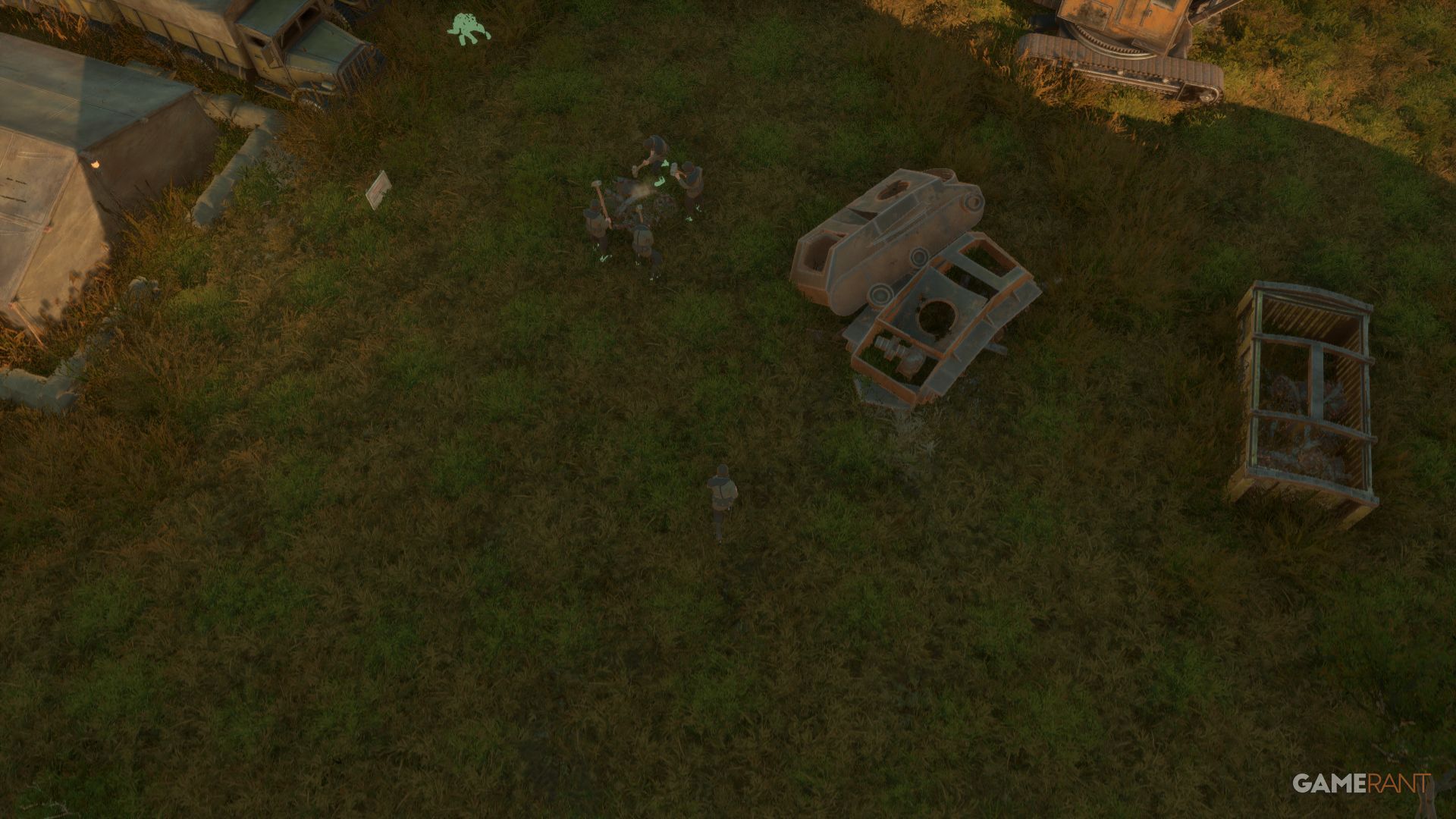
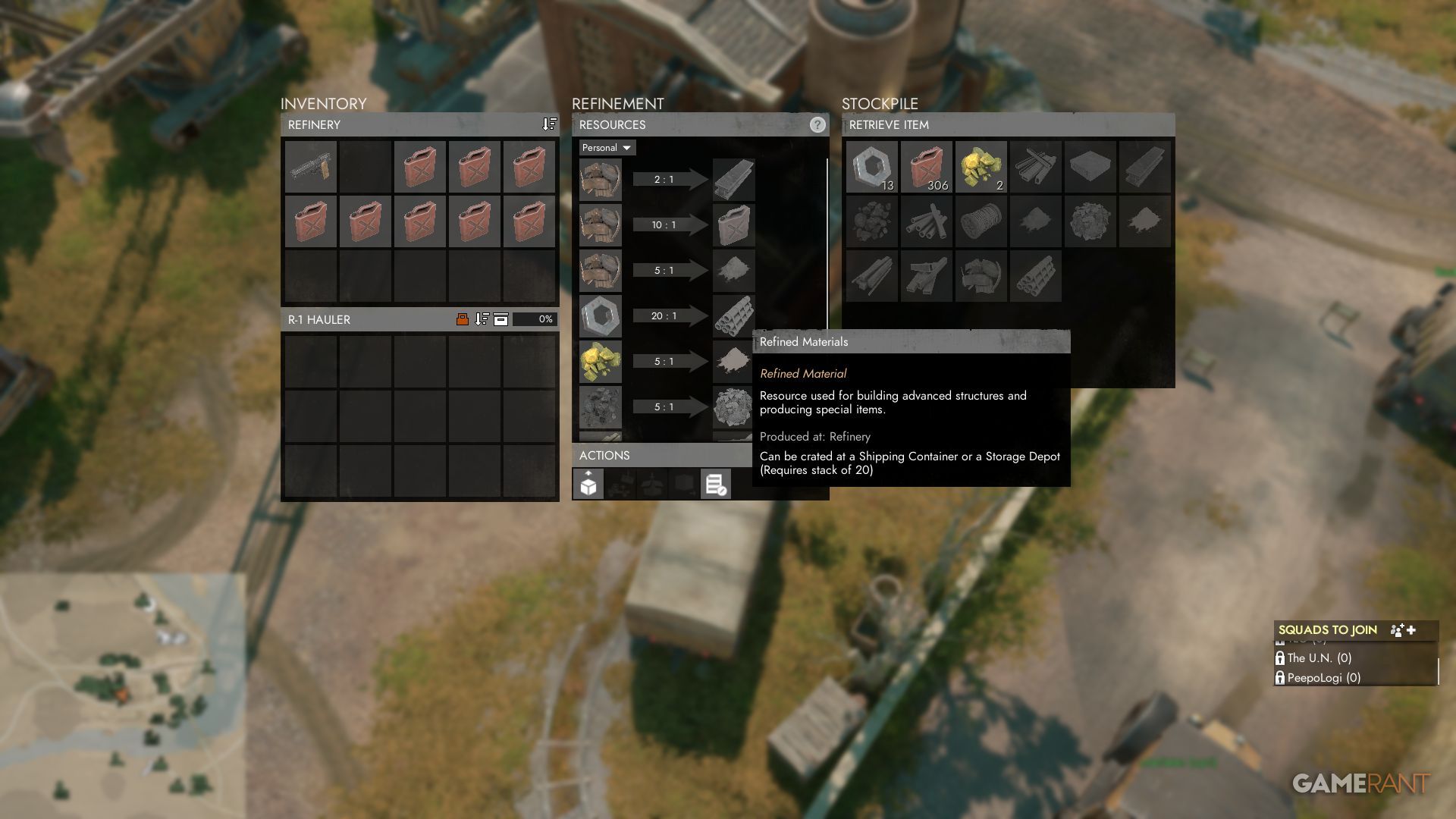
To build a scout plane, you’ll need Refined Materials, or ‘Rmats’. You get these by first mining Components at a Component Field using a Sledgehammer. Then, you can refine 20 Components in a Refinery to create 1 Rmat.
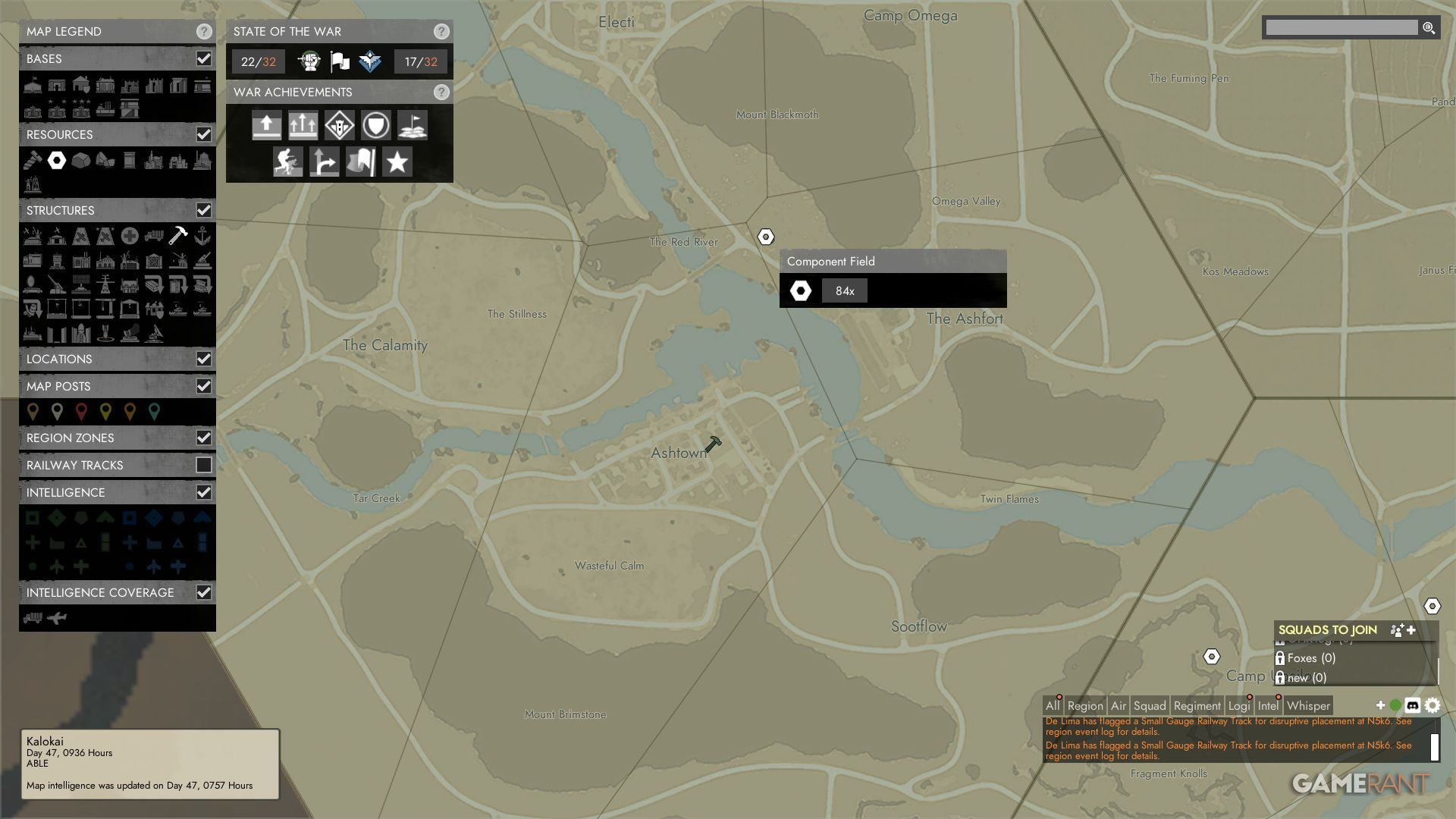
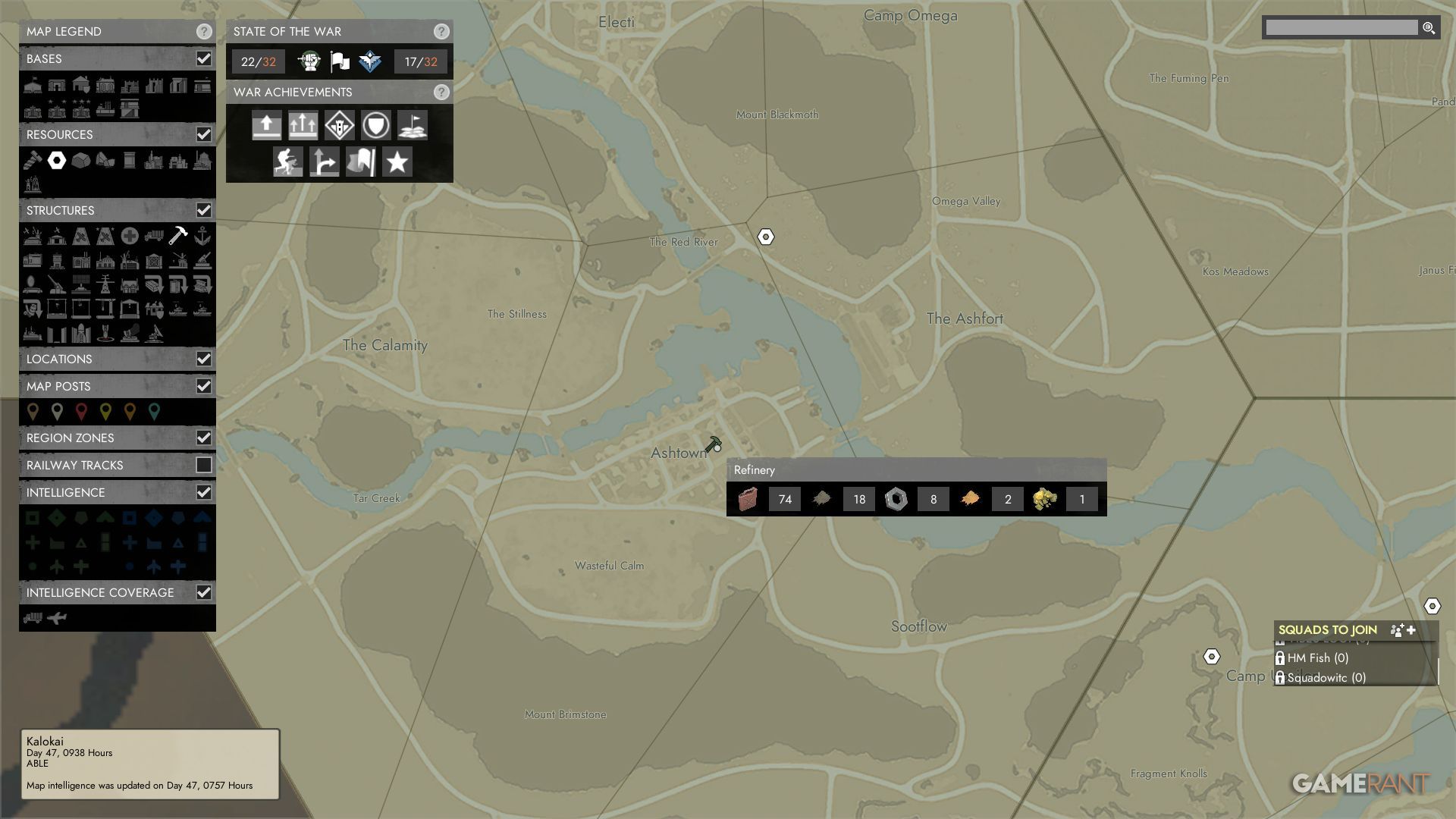
On the map, component fields are shown as white, six-sided nuts. Refineries are represented by hammer icons.
Where To Build A Scout Plane In Foxhole
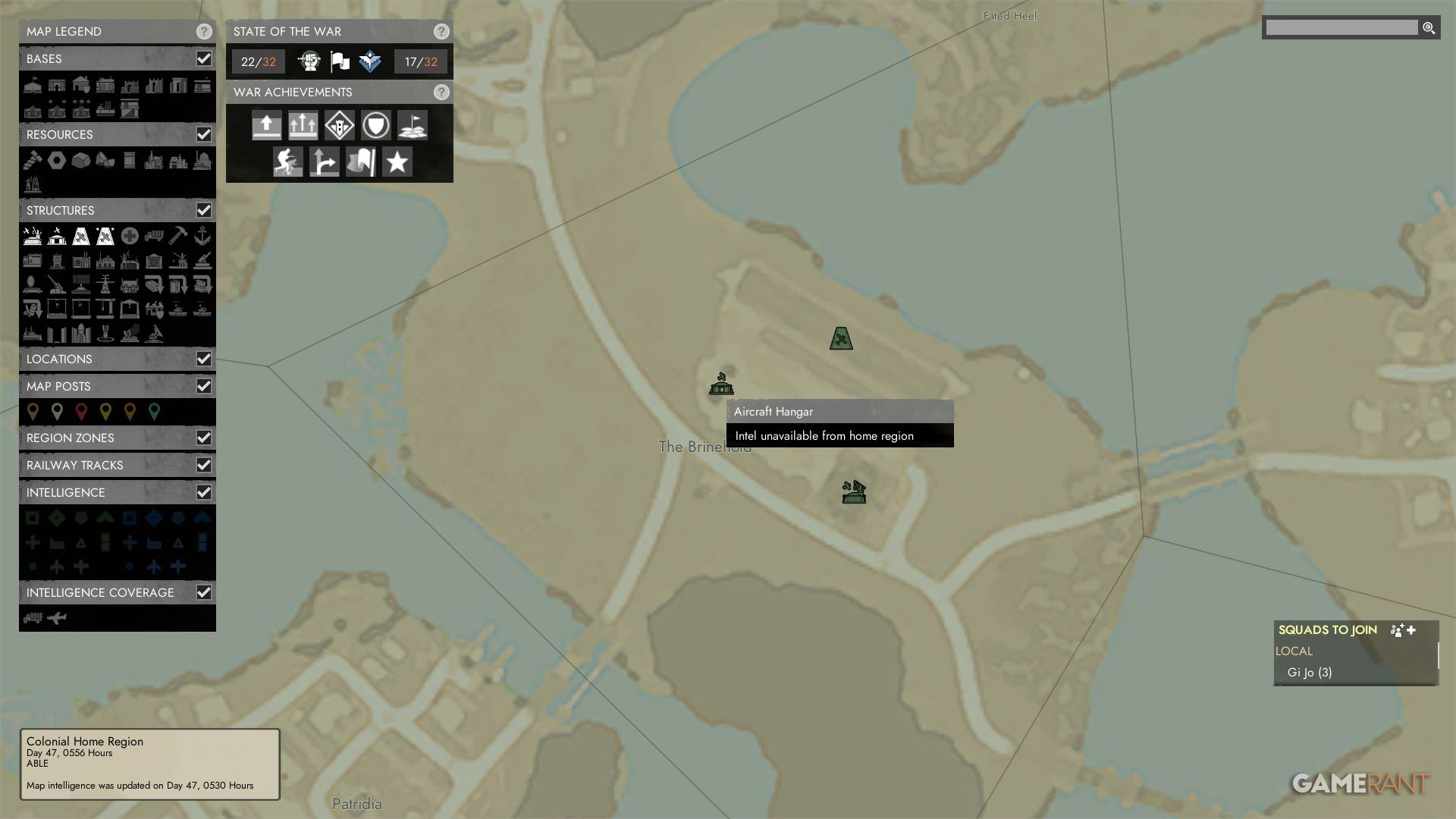
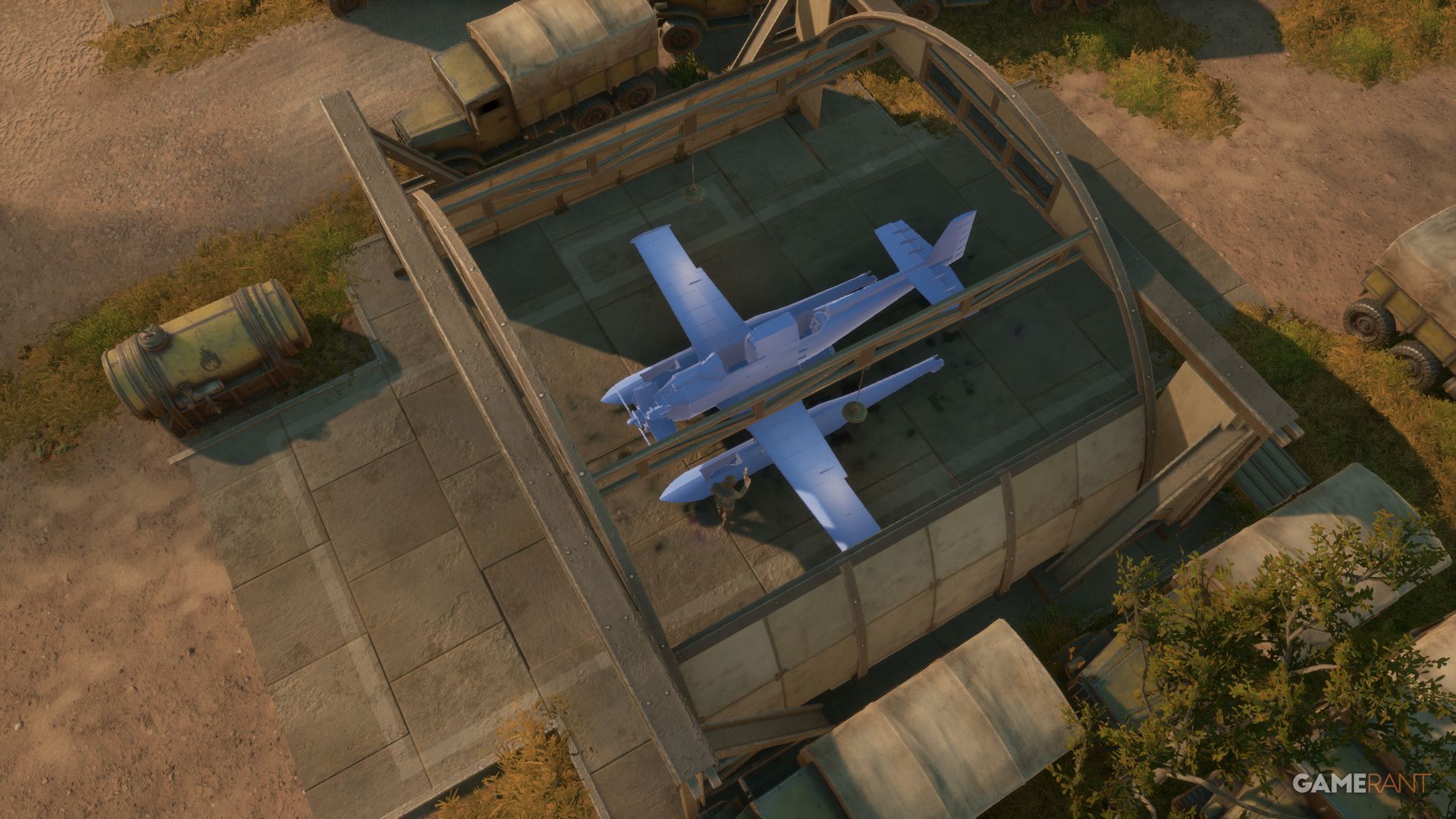
If you want to build a scout plane in Foxhole, first find an airfield. Not all areas on the map have them, but airfields always include a Runway, an Aircraft Depot, and an Aircraft Hangar.
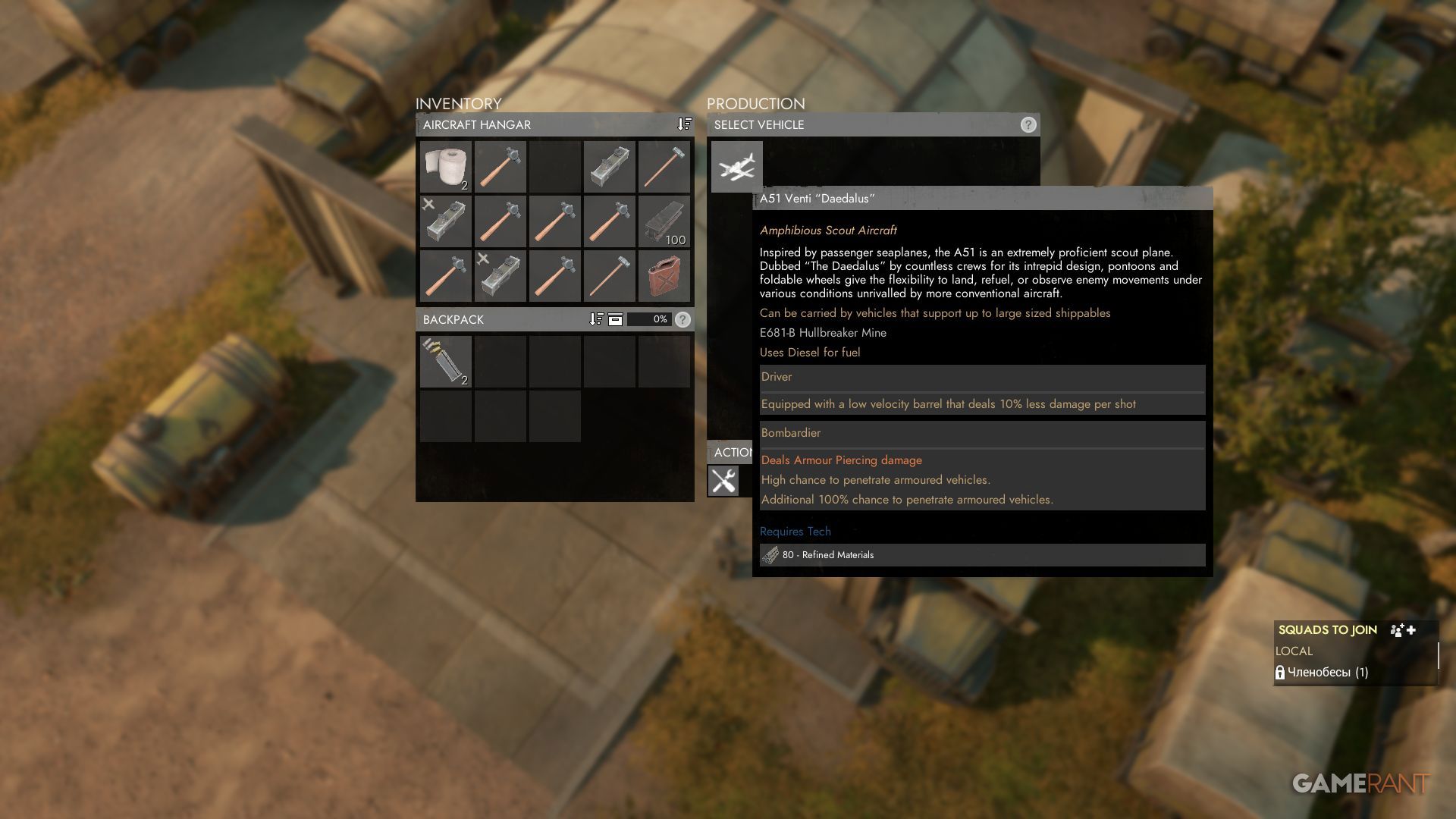
Go to the Aircraft Hangar, which isn’t very big, and equip your hammer. Inside, press E to select the scout plane, which will give you a blueprint. Now, use your hammer (left mouse button) to build the blueprint, but make sure you have 80 Raw Materials (Rmats) in your inventory. It takes 80 hits to finish building the plane.
Right after you finish building the plane, be sure to lock the landing gear. It’s best to move the plane out of the hangar to give other builders space. There’s enough fuel to taxi it a short way.
Fueling & Arming The Scout Plane
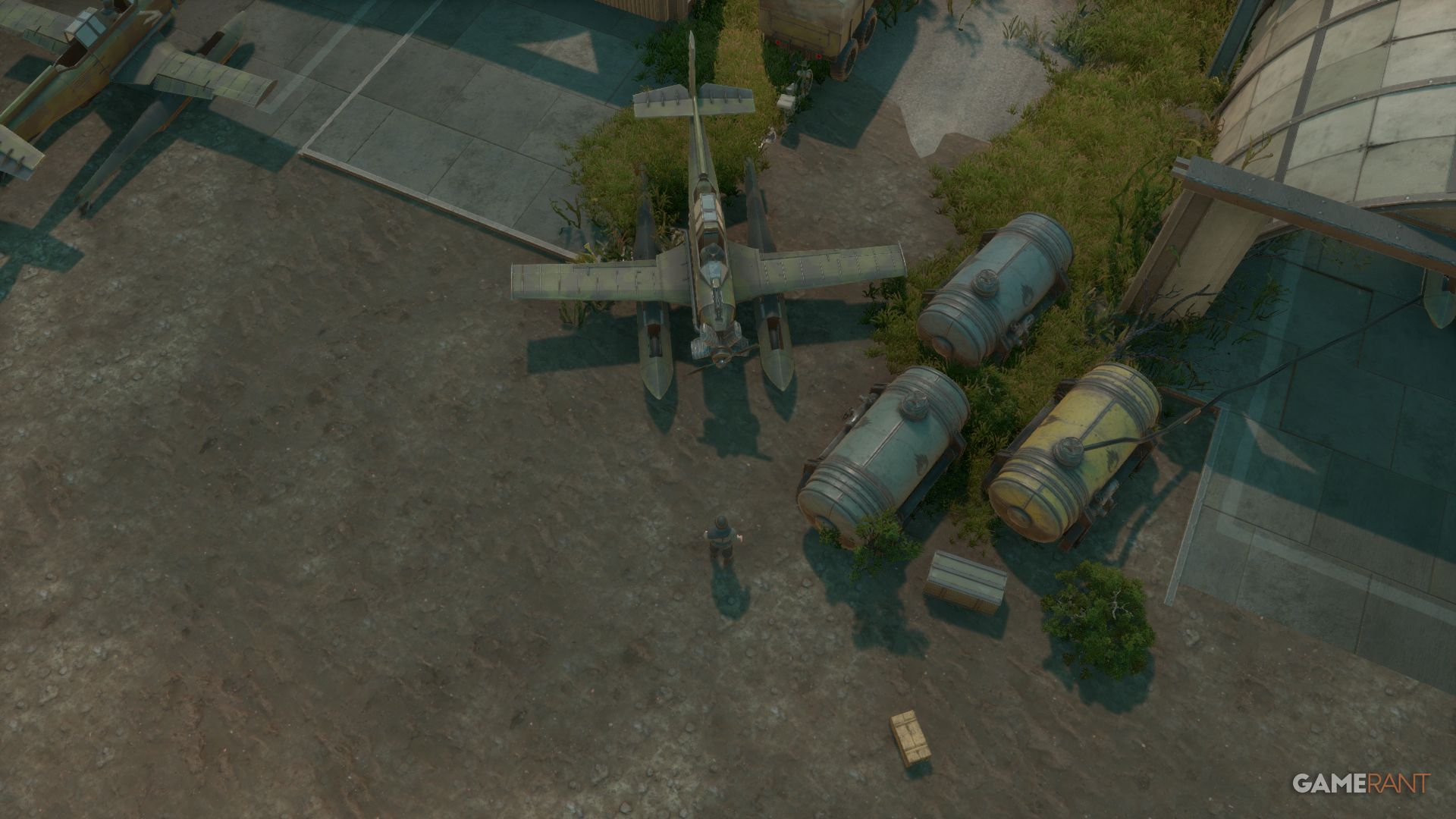
To fill the scout plane with fuel, players need to find either a can of diesel or petrol and place it in the third slot of their inventory. Then, simply press the ‘3’ key to select it and hold down the left mouse button while near the plane.
You can refuel your plane by parking close to fuel containers or tankers. Then, exit the plane and open its inventory by pressing ‘E’. Click the fuel icon in the top right corner of the inventory screen, and your plane will begin to refuel automatically.
- 100L Petrol/Diesel
- x3 12.7mm Machine Gun Ammo
- x4 Mini Torpedo (Warden)
- x3 Hullbreaker Surface Mine (Colonial)
You don’t need to equip the scout plane with weapons for test flights or while learning to fly. Also, torpedoes and mines aren’t needed unless you have a second player operating the rear gun.
How To Repair The Scout Plane In Foxhole
You can quickly fix the scout plane by simply hitting it with a hammer as long as you have some Basic Materials in your inventory. Fixing more complex planes is trickier because they’re made of separate parts.
How To Fly Planes In Foxhole
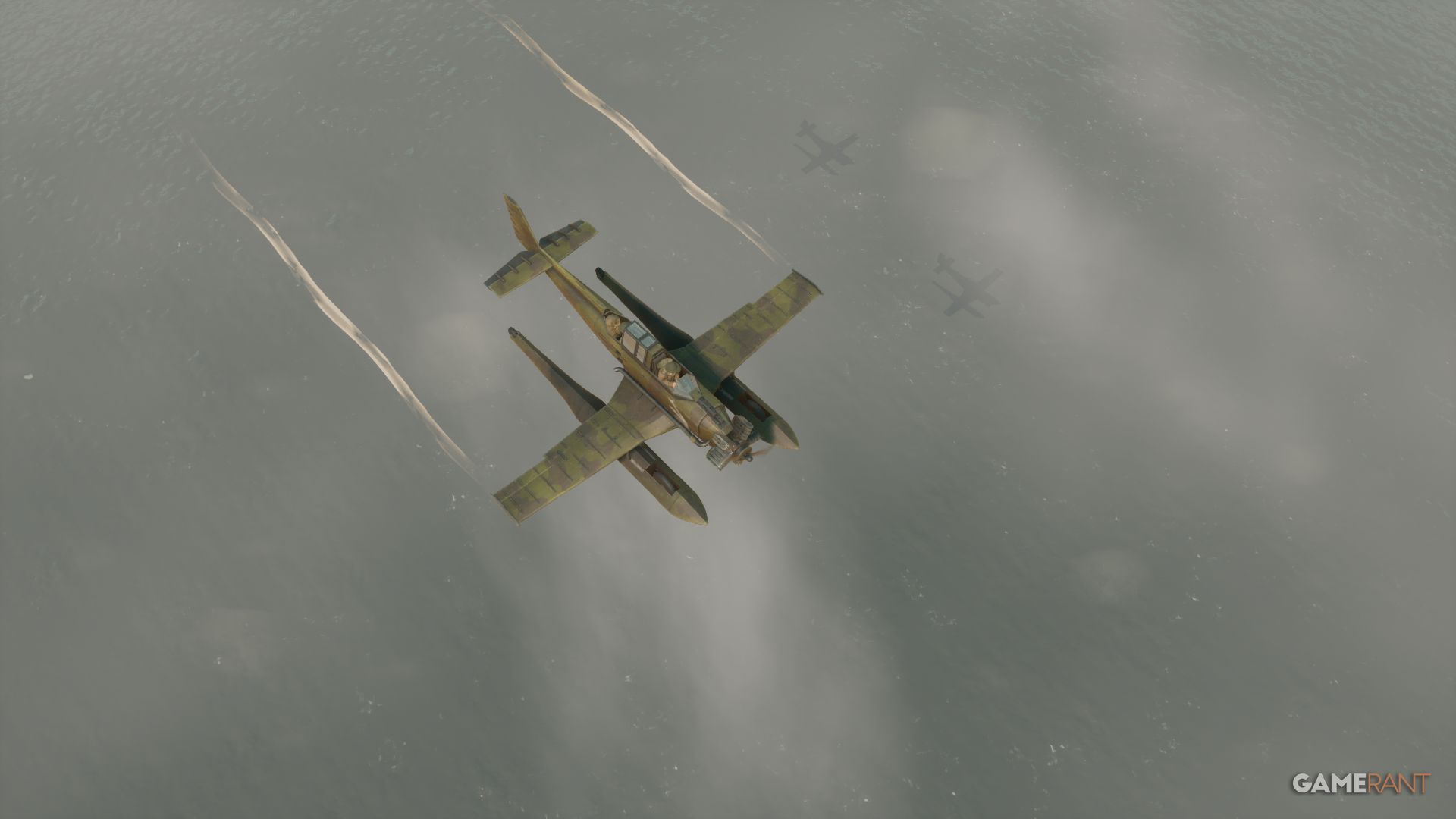
This guide will explain how to fly using the scout plane, but the controls are universal across all aircraft in Foxhole.
Getting Into The Aircraft
Okay, so getting into the scout plane is a bit different. You have to be totally empty-handed – seriously, drop everything before you try to get in. Other planes are more forgiving; you can keep your stuff, but you need to be wearing a pilot’s uniform. Those things take a lot of resources to make, though. The good news is, you don’t need a uniform at all for the scout plane, which is nice!
To enter the plane, press the Q key. If you happen to spawn in the bombardier’s seat, you can press Z to move to a regular passenger seat.
Taxiing The Aircraft
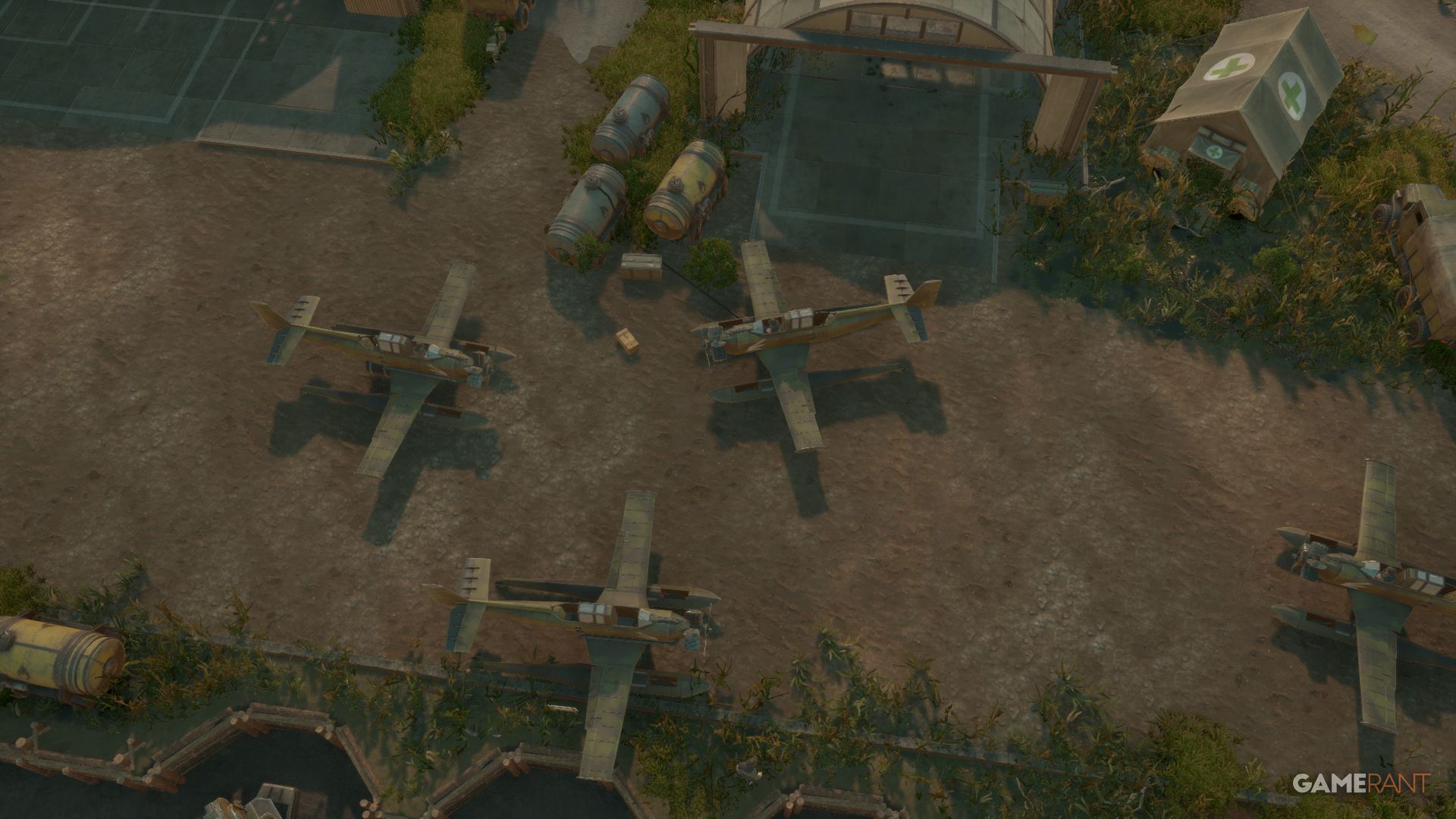
Before takeoff, you’ll need to move the plane to the runway – this is called taxiing. Gently increase the engine power using your scroll wheel until it reaches around 20%. You can find the power level displayed in the bottom left corner of the screen.
Use A and D to turn left or right.
If you need to reverse, hold Spacebar and lower the throttle with the Scroll Wheel to a negative value.
Scout planes are unique because they can take off from roads, open areas, and even water. Unlike most airplanes, they don’t need a runway.
How To Take Off
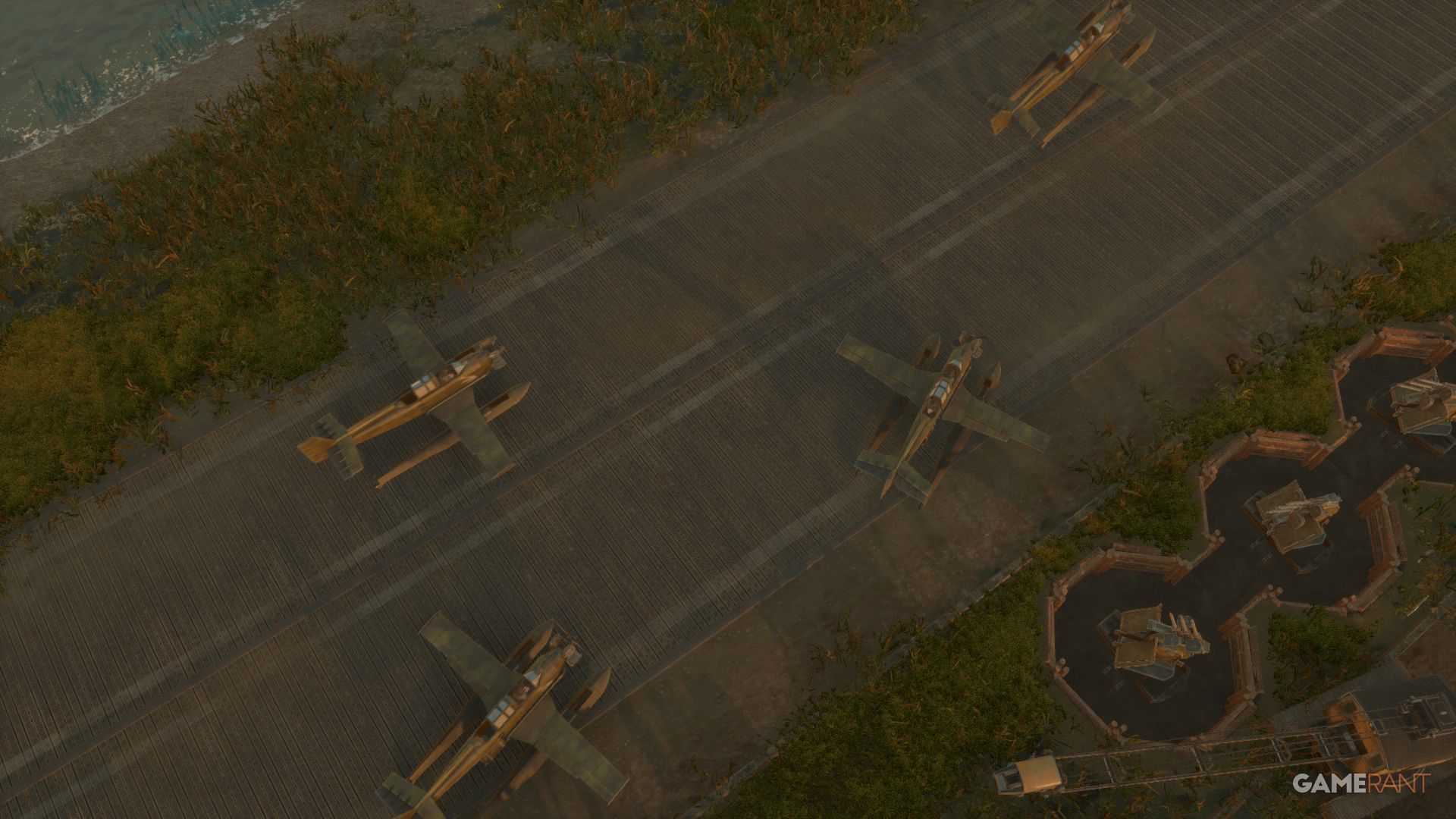
To begin taxiing, fully increase the throttle using your scroll wheel. Once you’ve reached top speed, press the ‘S’ key to lift off the ground and take flight.
After you’ve taken off and are flying, press the ‘F’ key to pull up the landing gear. You’ll see arrows in the top right corner showing if the gear is up or down. Once the landing gear is retracted, the throttle meter will no longer be visible.
How To Fly
Once in the air, flying isn’t too hard. Use A and D to roll left or right, and W and S to pitch down and up.
You can fine-tune your turns without tilting the plane by using the arrow keys to control the rudder – this is especially helpful with larger aircraft. Alternatively, you can steer by holding down the right mouse button and moving your mouse. Use the left mouse button to fire.
When the landing gear is up, you can adjust your speed using the scroll wheel. Flying slower reduces fuel use, which lets you fly farther.
There is a meter for speed and altitude, with the maximum altitude being 100m.
How To Land
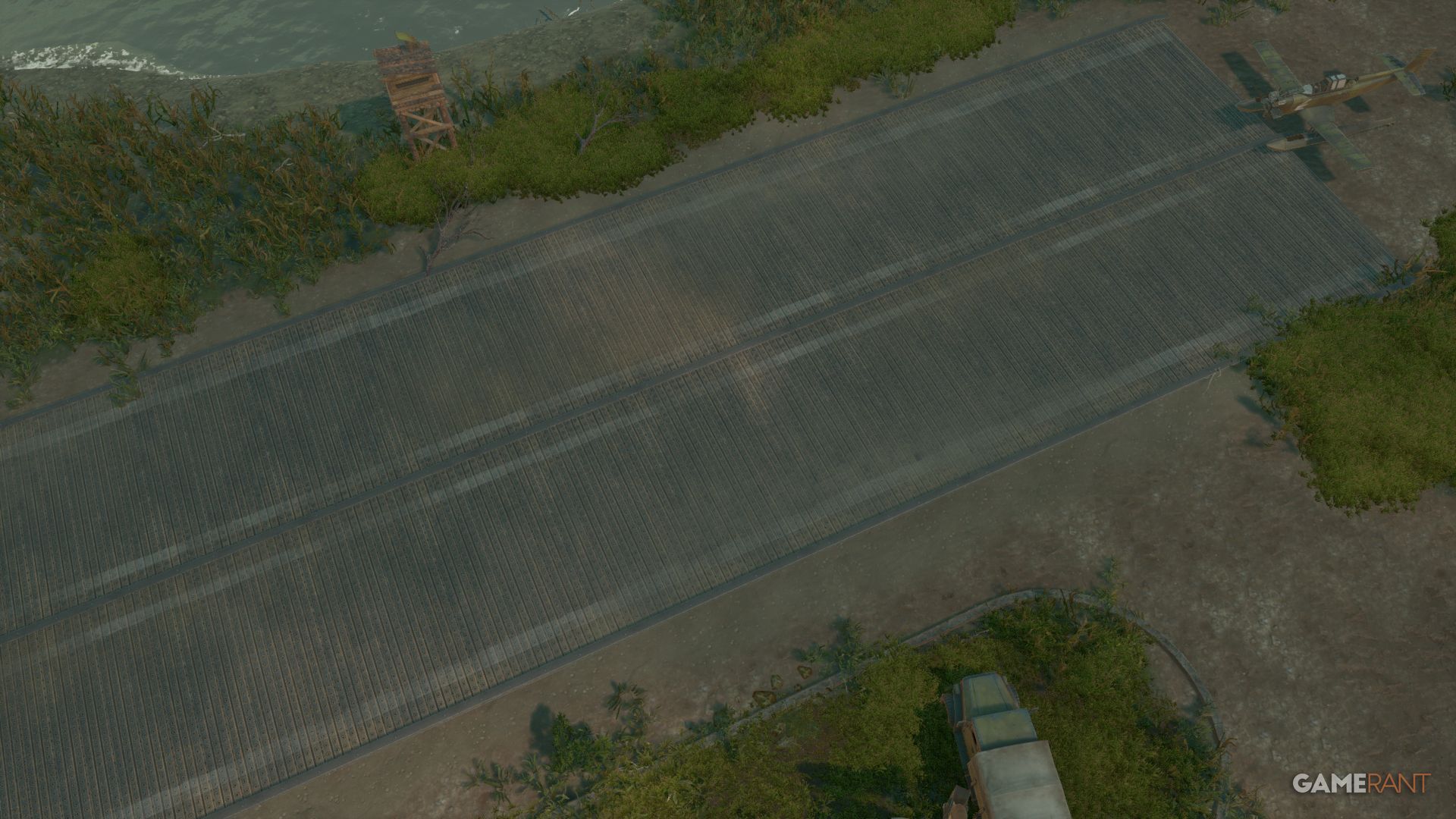
Press F to lower your landing gear, then hold W to begin your descent. At the same time, gently reduce the throttle as you align with the runway or your chosen landing spot.
When you’re about halfway on the throttle, gently touch down on the runway using the ‘W’ key. Reduce the throttle to zero, then press the Spacebar to brake. After you’ve slowed down, you can taxi to leave the runway.
You can also quickly aim for the runway by holding down the Shift key and right-clicking. This method is generally simpler, but you’ll still need to reduce your speed.
In Foxhole, crashing your plane into buildings or vehicles (other than enemy planes) will destroy your aircraft without causing any damage to your target. This is a common mistake new players make.
All Aircraft Controls In Foxhole
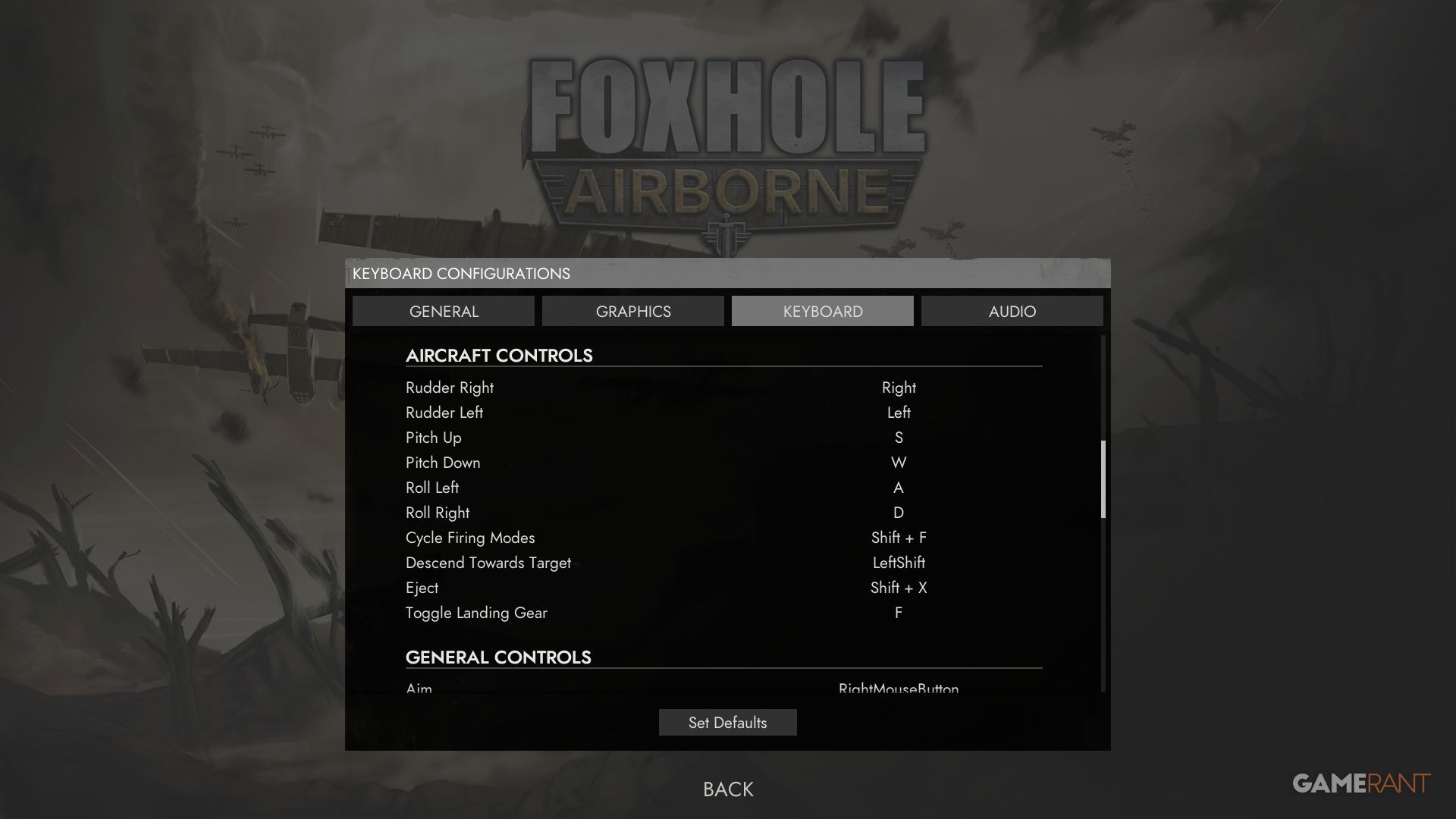
After you’ve gotten the hang of the flight process, here’s a complete guide to all the aircraft controls in Foxhole. You should be able to see many of these controls displayed on the top right of your screen while flying, and you can enable or disable this display in the game’s settings.
- Rudder Right: Right Arrow
- Rudder Left: Left Arrow
- Pitch Up: S
- Pitch Down: W
- Roll Right: D
- Roll Left: A
- Cycle Firing Modes: Shift + F
- Descend Toward Target: Left Shift
- Brake: Spacebar
- Eject: Shift + X
- Toggle Landing Gear: F
- Shoot: LMB
- Reload: R
- Enter: Q
- Switch Seats: Z
Many controls, such as enter, lock, and reload, overlap with other vehicles in Foxhole.
Read More
- All Skyblazer Armor Locations in Crimson Desert
- One Piece Chapter 1180 Release Date And Where To Read
- New Avatar: The Last Airbender Movie Leaked Online
- All Shadow Armor Locations in Crimson Desert
- How to Get the Sunset Reed Armor Set and Hollow Visage Sword in Crimson Desert
- Cassius Morten Armor Set Locations in Crimson Desert
- Grime 2 Map Unlock Guide: Find Seals & Fast Travel
- Red Dead Redemption 3 Lead Protagonists Who Would Fulfill Every Gamer’s Wish List
- USD RUB PREDICTION
- Euphoria Season 3 Release Date, Episode 1 Time, & Weekly Schedule
2026-02-11 21:07