
As a Steam user with a pretty big game library, I’m seeing a lot of other players asking for the same thing: can we please get rid of those little legal symbols that clutter up our game lists? Steam’s interface has gotten so much better over the years, and Valve is clearly working hard to make things organized and easy to use. But with so many games, those symbols really stand out and become distracting. It’s a small thing, but cleaning up how games look in our libraries would be a huge improvement. We all love seeing Steam evolve, and hopefully, this is something they can address!
Many PC gamers are frustrated by how complicated things have become over the past decade. For years, we’ve seen a trend of needing multiple programs – like game launchers within launchers – just to play a single game. While big publishers are now putting games back on Steam, they often still require you to also install their own separate apps, such as EA App or Ubisoft Connect. This results in a cluttered and frustrating experience, with extra software getting in the way of actually enjoying the game.
A Library Full of “Legal Slop”
A popular post on the Steam subreddit, with over 15,000 likes, highlights how frustrating players find trademark (™) and registered (®) symbols in game titles. One user called them unnecessary “legal clutter” that makes game libraries look messy and unprofessional. Many others agree that these symbols prioritize legal requirements over a smooth and clean user experience.
It’s not just that these symbols look messy; they actually mess up the way games are organized in libraries. A discussion on the Steam forums highlighted how games like Assassin’s Creed 3 include the ® symbol, while others in the series don’t. This causes those titles to appear at the top of an alphabetized list, disrupting the natural order of a franchise. Players have similar issues with games like Batman: Arkham Origins and Far Cry 3, feeling that while these symbols are necessary on store pages, they shouldn’t be included in personal game collections.
Publishers commonly use trademark symbols to safeguard their brands. Some online legal commentators suggest that not including these symbols, as required by laws like section 15 USC §1111, could potentially reduce the amount of money a company can recover in a lawsuit. However, many gamers have long requested an option to display game names without these symbols. Some have even taken matters into their own hands, using tools like Steam Edit or directly editing game files to remove the symbols themselves.
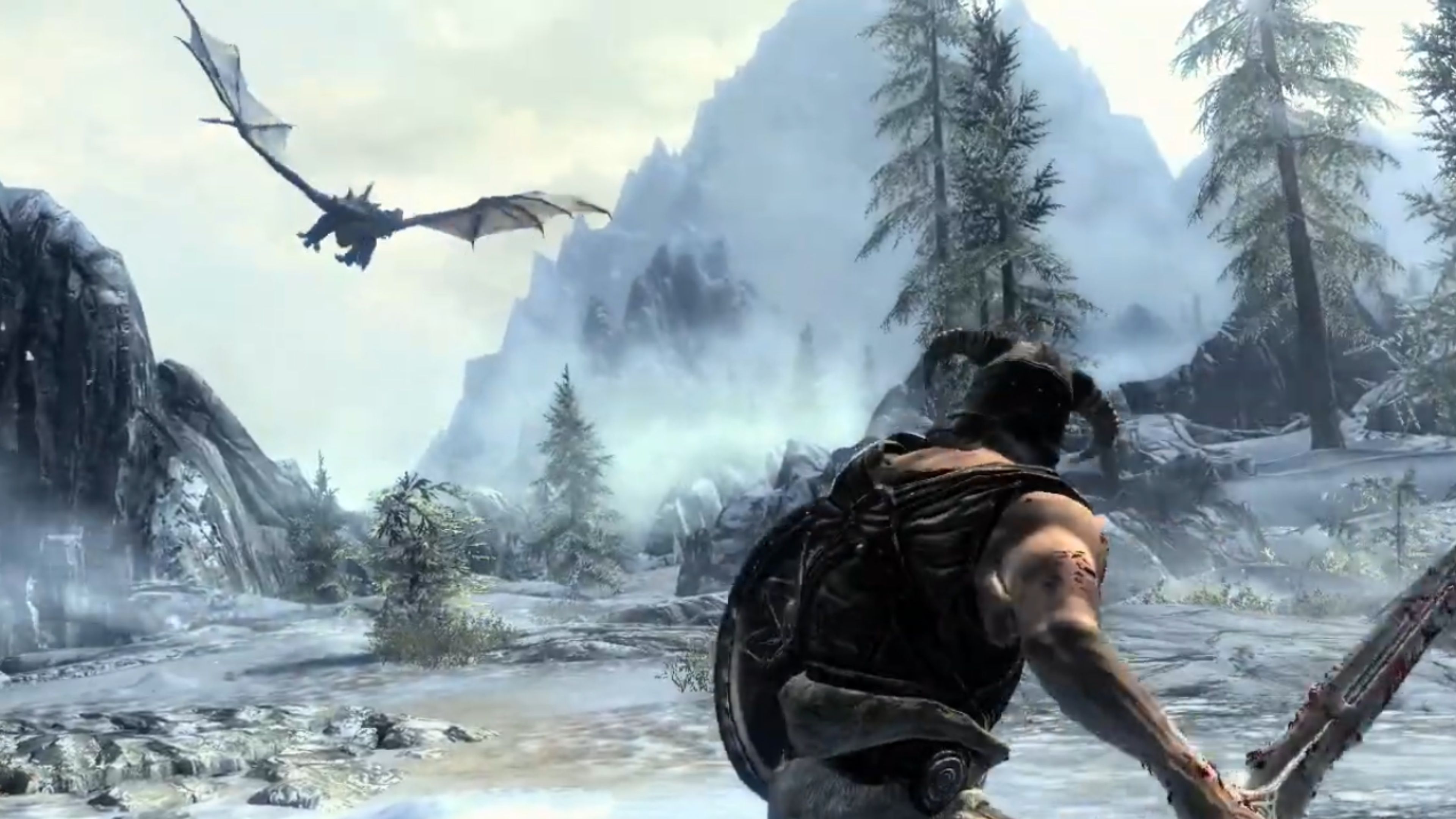
After requests for improved organization, Valve has added a “Customization” tab to the game properties menu on Steam. This new feature allows players to set a custom name for how games are sorted, fixing issues with alphabetical order that sometimes relied on publisher names. For instance, someone playing The Elder Scrolls 5: Skyrim Special Edition can rename it simply to Skyrim, making it appear under the “S” section as expected.
A popular feature allows players to easily organize game series into the correct order, with many now using it to arrange titles like Yakuza and Like A Dragon chronologically. It also helps users clean up their game libraries by removing unnecessary elements like trademark symbols and all-caps titles (such as ELDEN RING). This focus on cleaner libraries also helps reduce system clutter, as many game launchers now use resource-heavy software that consumes a lot of memory.
Valve’s recent updates to game customization are a good start, but many gamers feel the industry still needs to improve. Being able to remove logos or organize games is helpful, however, frustration will likely continue as long as single-player games require constant internet connections and collect user data. At least now, players can enjoy neatly organized game libraries without unnecessary branding.
Read More
- Robinhood’s $75M OpenAI Bet: Retail Access or Legal Minefield?
- All Skyblazer Armor Locations in Crimson Desert
- How to Get the Sunset Reed Armor Set and Hollow Visage Sword in Crimson Desert
- How to Catch All Itzaland Bugs in Infinity Nikki
- Speedsters Sandbox Roblox Codes
- Top 10 Must-Watch Isekai Anime on Crunchyroll Revealed!
- Who Can You Romance In GreedFall 2: The Dying World?
- Invincible: 10 Strongest Viltrumites in Season 4, Ranked
- Black Sun Shield Location In Crimson Desert (Buried Treasure Quest)
- USD CNY PREDICTION
2026-02-25 10:04