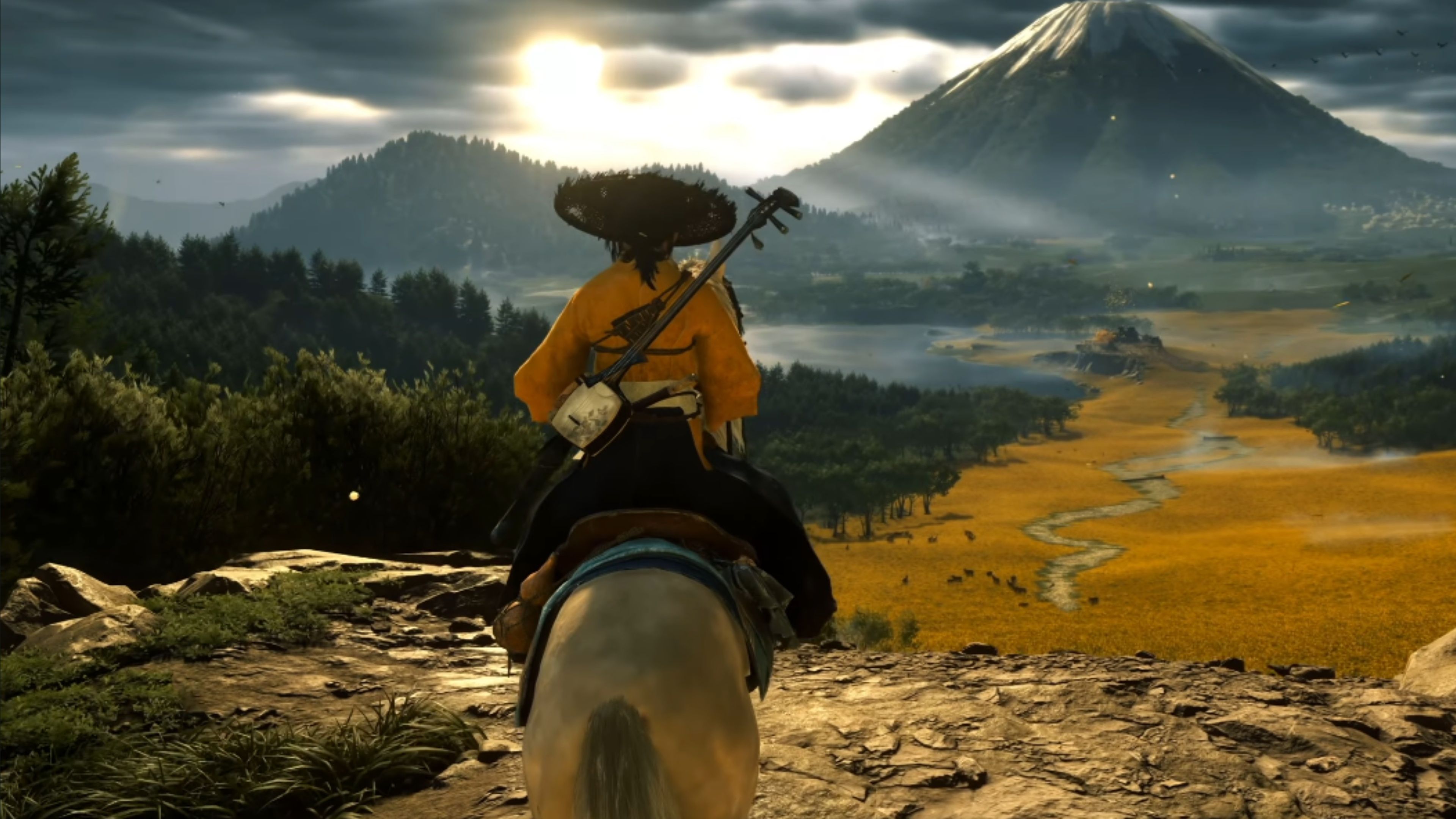
The PS5 Pro brought major improvements to how games look, thanks to a technology called PlayStation Spectral Super Resolution (PSSR). While many games received updates to enhance their visuals, Crimson Desert really showcases what PSSR can do. It was built from the ground up with the upgraded PSSR 2.0 system, allowing its huge open world to run smoothly with sharp, detailed graphics. Even during intense battles and while exploring massive environments, the game maintains a clear and crisp picture.
Many players don’t know you can manually improve the graphics in older games without waiting for a patch. If a game originally used PSSR 1.0, the console can switch to the newer, improved version. To do this, go to System Settings, then Screen and Video, and finally Video Output. There, you’ll find an option called Enhance PSSR Image Quality. Turning this on will upgrade the game’s visuals using the newer PSSR 2.0 technology, resulting in a better experience for your favorite PS5 Pro games.
At a Glance: Best Games Showcasing PSSR Upscaling on PS5 Pro
| Games | PSSR Improvements |
|---|---|
| Final Fantasy 7 Rebirth | Removes that peppery film grain noise and image warping found in PSSR 1. |
| Ghost of Yotei | Sharper detail, stronger image stability, and high frame rates (around 80–90 FPS) without sacrificing visual quality. |
| Kingdom Come Deliverance 2 | Fixes text smearing on the world map and color breakup in complex fog or sun gradients. |
Kingdom Come Deliverance 2
Stabilize Map Text and Smooth Fog Lighting Gradients
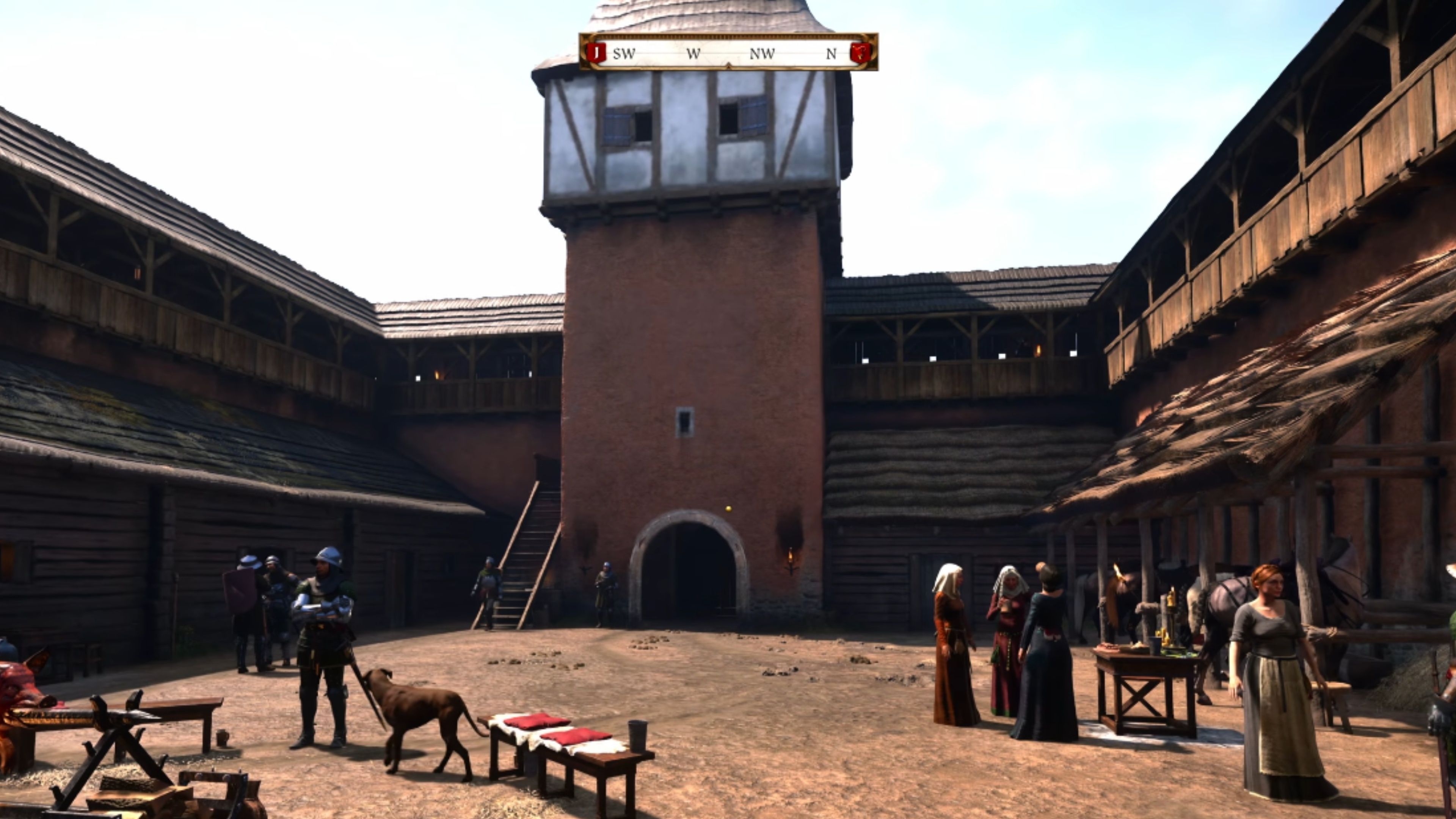
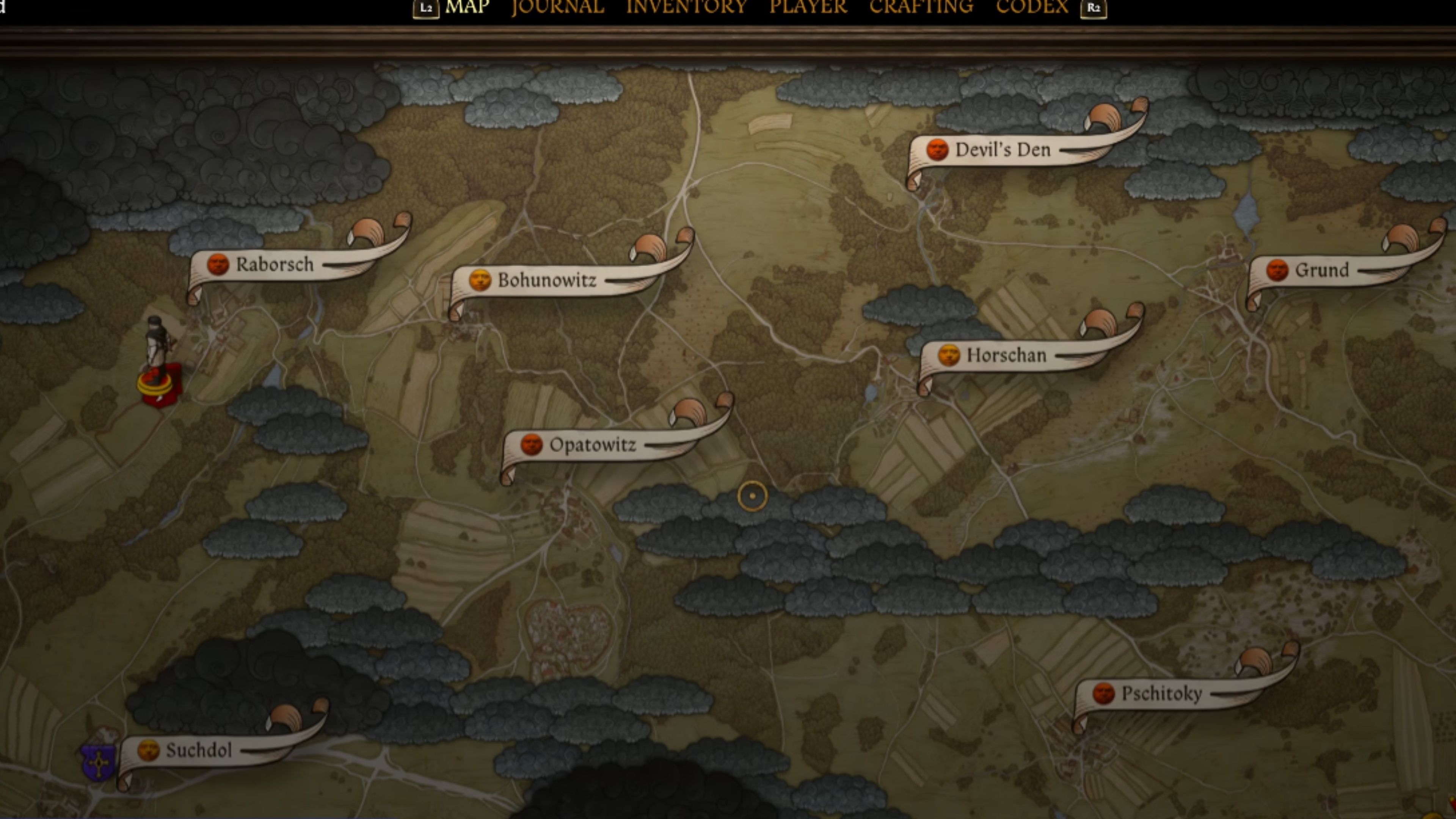
- PSSR 2 stops the text and city names from blurring when you move the cursor across the world map.
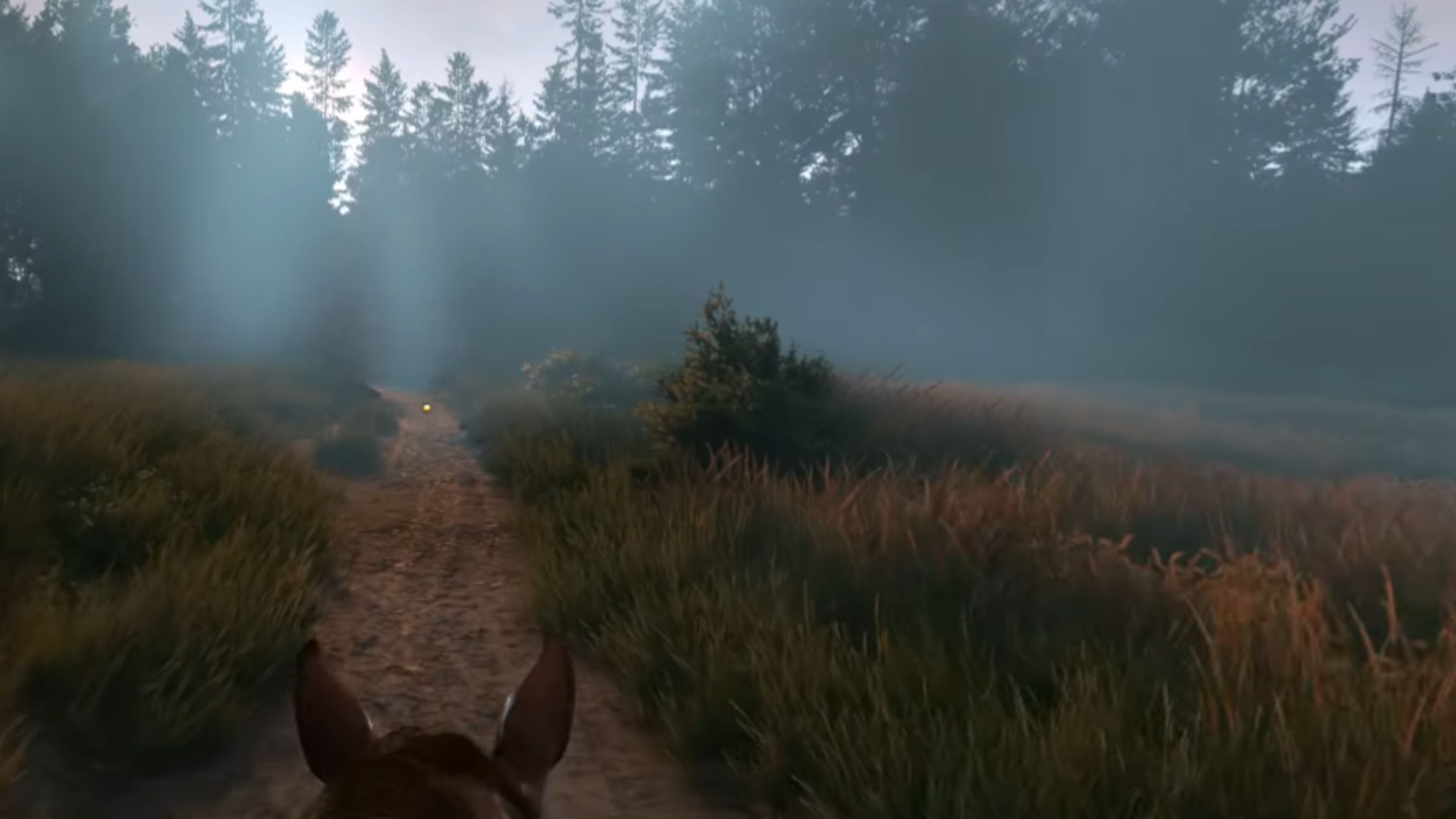
- Morning fog and sunlight transitions look perfectly smooth without the blocky color patterns found in the old version.
Kingdom Come: Deliverance 2 is a large and beautifully detailed role-playing game, and it’s a great way to demonstrate the improved graphics capabilities of the PS5 Pro, specifically its PSSR 2 upscaling technology. While the game already looked good, PSSR 2 resolves certain visual problems found in the original release. For example, distant objects like stone steps used to flicker, but PSSR 2 eliminates this shimmering effect, resulting in a much clearer and more stable picture.
This update includes improvements to even small details, like the game map. Before, city names would appear blurry when you moved the cursor across it. Now, PSSR 2 automatically sharpens the text for a clear view while navigating. The update also fixes an issue with how sunlight appeared in foggy conditions. Previously, the light could look fragmented and lacking color. PSSR 2 creates a smooth, natural gradient in the fog and sunlight, resulting in a more realistic and even lighting effect.
Alan Wake 2
Less Shimmering and Better and Better Motion Stability
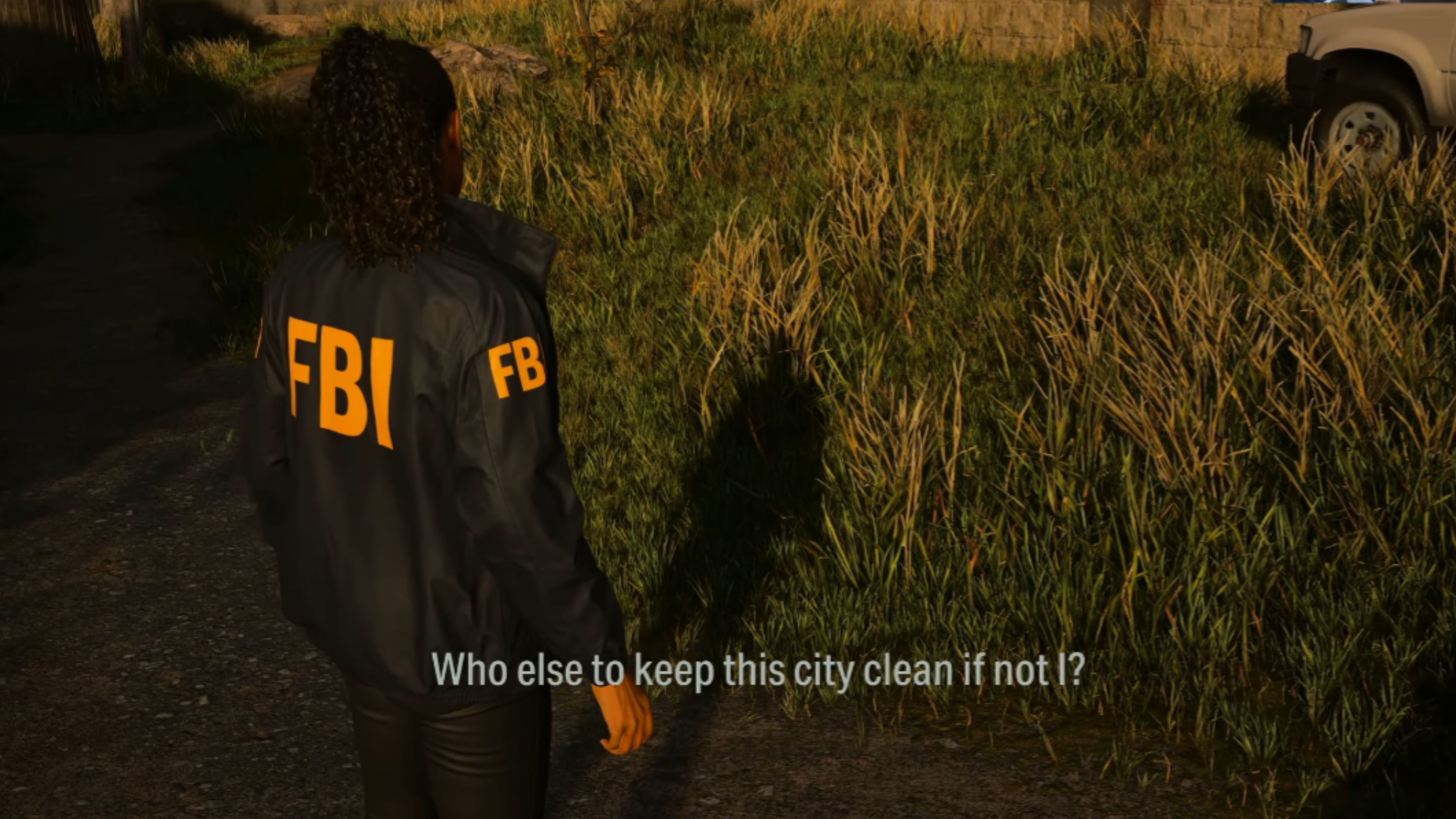
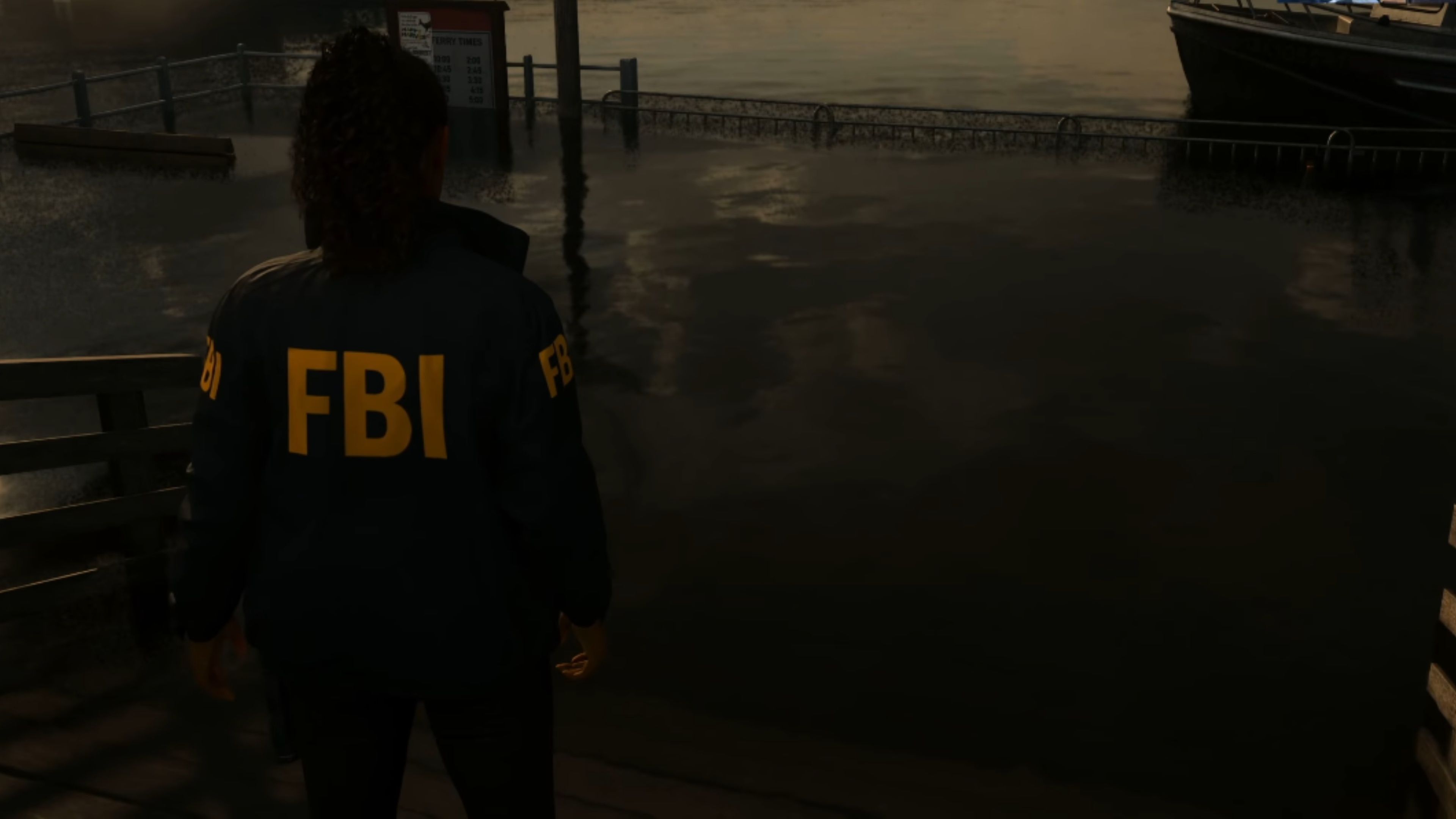
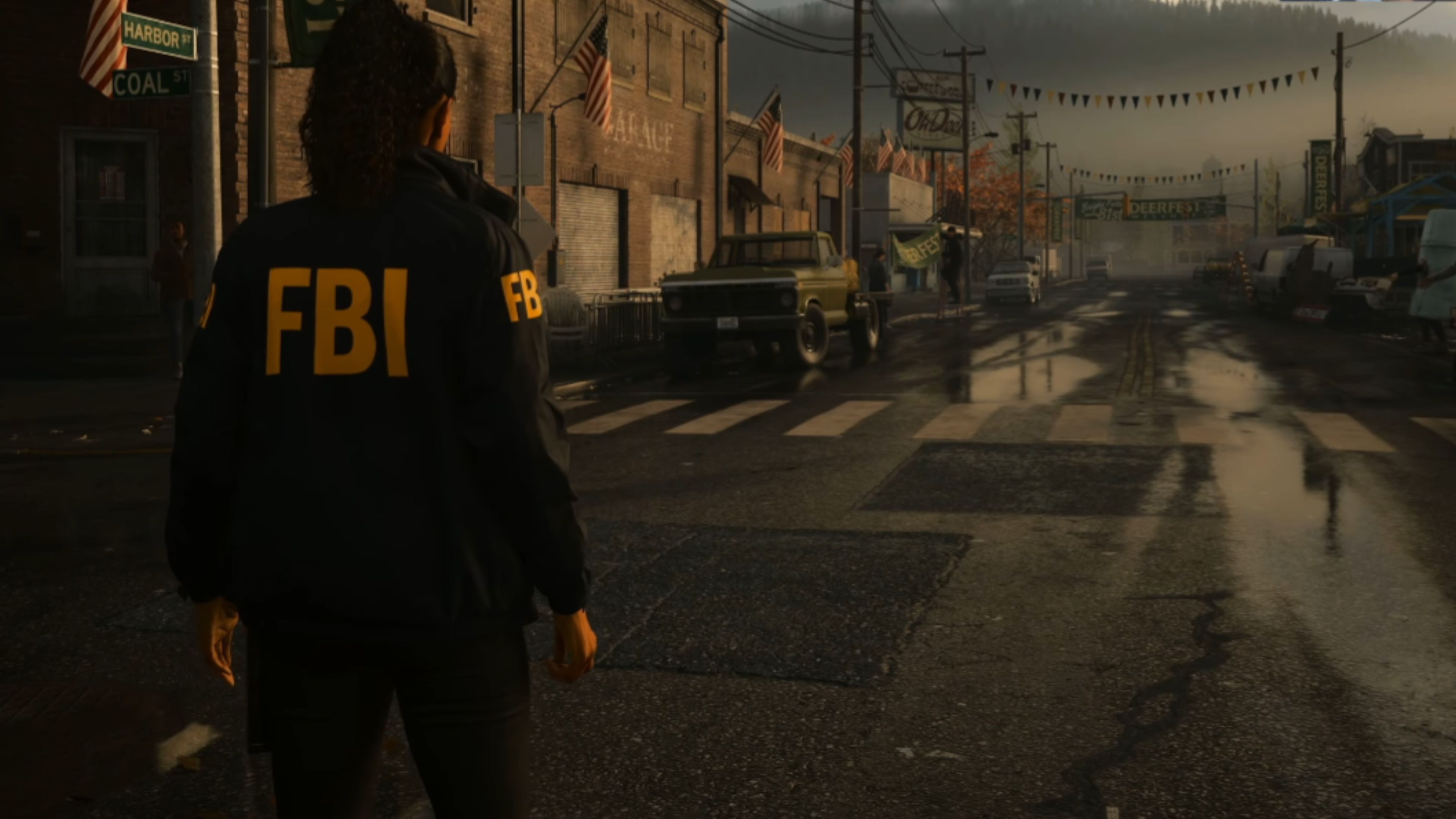
- Fine details like leaves, faces, and textures come through more clearly, while motion looks steadier with less shimmer.
- Better lighting and fog.
Alan Wake 2 really showcases the benefits of PSSR, and it’s where the technology makes a big difference. After the PSSR 2 update, the game’s graphics are significantly sharper and more detailed. You’ll notice clearer textures, faces, and things like leaves, and movement appears smoother with less distortion. The improved lighting and fog effects are especially important in a game like Alan Wake 2, which relies heavily on darkness and atmosphere.
Okay, so the first version of PSSR for Alan Wake 2 really struggled to hit that sweet spot of 4K resolution and 60 frames per second. But PSSR 2? Huge improvement! It’s rebuilt the game and honestly, it looks way sharper and more polished now. I can run it in Performance mode and still get a smooth experience without it looking too blurry, and if I really want to max things out, Quality mode gives me full ray tracing without completely tanking the visuals. It’s a really solid upgrade!
Silent Hill f
PSSR 2 Enhances Fog, Lighting, and Motion Stability
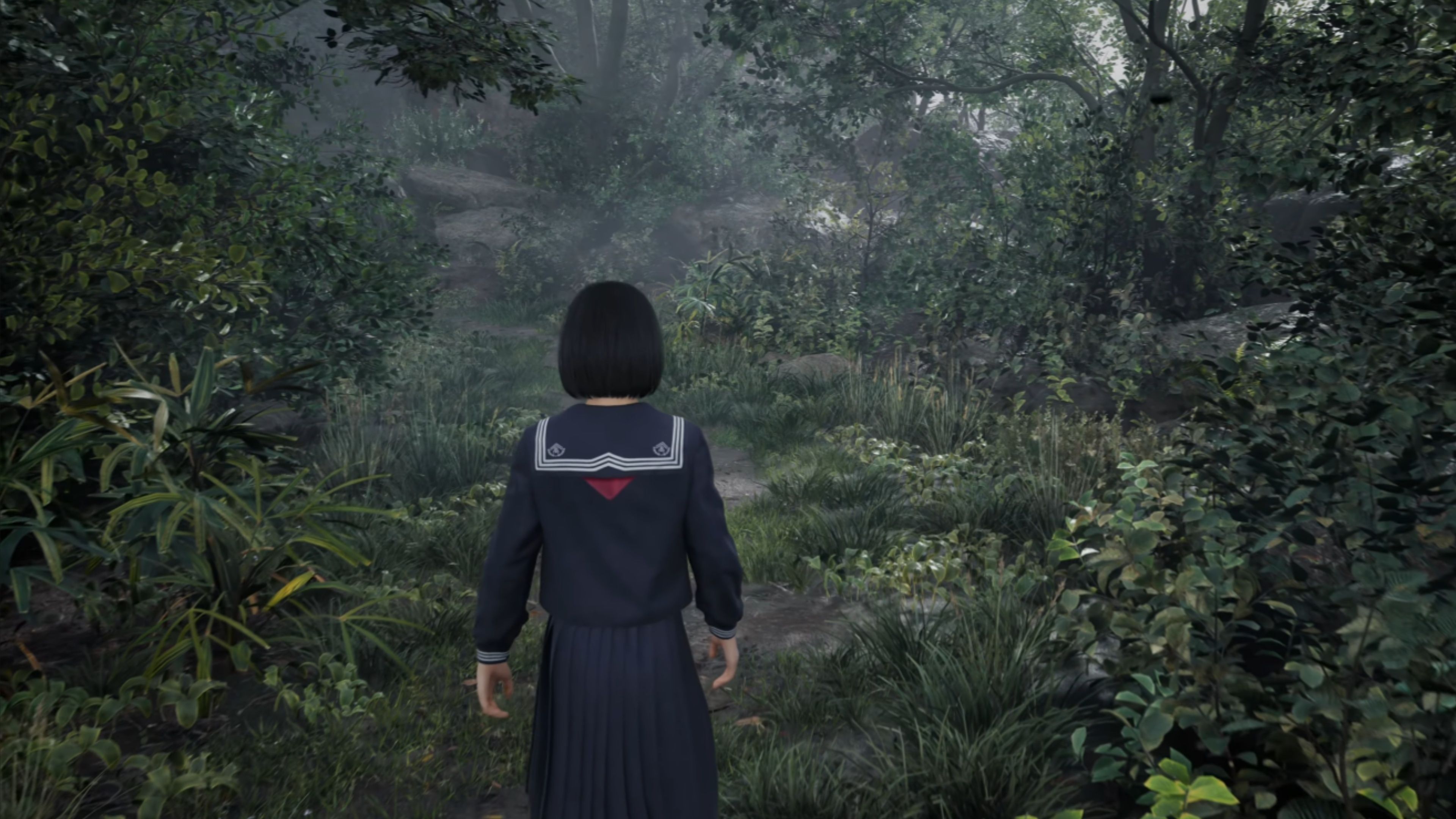
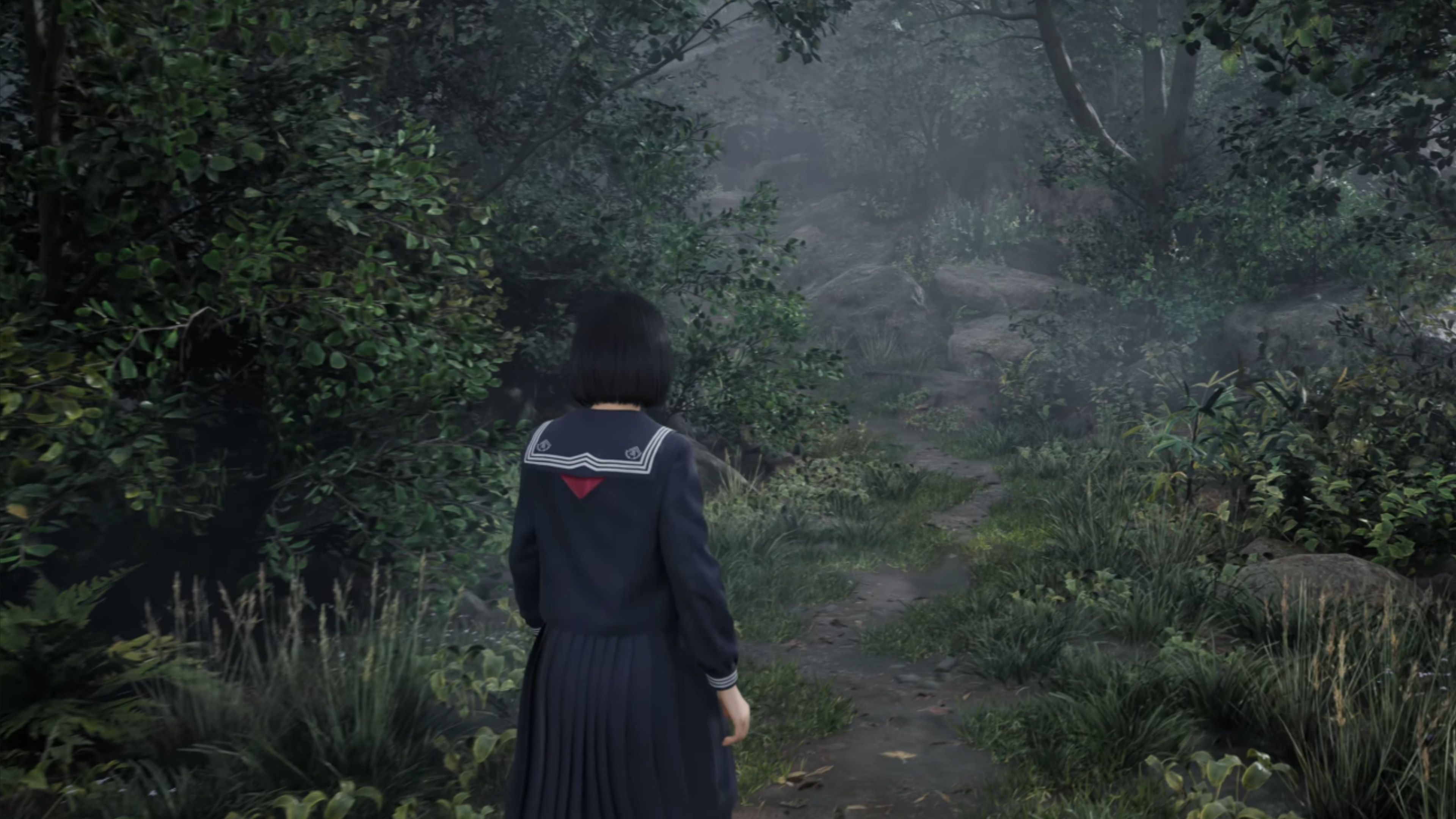
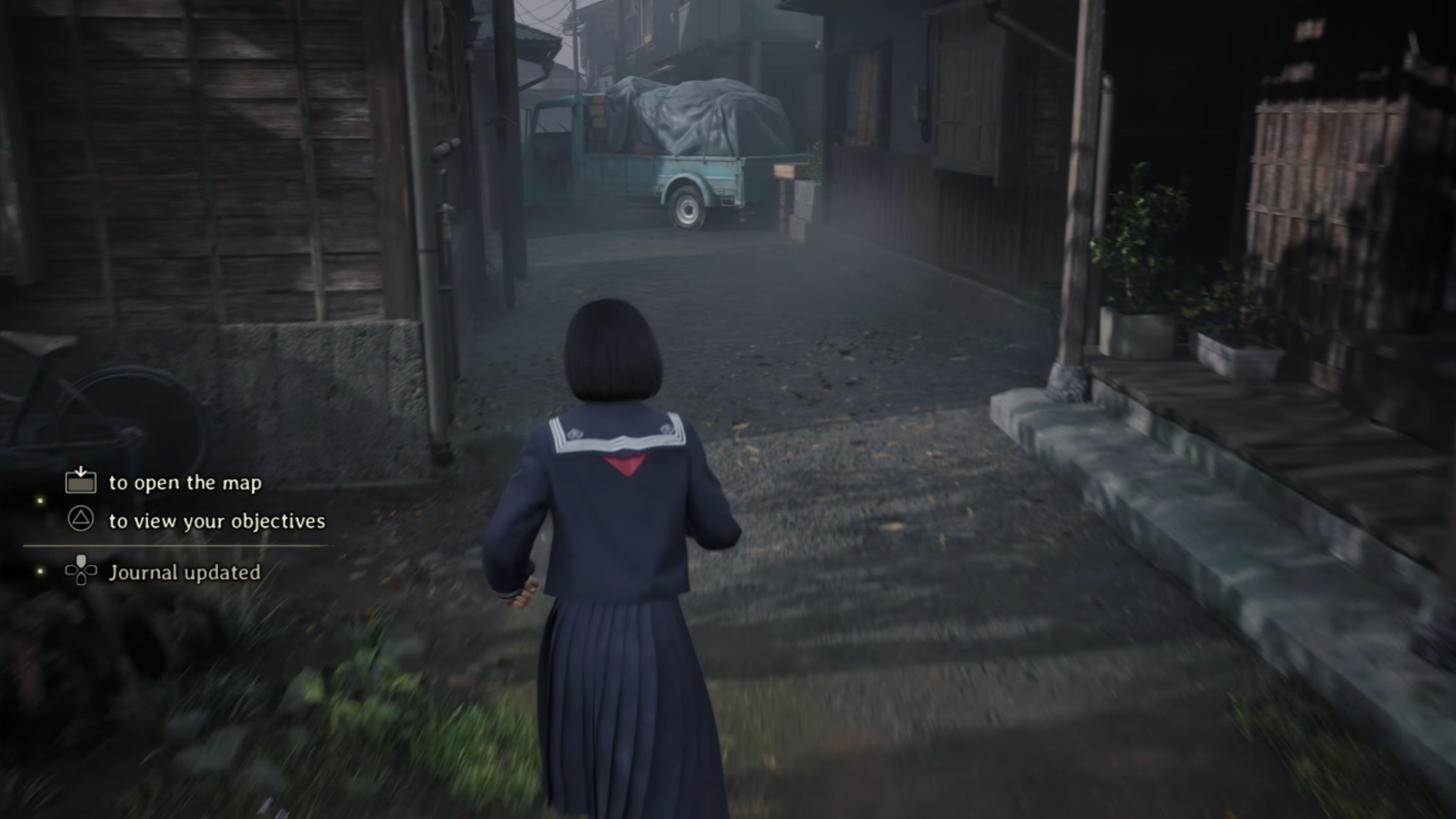
- Fine detail in environments holds together better during movement, and fog looks more stable instead of breaking into noisy layers.
- Lighting transitions feel smoother and less flickery.
As a big fan, I’ve been following the PS5 Pro demos closely, and Silent Hill f is really showing what the upgraded tech can do, even if it’s not flawless. When the PS5 Pro first came out, the initial version of the game’s visuals had some problems with PSSR – things looked shimmery and a bit broken up, especially with things like leaves, fog, and softer lighting effects. But it’s clear there’s been a lot of improvement, which is exciting to see!
The recent PSSR 2 update has completely eliminated visual glitches, resulting in a remarkably clear and stable image, even when things are moving quickly. A major benefit of playing on the PS5 Pro is how much better it looks compared to the standard PS5. In fact, the PS5 Pro version with PSSR 2 actually delivers a superior picture quality than the base PS5’s Quality Mode.

Critical Mass
Pick games to balance the averages.
Scales
Results
Ghost of Yotei
Improved Texture Detail on Characters and Sharper Overall Visuals
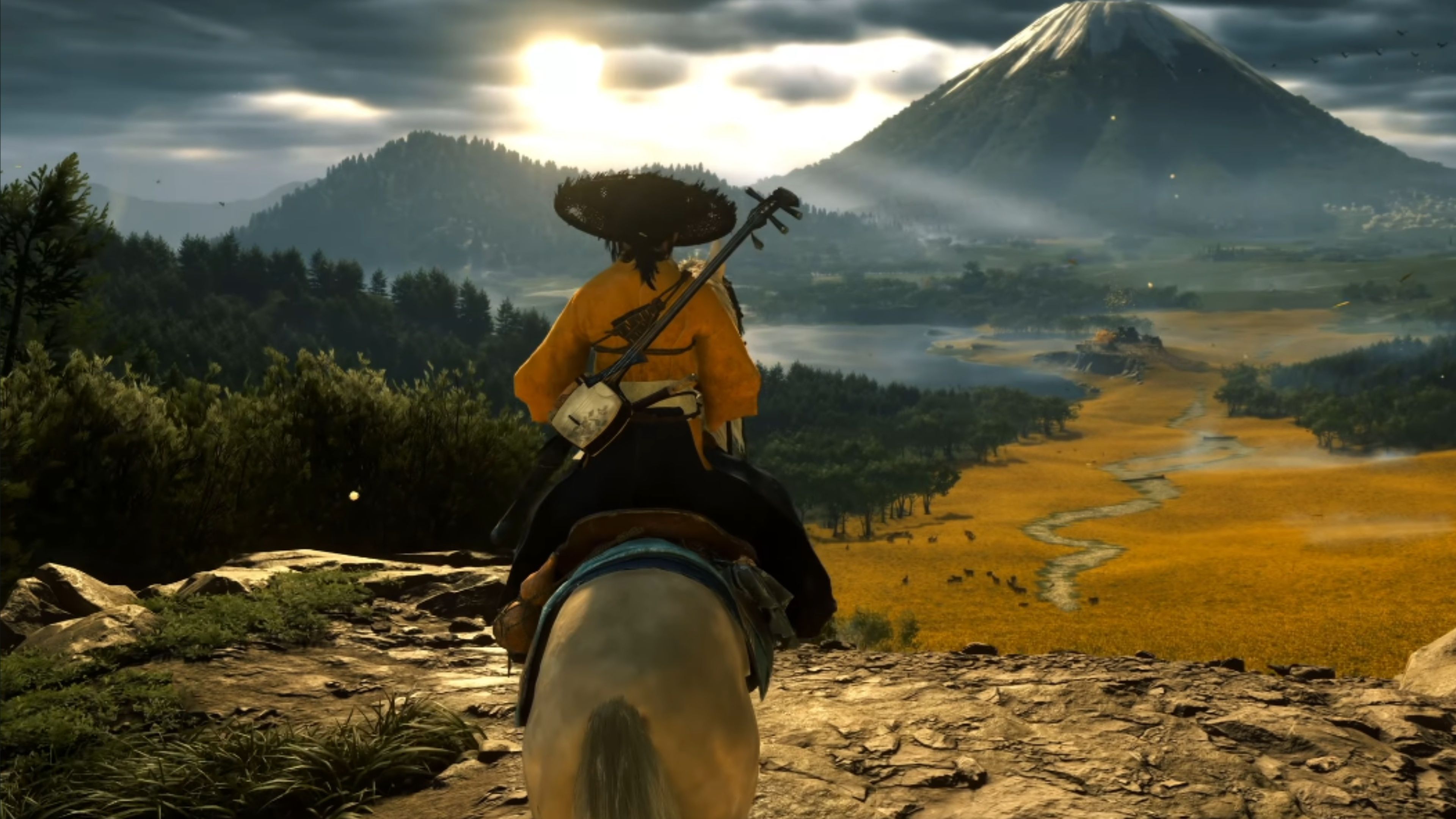
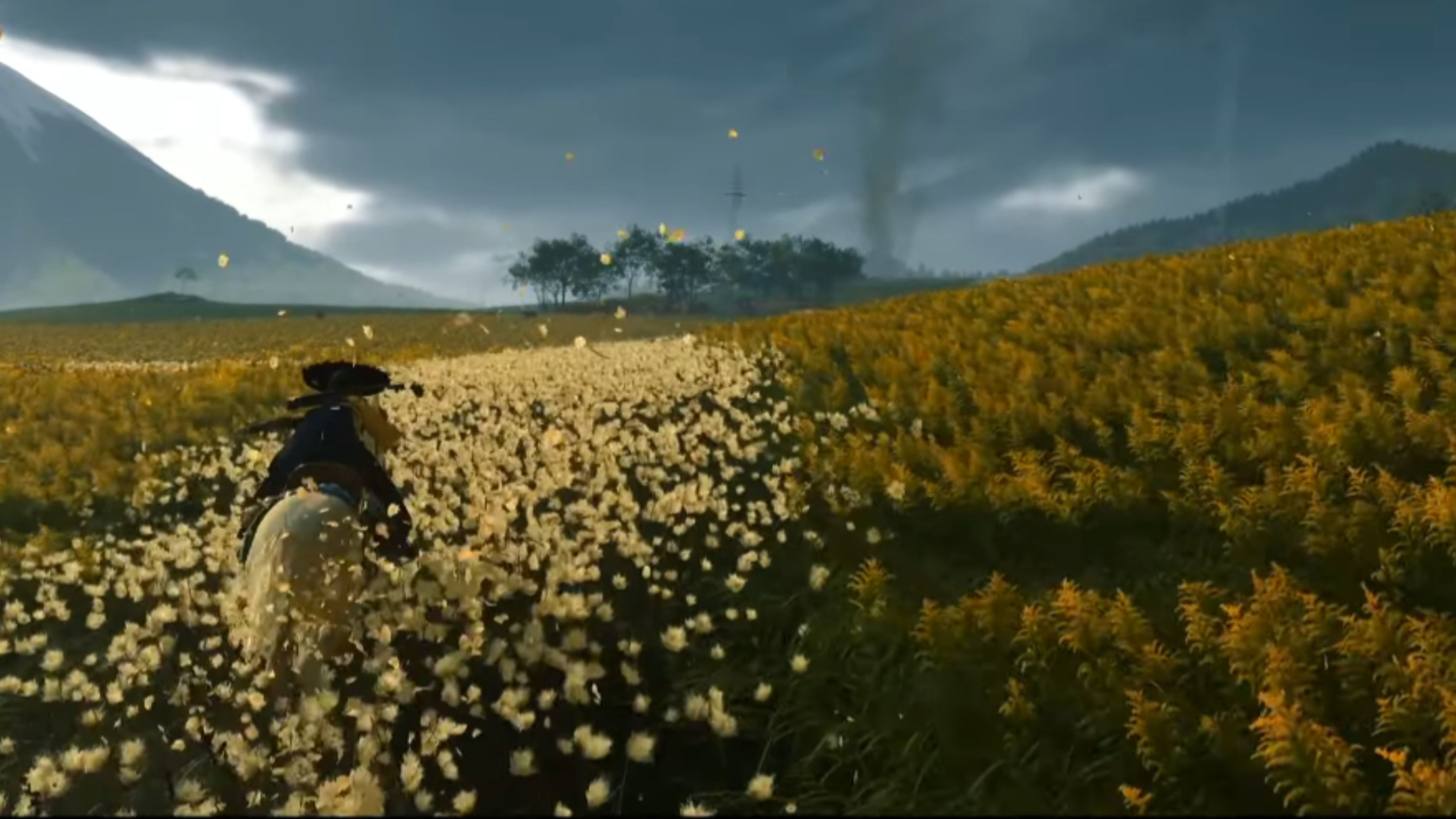
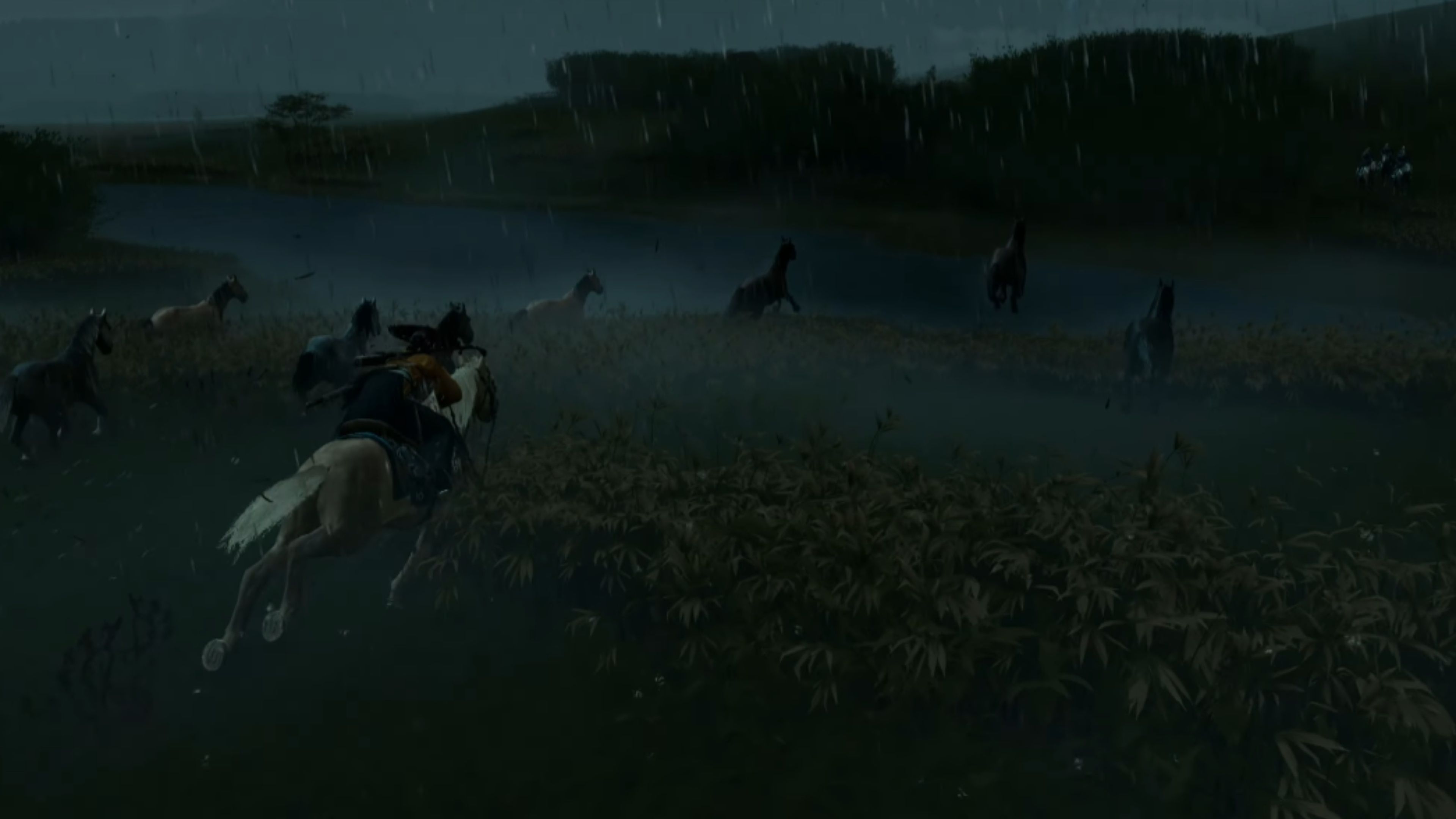
- PSSR 2 allows the game to maintain complex ray tracing while pushing frame rates toward 90 FPS.
- It fixes the specific flickering issues found on distant landscapes.
Ghost of Yotei was already a beautiful game, but the new PSSR 2 update significantly improves both how it looks and how smoothly it runs. Details are much clearer, from character outfits to the scenery. The game is also more stable visually, making expansive environments and quick action sequences look polished and cinematic.
As a fan, I’m really excited about how well Ghost of Yotei runs with PSSR 2 turned on! I’ve been getting around 80 to 90 frames per second in a lot of areas, which means whether you’re just wandering around the huge world or battling enemies, the game looks fantastic without slowing down. It’s a great way to get the best visuals and smooth gameplay all at once.
Final Fantasy 7 Rebirth
Eliminating Grainy Noise for Sharp 60 FPS Performance
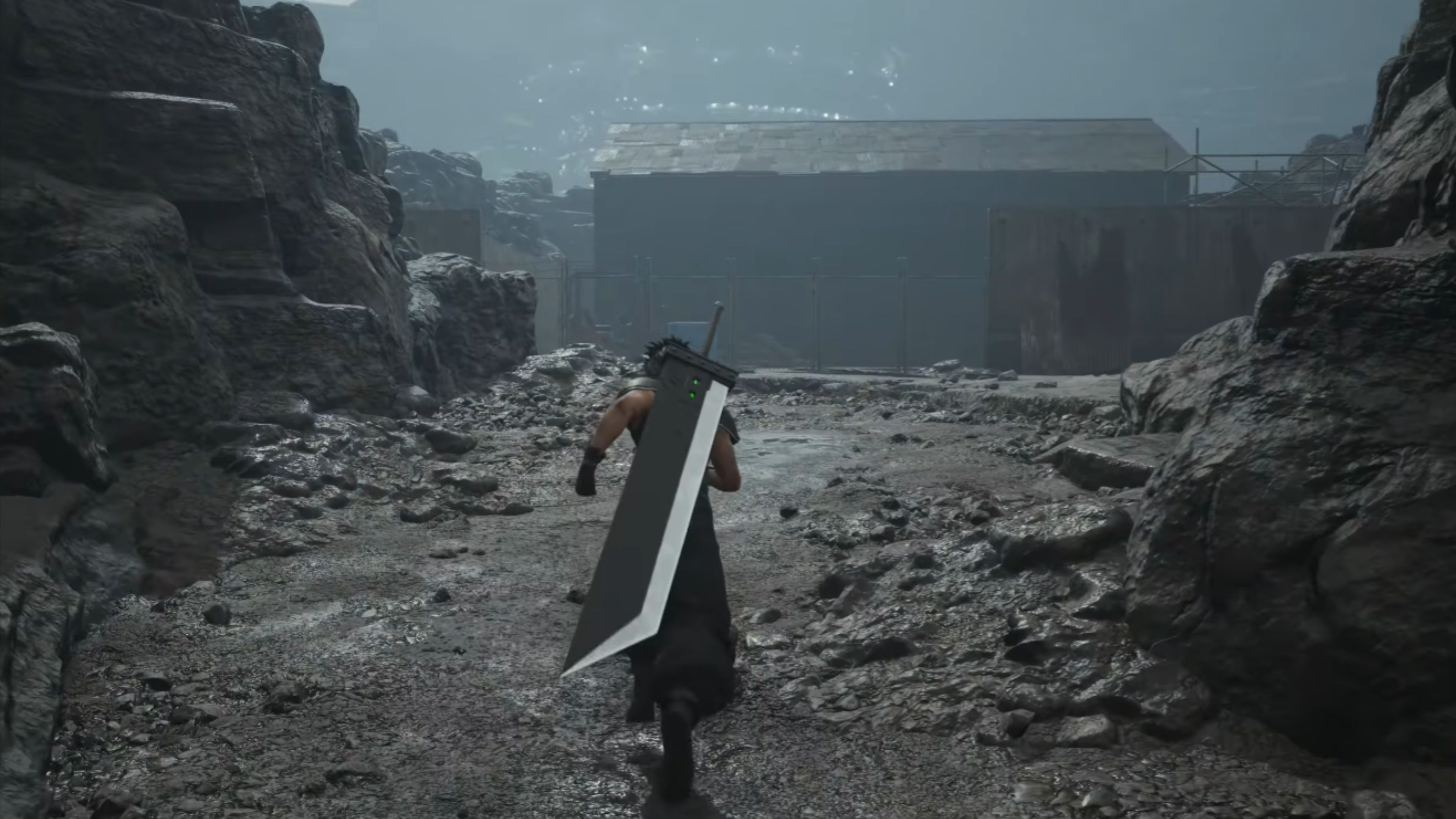
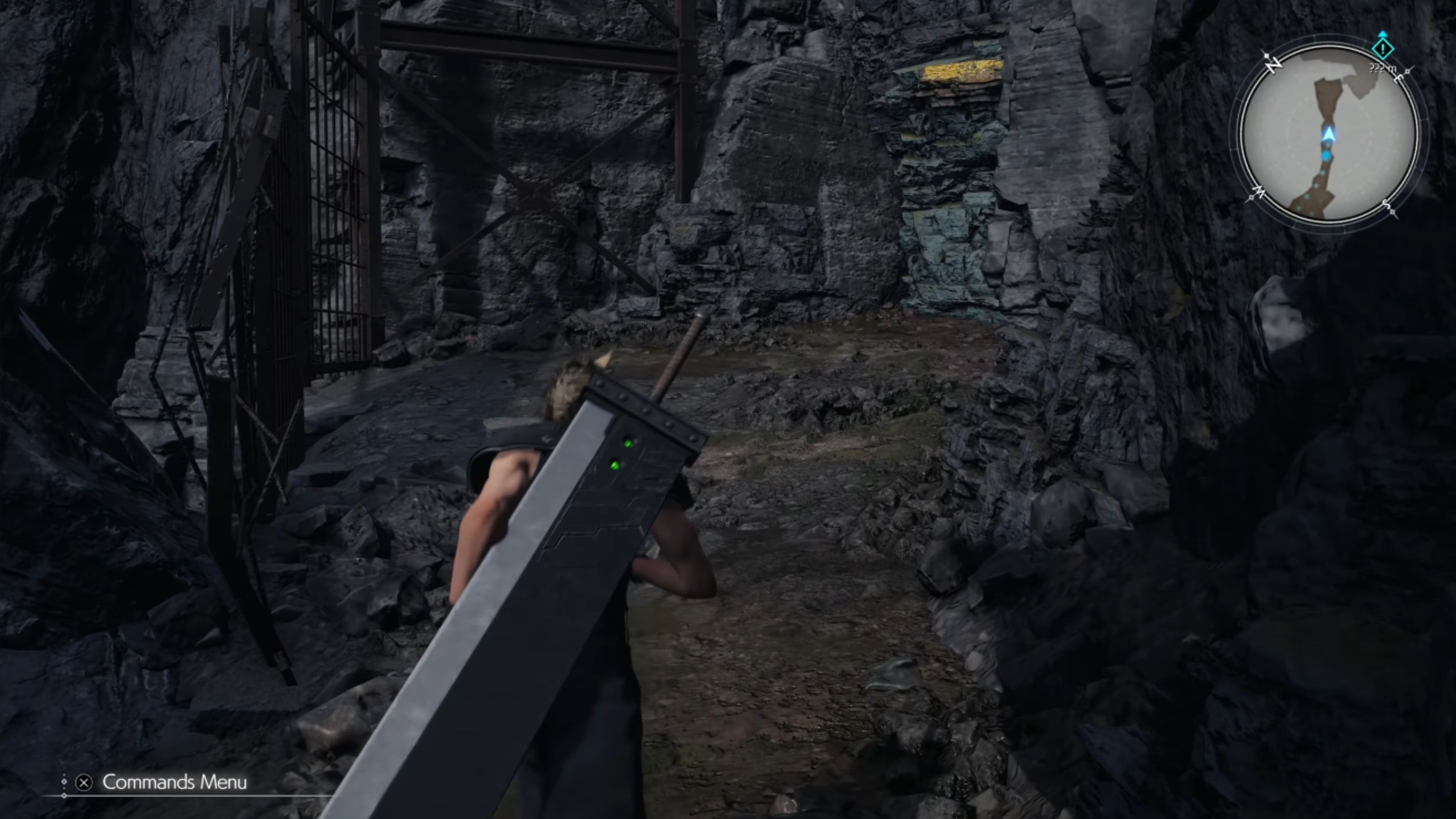
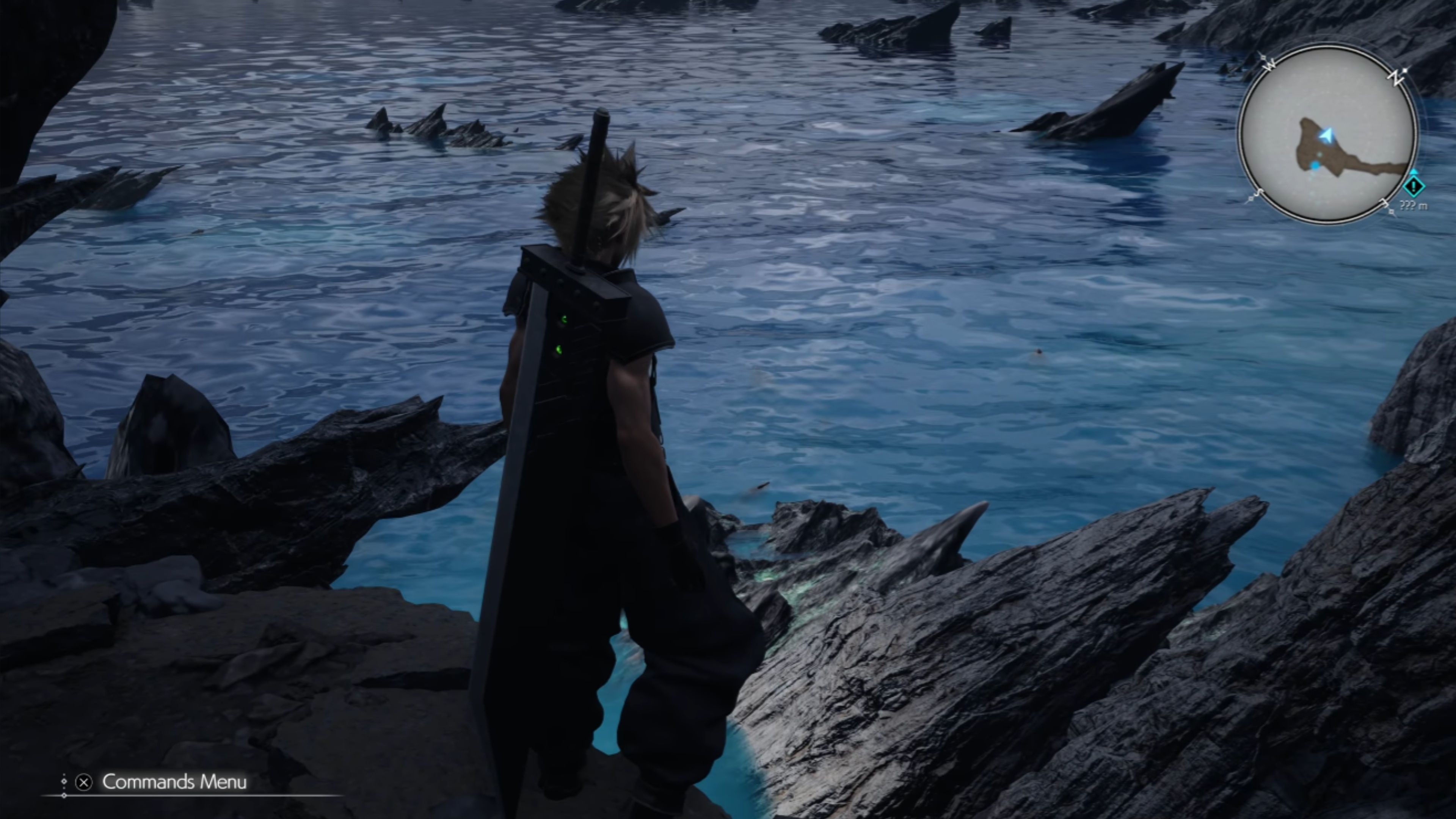
- PSSR 2 removes the grainy, peppery noise that made the original PSSR image look unstable.
- It delivers a 60 FPS performance mode that looks clearer than the base console’s 30 FPS high-quality setting.
Final Fantasy 7 Rebirth was among the first games to showcase Sony’s image upscaling technology, and it now stands out as a prime example of how the PS5 Pro can enhance graphics. While the initial version of the technology in Rebirth looked good, it created a slightly painterly visual effect. The updated technology, PSSR 2, has eliminated this, resulting in a much clearer and more stable image, both when the camera is still and in motion. Details like fences and tree branches are now sharper and free of distracting jagged edges.
A problem with the original PS5 version of the game was that choosing the 60 frames-per-second mode made the image look blurry. The new PSSR 2 technology fixes this, actually making the image sharper than the 30 frames-per-second mode on the original PS5. Overall, Final Fantasy 7 Rebirth really shows off the improvements offered by PSSR on the PS5 Pro.
Monster Hunter Wilds
Improves Visual Clarity, Making Low-Resolution Modes Look Better Than on Base Consoles
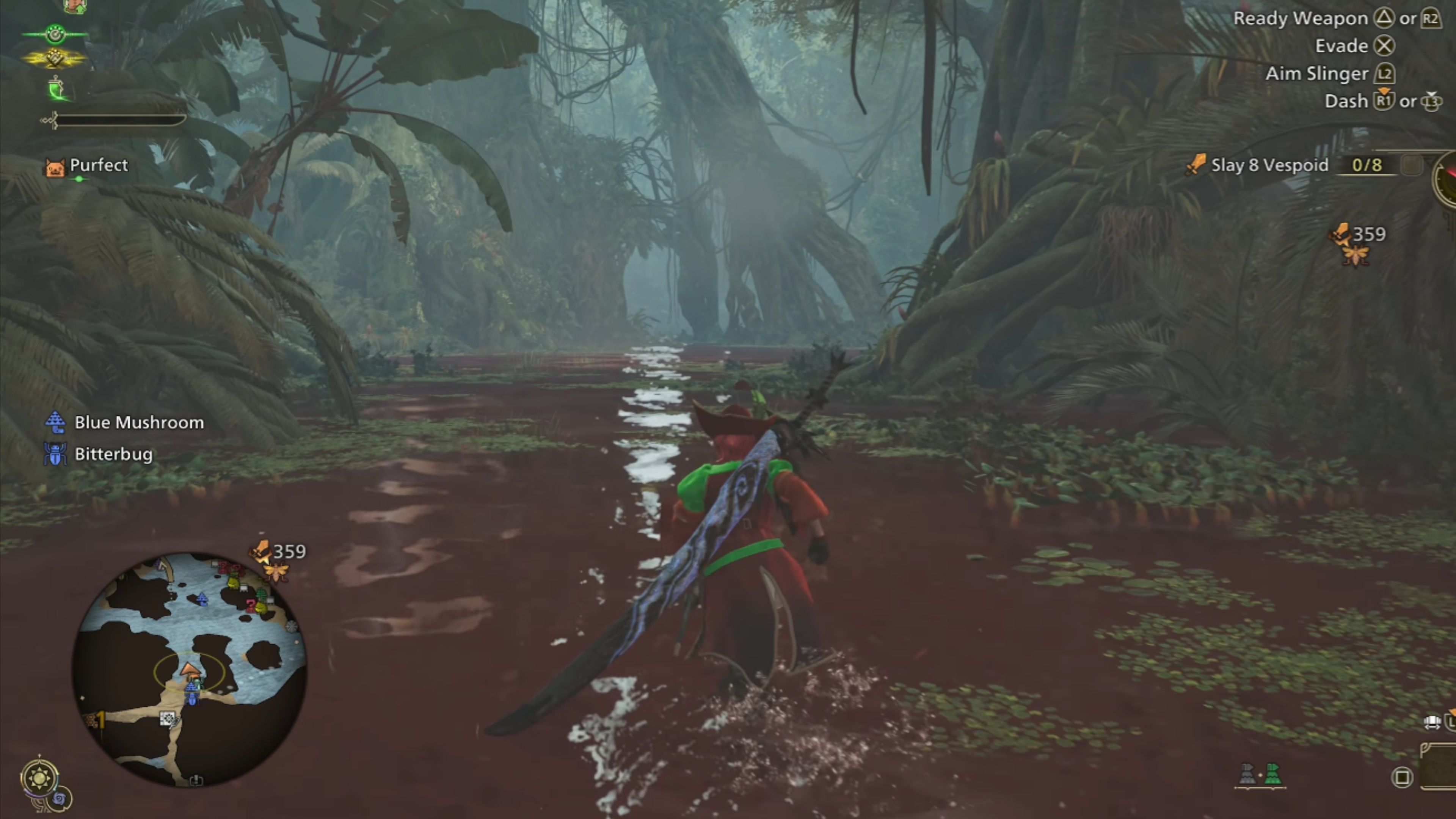
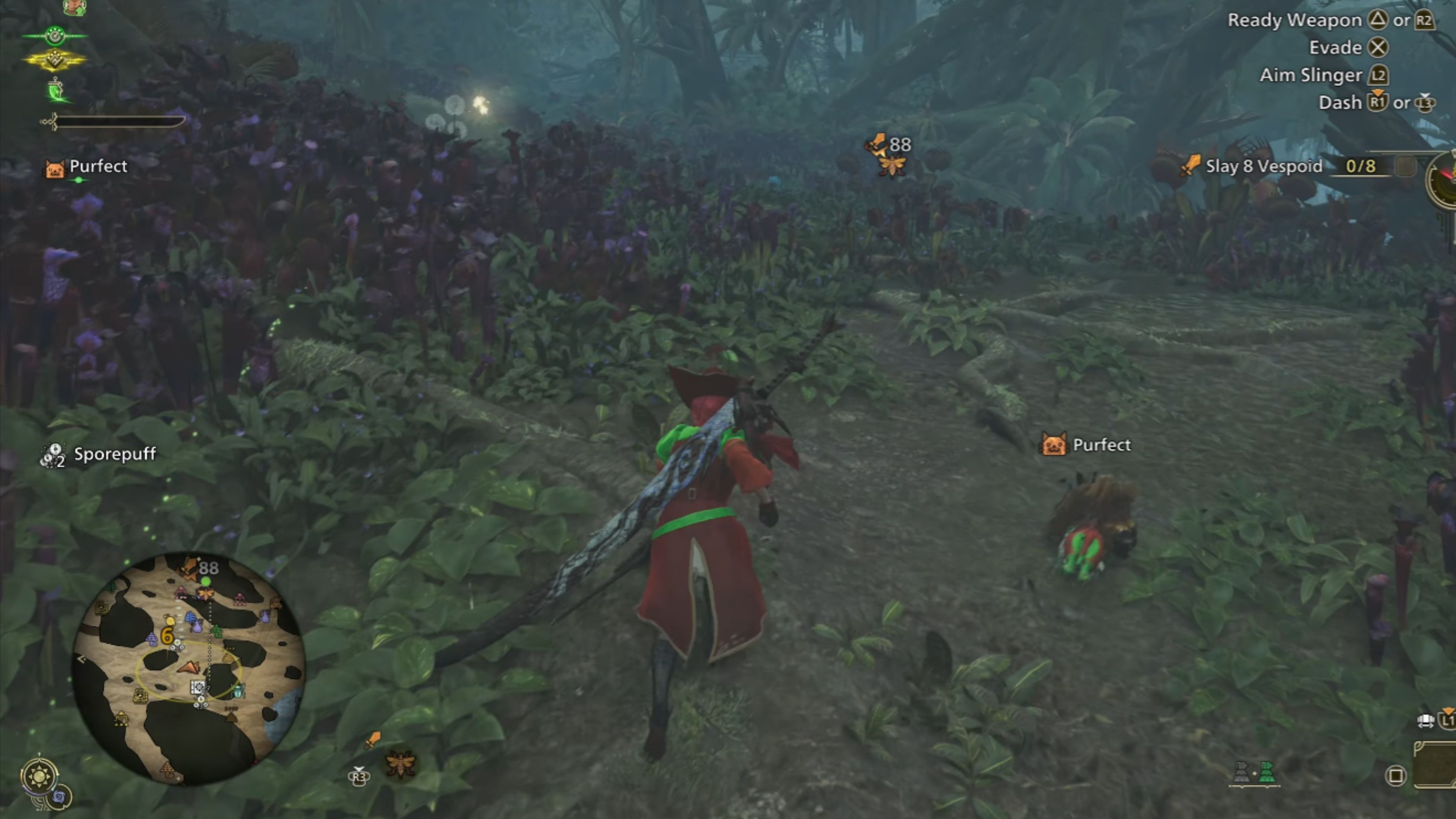
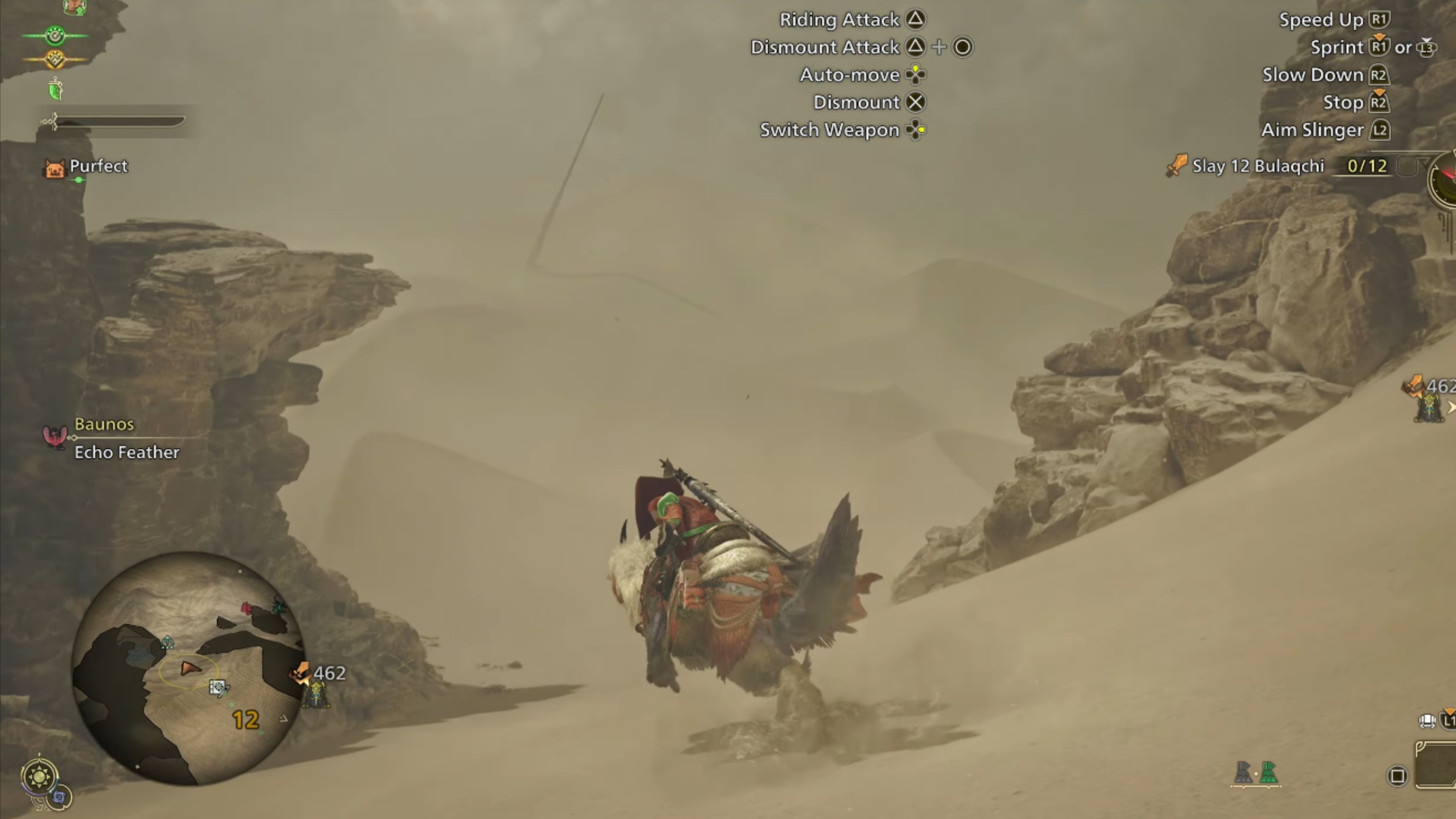
- Plants and the edges of rocks are much clearer now.
- Less shimmering compared to the original PSSR.
Monster Hunter Wilds is a beautiful game, and the move to PSSR 2 on the PS5 Pro makes it even clearer to see. Details like plants, rocks, and especially water look much more realistic. Although a little bit of shimmer can still happen with fast camera movements, it’s significantly less noticeable than before.
Okay, so I’ve been playing with the PSSR 2, and honestly, the combat looks way better. All the explosions and effects are so much smoother and cleaner now. I’ve been running it at 1800p and aiming for 30 FPS – it’s uncapped, which is nice – and the ‘Resolution’ mode is incredible. Everything just looks so detailed! The rocks are really well-defined, and the jungle environments are seriously sharp and immersive. It really makes a difference.
Metal Gear Solid Delta
Reduces the Heavy Artifacting and Smearing
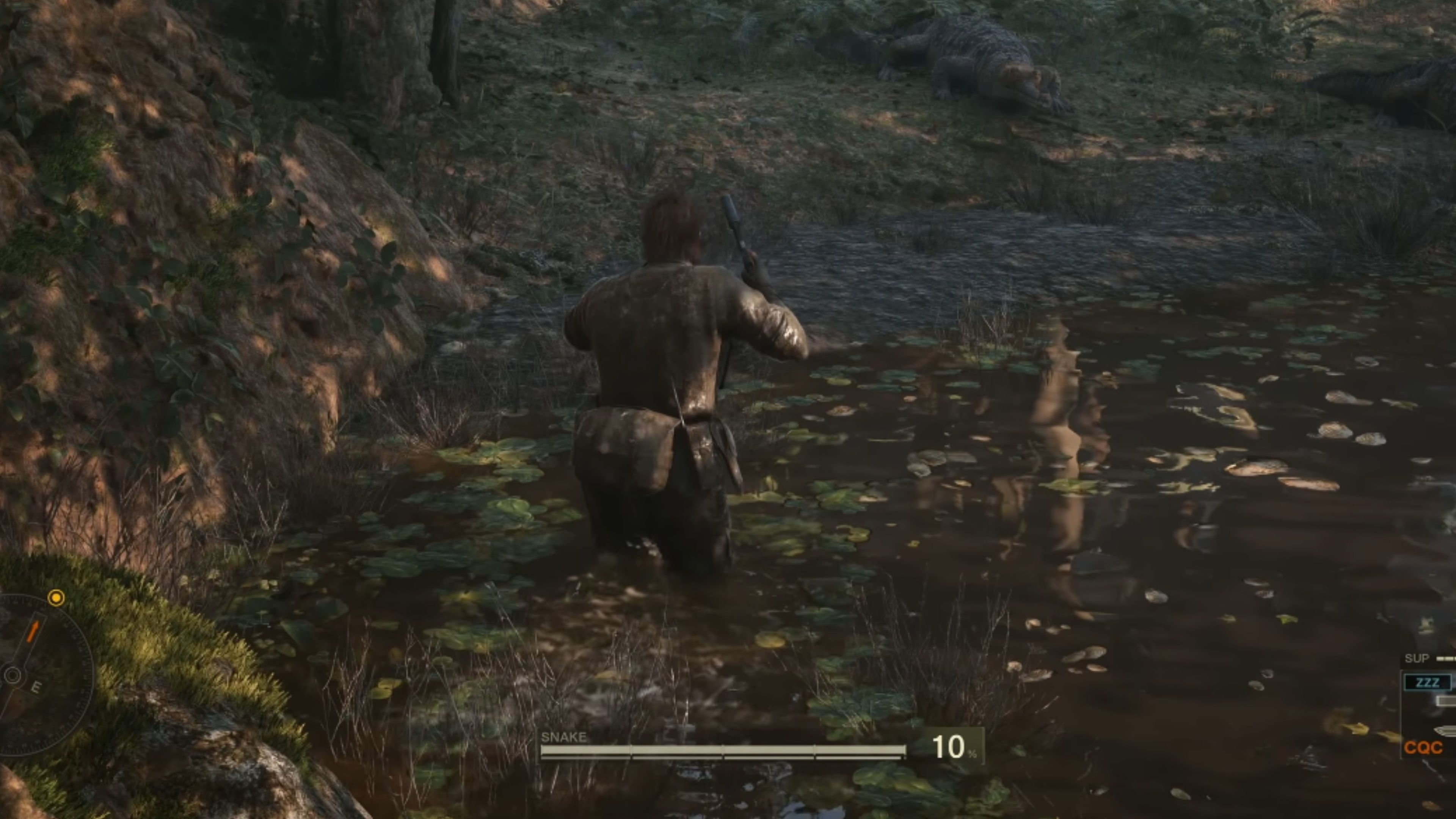
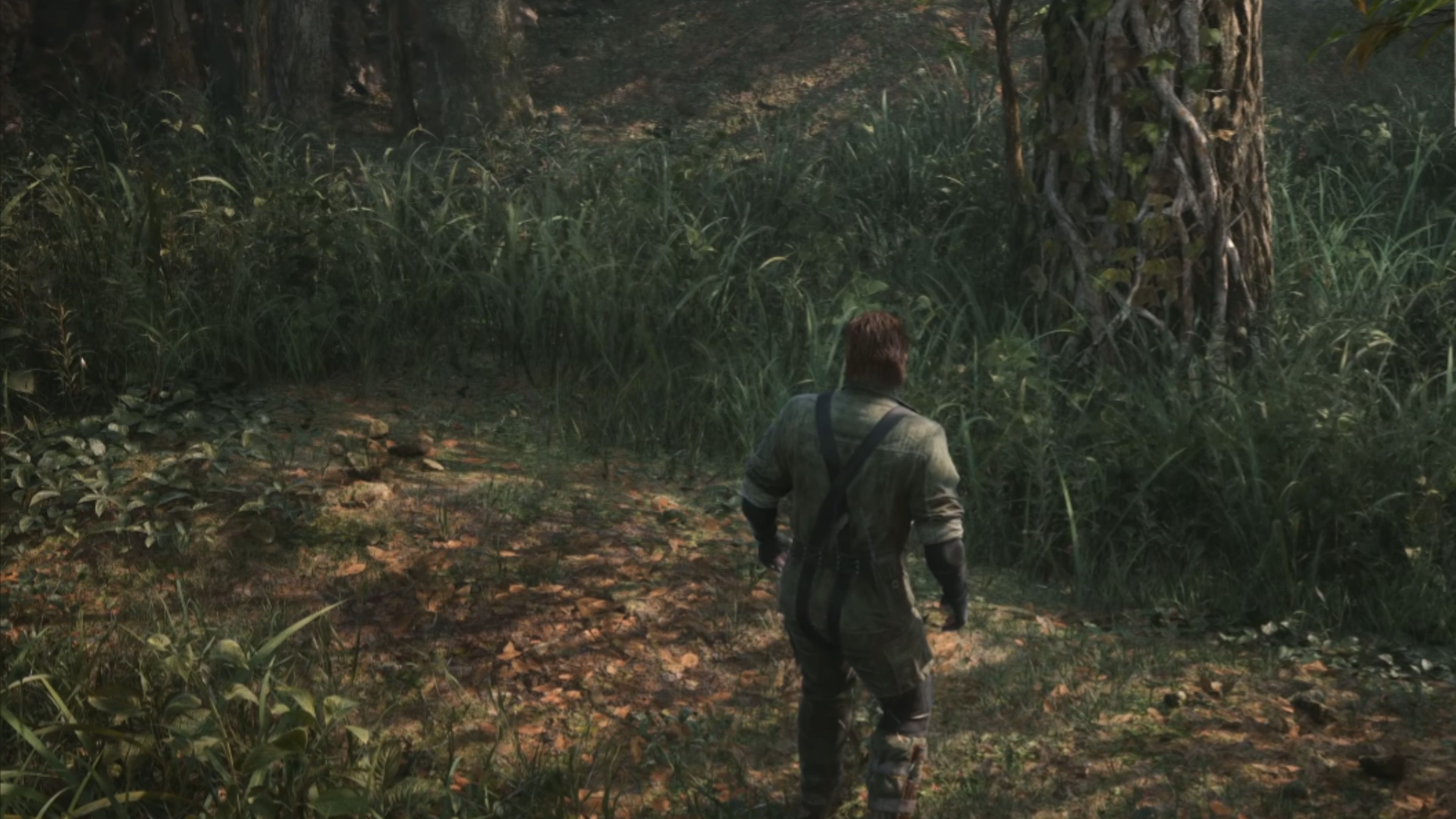
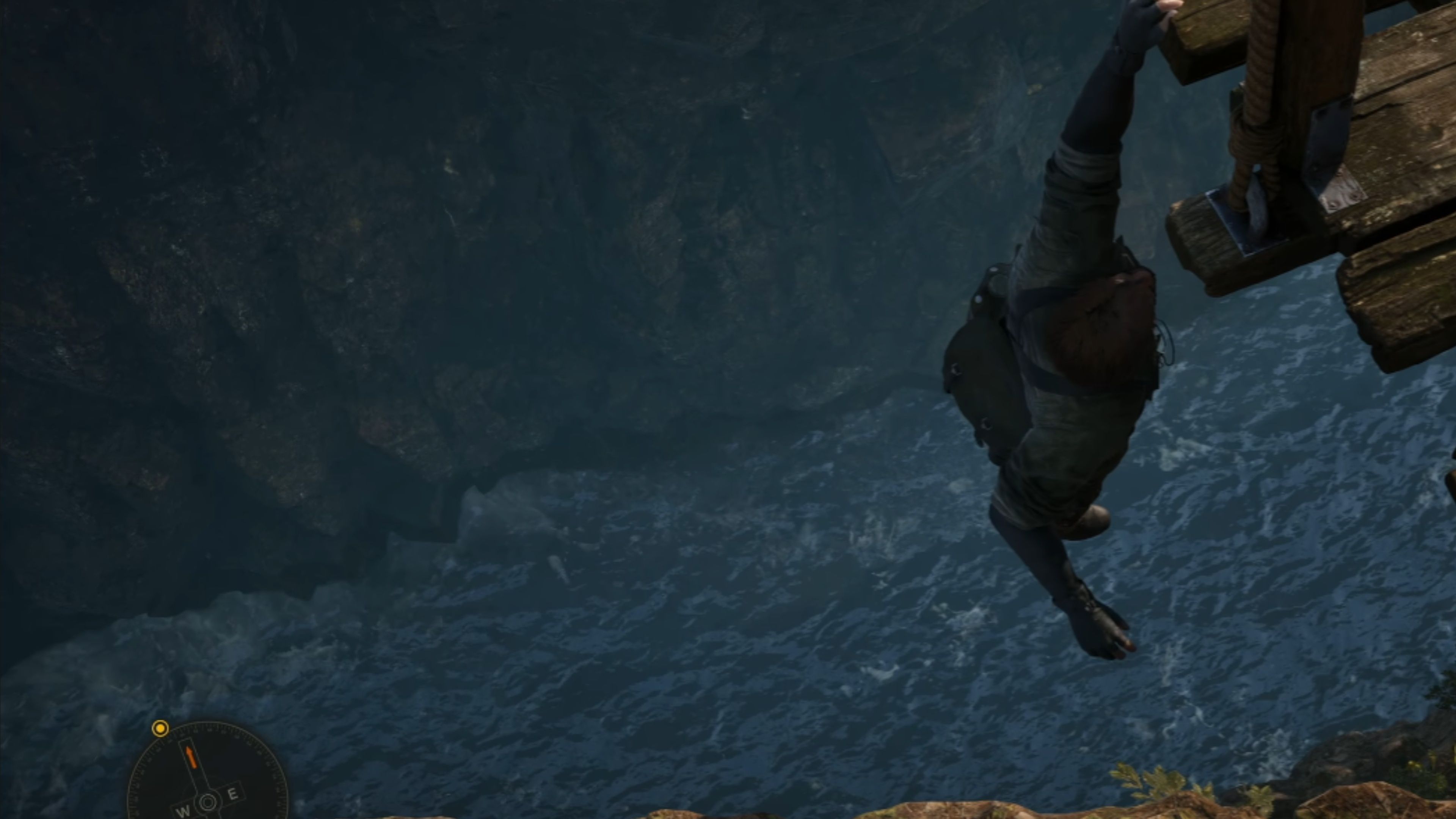
- Dense jungle plants and grass look more realistic, stable, and clearer while the camera moves through the environment.
- Walking on water looks much better with PSSR 2.
A major visual issue in Metal Gear Solid Delta was distracting flickering, particularly in the jungle environments when the camera moved. A new feature called PSSR 2 almost completely eliminates this shimmering effect on things like grass, leaves, and small branches, making the jungle look much more realistic and stable. Water surfaces also appear improved, with more natural-looking ripples.
As a fan, I’m really impressed with PSSR 2! It’s made a huge difference in Performance Mode – it now looks almost as crisp and clear as Quality Mode. Seriously, it used to be a blurry mess at 640p or 720p, but that’s completely gone. Plus, all the annoying flickering in the game world has been fixed, which is fantastic!
Read More
- All Shadow Armor Locations in Crimson Desert
- Dark Marksman Armor Locations in Crimson Desert
- Jujutsu Kaisen Season 3 Episode 12 Release Date
- How to Get the Sunset Reed Armor Set and Hollow Visage Sword in Crimson Desert
- Keeping AI Agents on Track: A New Approach to Reliable Action
- Top 5 Militaristic Civs in Civilization 7
- How to Beat Antumbra’s Sword (Sanctum of Absolution) in Crimson Desert
- Best Bows in Crimson Desert
- Sakuga: The Hidden Art Driving Anime’s Stunning Visual Revolution!
- Sega Reveals Official Sonic Timeline: From Prehistoric to Modern Era
2026-03-29 13:36