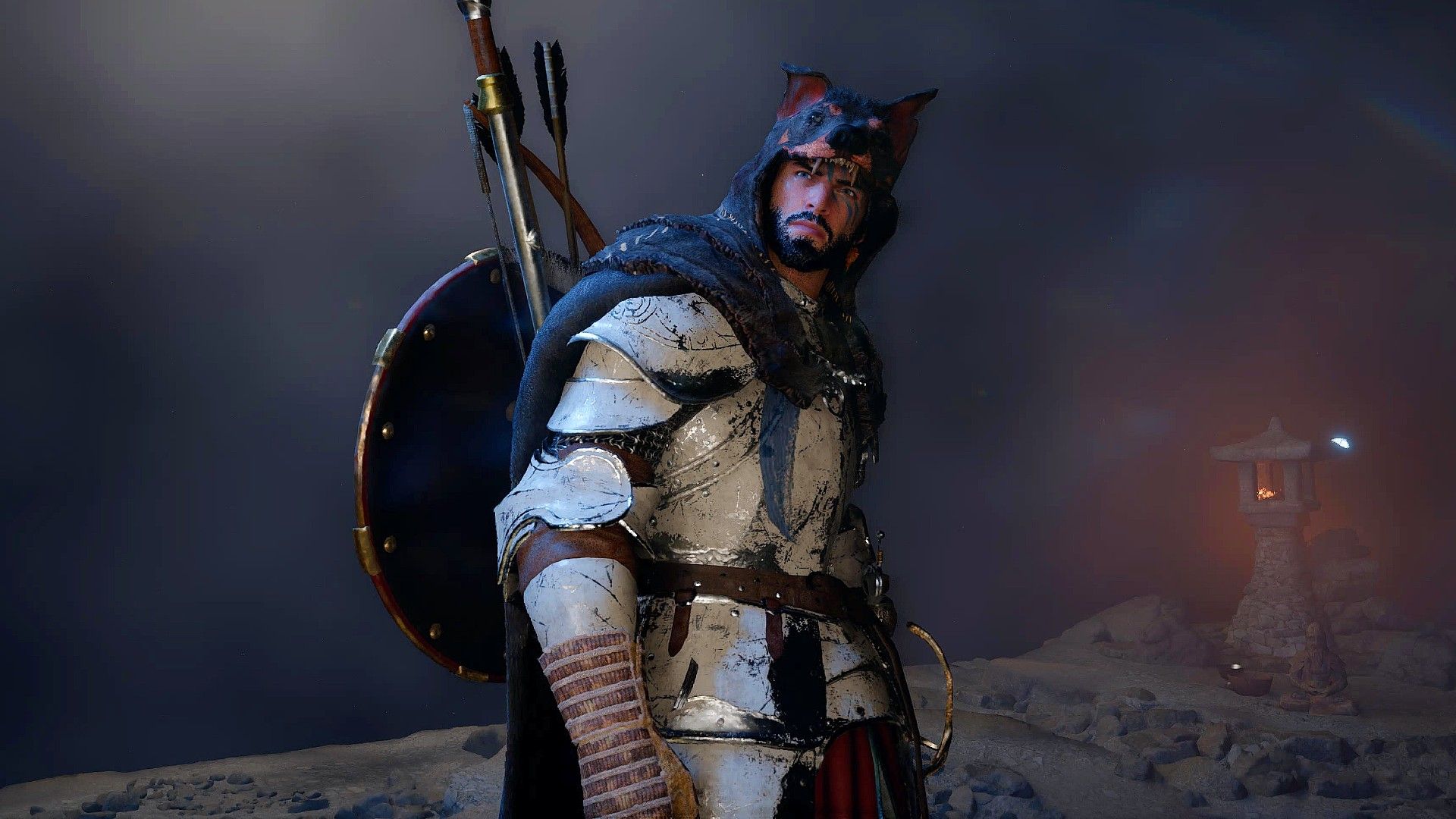
Crimson Desert is still incredibly popular, topping the charts for single-player games on Steam. Remarkably, it actually attracted more players during its second weekend after release. Pearl Abyss is actively supporting the game, quickly releasing updates based on player feedback and fixing problems. While it’s already a hit, Crimson Desert is still being developed, and we can expect significant changes and improvements in the months to come, making it quite different from the initial launch version.
With ongoing updates from the developers, the promising open-world game Crimson Desert is also attracting the attention of modders, suggesting it has staying power. While the game has only been out for a couple of weeks, its modding community is beginning to grow. Though there aren’t a lot of extensive mods available yet, fans are already creating projects to fix initial issues and improve gameplay elements like inventory management, the camera, looting, and the minimap. Here’s a look at some of the most useful mods (from Nexus Mods) that can enhance your experience in the world of Pywel.
To install most mods for the PC version of Crimson Desert, players first need to download and install either JSON Mod Manager or CD Ultimate Mods Manager.
Inventory Expansion and Stacks
There’s No Such Thing as Deep Enough Pockets
- Creators: kindiboy, momenaya, yukentseeme
- Nexus Mods Link (Inventory Expander)
- Nexus Mods Link (Fat Stacks)
- Nexus Mods Link (Inventory and Storage Expander)
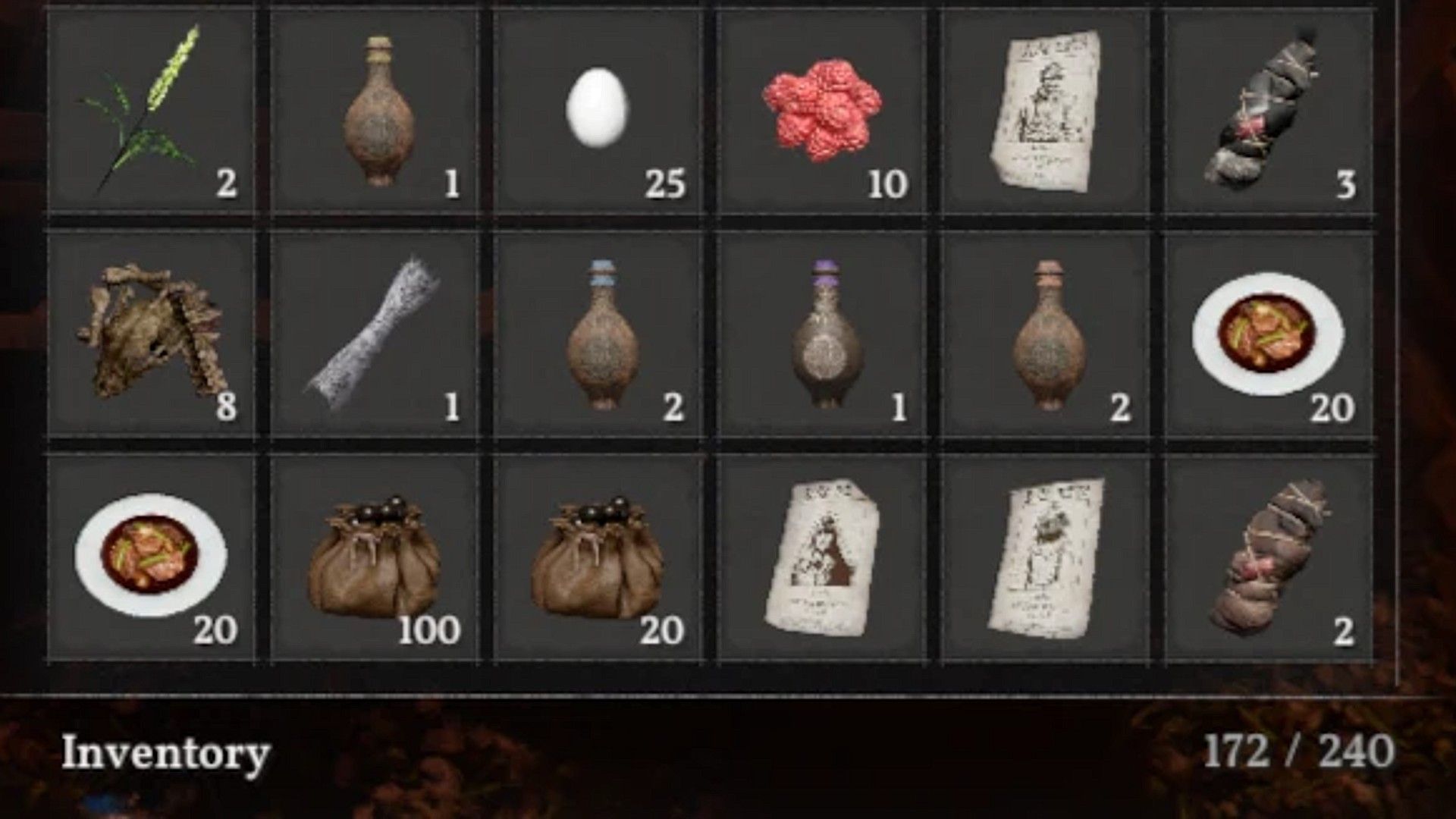
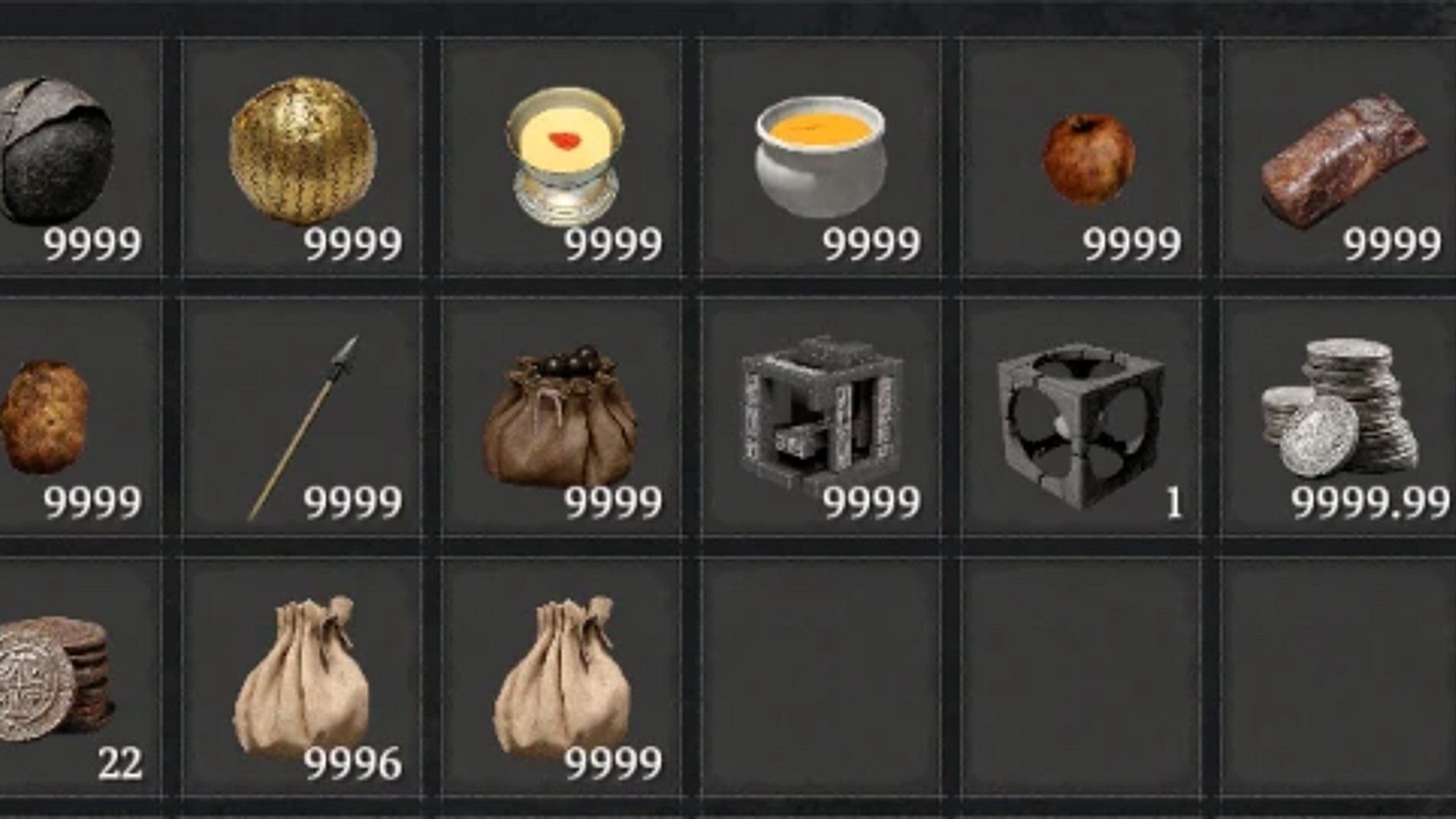
A common frustration in open-world and RPG games is managing limited inventory space, especially for players who like to collect everything! This is particularly noticeable in large games like Crimson Desert, where you’re constantly finding loot – important items, resources, even seemingly minor things like posters – all of which take up room. While the game does offer a storage chest and gradually increases your inventory size as you play, many players still find it isn’t enough. Inventory expansion is a popular request, so it will be interesting to see if the developers at Pearl Abyss address this issue in the future.
As a PC player, I’m happy to say we’ve got a couple of ways around the inventory limitations! There are a bunch of mods called Inventory Expanders – some let you go all the way up to 999 slots, though be warned, you’ll be doing a lot of scrolling! Or, you can grab the Fat Stacks mod, which basically lets you carry unlimited amounts of things that stack. It’s great because in Crimson Desert, you’re constantly finding loot, especially with all the bugs flying around, and nobody wants to leave anything behind!
Better Third-Person Camera
Not Everyone Is Satisfied With Four Default Camera Options
- Creators: Maszradine, orangeees, latranchedepain
- Nexus Mods Link (CDCamera – Camera Overhaul)
- Nexus Mods Link (Proper 3rd Person Camera – RDR2 style)
- Nexus Mods Link (Shoulder Camera)
Crimson Desert is unusual for open-world games because it lets you customize the camera right from the start – you can change how far away it is, switch perspectives whenever you want, and even play in first-person. However, some players still want even more control over the camera, and that’s where mods designed to completely change the camera system can be helpful.
Several camera mods are available for Crimson Desert, letting players customize their experience. CDCamera – Camera Overhaul offers detailed control over settings like distance, height, and zoom. If you prefer a more cinematic feel, the Proper 3rd Person Camera mod mimics the camera style of Red Dead Redemption 2, with smoother movement and improved horse riding. For a different take on third-person view, the Shoulder Camera mod is a simpler option. With these choices, PC players should be able to find a camera perspective they enjoy.
Hide Unnecessary Equipment
One of the Most Requested Features for a Clean Character Look
- Creators: bladeangle, tkhquang, LightningLast
- Nexus Mods Link (Hidden Equipment)
- Nexus Mods Link (Gear Hider)
- Nexus Mods Link (Character Swapper)
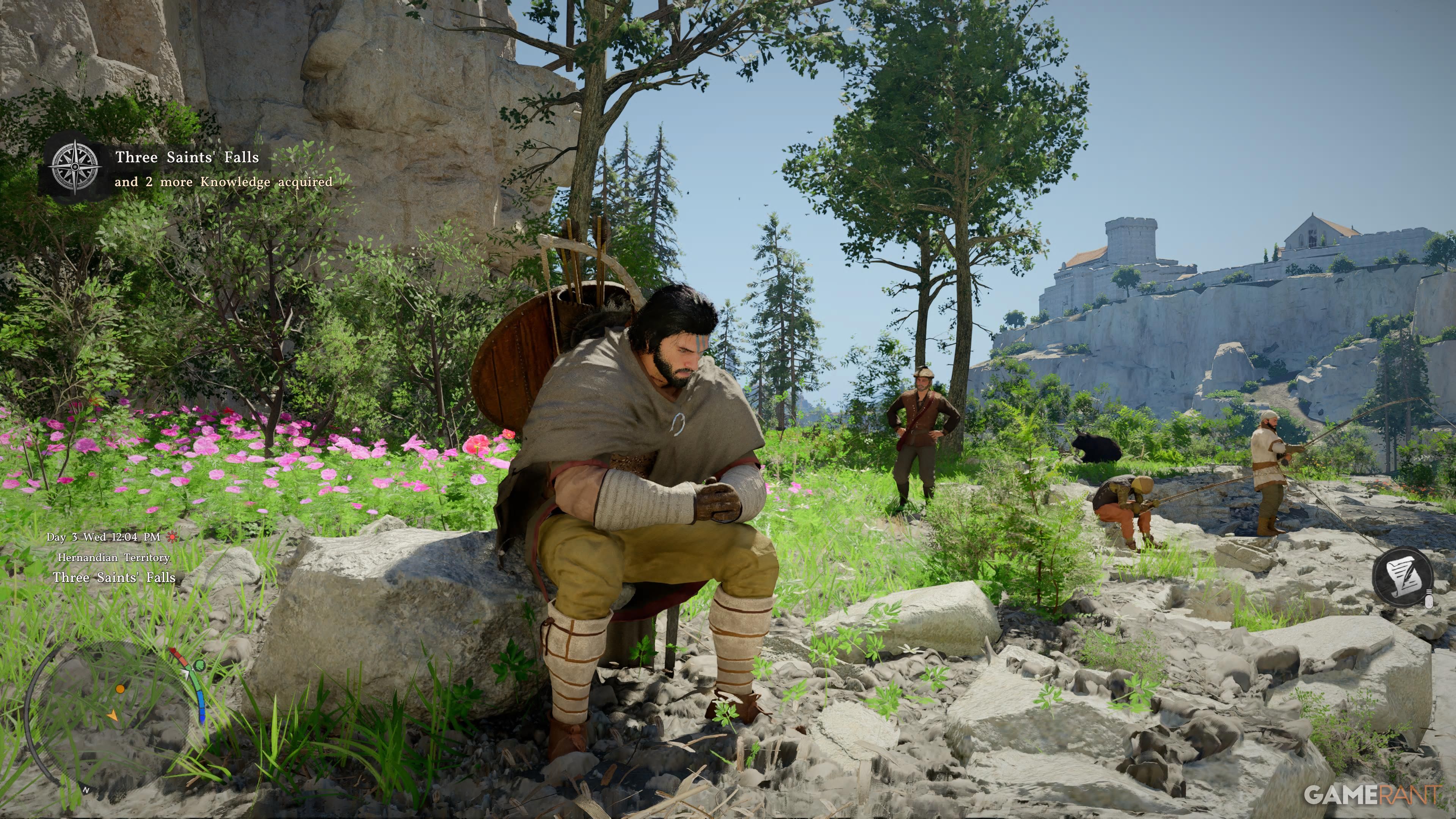
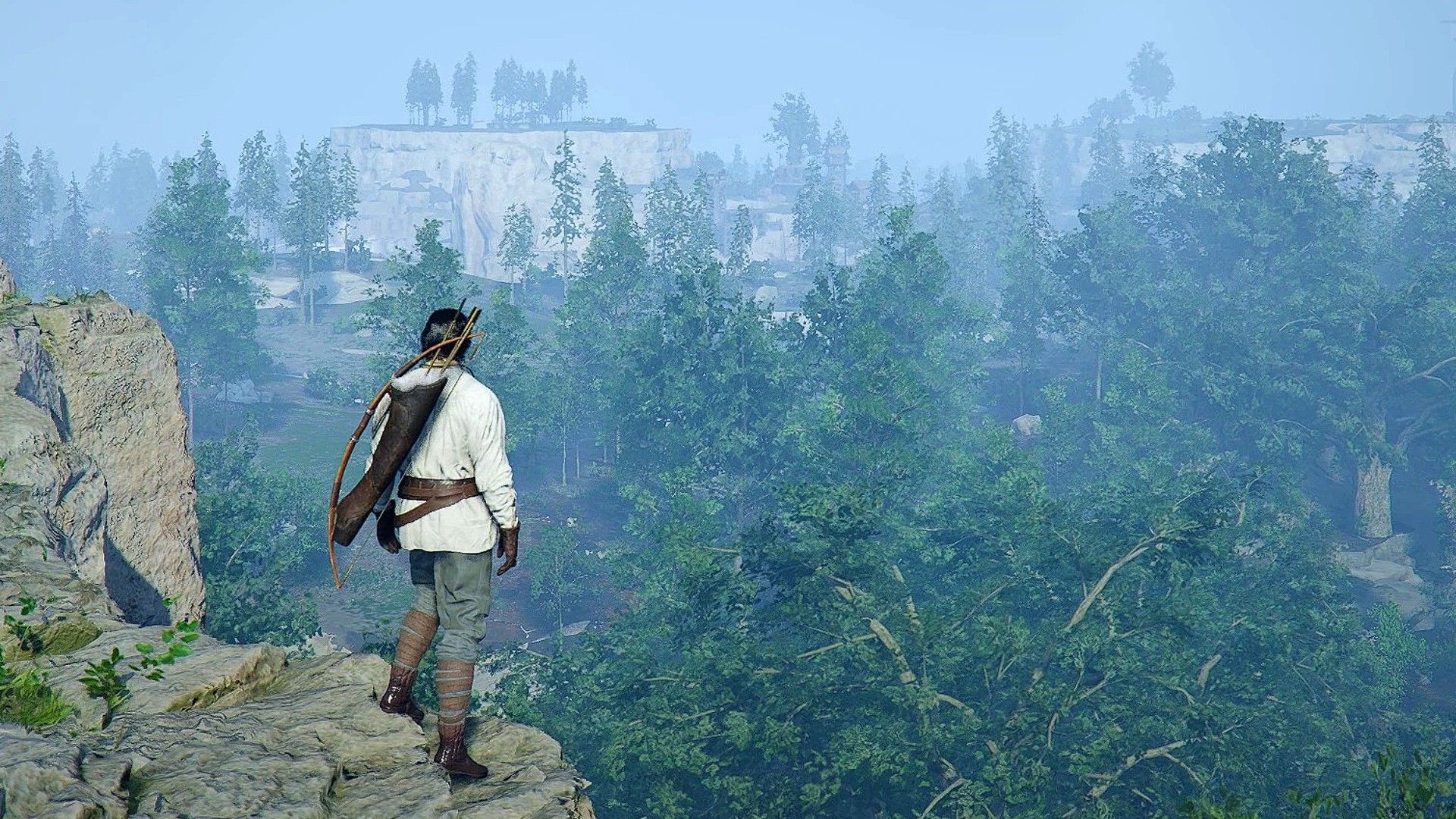
A popular request from players of Crimson Desert is the ability to hide gear they don’t use. Currently, items like bows, tools, and shields are always visible on characters, even if players don’t use them, which many find distracting. While Pearl Abyss is likely working on a fix, PC players are already using mods to address this issue.
Several mods allow players to hide equipped gear for a cleaner look. The Hidden Equipment mod offers six versions to conceal items like shields, bows, and lanterns. Gear Hider lets you toggle the visibility of all equipped items using customizable hotkeys. For even more control, the Hide Armor Weapons and Tools with Character Swapper mod is incredibly flexible. It not only hides gear but also lets you change the appearance of Kliff and Damiane to any look from Crimson Desert without needing to unequip anything, and even hide items specifically for Damiane.
World Map & Minimap Tweaks
Makes Navigation in Pywel Much More Pleasant
- Creator: Caites
- Nexus Mods Link (Minimap Tweaks)
- Nexus Mods Link (Map Tweaks)
Exploring the world of Pywel can be tricky. The map is large and packed with hidden discoveries, interesting locations, and helpful characters like merchants, making it easy to miss things. The developers plan to improve the map and menus in future updates, as they aren’t very user-friendly right now. However, PC players can find some small modifications that make exploring the world of Crimson Desert a bit easier and more enjoyable.
Two mods created by the same developer offer helpful improvements to the minimap and world map in Crimson Desert. The Minimap Tweaks mod enhances the minimap by increasing its visibility range, standardizing its display, and allowing players to hide enemy icons for a cleaner look. The Map Tweaks mod goes further, letting players reveal the entire map – including all locations and points of interest – so they don’t miss anything. However, players can customize these changes; for example, they can reveal the map itself while still keeping question mark icons to maintain some mystery during exploration.
Auto Loot Enemies
Must-Have Addition for Increased Inventory Mod
- Creator: CyberGecko1
- Nexus Mods Link
Looting in Crimson Desert can be frustrating right now. Players have to manually collect items from each body or container, and the controls are awkward. Plus, when you clear an enemy camp, the area resets and most of the loot disappears. To make things easier, we recommend the Configurable AutoLoot and Fast Interact mod. It works great with expanded inventory mods to help you collect everything efficiently.
This mod simplifies gameplay by automatically collecting all nearby items for you. It also lets you interact with people and objects from further away in Crimson Desert, and makes those interactions quicker and easier. You can customize the range for automatic looting, but be careful not to set it too large, as this could cause problems with the game, like accidentally opening every door or turning on every light. Loot responsibly!
Read More
- All Shadow Armor Locations in Crimson Desert
- All Skyblazer Armor Locations in Crimson Desert
- How to Get the Sunset Reed Armor Set and Hollow Visage Sword in Crimson Desert
- Best Bows in Crimson Desert
- Marni Laser Helm Location & Upgrade in Crimson Desert
- All Helfryn Armor Locations in Crimson Desert
- All Golden Greed Armor Locations in Crimson Desert
- Wings of Iron Walkthrough in Crimson Desert
- How to Craft the Elegant Carmine Armor in Crimson Desert
- Keeping Large AI Models Connected Through Network Chaos
2026-04-04 13:05