Man, playing ARC Raiders can be awesome, but I keep running into these frustrating problems that ruin the experience. The worst one by far is this “Outdated Game Client” error. Seriously, it pops up all the time! If you want to actually play without getting kicked out, you need to know how to fix it, and the solution depends on whether you’re on PC or PlayStation.
This guide provides all the known solutions for the ARC Raiders “Outdated Game Client” error, regardless of whether you’re playing on PC, Xbox Series X|S, or PlayStation 5. It includes easy-to-follow instructions to permanently resolve the issue on all platforms, including both the Steam and Epic Games versions of the PC game.
How To Fix ARC Raiders Outdated Game Client Error on PC (Steam)
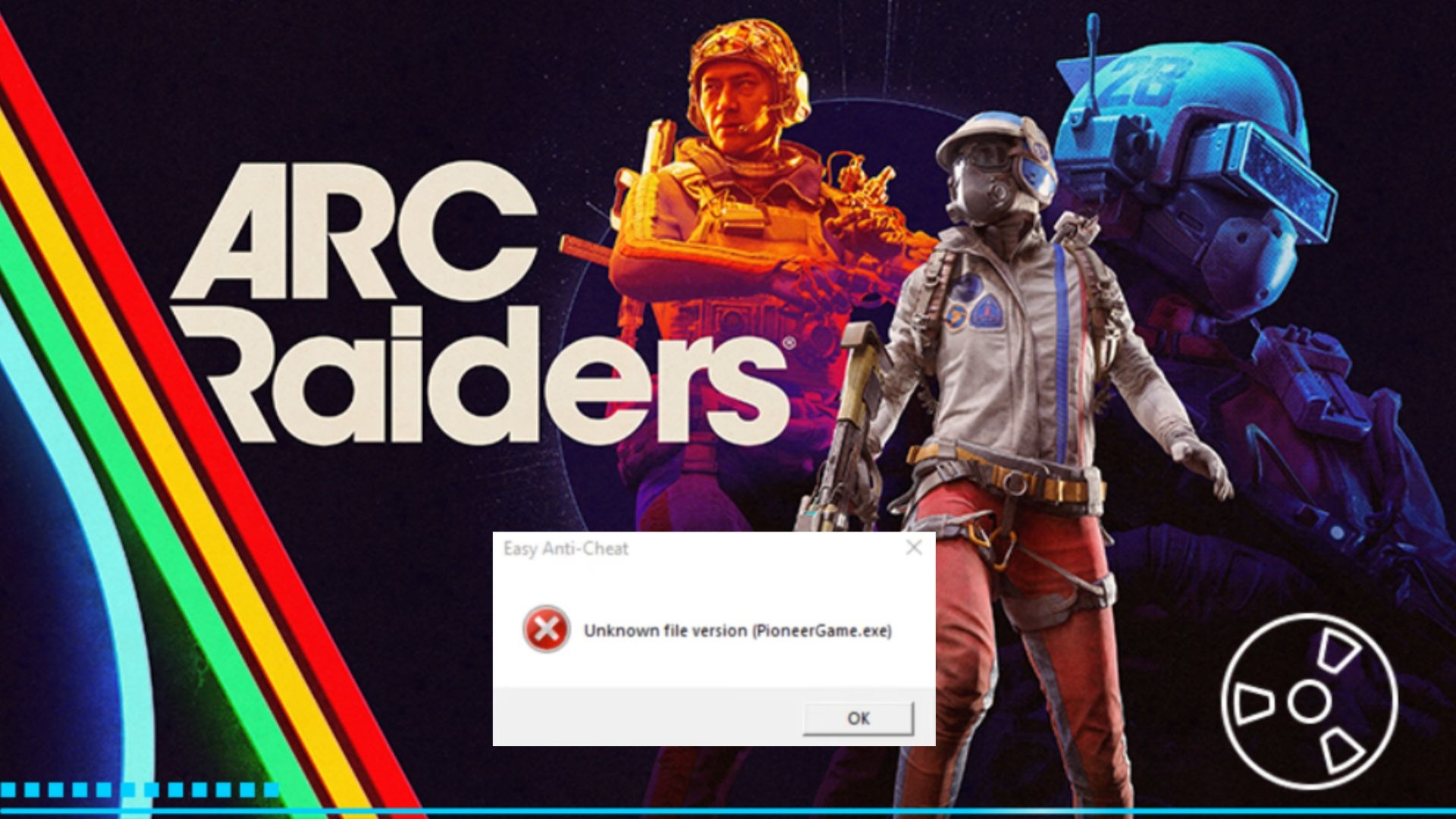
If you’re getting the ‘Outdated Game Client’ error when playing ARC Raiders on PC (through Steam), here’s how to fix it:
- Close all instances of ARC Raiders and Steam (Bootstrapper, SteamClient, SteamWebHelper), then relaunch Steam.
- Go to the Library, then scroll to ARC Raiders.
- Right-click, then Properties.
- Go to ‘Installed Files’ and click on ‘Verify Integrity of game files.’
- Let it run, then once the process is done, relaunch the game.
If the problem continues, completely close the game and Steam through the Task Manager. Also, end any Easy Anti-Cheat processes that are running. Then, go to your computer’s ‘Add or Remove Programs’ section and reinstall Easy Anti-Cheat by downloading it from the official website.
How To Fix ARC Raiders Outdated Game Client Error on PC (Epic)
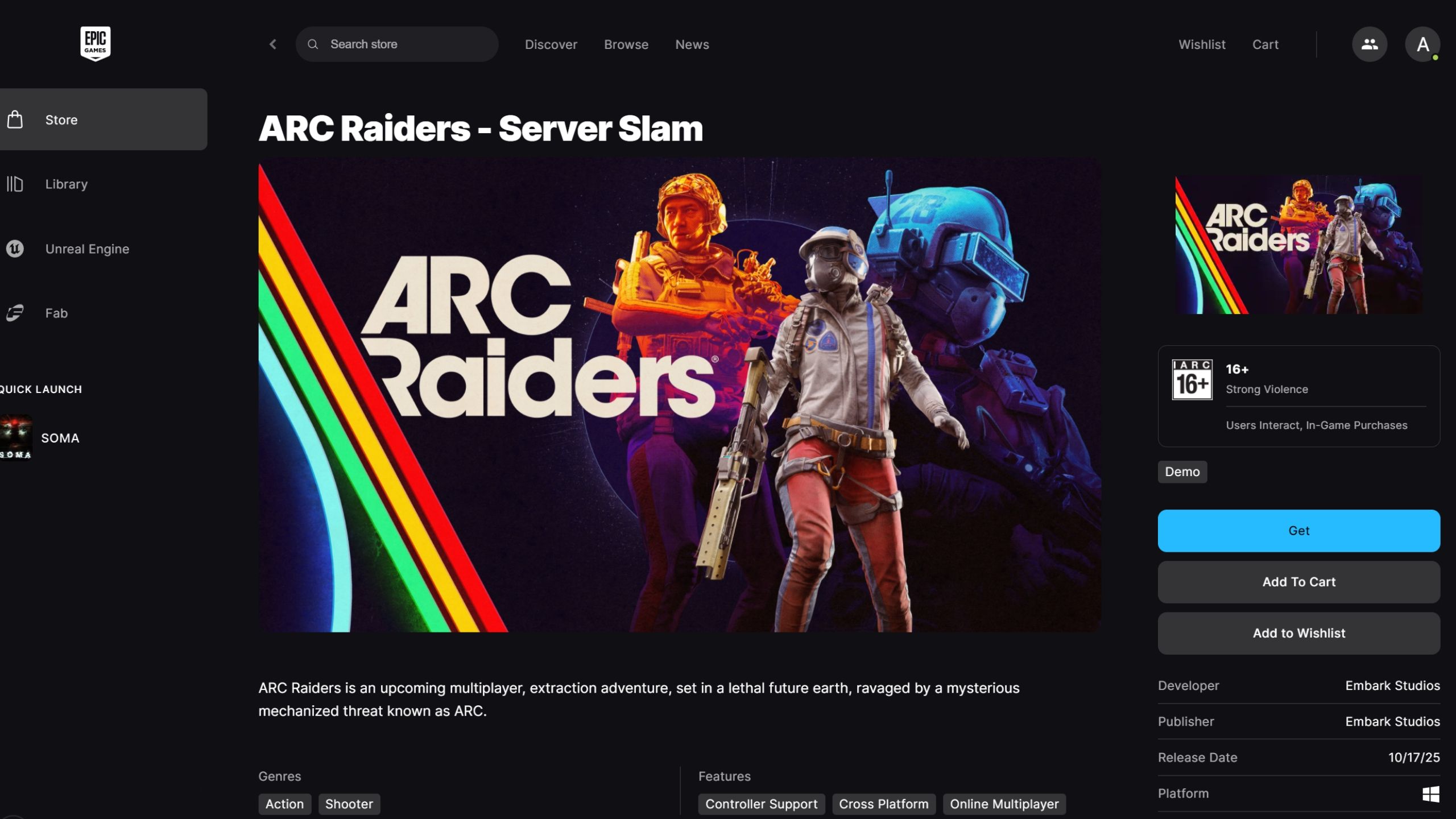
If you’re getting an ‘Outdated Game Client’ error while playing ARC Raiders on PC, here’s how to fix it quickly.
- Go to Epic Games Library, then browse for ARC Raiders and click on the (…) icon to select more options.
- Click on Manage, then Verify Files.
- Wait until it runs, then close and reboot your PC.
- Wait until the Epic Games Launcher loads, then try to start up ARC Raiders again.
If you’re still having trouble, try updating your NVIDIA Game Ready Drivers. There’s a known problem with the Epic Games version of ARC Raiders and older drivers, which can cause this ‘Outdated Client’ error.
How To Fix ARC Raiders Outdated Game Client Error on Xbox
On Xbox Series X|S consoles, this error happens when the console is updating or refreshing data in the background. To resolve the ‘Outdated Game Client’ error, try the following steps:
- Restart the console.
- Go to Settings, then Network Settings.
- Select Advanced Settings, and then MAC Address.
- Select ‘Clear.’
This should fix the issue. Now restart the Console and try to join the game again.
How To Fix ARC Raiders Outdated Game Client Error on PlayStation
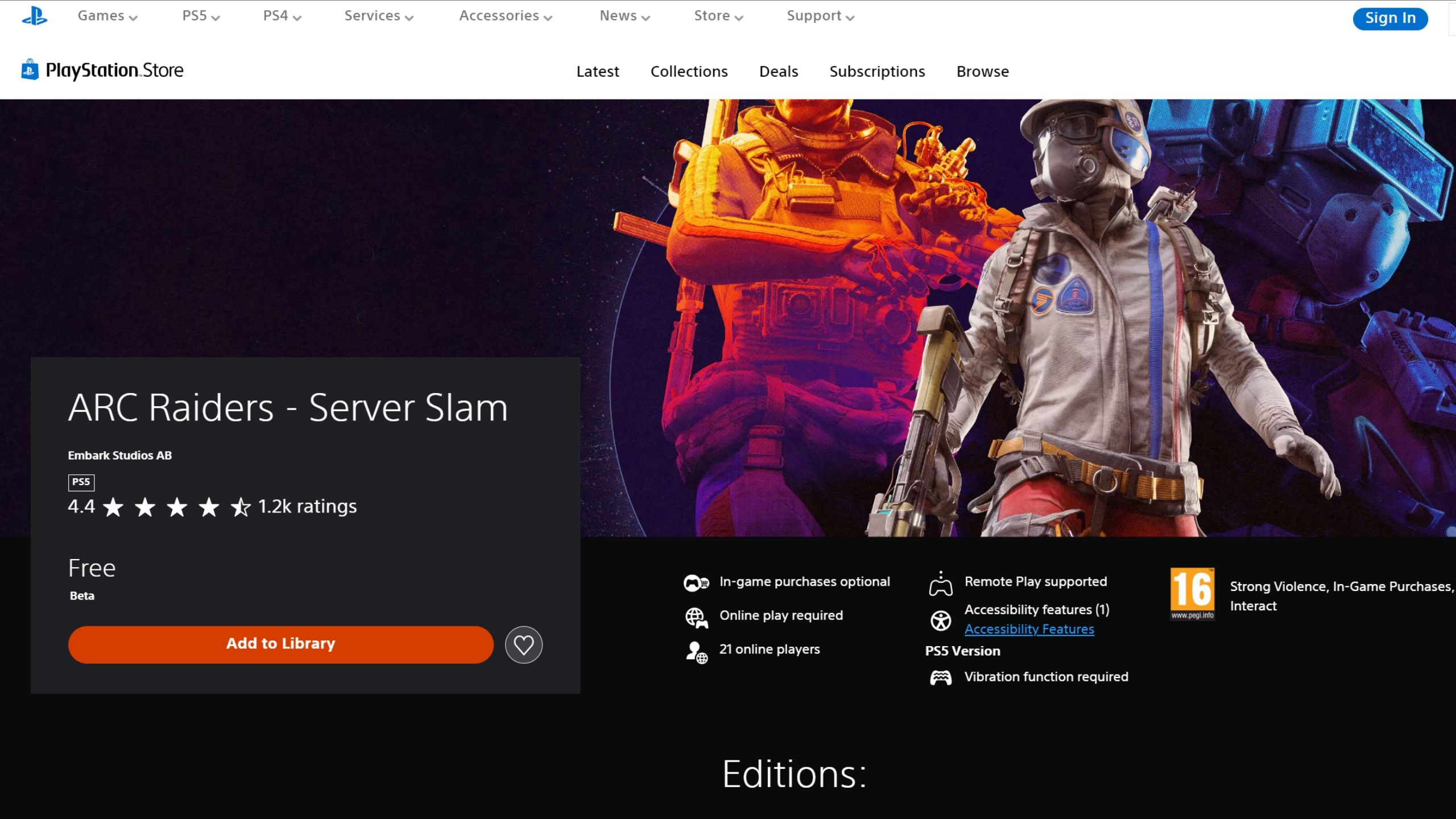
PlayStation players have been consistently running into an error in ARC Raiders – often after each weekly update. It’s a frustrating problem that needs a permanent solution. Here’s how to try and fix it for good:
- Highlight ARC Raiders in the PS Dashboard menu
- Select ‘Options,’ then ‘Check for Updates.’
- Wait until the process finishes, then restart your console.
Usually, you need to manually tell the console to update some games to remove leftover files from previous updates. If that doesn’t fix the issue, try completely uninstalling and then reinstalling the game.
Read More
- All Shadow Armor Locations in Crimson Desert
- All Skyblazer Armor Locations in Crimson Desert
- How to Get the Sunset Reed Armor Set and Hollow Visage Sword in Crimson Desert
- Marni Laser Helm Location & Upgrade in Crimson Desert
- Best Bows in Crimson Desert
- All Golden Greed Armor Locations in Crimson Desert
- All Helfryn Armor Locations in Crimson Desert
- How to Craft the Elegant Carmine Armor in Crimson Desert
- Wings of Iron Walkthrough in Crimson Desert
- Keeping Large AI Models Connected Through Network Chaos
2026-04-04 18:06