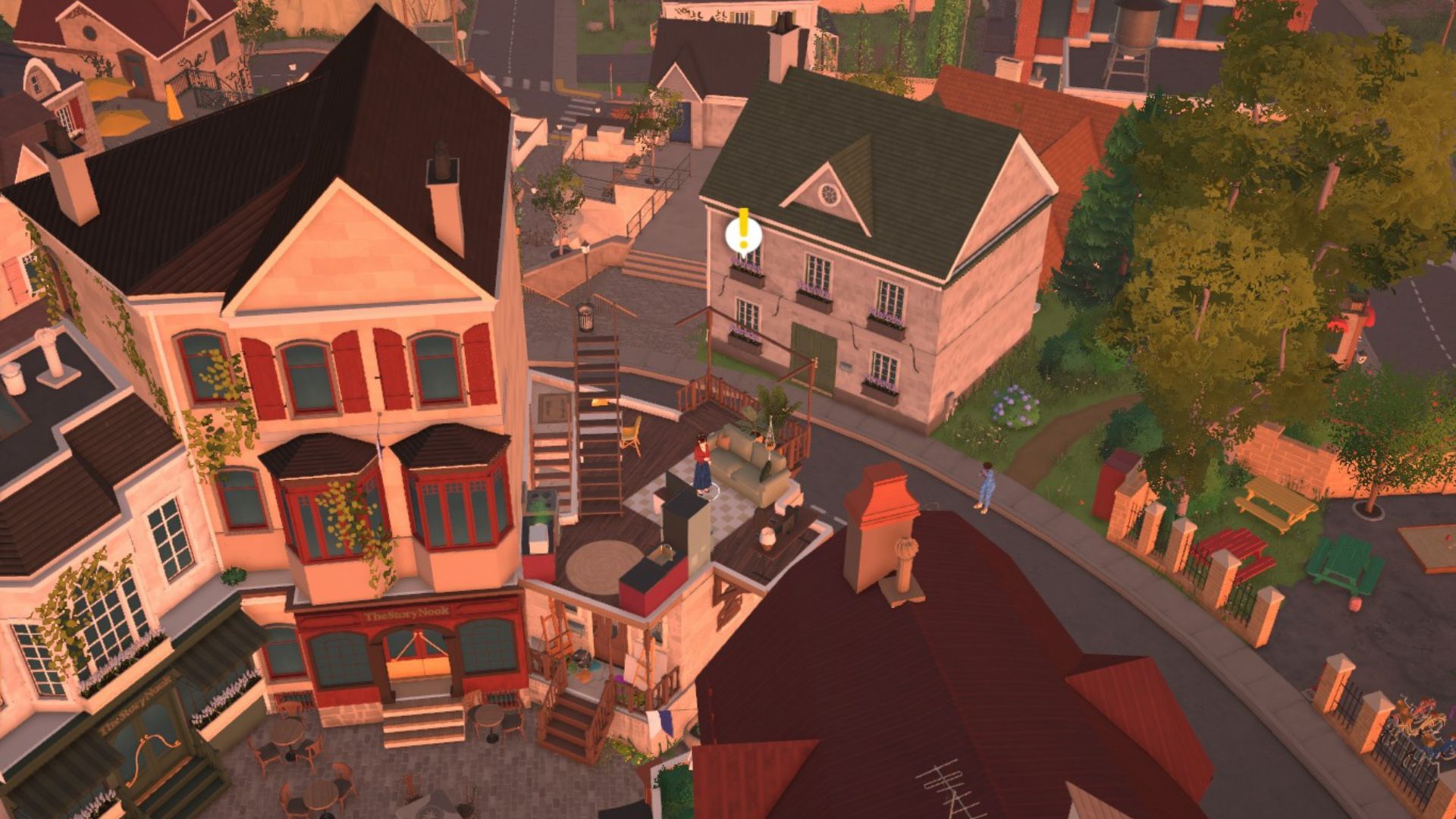
If you enjoy life simulation games, Paralives is a fun way to spend your time. The game allows you to design characters and manage every aspect of their lives. Many Paralives players like to speed up the passage of time, making days go by faster. This guide will show you how to do that, explaining all the different options for fast-forwarding time and offering advice on when to use each one.
Overview of All Time Speed-Up Options in Paralives
| Available Option | Speed | Key |
|---|---|---|
| 40-minute day | x1 | 1 |
| 7:30-minute day | x5 | 2 |
| 1:30-minute day | x15 | 3 |
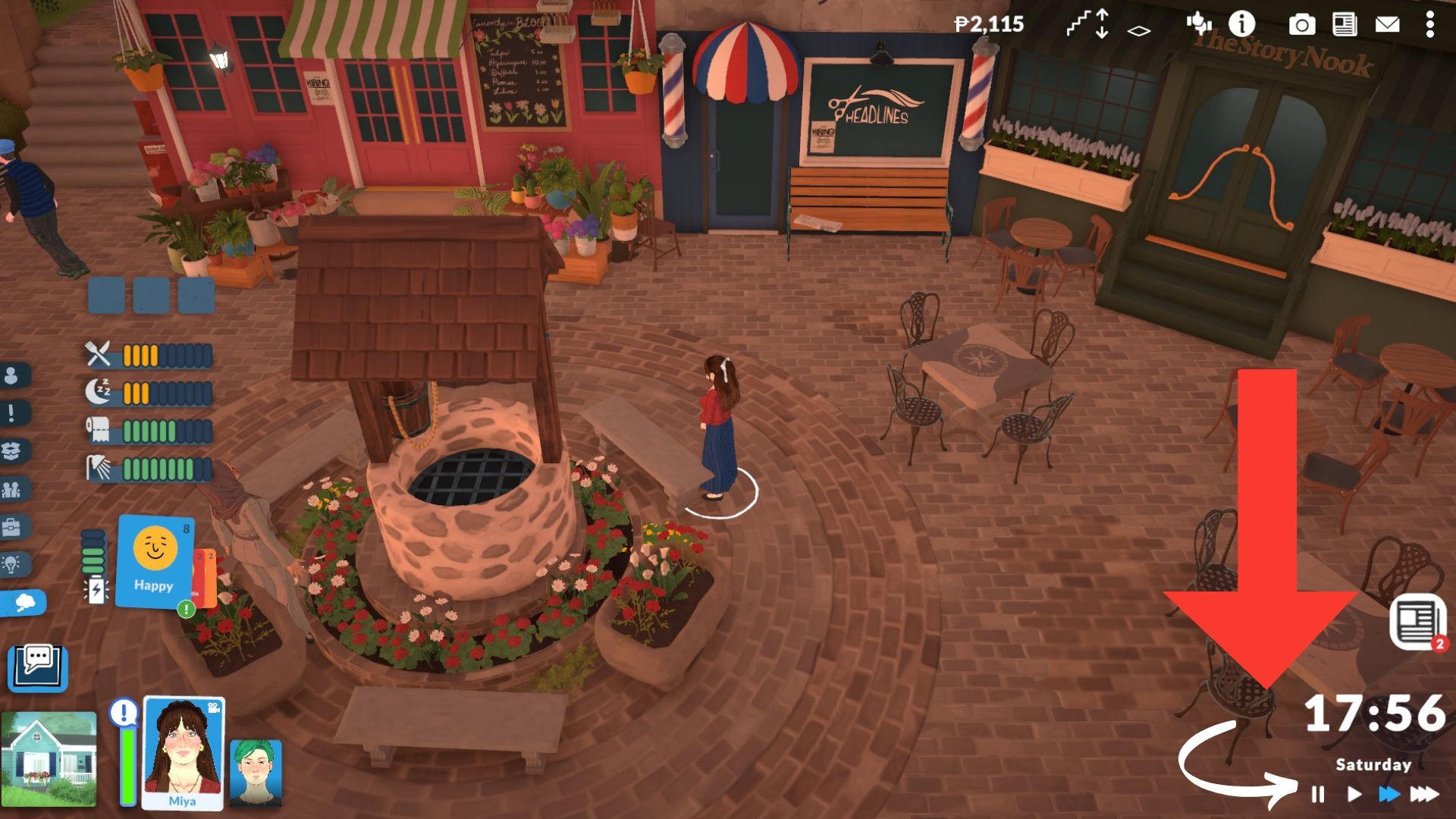
You can also pause the game by pressing the Spacebar or clicking the Pause button on the right side of the screen. I’ve found this really useful when I want to manage my Para’s job or schedule without worrying about time continuing to pass.
How to Change Day Length in Paralives
From my time playing, I’ve noticed that one full day in Paralives usually lasts around 40 minutes in real life. That’s longer than in Fields of Mistria, but pretty similar to how long a day feels in Stardew Valley. The cool thing is, you can actually speed things up and make a day only about 7 and a half minutes, or even just a minute and a half long if you want!
Similar to The Sims 4, this game lets you choose between a 12-hour and 24-hour clock in the settings. However, this is just how time is displayed and doesn’t change the length of a day in the game.
Time Speed 1
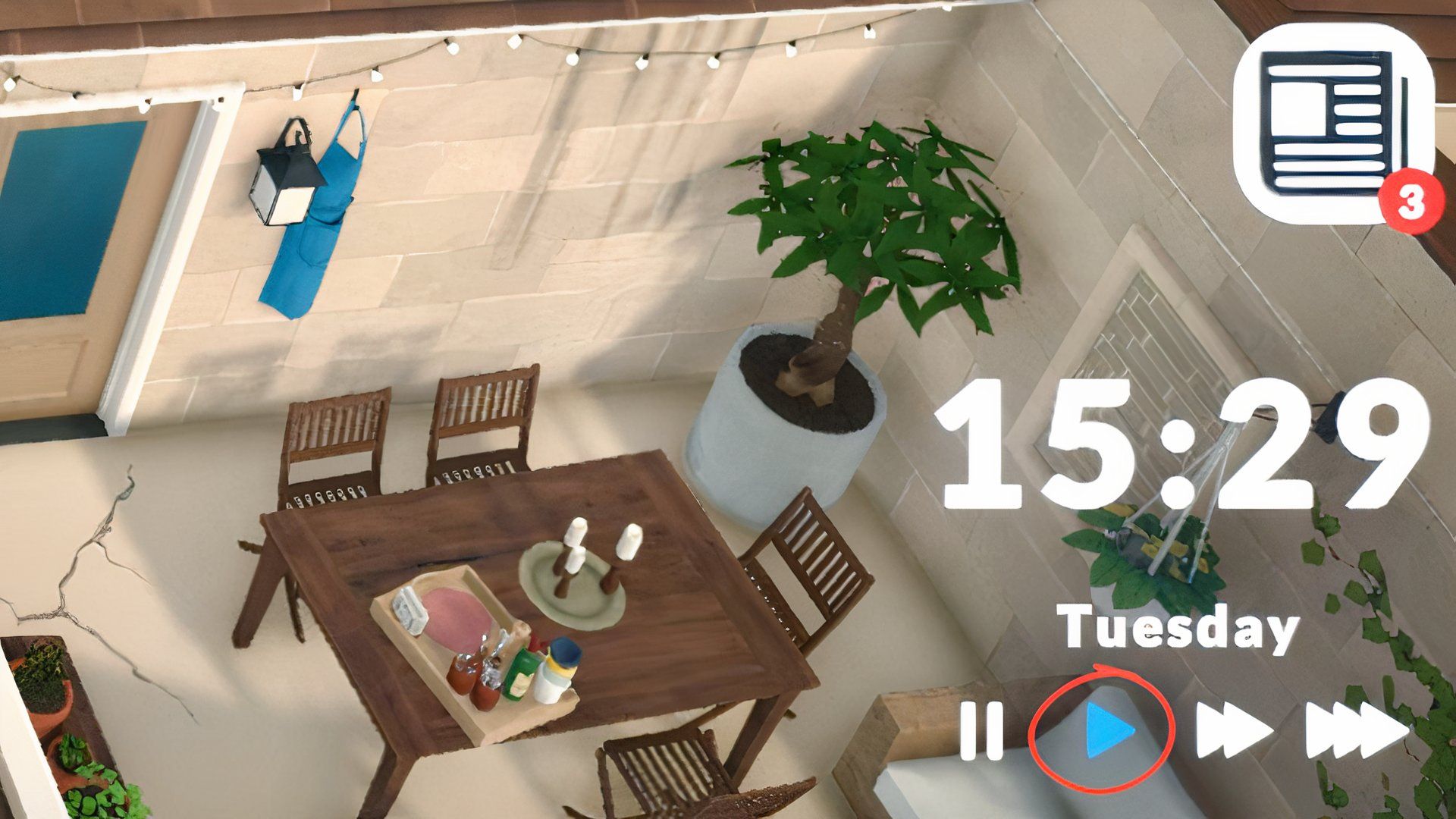
This setting uses the game’s regular day speed, meaning time passes at its normal pace. With this selected, all creatures (Paras) will behave as usual and complete their activities at a standard speed. If you’ve changed the day speed and want to return it to normal, here’s how:
- Press the ‘1’ key on your PC
- Click the right-facing triangle icon at the bottom-right of the screen.
| Day length in real time | 40 minutes |
|---|---|
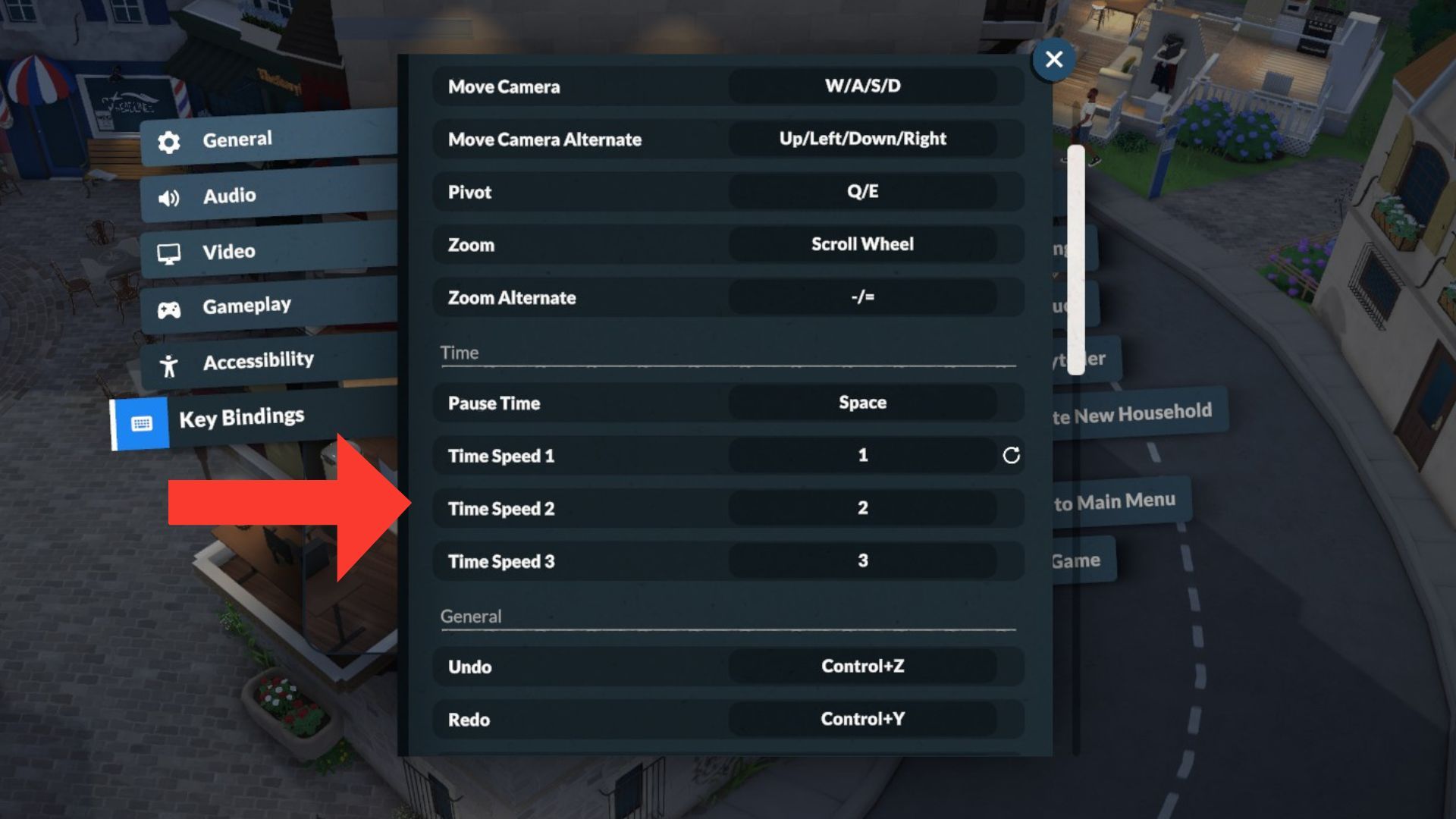
| How to Change the key binding? | Go to General Settings by clicking the three dots in the top-right corner, then assign a key to Time Speed 1 in the key bindings menu and save it. |
Time Speed 2
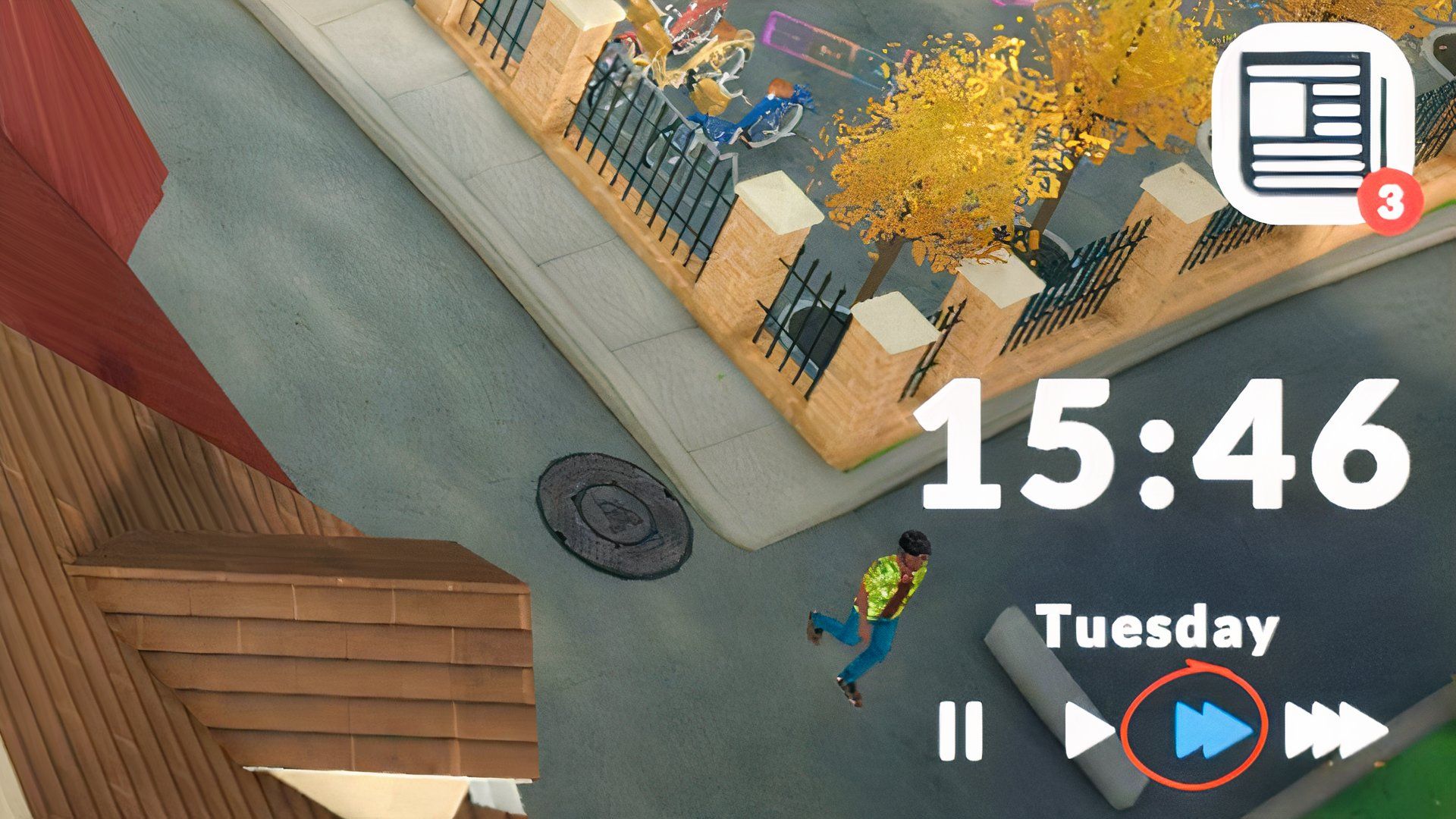
If you find the days feel lengthy in Paralives and prefer a faster pace, you can choose the Time Speed 2 setting. This will make the game world run five times faster. Here’s how to turn it on:
- Press the “2” key on the PC
- Hit the right-facing double triangle icon on the bottom right.
| Day length in real time | 7:30 minutes |
|---|---|
| How to Change the key binding? | Head to General Settings by tapping the three dots in the top-right corner, then set a key for Time Speed 2 in the key bindings menu and save it. |
Time Speed 3
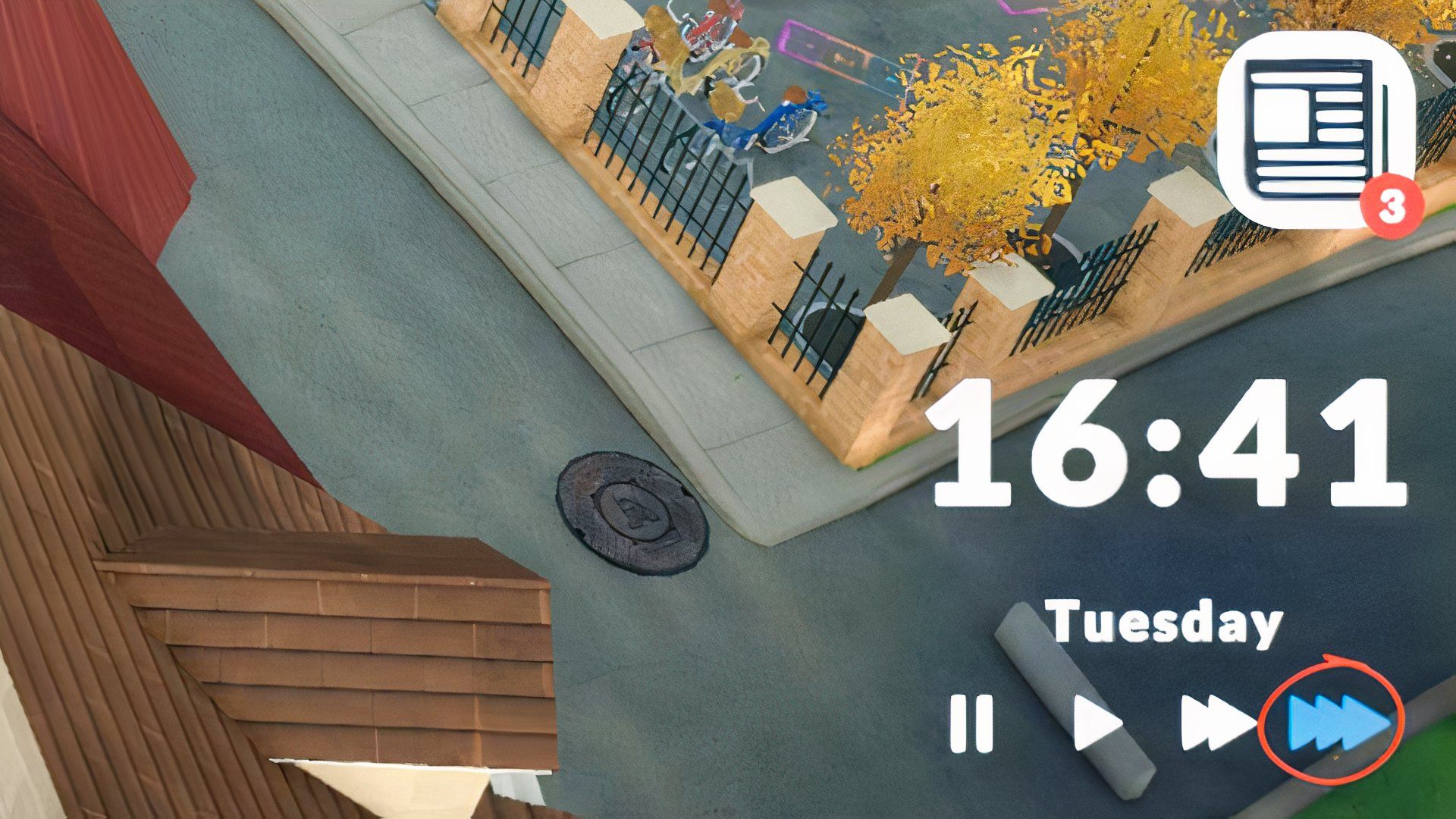
You can also speed up time in the game by 15 times, letting you finish a day with your Para in just a few minutes using the ‘Time Speed 3’ setting. Here’s how to do it:
- Press the “3” key on your PC
- Tap the right-facing triple triangle icon on the bottom-right.
| Day length in real time | 1:30 minutes |
|---|---|
| How to Change the key binding? | Hop into General Settings, then assign a key to Time Speed 3 in the key bindings menu and save it. |
When Should You Speed Up Time in Paralives?
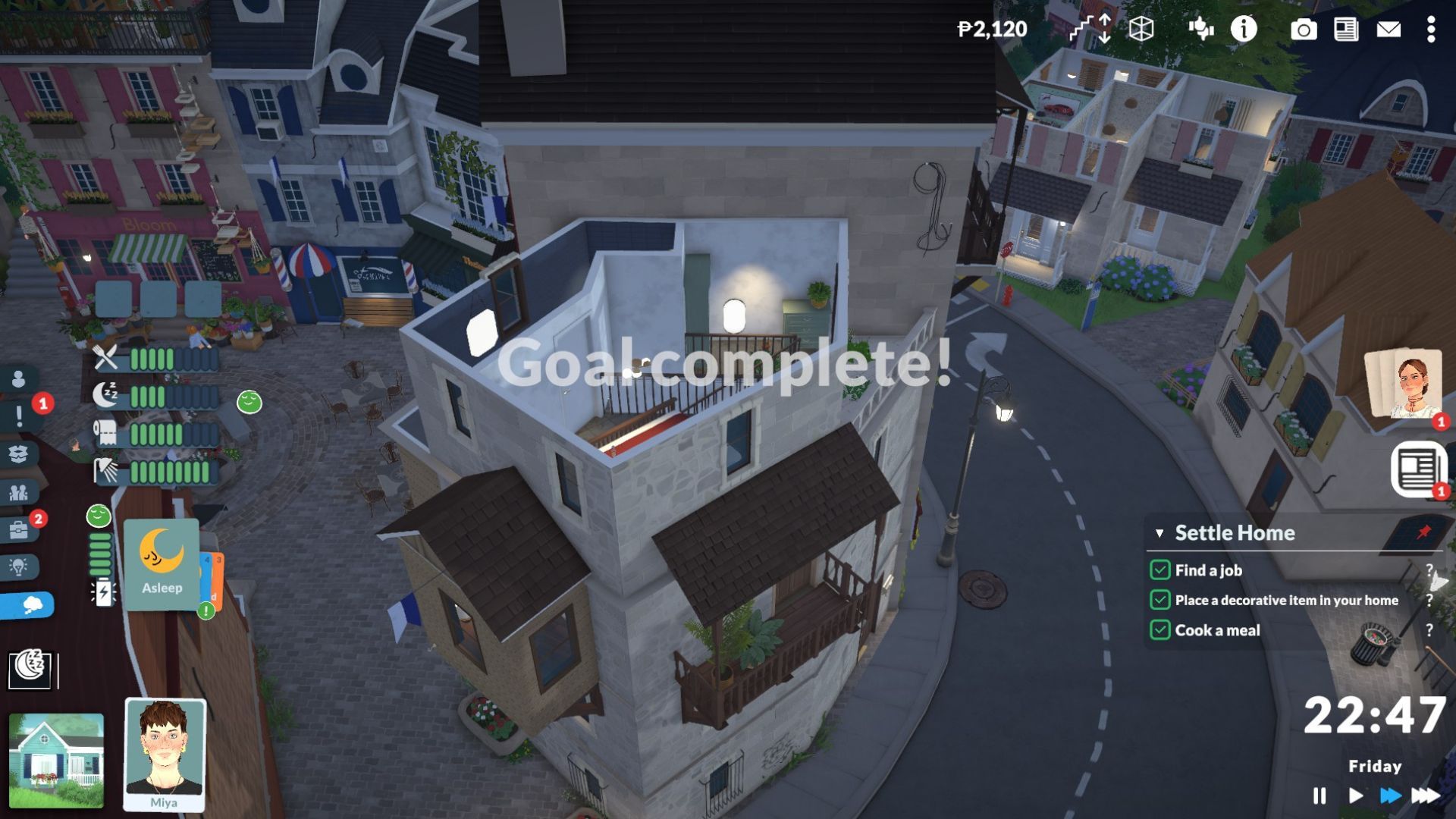
Beyond taking care of your Parafolks’ everyday needs, you’ll also need to help them reach their goals, both short-term and long-term, as these are often linked. For instance, one of my Parafolks wanted to buy a house worth 40,000 Paradimes. To help her achieve this, I focused on daily tasks like getting promotions and increasing her salary, so she could save enough money.
You might want to advance to the next day quickly, both to finish goals that require daily streaks and to establish fresh personal and professional objectives. Doing so also unlocks benefits like increased energy, gym motivation, and inspiring daily prompts from the game’s storyteller, who provides new cards each morning.
- Standard (40 mins): When you want to explore the town map, learn about the surrounding buildings, work on your social relationships, or build a family, this is a good option. I usually use it when I’m looking for a slower in-game life.
- Short (7:30 mins): This one’s great if you’ve got the hang of the game and have easy goals.
- Shortest (1:30 mins): Suitable when you just want to wrap up your day quickly after finishing your daily tasks.
You can adjust the game’s speed to suit what you’re doing. Speed things up for tasks like cooking or fixing things, or even to avoid sleeping. Use Time Speed 3 for these situations, then switch back to a normal day length, or make days shorter if you prefer.
Read More
- Forza Horizon 6: Find the Ohtani Treasure Chest Location
- NTE Drift Guide (& Best Car Mods for Drifting)
- Diablo 4 Best Loot Filter Codes
- Boruto: Ikemoto Has Already Hinted At Sasuke’s New Eye After Return
- LEGO Batman Legacy of the Dark Knight Batcave Minikits & WayneTech Caches
- USD RUB PREDICTION
- Where to Find Prescription in Where Winds Meet (Raw Leaf Porridge Quest)
- Top 10 Must-Watch Isekai Anime on Crunchyroll Revealed!
- Deltarune Chapter 1 100% Walkthrough: Complete Guide to Secrets and Bosses
- GBP CNY PREDICTION
2026-05-25 17:05