
It’s common for players of life simulation games, like The Sims 4, to use cheats to get the results they want. Fortunately, the game developers included cheat codes intentionally, as a way to add extra enjoyment, and they won’t cause any problems or damage your game.
If you’re struggling to progress in a career or want to quickly earn rewards in The Sims 4, you can use career cheats. This guide will show you how to use these cheats to advance your Sims’ careers and boost their earnings.
The Sims 4 offers several ways to cheat, many built right into the game. Players can unlock these by entering specific codes, affecting things like relationships, skills, money, and careers. Another common method is using mods – popular choices include MC Command Center and UI Cheats Extension. We’ve recently updated this guide with the most helpful career cheats available in The Sims 4.
How to Enable Career Cheats in the Sims 4
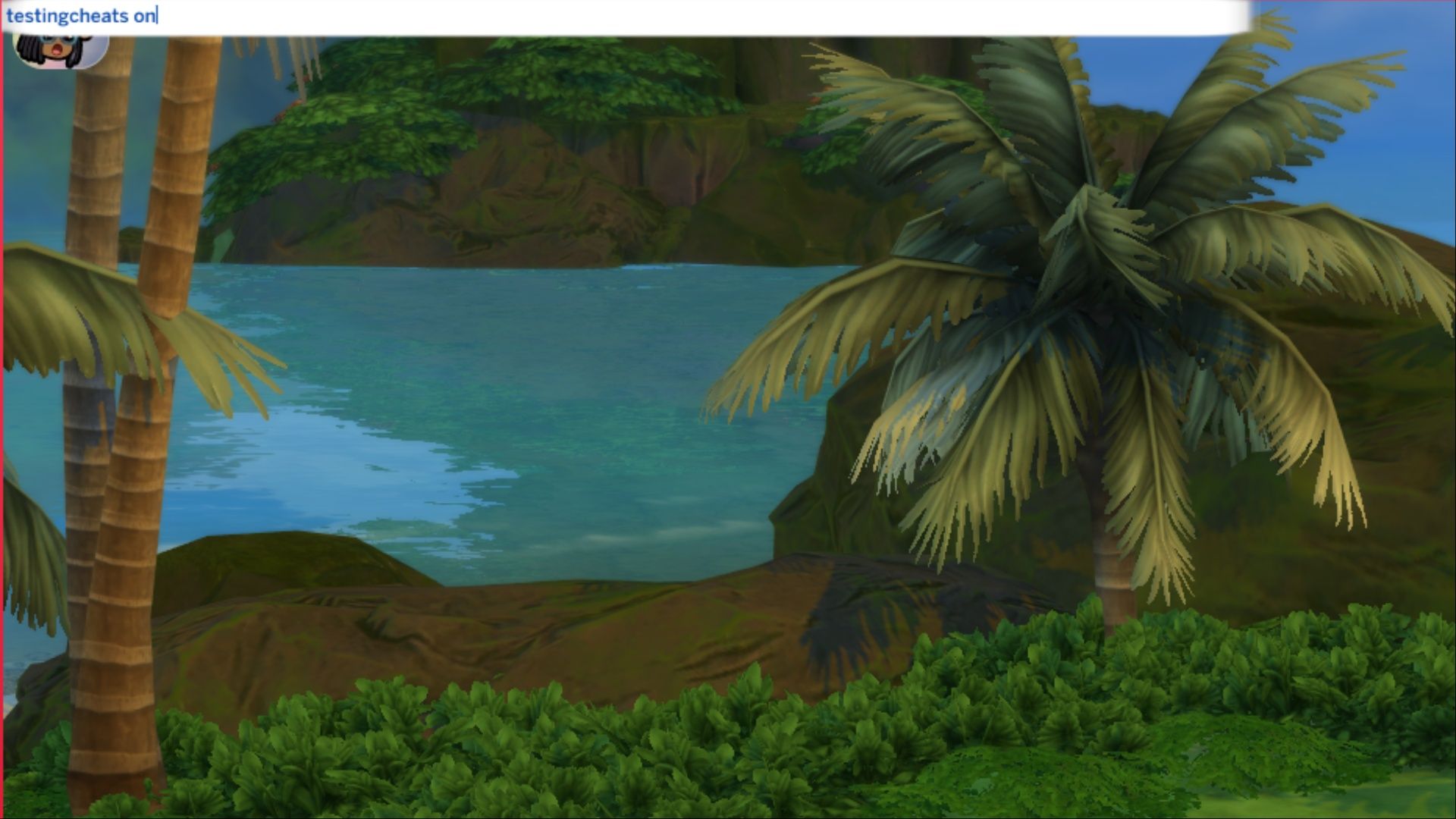
Using career cheats in The Sims 4 is similar to using any other cheat code. First, you need to enable cheats in the game. Here’s how to do it, depending on what you play on:
- Windows: CTRL + SHIFT + C
- Mac: CTRL + SHIFT + C
- PS4: L1, L2, R1 and R2.
- Xbox One: LB, LT, RB, and RT
To use cheats, first open the cheat console. Then, type either “testingcheats on” or “testingcheats true” and press Enter. Next, select the Sim whose career you want to change, and then enter the specific cheat code.
Full-Time Career Cheats in The Sims 4
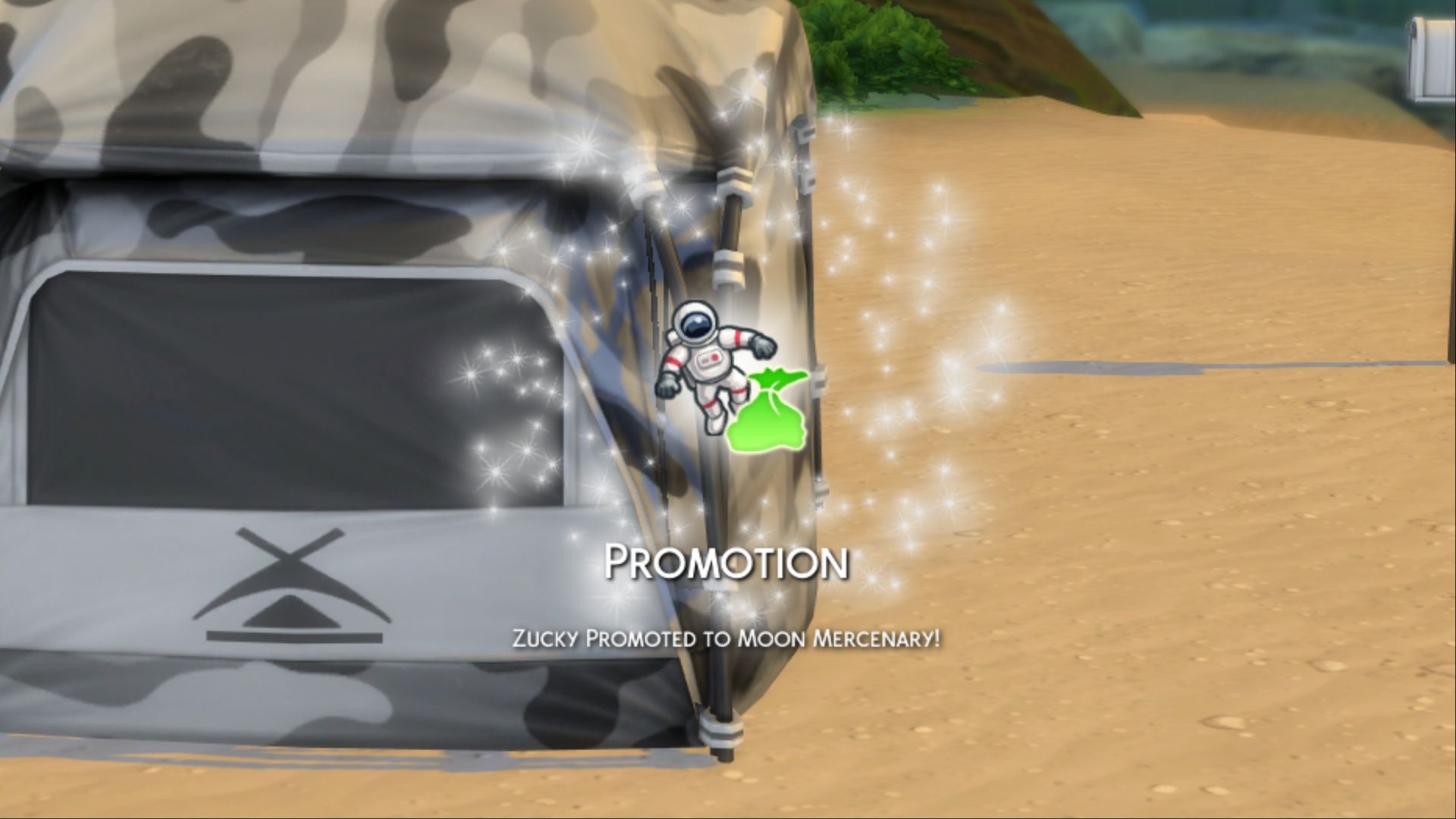
In The Sims 4, most Sims need to get a job to earn money and pay their bills. The game offers a variety of careers for players to explore, and they can progress at their own speed. To help with this, here are some cheats that allow you to quickly advance or set back a Sim’s career in The Sims 4.
| Career Name | Promotion Cheat | Demotion Cheat |
|---|---|---|
| Actor | careers.promote actor | careers.demote actor |
| Astronaut | careers.promote astronaut | careers.demote astronaut |
| Athlete | careers.promote athletic | careers.demote athletic |
| Business | careers.promote business | careers.demote business |
| Civil Designer | careers.promote civildesigner | careers.demote civildesigner |
| Conservationist | careers.promote conservationist | careers.demote conversationist |
| Criminal | careers.promote criminal | careers.demote criminal |
| Critic | careers.promote careers_adult_critic | careers.demote careers_adult_critic |
| Culinary | careers.promote culinary | careers.demote culinary |
| Detective | careers.promote detective | careers.demote detective |
| Doctor | careers.promote doctor | careers.demote doctor |
| Education | careers.promote careers_adult_education | careers.demote careers_adult_education |
| Engineer | careers.promote careers_adult_engineer | careers.demote careers_adult_engineer |
| Entertainer | careers.promote entertainer | careers.demote entertainer |
| Freelancer | careers.promote careers_adult_freelancer_agency_maker | careers.demote career_adult_freelancer_agency_maker |
| Gardener | careers.promote adult_gardener | careers.demote adult_gardener |
| Law | careers.promote careers_adult_law | careers.demote careers_adult_law |
| Military | careers.promote military | careers.demote military |
| Naturopath | careers.promote naturopath | careers.demote naturopath |
| Noble | careers.promote noble | careers.demote noble |
| Painter | careers.promote painter | careers.demote painter |
| Park Worker | careers.promote parkworker | careers.demote parkworker |
| Politics | careers.promote activist | careers.demote activist |
| Reaper | careers.promote active_reaper | careers.demote active_reaper |
| Romance Consultant | careers.promote romanceconsultant | careers.demote romance consultant |
| Scientist | careers.promote adult_active_scientist | careers.demote adult_active_scientist |
| Secret Agent | careers.promote secretagent | careers.demote secretagent |
| Social Media | careers.promote socialmedia | careers.demote socialmedia |
| Style Influencer | careers.promote styleinfluencer | careers.demote styleinfluencer |
| Tech Guru | careers.promote techguru | careers.demote techguru |
| Undertaker | careers.promote mortician | careers.demote mortician |
| Writer | careers.promote adult_writer | careers.demote adult_writer |
Part-Time Career Cheats in The Sims 4

In The Sims 4, Sims can get part-time jobs, though there aren’t as many options as with full-time careers. However, there are still a few to choose from. Here’s a look at the available part-time jobs in The Sims 4, along with the cheats for them.
| Career Name | Promotion Cheat | Demotion Cheat |
|---|---|---|
| Babysitter | careers.promote parttime_babysitter | careers.demote parttime_babysitter |
| Barista | careers.promote parttime_barista | careers.demote parttime_barista |
| Diver | careers.promote parttime_diver | careers.demote parttime_diver |
| Fast Food Employee | careers.promote parttime_fastfood | careers.demote parttime_fastfood |
| Fisherman | careers.promote parttime_fisherman | careers.demote parttime_fisherman |
| Handyperson | careers.promote parttime_handyperson | careers.demote parttime_handyperson |
| Lifeguard | careers.promote parttime_lifeguard | careers.demote parttime_lifeguard |
| Manual Laborer | careers.promote parttime_manual | careers.demote parttime_manual |
| Retail Employee | careers.promote parttime_retail | careers.demote parttime_retail |
| Video Game streamer | careers.promote parttime_streamersidehustle | careers.demote parttime_streamersidehustle |
How to Cheat Your Sims 4 Career With Mods
Most Sims 4 players use two popular mods: MC Command Center and UI Cheats Extension. Both of these mods allow players to easily advance their Sims’ careers. Here’s how to do it:
These modifications require script mods to be turned on in The Sims 4. To check, go to Game Options, then the Other section, and make sure the “Scripts Mods Allowed” box is checked. If it isn’t, check it and restart the game to activate the mods.
UI Cheats Extension Career Cheats
- UI Cheats Extension download link
The UI Cheats Extension mod gives players full control over their Sims’ careers. You can easily promote or demote them, adjust their work performance, select different career paths, and instantly complete both daily tasks and promotion requirements.
Players can find detailed cheats by opening the Jobs tab in the bottom right panel while working a career. Simply right-click on the green bar displaying their current job title to open a menu with the available options.
- Promote
- Demote
- Promote to Max Level
- Demote to Before Branch Selection or Promote to Branch Selection
- Change Career Branch
- [Pick preferred career level]
Players can also adjust their Sim’s performance directly from the performance bar by right-clicking, which affects how likely they are to receive a raise or promotion.
MCCommand Center Career Cheats
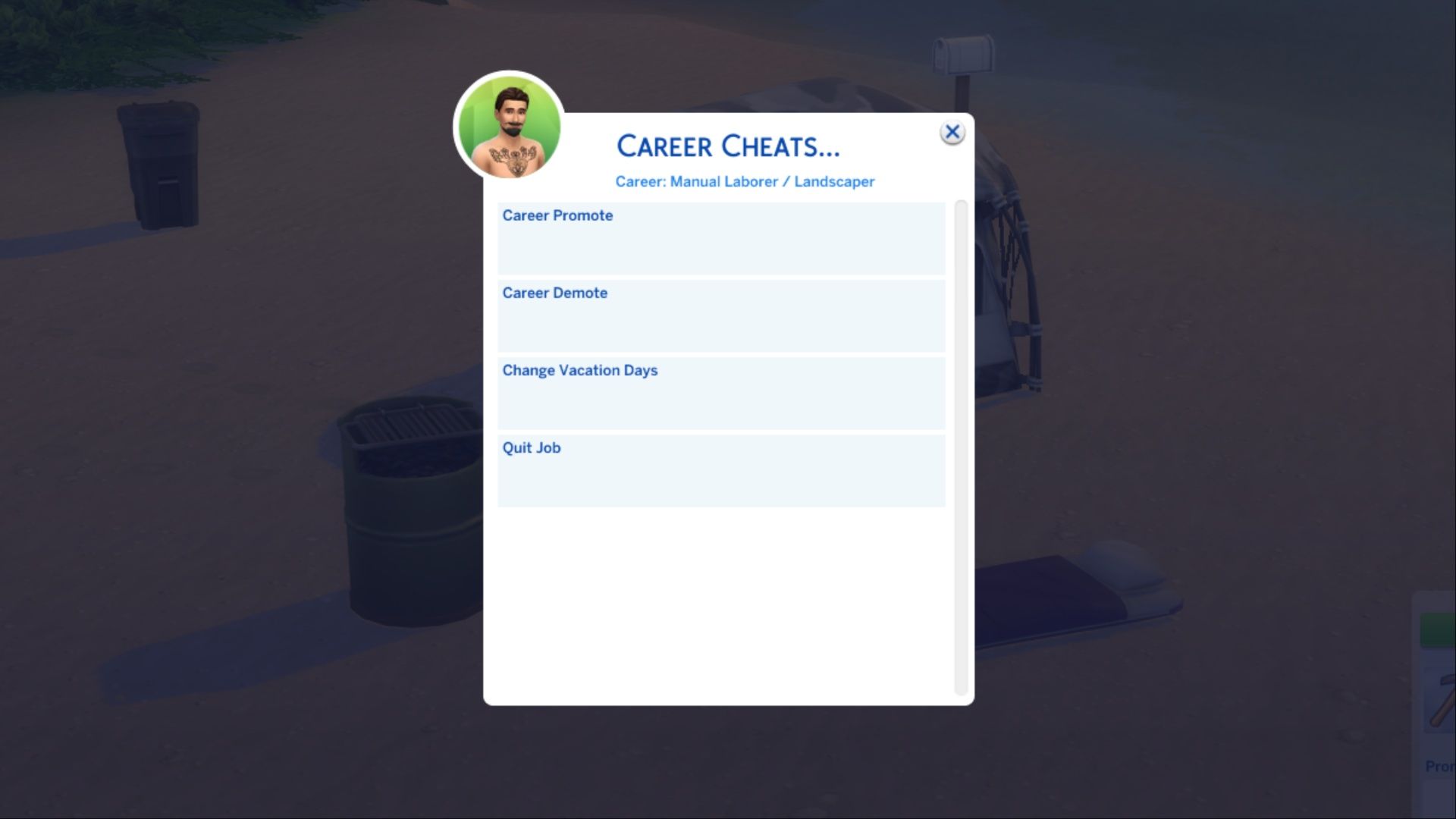
- MC Command Center download link
For more customization options, players can download MC Command Center. This tool lets you do things like promote or demote Sims, and even adjust how many vacation days they have.
To use Career Cheats within MC Command Center, first select a Sim and click the Deadpool icon. Then, navigate to MC Cheats > Cheat Sim Info > Career Cheats. From there, you can promote, demote, or have your Sim quit their job. You can also adjust their vacation days – MC Command Center allows up to 99 days, letting your Sim enjoy a paid, extended break!
Best Sims 4 Career Cheats
While The Sims 4 has several career-related cheats, it’s more useful for players to learn the ones that help them get promoted. You rarely need to lower your Sim’s career level, so focusing on promotions is the most practical approach.
Players can advance their careers by using cheats. They should type “careers.promote [career name]”, replacing “[career name]” with the specific career they want to progress in. For instance, a player who chose the Secret Agent career would type “careers.promote secretagent” to get an immediate promotion.
A helpful cheat lets you instantly unlock all furniture and build mode items that are normally locked behind career progression. Simply type “bb.ignoregameplayunlocksentitlement” into the cheat console, and all locked items – including those specific to certain careers – will become available.
Read More
- All Skyblazer Armor Locations in Crimson Desert
- How to Get the Sunset Reed Armor Set and Hollow Visage Sword in Crimson Desert
- All Shadow Armor Locations in Crimson Desert
- Marni Laser Helm Location & Upgrade in Crimson Desert
- Best Bows in Crimson Desert
- All Helfryn Armor Locations in Crimson Desert
- All Golden Greed Armor Locations in Crimson Desert
- How to Craft the Elegant Carmine Armor in Crimson Desert
- Keeping Large AI Models Connected Through Network Chaos
- One Piece Chapter 1179 Preview: The Real Imu Arrives in Elbaf
2026-04-06 21:07