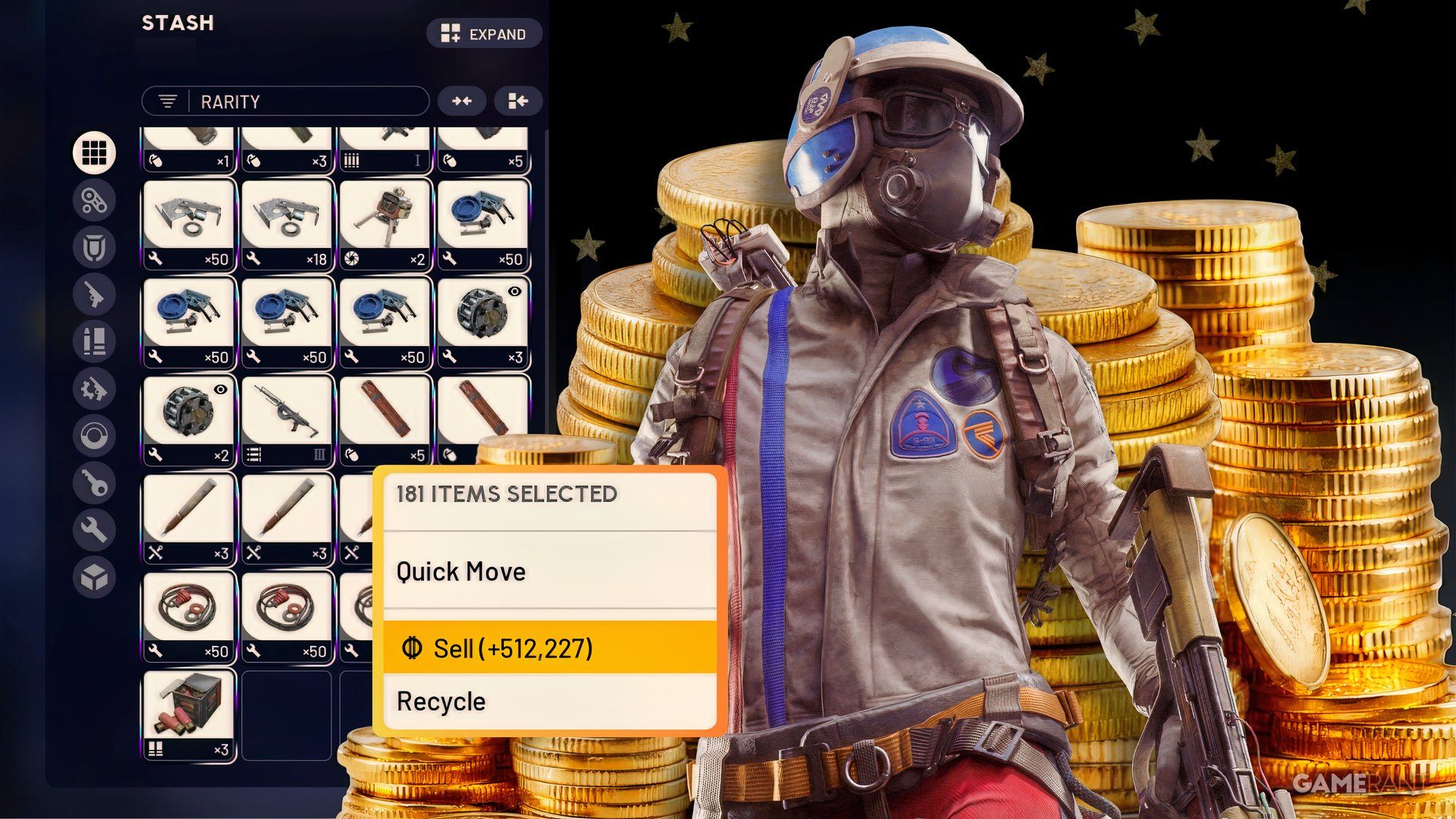
Curious about the total value of your coins in ARC Raiders? This guide will show you an easy way to calculate how much your inventory is worth, which is especially useful when getting ready for an ARC Raiders Expedition.
This guide also includes a useful tip to simplify things for players with large inventories. Plus, we address common questions about how valuable items are calculated and how that relates to the Expedition feature.
How to Check Stash Value
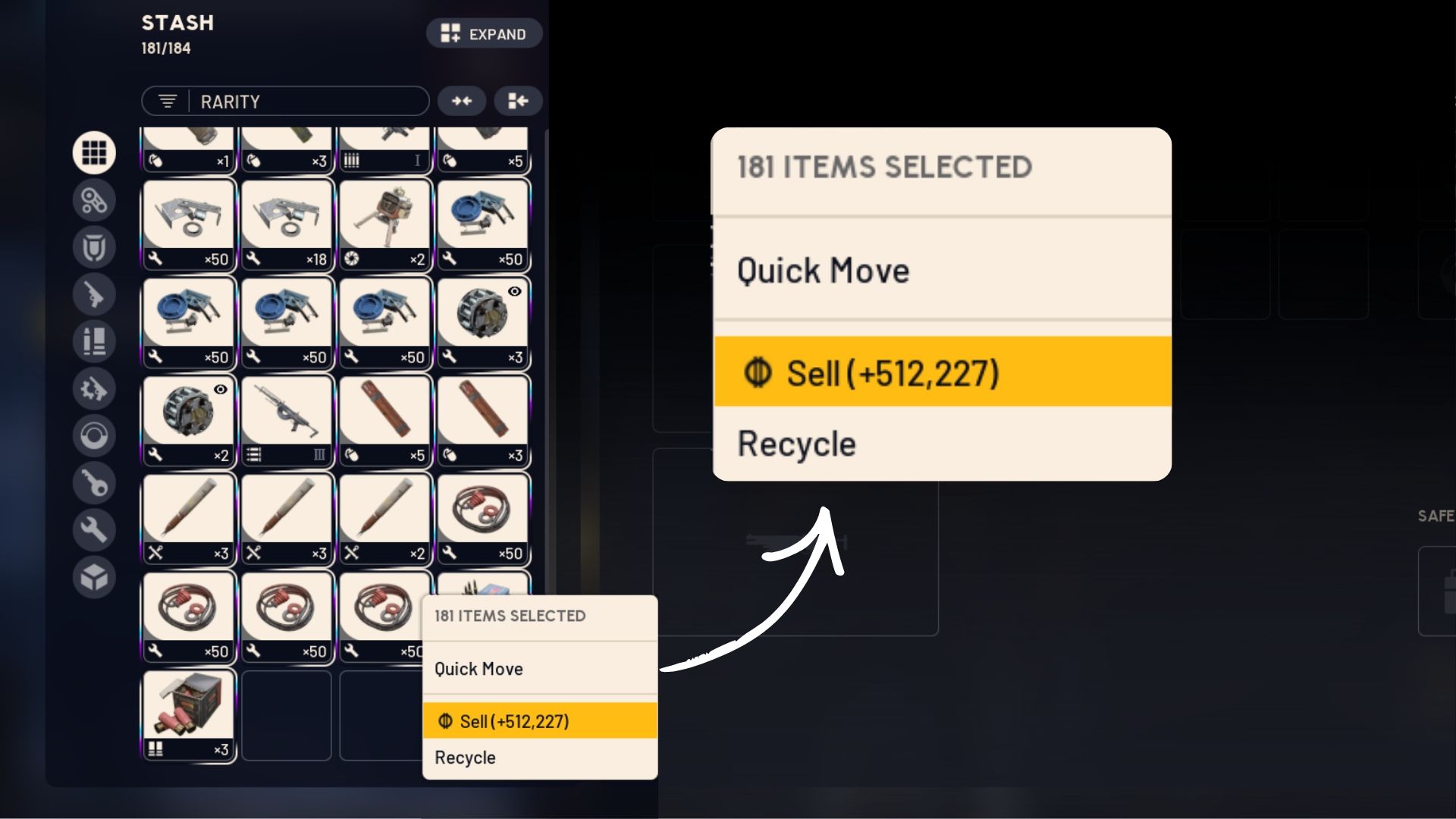 Image via Embark Studios
Right now, the best way to figure out the total value of items in your storage is to select everything one by one and see how much they’d sell for. Basically, use the multi-select tool. Here’s how it works:
Console
- Go to your inventory.
- Select the “All” tab to see every item.
- Hold L2 on PlayStation or LT on Xbox.
- Select every item by pressing X on PlayStation or A on Xbox.
- Once all items are selected, press Triangle on PlayStation or Y on Xbox.
- Check the price next to the “Sell” tab. That’s the total value of your ARC Raiders stash.
It’s best to use the merge function first. This will combine items, so you have fewer things to choose manually, making the process faster.
PC
- Go to the inventory.
- Open the “All” tab from the left sidebar.
- Hold CTRL.
- Select all items by left-clicking on them.
- Right-click to see your total stash value.
As a big fan of ARC Raiders, I’m excited to know my coins are actually helping with the Expedition! Basically, to figure out if I have enough resources for the project, I need to add up all the money I’ve saved in my stash with the coins I’ve already collected. It’s a simple way to check my progress!
The Date Trick for Revealing Stash Value
Players have found a way to quickly check the total coin value of their Expedition stashes by changing the date on their computer to a date within the Expedition timeframe. This method, initially shared by Reddit users, is much faster than individually checking the value of each item.
Here’s how to use the date trick:
- Launch the ARC Raiders app.
- Go to Windows’ Time & Language menu.
- Select Date & Time.
- Toggle off the option that says “Set Time Automatically.”
- Change the date to a day within the Expedition duration (December 17 to 22 for the current project).
- Return to the game.
- Go to the Projects menu.
- You should see the total value of your stash next to your coin balance.
Just a heads-up – the folks at Embark Studios might fix that date exploit soon, so it might not work when you try it. I figured I’d let you know in case you’re reading this later and wondering why it’s not working for you!
Why It Matters to Know Stash Value in ARC Raiders
Embark Studios recently announced that in ARC Raiders, players can earn permanent skill points by collecting in-game currency. Specifically, gathering five million coins will unlock all five available permanent skills. Whether you have five million coins in your current stash or across all your accounts, you’ll be able to unlock them, which is why many players are checking their coin totals.
As a big fan of ARC Raiders, I’ve learned that each skill point you earn permanently costs a million in-game credits. And depending on how much stuff you’ve collected and how many coins you have, you can unlock up to five of them!
How Each Expedition Affects Your Stash Value
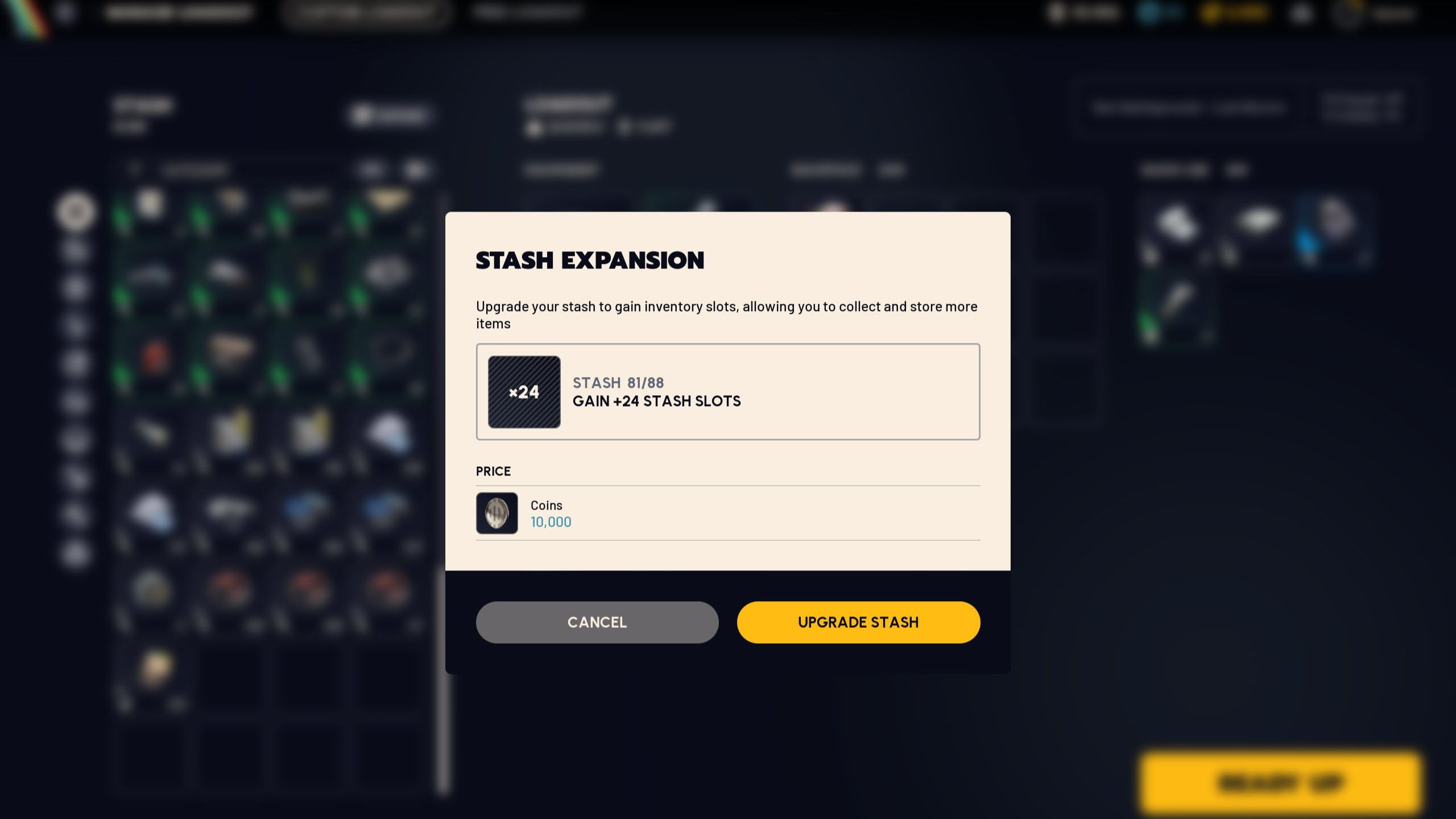
Leaving the Expedition early will reset your stash, meaning you’ll lose all the items you’ve collected and its value will return to zero. Any stash upgrades you’ve purchased will also be lost, but you’ll receive twelve extra permanent stash spaces as a reward for completing the departure process.
Read More
- All Skyblazer Armor Locations in Crimson Desert
- One Piece Chapter 1180 Release Date And Where To Read
- How to Get the Sunset Reed Armor Set and Hollow Visage Sword in Crimson Desert
- All Shadow Armor Locations in Crimson Desert
- All Golden Greed Armor Locations in Crimson Desert
- How to Beat Stonewalker Antiquum at the Gate of Truth in Crimson Desert
- Cassius Morten Armor Set Locations in Crimson Desert
- Grime 2 Map Unlock Guide: Find Seals & Fast Travel
- USD RUB PREDICTION
- Marni Laser Helm Location & Upgrade in Crimson Desert
2025-12-09 15:36