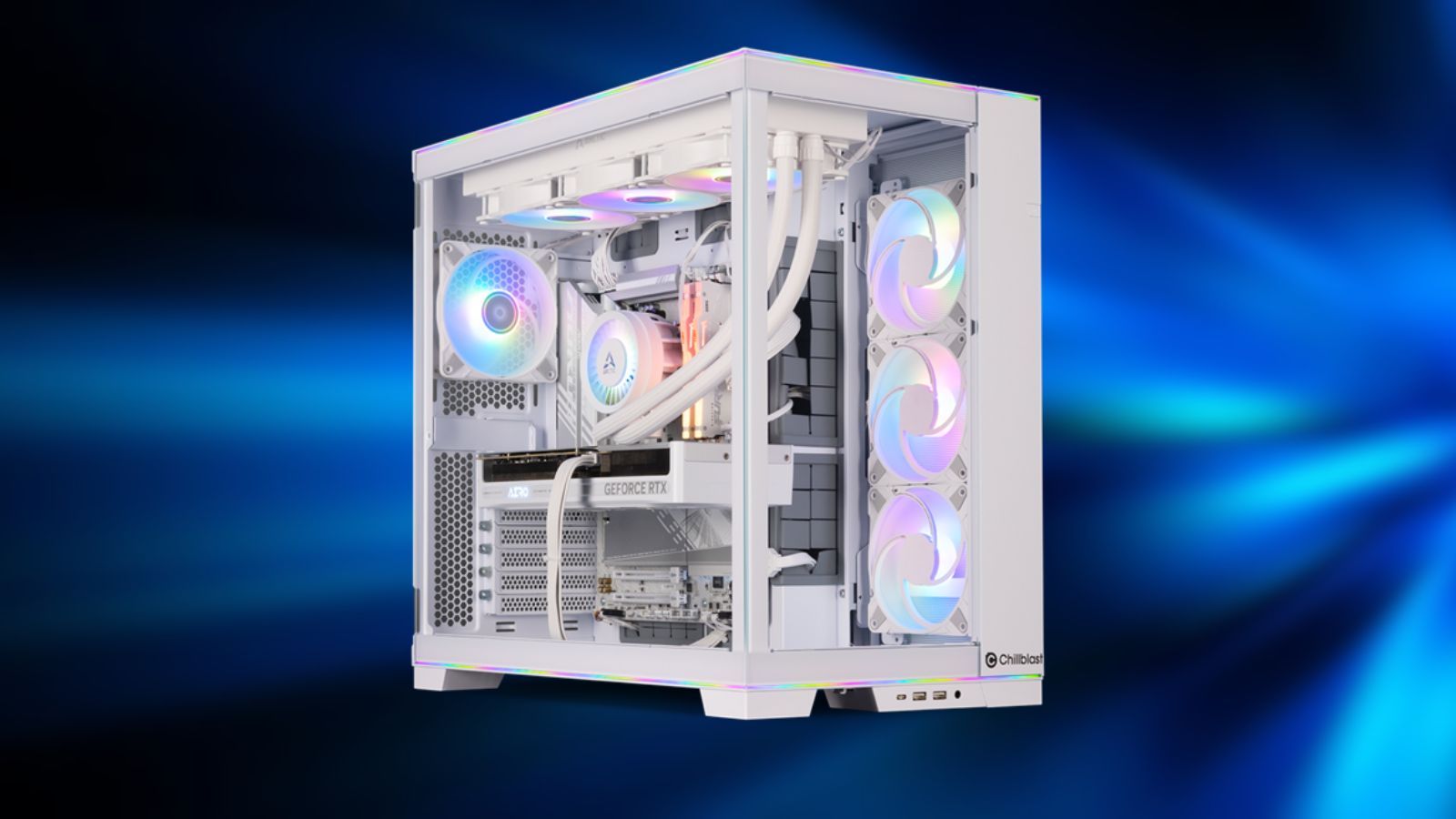
Many gamers dream of building their own PC to enhance their experience, and the technology for doing so has improved dramatically over time. Modern games demand more powerful hardware, and there’s now a huge range of components available to fit any budget.
Looking ahead to 2026, the market for PC parts is facing some challenges. Prices are increasing because of high demand from AI data centers, and many new games launch with performance issues, even on powerful computers. Whether you’re building a PC for the first time or upgrading an existing one, it’s important to carefully consider your needs and choose components accordingly.
VRAM
8GB May No Longer Be Enough
Details:
- More games require higher amounts of VRAM
- Even certain new cards don’t provide more than 8GB
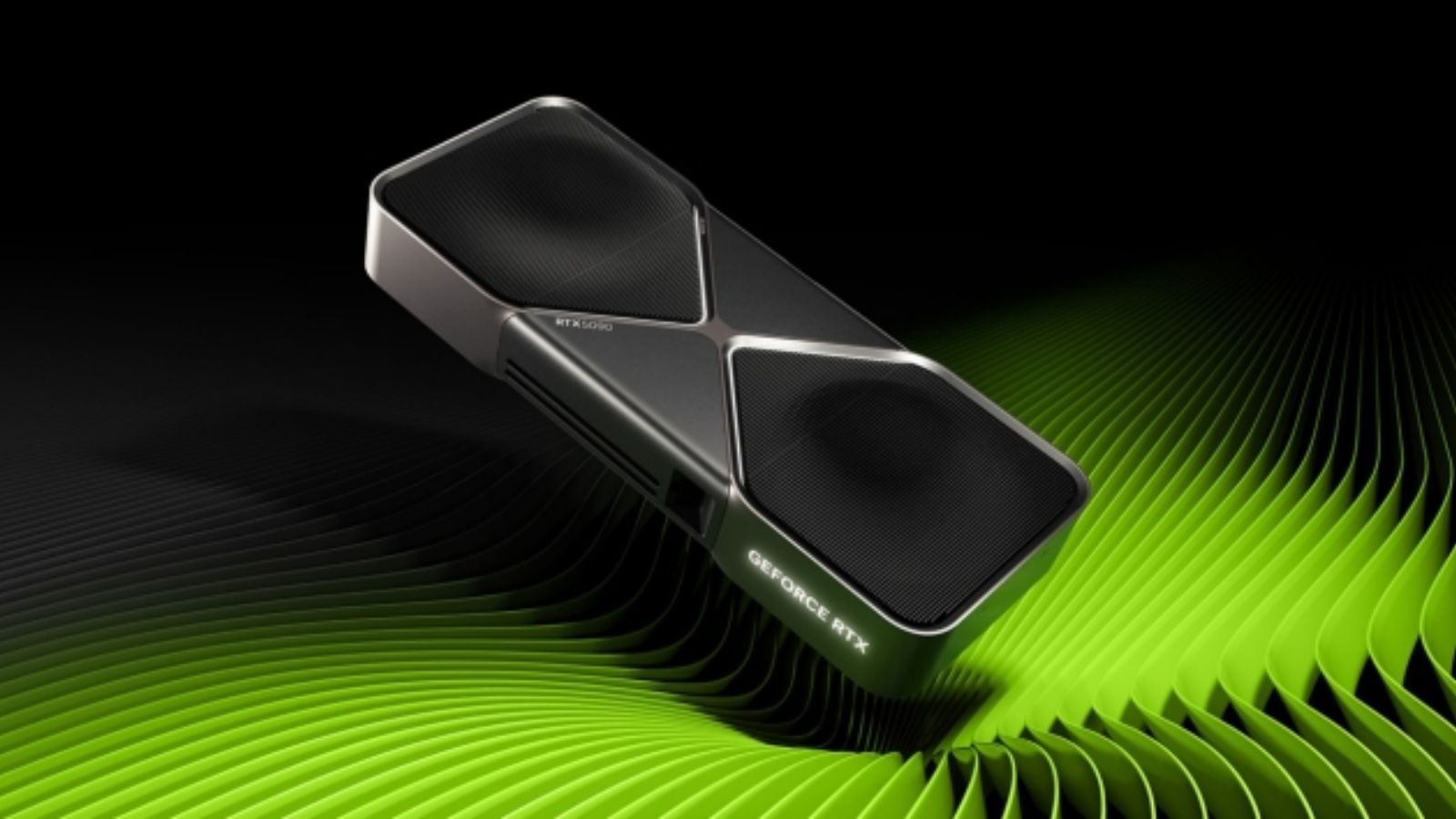
A frequent mistake PC builders make is choosing a graphics card with only 8GB of VRAM. While that used to be sufficient, today’s games are much more demanding. High-resolution graphics, ray tracing, and expansive open worlds now push even powerful computers to their maximum capacity.
Even when playing at 1080p resolution, many recent games need at least 8GB of video memory (VRAM). Systems with less VRAM often experience stuttering and other problems, making games difficult to enjoy. Ultimately, a graphics card can be limited by its VRAM before it’s limited by its overall processing power, causing a decent card to feel old much faster than it should.
Future Proofing
Preparing For More Than Today
Details:
- Expectations of games becoming more demanding
- Better to have more power than less
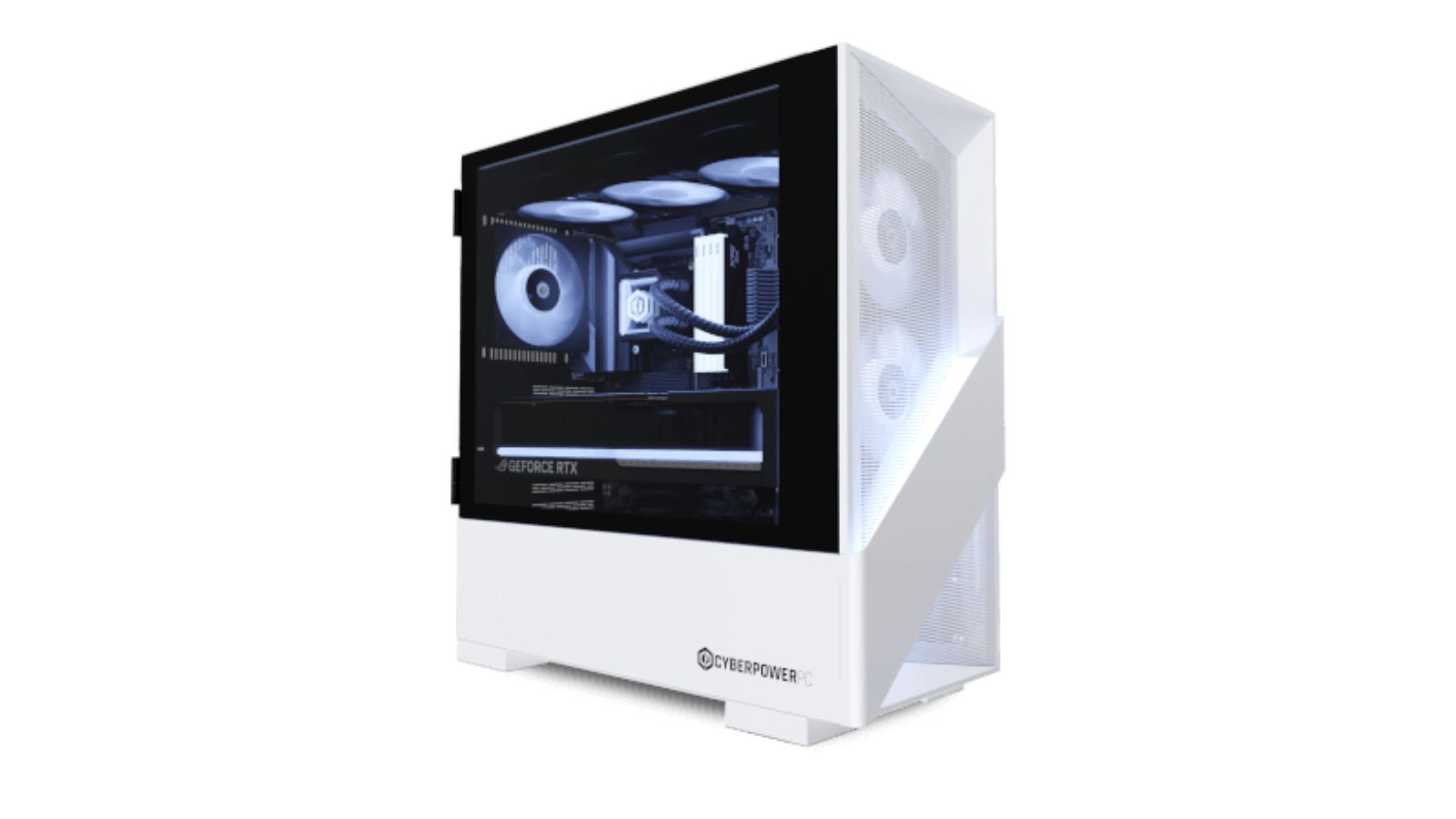
Technology changes rapidly these days, with new, groundbreaking advancements happening all the time. This is especially true for PC components, where even powerful parts can become outdated quickly. Because of this, it’s smart to consider future needs when investing in expensive upgrades.
I’ve been looking at different PC builds, and while some of the cheaper options seem great at first, I think people will quickly find those parts struggling with newer, more demanding games. Honestly, I think it’s worth spending a little extra now to get a more powerful setup. It might cost a bit more upfront, but it’ll save you from having to upgrade sooner and will be much better in the long run.
Drives
One Is All You Need
Details:
- No real need for a separate boot drive
- Cheaper to buy a single large M.2
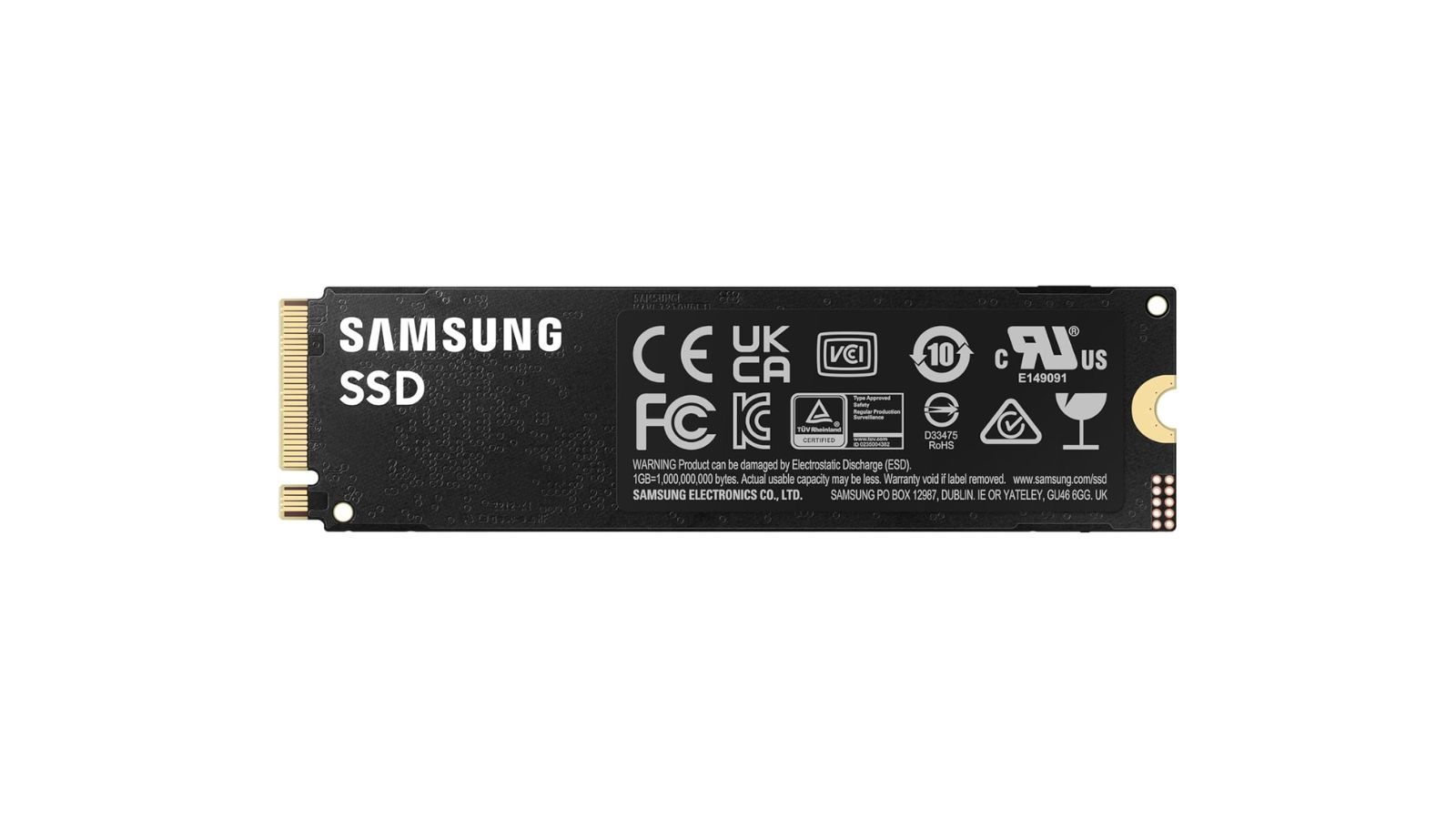
Many PC builders think they need multiple SSDs – one for Windows, one for games, and one for general storage. This often means spending extra money. However, today’s fast NVMe SSDs can easily handle everything in one place. Splitting things up doesn’t usually improve performance and can actually make your system more complicated and expensive.
Look, when it comes to building a gaming PC, I always advise keeping things simple. While having multiple drives can be useful – especially if you’re a video editor or dealing with huge amounts of data – for most gamers, a single, spacious SSD is the way to go. It’s not only more affordable, but it also makes managing your storage so much easier. You really don’t need the complexity of multiple drives unless you have a very specific professional need.
RAM
Prices Through The Roof
Details:
- Buy what is needed
- No guarantees of prices going back down soon
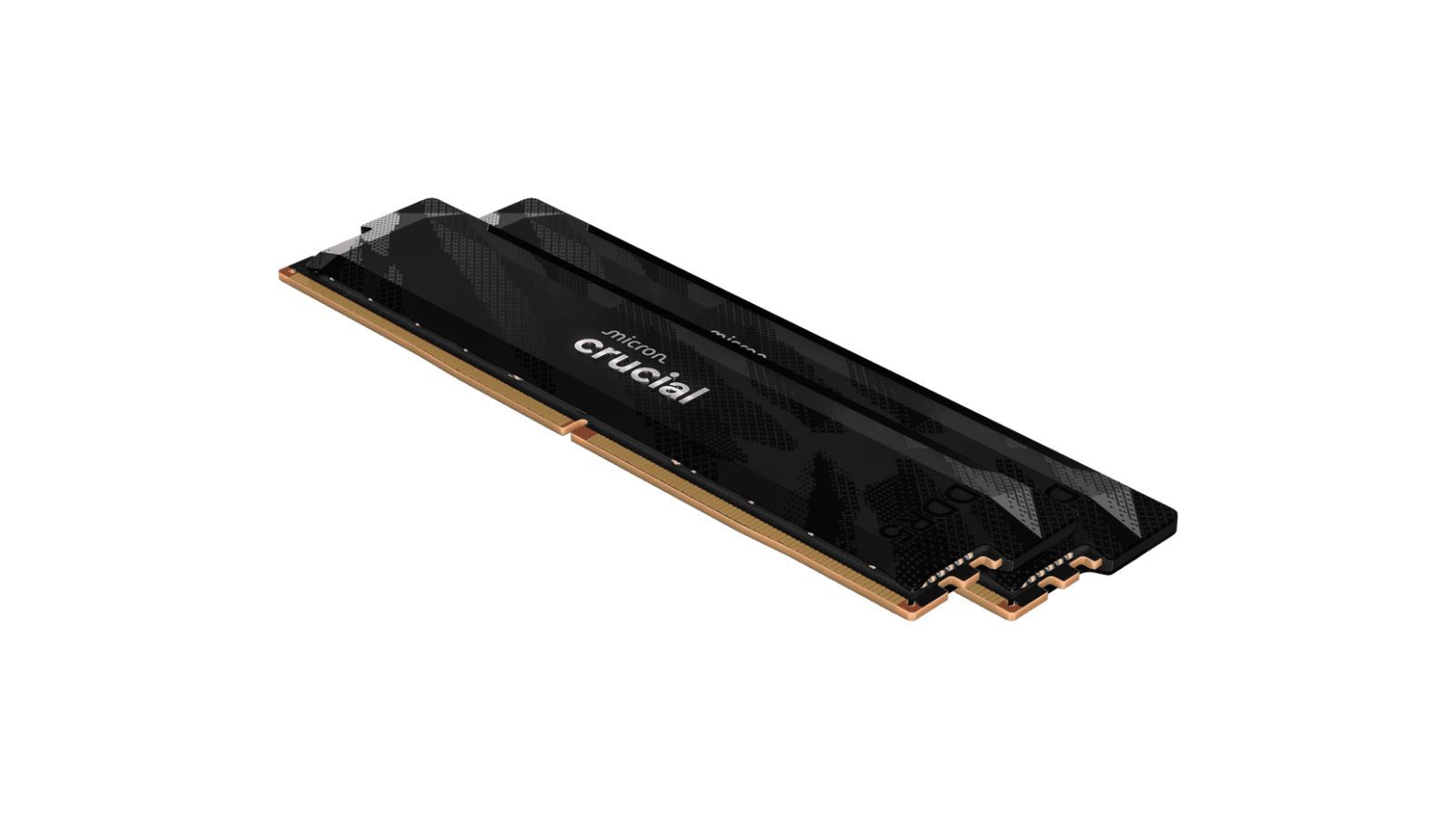
RAM prices have jumped significantly in recent months, with some products costing two or three times more than they used to. For gaming, 16GB of RAM is now generally the absolute minimum. While many games will still run, things like background apps, your operating system, and web browsers can quickly use up available memory.
If you’re a streamer, create mods, or work with creative software, 32GB of RAM is a much better choice. Getting too little RAM not only slows things down, but can also cause your system to crash or become unstable when running demanding programs. Although RAM prices are still relatively high, it’s worth looking for sales to maximize your memory and enjoy a significantly smoother experience.
Overspending
Cheaper Alternatives Everywhere
Details:
- Scouring for deals
- Options at virtually every price point
A common mistake players make is overspending on gaming PCs. Competitive games like CS2, Valorant, and League of Legends don’t require top-of-the-line hardware to run smoothly, so dropping thousands of dollars on a powerful system is unnecessary and won’t significantly improve your gameplay.
If you plan on playing demanding games, gaming in 4K, or using powerful software for work, then a high-end computer is a good investment. Otherwise, it’s best to consider how you’ll actually use the computer and choose a level of performance that meets those needs – there’s no need to overspend on more power than you require.
Compatibility
Making Sure It All Fits Together
Details:
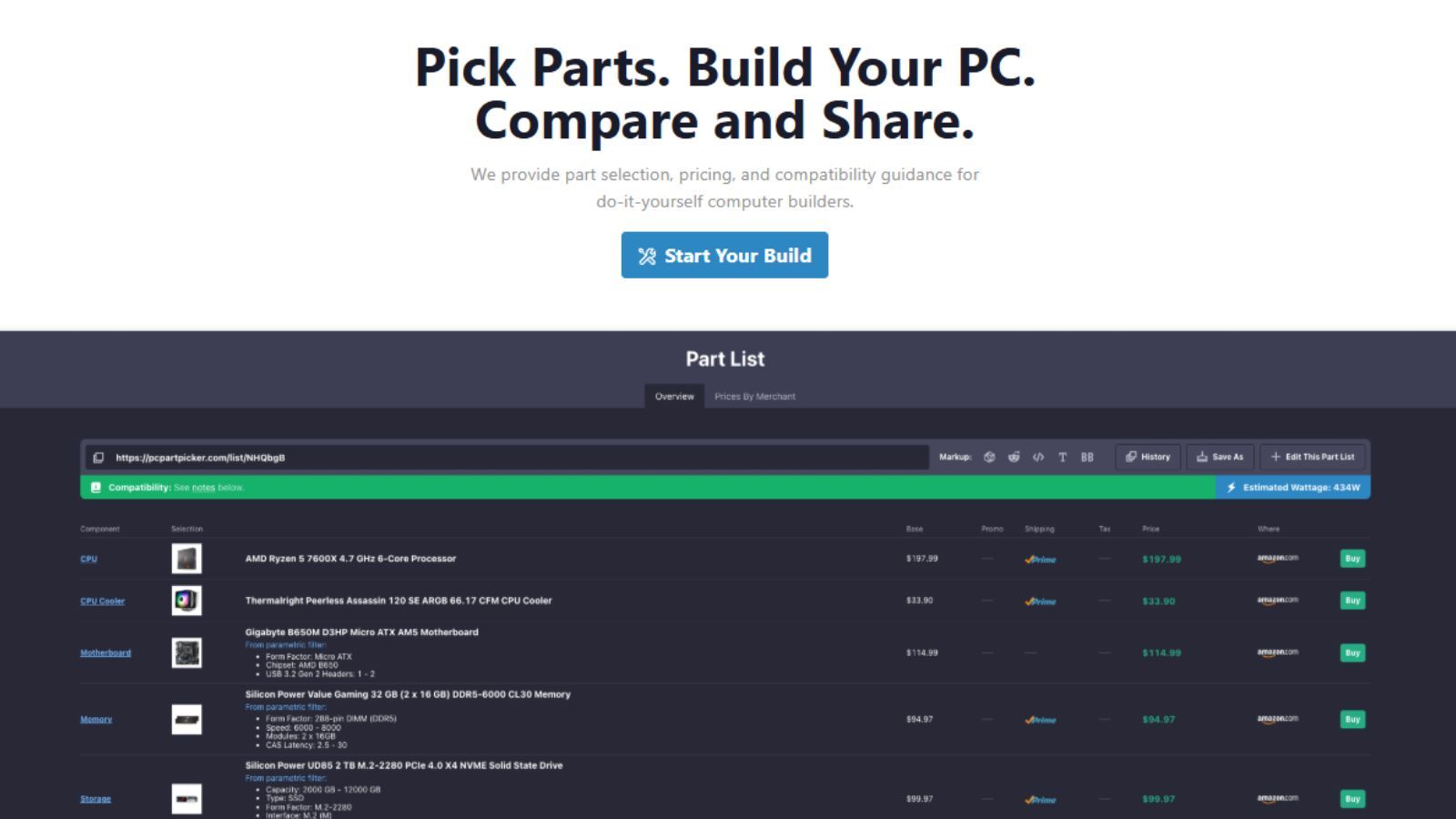
- Using PcPartPicker to identify functional component pairings
- Understanding how parts fit together
As someone who’s helped a few friends build PCs, I’m still amazed by how often things just don’t work together right out of the box. A lot of people, especially first-time builders, seem to think everything should just snap together easily, like LEGOs. But it’s so common to end up with a processor that isn’t compatible with the motherboard, or RAM that doesn’t run as fast as it should, or even a case that’s too small for the graphics card. It’s incredibly frustrating and can end up costing a lot of time and money – it really takes research to get everything to play nice together!
Sometimes, users will try to make incompatible components work together, which can cause problems and end up costing more than if they’d simply checked for compatibility beforehand using a tool like PcPartPicker. Even experienced PC builders can overlook things like BIOS compatibility or physical size limitations, so taking a few extra minutes to verify everything can prevent hours of frustrating troubleshooting.
Underspending
No One Wants A Flaming PC
Details:
- Cheap parts may be too good to be true
- The second-hand market can be a gamble
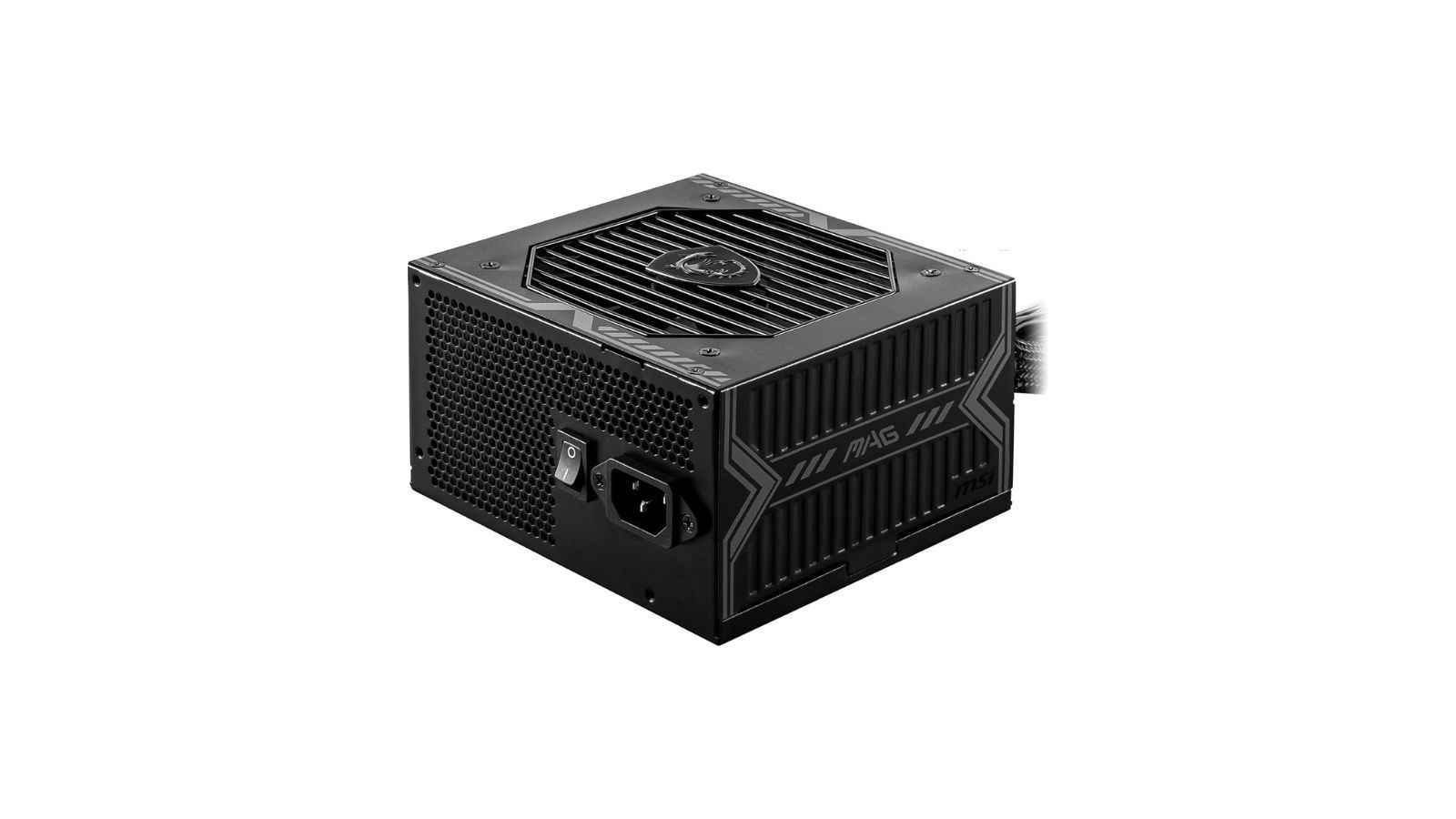
Spending too much isn’t ideal, but skimping on parts can be just as harmful. Inexpensive power supplies or low-quality motherboards can cause your computer to crash, slow down, or even break completely. Many people think these components are minor, but they’re just as crucial as the processor or graphics card.
A failing power supply can cause your entire computer to stop working, and this is especially true when buying used components. When building a computer, especially one you plan to use for a long time, it’s crucial to prioritize reliability as much as performance. Choosing trustworthy sellers and avoiding overly cheap parts can save you a lot of trouble down the road.
Unneeded Extras
Is RGB Really Worth It?
Details:
- Flashy vs function
- Prices depend on more than power
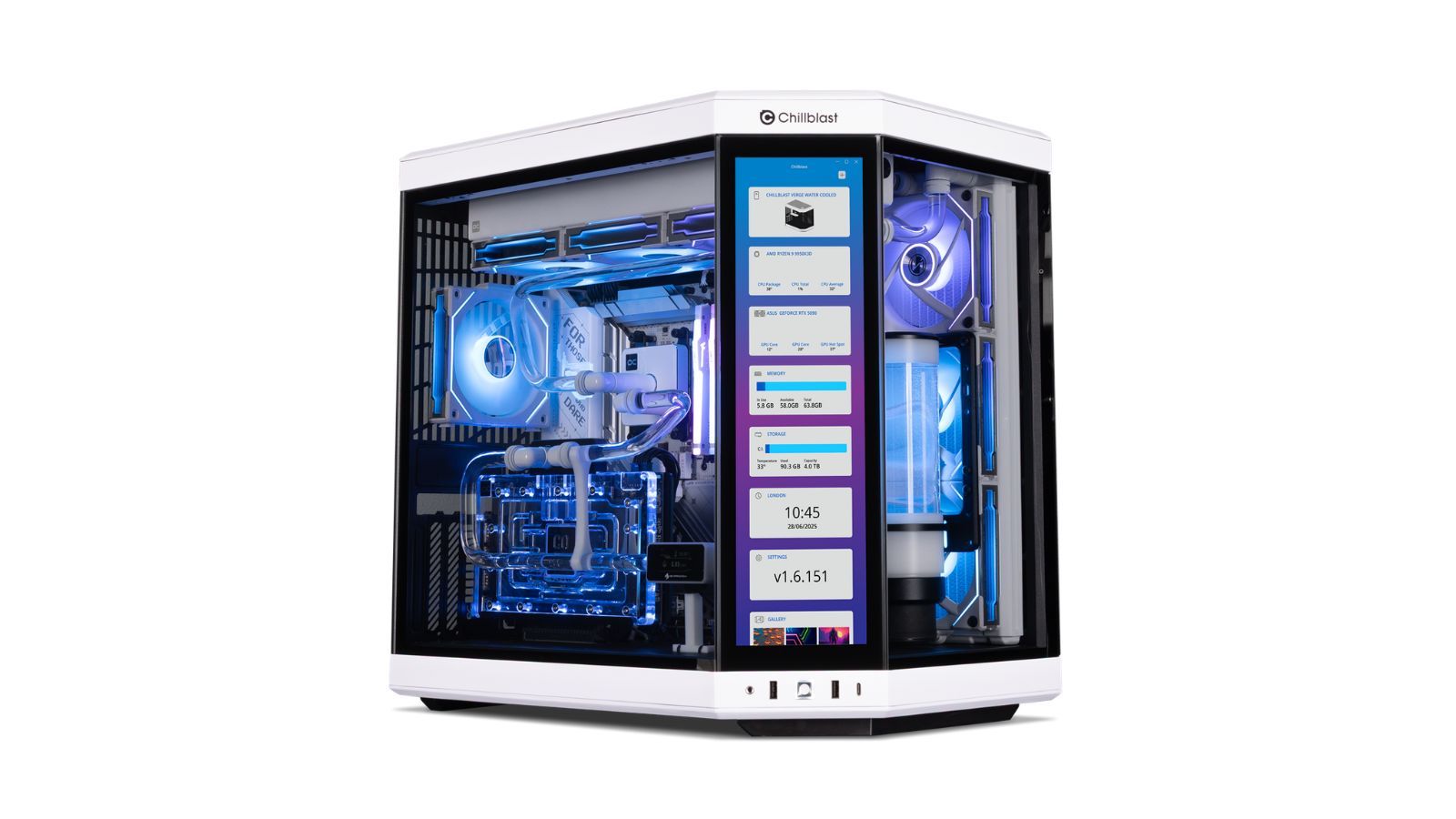
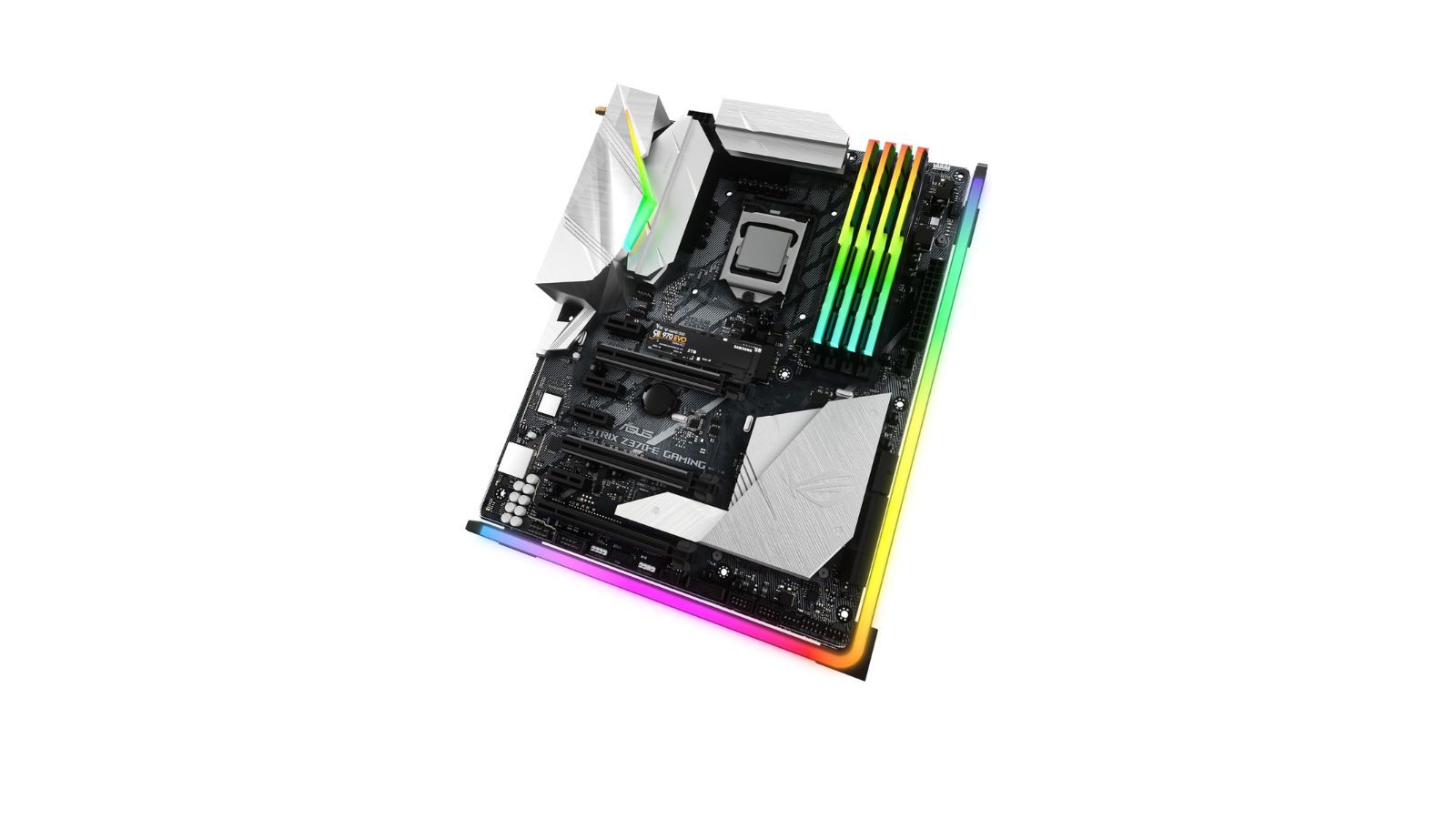
Building a PC isn’t just about performance – it’s also about aesthetics. While you want a computer that can handle demanding games and tasks, many builders also want something visually appealing on their desk. Modern components often include features like RGB lighting or customizable panels, and these extras can significantly increase the overall cost of the build.
While a visually appealing PC with lights and a consistent style is great, many people prioritize performance above all else. It’s often possible to build a system that looks good and performs well within a specific budget. However, if you have to choose between an attractive aesthetic, like a full white build, and improved performance, gamers should think about which is more important to them.
Excessive Peripherals
500Hz Might Be A Bit Too Much
Details:
- Finding a monitor in line with the system
- Expensive peripherals don’t guarantee a better experience
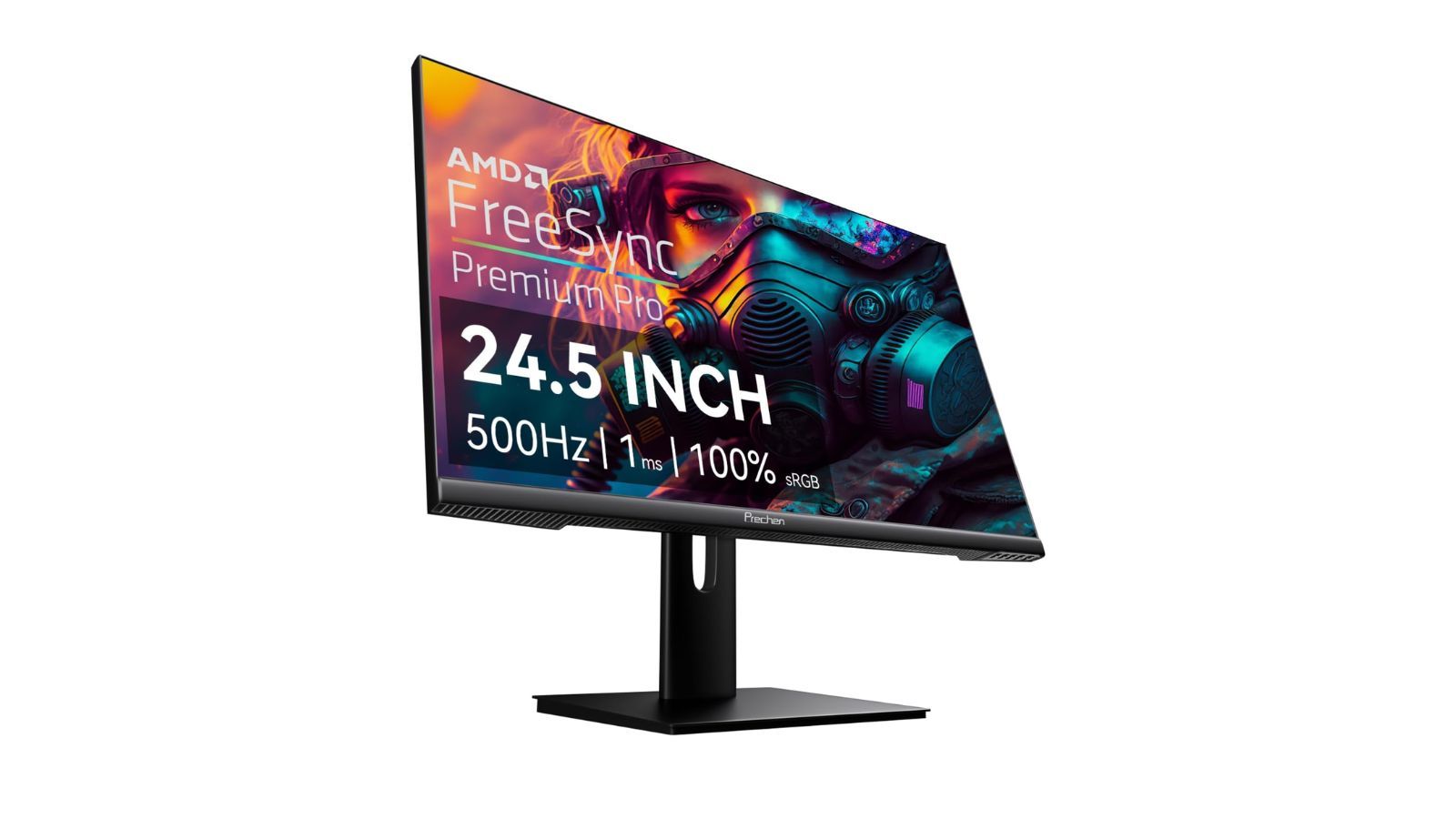
The market for computer accessories is advancing at a similar pace to the development of the components themselves. Monitors, in particular, are becoming incredibly immersive, offering incredibly fast refresh rates and stunning color accuracy – and the most advanced models combine both features.
New monitors boast impressive features like 4K and FreeSync, but before you buy one, make sure your computer can actually handle those higher resolutions and settings while you’re gaming. If it can’t, you might be better off spending your money on something else – like a second monitor – instead of a fancy one you won’t be able to fully enjoy.
Read More
- All Skyblazer Armor Locations in Crimson Desert
- All Shadow Armor Locations in Crimson Desert
- How to Get the Sunset Reed Armor Set and Hollow Visage Sword in Crimson Desert
- Marni Laser Helm Location & Upgrade in Crimson Desert
- Best Bows in Crimson Desert
- All Helfryn Armor Locations in Crimson Desert
- All Golden Greed Armor Locations in Crimson Desert
- How to Craft the Elegant Carmine Armor in Crimson Desert
- Wings of Iron Walkthrough in Crimson Desert
- Keeping Large AI Models Connected Through Network Chaos
2026-01-10 23:16