
Players on consoles are experiencing performance problems with Borderlands 4, but a temporary fix is available. The game’s launch has been somewhat uneven; while critics generally like it and many fans consider it a strong addition to the Borderlands series, it’s also been plagued by technical issues.
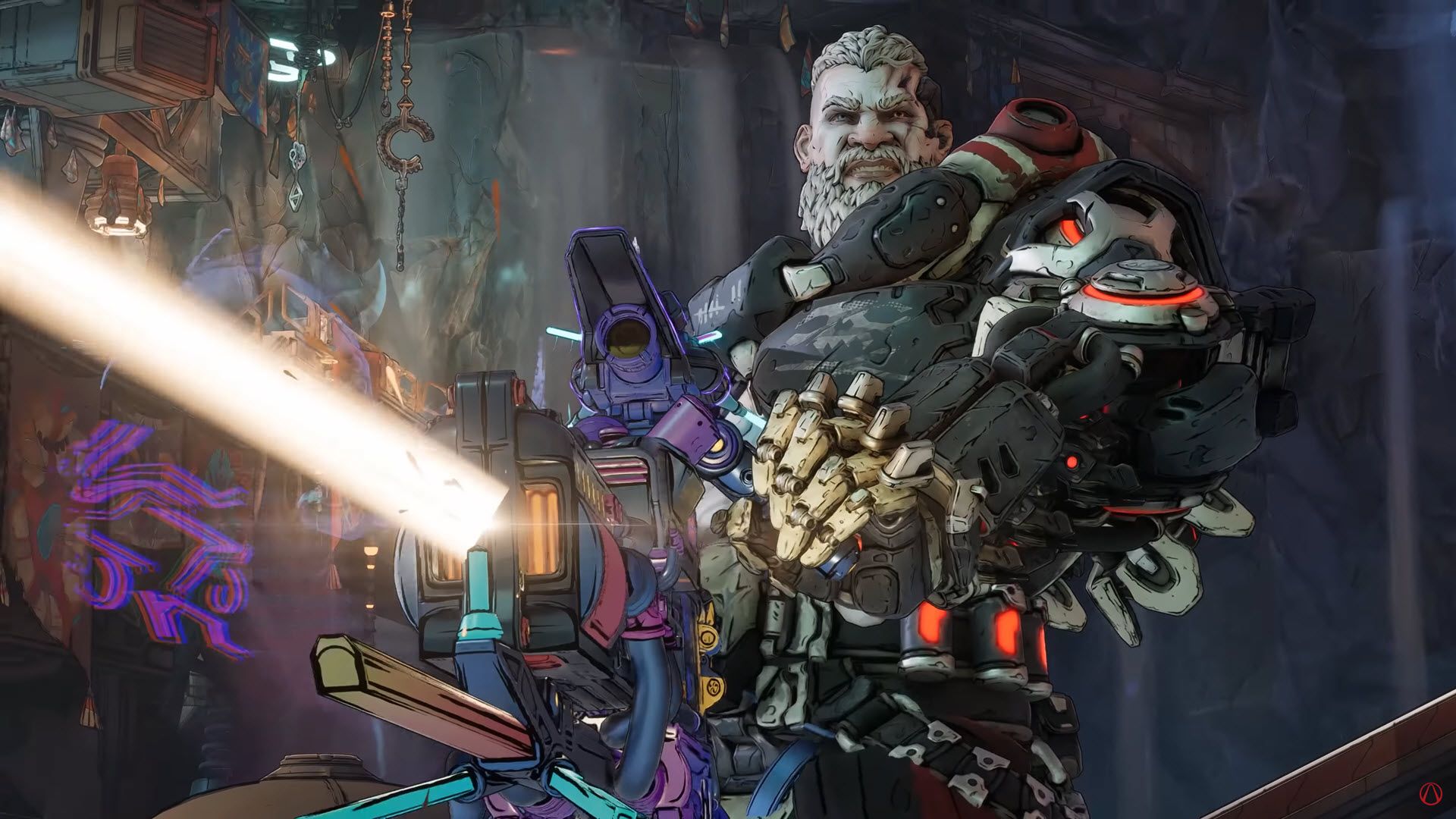
The majority of technical difficulties with *Borderlands 4* appear to be happening on the PC version. These PC issues have caused a strong negative reaction, and Gearbox Software’s Randy Pitchford has advised Steam users who are dissatisfied to request a refund. However, the PC version isn’t the only one experiencing problems. Players on consoles have also reported issues, with the game’s performance seeming to decline the more it’s played.
How to Fix Borderlands 4 Console Performance
Recently, Gearbox CEO Randy Pitchford addressed performance problems some players are experiencing with *Borderlands 4* on consoles. He suggested that if the game starts to lag or run poorly, simply quitting and restarting it can often help. While he specifically mentioned the PlayStation 5 Pro version, players on other consoles have also reported similar issues. Many online reports confirm that restarting the game does seem to improve performance, though it’s a temporary fix until Gearbox releases a more permanent solution.
While we wait for official updates, *Borderlands 4* players can tweak their console settings for a better experience. A Reddit user named Buddy_Kryyst suggests setting both horizontal and vertical sensitivity to 2, cursor speed to 0.5, and cursor friction to 0.5. They also recommend using 1% and 0.5 for all deadzone settings, disabling grapple view tilt, and increasing camera head-bob to over 75%.
To potentially boost performance in *Borderlands 4* on consoles, you can switch the Session Settings to ‘Local Only’. Keep in mind this will prevent you from playing with friends online.
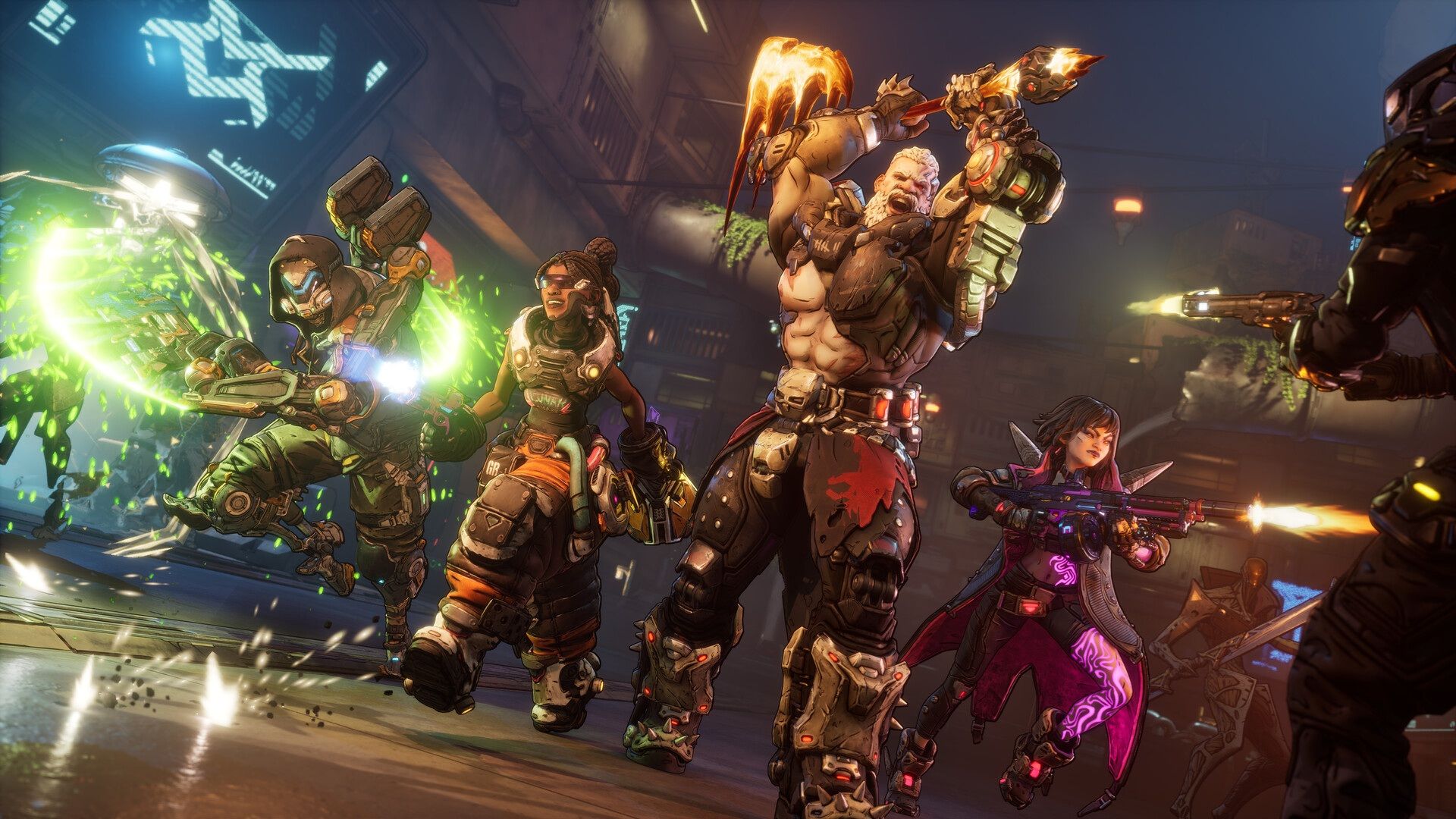
We also suggest enabling the radar in *Borderlands 4*. The game starts with just a compass at the top of the screen, but you can turn on a radar in the settings. While it’s not exactly like the mini-map from older games, it’s a helpful addition.
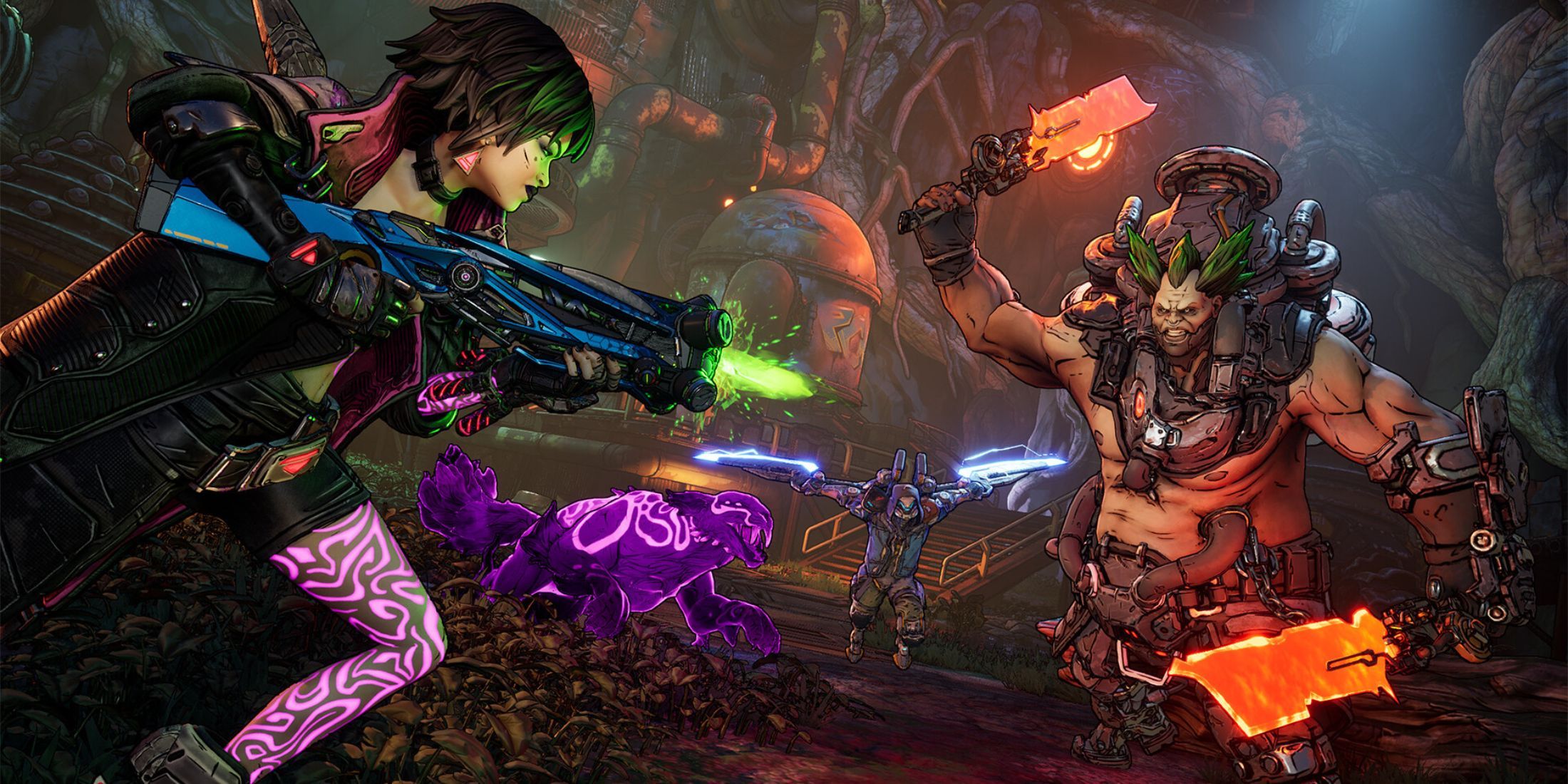
It’ll be exciting to see what improvements come to *Borderlands 4* in future updates. We might finally get a useful mini-map, or console players could get a field-of-view slider – only time will tell! But fans can be confident that more updates are planned for the game.
Read More
- All Skyblazer Armor Locations in Crimson Desert
- How to Get the Sunset Reed Armor Set and Hollow Visage Sword in Crimson Desert
- All Shadow Armor Locations in Crimson Desert
- One Piece Chapter 1180 Release Date And Where To Read
- Marni Laser Helm Location & Upgrade in Crimson Desert
- All Helfryn Armor Locations in Crimson Desert
- All Golden Greed Armor Locations in Crimson Desert
- All Icewing Armor Locations in Crimson Desert
- How to Beat Stonewalker Antiquum at the Gate of Truth in Crimson Desert
- Legendary White Lion Necklace Location in Crimson Desert
2025-09-17 19:08