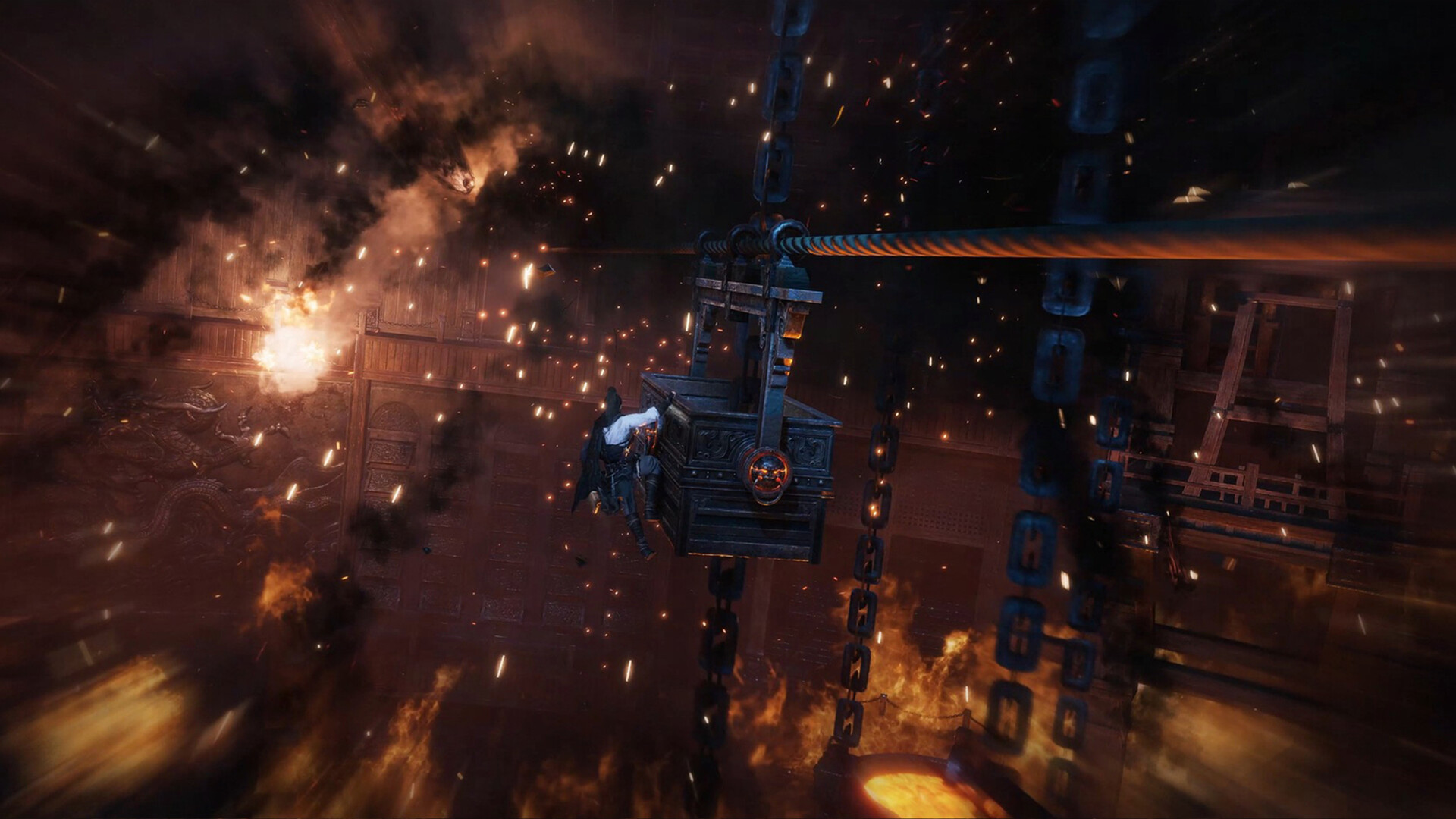
After being available in China for a while, Where Winds Meet is now released globally! If you’re wondering if you can start a new adventure by deleting your current character, we have the information you need.
The Wuxia open-world adventure game, Where Winds Meet, became available worldwide on November 14, 2025, after a period of being exclusive to China. It features a huge amount of content for players to explore.
Players of role-playing games often start fresh with new characters, usually meaning they have to erase their previous progress. Where Winds Meet has some similar restrictions, as we’ve detailed in this article.
Can You Delete Your Character in Where Winds Meet?
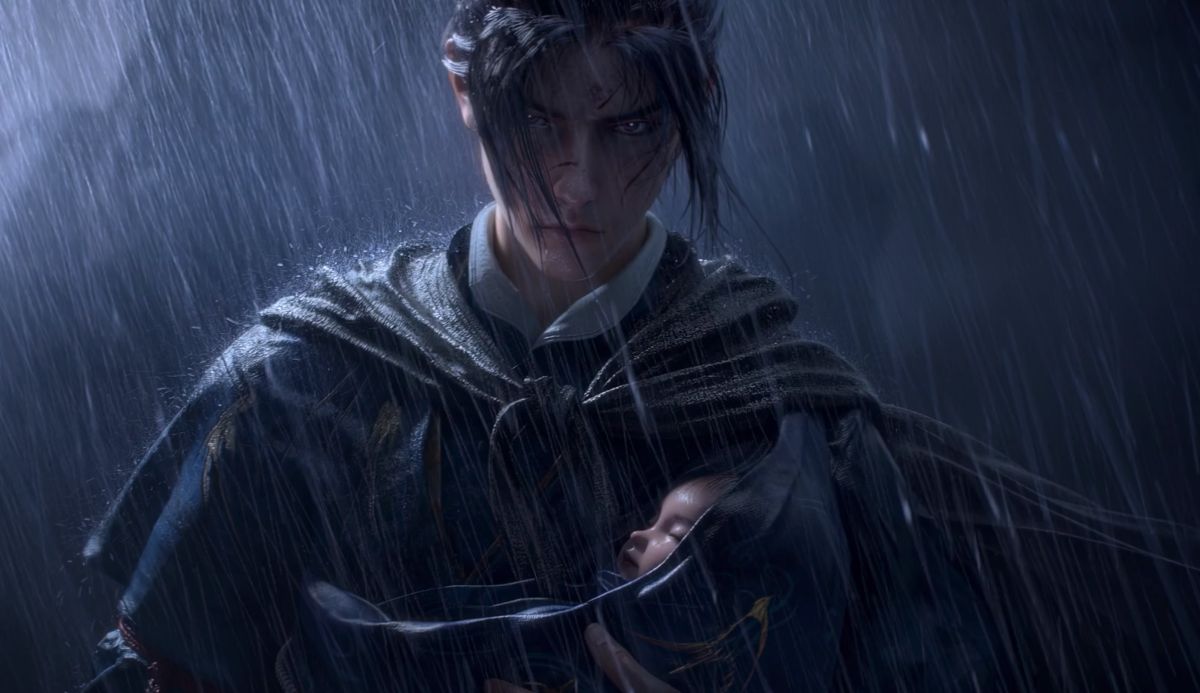
Unfortunately, Where Winds Meet doesn’t let you delete your character. If you want to start over, you’ll have to go through a longer process.
You’re free to change your character’s appearance through the pause menu whenever you like, but some options, such as hair color, need special items. However, there isn’t a simple way to completely reset and start your character’s customization over.
Unfortunately, there’s no way to start fresh without making a new account. Because of this, deleting a character also means deleting your entire account.
How to Delete Your Account in Where Winds Meet
Deleting your account and character in Where Winds Meet is a simple process.
If you want to begin a new playthrough, you’ll need to make a fresh account, and unfortunately, that means losing all your previous progress and items.
If you’ve already unlocked certain rewards in the game, you might not be able to get them again on the same account. You can try creating a new account, but if the rewards are linked to your email, you’ll need to use a different email address to claim them again.
Here’s the step-by-step process of how to delete your account in where Winds Meet.
- Open the game through the launcher.
- In the log-in screen, select the profile icon on the left-hand side to open log-in credentials.
- Click on the ‘Account Deletion’ option.
- On the webpage that pops up, click the checkbox to agree to the conditions stated, and click ‘Next.’
- Click ‘Confirm’ on the pop-up that appears.
- Fill in the steps to verify account ownership, and add your contact email.
- Click ‘Yes’ on the next pop-up.
- On the final page, check the box for the agreement, and hit ‘Submit’ to delete your account.
Want more from Where Winds Meet? Be sure to check out the available Exchange Codes for extra rewards and learn about the game’s multiplayer features.
Level Up Your Gaming News
Google Play
Read More
- All Skyblazer Armor Locations in Crimson Desert
- How to Get the Sunset Reed Armor Set and Hollow Visage Sword in Crimson Desert
- All Shadow Armor Locations in Crimson Desert
- Marni Laser Helm Location & Upgrade in Crimson Desert
- All Helfryn Armor Locations in Crimson Desert
- All Golden Greed Armor Locations in Crimson Desert
- All Icewing Armor Locations in Crimson Desert
- Best Bows in Crimson Desert
- How to Beat Stonewalker Antiquum at the Gate of Truth in Crimson Desert
- Legendary White Lion Necklace Location in Crimson Desert
2025-11-15 18:48