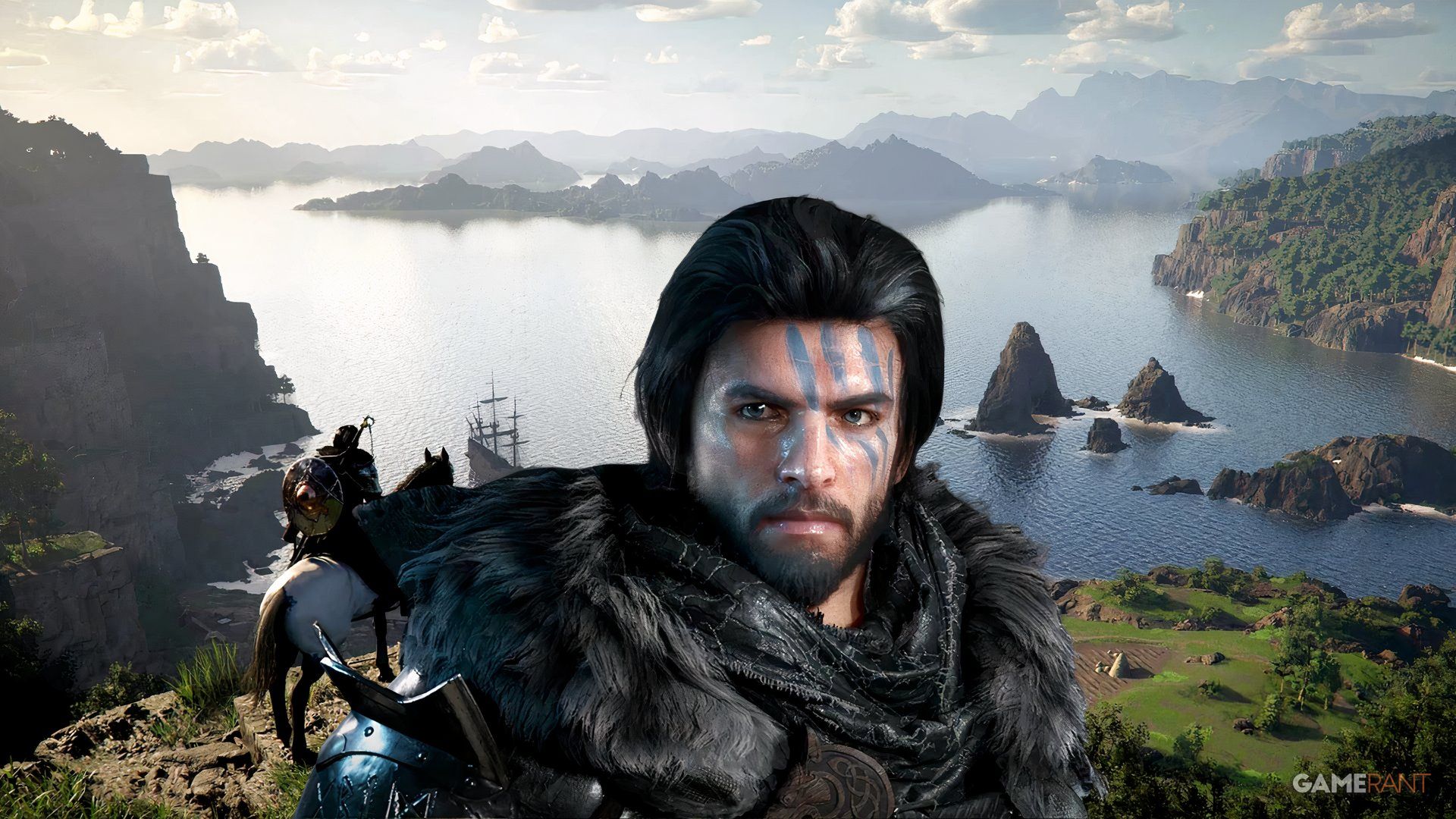
Players of Crimson Desert are discovering settings adjustments that significantly improve how the game looks, especially on consoles. While Crimson Desert features a beautiful open world, it hasn’t always displayed well on all platforms. Both the game developers and players are working to fix this and make the visuals truly shine.
Pearl Abyss has seen a significant boost in both critical acclaim and financial gains thanks to the success of Crimson Desert. Since launching on March 19th, the game has sold 2 million copies and driven the company’s stock price sharply upward. While some players initially had concerns about the controls and other aspects, opinions have become more positive over time.
Crimson Desert Player Offers Helpful Console Settings Optimization Recommendation
While more players are enjoying the game overall, many are still having trouble getting the best visual experience. This issue has occurred on all platforms, but it’s been especially common for players on consoles, particularly the PS5, where many have reported blurry graphics in Crimson Desert. A PS5 user with the Reddit username lixmdvs88 recently shared a settings guide that’s proven helpful for many. For a standard PS5, the recommendation is to use standard HDR settings, enable V-Sync and Fixed 4K Output, disable Depth of Field, and set contrast to 50, particle effects to 20, and both camera shake and blur intensity to zero.
One of the most crucial settings for playing Crimson Desert on consoles is choosing the right performance mode. Many players find the game runs best in Balanced Mode, which offers a compromise between visual quality and speed. Interestingly, this mode seems to be the best way to prevent blurry graphics on the PS5. While it does reduce the frame rate slightly compared to Performance Mode, most players say the difference is hardly noticeable.
Several Xbox Series X/S players have seen positive changes with these settings, though results will naturally vary depending on the console, PC, and even the TV being used. This player, using a 4K Samsung UHD TV (60hz), suggests enabling Game Mode and turning off sharpness completely. Optimizing Crimson Desert on PC can be trickier because of the wide range of computer configurations, but the game offers plenty of settings players can adjust to find what works best for their system.

Loadout Logic
Tap on a weapon to rotate it or press R while dragging.
Results
Pearl Abyss has been quickly releasing updates to fix visual problems in Crimson Desert. A patch released in late March focused on reducing blurriness in certain areas and correcting flickering effects, particularly with cloud edges, the sky, and how smoke appeared over other objects. The developers also addressed issues with NVIDIA Ray Reconstruction and DLSS in that update, and they plan to continue improving the game’s visuals with future patches.
Read More
- All Skyblazer Armor Locations in Crimson Desert
- One Piece Chapter 1180 Release Date And Where To Read
- How to Get the Sunset Reed Armor Set and Hollow Visage Sword in Crimson Desert
- All Shadow Armor Locations in Crimson Desert
- Marni Laser Helm Location & Upgrade in Crimson Desert
- All Golden Greed Armor Locations in Crimson Desert
- All Helfryn Armor Locations in Crimson Desert
- How to Beat Stonewalker Antiquum at the Gate of Truth in Crimson Desert
- All Icewing Armor Locations in Crimson Desert
- Black Sun Shield Location In Crimson Desert (Buried Treasure Quest)
2026-04-09 23:04