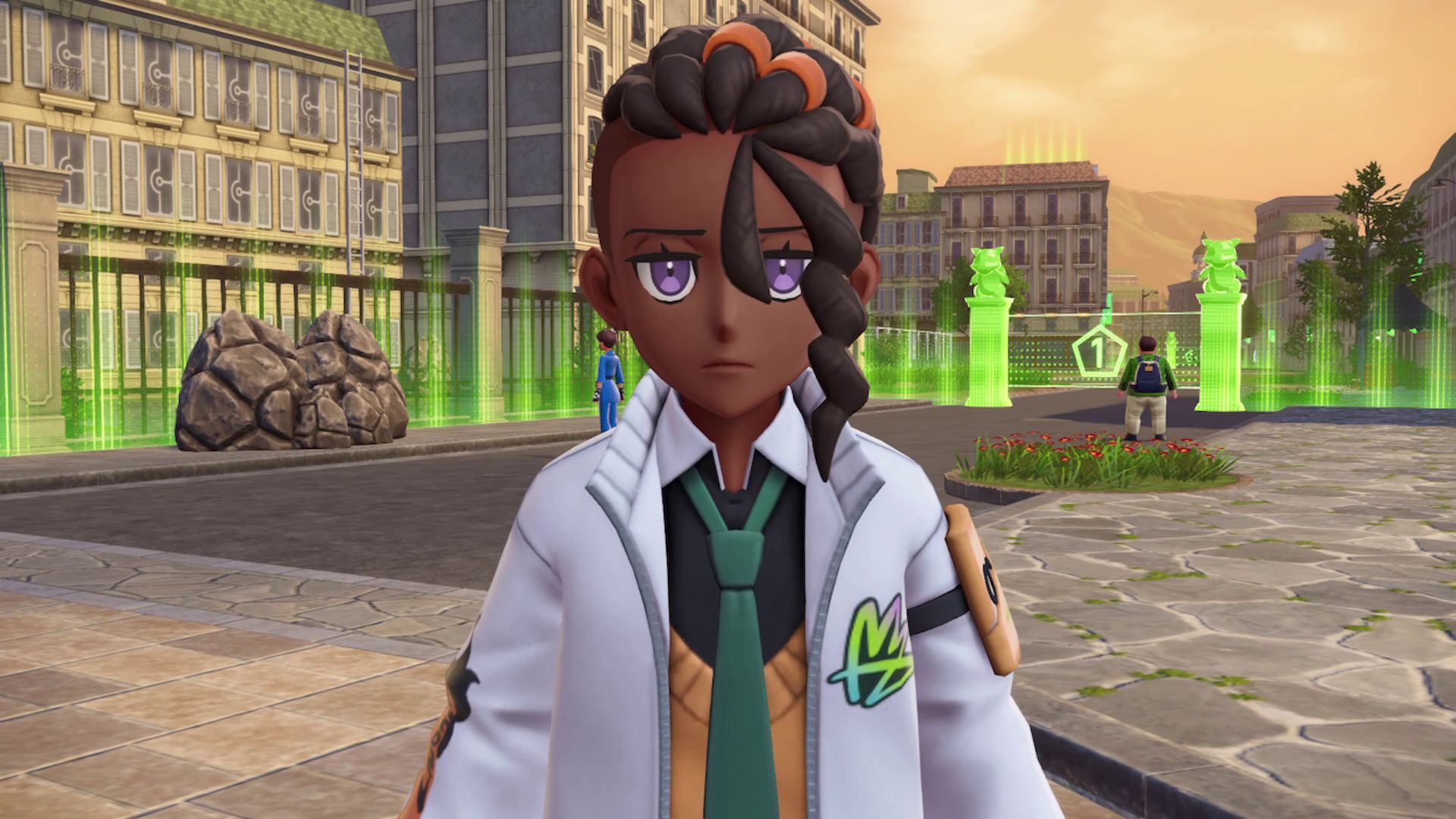
In Pokémon Legends: Z-A, players have extensive options to personalize their character’s appearance. You can completely change their look, from clothing and hairstyles to adding details like freckles and beauty marks.
Okay, so you can’t just change how your character looks right away in the game. You actually have to do a few things first before you unlock the ability to customize your appearance. Here’s what you need to know…
How to Change Your Outfit and Appearance in Pokemon Legends: Z-A
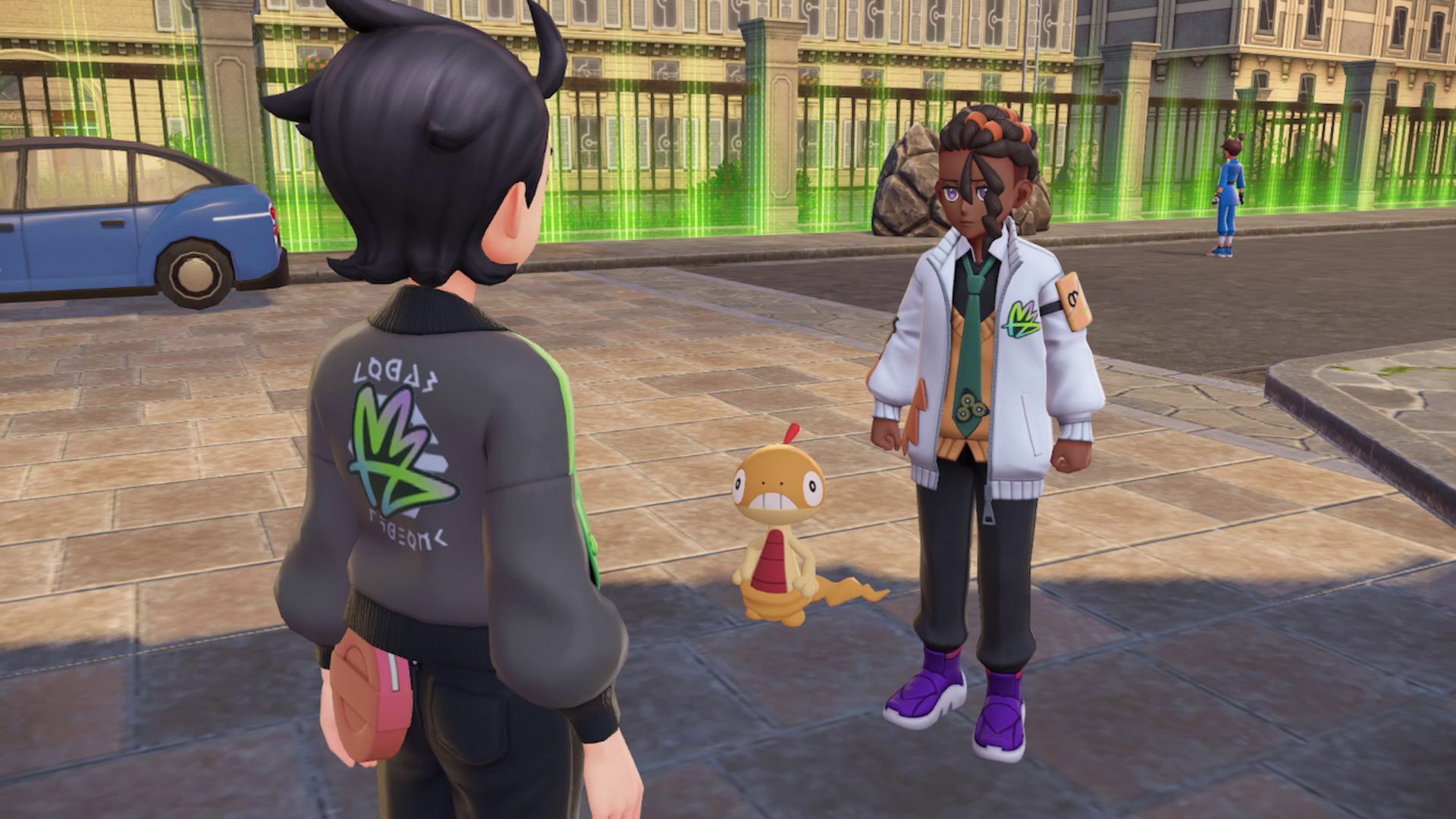
In *Pokémon Legends: Z-A*, you’ll be able to customize your character’s outfit and look after you’ve made some progress in the main story. This customization option is unlocked automatically through a tutorial with a character named Naveen, and it happens fairly early in the game, so you won’t miss it!
Once you’ve caught five Pokémon in Wild Zone 1 for research, you’ll need to visit Mable at the Pokémon Research Lab. After speaking with her, head back to Hotel Z to find Taunie. As you leave the Lab, you’ll meet Naveen, a member of Team MZ, in a cutscene. He’ll give you a new hat, which unlocks the ability to customize your character’s outfits and appearance.
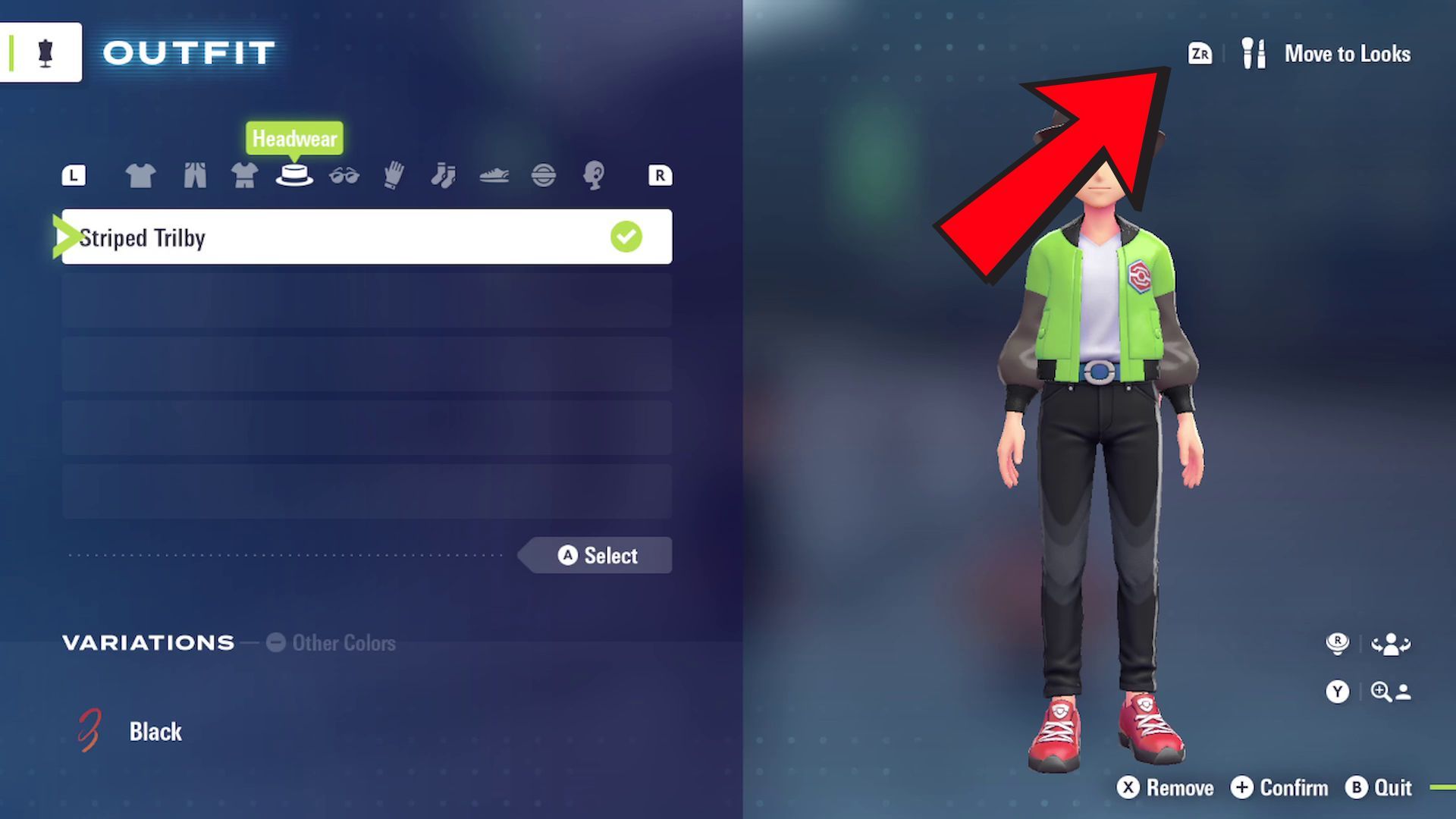
How to Change Your Outfit in Pokemon Legends: Z-A
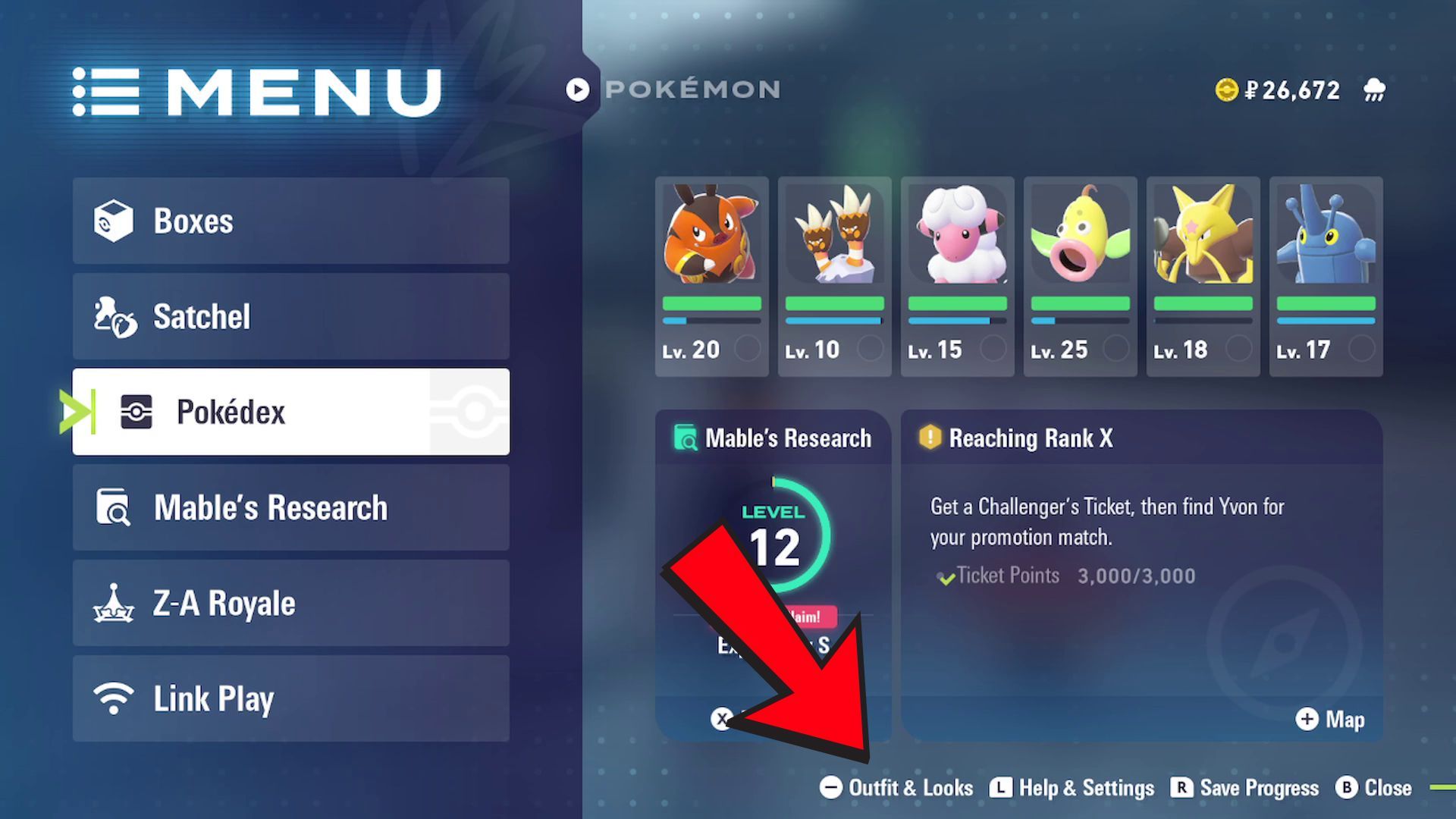
- Open the pause menu by pressing X.
- Press – to open the Outfits & Looks menu.
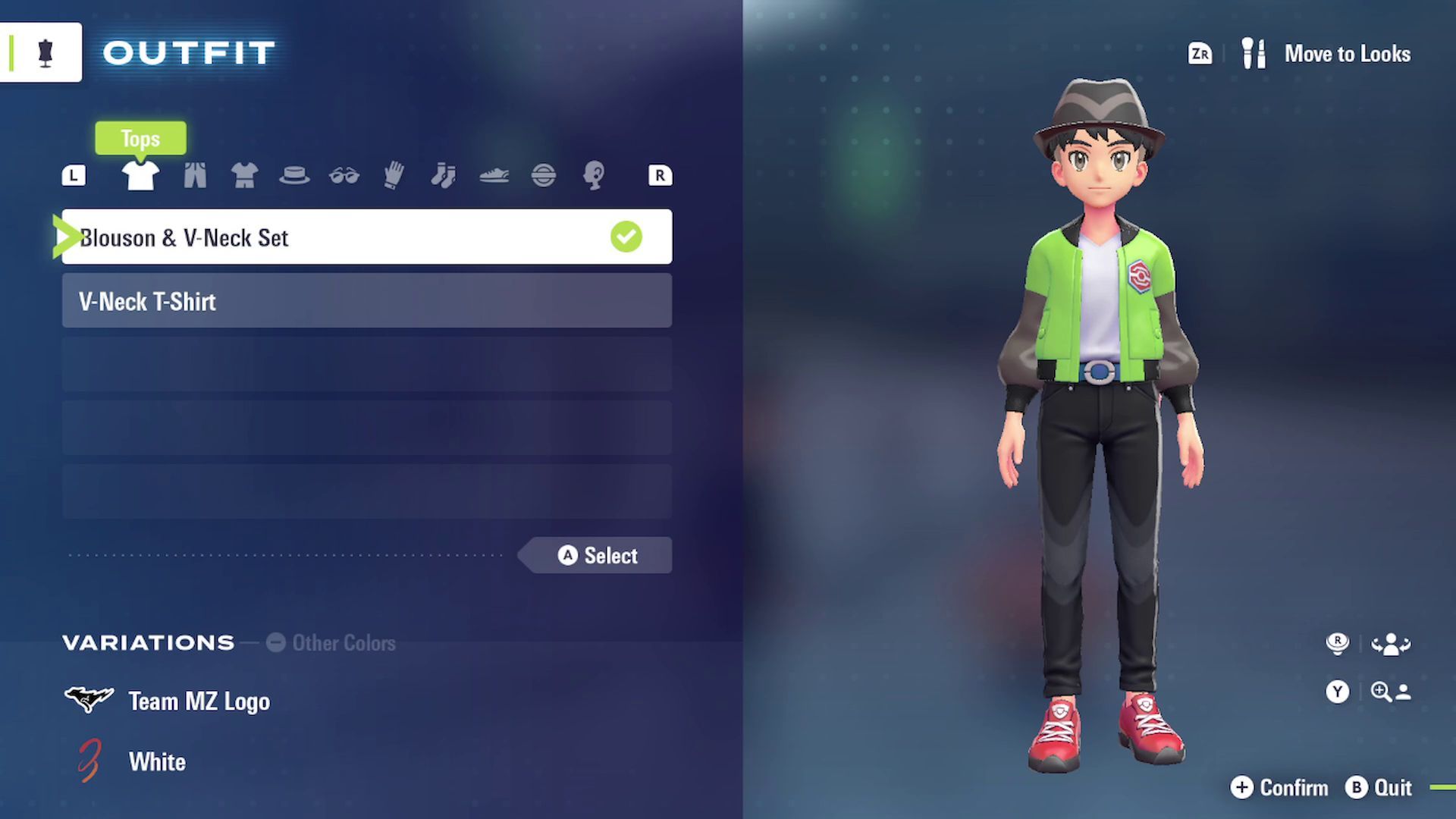
- By default, the Outfits menu will open up.
- Use L/R to cycle through the different outfit options and select the ones you like.
- Press A to equip an outfit, then press + to confirm the change.
- Exit out of the menu, and your new outfit will be worn.
Outfits can be purchased from various specialized boutique shops spread out across Lumiose City.
Certain outfits come in different styles. You can see these options at the bottom of the screen when you’ve chosen an outfit. Press the hyphen (-) key to switch between the various colors and designs available.
How to Change Your Appearance in Pokemon Legends: Z-A
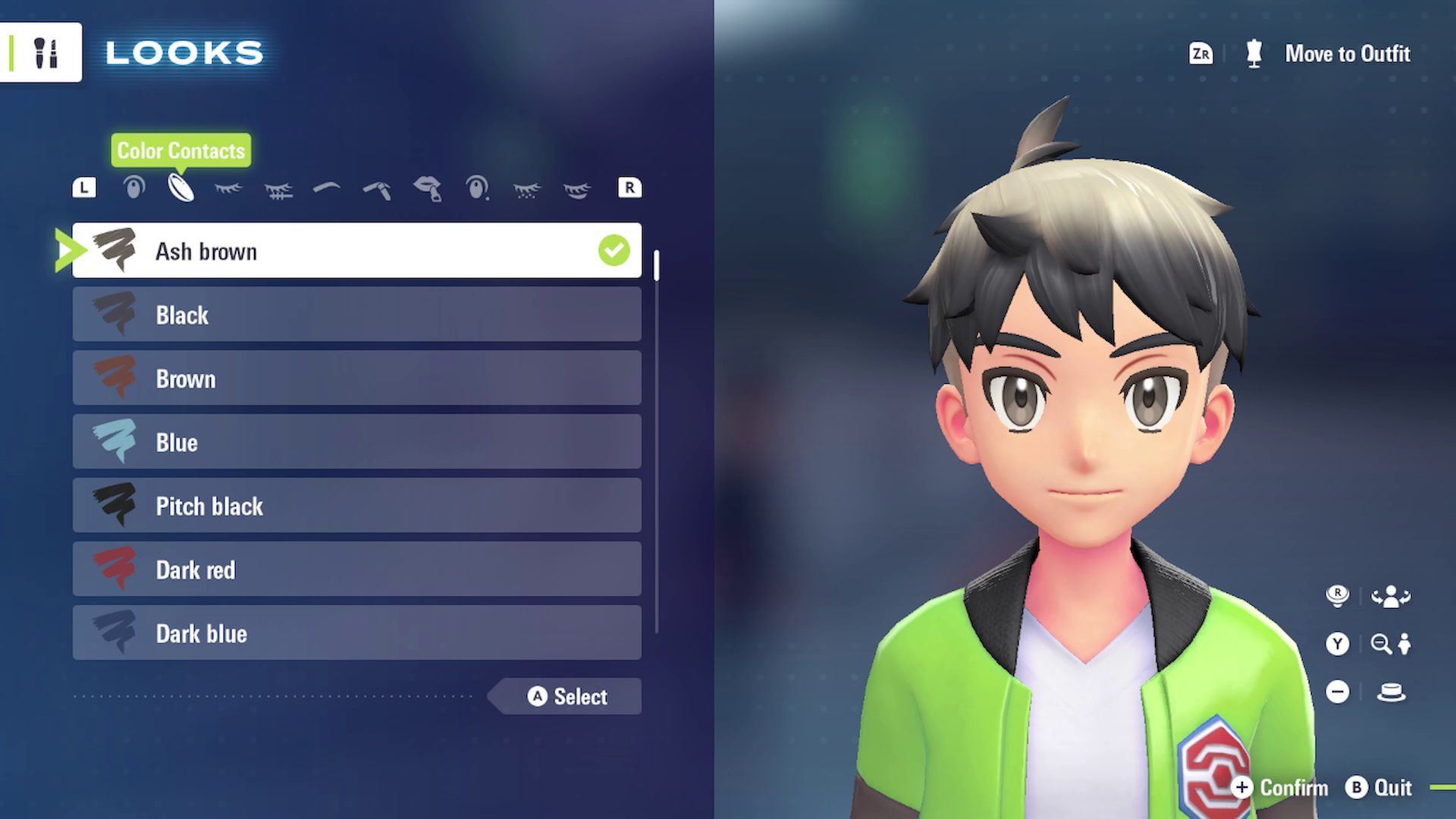
- Open the pause menu by pressing X.
- Press – to open the Outfits & Looks menu.
- Press ZR to switch to the Looks menu.
- Use L/R to cycle through the different appearance options and select what you like to change.
- Press A to select something, then press + to confirm.
- Exit out of the menu, and your appearance changes will be applied.
Skin tones cannot be changed.
How to Change Hairstyles in Pokemon Legends: Z-A
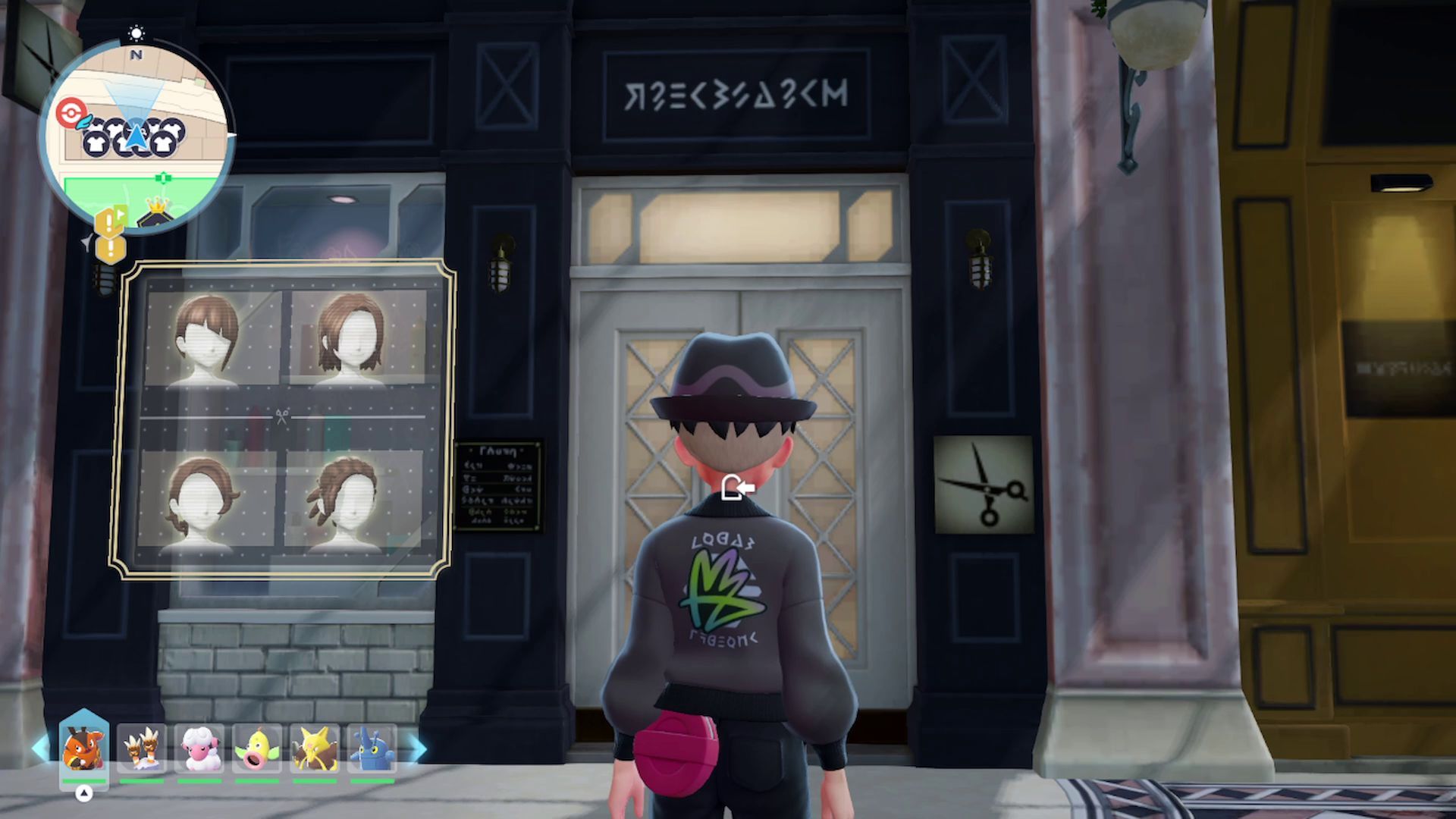
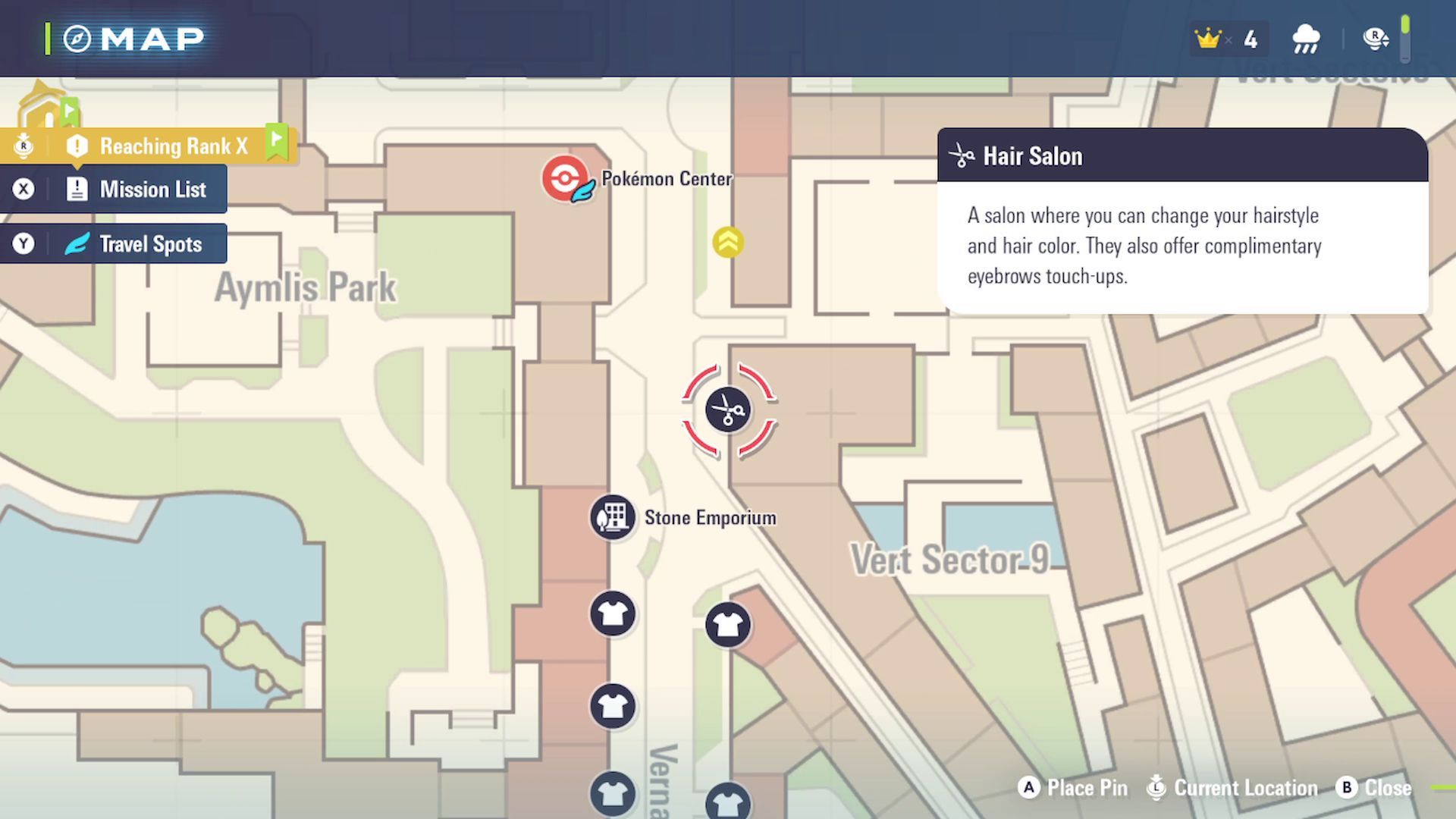
Players can change their character’s hairstyle by visiting any Hair Salon in Lumiose City. You can’t change your hairstyle directly from the Outfits & Looks menu.
You can get your hair styled at any of the four Hair Salons located around the city, and they accept Pokedollars as payment. The first Salon you’ll find is on Vernel Avenue, just west of Hotel Z.
Read More
- All Skyblazer Armor Locations in Crimson Desert
- How to Get the Sunset Reed Armor Set and Hollow Visage Sword in Crimson Desert
- All Shadow Armor Locations in Crimson Desert
- Marni Laser Helm Location & Upgrade in Crimson Desert
- All Helfryn Armor Locations in Crimson Desert
- All Golden Greed Armor Locations in Crimson Desert
- Best Bows in Crimson Desert
- All Icewing Armor Locations in Crimson Desert
- How to Beat Stonewalker Antiquum at the Gate of Truth in Crimson Desert
- Legendary White Lion Necklace Location in Crimson Desert
2025-10-16 18:34