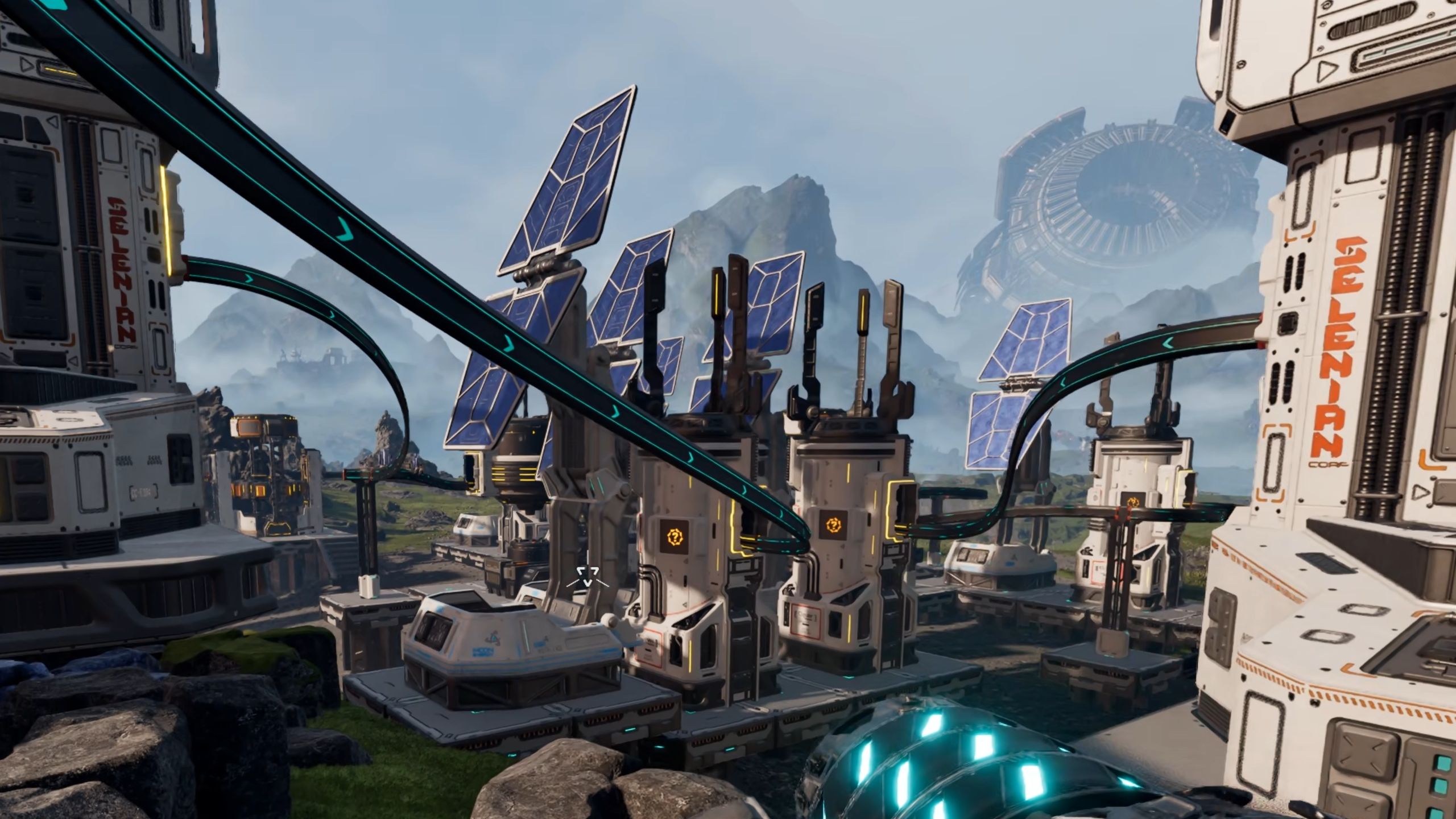
In StarRupture, you’ll immediately start working for powerful corporations after landing on Arcadia-7. Your main goal is to gather resources and data from the planet and send them to these companies. As you complete more tasks, you’ll need to process the raw materials you find into increasingly refined ores. However, the game doesn’t clearly explain that your buildings need power to function. Here’s a guide to setting up power in StarRupture.
Connecting Structures to Power in StarRupture
Structures need to be directly connected to a power source, or linked through other structures or rails, to receive power. For instance, placing a Solar Generator right next to an ore extractor will power it. You can see an example of this in the image below.
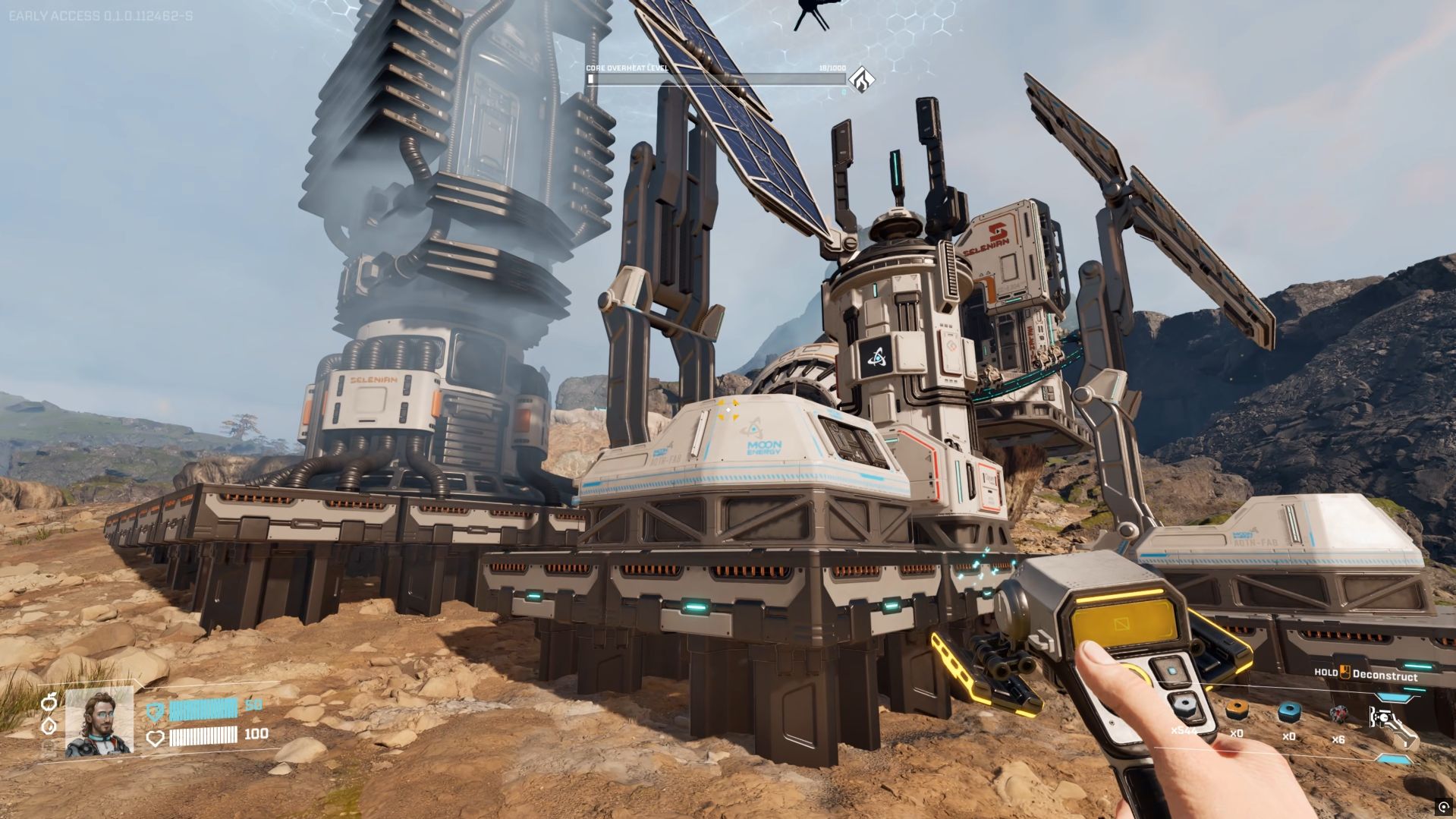
Okay, so if you’ve got a building in a tricky spot where it’s hard to run power lines, but it’s linked to another building with a rail, you can actually use that rail to share the power! Like, I had my Orbital Cargo Launcher right next to a couple of Solar Generators, and then I ran a rail from the Launcher to my Ore Extractor. Even though the Extractor wasn’t getting power directly, the Launcher passed it along from the Generators. It’s a really neat way to power things when space is tight!
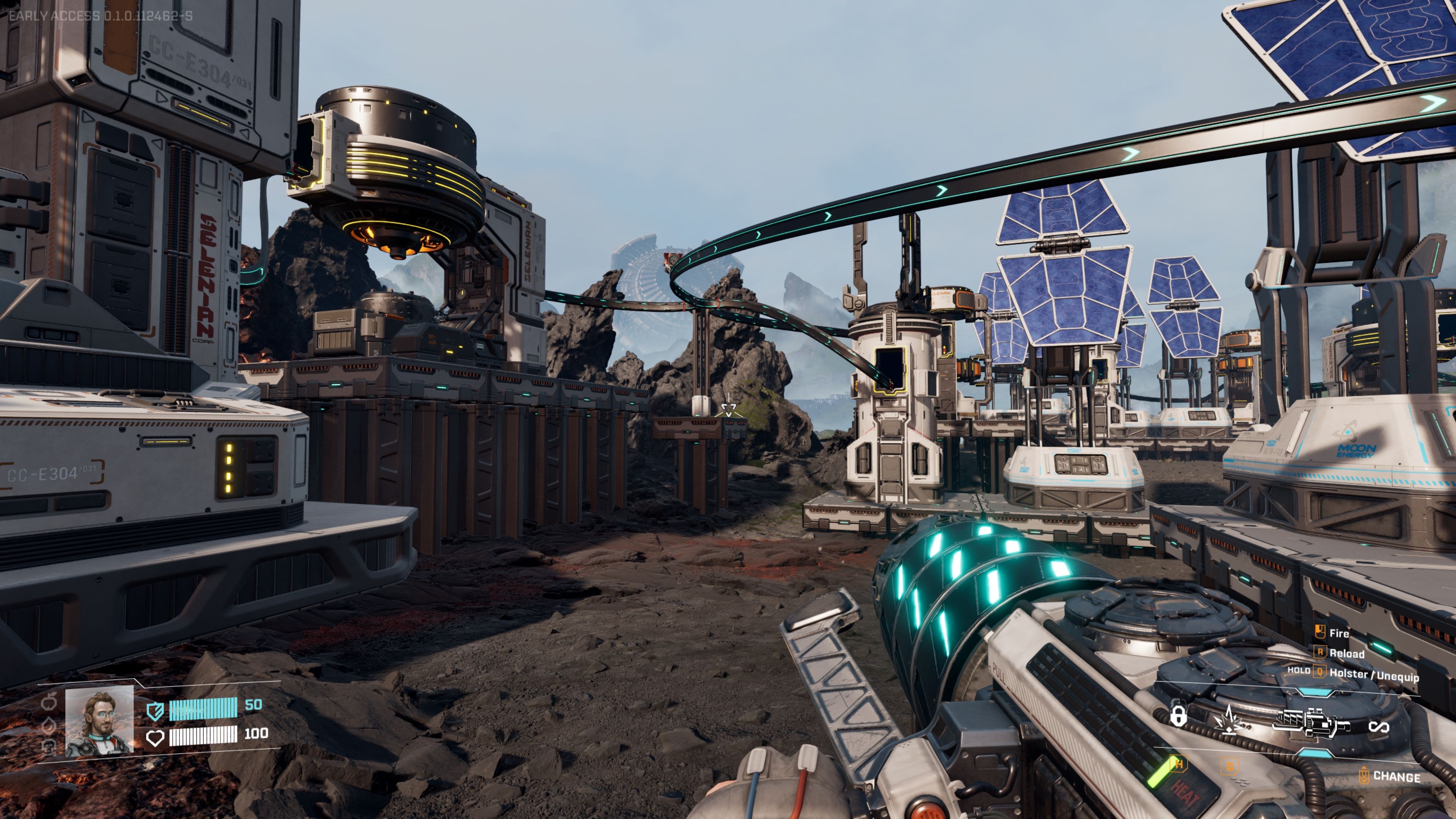
You can also create power connections using platforms found in the ‘Module Components’ section of the ‘Build’ menu. Platforms act as conductors, so placing one between a power source and a structure will deliver power to that structure.
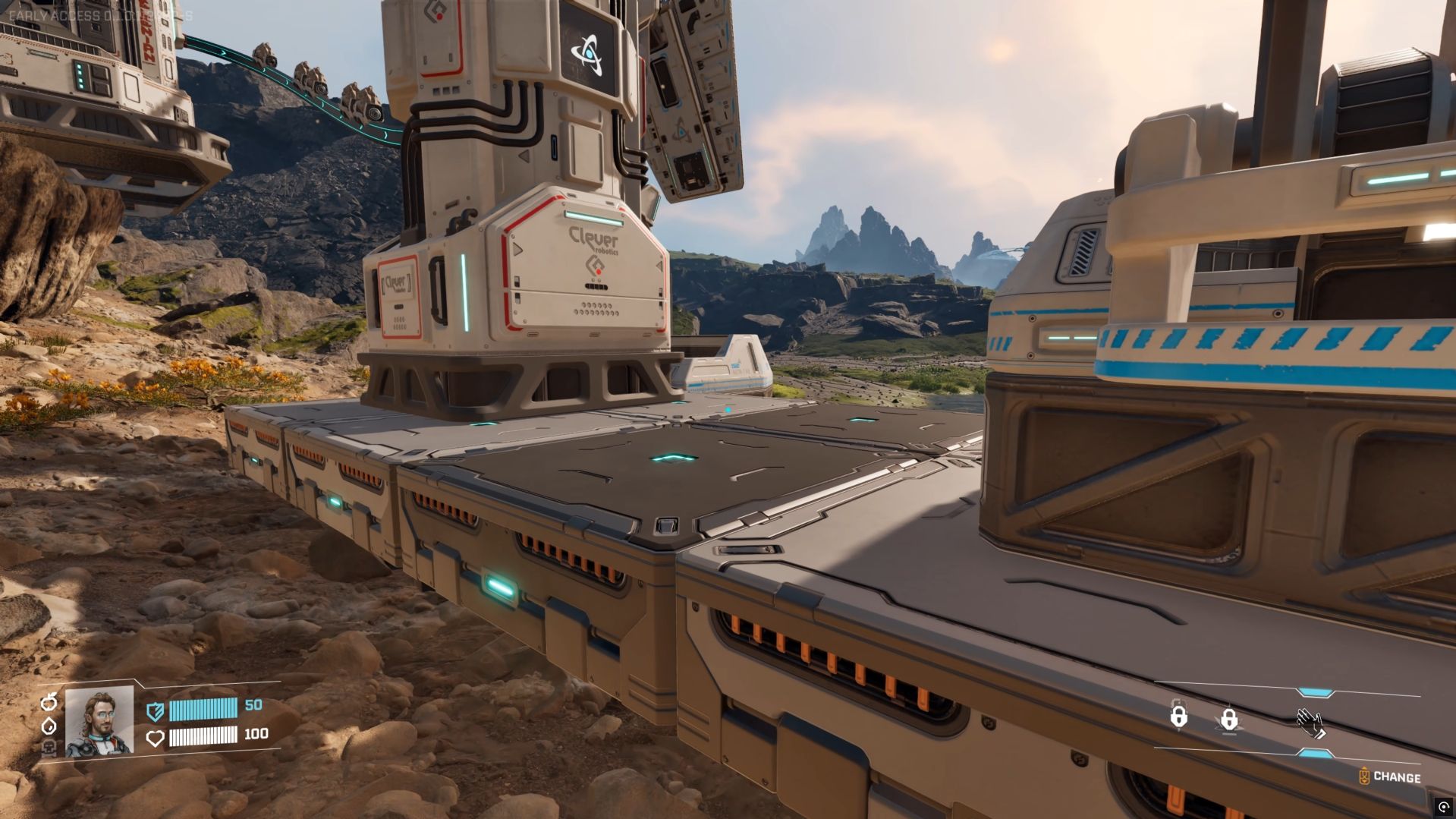
Each power source has a maximum amount of energy it can provide. A Solar Generator, for instance, outputs 10 power units. Devices like the Orbital Cargo Launcher and a smelter each need 5 units to operate. So, a single Solar Generator can power both of those. If you also want to power a connected Ore Extractor that doesn’t already have power, you’ll need an additional Solar Generator. This is especially helpful when your Ore Extractor is located on a small calcium deposit with limited building space around it.
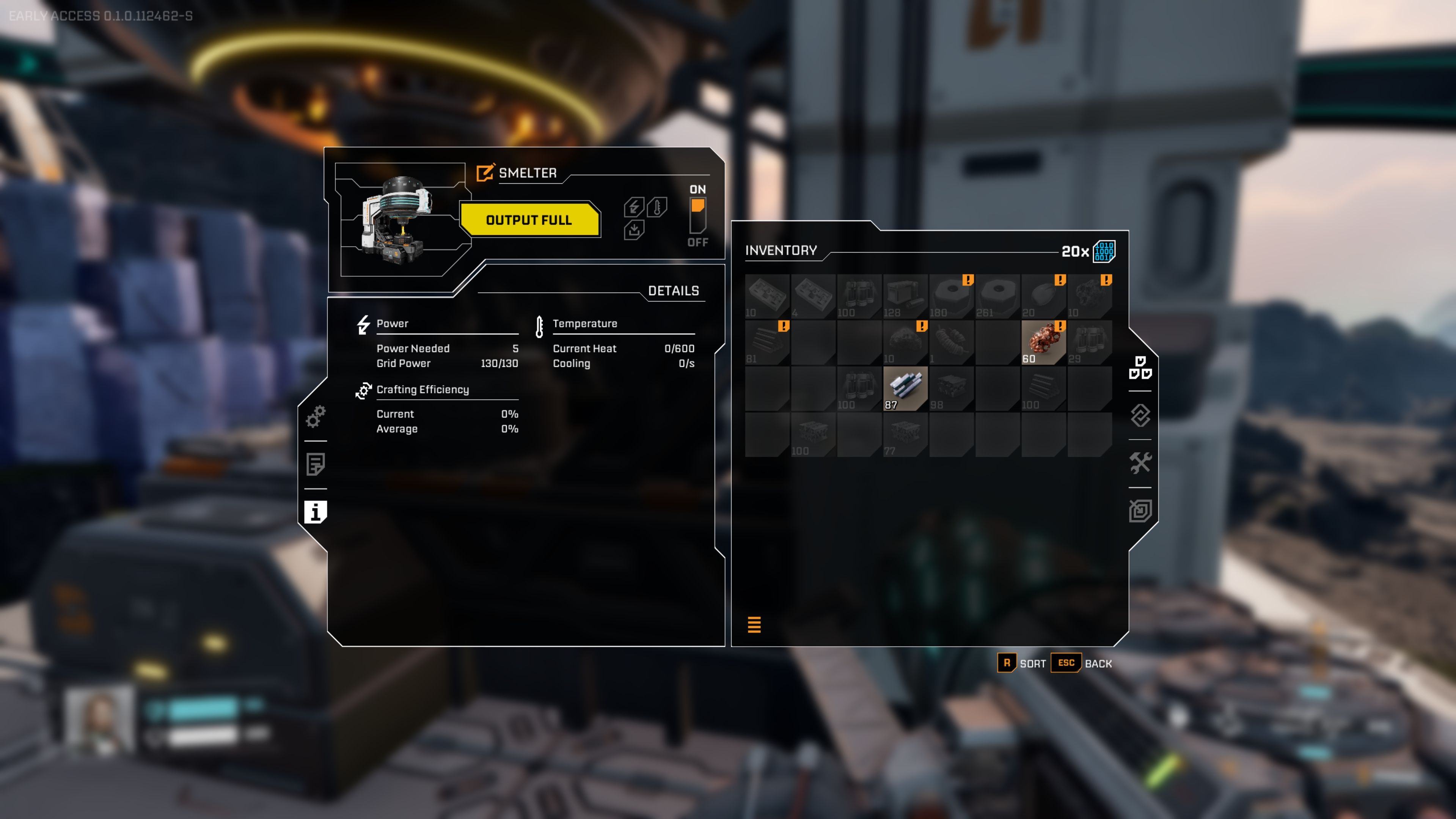
To see how much power a building needs, simply go up to it and press the ‘E’ key. Then, click the ‘i’ icon on the left side of the menu that appears.
In StarRupture, don’t hesitate to remove buildings or rails if you want to redesign your base as it grows. It’s easy to change things up!
Read More
- All Shadow Armor Locations in Crimson Desert
- How to Get the Sunset Reed Armor Set and Hollow Visage Sword in Crimson Desert
- Best Bows in Crimson Desert
- All Skyblazer Armor Locations in Crimson Desert
- All Golden Greed Armor Locations in Crimson Desert
- Wings of Iron Walkthrough in Crimson Desert
- All Helfryn Armor Locations in Crimson Desert
- Marni Laser Helm Location & Upgrade in Crimson Desert
- How to Craft the Elegant Carmine Armor in Crimson Desert
- Keeping Large AI Models Connected Through Network Chaos
2026-01-07 17:04