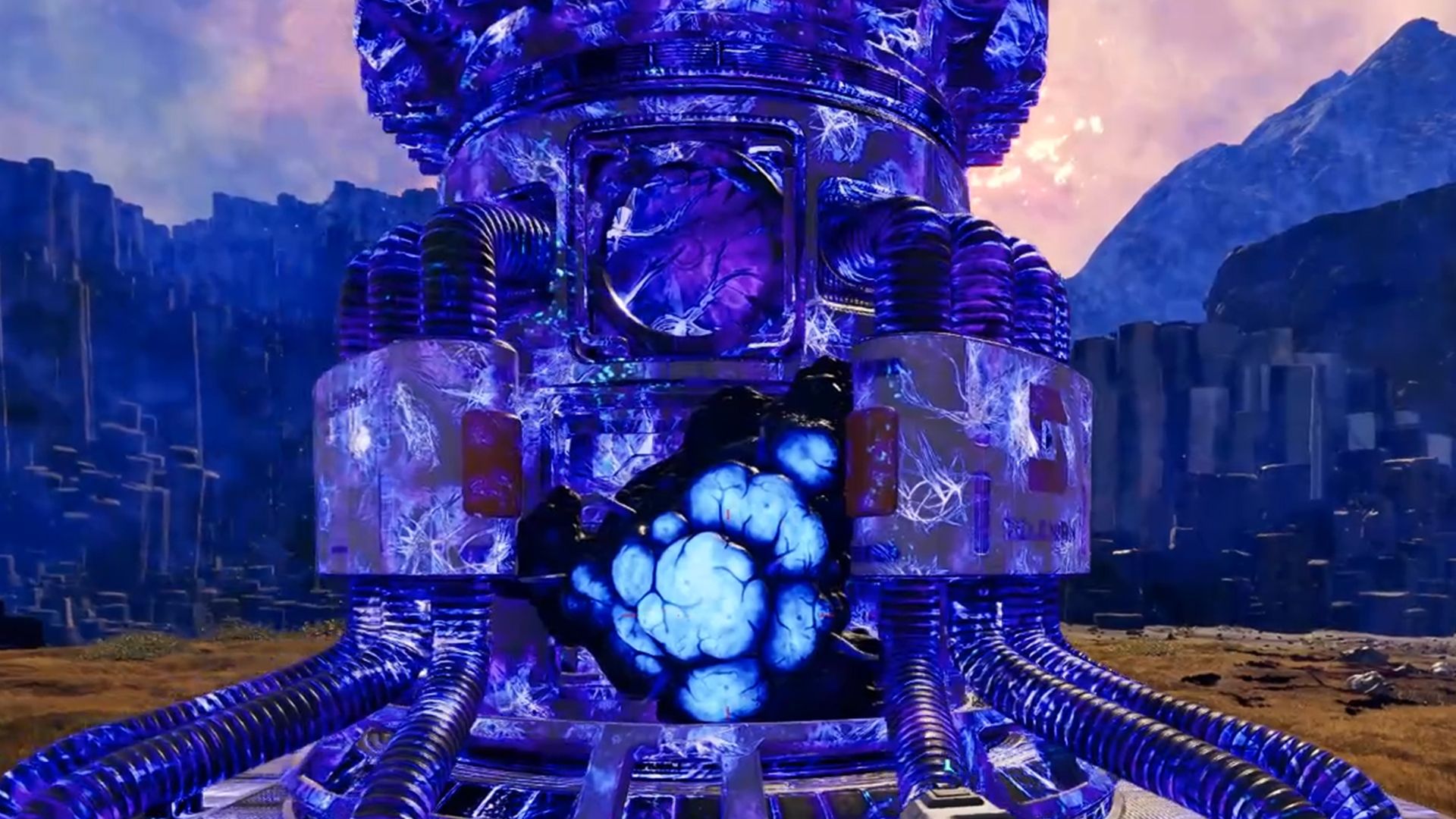
In Starrupture, you’re challenged to create and automate multiple bases as you explore a vast open world. But be warned: if you leave your bases undefended, aliens will attack! If they manage to reach and damage your Base Core, it becomes infected, turning the entire base blue.
This stops players from building or entering anything within the affected base area. An infected base requires immediate repair and ongoing defense to avoid re-infection. Here’s how to fix an infected Base in StarRupture.
How To Disinfect Your Base In StarRupture
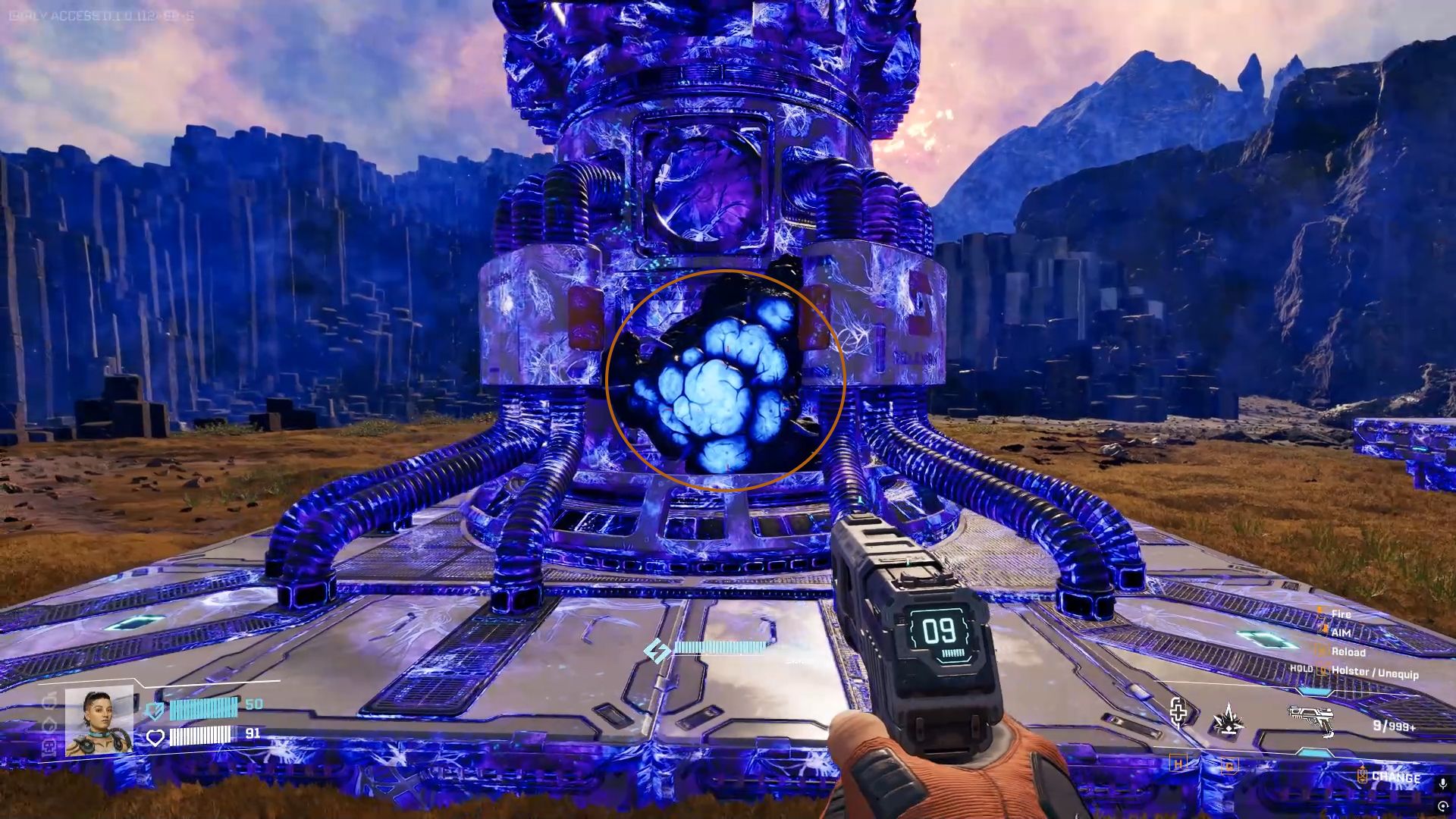
In StarRupture, to clean the infection from your Base Core, find the Core itself and look for a light blue, blob-like growth on it.
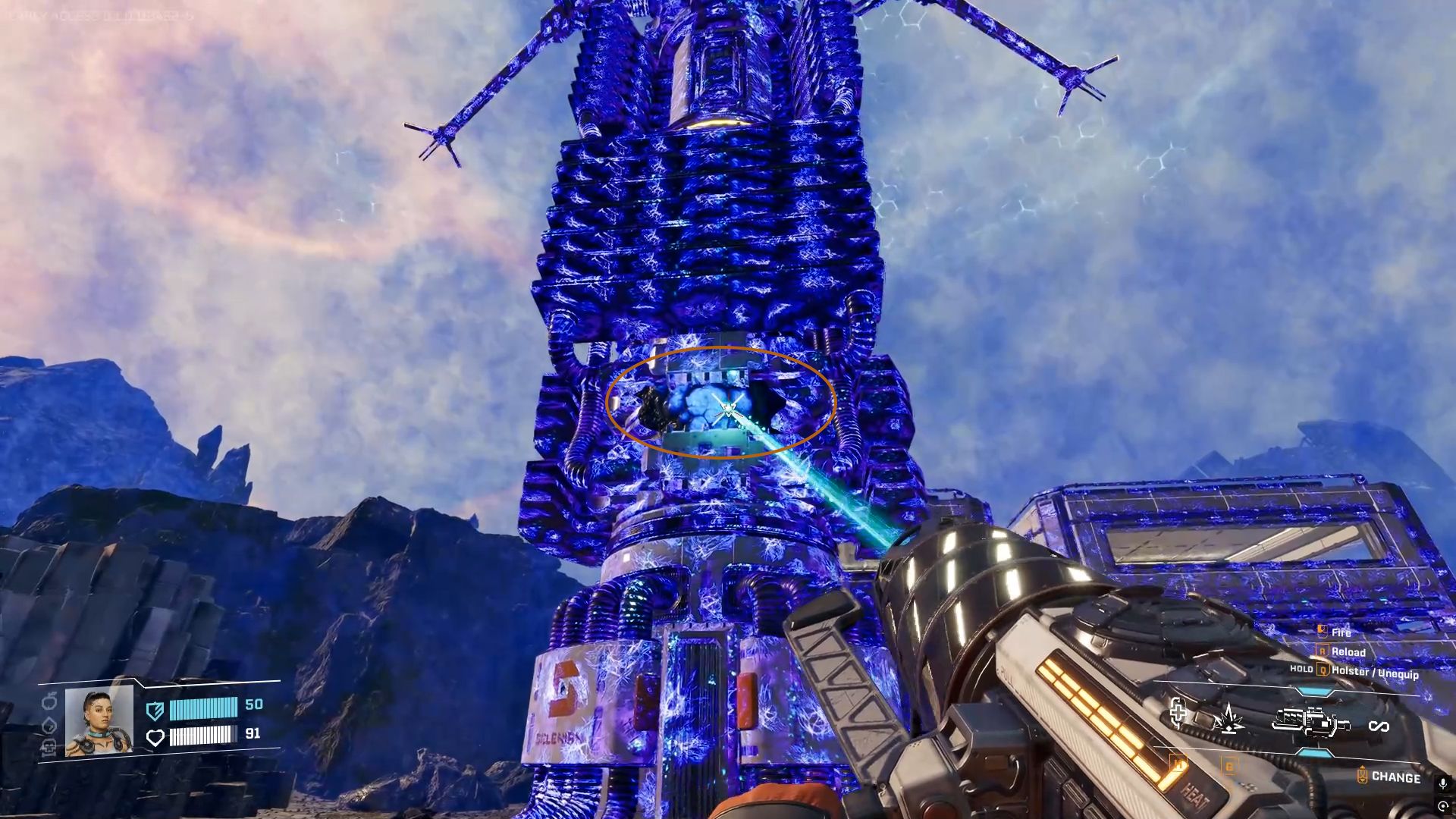
When the Base Core gets infected, it turns blue, and the infection appears blue too, which can be hard to distinguish. To identify it, look for the lighter shade of blue. Normally, you’ll only find one infection at a time on the Base Core.

You can attack it with any weapon you have, including your mining tool. Destroying the infection on the Base Core will start the healing process for all other structures, and they’ll return to their normal color. Just keep in mind that the Base Core itself will remain infected until you get close to it.
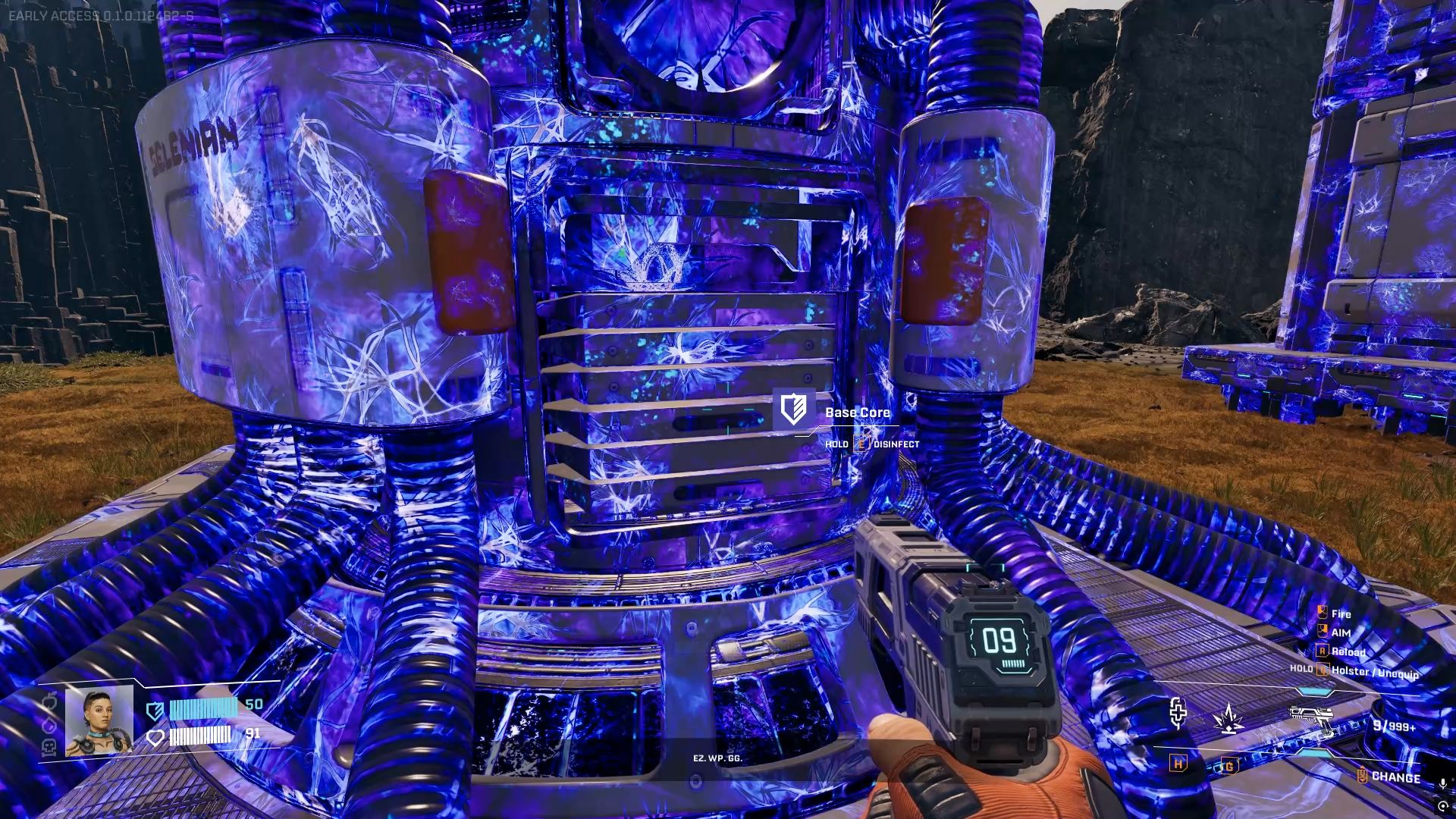
You need to approach the infected Base Core and disinfect it by holding the E button.
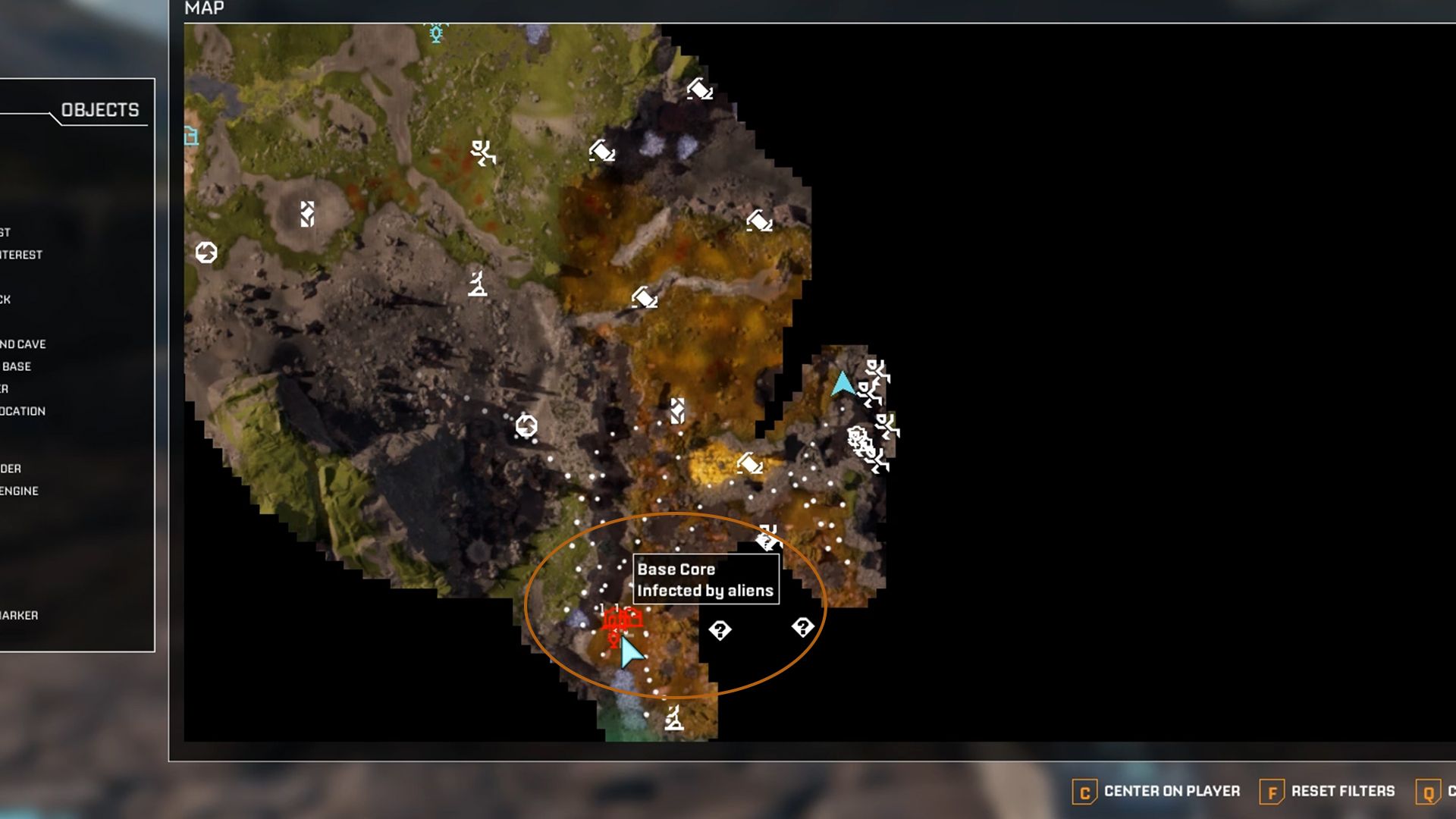
When infected and needs repairing, the Base color will change on the map too.
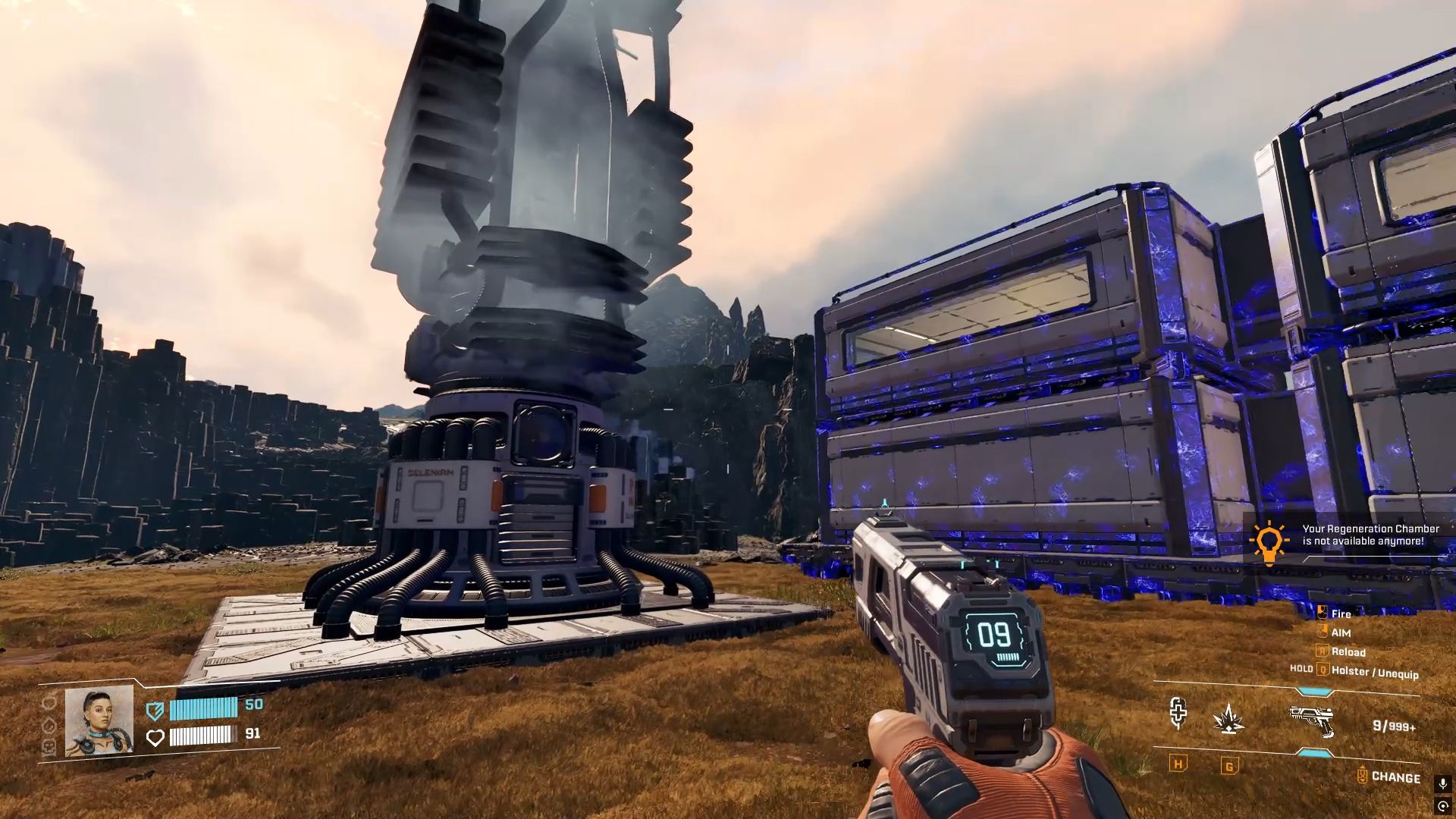
After the central Core is cleaned of infection, everything around it will return to normal. But this won’t last if you don’t protect your Base, because the aliens will come back and attack again. Because you’ll be building several Bases in StarRupture, you can’t defend them all by yourself.
To protect yourself, it’s best to create an automated defense system. You can do this by investing in the Griffits Blue Corporation, which will give you access to the Defense Turret and Defense Tower. The Turret needs occasional reloading, but the more advanced Tower refills its own ammunition automatically.
Read More
- All Shadow Armor Locations in Crimson Desert
- How to Get the Sunset Reed Armor Set and Hollow Visage Sword in Crimson Desert
- Best Bows in Crimson Desert
- All Golden Greed Armor Locations in Crimson Desert
- Wings of Iron Walkthrough in Crimson Desert
- How to Craft the Elegant Carmine Armor in Crimson Desert
- All Helfryn Armor Locations in Crimson Desert
- How To Beat Ator Archon of Antumbra In Crimson Desert
- Keeping Large AI Models Connected Through Network Chaos
- Sakuga: The Hidden Art Driving Anime’s Stunning Visual Revolution!
2026-01-09 12:04