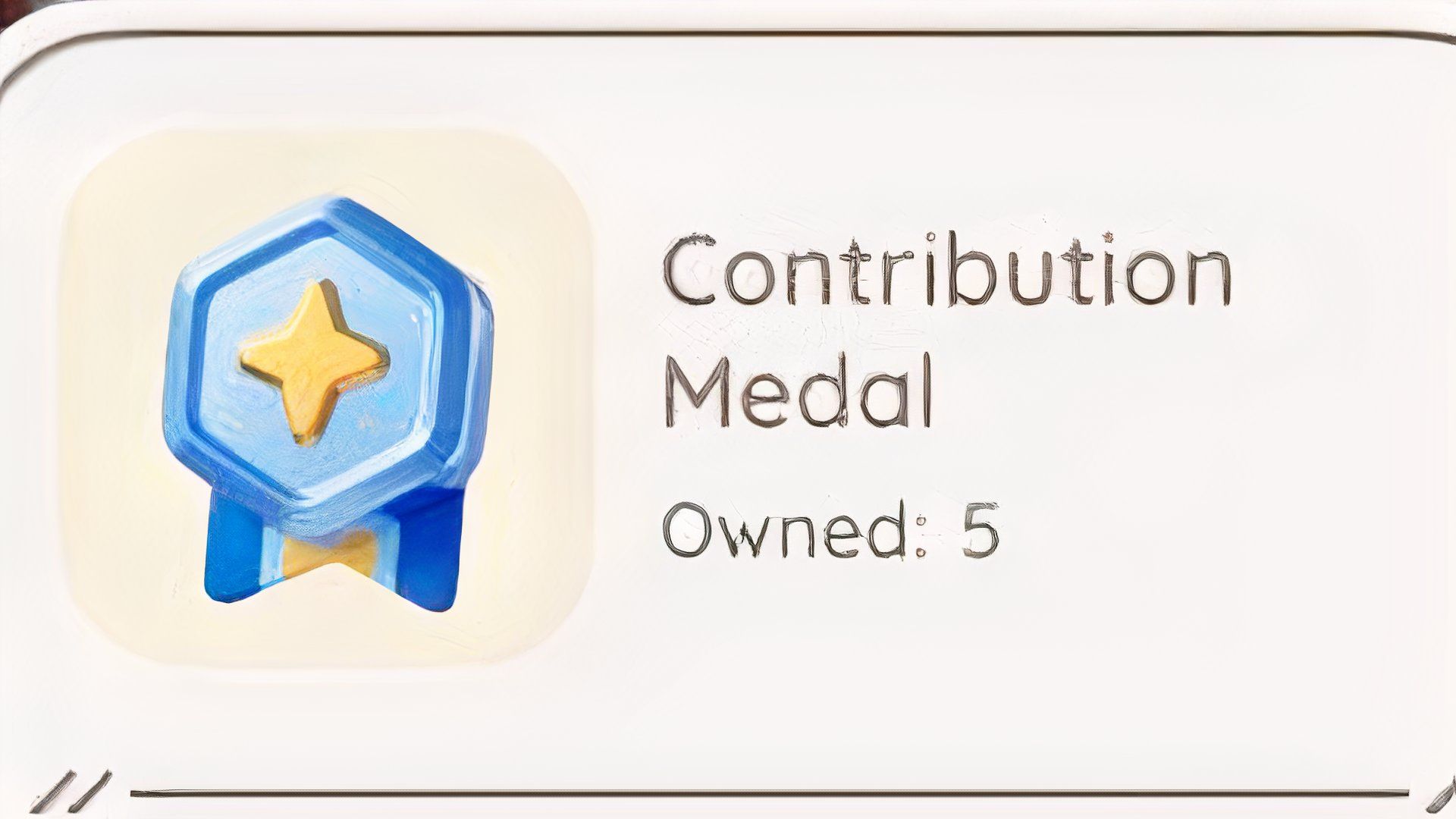
The D.G. Member’s Guild is central to the game Heartopia. While Heartopia initially seems like a basic life simulation, many key features become available as you progress and improve your D.G. status. Everything from hobbies to owning property is tied to this important D.G. system.
You’ll need Contribution Medals to increase your Guild level. These medals let you improve your Guild’s rank and access more of the game. Here’s how to earn Contribution Medals in Heartopia so you can enjoy the best content sooner.
How to Earn Contribution Medals in Heartopia
Complete Resident Requests
You get Contribution Medals in Heartopia by finishing Resident Requests. These are simple tasks where you help people in town, and as you can see in the video, they’re usually pretty easy to do.
You’ll gain access to this feature fairly early in the game. Each day, you’ll receive five requests. It’s important to complete these requests, as any unfinished ones will disappear and can’t be completed the following day, meaning you’ll miss out on potential rewards.
You can see what daily tasks are available by tapping the calendar icon at the top of your screen. This will show you a list of all the requests for that day, and you don’t have to complete them all immediately – just choose the ones you want to do.
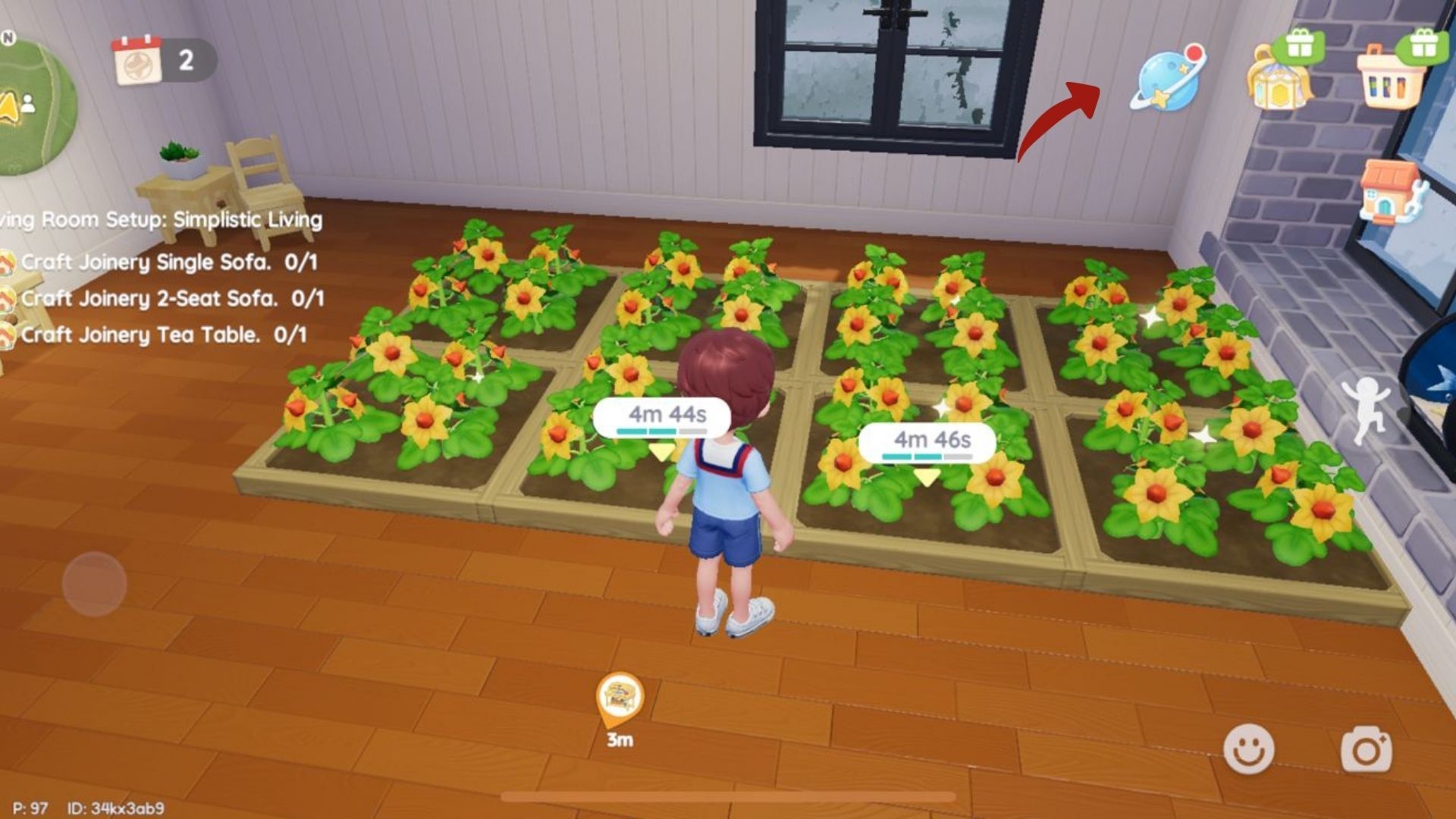
Each day begins with five tasks for you to choose from. When you start a task, you can also monitor your progress. For instance, if you need to gather 10 raspberries, the tracker will show you how many you’ve found and how many you still need.
Every task you complete will reward you with items. Typically, you’ll receive Gold, Wishing Stars, and Contribution Medals, but the specific amount you get depends on how difficult the task is.
Most requests only take a few minutes to complete. Usually, you’ll be asked to gather everyday items like mushrooms, stones, or wood. Sometimes, after collecting these items, you’ll also need to bring them to the person who asked for them.
How to Use Contribution Medals in Heartopia
What Are They Used For?
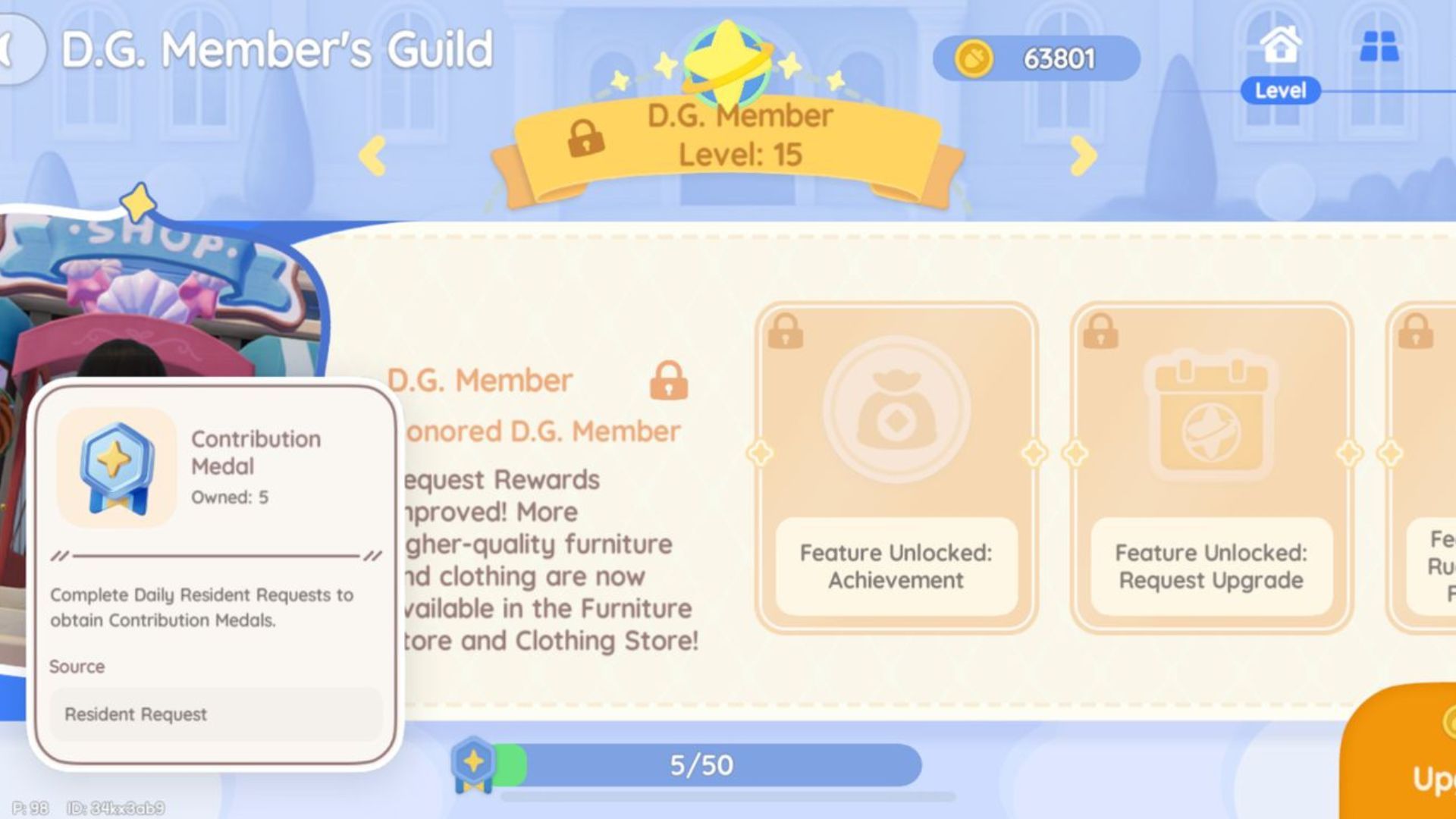
You can use Contribution Medals to improve your D.G. Member’s Guild. To access it, simply open the smartwatch menu from the top right corner of the screen and select D.G. Member’s Guild – it’s the first choice you’ll see.
If you’ve collected enough Contribution Medals, you’ll see the option to ‘Upgrade’ them. Simply click on that, then tap the ‘Upgrade’ button in the bottom right corner. Upgrading your D.G. gives you access to new features, hobbies, recipes, and all sorts of other cool things!
Read More
- All Skyblazer Armor Locations in Crimson Desert
- One Piece Chapter 1180 Release Date And Where To Read
- All Shadow Armor Locations in Crimson Desert
- How to Get the Sunset Reed Armor Set and Hollow Visage Sword in Crimson Desert
- New Avatar: The Last Airbender Movie Leaked Online
- Cassius Morten Armor Set Locations in Crimson Desert
- Grime 2 Map Unlock Guide: Find Seals & Fast Travel
- All Golden Greed Armor Locations in Crimson Desert
- Euphoria Season 3 Release Date, Episode 1 Time, & Weekly Schedule
- Amber Alert Secrets & CDs In Crime Scene Cleaner Act 2
2026-01-21 15:07