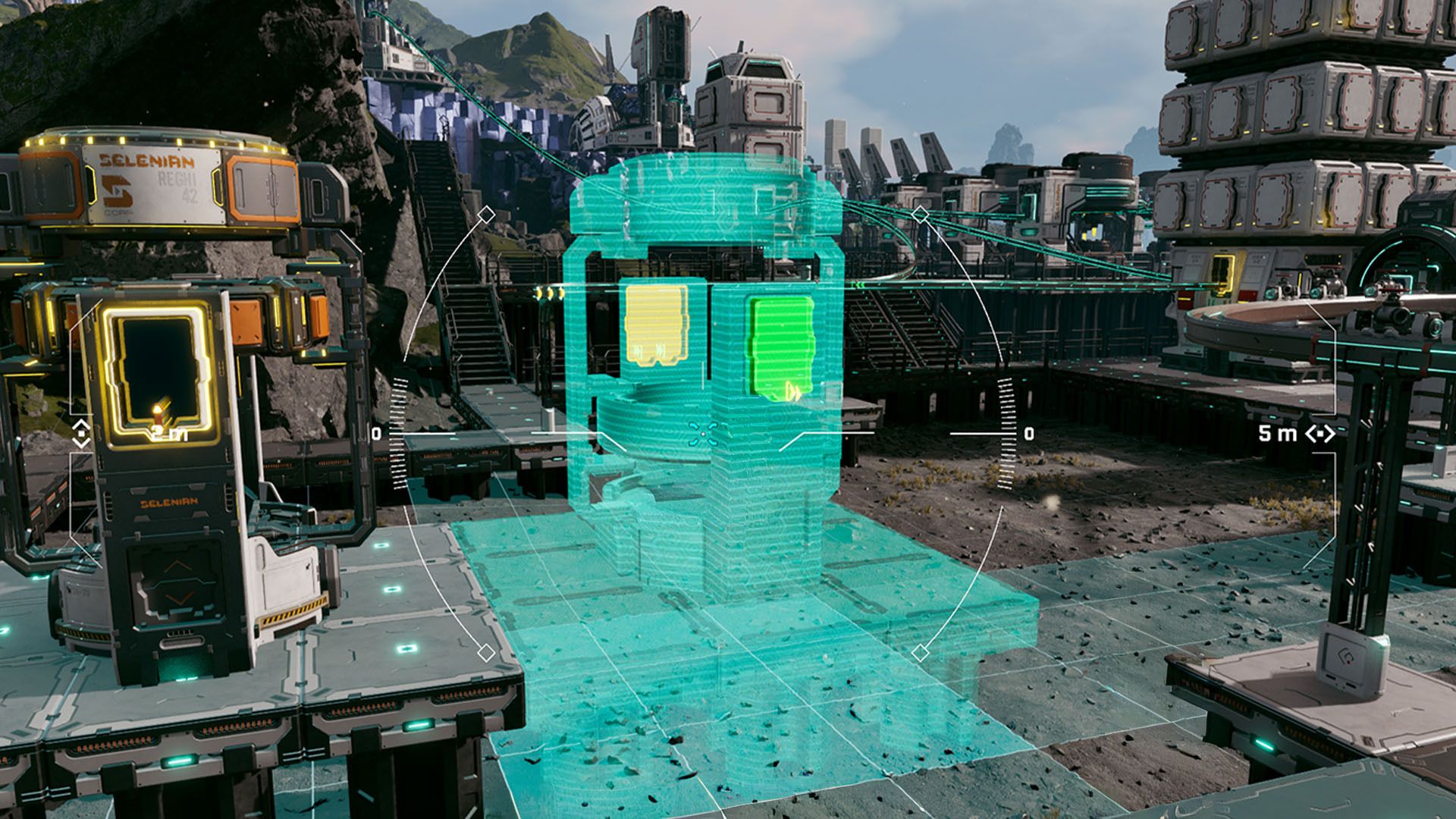
As a huge fan of StarRupture, I have to say the building system is amazing! What really sets it apart is unlocking the Building Drone. Seriously, being able to switch perspectives lets you create these unbelievably cool and efficient bases. It’s not just about looking good, though – a well-built base is essential for surviving the crazy weather on Arcadia-7 and gathering tons of resources!
If you enjoy building large structures and futuristic factories, the Building Drone will be a game-changer. This guide provides easy-to-follow instructions on how to unlock and use it.
How to Unlock the Building Drone in StarRupture
You can unlock the Building Drone by leveling up Clever Robotics to Level 4. To do this, you need to deliver Wolfram Wire and Wolfram Plate either using the Orbital Launcher or through the Corporate Terminal.
As you level up in Clever Robotics, you’ll get a reward that unlocks a special drone. This drone can fly around and give you a full 360-degree view of everything you’ve built, and it can even go up and down to help you inspect your creations.
To fly the drone, first press the ‘B’ button to enter building mode, and then press ‘C’ to turn on the drone camera. It might take a little practice to get used to controlling it, but here are some helpful tips to get you started with the Building Drone.
- Use WASD to move the camera around.
- Use Spacebar to ascend, and CTRL to descend
- Press B again to enter the Building Menu from the Drone’s Perspective and select other structures
- Press F to enter Deconstruction Mode and delete structures
- Press RMB to fix structures to a spot
- Scroll with the Mouse Wheel to change the height/position of structures
- Press Y to fix structures at a certain height (for example, platforms)
- Press Q to cancel building
- Press R to rotate the structure
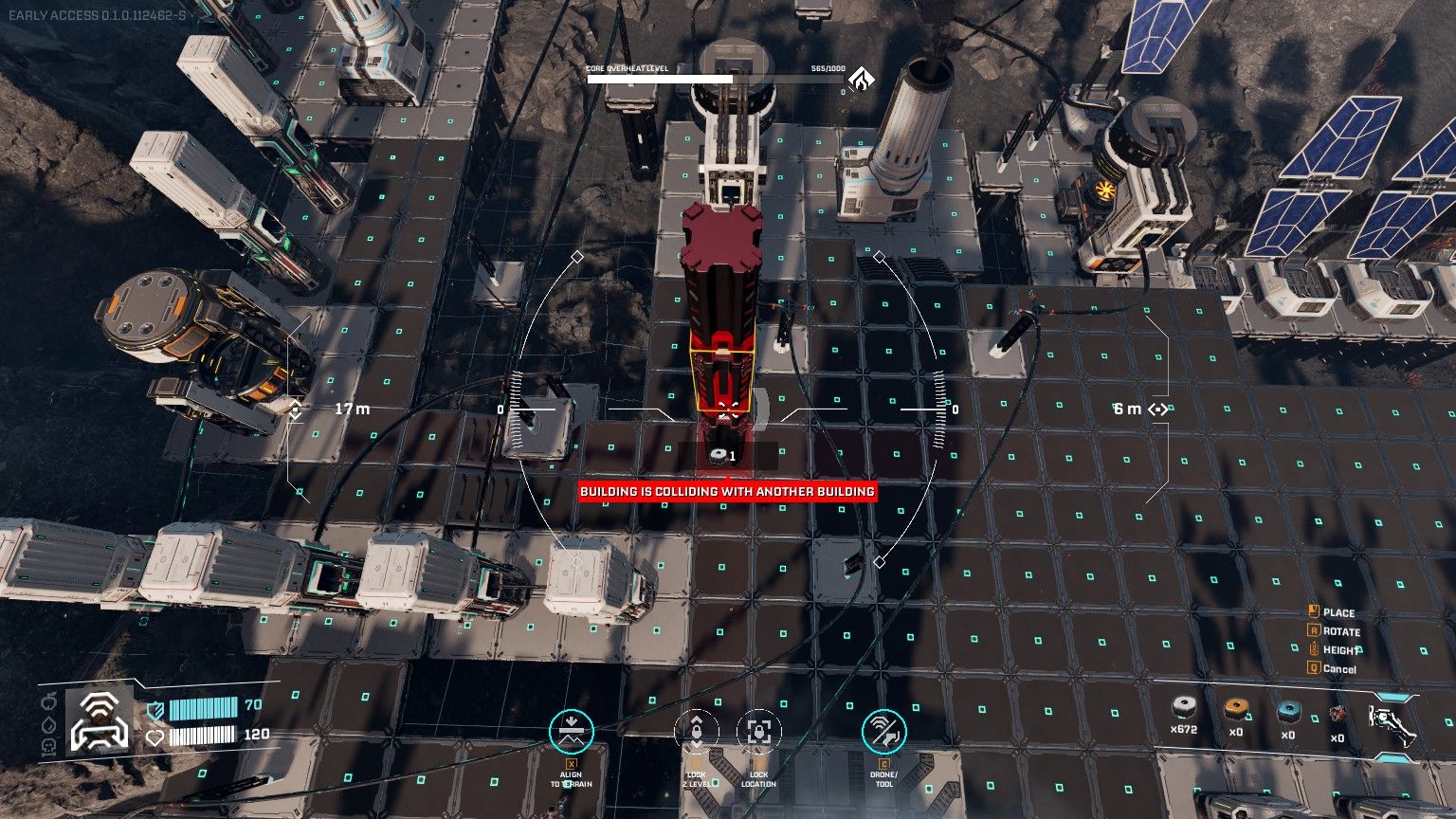
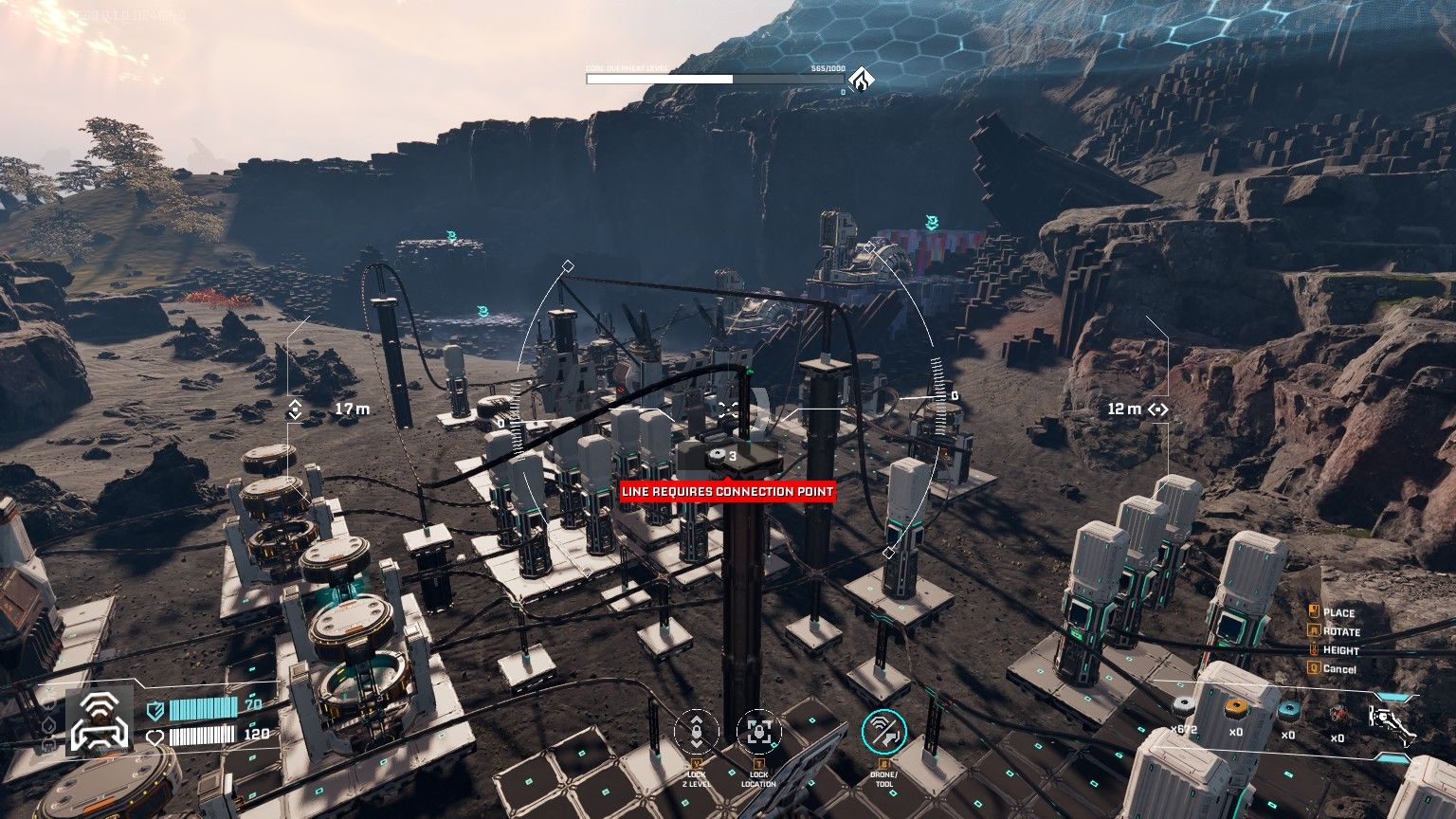
Players can create multi-level builds by stacking Pillars and using them as supports for things like Rails. This allows for streamlined transport lines that don’t block the scenery and helps save space by preventing structures from overlapping.
The drone uses materials from your inventory to build, so be sure you have enough before you start!
As a player, I’ve found the drone’s range is a bit limited. If I try to fly it too far from my character or the starting build location, the game warns me that I can’t build that far out. It basically keeps you from getting too carried away with distant construction!
When building large structures, you’ll need to ensure solid ground support. If a platform lacks sufficient connections to the ground, you’ll receive an alert saying “Structure Has Not Enough Support,” and the building interface will turn yellow to warn you.
If a building area turns red, you can’t build there. Try rotating the building to find a spot where it fits.
Read More
- All Shadow Armor Locations in Crimson Desert
- How to Get the Sunset Reed Armor Set and Hollow Visage Sword in Crimson Desert
- Best Bows in Crimson Desert
- All Skyblazer Armor Locations in Crimson Desert
- All Golden Greed Armor Locations in Crimson Desert
- Wings of Iron Walkthrough in Crimson Desert
- All Helfryn Armor Locations in Crimson Desert
- Marni Laser Helm Location & Upgrade in Crimson Desert
- How to Craft the Elegant Carmine Armor in Crimson Desert
- Keeping Large AI Models Connected Through Network Chaos
2026-01-08 23:35