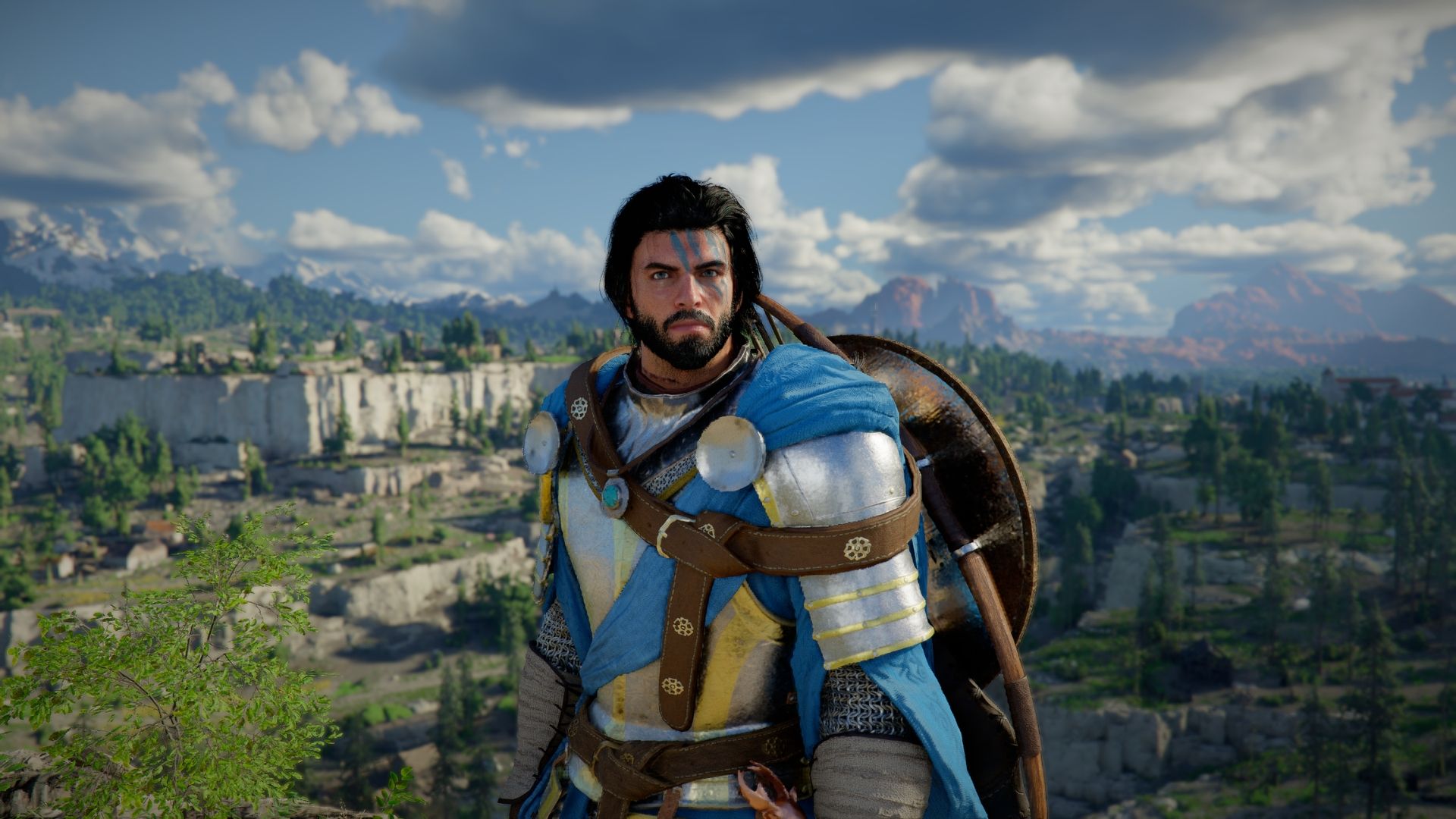
In Crimson Desert, you can choose to hide your character’s helmets, hats, and other head coverings. To do this, go to the game’s settings menu: navigate to Others, then Options, then Settings, and finally select Language and Gameplay to find the ‘Display Headgear’ option.
You can choose how often certain elements are displayed: always, only during battles, only during gameplay outside of cutscenes, or never.
How to Hide Helmets in Crimson Desert
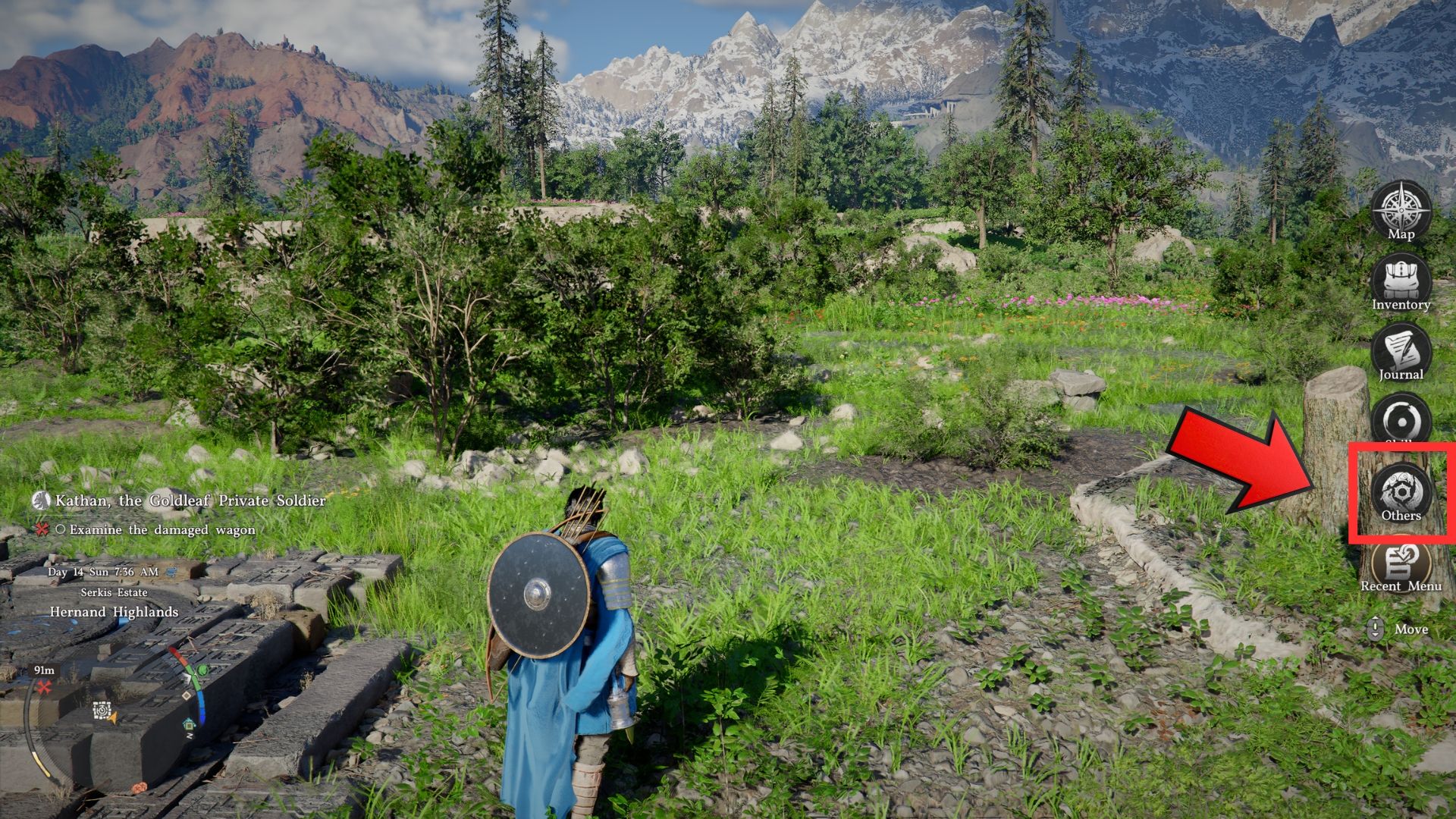
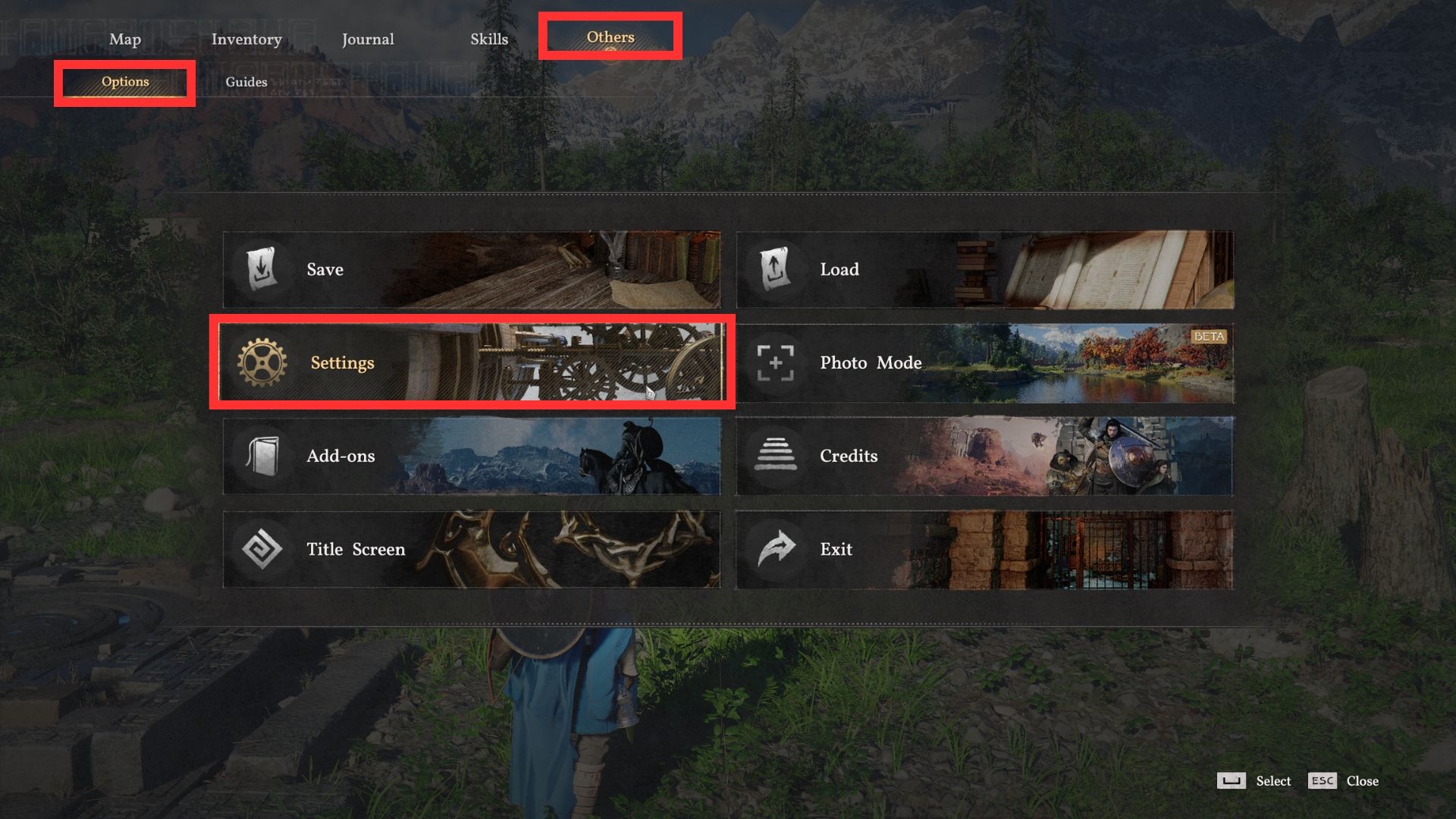
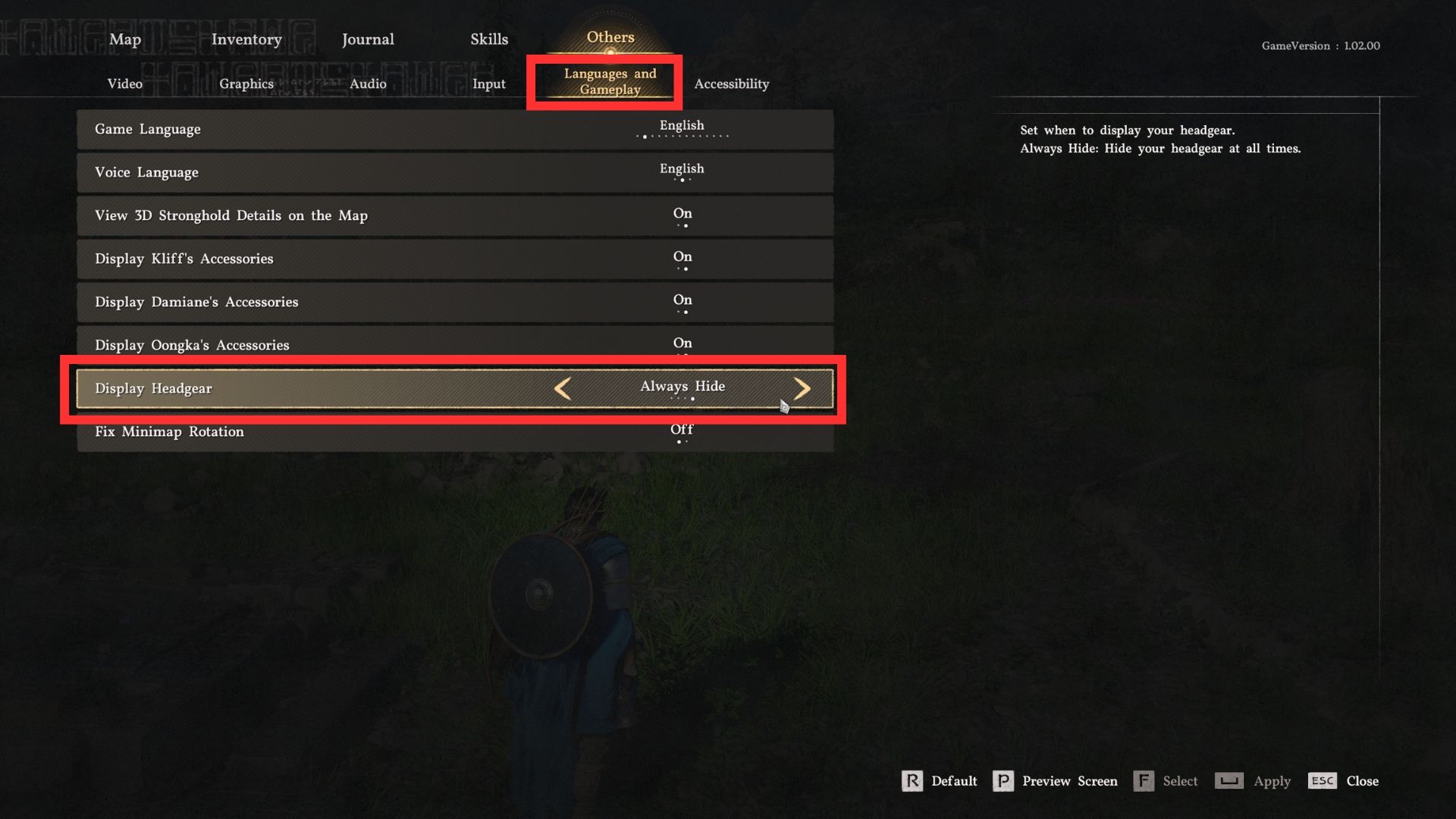
As we’ve discussed, here’s how players can hide their helmets in Crimson Desert:
- Open the pause menu.
- Go to Others → Options, and then open Settings.
- Select the Languages and Gameplay tab.
- Choose the desired helmet visibility from the Display Headgear.
- Whichever option you select here will apply to Kliff, Damiane, and Oongka.
The following are all the options for how you want to display or hide your headgear/helmets.
| Display Headgear | |
|---|---|
| Always Show | Show your equipped headgear at all times (default option). |
| Show in Combat | Show your headgear only during combat (only works when there are active hostiles nearby). |
| Hide in Cutscenes | Hide your headgear during cutscenes (only works in scripted cutscenes, not when talking to random NPCs). |
| Always Hide | Hide your headgear at all times. |
Helmet abilities that depend on seeing things, such as finding treasure with the Pirate King Hat, won’t function if the helmet is covered. However, abilities that you activate, like the laser from the Marni Laser Helm, will still work when used.
On PC (Keyboard/Mouse)
- Press Esc to open the pause menu.
- Left-click on Others → Options → Settings.
- Click on the Languages and Gameplay tab.
- Click on Display Headgear and toggle through the available options by pressing A/D or by left-clicking the right and left arrows.
On PS5
- Press and hold the start button to bring up the pause menu.
- Use R1/L1 to go to the Others tab.
- Use L2/R2 to select Options.
- Select Settings using the D-Pad.
- Navigate to the Languages and Gameplay tab using L2/R2.
- Scroll down to Display Headgear using D-Pad up/down, and select the desired option using D-Pad left/right.
On Xbox Series X/S
- Press and hold the start button to bring up the pause menu.
- Use RB/LB to go to the Others tab.
- Use LT/RT to select Options.
- Select Settings using the D-Pad.
- Navigate to the Languages and Gameplay tab using LT/RT.
- Scroll down to Display Headgear using D-Pad up/down, and select the desired option using D-Pad left/right.
Can You Transmog or Hide Weapons in Crimson Desert?
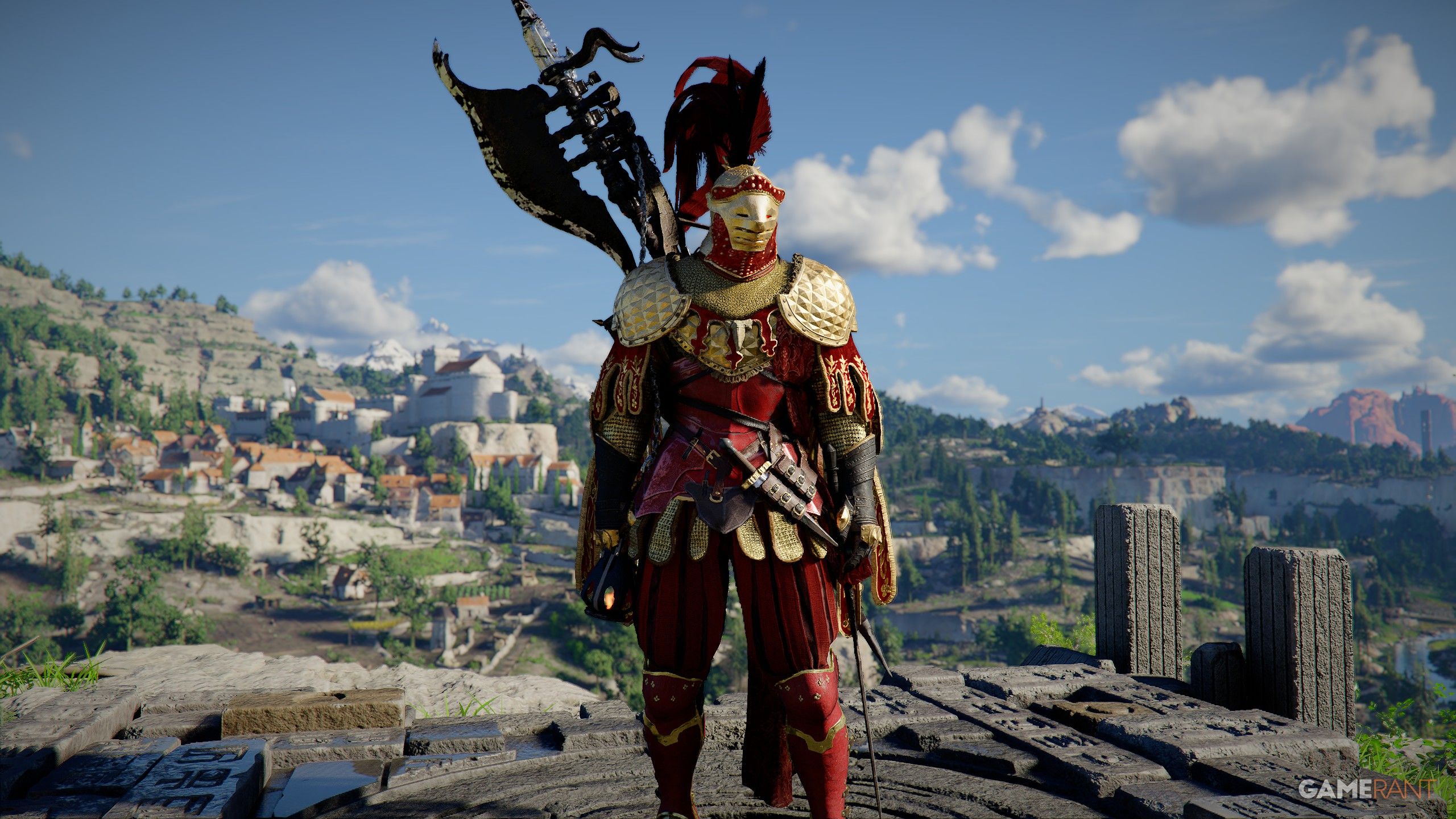
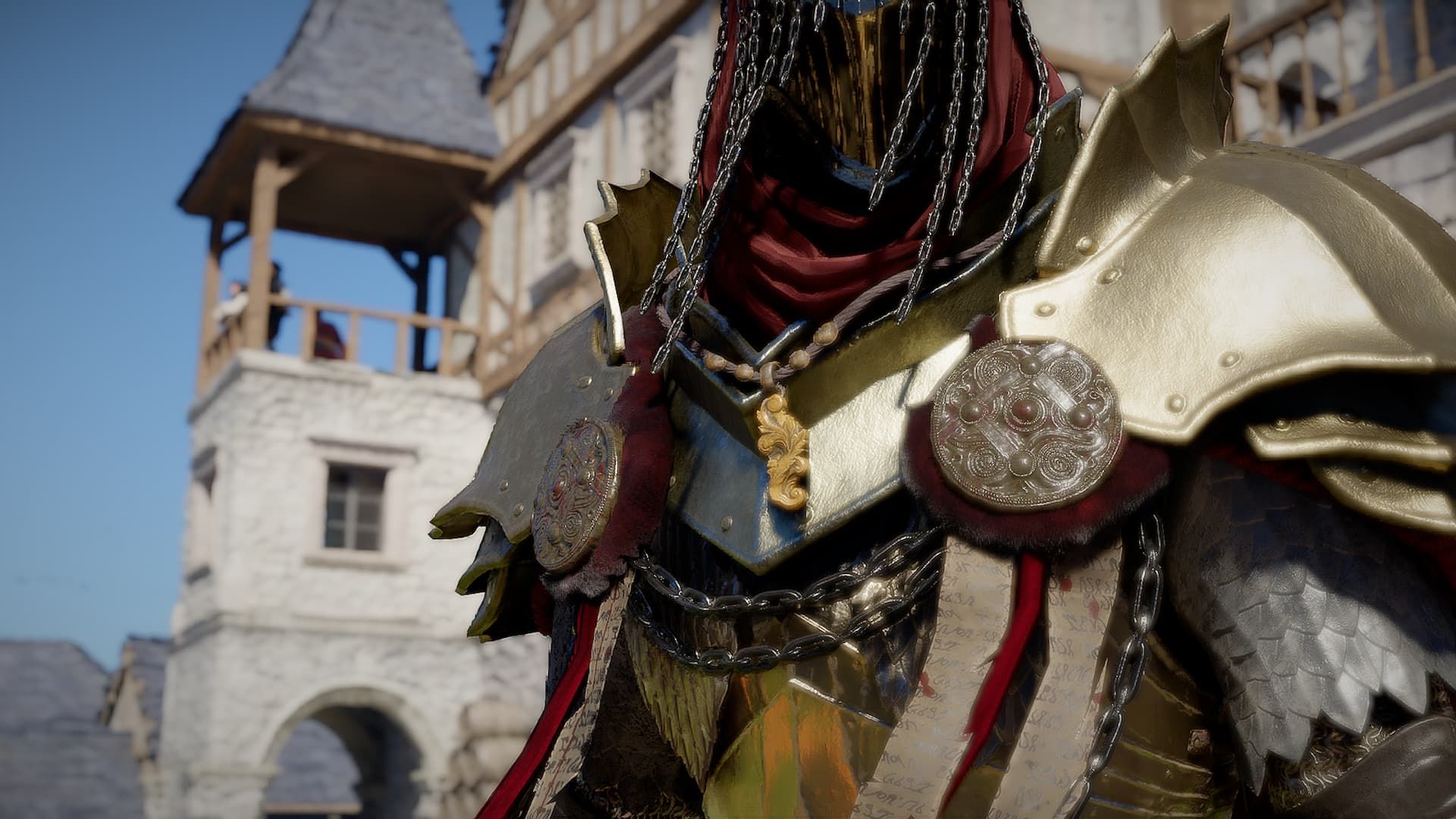
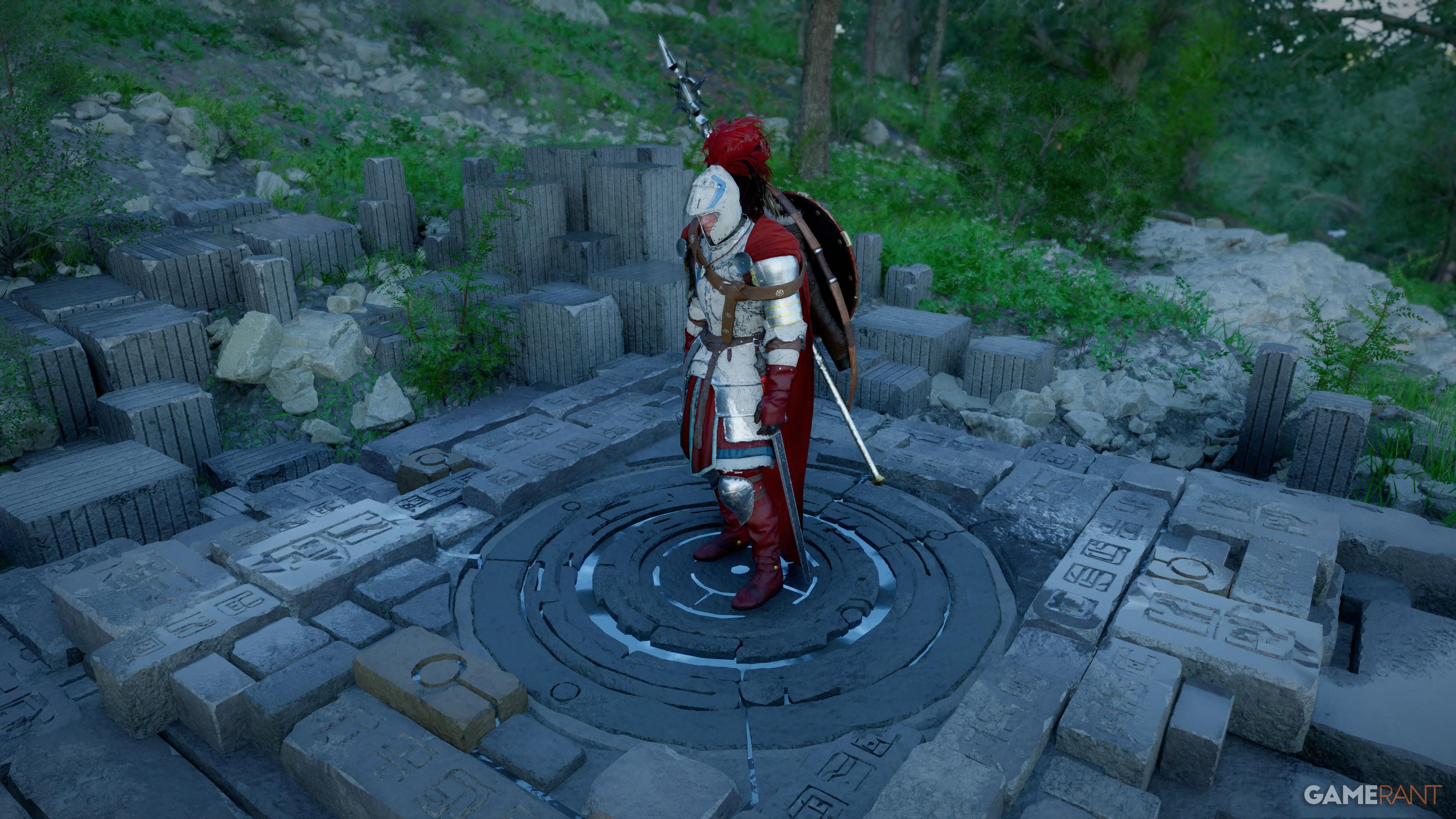
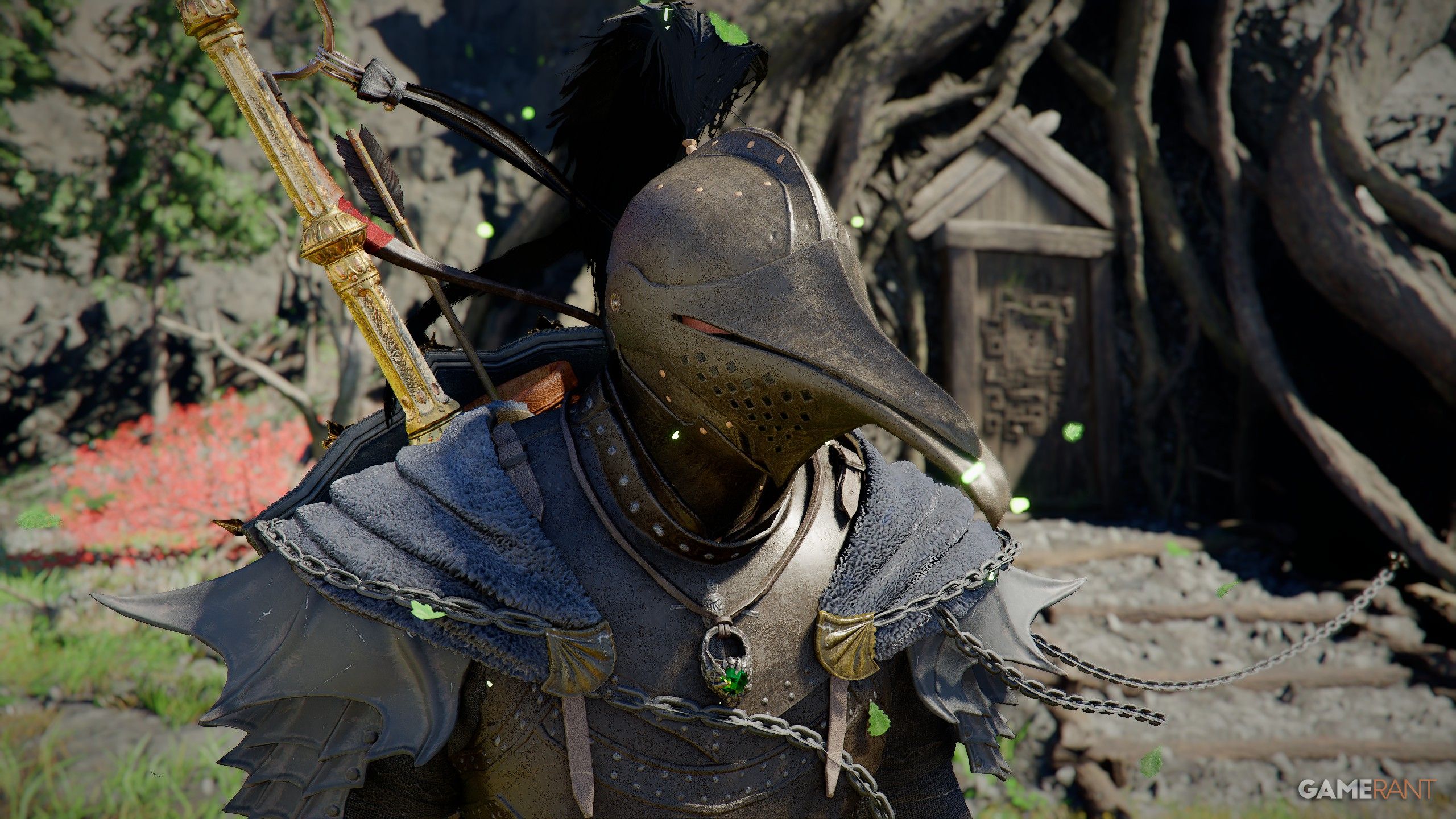
Currently, Crimson Desert doesn’t allow you to hide weapons, armor, or other equipped gear, or change their appearance. However, you can hide accessories for Kliff, Damiane, and Oongka within the game’s Languages and Gameplay settings, located just above the Display Headgear option.
Pearl Abyss announced that a future update will include an option to hide weapons and shields displayed on a character’s back when they aren’t fighting. They haven’t announced when this update will be released yet.
Read More
- All Shadow Armor Locations in Crimson Desert
- All Skyblazer Armor Locations in Crimson Desert
- How to Get the Sunset Reed Armor Set and Hollow Visage Sword in Crimson Desert
- Best Bows in Crimson Desert
- Marni Laser Helm Location & Upgrade in Crimson Desert
- All Helfryn Armor Locations in Crimson Desert
- All Golden Greed Armor Locations in Crimson Desert
- Wings of Iron Walkthrough in Crimson Desert
- How to Craft the Elegant Carmine Armor in Crimson Desert
- Keeping Large AI Models Connected Through Network Chaos
2026-04-04 17:40