In Crimson Desert, you’ll learn powerful elemental attacks as you explore and complete spires throughout the world of Pywel. While these abilities become available mostly during the mid-game, the game doesn’t fully explain how to use them. This guide will help you understand how to add elemental effects to your weapons and attacks, letting you deal massive damage to enemies in Crimson Desert.
How to Use Imbue Elements in Crimson Desert
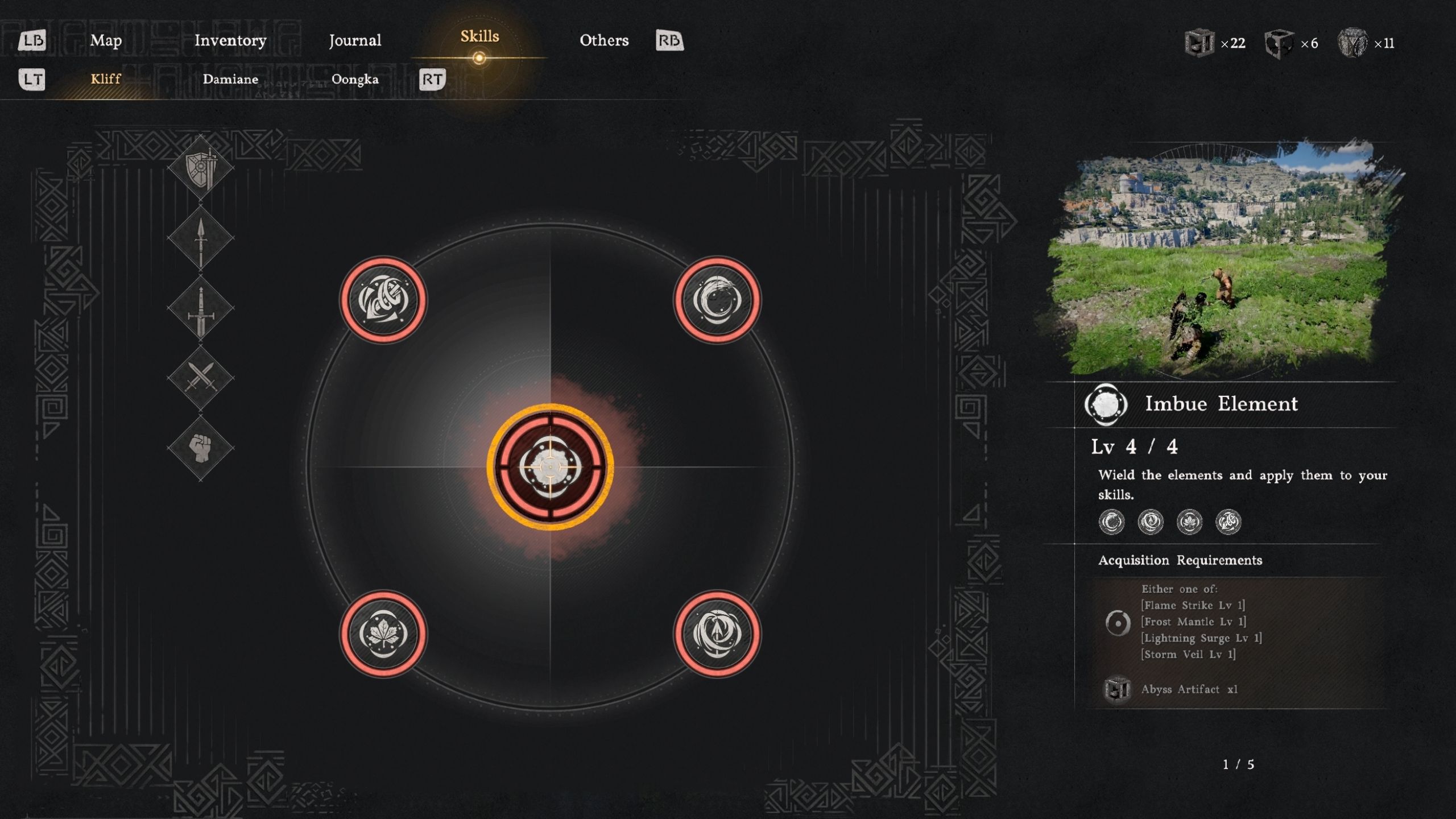
In Crimson Desert, players can unlock four powerful elements – Frost Mantle, Lightning Surge, Storm Veil, and Flame Strike. Once unlocked, these elements can be used for unique abilities, or you can add them to your weapons and attacks during battle.
Firstly, here’s how players can use the special abilities that come with each element in the game.
| Elemental Ability | Controller | Keyboard |
|---|---|---|
| Frost Mantle | Xbox: RT + X PlayStation: R2 + Square | “2” Key |
| Lightning Surge | Xbox: RT + B PlayStation: R2 + O | “3” Key |
| Storm Veil | Xbox: RT + A PlayStation: R2 + X | “4” Key |
| Flame Strike | Xbox: RT + Y PlayStation: R2 + Triangle | “1” Key |
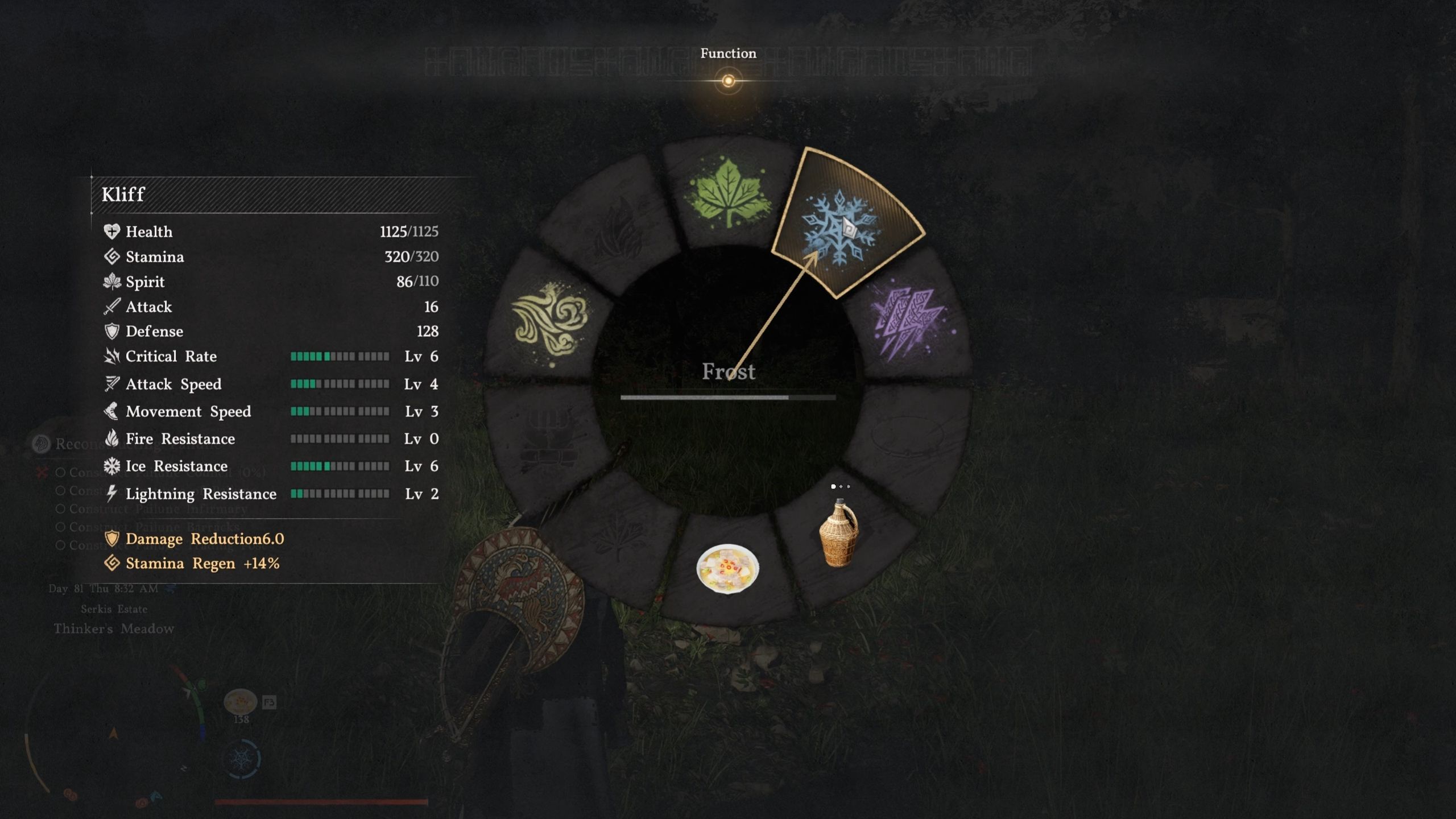
To add enhancements to your gear in Crimson Desert, start by choosing an unlocked element from the Function wheel. You can open this wheel by pressing the D-pad right on a controller, or the F3 key on your keyboard. Then, simply select the element you want to use.
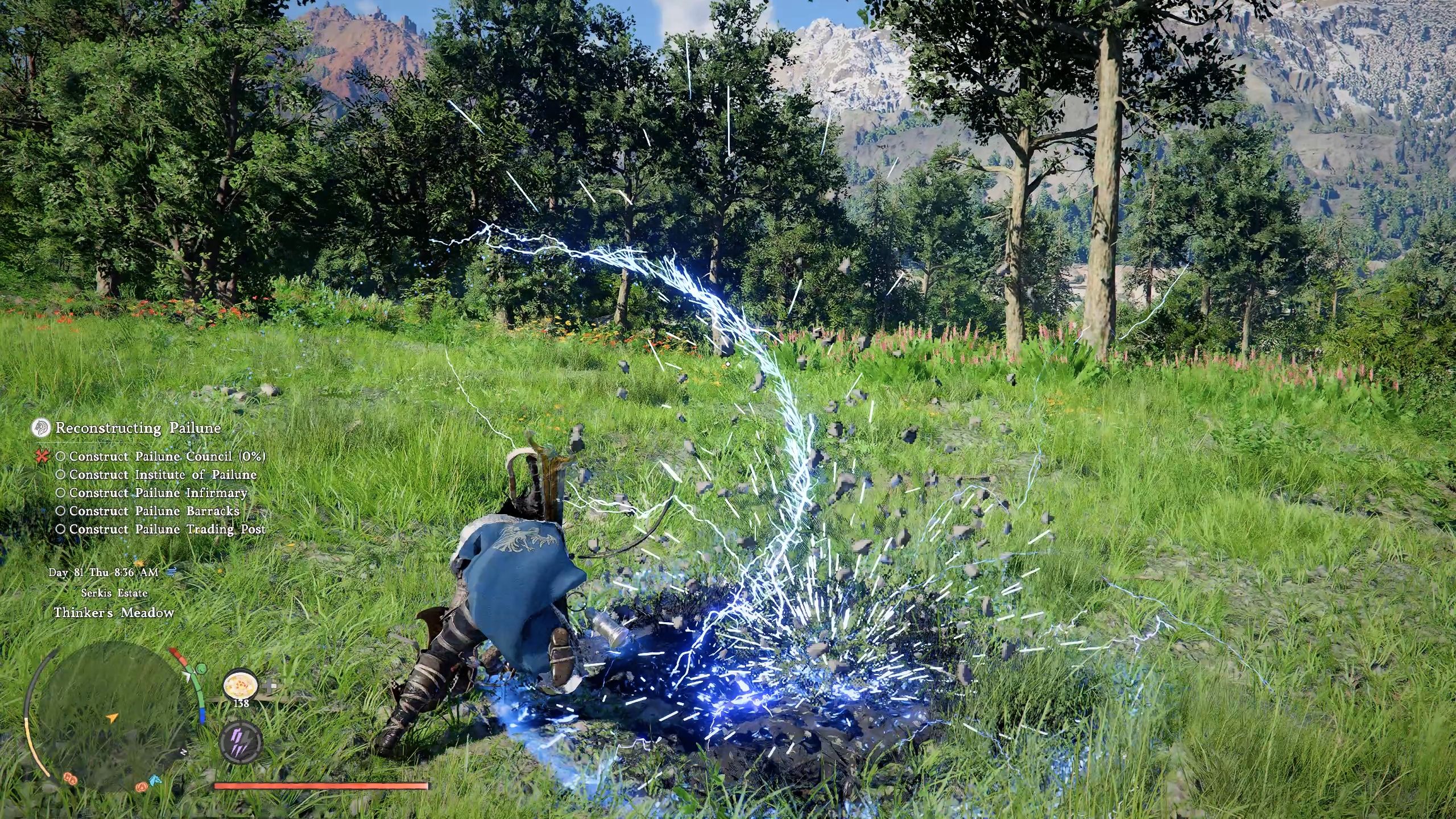
Okay, so once you pick an element in Crimson Desert, you can give it four different attacks! I’m talking Turning Slash, Meteor Kick, Force Palm, and even special Charged Shots if you’re using a bow. That’s how you basically power up your weapons or fighting moves with elements in the game.
| Weapon/Unarmed Moves | How to Do it on a Controller | How to Do it on a Keyboard |
|---|---|---|
| Elemental Turning Slash | Perform Turning Slash by pressing the “RB+RT / R1+R2” button, then quickly holding the “LT/L2” button. | Execute Turning Slash by pressing the “Left and Right Mouse” buttons, then holding the “V” key. |
| Elemental Force Palm | Press “LT + RT / L2 + R2” while charging Force Palm with the “RS/R3” button. | Press the “V” key while charging Force Palm with the “Middle Mouse” button. |
| Elemental Charged Shot | Aim the bow with “LT/L2” and press and hold the “RT/R2” button to charge it with elemental energy. | Aim the bow by pressing the “Q” key, followed by the “Left and Right Mouse” buttons to charge a shot with elemental energy. |
| Elemental Meteor Kick | Double Jump and gain more height with the Aerial Force Palm (RS/R3) and hold both “Y” and “LT/L2” buttons to do an Elemental Meteor Kick. | Double Jump and gain more height with the Aerial Force Palm (Middle Mouse Button) and hold both “F” and “V” keys to do an Elemental Meteor Kick. |
Using elemental attacks drains your Spirit Energy. You can refill it by entering Focus Mode – press LS + RS (or L3 + R3 on controllers) or the ‘X’ key on your keyboard.
Read More
- All Shadow Armor Locations in Crimson Desert
- Dark Marksman Armor Locations in Crimson Desert
- Jujutsu Kaisen Season 3 Episode 12 Release Date
- How to Get the Sunset Reed Armor Set and Hollow Visage Sword in Crimson Desert
- Best Bows in Crimson Desert
- Wings of Iron Walkthrough in Crimson Desert
- All Golden Greed Armor Locations in Crimson Desert
- How To Beat Ator Archon of Antumbra In Crimson Desert
- Keeping AI Agents on Track: A New Approach to Reliable Action
- Top 5 Militaristic Civs in Civilization 7
2026-03-30 19:12