In Mewgenics, you’ll collect lots of powerful items that can help you win battles. You don’t have to use them right away just because you found them! You can save them in your inventory for a better moment. However, your inventory space is limited and will fill up quickly. If you’re wondering how to get more space, here’s what you need to know about increasing your inventory in Mewgenics.
How to Increase Inventory Size in Mewgenics
You can expand your inventory by giving Butch cats in batches of 20 to unlock better rewards. But Butch only accepts cats that have explored new locations. For example, to get the first reward, he’ll take 20 cats from either the Sewers or Junkyard. To get the next reward, you’ll need to give him cats who have reached the Caves or Boneyard.
Okay, so to get enough cats for Butch, you’ll need to visit those areas at least five times. But don’t just send any cats to him! I’ve learned it’s really important to hold onto your best cats – the ones with high stats or cool ability combos. They’ll help you breed even better kittens down the line, and that makes all the difference!
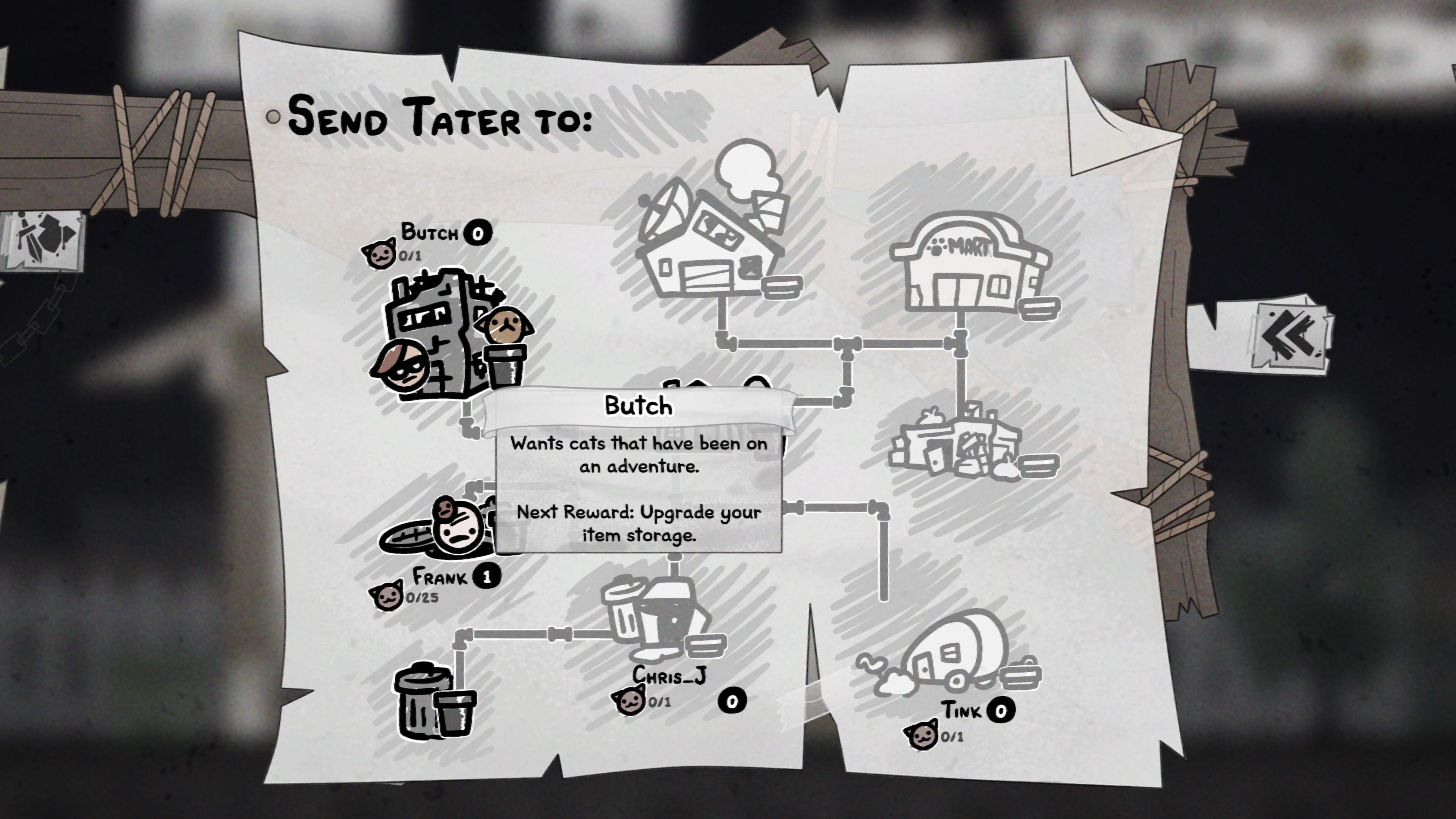
Every time you finish collecting a batch of cat deposits for Butch, your item storage will grow permanently, making it easier to manage your items.
Using Trash Slots to Temporarily Keep More Items in Mewgenics (& Get Rid of Items)
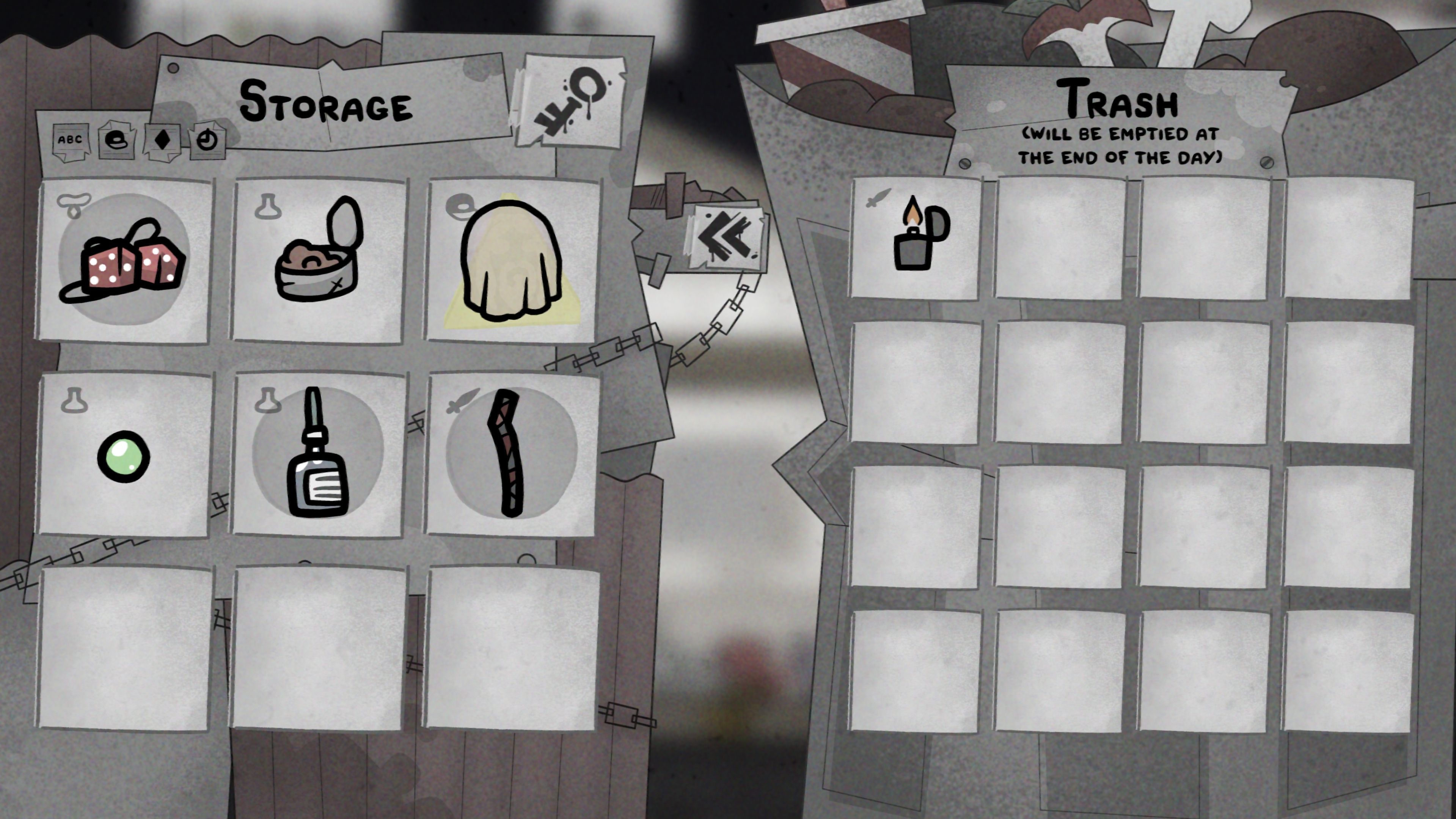
Trash slots might seem like they’re just for garbage, but you can actually use them to temporarily store extra items for a single day in the game.
Start your day by spending your coins at Tracy’s Paw-Mart to buy whatever you need. Move any items you won’t use today to the trash. Then, equip your four cats with the items they’ll need for your adventure. This frees up space in your Backpack for anything you find or buy during your travels, like rewards from battles or chance encounters.
After each attempt – whether you win or lose – you can access your inventory and move any items you discarded into regular storage slots.
Remember to take everything out of the trash slots and put it back in storage before you finish playing, or you’ll lose those items forever.
Once you’re finished with items you no longer need, move them to the trash to delete them permanently and create more space.
Read More
- All Shadow Armor Locations in Crimson Desert
- Dark Marksman Armor Locations in Crimson Desert
- Sega Reveals Official Sonic Timeline: From Prehistoric to Modern Era
- Genshin Impact Dev Teases New Open-World MMO With Realistic Graphics
- How to Beat Antumbra’s Sword (Sanctum of Absolution) in Crimson Desert
- The Limits of Thought: Can We Compress Reasoning in AI?
- Where to Pack and Sell Trade Goods in Crimson Desert
- Enshrouded: Giant Critter Scales Location
- Who Can You Romance In GreedFall 2: The Dying World?
- Keeping AI Agents on Track: A New Approach to Reliable Action
2026-02-11 21:14