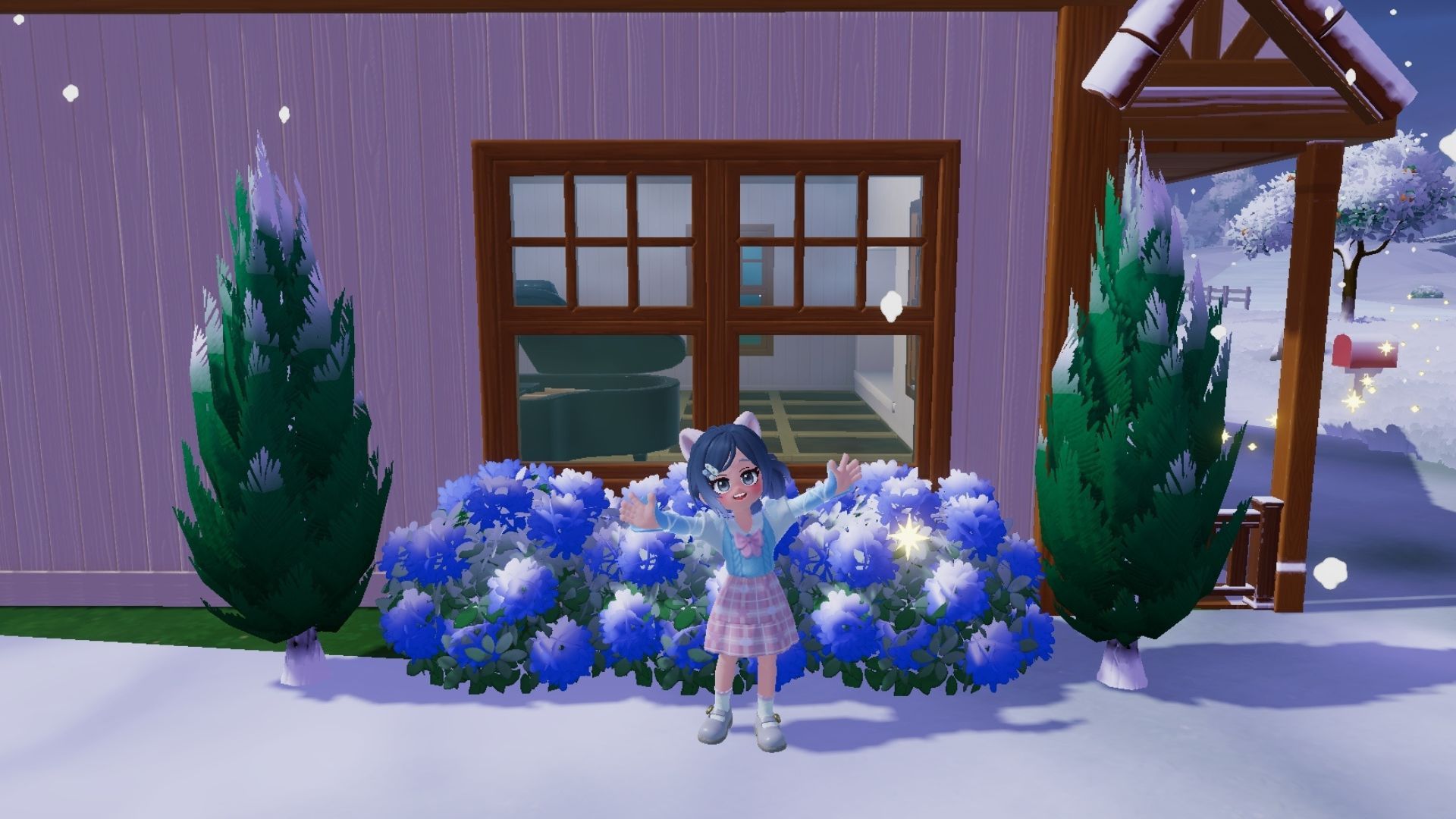
Once players reach Level 9 in Heartopia, they can decorate their yards with plants. They’ll learn how to do this through the Verdant Greenery quest, which shows them how to buy and place the decorations.
This quest only has two parts, but finding the right decorative plants can be tricky. I’ll show you how to easily place plants in Heartopia, which will help you decorate your home and finish the Verdant Greenery quest fast.
How to Place Basic Plant Decorations in Heartopia
Verdant Greenery Quest
Once you’ve bought a Basic Plant Decoration Permit from Bob’s Special Home Decor Store, go back to your house. These plants are different from other decorations – you can’t just place them directly from your inventory. Instead, you need to enter Build Mode by clicking the little house icon next to your inventory.
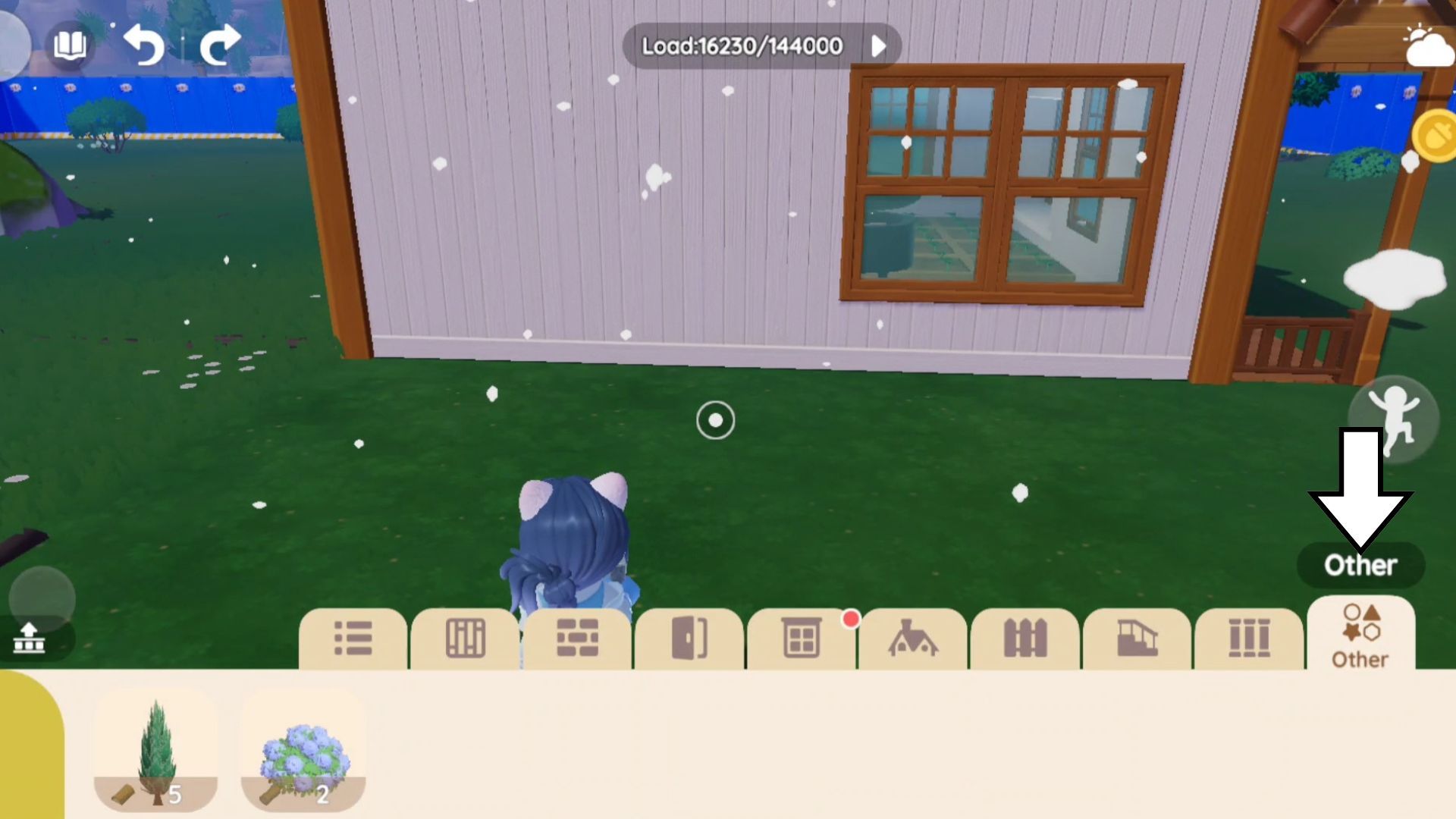
When you’re in Build Mode, look at the bottom left corner of the screen. Choose the “Building Material” tab – it’s the yellow circle with a brick design. This will open a menu with ten different tabs. Select the “Other” tab, which is the furthest one on the right and shows four shapes. Here, you’ll find all the plant permits you’ve bought from Bob.
Before you choose a plant, check the picture at the bottom. You’ll see an icon showing what resource is needed to place it, and a number indicating how much of that resource will be used.
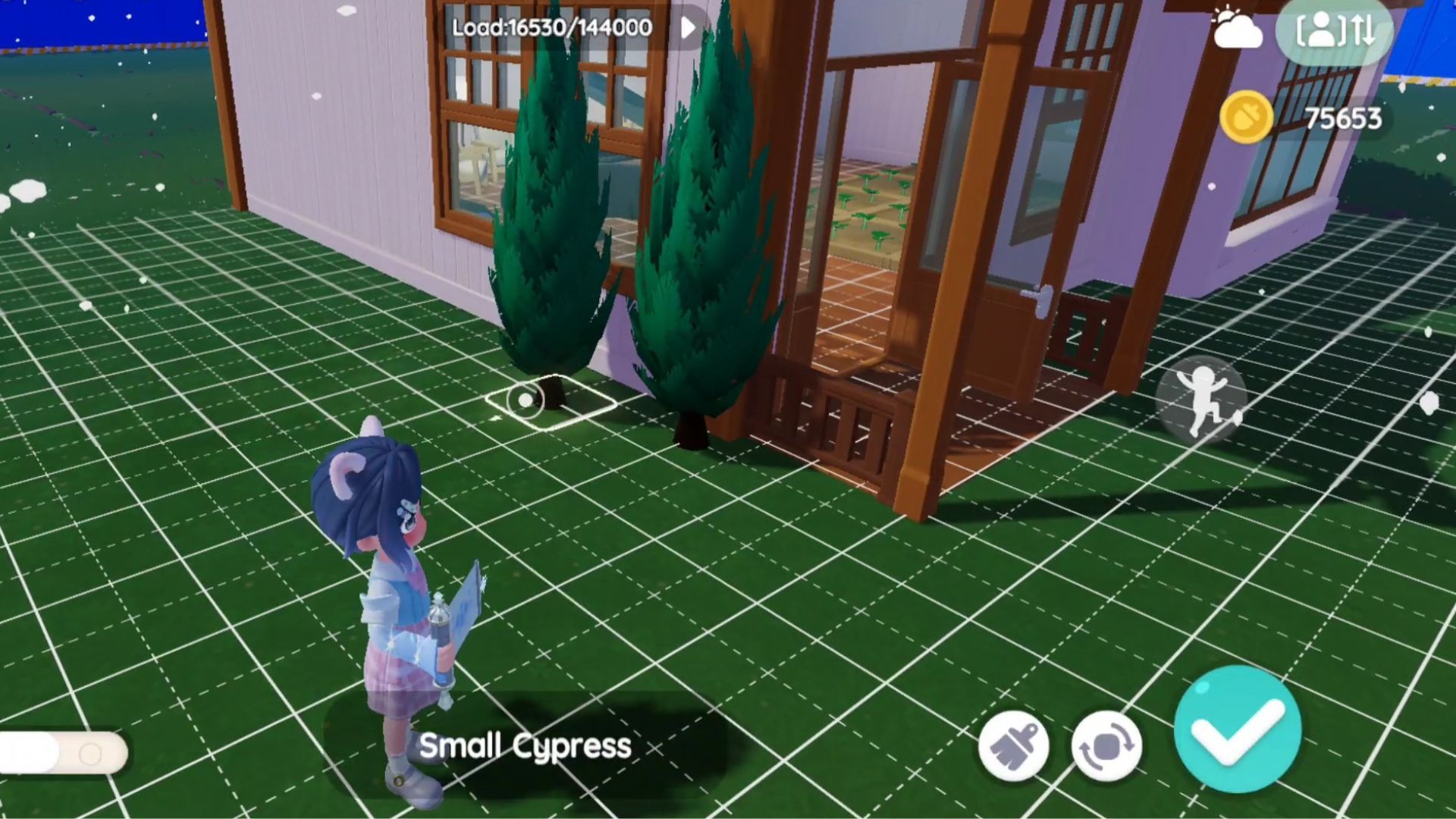
Simply tap the plant you want to put in your space. It’ll show up on your screen, and you can drag it around to find the perfect spot, just like moving furniture. Walk around and use your camera to see how it looks, then tap the blue checkmark at the bottom right to place it.
Doing this for the first time will complete the Verdant Greenery quest.
Best Tips for Placing Basic Plant Decorations in Heartopia
How to Make Your Home Feel Cozy
When adding Basic Plant Decorations, remember you can place them almost anywhere! They look great outdoors on the ground, inside on your floors, and even floating on the surface of pools. So feel free to bring some greenery inside your home!
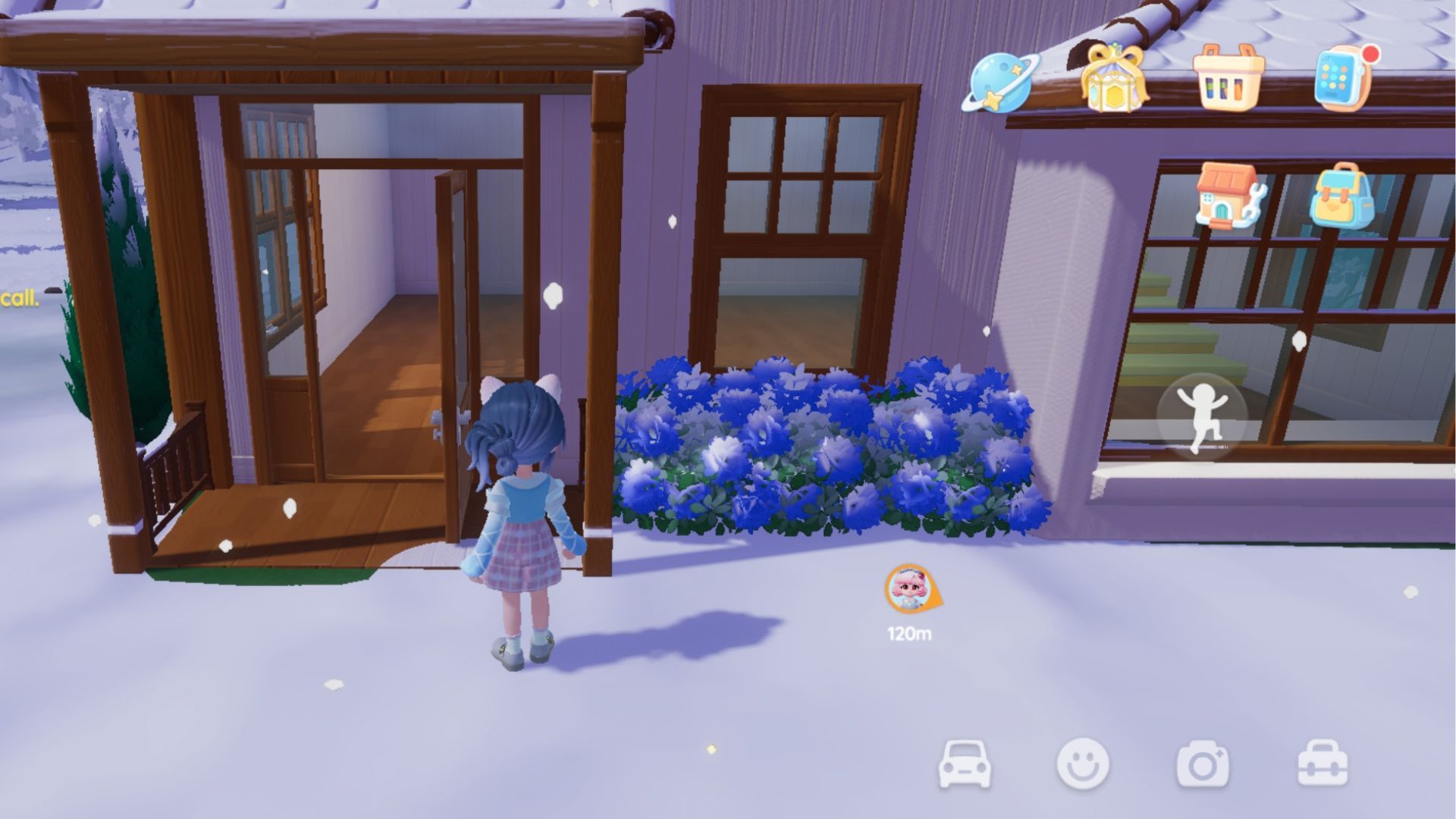
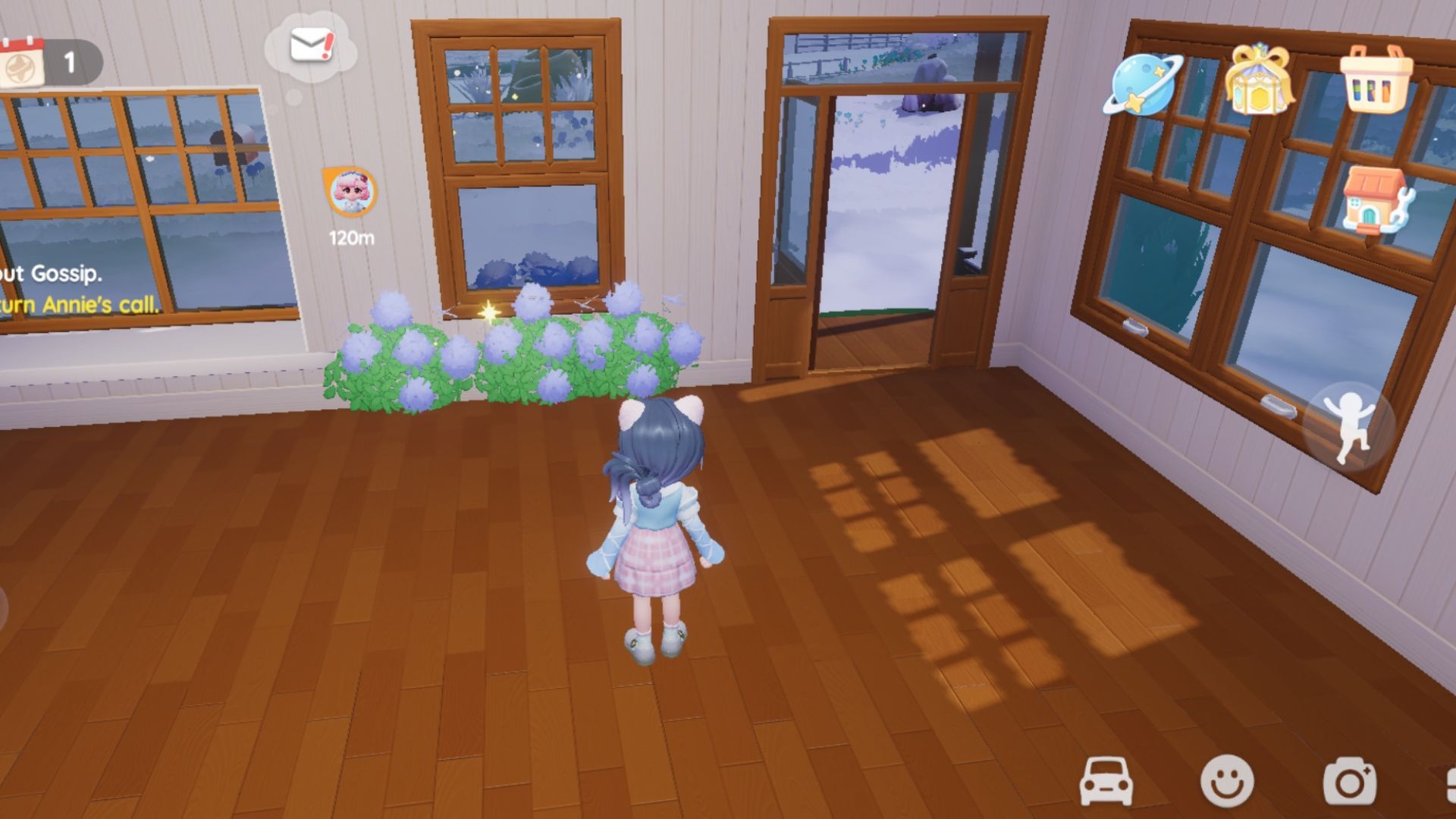
Players should also be aware that these plants can sometimes appear inside their homes by going through walls. When placing bushes near your house, double-check from inside to make sure none are sticking through the walls.
Interestingly, strategic pruning can actually help create more attractive gardens. A good example is planting hydrangea bushes close together – this can make them look like a single, full hedge.
How to Remove Basic Plant Decorations in Heartopia
No Plants, No Problem
Moving plants around in your garden is simple, whether you’ve made a mistake with placement or just want to redesign things after adding more space. Removing plants is just as easy as planting them.
First, switch to build mode. Then, point your camera at the plant you want to get rid of. Tap the button at the bottom of the screen that looks like a white mallet to remove it.
Deleting a plant will refund the resources used when placing it.
Read More
- All Skyblazer Armor Locations in Crimson Desert
- One Piece Chapter 1180 Release Date And Where To Read
- All Shadow Armor Locations in Crimson Desert
- How to Get the Sunset Reed Armor Set and Hollow Visage Sword in Crimson Desert
- New Avatar: The Last Airbender Movie Leaked Online
- Cassius Morten Armor Set Locations in Crimson Desert
- Grime 2 Map Unlock Guide: Find Seals & Fast Travel
- Amber Alert Secrets & CDs In Crime Scene Cleaner Act 2
- Euphoria Season 3 Release Date, Episode 1 Time, & Weekly Schedule
- All Golden Greed Armor Locations in Crimson Desert
2026-01-20 17:34