
REANIMAL is the new game from Tarsier Studios, the creators of the popular Little Nightmares and Little Nightmares II. You can play with a friend locally on the same device or online, and the game supports crossplay, meaning you can play with friends on different platforms. This guide will quickly show you how to set up both online and local co-op so you and your friends can jump into this spooky and unique world right away.
How to Play REANIMAL With Friends Via Online Co-Op (Friend’s Pass)

You can play REANIMAL alone in single-player mode, or team up with friends in co-op. The co-op mode lets you play online with people on different platforms thanks to crossplay support.
To play online with others, go to the co-op settings. You can either create a game and invite friends, or join a game that a friend is already hosting. If you host, you’ll be able to choose which character you want to use for the co-op experience.
I’m really excited about how this game lets you play as either a boy or a girl! The boy is more of an action hero – he’ll be solving puzzles and doing most of the fighting. The girl starts out as more of a support character, though she does get her own weapon later on, which is awesome! The developers are saying that if you’ve played games like Little Nightmares before, you’ll probably enjoy playing as the boy. But if you’re new to this kind of game, the girl is a great way to ease in. And the best part? You can switch between them whenever you want!
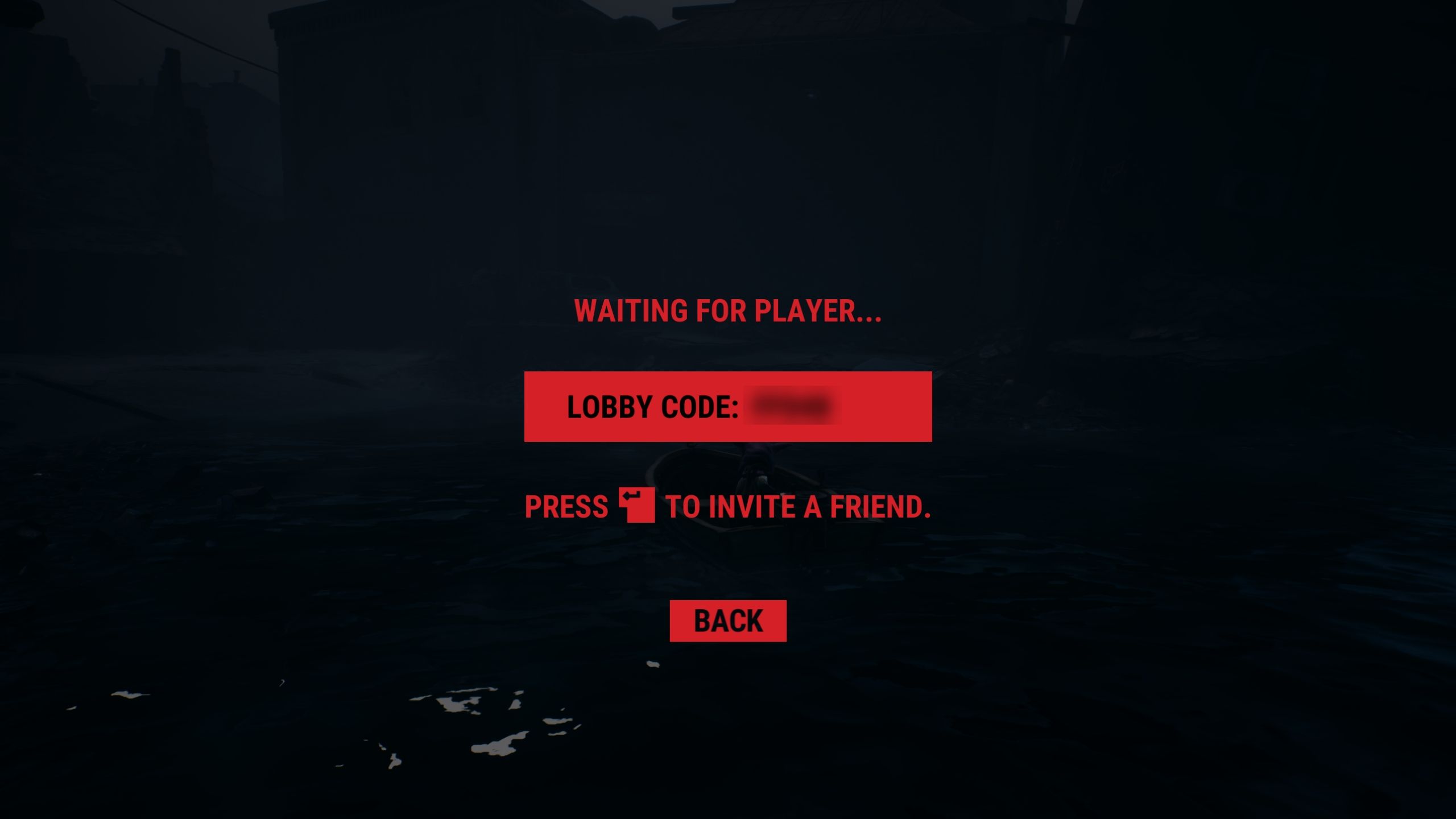
After you create a lobby, you’ll receive a unique code. Share this code with your friends so they can join your game. Or, you can invite them directly through Steam (on PC), PlayStation, Xbox, or Nintendo Switch.
Tarsier Studios has announced that you can play online co-op in REANIMAL with a friend who has the Friend’s Pass. Your friend will need to download a special version of the game – most likely the demo – to access this feature on their gaming platform.
How to Play REANIMAL With Friends Via Couch/Local Co-Op

Playing locally, or ‘couch co-op,’ is the simplest way to play with a friend because you both use the same device. All you need are two controllers connected to your PC or console.
From the main menu, go to the co-op settings and choose “Local Co-Op”. The first player, who will play as the boy, just needs to press any button on their controller. The second player will be the girl, and then you’re ready to start playing REANIMAL together locally!
Read More
- All Shadow Armor Locations in Crimson Desert
- Jujutsu Kaisen Season 3 Episode 12 Release Date
- Dark Marksman Armor Locations in Crimson Desert
- How to Beat Antumbra’s Sword (Sanctum of Absolution) in Crimson Desert
- Genshin Impact Dev Teases New Open-World MMO With Realistic Graphics
- Sega Reveals Official Sonic Timeline: From Prehistoric to Modern Era
- Top 5 Militaristic Civs in Civilization 7
- Keeping AI Agents on Track: A New Approach to Reliable Action
- How to Get the Sunset Reed Armor Set and Hollow Visage Sword in Crimson Desert
- Where to Pack and Sell Trade Goods in Crimson Desert
2026-02-13 17:07