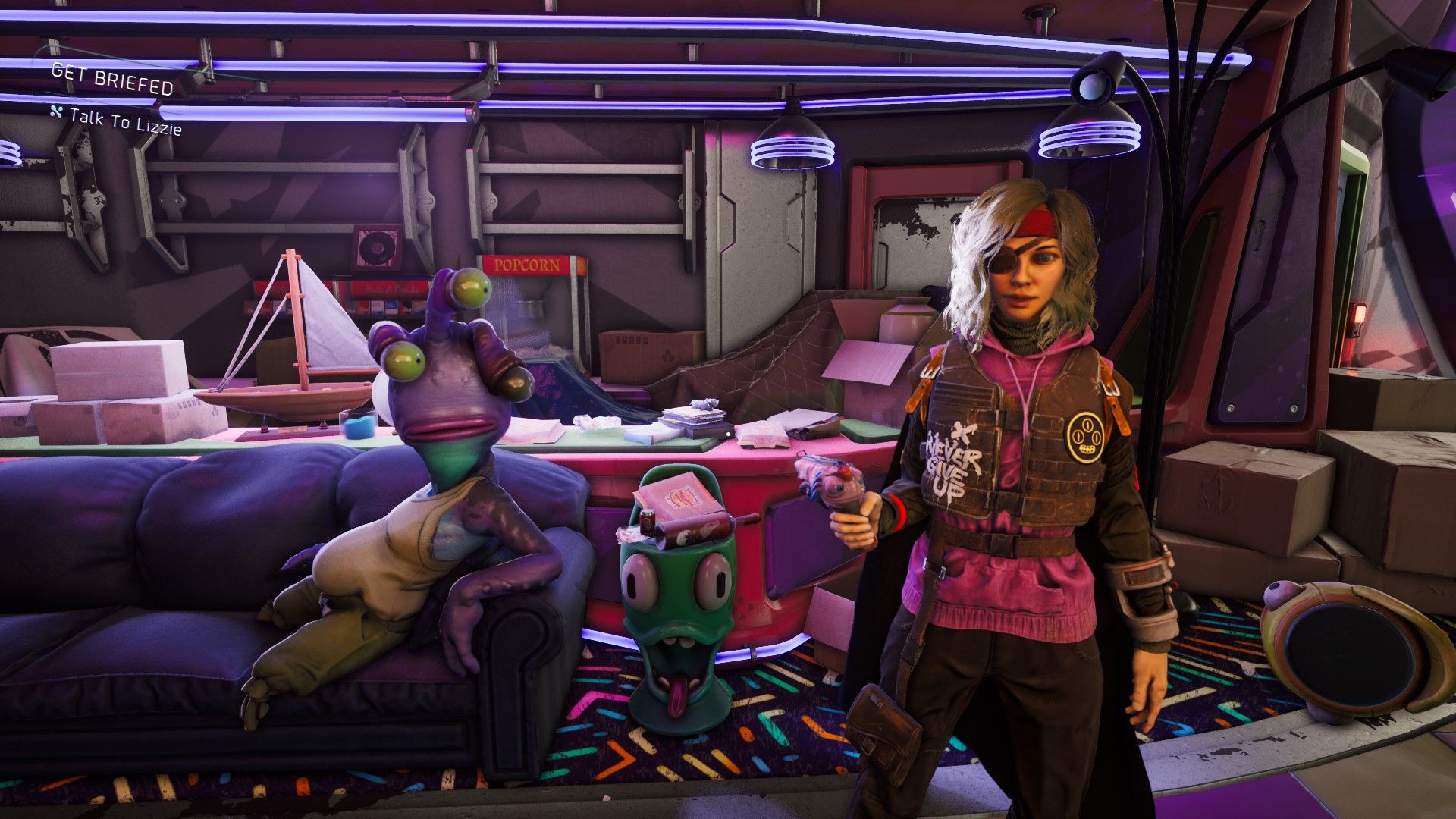
Saving your game in High on Life 2 works the same way as the first game. As you try to stop a dangerous company from turning people into pills, you’ll want to know how to save your progress. This will prevent you from losing everything you’ve accomplished in this funny, fast-paced shooter.
High on Life 2 is definitely enjoyable and humorous, making it replayable. However, once you finish a section, you likely won’t want to play it again. If you’re wondering how to save your progress in this fast-paced, funny shooter, we’ve got the answer to whether saving is possible in High on Life 2.
High on Life 2: How to Save
Similar to the original High on Life, you can’t manually save your progress in High on Life 2. It was an unusual choice in the first game, and it’s even more surprising to see it happen again in the sequel. Most players are used to saving whenever they want, or at least at the end of a session, but this game doesn’t offer that option.
Good news for those playing High on Life 2: the game features a frequent and helpful auto-save system, similar to the first game. This is especially useful during tricky platforming sections, where falling doesn’t mean starting over – you’ll usually respawn near where you fell. You’ll see a small icon in the bottom-right corner of the screen whenever the game auto-saves.
The game has three save slots available. You can’t save manually; instead, the game automatically saves your progress to one of these slots as you play. When you start the game, you can choose to begin a new game, load a previously saved game from one of the three slots, or continue where you left off in your last session.
Read More
- All Shadow Armor Locations in Crimson Desert
- Jujutsu Kaisen Season 3 Episode 12 Release Date
- Dark Marksman Armor Locations in Crimson Desert
- How to Beat Antumbra’s Sword (Sanctum of Absolution) in Crimson Desert
- Genshin Impact Dev Teases New Open-World MMO With Realistic Graphics
- Sega Reveals Official Sonic Timeline: From Prehistoric to Modern Era
- Top 5 Militaristic Civs in Civilization 7
- Keeping AI Agents on Track: A New Approach to Reliable Action
- How to Get the Sunset Reed Armor Set and Hollow Visage Sword in Crimson Desert
- Where to Pack and Sell Trade Goods in Crimson Desert
2026-02-13 22:10