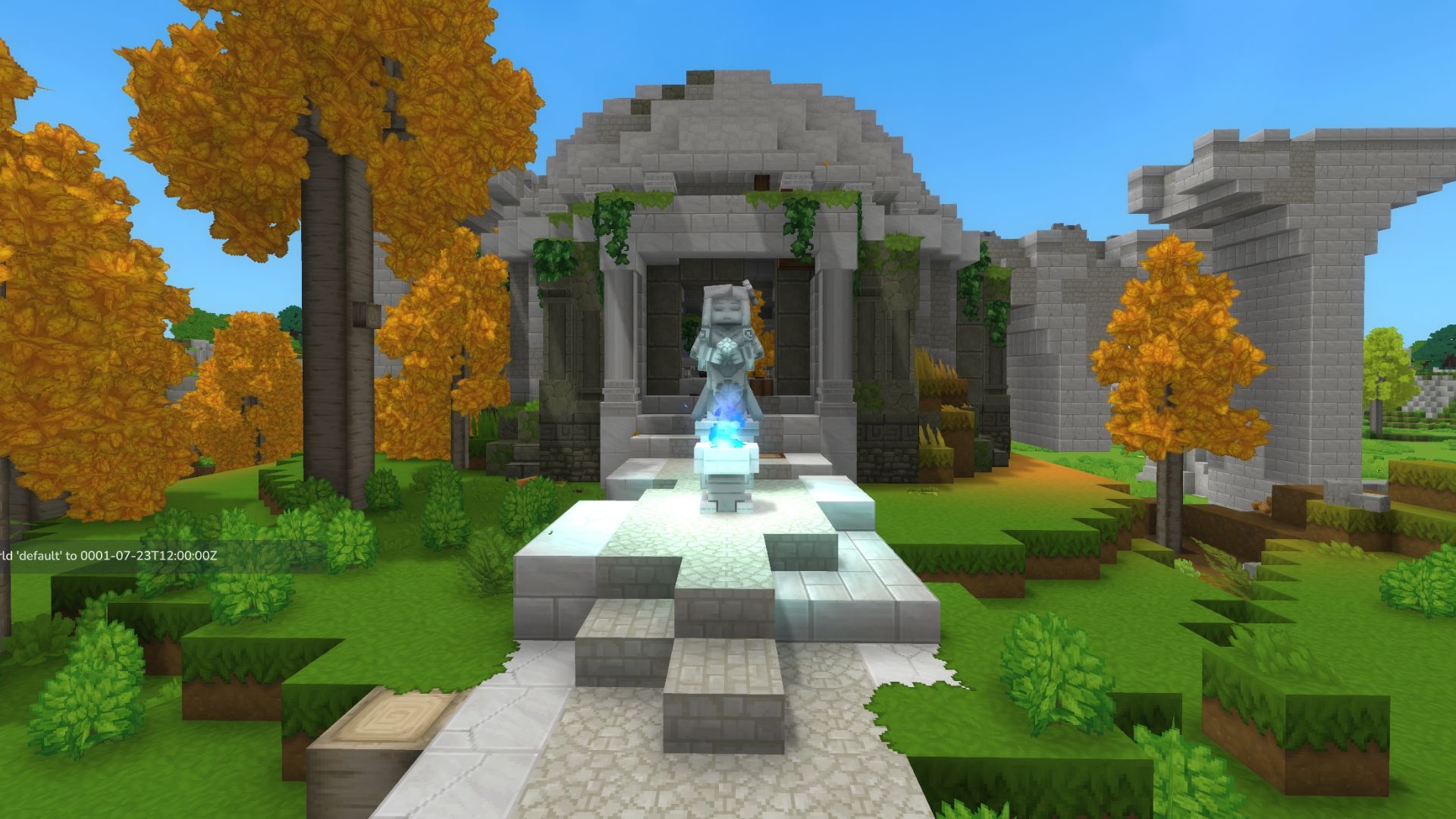
In Hytale, days and nights pass slowly – a full day lasts almost an hour of real-world time. Many activities can only be done at certain times, so learning how to control the game’s clock will be very helpful for players.
Want to make time fly or jump ahead in Hytale? This guide explains everything you need to know about changing and skipping time in the game – including why you’d want to, and clear instructions on how to do it. Let’s get started!
How to Change Time of Day in Hytale
In Hytale’s Adventure mode, you can only change from night to day by sleeping in a bed. This helps players skip the harder challenges and unique creatures that appear at night. You can only use a bed to sleep after 7:30 PM in the game.
In Hytale, one minute of real-world time passes as thirty minutes in the game. This means a complete day and night cycle lasts about 48 real-world minutes. You can adjust this speed when you create a new world using the Day/Night Cycle setting.
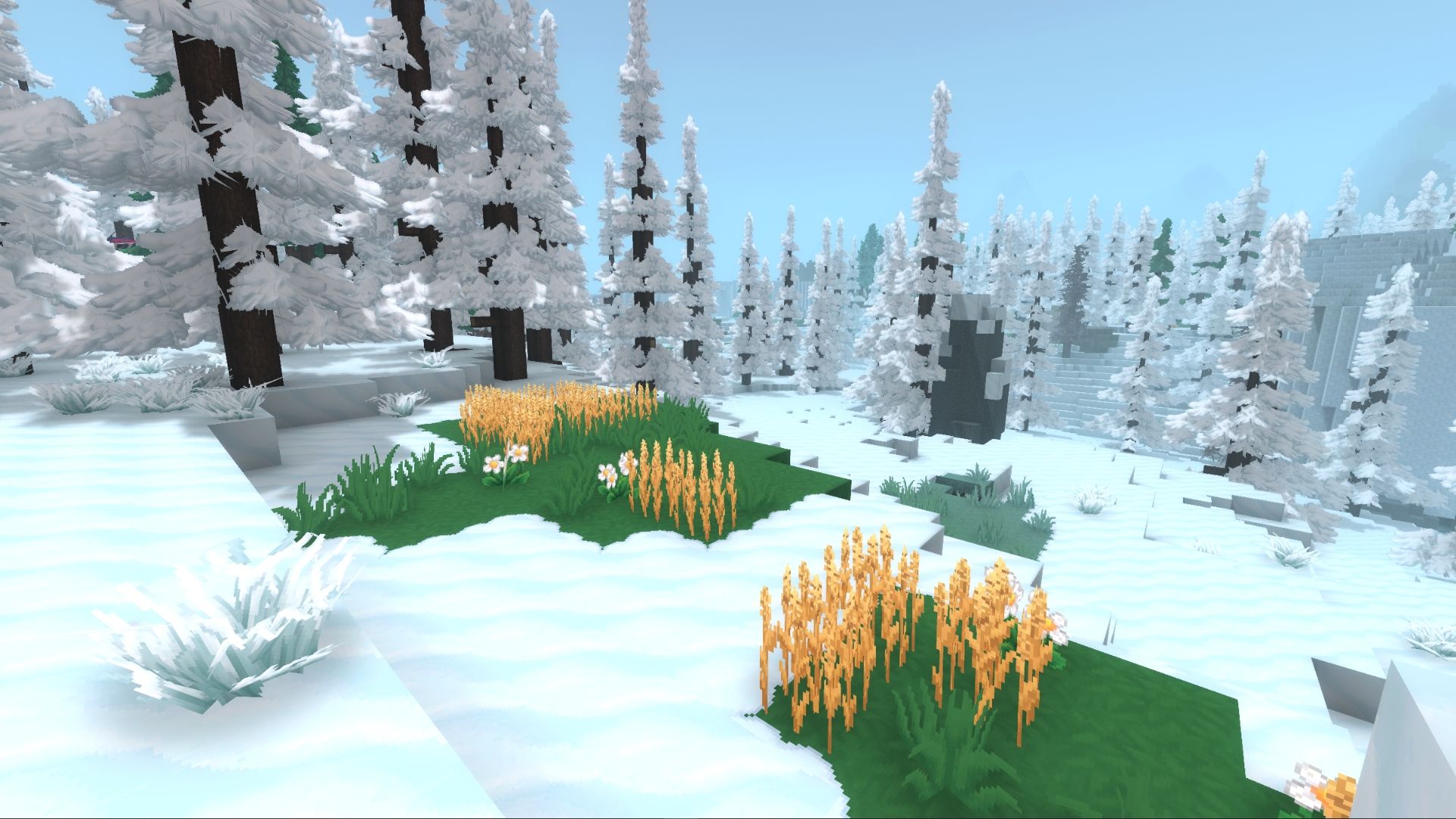

To sleep in the game, players need to make a bed or bedroll. The first bed you can craft is a Crude Bedroll, and it’s simple – you can make it directly from your inventory using 3 Plant Fiber and 2 Light Hide. After that, if you want to craft more advanced beds, you’ll need to build a Furniture Workbench first.
| Item | Crafting Station | Recipe |
|---|---|---|
| Furniture Workbench | Workbench (Tier 1) – Crafting Tab |
|
How to Skip Time Using Console Commands in Hytale
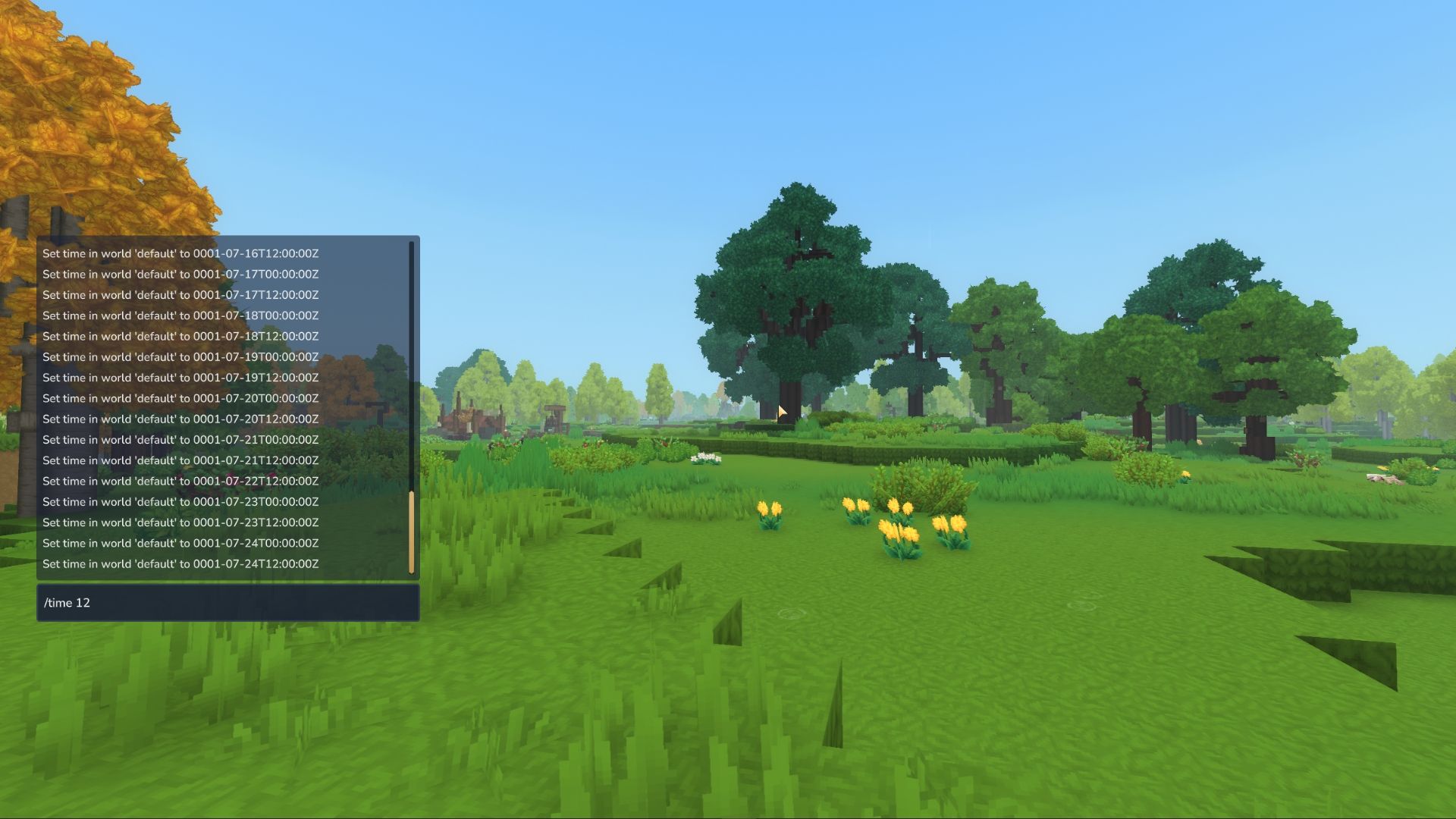
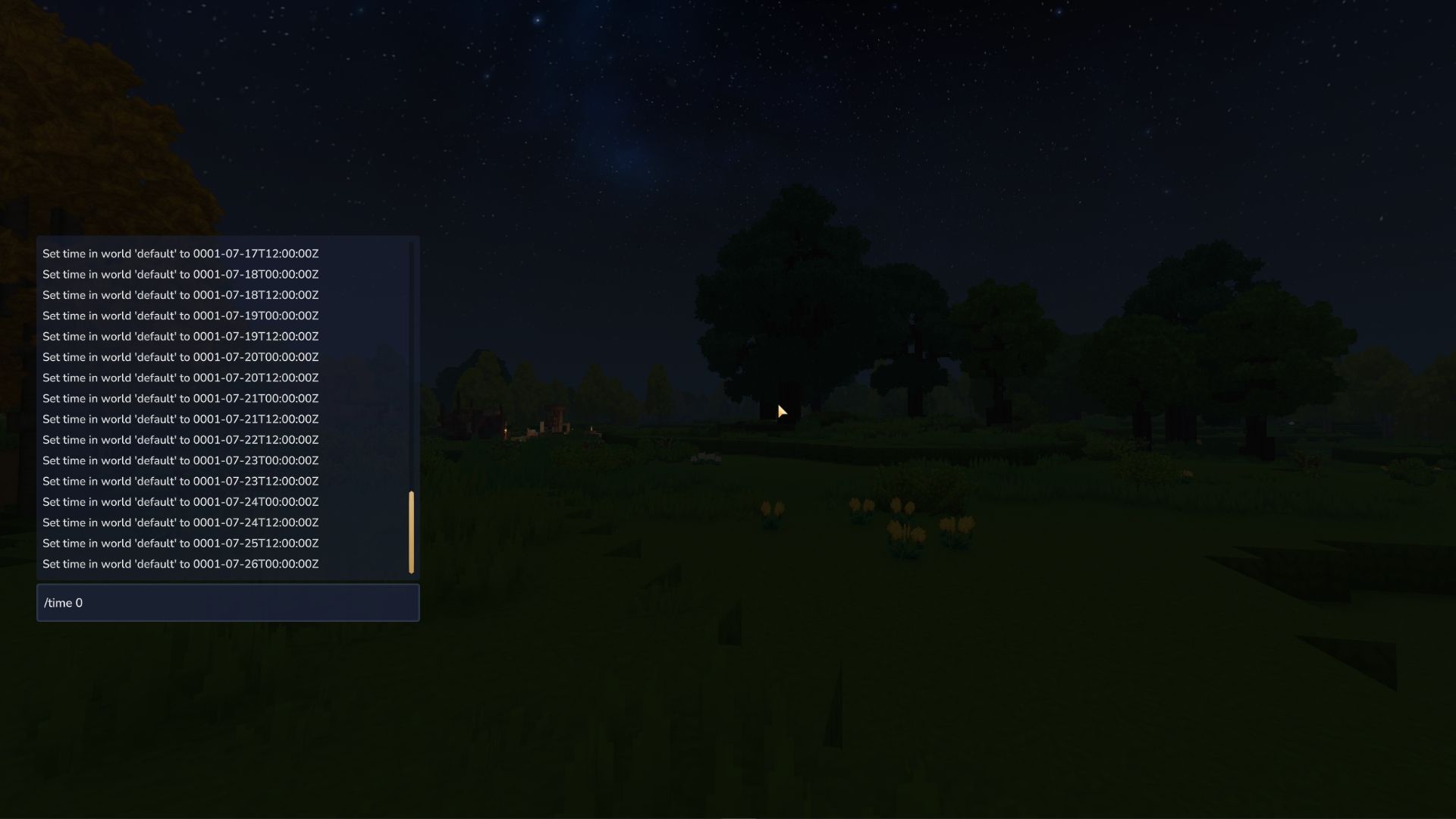
Hytale includes several console commands that let players control how time passes in the game. Here are some of the most helpful ones:
Server console commands require players to first grant themselves administrator access using the command “/op self”.
| Console Command | Description |
|---|---|
| /time | Changes the time of day to the specified hour using the 24-hour format. Only accepts whole number values between 0 and 24. |
| /time pause | Stops the passage of time. Repeating the same command resumes time. |
| /time dilation | Changes the time dilation scaling of the server (how fast time passes). The time dilation value must be between 0.01 and 4. The default value is 1. |
| /time dawn OR /time day | Sets the time of day to dawn. |
| /time midday OR /time noon | Sets the time of day to noon. |
| /time dusk OR /time night | Sets the time of day to evening. |
| /time midnight | Sets the time of day to midnight. |
These commands let you directly set the in-game time. This can affect anything that happens based on time, such as how quickly crops grow or when shops get new items. You can use them to speed up or change these processes manually.
Read More
- All Shadow Armor Locations in Crimson Desert
- Sega Reveals Official Sonic Timeline: From Prehistoric to Modern Era
- Genshin Impact Dev Teases New Open-World MMO With Realistic Graphics
- The Limits of Thought: Can We Compress Reasoning in AI?
- Dark Marksman Armor Locations in Crimson Desert
- Where to Pack and Sell Trade Goods in Crimson Desert
- How to Beat Antumbra’s Sword (Sanctum of Absolution) in Crimson Desert
- Enshrouded: Giant Critter Scales Location
- Who Can You Romance In GreedFall 2: The Dying World?
- Best Weapons, Armor, and Accessories to Get Early in Crimson Desert
2026-01-21 22:07