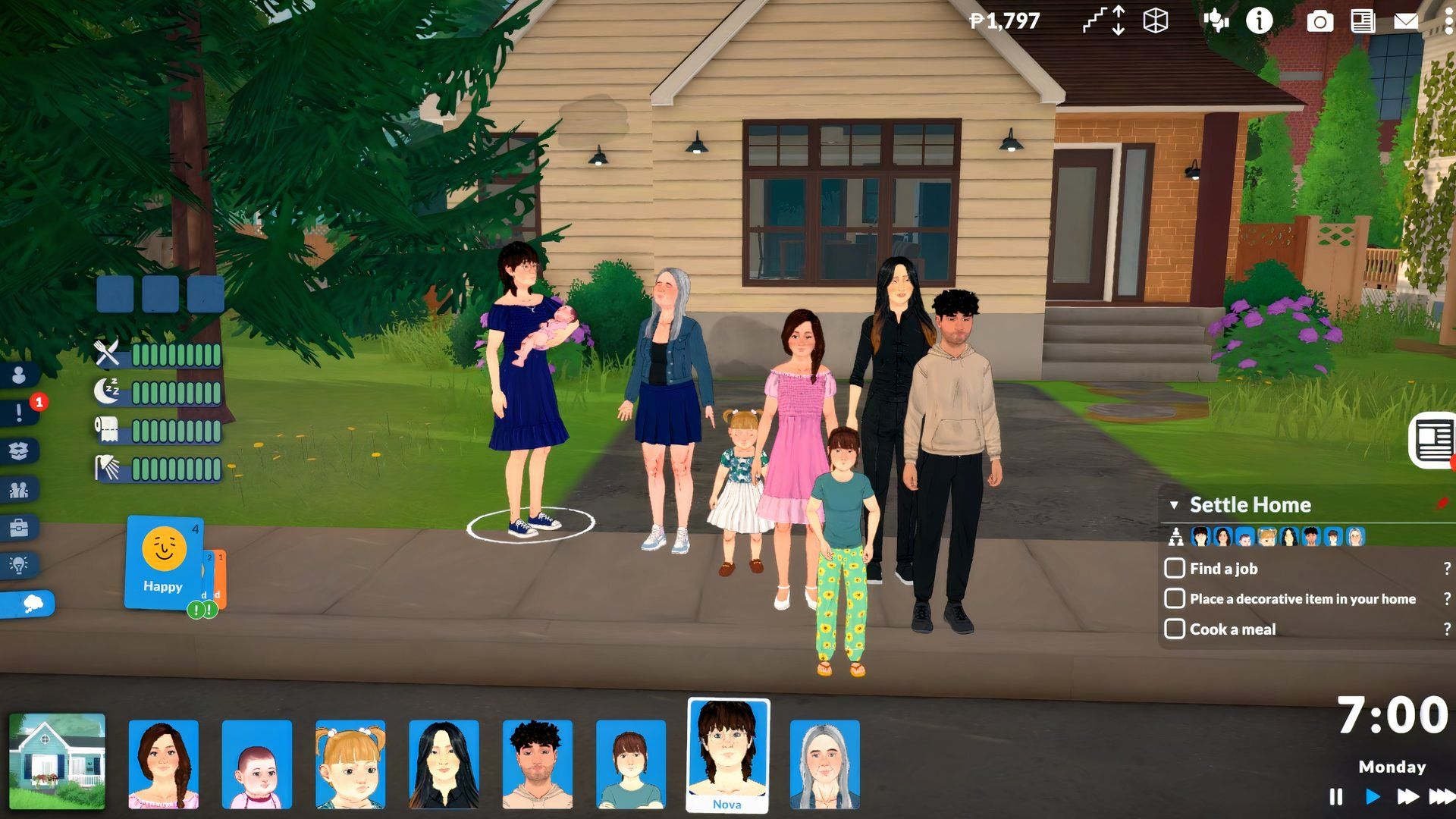
It’s tough to say goodbye to your Parafolks after spending a lot of time with them in Paralives. Since characters age and will eventually pass away, you’ll inevitably face that moment – unless you take steps to prevent it. Luckily, you have options to do just that.
In Paralives, you have control over how your characters age. You can stop them from aging at all, preserving their current appearance, or simply extend their lifespans by a few days. Keep reading to learn how to customize aging for your Parafolks.
Paralives Life Stages Overview
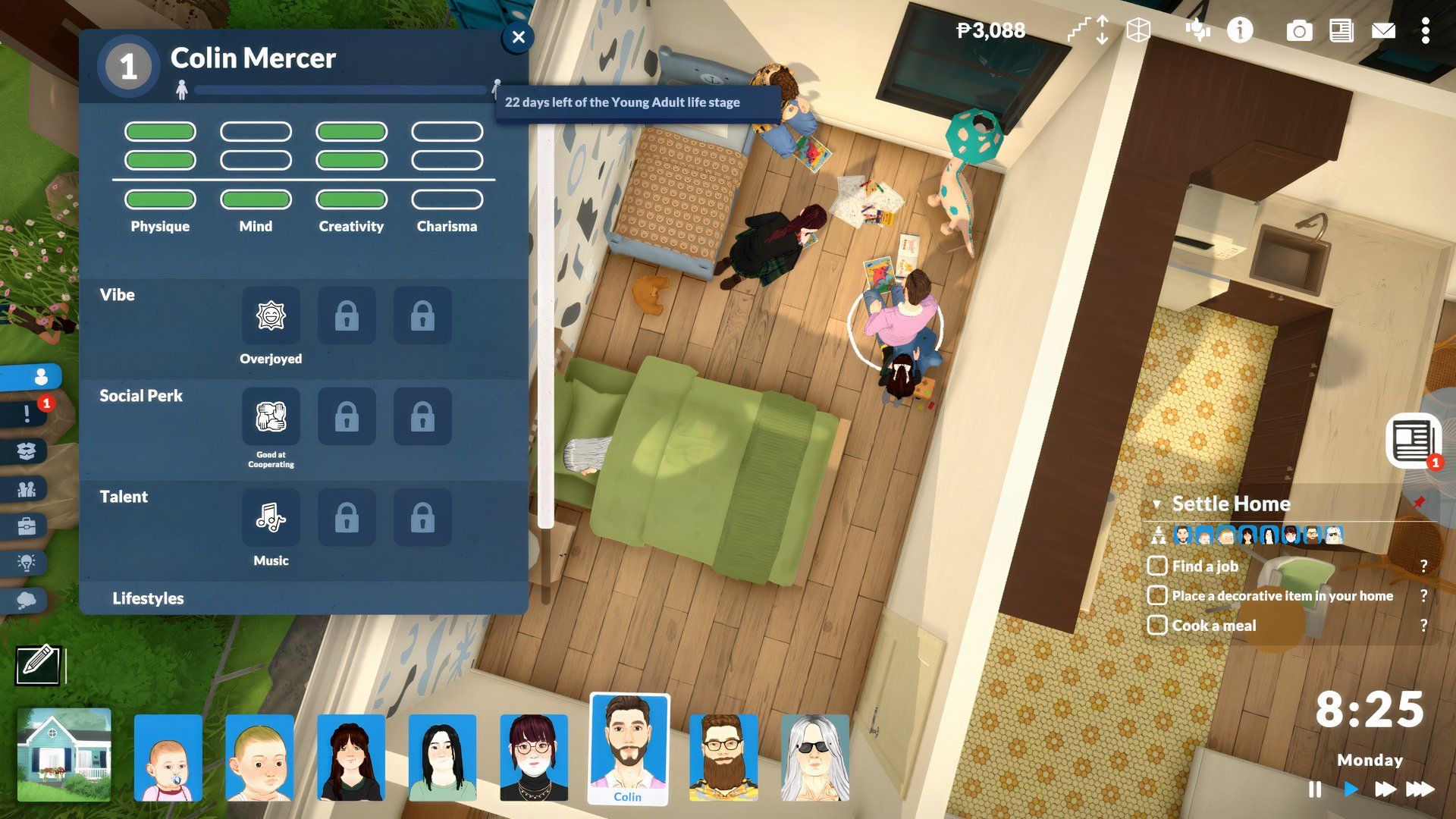
There are eight life stages in Paralives for creating characters. Here’s a quick look at them:
- Baby
- Toddler
- Child
- Pre-Teen
- Teen
- Young Adult
- Adult
- Elder
If you’ve already made a Para, you can see what stage it’s at by going to its profile – you can find this in the side menu, and then click the little figure icon to the right of the Para’s name.
This displays the next stage in their life cycle. To see how many days are left until they reach that stage, simply hover your mouse over the lifespan bar.
How to Stop Paras from Aging and Dying in Paralives
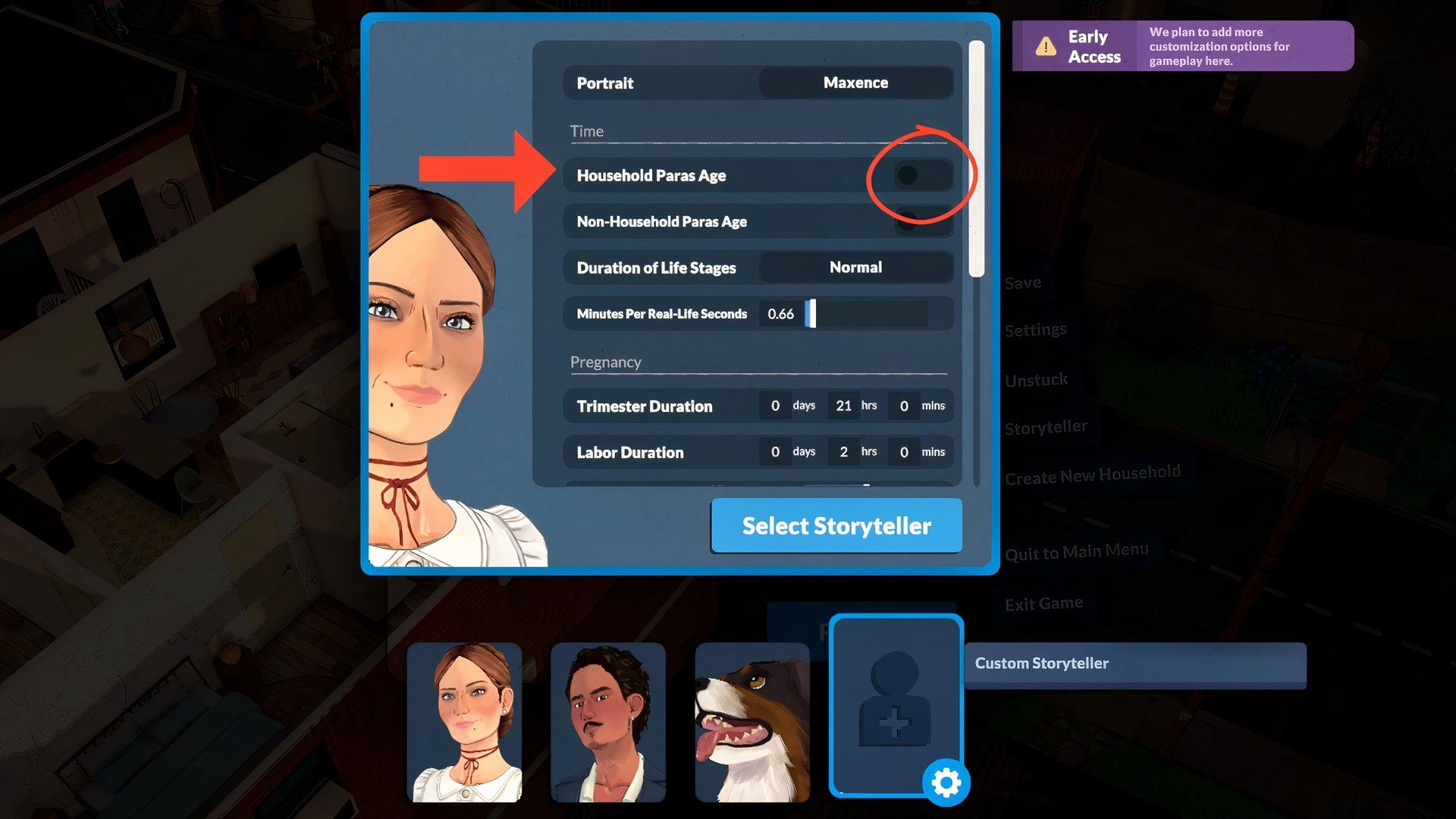
To make your Parafolk not age at all in Paralives, just follow these steps:
- Go to Settings by clicking the three dots in the game.
- Head to the Storyteller settings and select Custom Storyteller.
- Disable the Household Paras Age option.
When you return to the game, you can freely move your Paras between days without them growing older. Don’t forget to save your progress so you can continue using your preferred arrangement.
You can also stop the Paras of neighbors or strangers from aging by turning off the “Non-Household Para Age” setting in your Custom Storyteller options.
How to Extend Parafolk Lifespan in Paralives
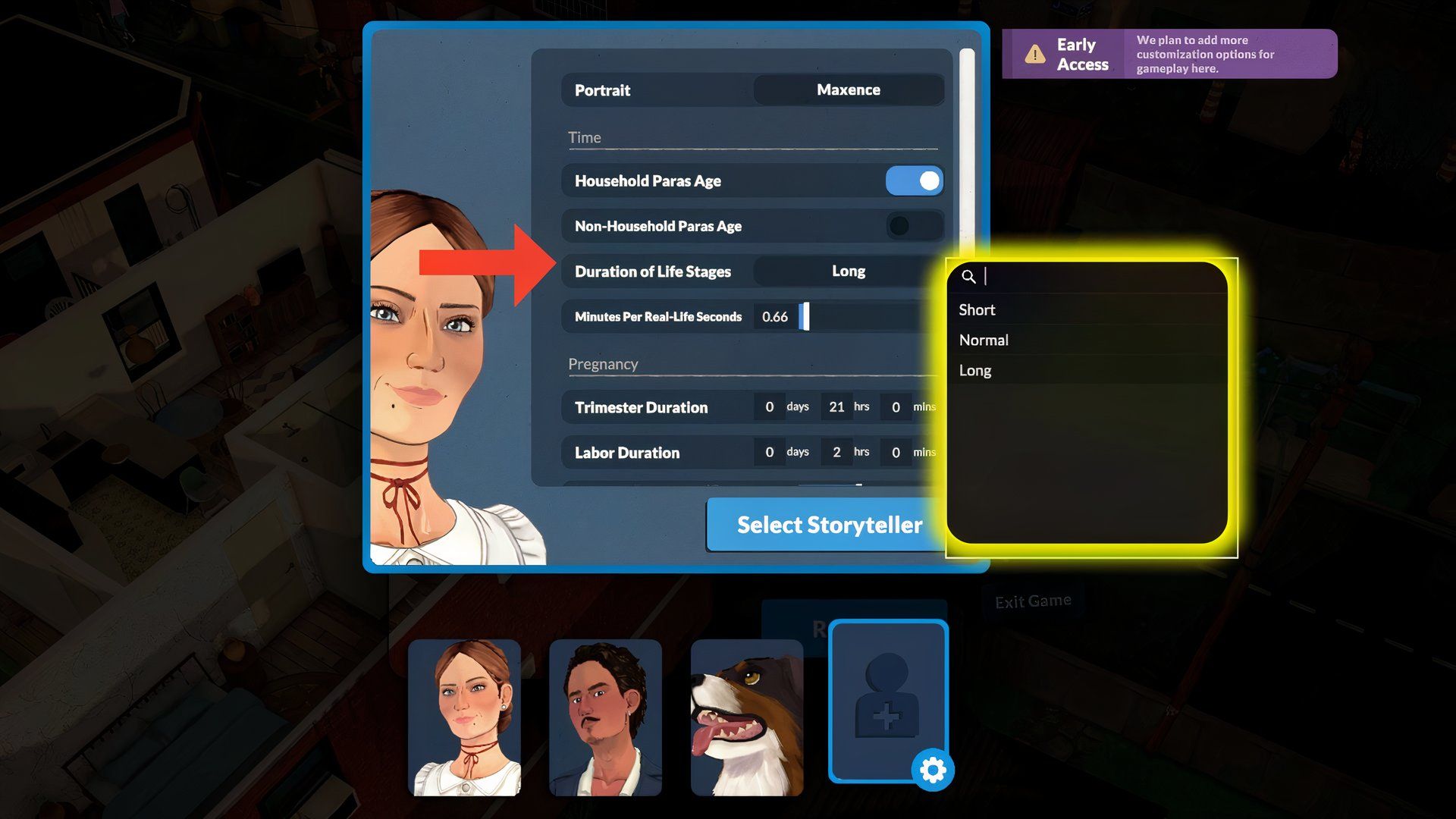
If you’re concerned that your Parals age too fast in Paralives, here’s how to help them live longer.
- Jump into Settings while in the game.
- Click on Storyteller from the menu list.
- Use the Custom Storyteller option and select Long under Duration of Life Stages.
As a big fan of this game, I’ve figured out how the Parafolk lifecycles work! You basically get three choices: Short, Normal, and Long. If I pick ‘Short,’ my Parafolk will go through their life stages much faster. ‘Normal’ is what the game automatically sets it to, which seems like a good balance to me.
If you’re wondering how long it takes to progress your Parafolks to the next stage, please see the table below for details.
| Life Stage | Short | Normal | Long |
|---|---|---|---|
| Baby | One day | Three days | 14 days |
| Toddler | Two days | Four days | 18 days |
| Child | Six days | 12 days | 48 days |
| Pre-Teen | Four days | Eight days | 32 days |
| Teen | Seven days | 14 days | 56 days |
| Young Adult | 11 days | 22 days | 88 days |
| Adult | 10 days | 20 days | 80 days |
| Elder | Seven days | 14 days | 56 days |
If you’re unsure which option to use – Custom Storyteller or Customize Storyteller – when adjusting your Para settings, don’t worry! Our tests show they both work identically, so you can use whichever one you prefer.
If you’re interested, we can also share tips on how to improve your skills and advance your career, whether you’re aiming for a promotion or hoping to become a top chef, artist, or programmer.
If you’re new to the game, donating to the museum and getting a job are great ways to quickly achieve important milestones.
Read More
- Forza Horizon 6: Find the Ohtani Treasure Chest Location
- NTE Drift Guide (& Best Car Mods for Drifting)
- Diablo 4 Best Loot Filter Codes
- Boruto: Ikemoto Has Already Hinted At Sasuke’s New Eye After Return
- LEGO Batman Legacy of the Dark Knight Batcave Minikits & WayneTech Caches
- USD RUB PREDICTION
- Where to Find Prescription in Where Winds Meet (Raw Leaf Porridge Quest)
- Top 10 Must-Watch Isekai Anime on Crunchyroll Revealed!
- Deltarune Chapter 1 100% Walkthrough: Complete Guide to Secrets and Bosses
- GBP CNY PREDICTION
2026-05-25 17:17