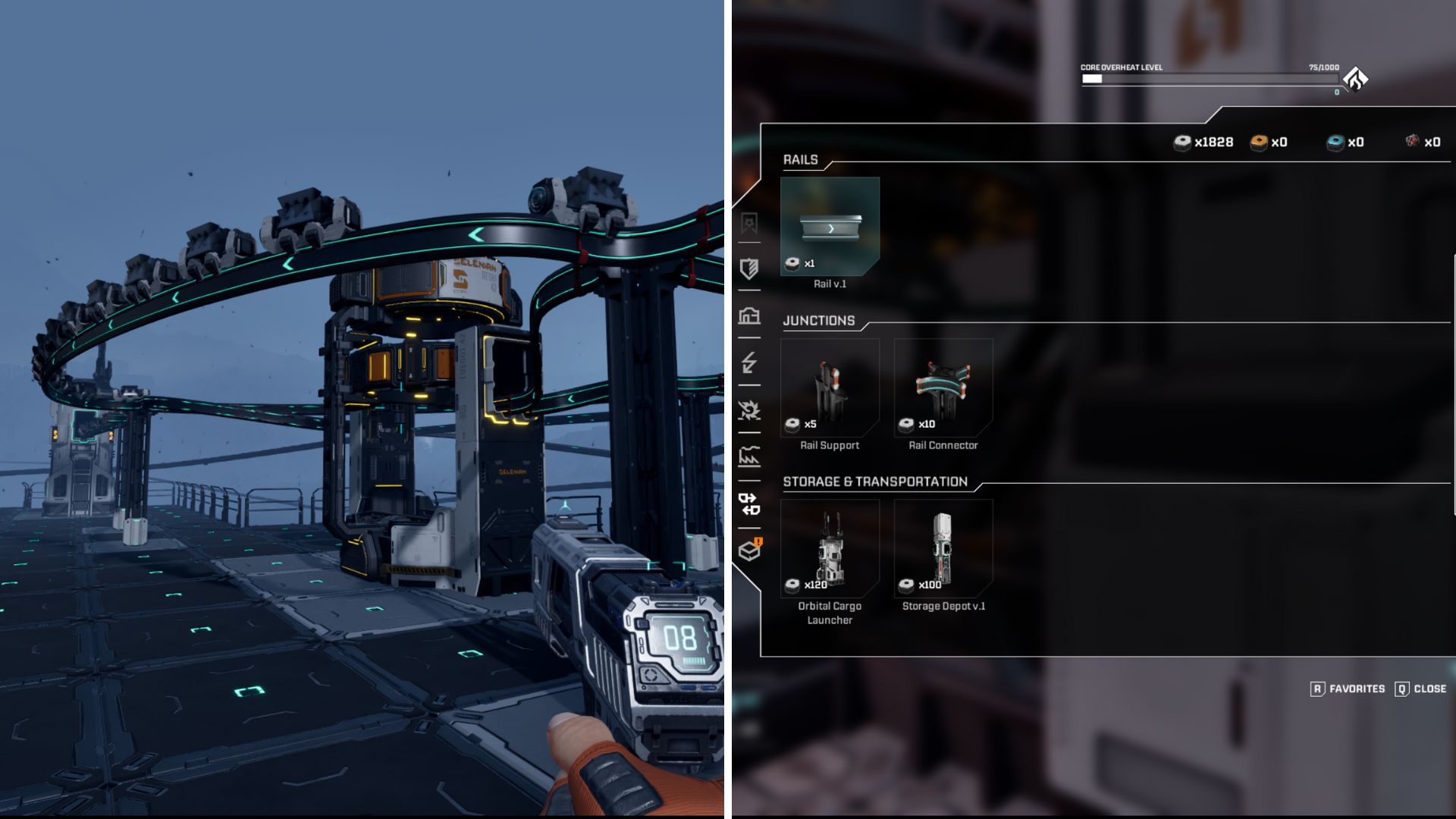
StarRupture is a survival game where you’ll constantly need to gather resources like Wolfram Ore and building materials to stay alive. Fortunately, the game lets you automate resource collection using drones, which makes things a bit easier.
Drones can simplify many tasks that usually require manual effort. They’re able to gather resources, create building components, and handle other jobs automatically.
You’ll need to learn how to use drones effectively, so let’s go over everything you need to know about them in StarRupture.
What Can Drones Do?
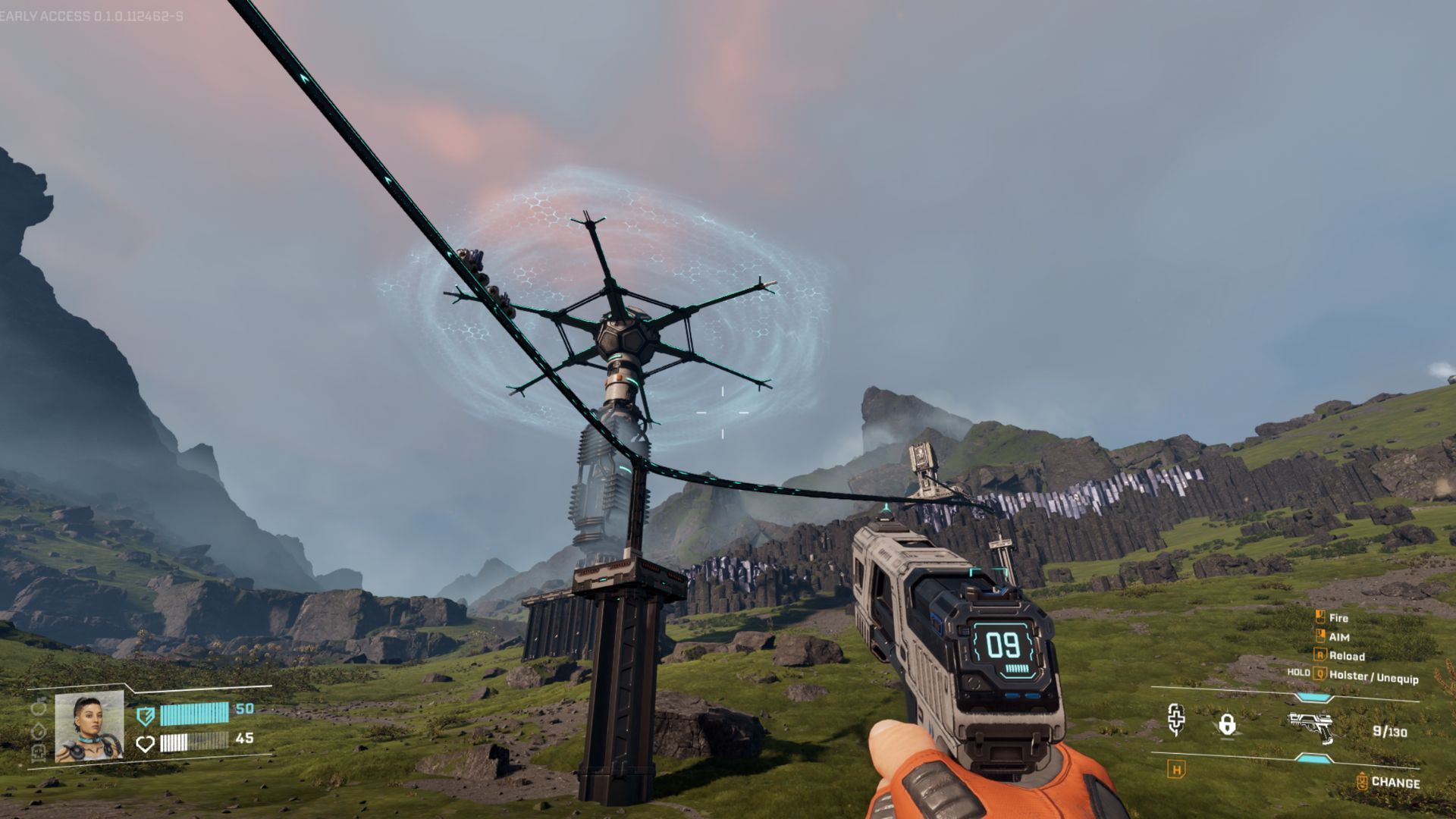
Drones move along tracks connected to buildings around your base. They begin their work at the Ore Excavator, which you place on ore deposits to collect resources like Calcium.
You can connect drones to buildings around your base to automate processes. These include the Smelter for turning ore into usable blocks and bars, the Fabricator for refining raw materials, the Furnace for creating more complex materials, and the Assembler for crafting a variety of items.
Drones can transport goods using the Orbital Cargo Launcher, sending them to different companies. This helps you build a better relationship with those companies and improve your standing with them over time.
Drones can connect to storage areas, letting you stockpile up to 400 of any resource they collect. You can also improve these storage areas to increase their capacity.
How to Connect Drones
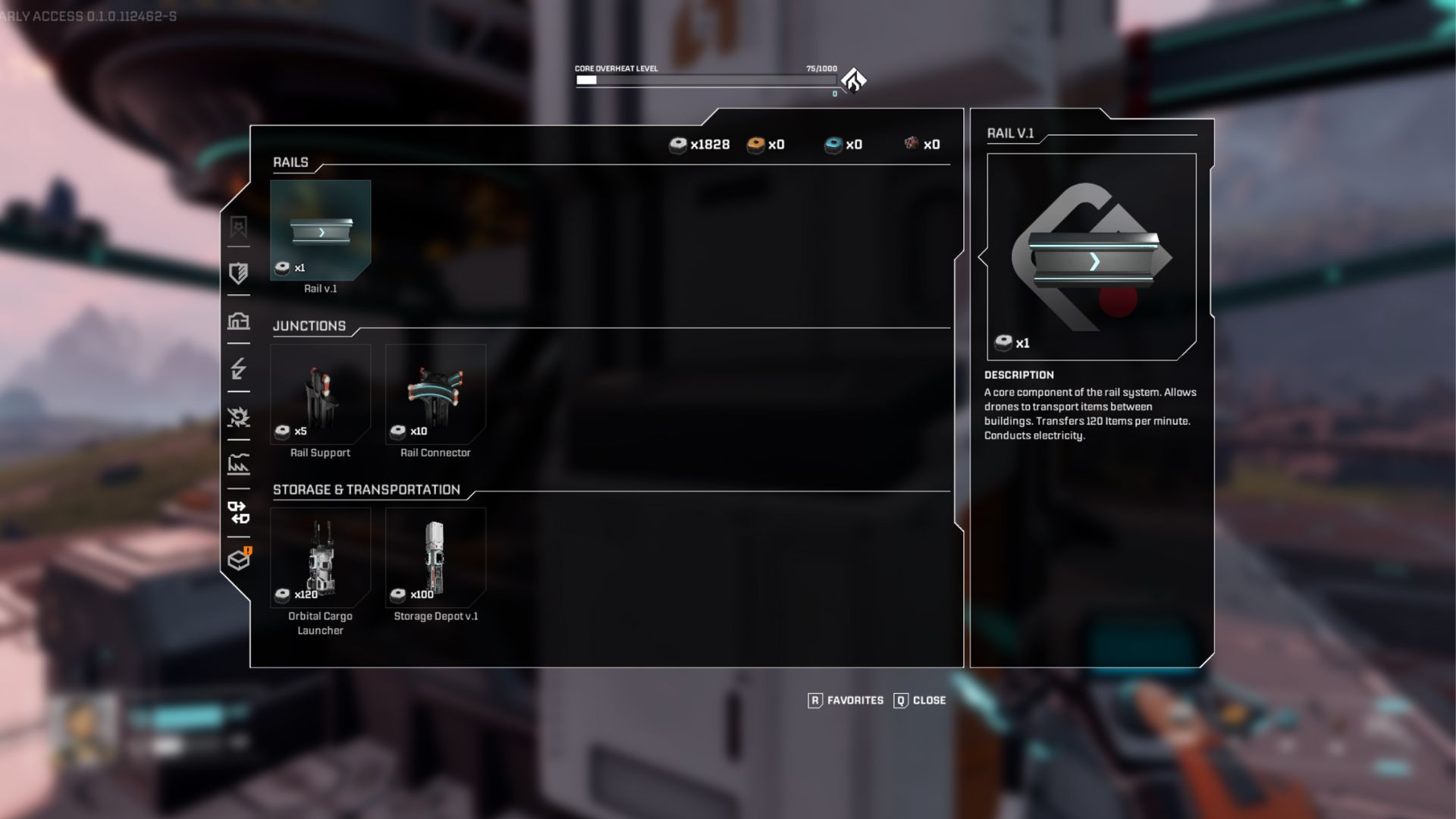
Drones travel along a network of rails that connect all the buildings on your base, letting them move between locations smoothly.
Numerous rail structures help drones get from point A to point B. These include:
| Rail Type | Use |
|---|---|
| Standard Rail | Used to move drones from one area to the next. |
| Rail Support | Used to support a rail over long distances. |
| Rail Connector | Used as an intersection for rails to connect one rail to multiple objects or multiple rails to one object. |
| Multirail 3 | Allows three drones to run side-by-side on three rails. |
| Rail Modulator 3 | Splits one rail into three. |
| Rail v.2 | A faster version of the standard rail, allowing drones to move faster. |
| Multirail 5 | Allows five drones to run side-by-side on five rails. |
| Rail Modulator 5 | Splits one rail into five. |
| Rail v.3 | The fastest version of the standard rail allows drones to move more materials at a faster rate. |
Drones will attach to the structure and follow the path of the newly built rail system. It’s best to construct these rails extending from an excavator and connecting to other buildings.
If you try to connect a rail to a building in a way that doesn’t fit, you won’t be able to complete the construction. When you build something rails can connect to, the game will show you the path the drones need to follow through it.
As a big drone fan, I’ve learned they need power to actually do anything! Thankfully, the rails you build around your base aren’t just for looks – they actually provide power. Just make sure your base is properly connected to a power source, and your drones will be able to run smoothly along those rails. It’s a game-changer!
Obtaining Upgraded Rails
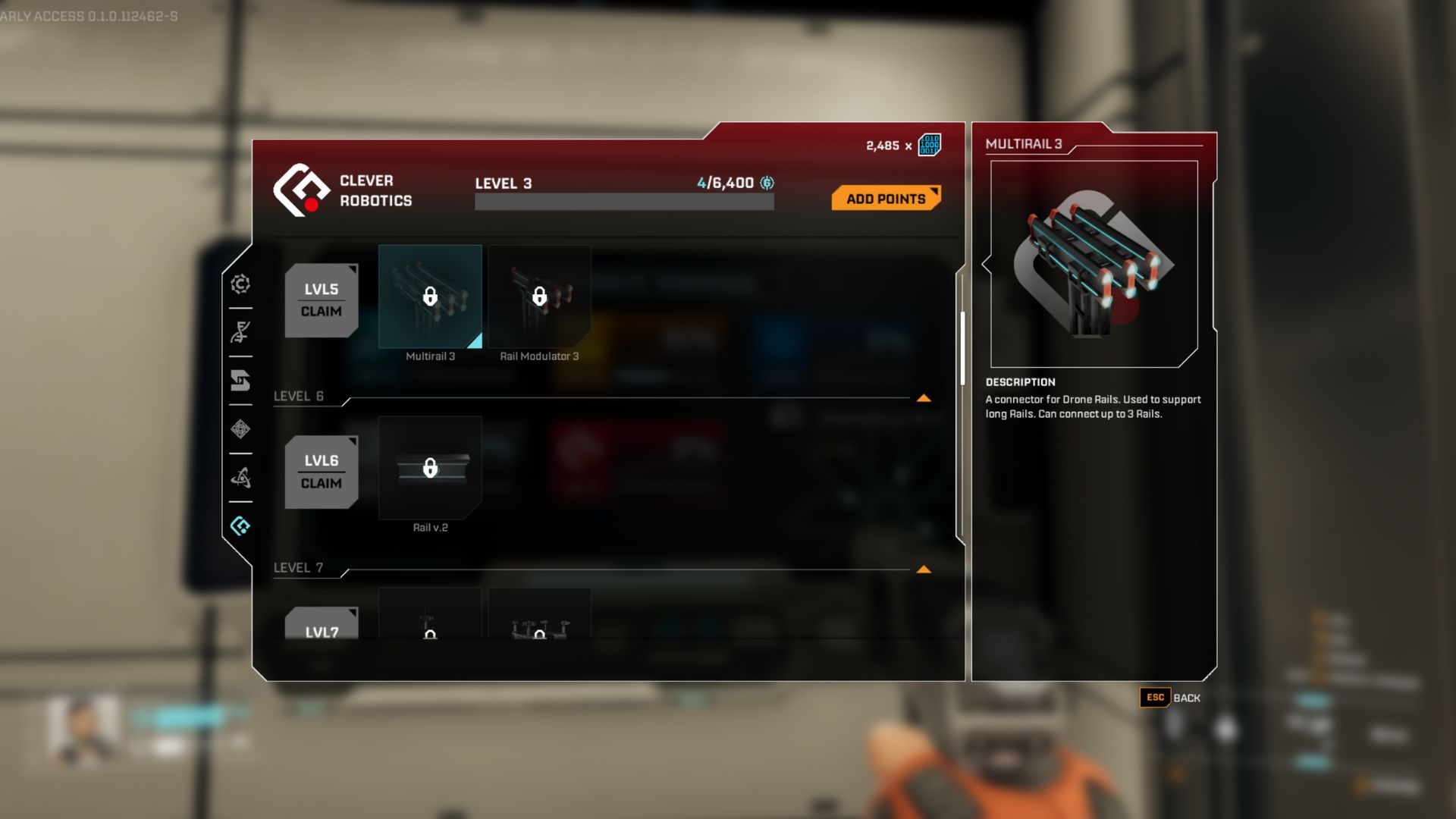
Improving your rail network takes time because you need to gain favor with a specific company to get better equipment. That company, which makes drone parts, is called Clever Robotics.
Subscribe to the newsletter for pro drone and rail insights
As you play, you’ll earn access to new rail pieces, letting you create more advanced systems for your drones. You start by unlocking the essential components – rails, connectors, and other basic items – at level one.
Once you reach level five, you’ll unlock Multirails. At level six, you’ll get the upgraded standard rail, and reaching level ten will give you even more Multirails.
Read More
- All Skyblazer Armor Locations in Crimson Desert
- All Shadow Armor Locations in Crimson Desert
- How to Get the Sunset Reed Armor Set and Hollow Visage Sword in Crimson Desert
- Marni Laser Helm Location & Upgrade in Crimson Desert
- Best Bows in Crimson Desert
- All Helfryn Armor Locations in Crimson Desert
- All Golden Greed Armor Locations in Crimson Desert
- How to Craft the Elegant Carmine Armor in Crimson Desert
- Wings of Iron Walkthrough in Crimson Desert
- Keeping Large AI Models Connected Through Network Chaos
2026-01-09 22:44