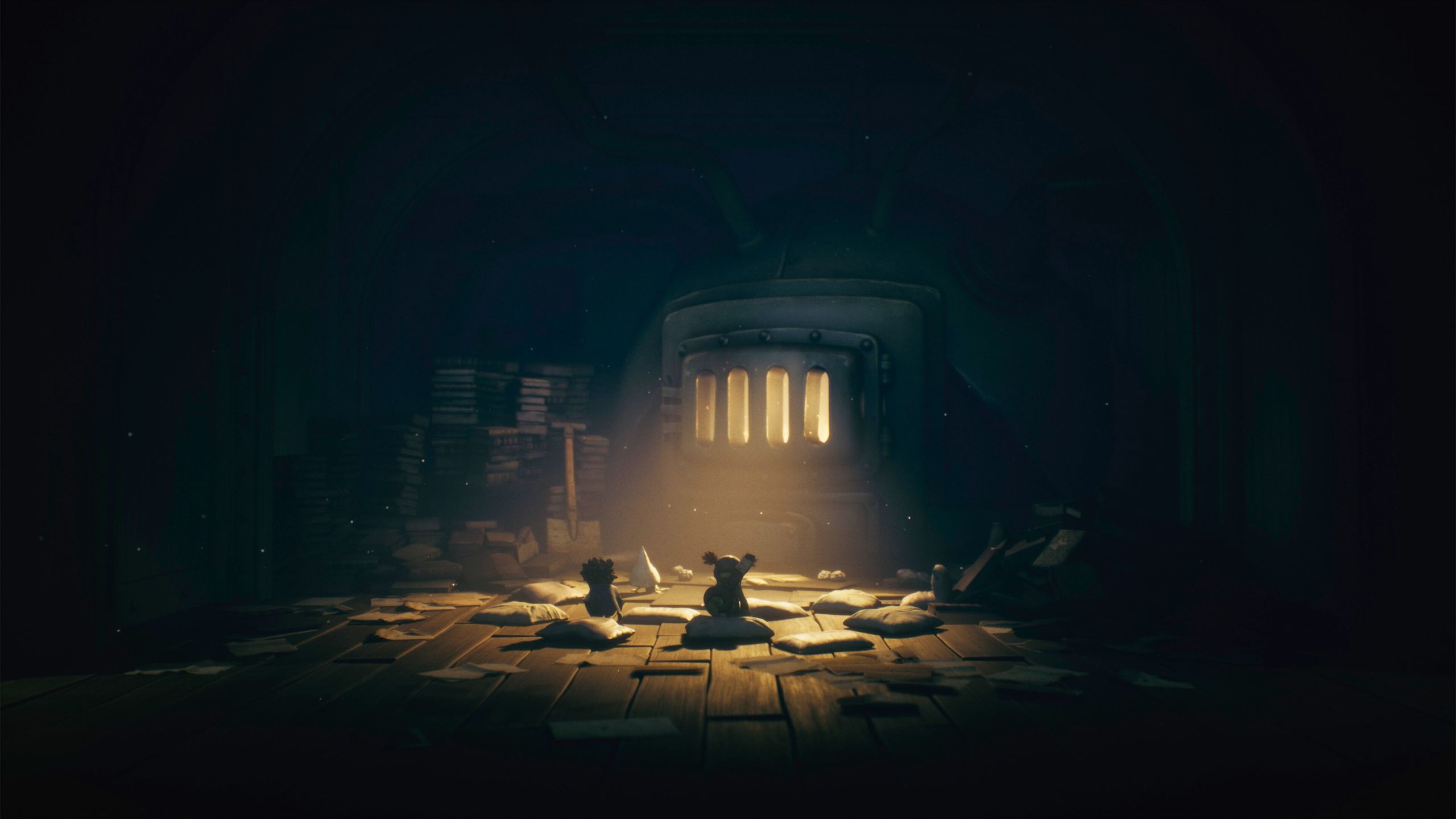
Little Nightmares 3 is breaking new ground for the series by adding online co-op and a Friends’ Pass, letting you play with a friend. Unlike previous games which were single-player adventures, you can now explore The Nowhere together. It’s designed like games such as *It Takes Two* and *Split Fiction*, where you’ll need to work together and use each player’s unique skills to solve puzzles and move forward. Here’s a breakdown of how the co-op and Friends’ Pass features work.
How to Play Little Nightmares in Multiplayer Co-Op (Friend’s Pass)
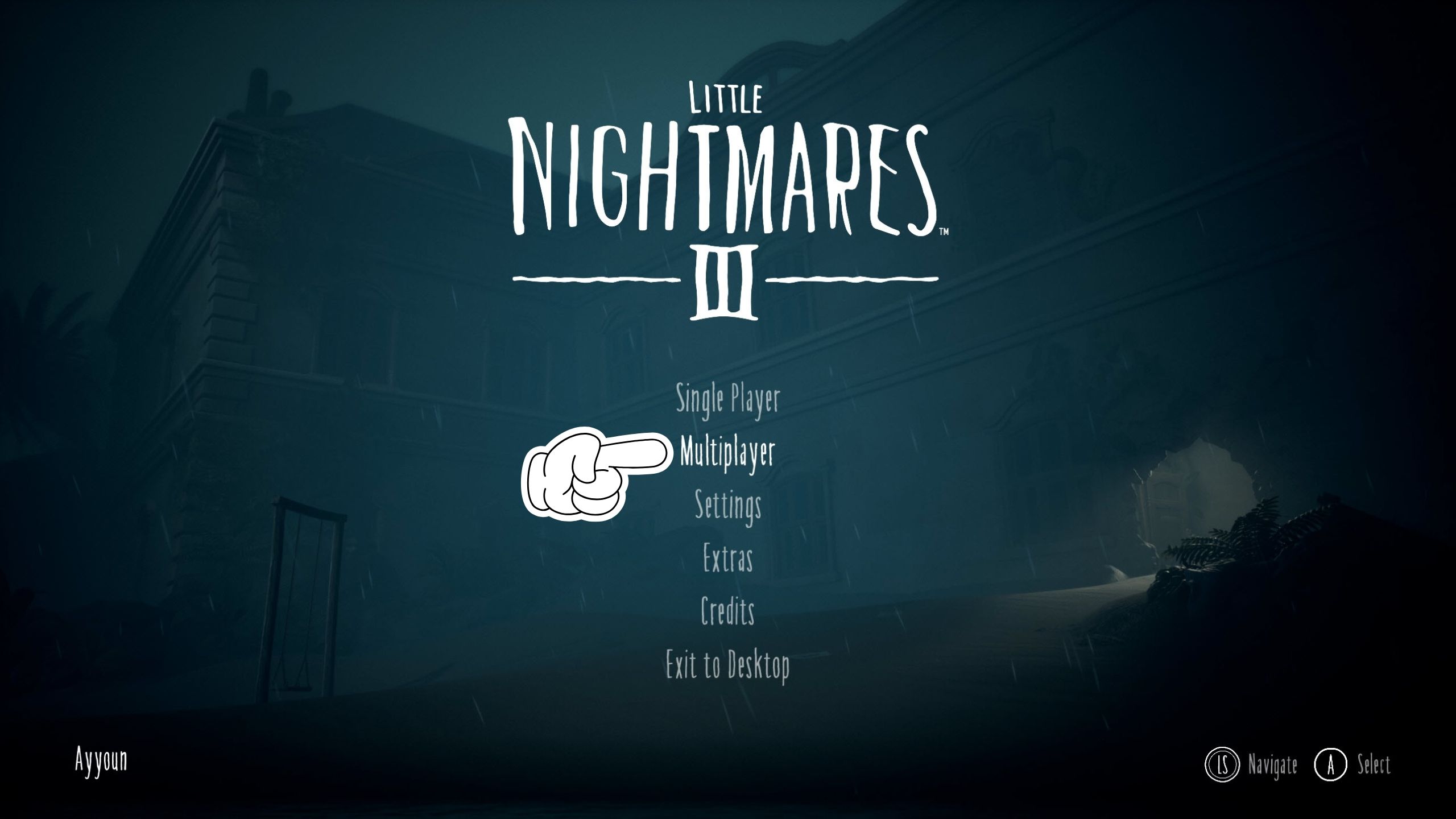
You can experience *Little Nightmares 3* by playing alone with AI or teaming up with friends in co-op mode. The game’s Friends’ Pass lets you invite friends to join your game, even if they don’t own the game themselves. Here’s how to get started playing with friends.
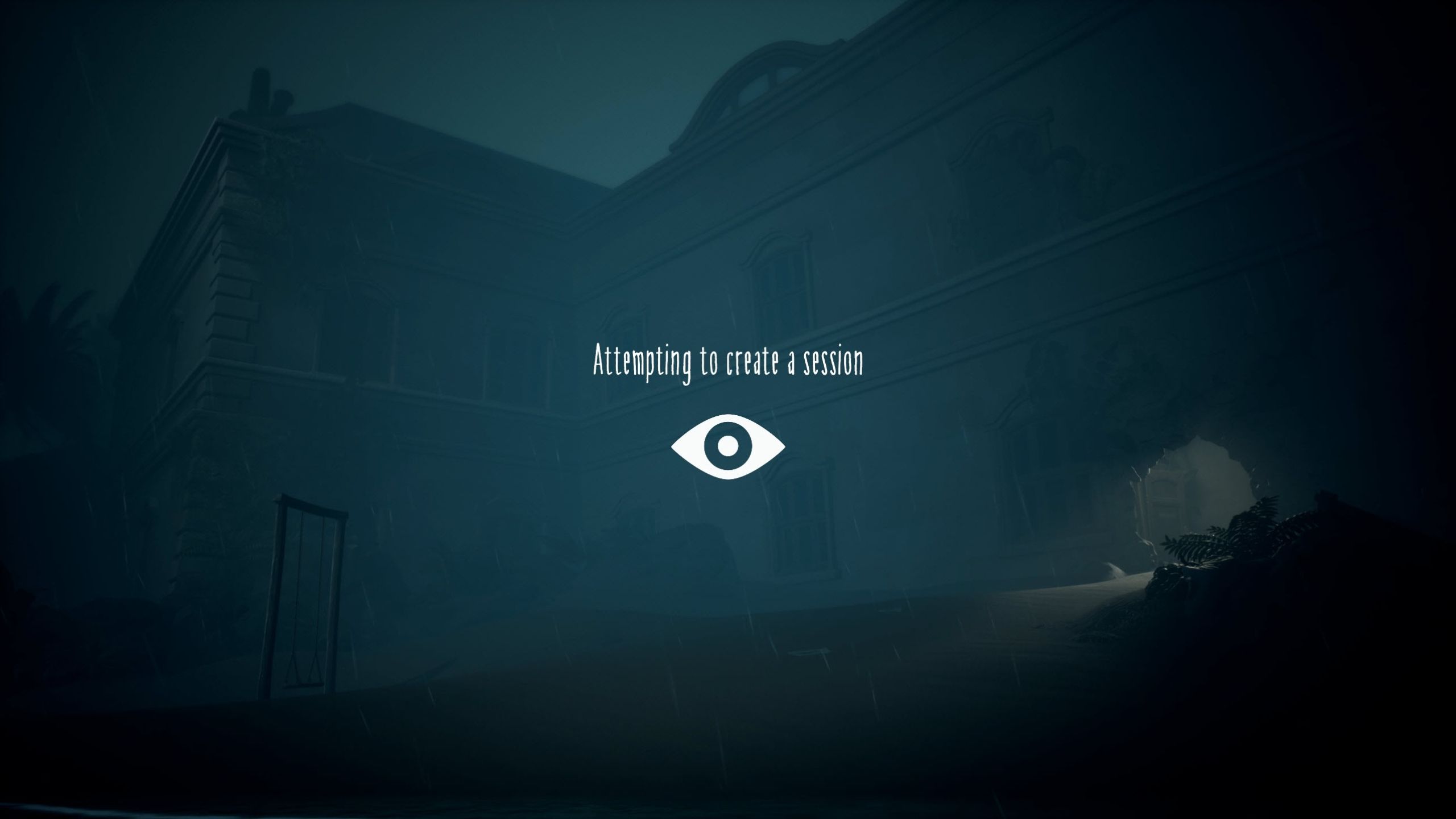
To play the game with others, choose the multiplayer option from the main menu. This will bring you to a screen where the game tries to create an online session. This might take a few seconds to a minute, depending on how fast your internet is.
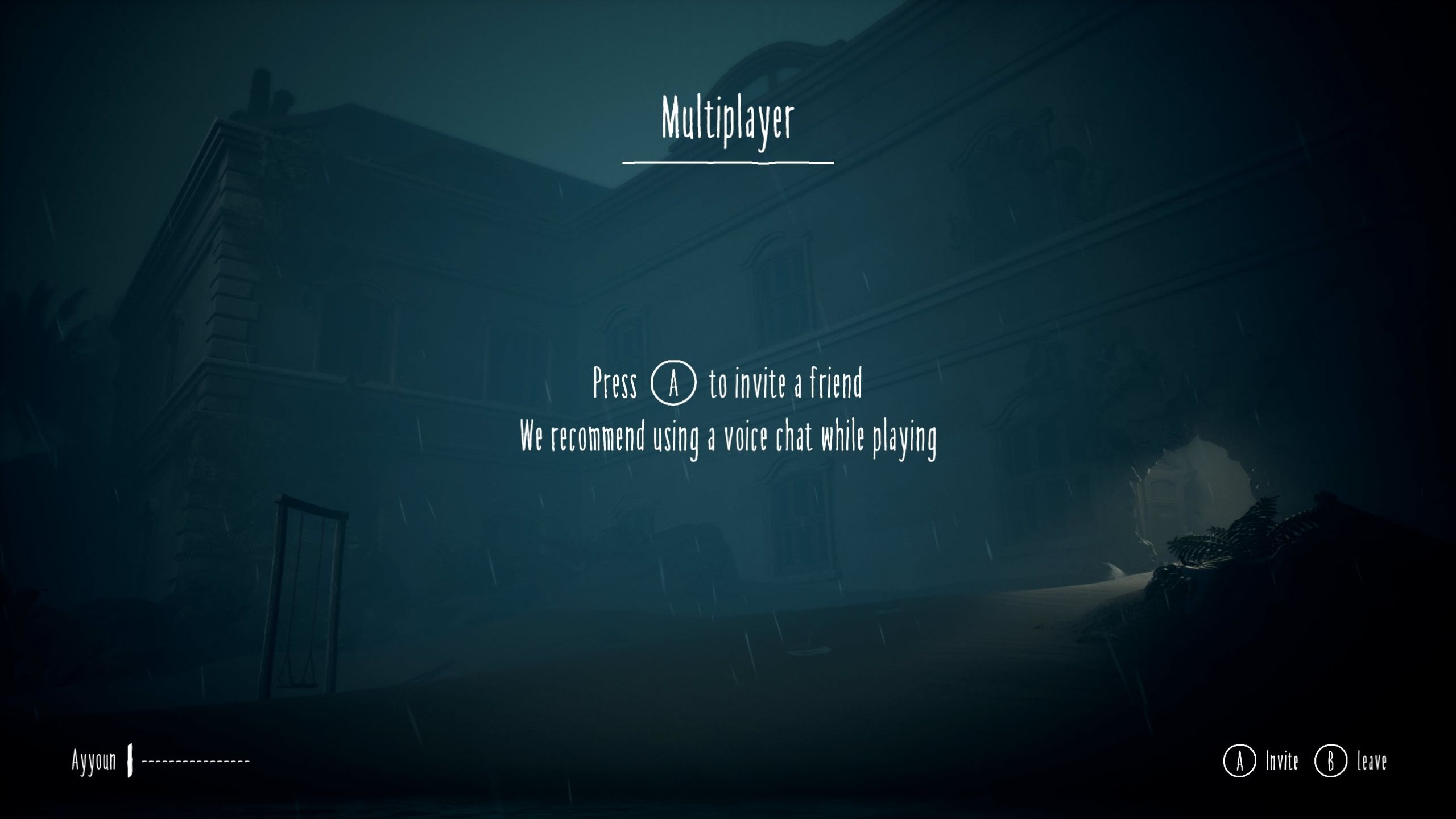
After you start a session, you’ll be taken to the multiplayer menu. You can then invite friends from your friend list by pressing “X” or “A”. Keep in mind that this game doesn’t support cross-platform play, so be sure to invite friends who are playing on the same device as you.
After your friend accepts, they’ll be asked to download Little Nightmares 3. Once it’s downloaded, they can join your game, and you’ll see them on the multiplayer screen. From there, you can begin your adventure! We recommend using the in-game voice chat to coordinate, as it’s needed to solve puzzles and navigate certain platforming sections.
In *Little Nightmares 3*, you’ll play with a friend, choosing between two characters: Low and Alone. Each character has special skills that you’ll need to use to get through the game’s challenging and detailed world.
Having trouble joining or inviting friends through Steam using the Friends’ Pass? There’s a known issue on PC that might be causing the “No License Found” error and preventing players from connecting. The developers are working on a fix so you can play with your friends soon.
Read More
- All Skyblazer Armor Locations in Crimson Desert
- How to Get the Sunset Reed Armor Set and Hollow Visage Sword in Crimson Desert
- All Shadow Armor Locations in Crimson Desert
- Marni Laser Helm Location & Upgrade in Crimson Desert
- All Helfryn Armor Locations in Crimson Desert
- All Golden Greed Armor Locations in Crimson Desert
- All Icewing Armor Locations in Crimson Desert
- Best Bows in Crimson Desert
- How to Beat Stonewalker Antiquum at the Gate of Truth in Crimson Desert
- Legendary White Lion Necklace Location in Crimson Desert
2025-10-10 04:04