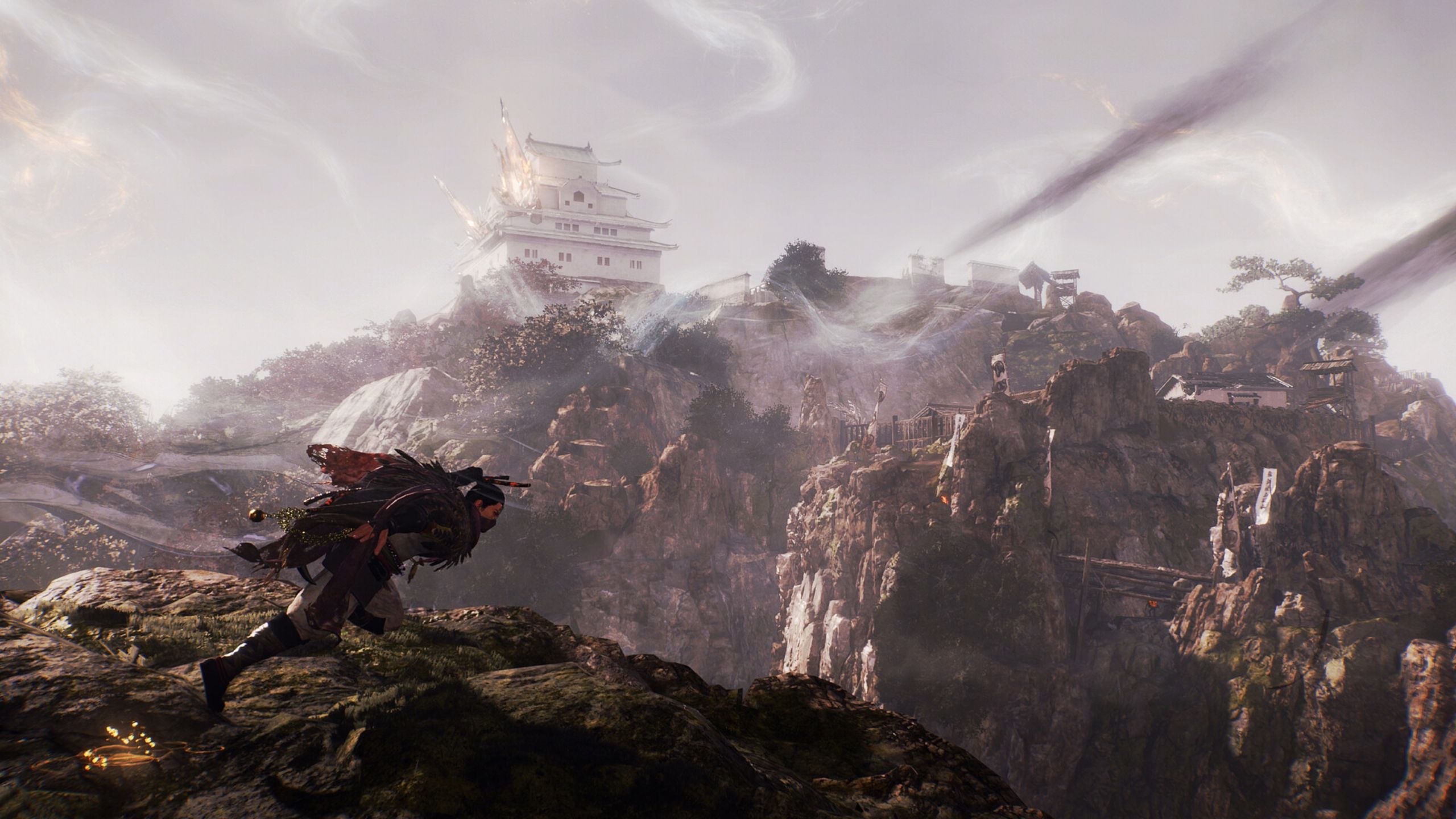
Nioh 3 expands on the challenging combat the series is known for, now set in a vast, open world inspired by various periods of Japanese history. However, many PC players are experiencing performance issues like frame drops and stuttering, which can make the fast-paced battles difficult. This guide provides optimized graphics settings to help you improve performance and enjoy a smoother experience in Nioh 3.
Best Settings to Optimize Nioh 3 Performance on PC
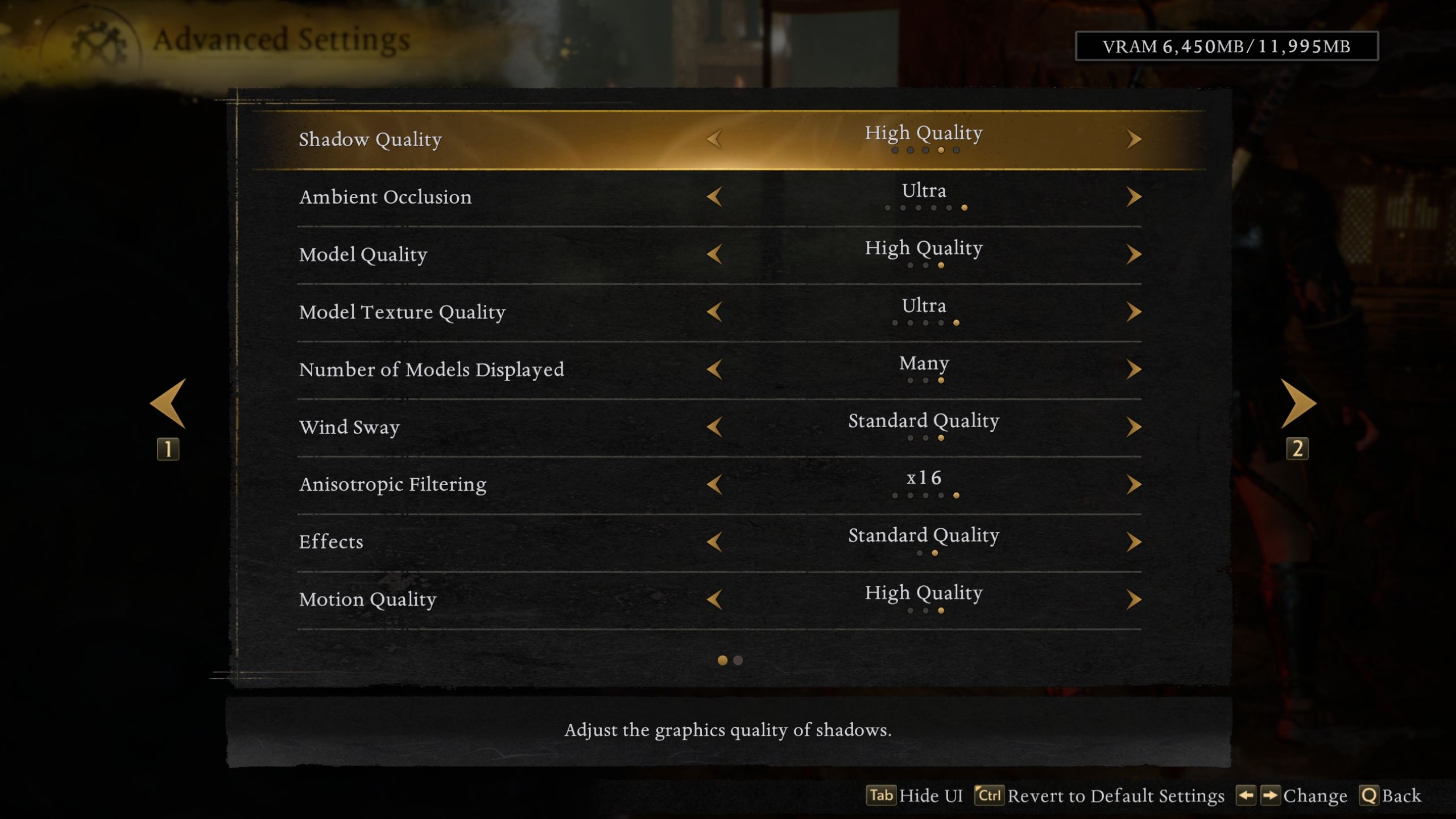
Nioh 3 lets you change several graphics settings to get the best look and performance. Some settings impact your computer more than others, so we’ll focus on finding the right balance between visual quality and smooth gameplay.
With that said, here’s a complete breakdown of the best graphics settings for Nioh 3 on PC.
| Type | Graphical Option | Best Settings | Notes |
|---|---|---|---|
| Display Settings | Display Mode | Borderless | Nioh 3 does not support exclusive full-screen mode. Borderless works flawlessly and won’t cause any performance issues. |
| VSync | Off | Introduces input-lag to gameplay, which is detrimental to the fast-paced combat the game offers. | |
| Resolution | Native | If your monitor supports a 16:9 aspect ratio, you’ll be able to select your native resolution here. If you have a 16:10 aspect ratio, you’ll need to settle for the closest resolution available. Nioh 3 also supports Ultrawide resolutions on launch. | |
| Frame Rate Cap | Maximum | – | |
| Graphics Preset | Custom | We’ll be tweaking individual settings, so there’s no need to use a preset here. | |
| FPS Dynamic Adjustment | On | Turning on the FPS Dynamic Adjustment will cause slowdowns in Nioh 3, even if you’re getting high FPS. It’s recommended to keep this setting on to play the game smoothly. | |
| Resolution Advanced Settings | Upscaling Method | DLSS/FSR 3.1 | Players who’re using Nvidia RTX GPUs can select the Nvidia DLSS upscaler. Others could go for FSR 3.1 to improve Nioh 3’s performance significantly. |
| Sharpness | Personal Preference | – | |
| Rendering Resolution | 50% | Setting the Rendering Resolution to 50% will select the “Performance” mode for both DLSS and FSR. It’s a sweet balance between quality visuals and high performance. | |
| Dynamic Resolution | Off | Since we’re using DLSS/FSR, we don’t need to use Dynamic Resolution, which is an obsolete feature to improve in-game FPS. | |
| Frame Generation | DLSS FG/FSR 3 FG | If you’re playing the game on an Nvidia RTX 40 series or higher GPU, you’ll be able to select the DLSS Frame Generation option. Other players can select the FSR 3 Frame Generation option to get some additional frames and smooth out the gameplay. This setting can increase latency/input lag for some players though. | |
| DLSS Multi-Frame Generation | GPU Dependent | If you have an RTX 40 series GPU, you’ll be able to use 2x Frame Generation. Higher Multi FG options are reserved for RTX 50 series GPUs. | |
| Advanced Visual Settings | Shadow Quality | Standard Quality | Shadow quality will impact your FPS, especially when you’re outside. While it’s not the most taxing setting in Nioh 3, it’s better to use the standard preset for better performance. |
| Ambient Occlusion | High Quality | It will mainly control the diffused shadows on objects, especially in corners. High Quality does a good enough job, while not costing the FPS too much. | |
| Model Quality | Standard Quality | It controls the resolution and appearance of in-game character models. It can be set to standard quality to maintain optimal performance in Nioh 3. | |
| Model Texture Quality | GPU VRAM Dependent | 6GB VRAM: Low, 8GB VRAM: Standard, 12GB+ VRAM: High-Ultra | |
| Wind Sway | Standard Quality | This setting controls how in-game cloth materials flow with the wind. Does not impact performance much. | |
| Anisotropic Filtering | 16x | 16x keeps textures crisp, and doesn’t impact performance much. | |
| Effects | Standard Quality | Nioh 3 features various effects from explosions to on-screen particles. Standard quality does not impact performance a lot, unless you have several enemies or dynamic effects on screen at once. | |
| Motion Quality | High Quality | Controls how smooth and high-quality the character and NPC animations are. Best to keep it at high to avoid experiencing any janky animations. | |
| Screen Space Reflections (SSR) | Standard Quality | Higher quality settings for SSR will activate the software-based ray tracing, which can tank Nioh 3’s FPS. Standard seems to be the sweet spot between visuals and performance. | |
| Background Mesh Quality | High Quality | Mainly controls the geometric complexity and level of detail (LOD) for background objects and distant environments. It’s recommended to set this at high to avoid texture pop-in issues. | |
| Terrain | Standard | Both the Terrain and Grass quality will control the ground texture and vegetation look and feel in-game. | |
| Grass Density | |||
| Volumetric Cloud Quality | High Quality | It does not impact the FPS much, but it will improve the look of various smoke and fog effects in-game. | |
| FPS (Cutscene) | 60 (Fixed) | This mainly controls the FPS for cutscenes in-game. While it depends on your personal preference, cutscenes locked at 60 FPS look just as good as 120. | |
| Cutscene Quality | Standard Quality | Keep this setting at standard to maintain high visuals during cutscenes. | |
| Global Illumination | Standard Quality | This is the most taxing setting in Nioh 3, and it’s best to keep it at the standard preset to avoid FPS drops and lag in-game. The trade-off is worth the performance gains. |
Okay, so I’ve been tweaking the settings in Nioh 3 to get the best performance on PC, and I wanted to share what worked for me. I was running it on a pretty beefy rig – an Intel i9-14900HX, RTX 4080, and 32GB of RAM – and with these settings, I was consistently hitting around 90-120 FPS. Even the lowest 1% of frames stayed pretty smooth, between 65-70 FPS, which is awesome!
The Nioh 3 game engine unfortunately has some of the same bugs and glitches that appeared in earlier games in the series. The developers plan to fix these problems with updates coming soon.
Read More
- All Skyblazer Armor Locations in Crimson Desert
- How to Get the Sunset Reed Armor Set and Hollow Visage Sword in Crimson Desert
- One Piece Chapter 1180 Release Date And Where To Read
- All Shadow Armor Locations in Crimson Desert
- Marni Laser Helm Location & Upgrade in Crimson Desert
- All Golden Greed Armor Locations in Crimson Desert
- All Helfryn Armor Locations in Crimson Desert
- How to Beat Stonewalker Antiquum at the Gate of Truth in Crimson Desert
- All Icewing Armor Locations in Crimson Desert
- Black Sun Shield Location In Crimson Desert (Buried Treasure Quest)
2026-02-07 18:08