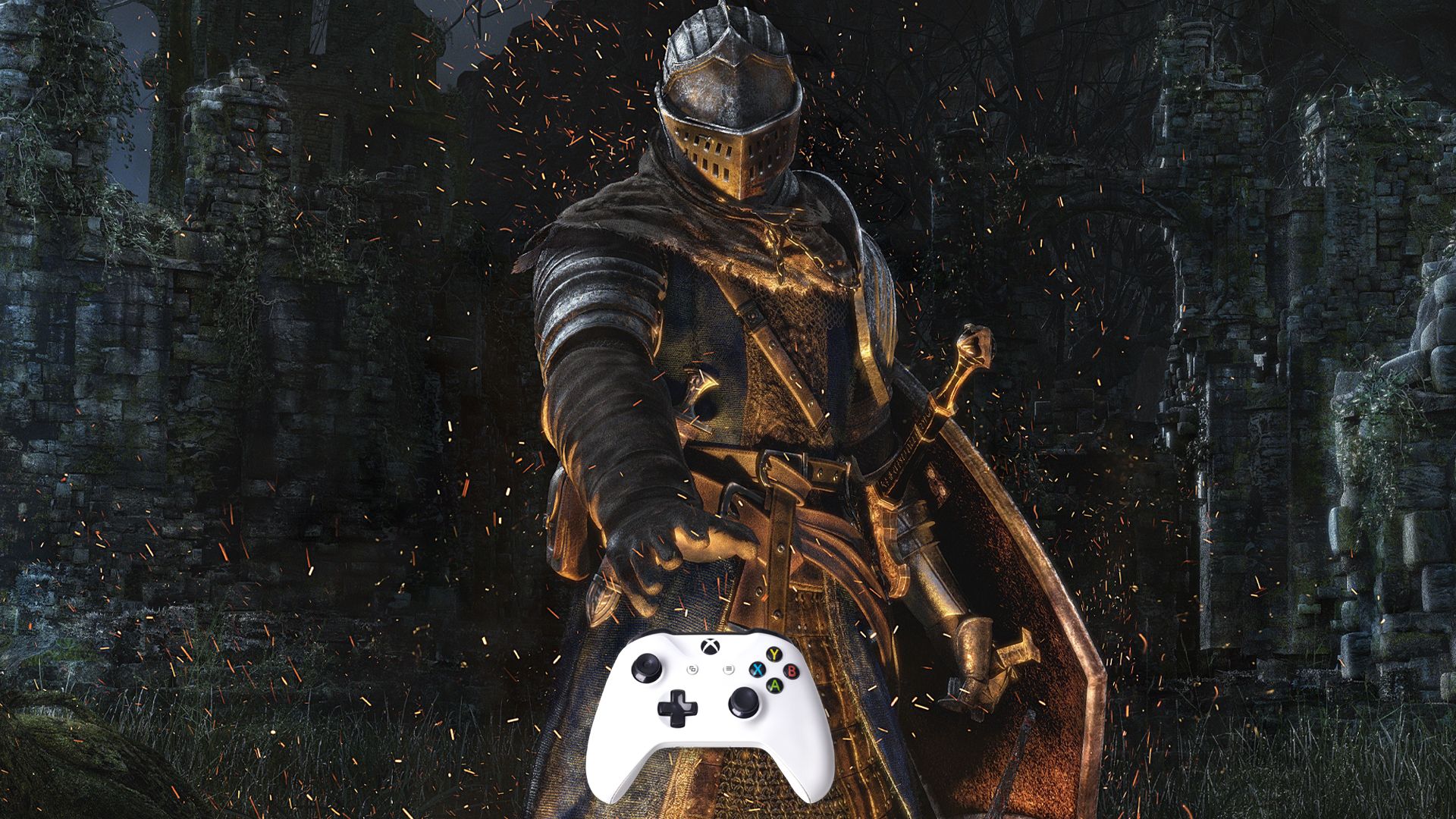
PC gaming and controllers haven’t traditionally gone hand-in-hand, and there’s a clear reason why. Games like first-person shooters and strategy titles are much more precise with a keyboard and mouse, and many players prefer sticking with that setup. For years, large-scale and real-time strategy games weren’t made for consoles because adapting the controls to a gamepad seemed impossible. While those games are now available on PlayStation and Xbox, they generally perform best on PC.
Most PC games work well with a keyboard and mouse, but some are actually better played with a controller. Games that require quick reflexes or fast-paced, close-combat fighting often feel more natural with a gamepad. Certain game types are particularly well-suited for controllers, especially those originally designed for consoles before being released on PC. So, which PC games are best enjoyed with a controller?
Please note that the games are not ranked in any order. Recent releases will also be listed first.
- Crimson Desert – By far March’s biggest game, Crimson Desert seems like a shoo-in for this discussion. However, after trying both, I would honestly say this open-world RPG is considerably better with a keyboard and mouse. Don’t get me wrong, a controller works fine enough, and I have used my Xbox gamepad for the game; however, Crimson Desert has so many different inputs that they are easier to cover on a keyboard. You can also change the key bindings to make them suit your preferences.
- Scott Pilgrim EX – We are not going to add another beat ’em up to this article, but yeah, Scott Pilgrim EX plays better with a controller. KBM is fine, though.
- Marathon – An FPS game is always better with KBM. Marathon is not an exception.
- Slay the Spire 2 – While supporting controllers, Slay the Spire 2 is simply better with a keyboard and mouse.
- Bravely Default: Flying Fairy HD Remaster – Both are perfectly usable. Personally, I prefer to use a controller for a turn-based JRPG, just because I like to relax and sit on the couch.
- GreedFall: The Dying World – Honestly, I haven’t tested this one. From what I have read, they are both usable.
- John Carpenter’s Toxic Commando– An FPS game is always better with KBM. Toxic Commando is not an exception.
- Monster Hunter Stories 3: Twisted Reflection – Controller felt a bit better, but not a big deal either way.
- The Seven Deadly Sins: Origin – I think the combat feels a bit better with a controller, but the free-to-play game supports both relatively well.
- Death Stranding 2: On the Beach – Controller for me.
- Life Is Strange: Reunion – I tend to play these with a controller, but they are not intensive enough to demand it.
- Screamer – Controller.
I also added Sleeping Dogs as a new entry. No real reason, I’m just replaying it.
Should PC-Only Players Buy A Gamepad?
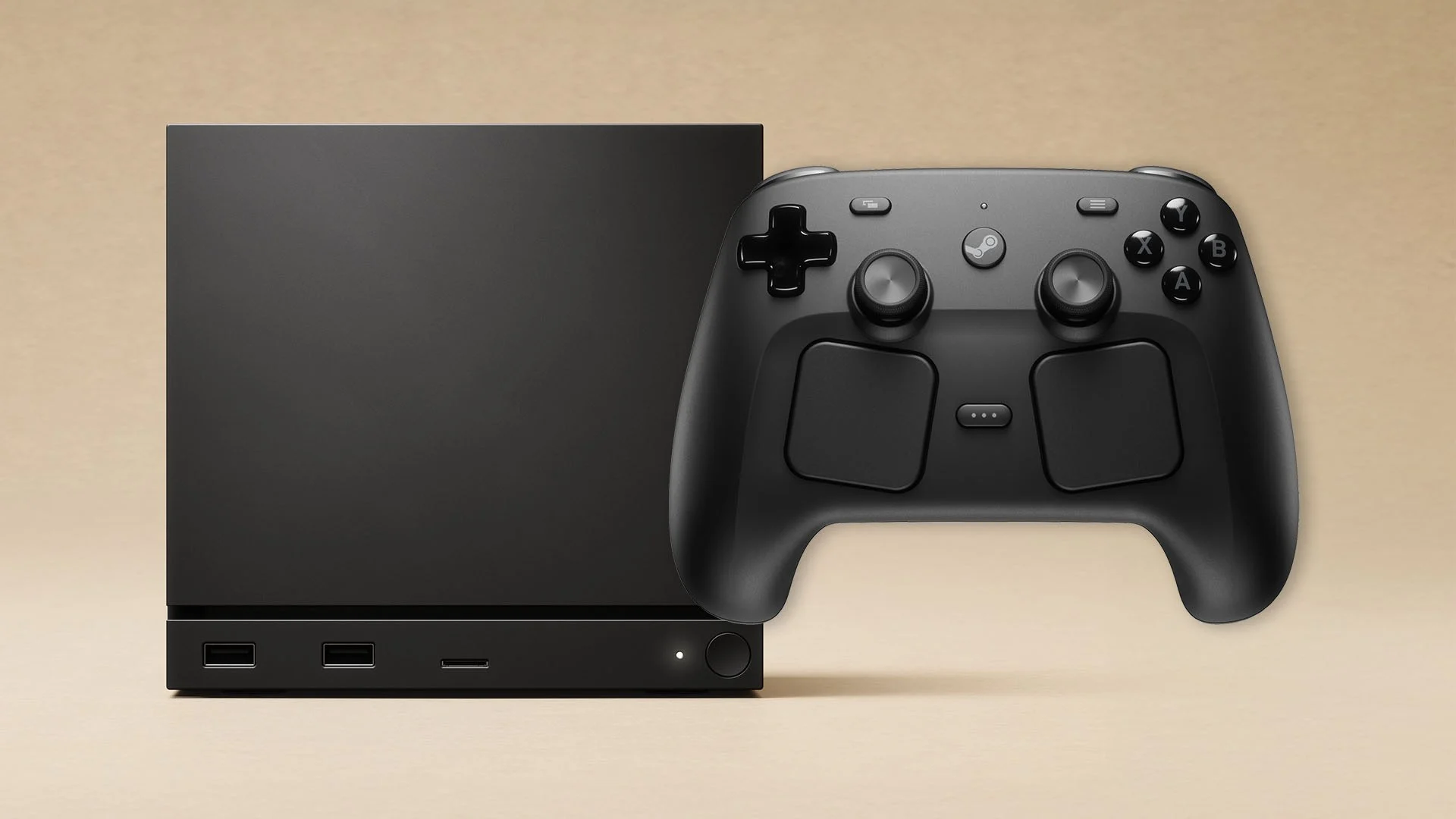
Whether a gamepad is worth buying really comes down to what kind of games you like. If you mainly play strategy, first-person shooters, or games like Arc Raiders, you probably won’t need one. But if you enjoy platformers, third-person action games, or racing games, a controller can significantly enhance your experience. Games like EA Sports and NBA 2K are also typically more fun to play with a gamepad.
How you set up your computer matters too. If it’s just on your desk, a keyboard and mouse are perfect for gaming. But if you want to connect it to your TV for a more relaxed experience, you’ll likely need a controller. While a keyboard and mouse can still work with a TV setup, it might not be as convenient depending on your space.
If you own a PlayStation 5 or 4, or an Xbox, you can simply use your existing controller with your PC – there’s no need to buy a new one. For those who only game on PC, the Xbox controller is the top choice.
Who’s That Character?  Identify the silhouettes before time runs out.
Results
High Score: 0 —
Nioh 3
Smooth As Heck On Controller
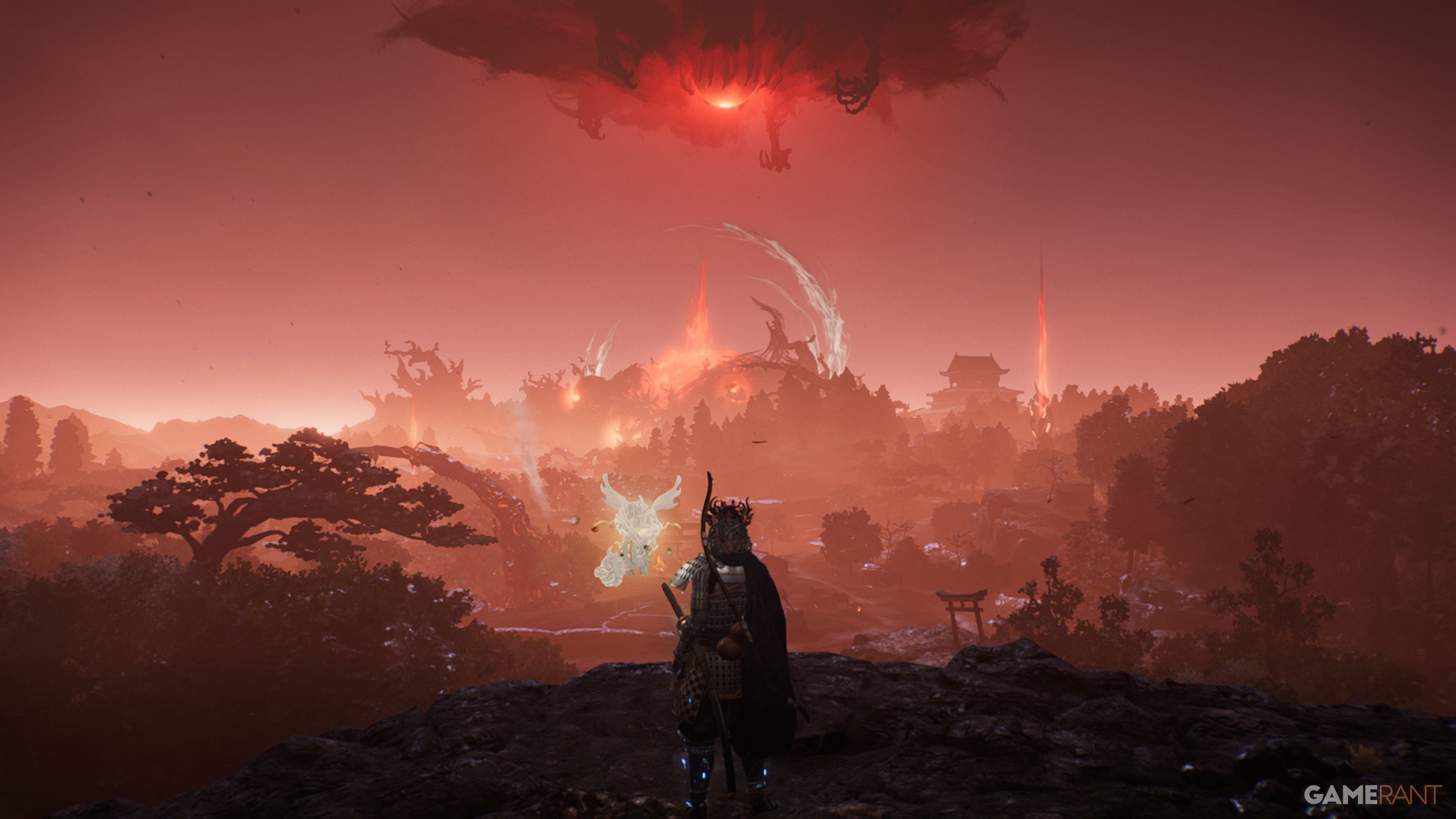
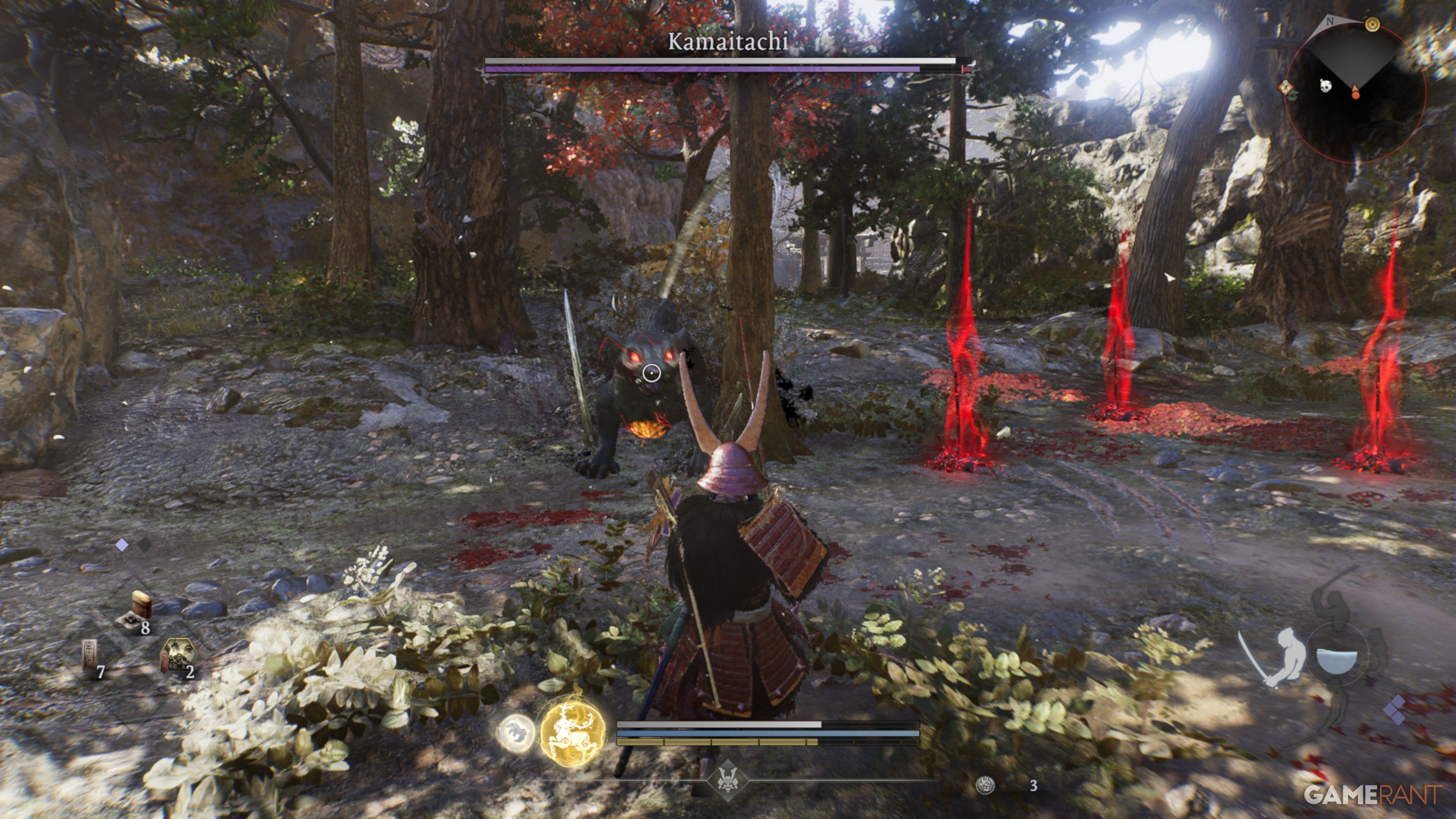
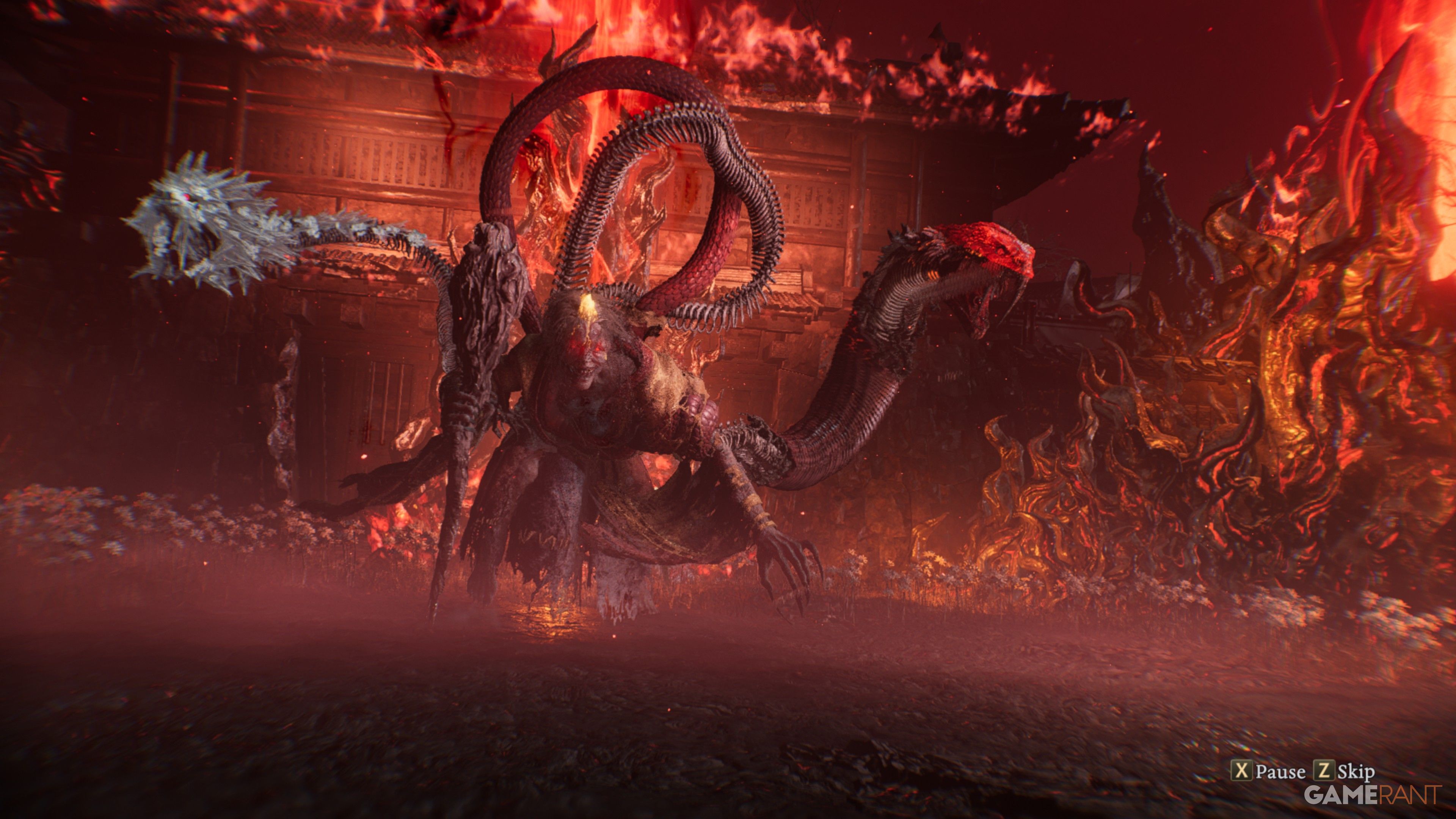
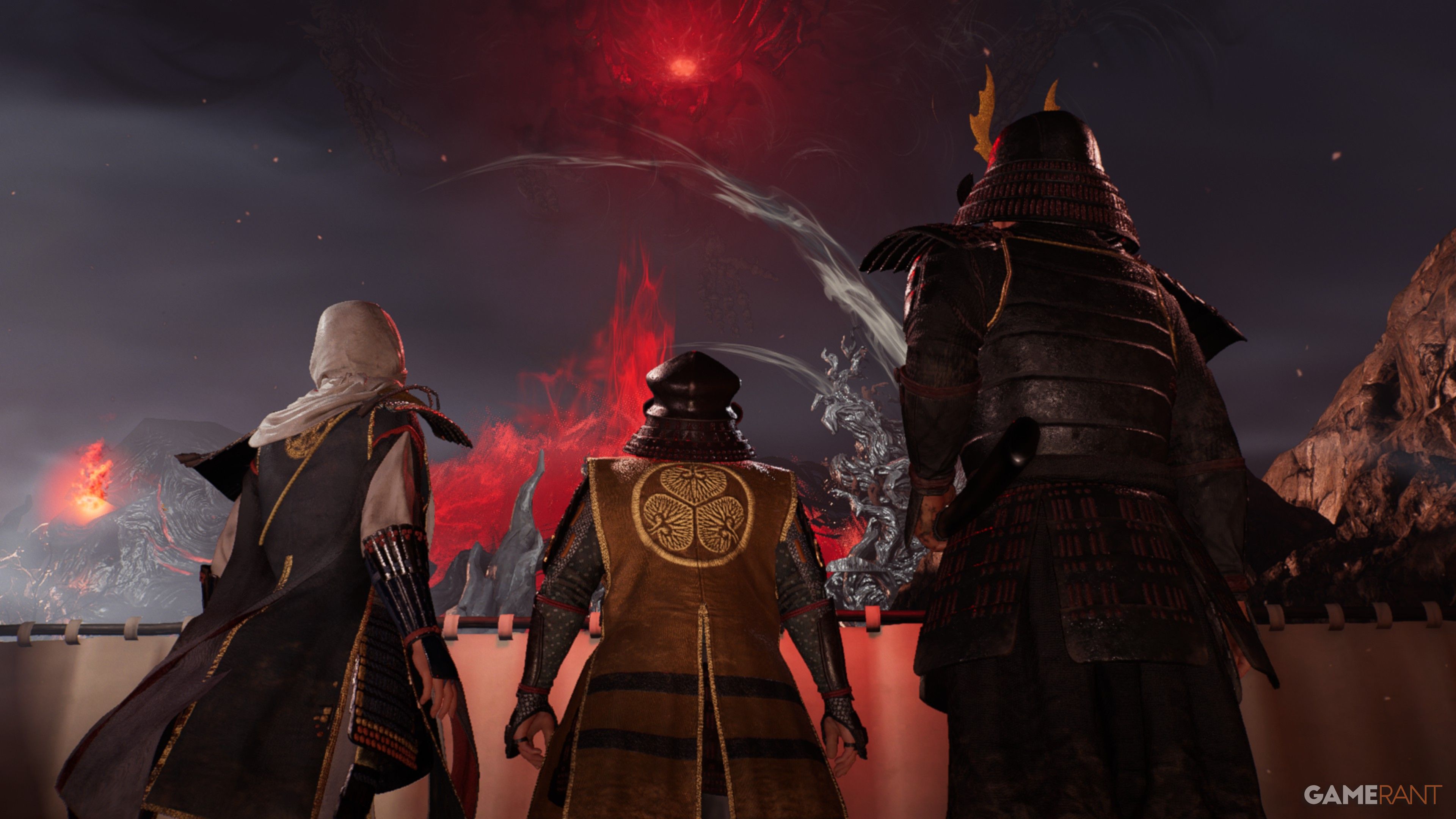
As a big fan of the Nioh games, and Team Ninja in general, I can tell you these were made for controllers. You can use a keyboard and mouse, and even get decent with practice, but it just doesn’t feel right. Nioh 3 especially feels so much more natural with a gamepad, and honestly, I think new players will pick it up way faster if they use one.
Even though it’s the most accessible game in the Nioh series, Nioh 3 remains a tough challenge with a deep and complex combat system. You switch between two styles – Samurai and Ninja – each offering a unique feel. There are 14 different weapons to master, each with its own skill tree full of combos and defensive moves. While many moves share similar controls, each weapon takes time to learn. Success depends on timing burst counters to deflect enemy attacks and using powerful Guardian Spirit Skills to maximize damage or disrupt bosses.
Basically, you have to learn a lot to master Nioh 3, and a controller makes it just a bit easier.
Hollow Knight: Silksong (& Hollow Knight)
Keyboard Is Fine, But The Controller Feels A Bit More Natural

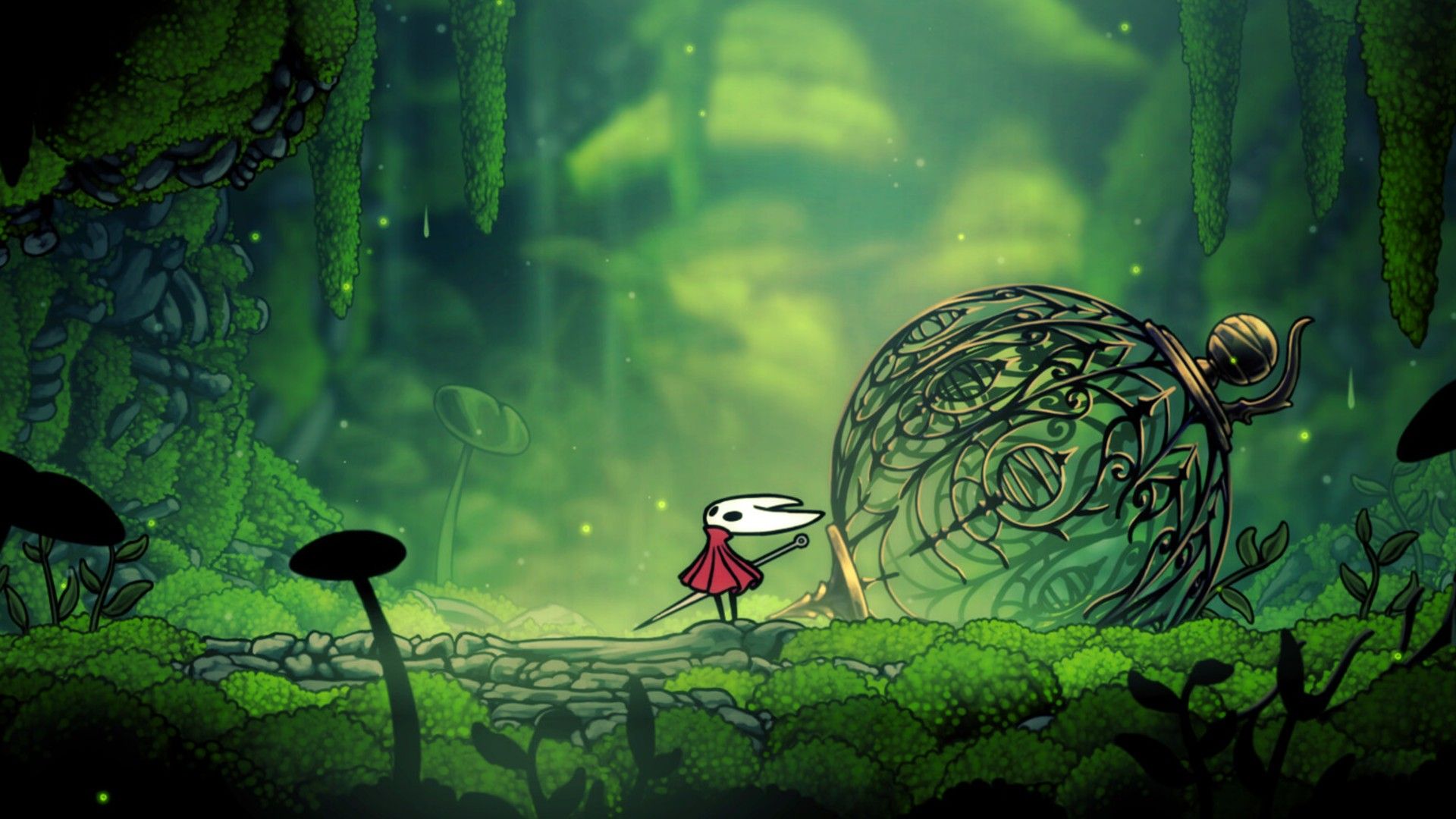
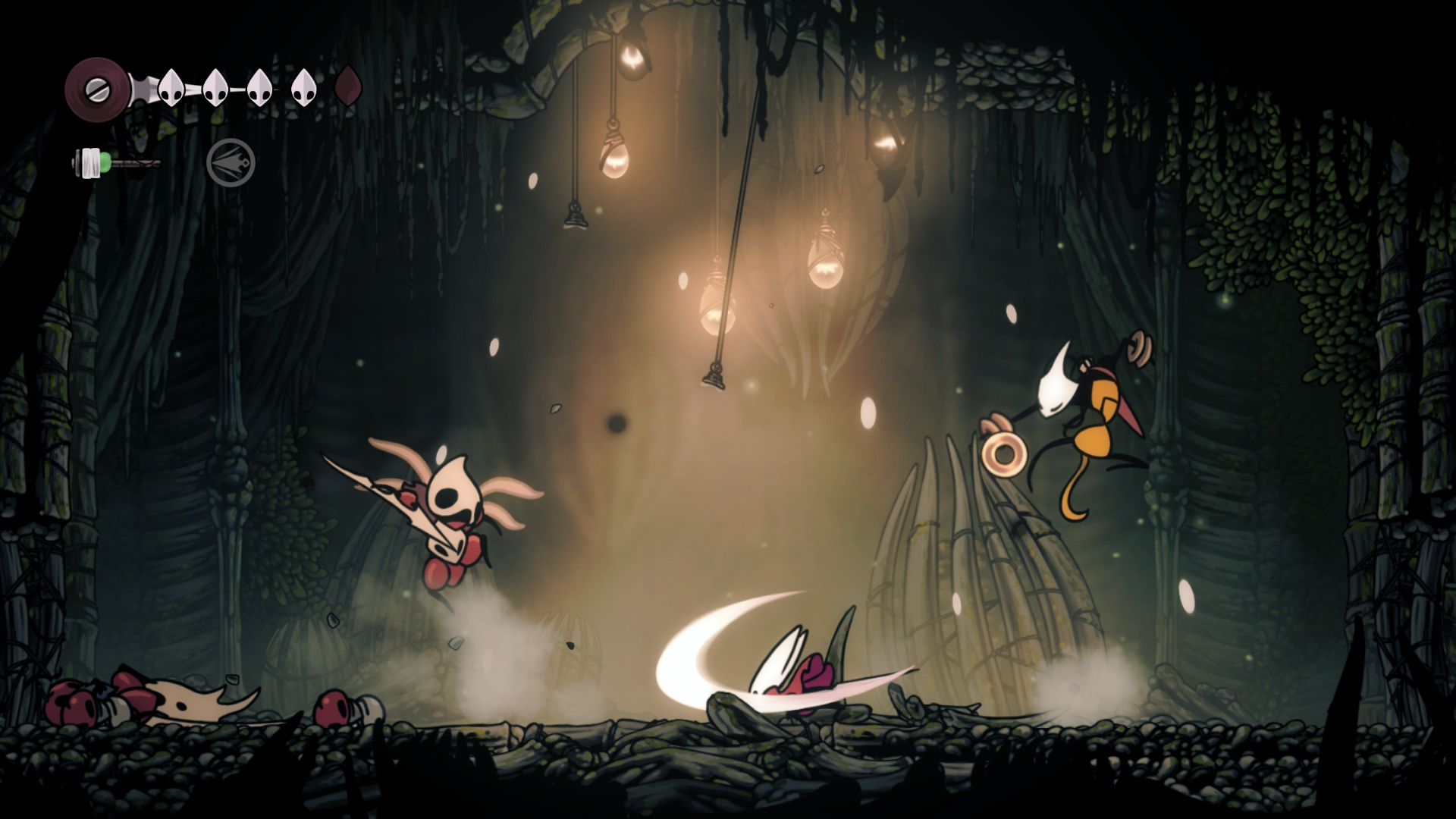
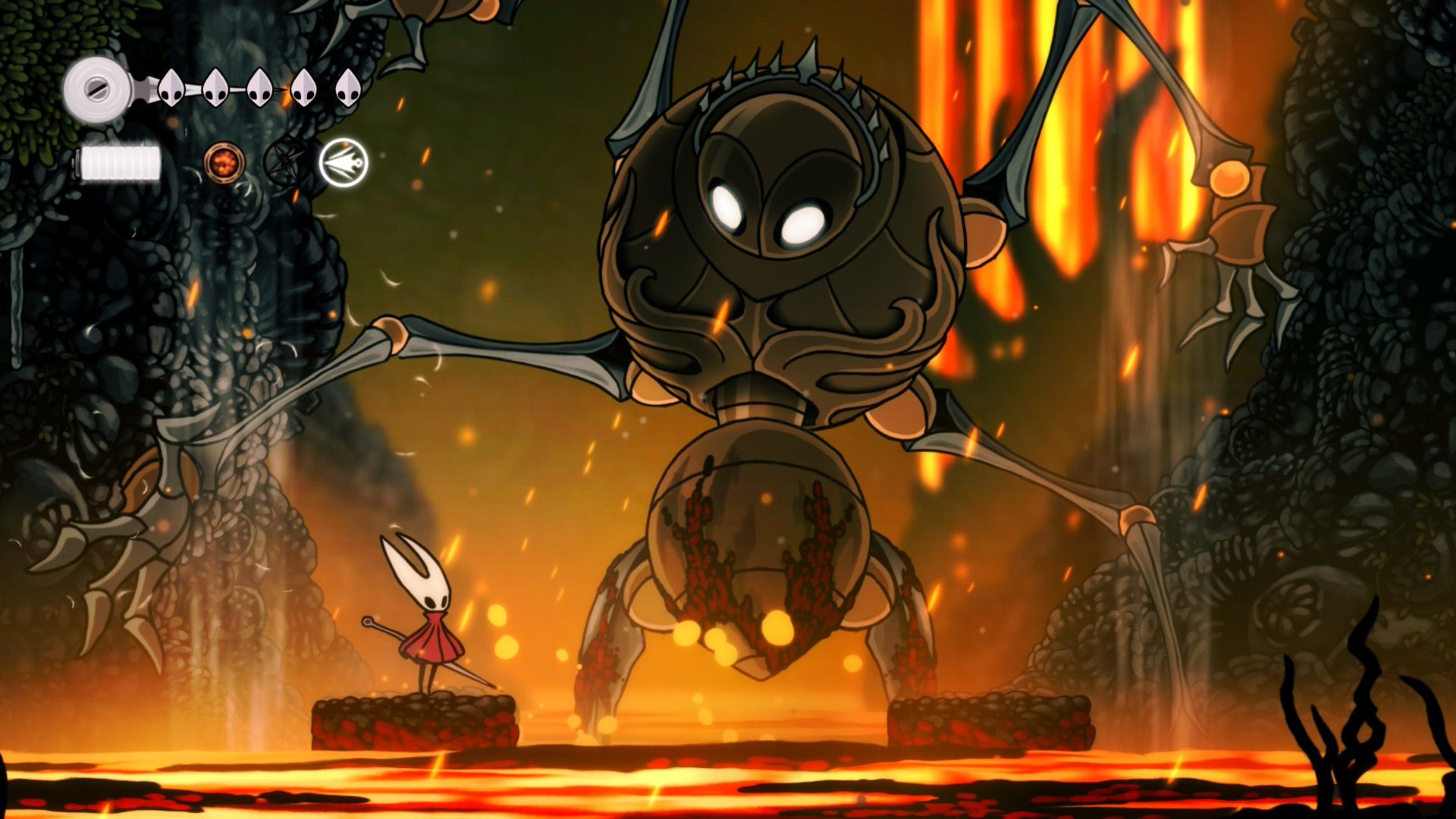
After a long wait, the sequel to Hollow Knight, titled Silksong, was released in September 2025. Despite the enormous anticipation, Silksong successfully met expectations, proving Team Cherry’s skill. The game is fantastic to play on any platform.
I’ve been following Silksong, and it looks like you can play it with either a controller or a keyboard, which is great! Though, the keyboard controls aren’t super intuitive right out of the box – you’ll probably want to customize the key bindings. You can definitely make it work with just a keyboard if you prefer, but it really feels like the game is built for a controller. After playing a few hours, the controls just flow so much better with a gamepad, especially as you unlock more abilities. I wouldn’t say you need to rush out and buy a controller just for Silksong, but if you have one handy, you should absolutely try it!
I think playing Hollow Knight with a keyboard isn’t as fun as playing Silksong with one. I personally didn’t enjoy it as much.
Clair Obscur: Expedition 33
Doesn’t Require A Controller, But Haptic Feedback Is Nice
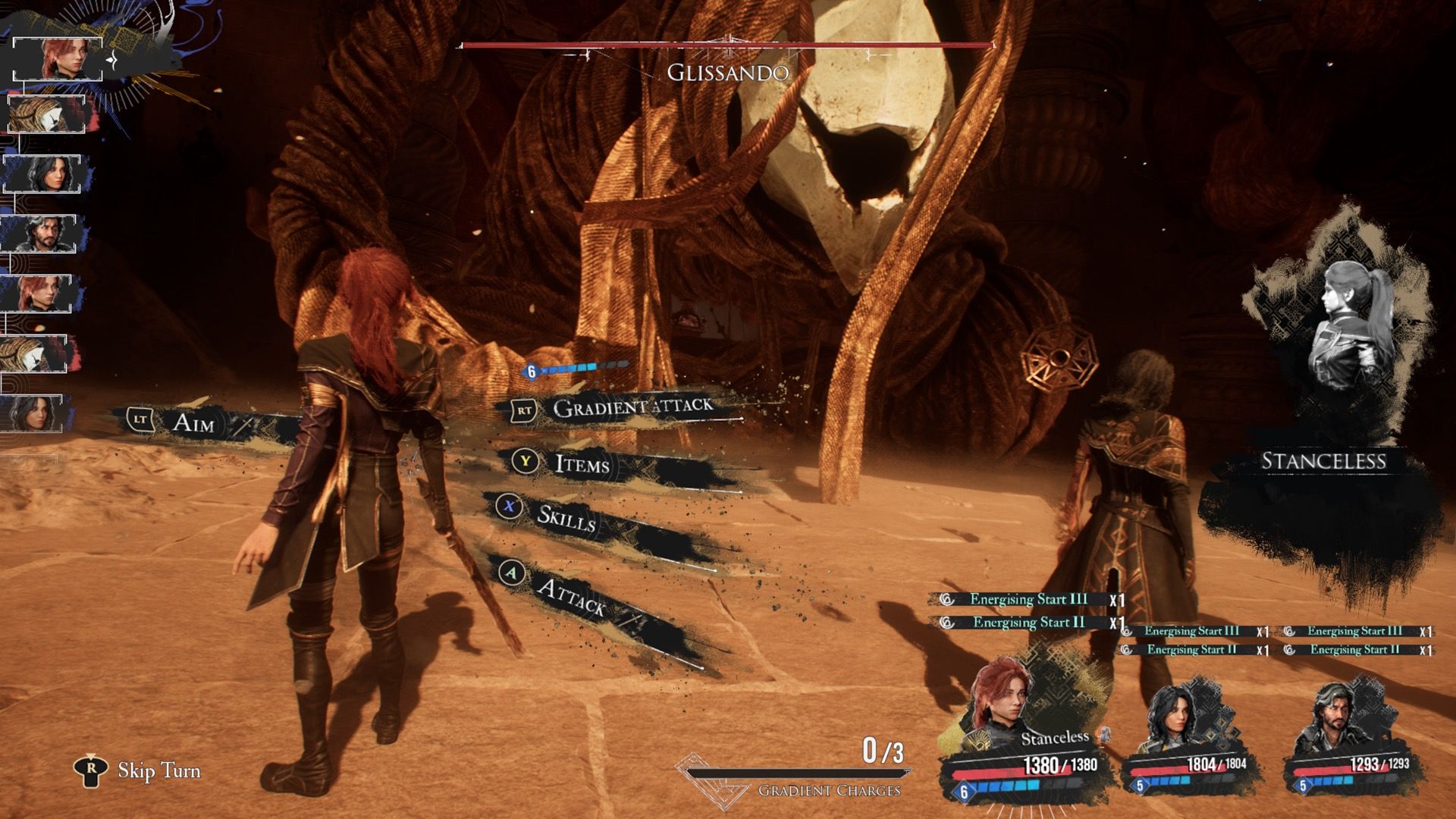
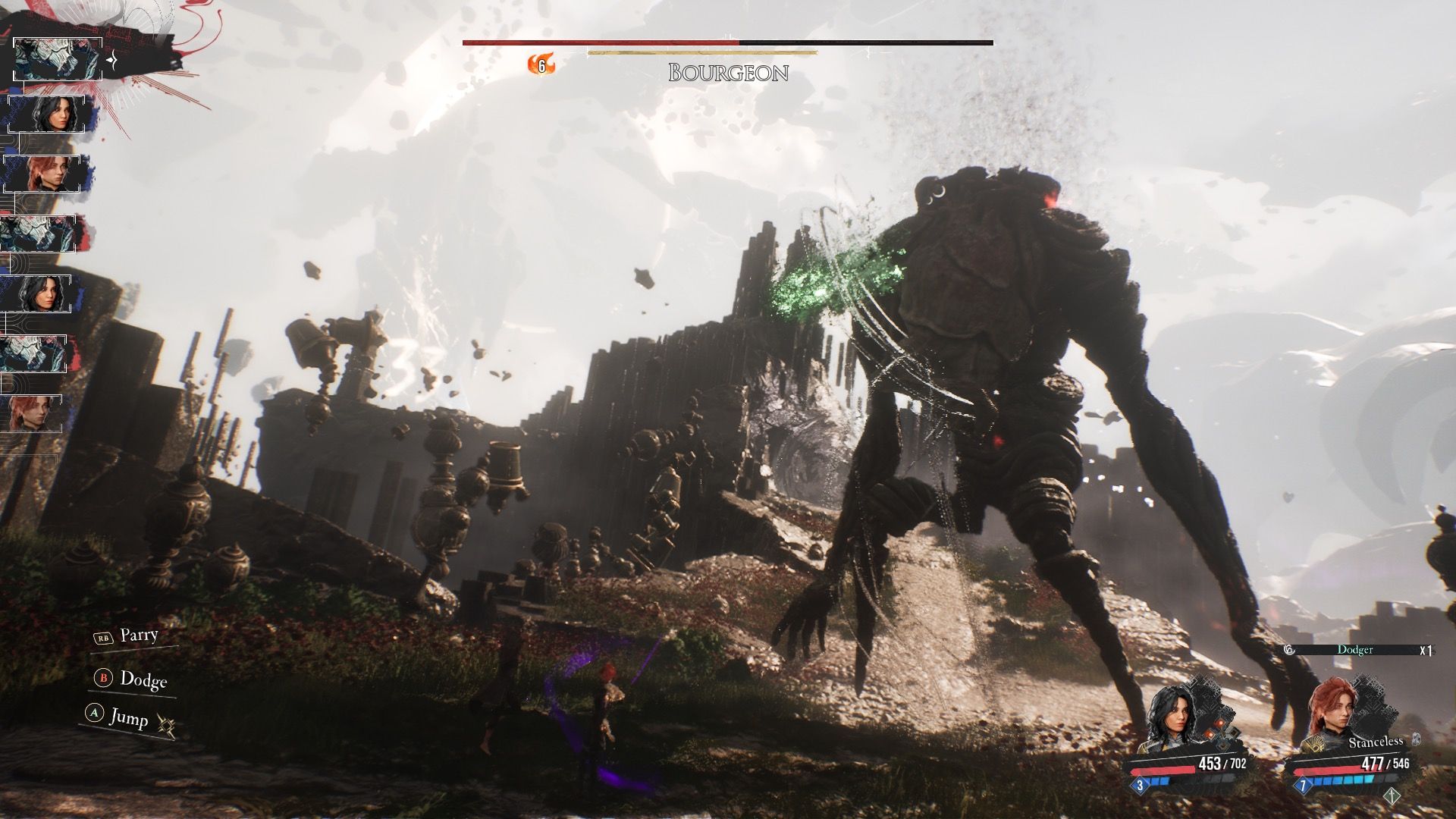
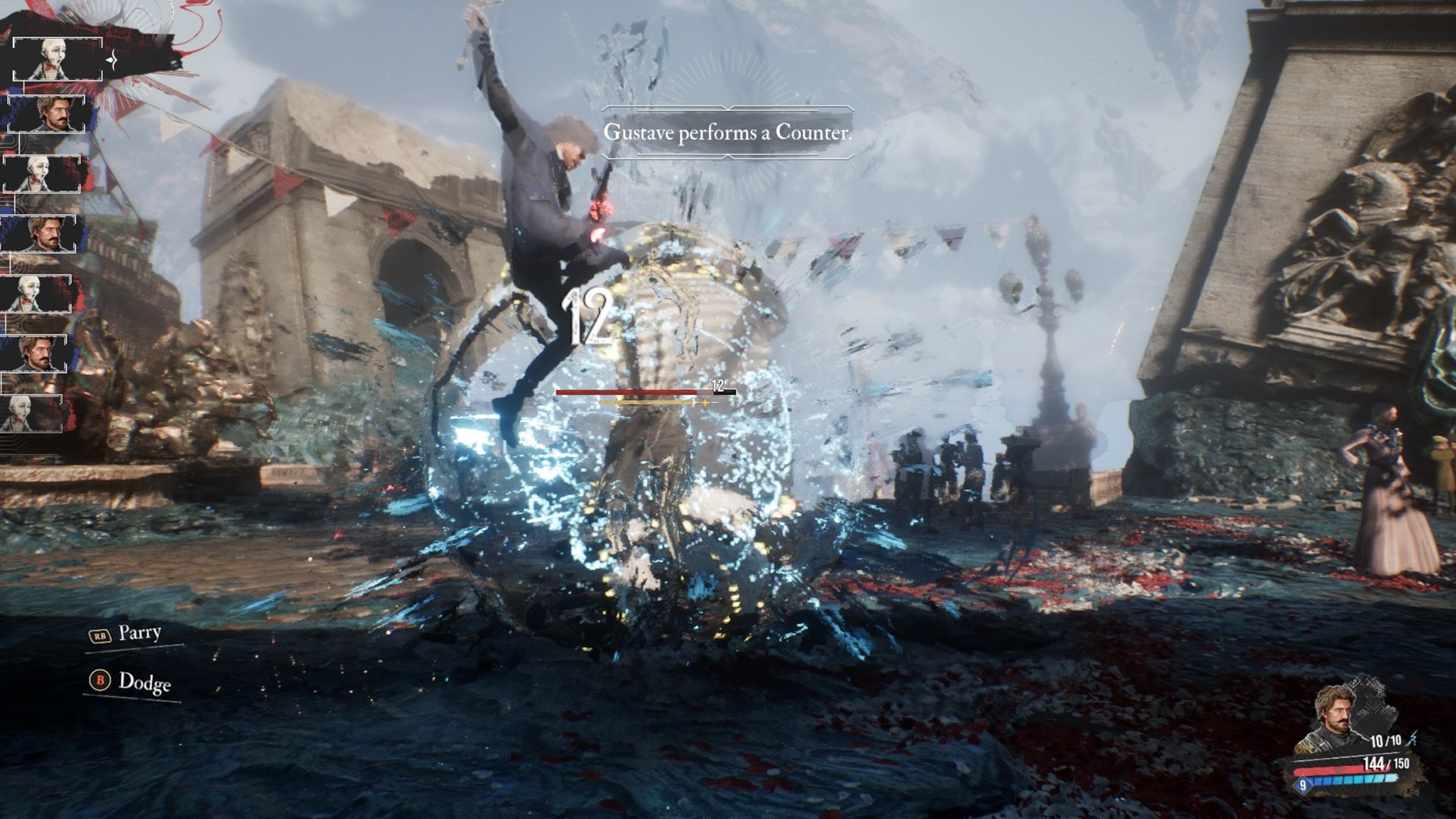
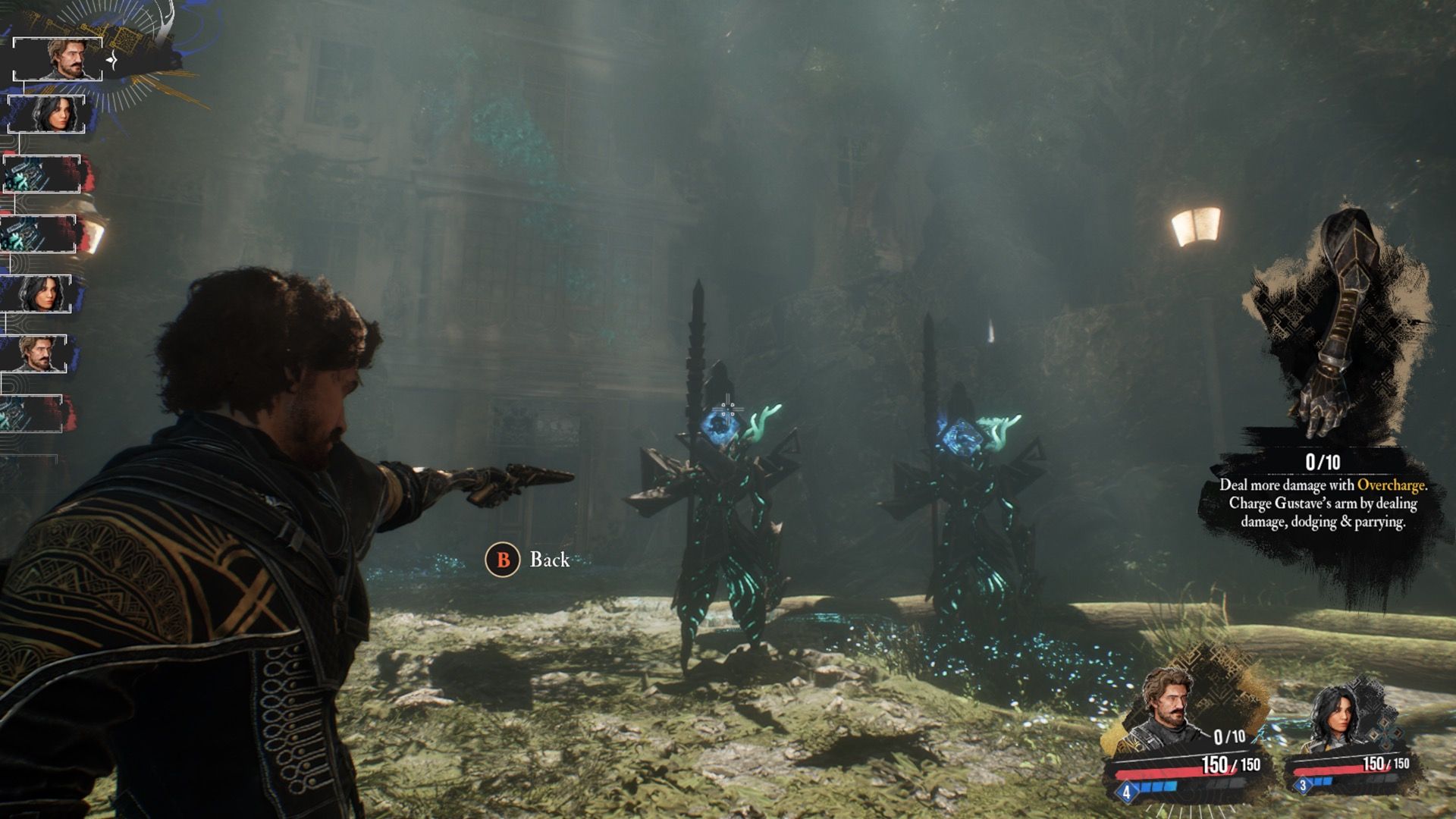
Many are predicting Clair Obscur: Expedition 33 will be a top game of 2025, and for good reason. This RPG offers a unique battle system that blends turn-based strategy with real-time actions, evoking the feel of classic Japanese role-playing games while still feeling new. While turn-based games usually work well with either a keyboard and mouse or a controller, Clair Obscur specifically recommends using a gamepad. This is because the game uses controller vibrations to help players time their blocks, guards, and attacks during combat.
Even though the game suggests using a controller, it works perfectly well with a keyboard and mouse – the controller recommendation feels a little extra. I usually prefer using a controller for long RPGs because it’s more comfortable to play from the couch, but if you’re having trouble with the timing of attacks using a controller, switching to a keyboard and mouse might help.
The First Berserker: Khazan
Soulslikes Games & Controllers Are Synonymous With Each Other
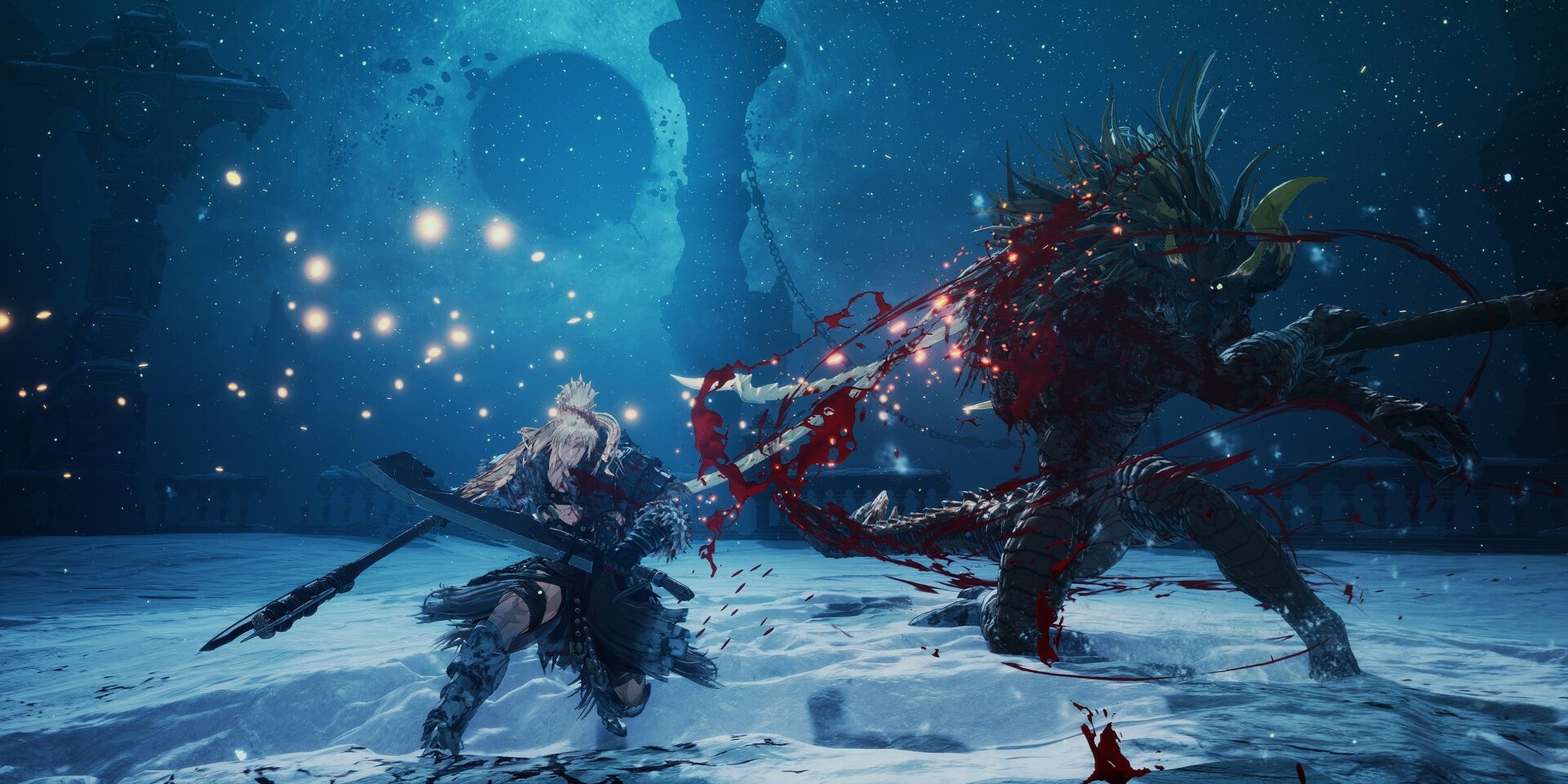
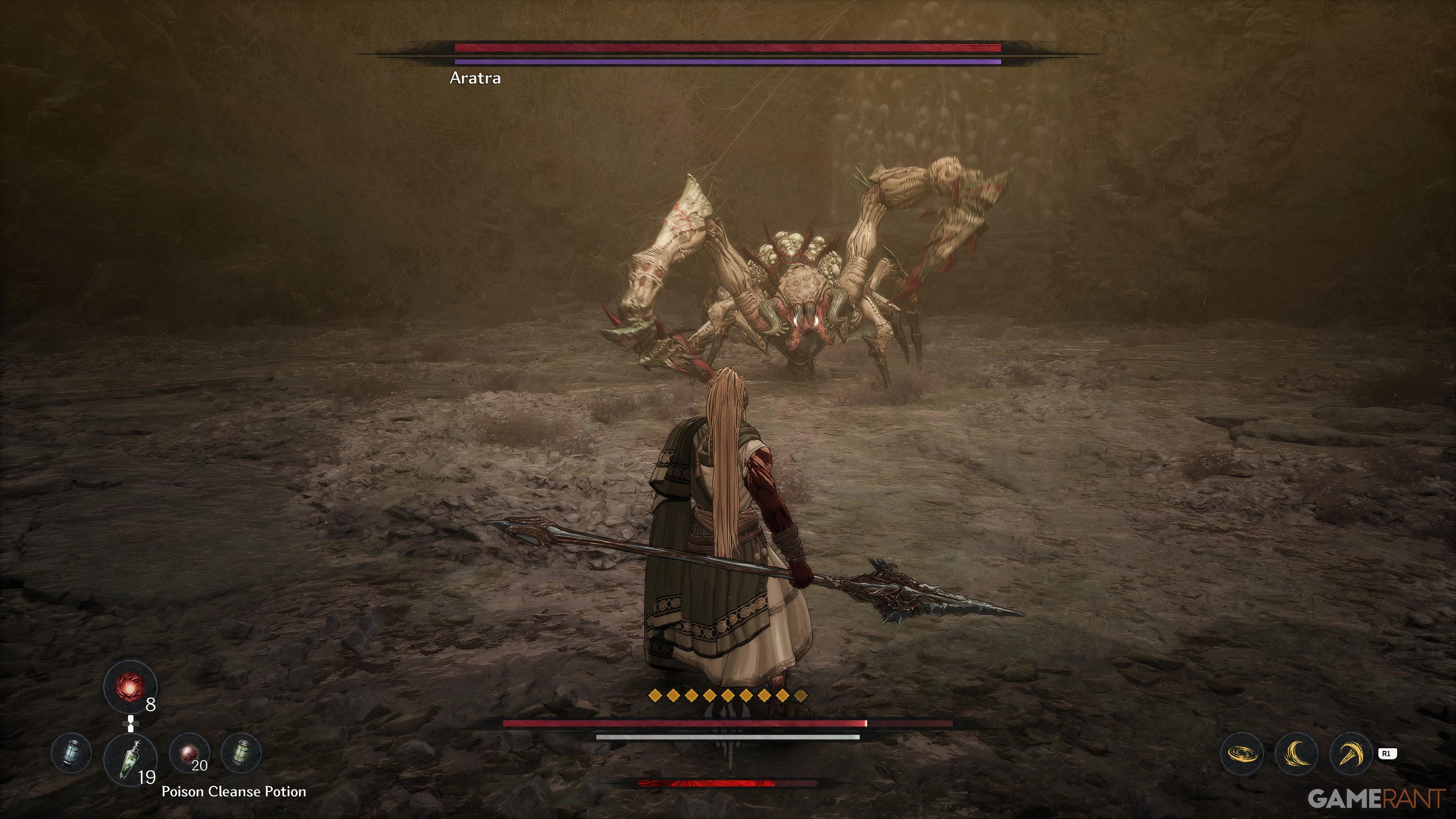
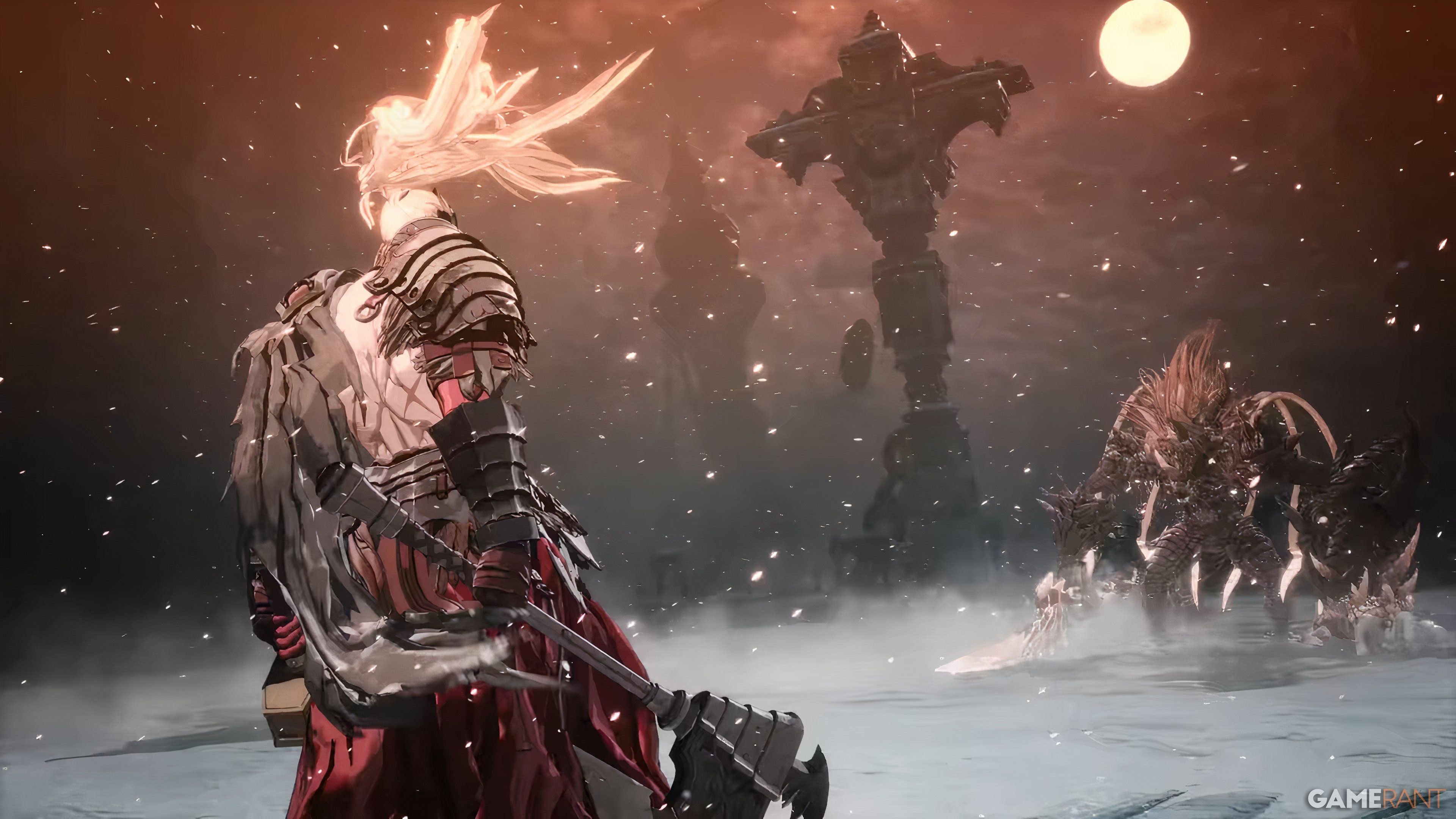
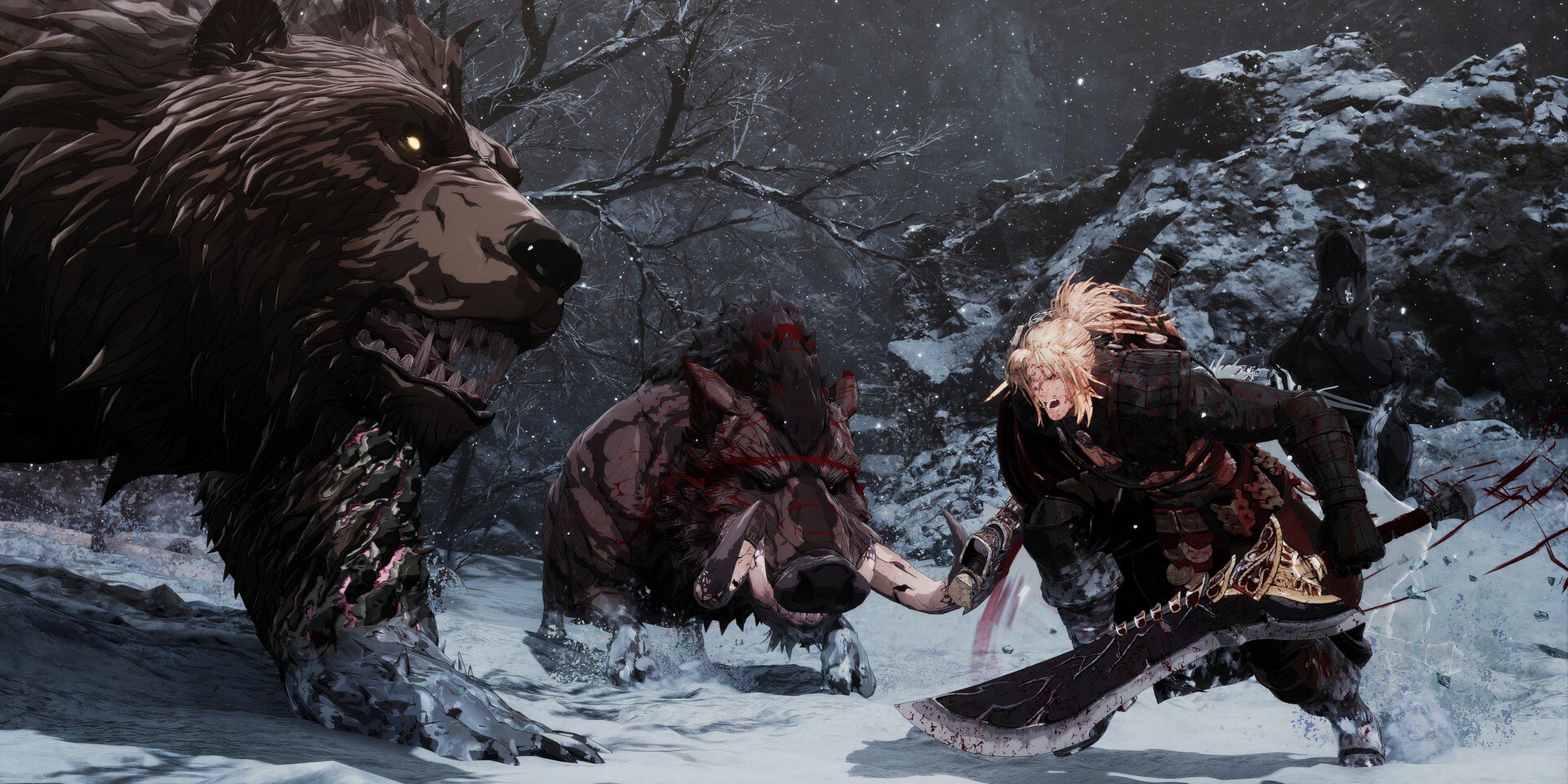
Okay, so everyone always says Soulslike games are way better with a controller, and honestly, that used to be totally true. Early PC versions had clunky keyboard and mouse controls because they weren’t really designed for it, and a lot of them started on consoles first. But things have changed! Now, most new Soulslikes come out on both PC and consoles at the same time, so developers are finally putting in the effort to make keyboard and mouse controls actually work. They’re still not perfect, but they’re definitely usable now, which is a huge improvement.
Even so, Soulslike games generally play better with a controller. The First Berserker: Khazan is particularly challenging, demanding fast reflexes and precise timing. The game prioritizes combat and boss battles, with less emphasis on exploration. Players can choose from three weapon types and customize their character with detailed skill trees. The First Berserker: Khazan is incredibly difficult, and while a controller won’t make it easier, it does offer a more comfortable experience.
Split Fiction
Controllers Are A More Natural Fit For Local Co-Op
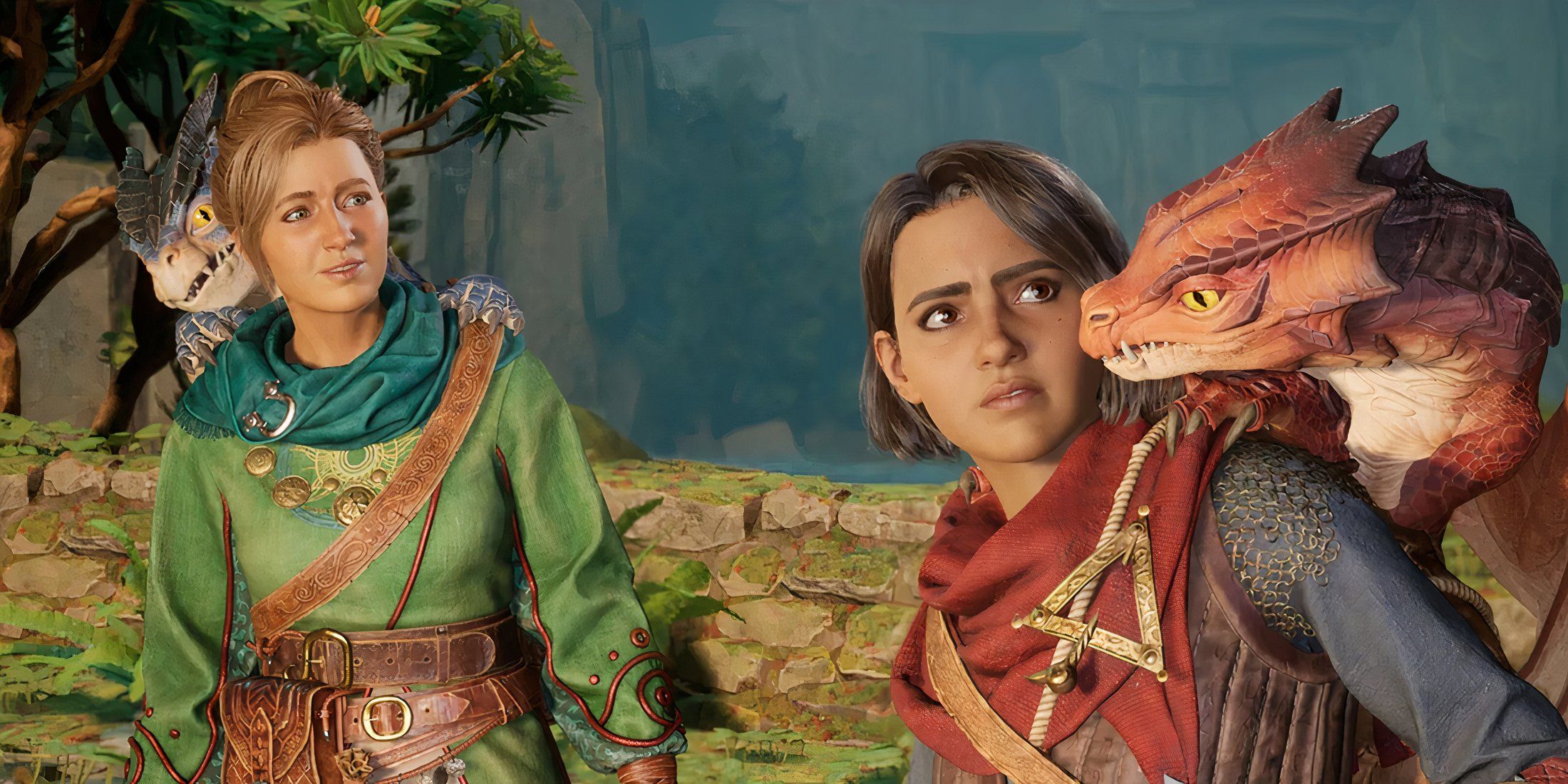

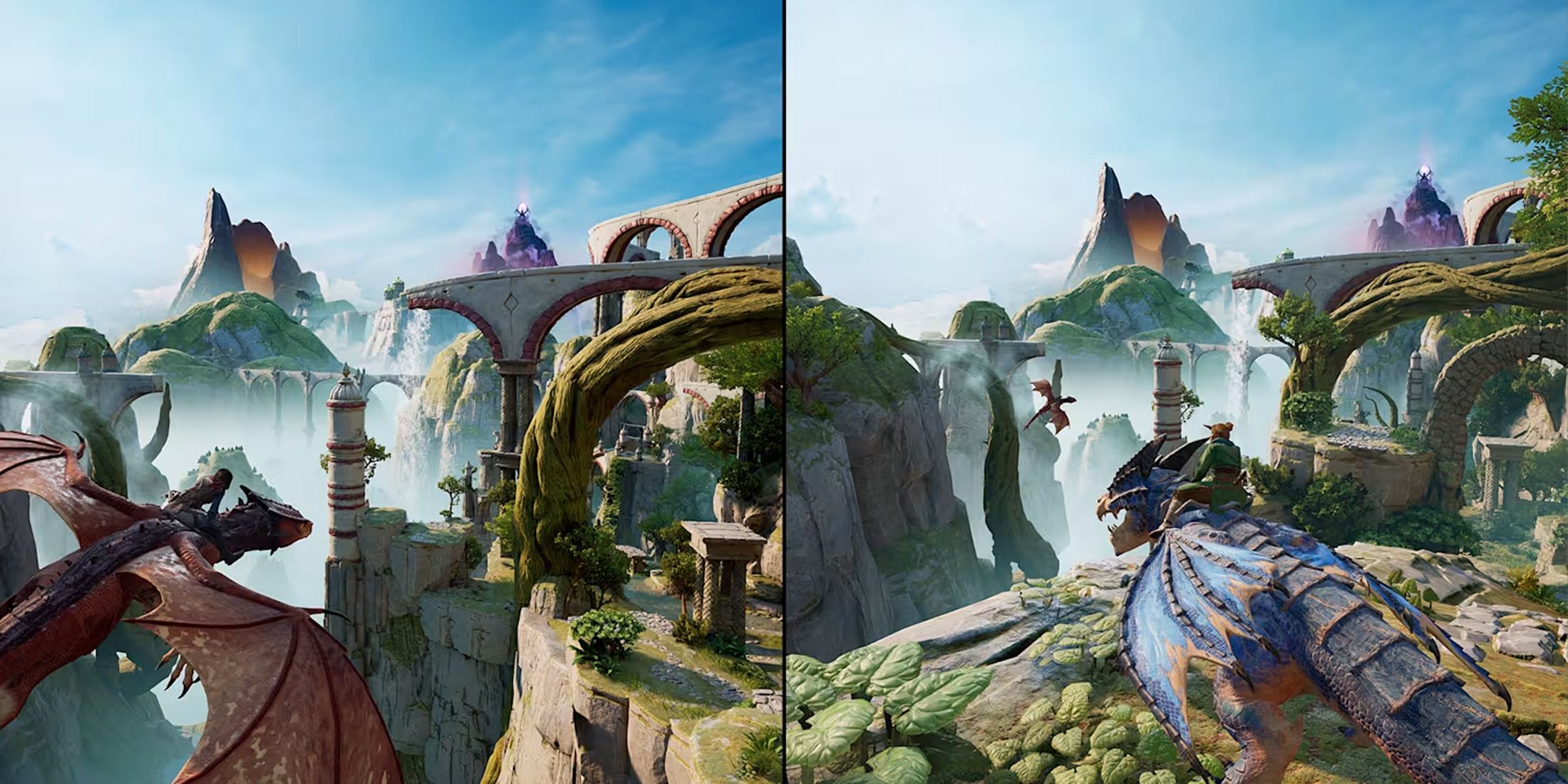
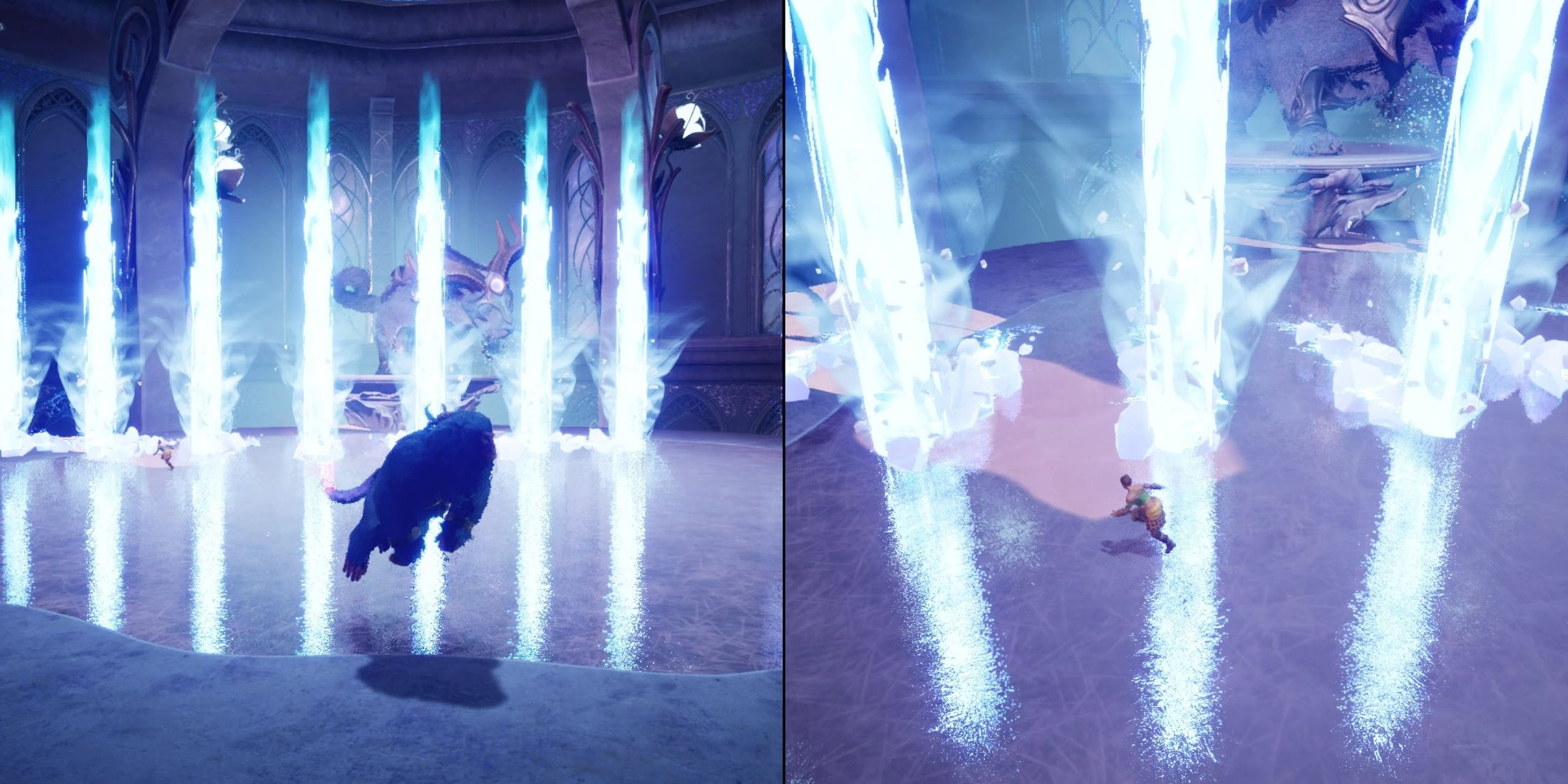
Similar to Hazelight’s previous game, Split Fiction is designed for two players to play together, either locally on one screen or online. It works well with both controllers and keyboard and mouse, and both control schemes feel really good. The game keeps introducing new ideas and ways to play, so some levels are better with a controller, while others are a bit easier with keyboard and mouse – it all balances out nicely.
Generally, the above points apply to playing online with a friend, as each player can choose their preferred way to control the game. But for players on PC using the local co-op feature, you’ll probably need at least one controller. For the best experience, it’s recommended that both players use the same type of controller.
Split Fiction lets you use both keyboard & mouse and a controller at the same time, letting players choose whichever control method they like best.
Like a Dragon: Pirate Yakuza in Hawaii
Real Yakuza (Pirates) Use A Gamepad
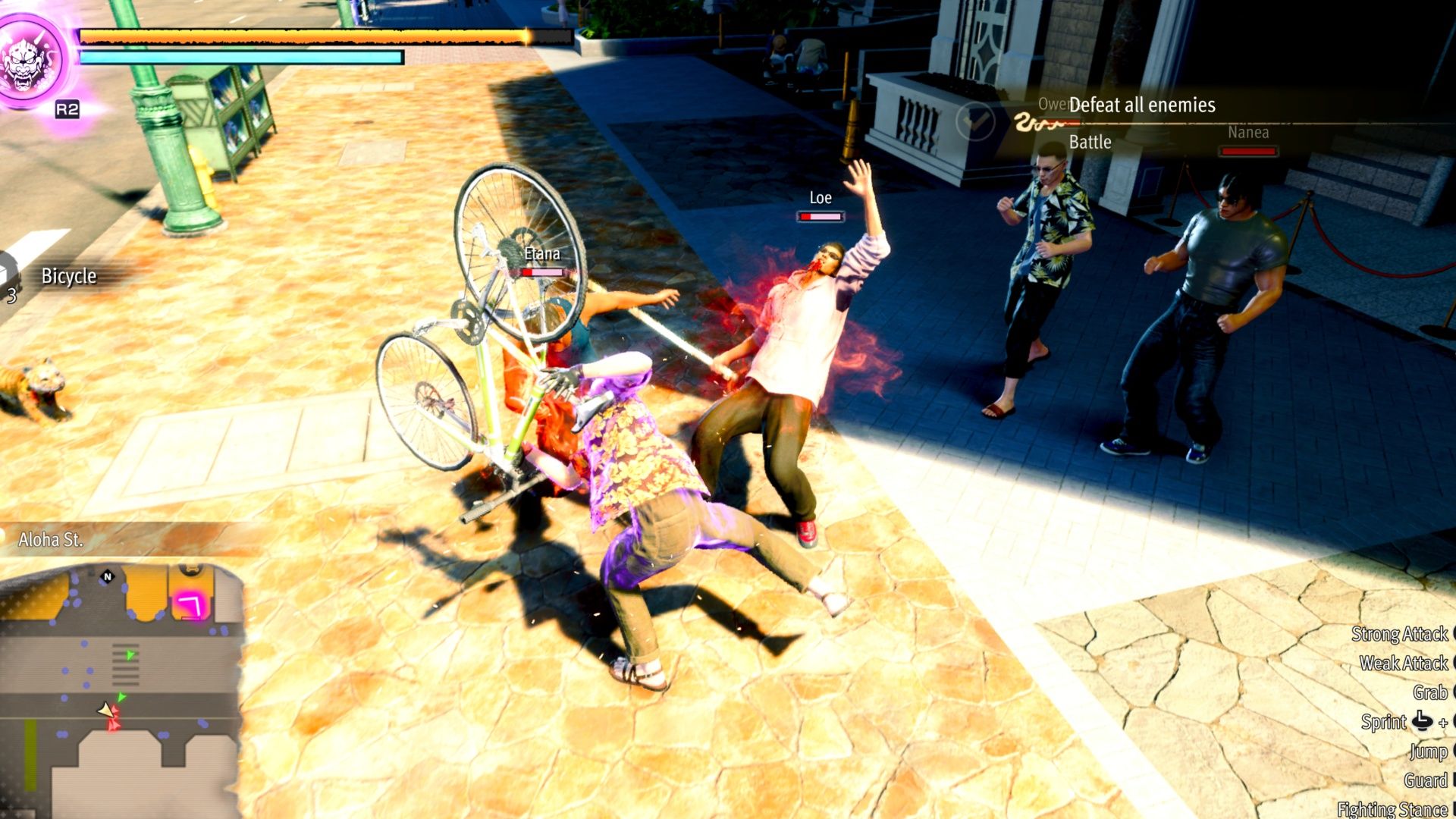
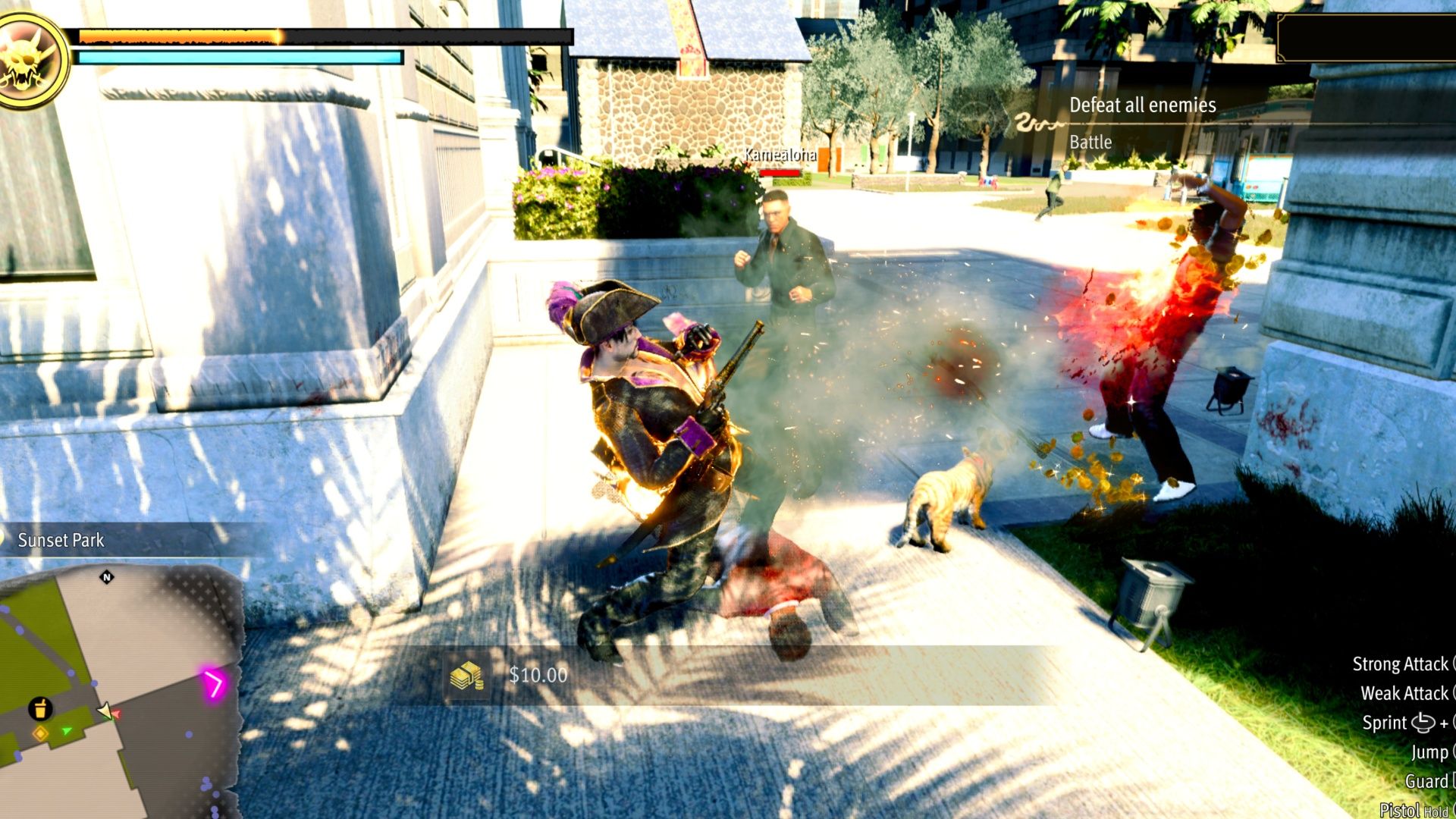
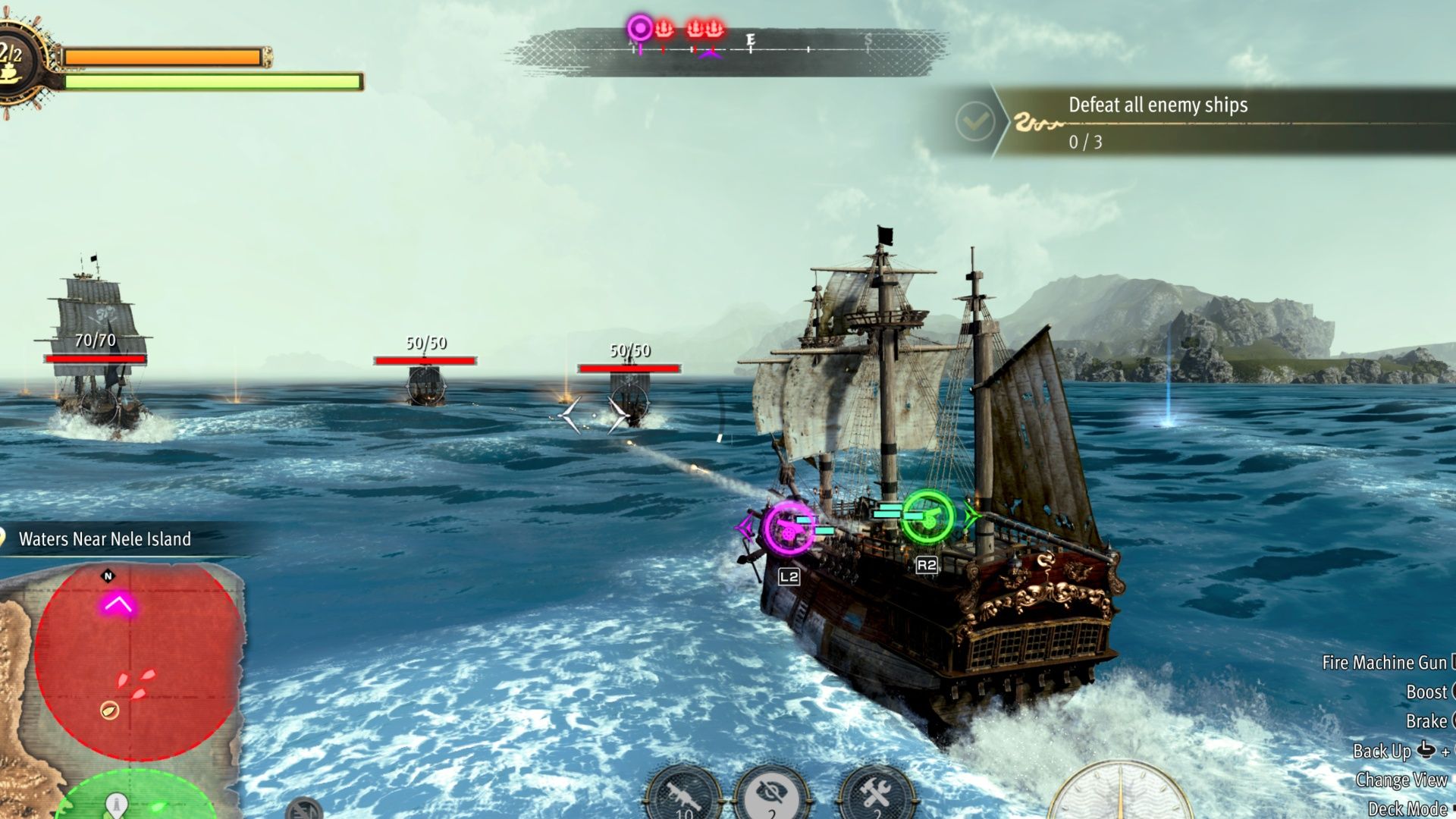
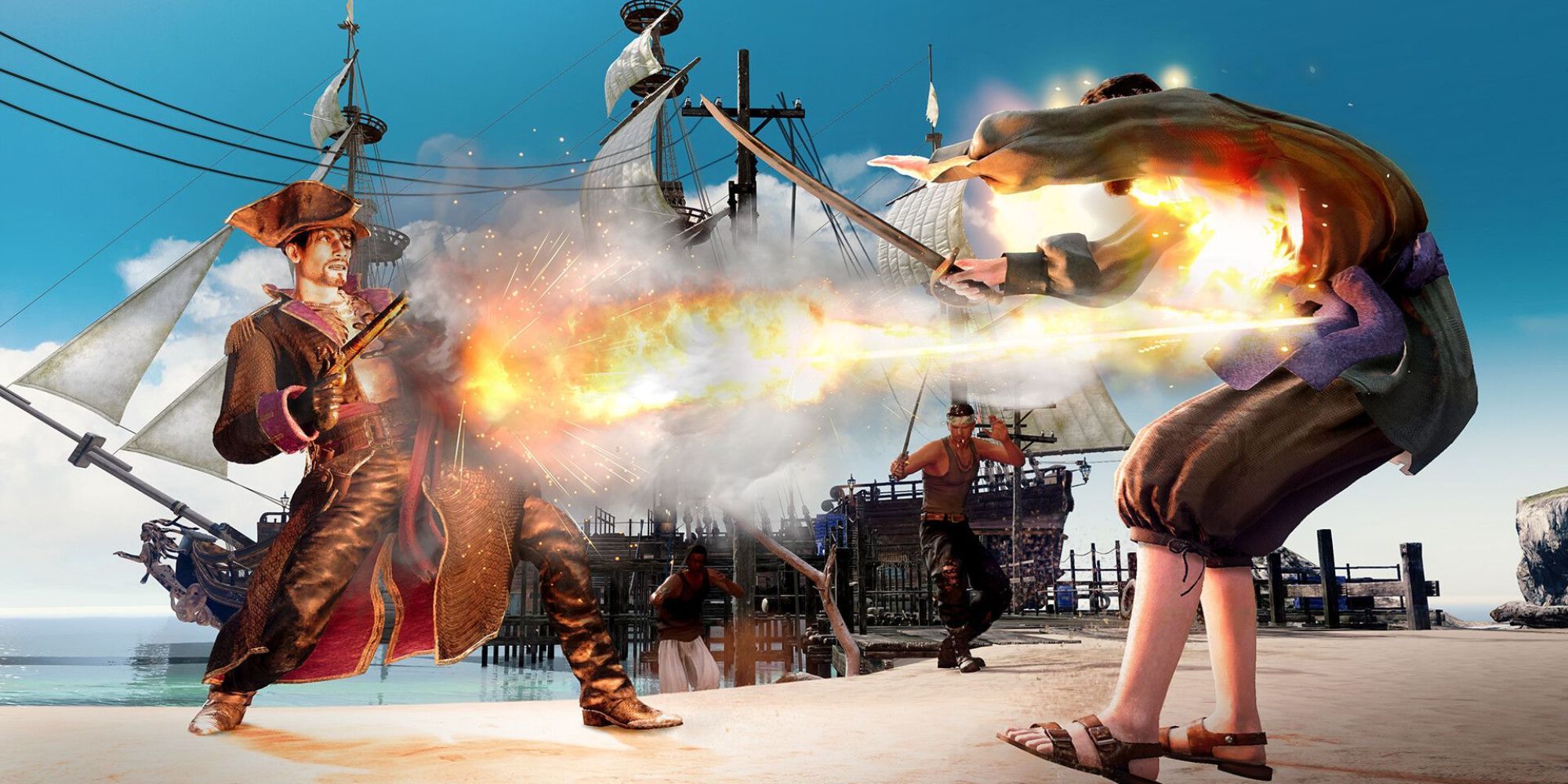
The Yakuza/Like a Dragon series has always strongly encouraged players to use a gamepad. PC versions often suggest using a controller, and the phrase “Real Yakuza Use a Gamepad” has become well-known among fans. Even though recent games are released on both PC and consoles at the same time, the series historically began as console-exclusive and continues to reflect that origin.
Generally, these games work very well with a keyboard and mouse, and you can play most of them without issue. Yakuza 0 and the Kiwami titles can feel a little clunky with keyboard and mouse controls, but you can get used to them with a little practice. Since the core games moved to turn-based battles, the controls you use don’t really matter anymore.
As a long-time fan, I have to say that Like a Dragon: Pirate Yakuza in Hawaii really feels like the classic beat ’em ups we all loved! The combat is just so much better with a controller in your hands. Even sailing your ship feels natural using a gamepad, though you can use a keyboard and mouse if you prefer. Honestly, because this game is pretty relaxed and open-world, I found myself grabbing the controller – it’s perfect for kicking back on the couch with the game hooked up to my TV. It just feels right!
Granblue Fantasy: Relink
Keyboard + Mouse Is Fine, But Might Require Some Adjustments
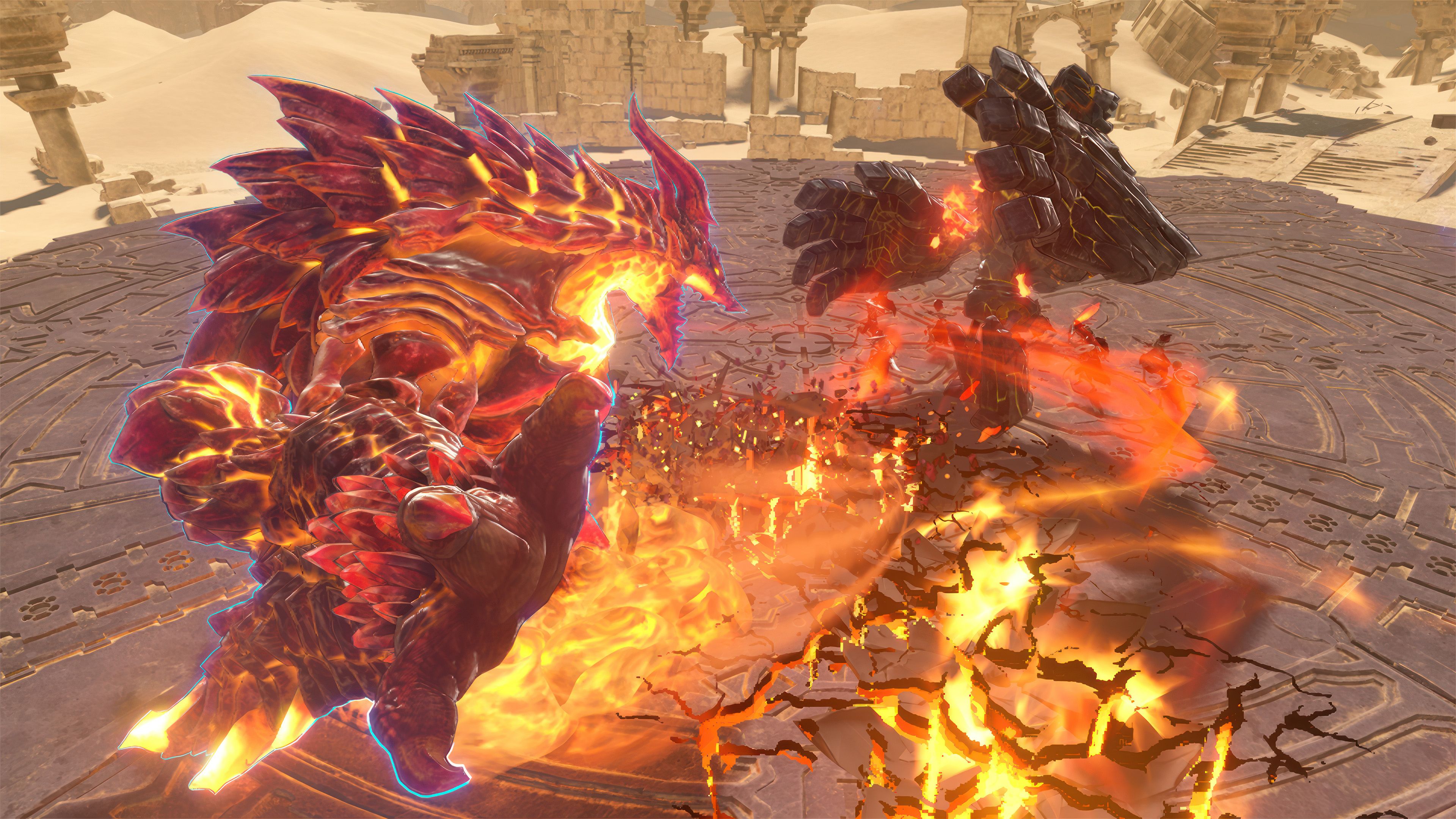
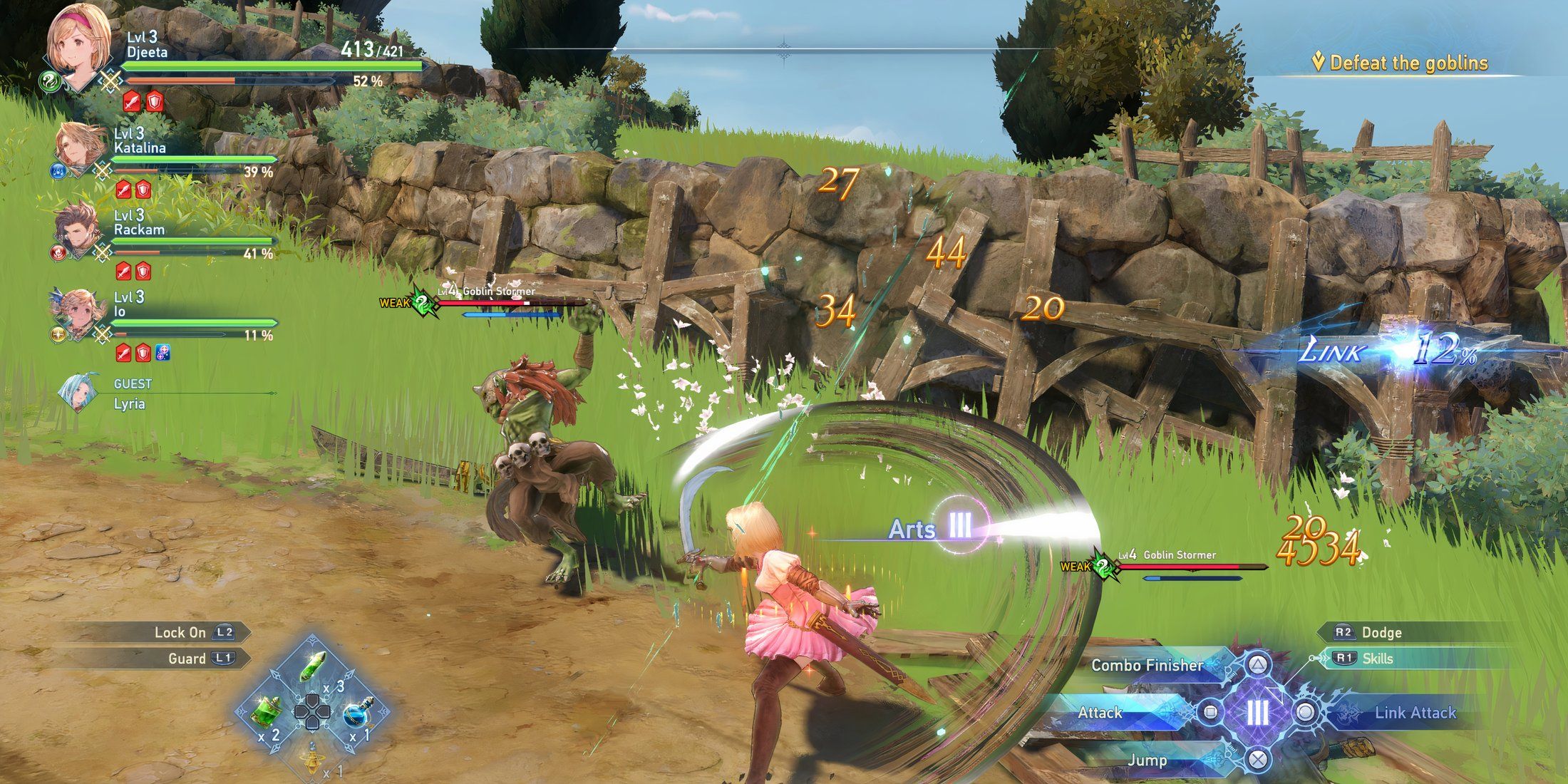
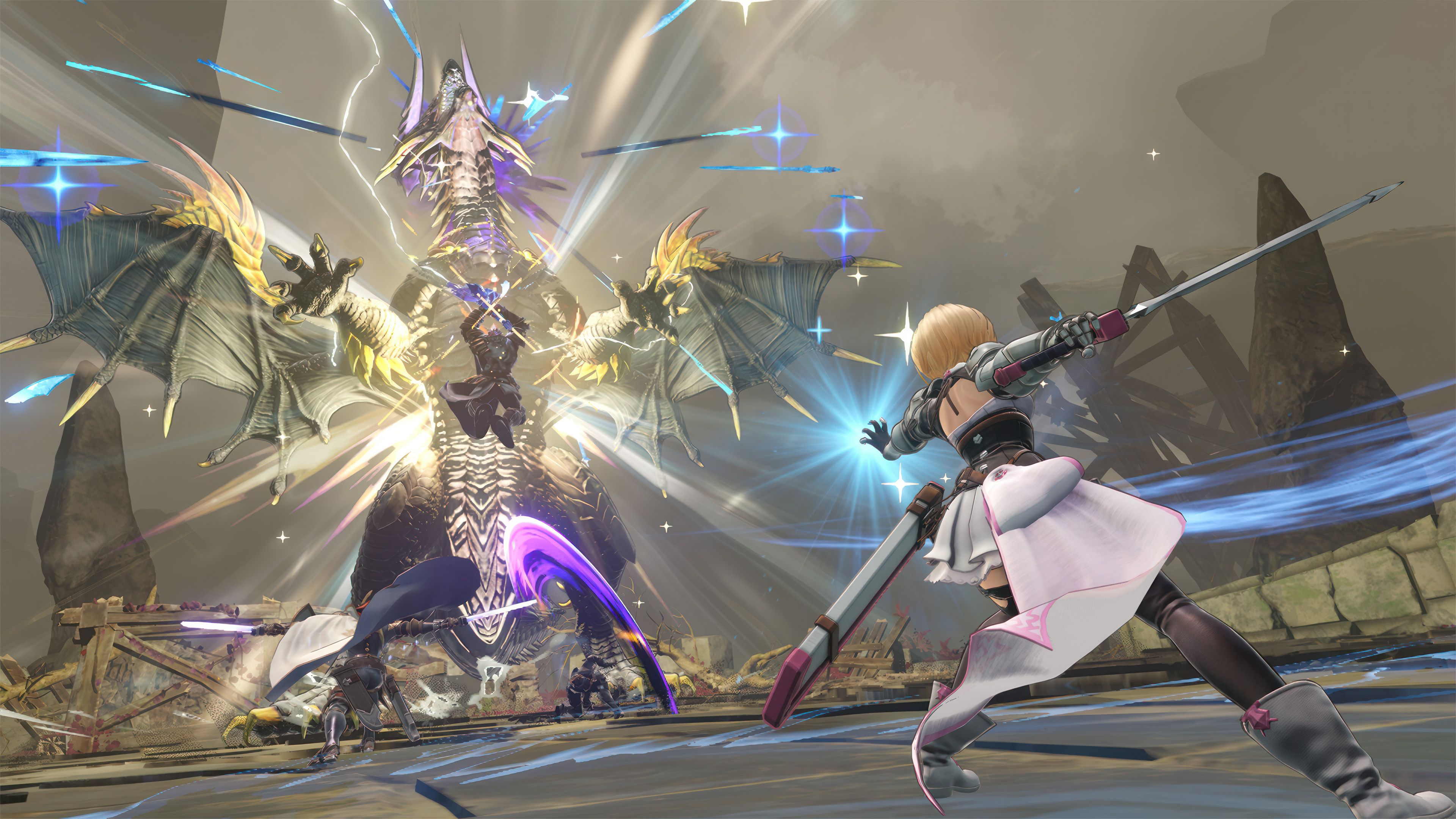
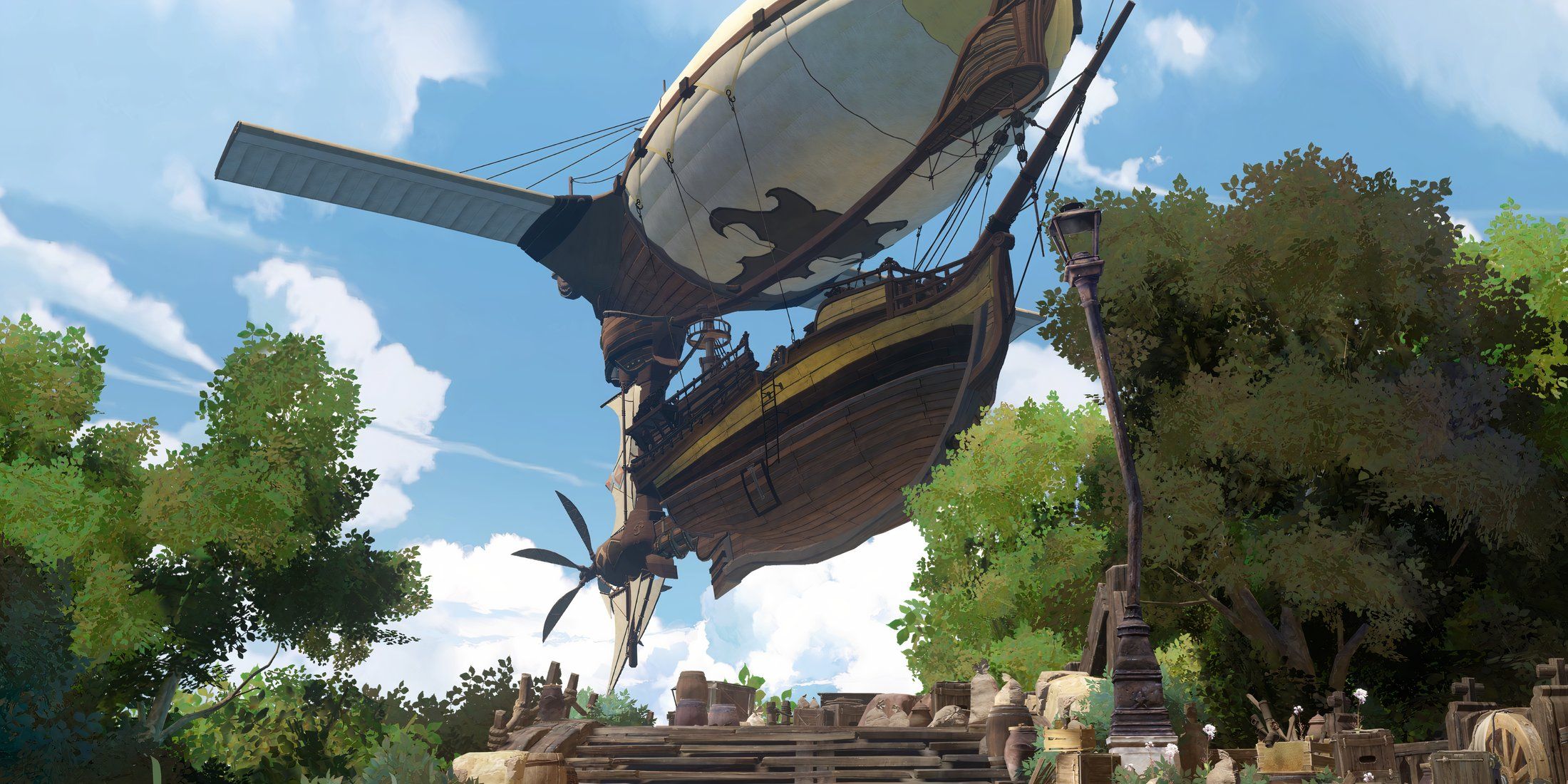
Cygames’ Granblue Fantasy has been popular in Japan since 2014, but it wasn’t available in the West until the release of Granblue Fantasy Versus and its sequel – fighting games that are quite different from the original. Now, with the 2024 action RPG Granblue Fantasy: Relink, many Western players will be discovering the series for the first time, and it makes a great impression. The game tells a story you can finish in about 20 hours, but its biggest strength is the large cast of characters, each with their own distinct abilities. After completing the story, the game focuses on challenging missions where you improve your characters and unlock their full potential through a lengthy progression system called Masteries.
Granblue Fantasy: Relink was originally designed with controllers in mind, but Cygames successfully adapted it for keyboard and mouse players. While the camera can feel awkward with a keyboard and mouse, adjusting the settings can help. Overall, the game feels more intuitive with a controller, particularly for characters who fight up close. Fortunately, a strong lock-on system makes ranged characters work well with a gamepad too.
En Garde!
Swashbucklers Use A Gamepad
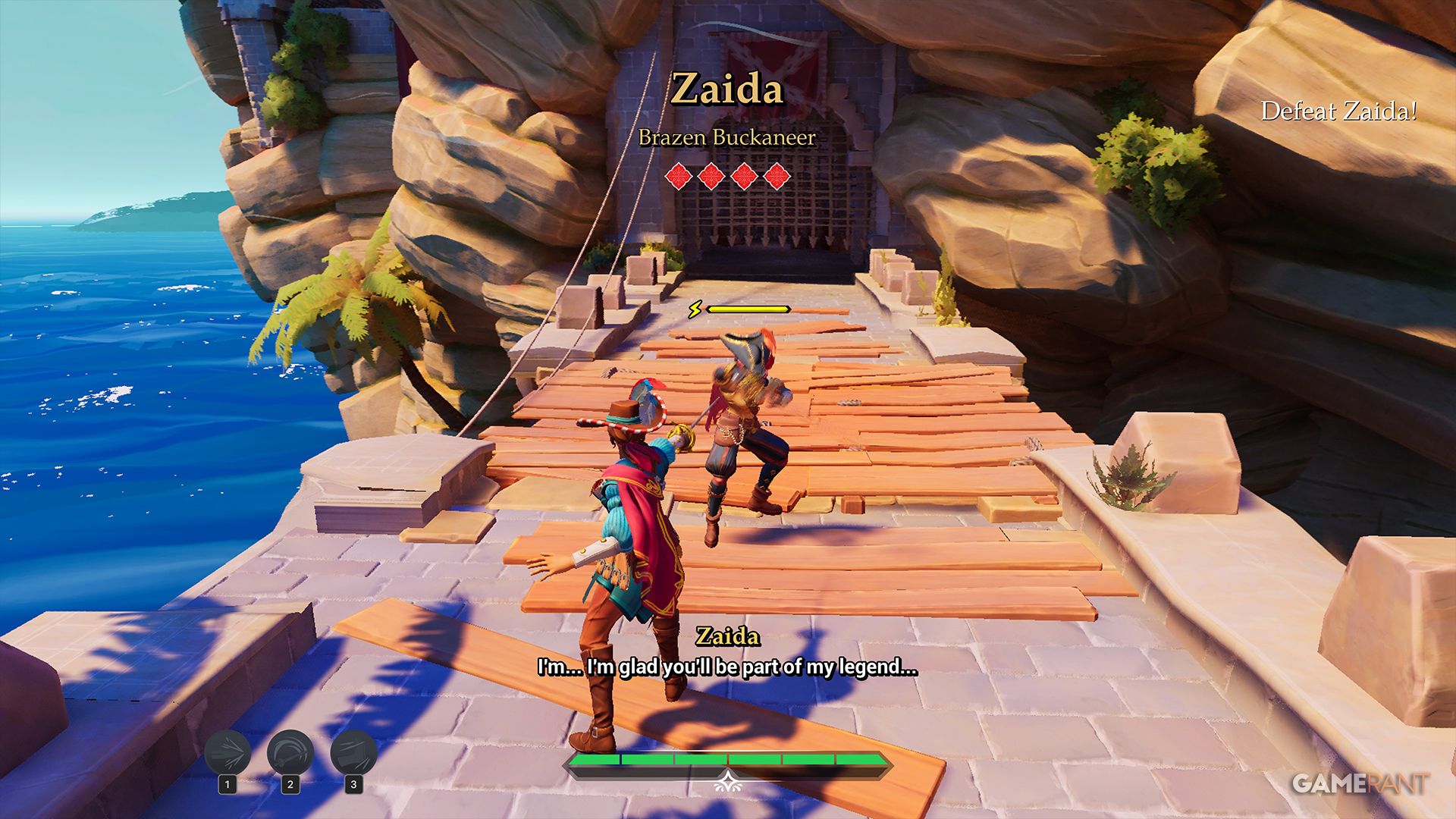
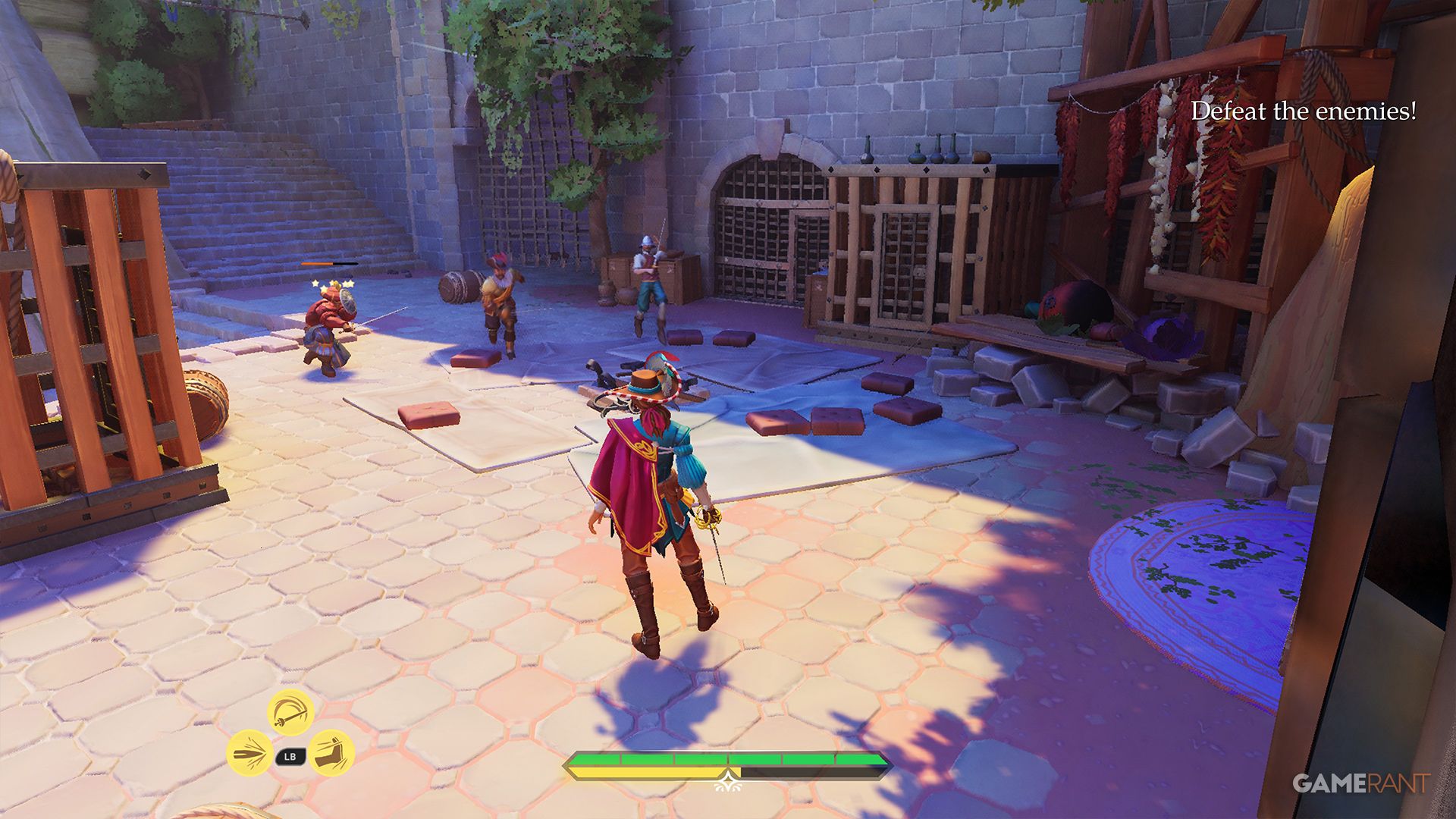
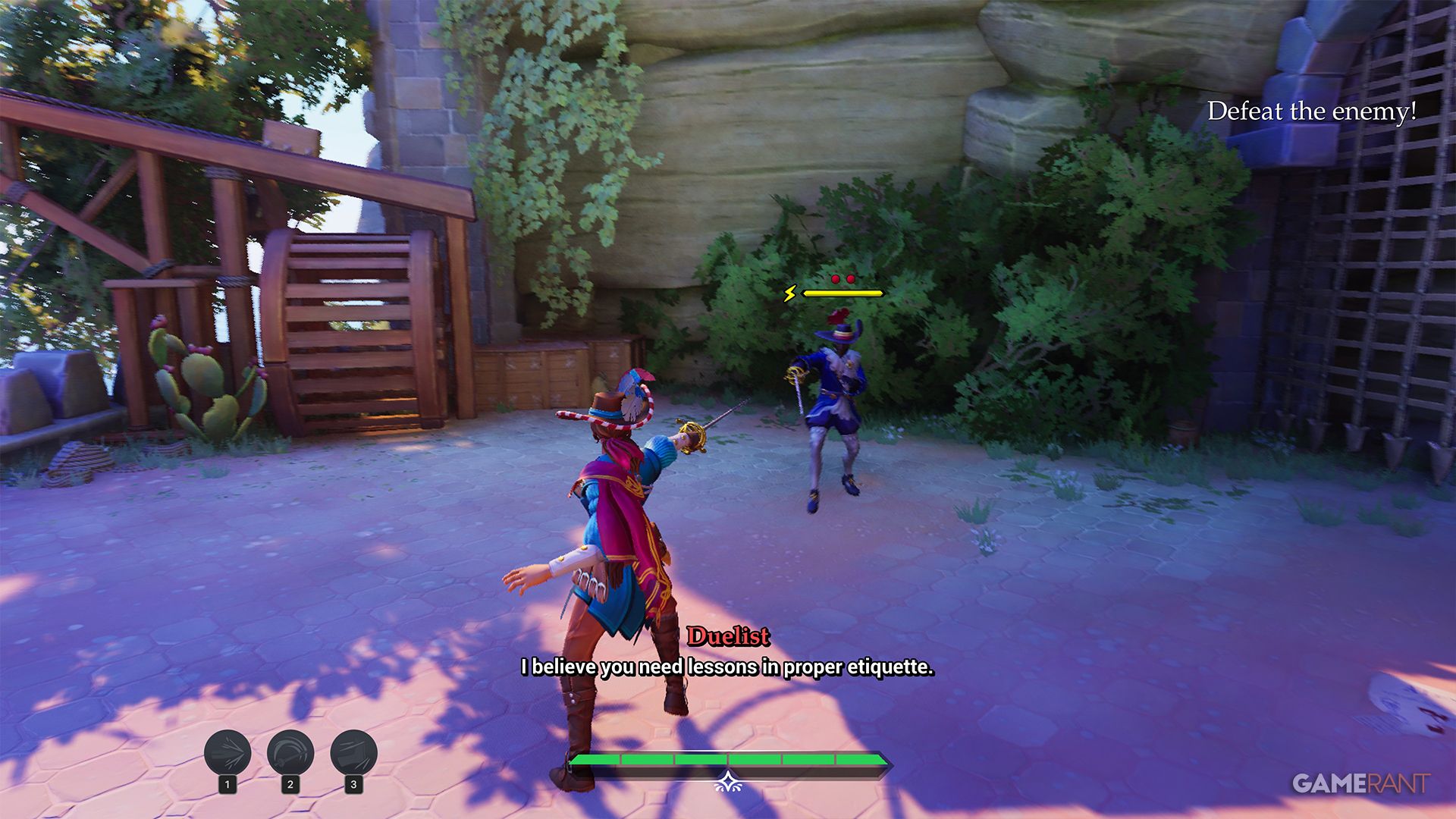
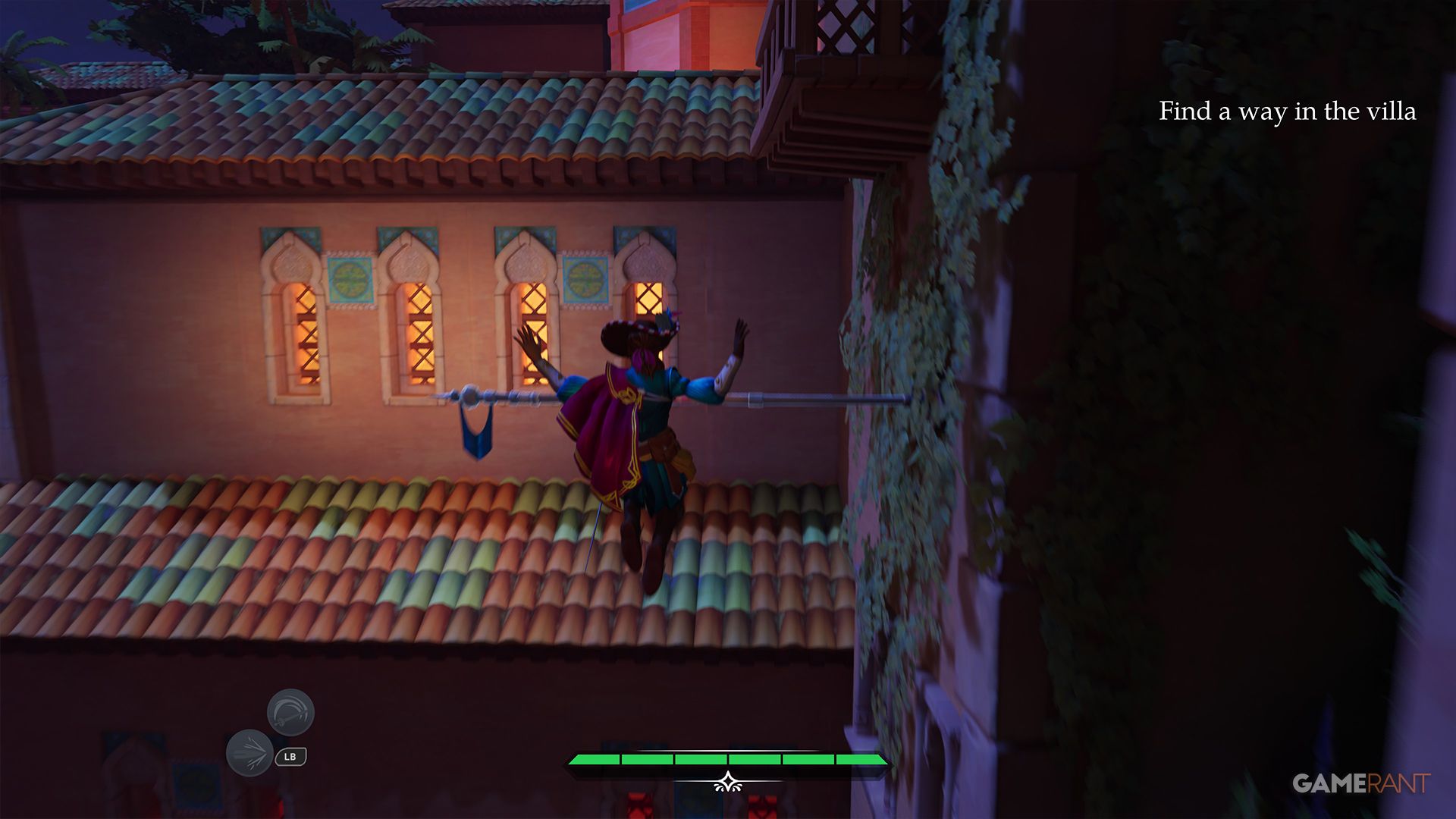
While it’s not a huge title, En Garde! is often discounted, and that’s what drew me to it. I’m really glad I checked it out – it’s a short, but incredibly fun game! The game immediately tells you it’s best played with a controller, which is a bit odd for a PC-only title. But after just a few minutes of fighting, it becomes clear why they recommend it.
En Garde! is a thrilling action game focused on dramatic sword fights and clever tactics. You play as a quick-witted swashbuckler battling through four episodes against predictable, but numerous, guards and bosses. Instead of focusing on single duels, the game challenges you to control the battlefield, using your surroundings to keep enemies away while you defeat them. This creates a fantastic blend of fast-paced action and skillful platforming.
Dragon Ball: Sparking! Zero
Well, It Is An Arena Fighter
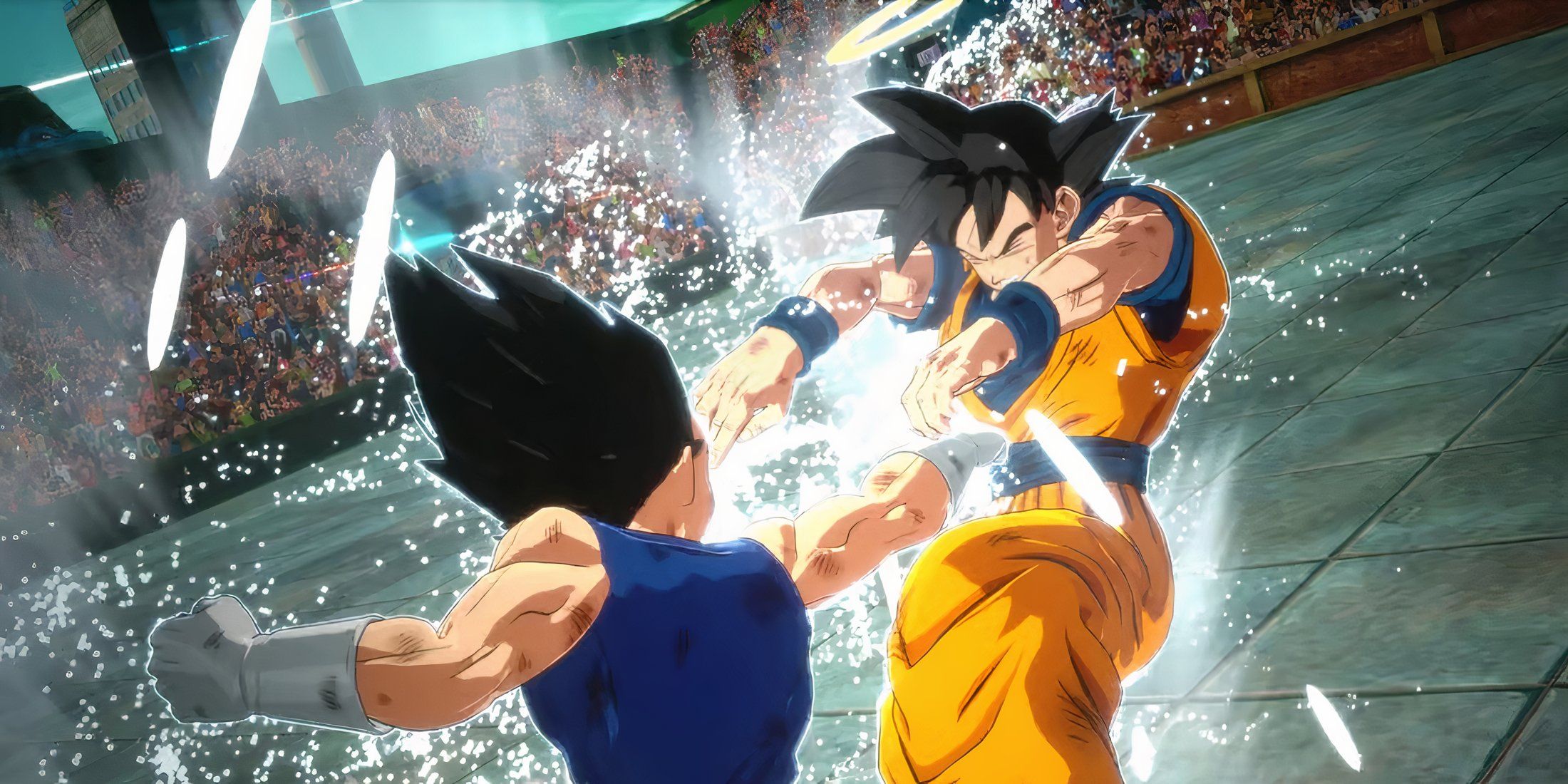
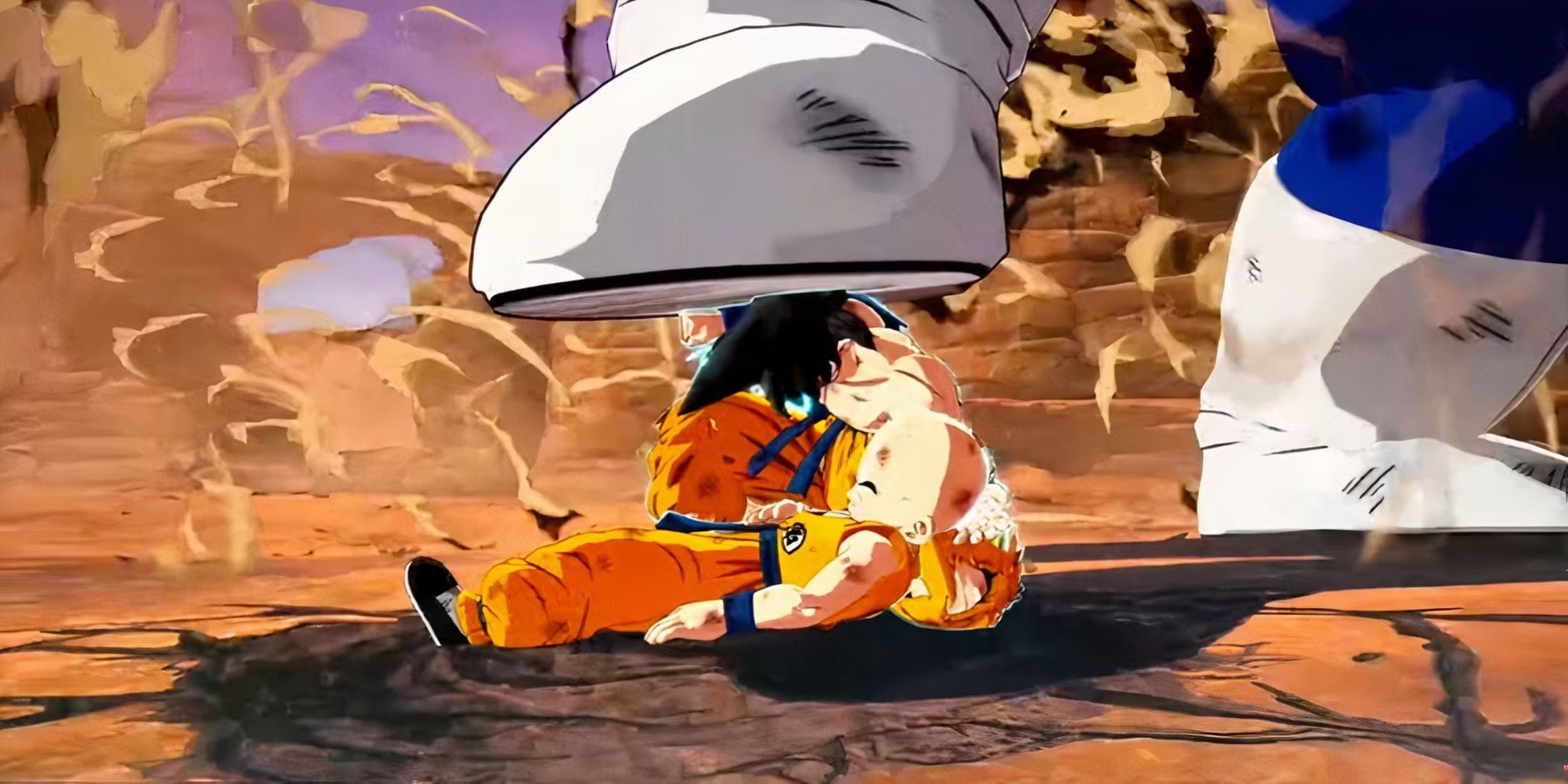
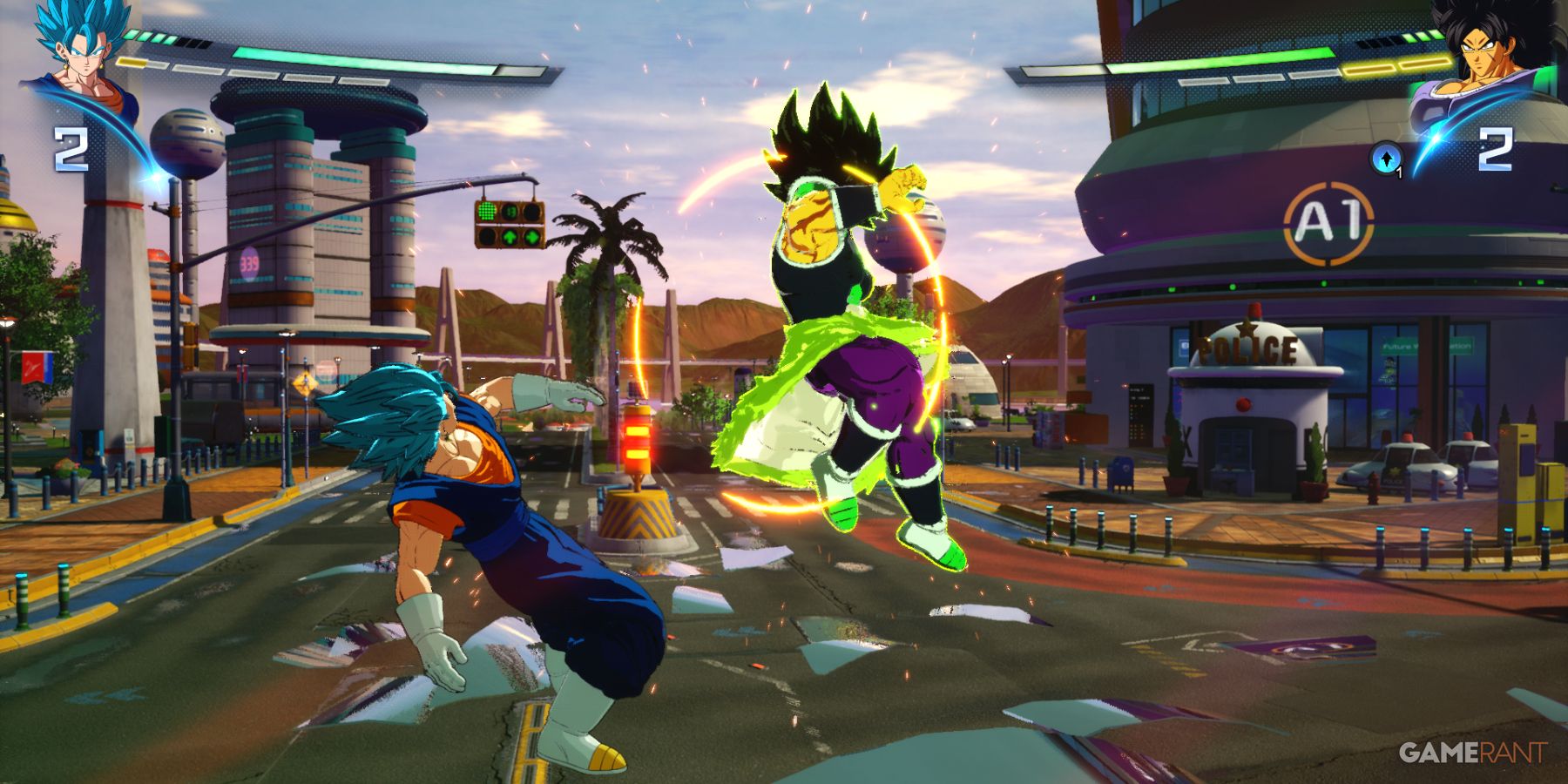
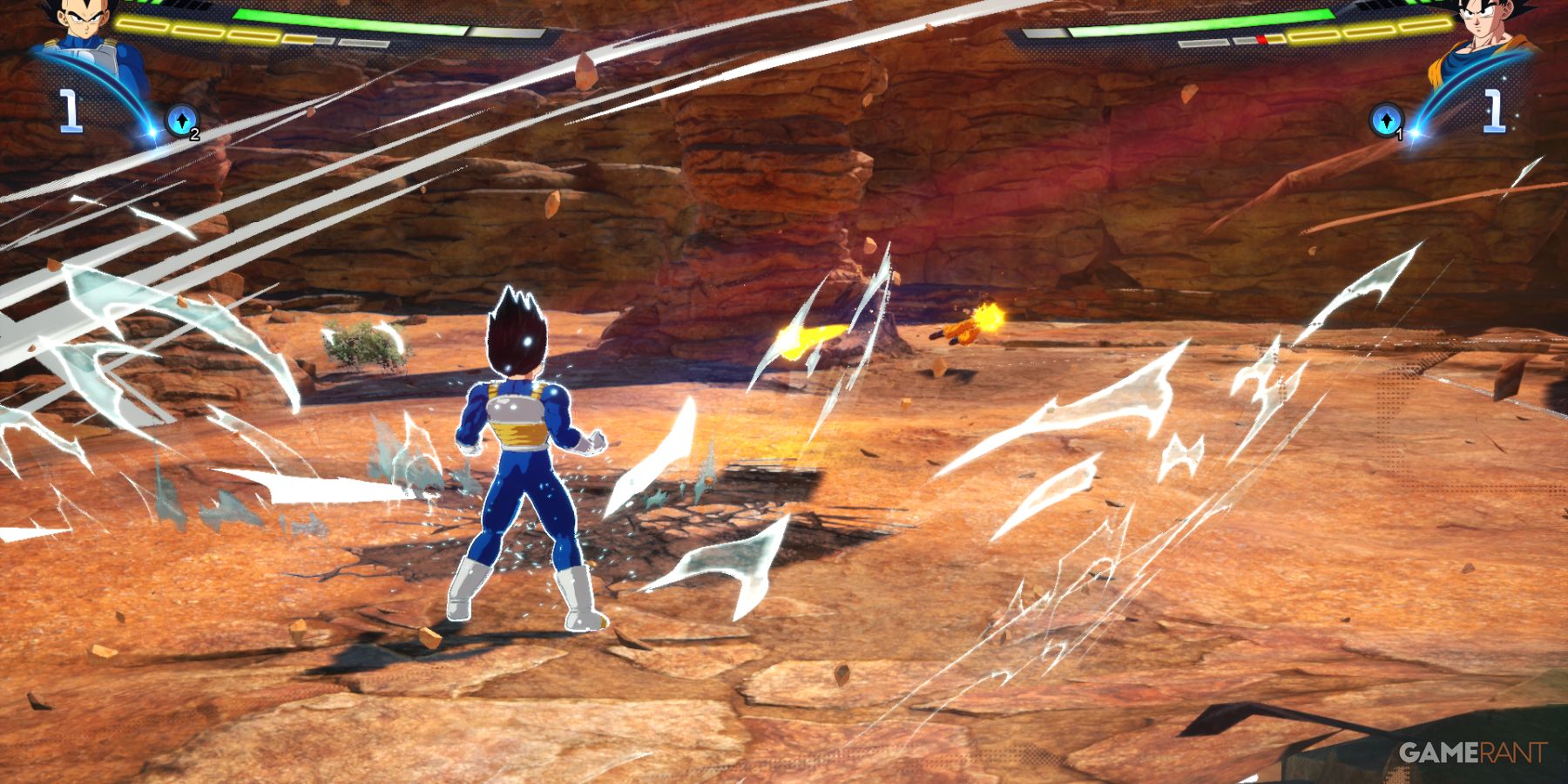
As a huge Dragon Ball fan, I’ve played a lot of games over the years, but Sparking! Zero really stands out. It’s a new release that feels like a true successor to the classic Budokai Tenkaichi series – those PS2 games are still beloved! There have been some good DB titles since BT3, but nothing ever quite captured that same magic. Honestly, Sparking! Zero finally delivers – it’s a modern game that still feels like the Budokai Tenkaichi trilogy I grew up with, and it’s exactly what I’ve been waiting for.
The game Sparking! Zero launched successfully on Steam, and many PC players have already added it to their collections. Although exact numbers aren’t available, it’s likely thousands of people are playing with a keyboard. This presents a challenge, as 3D arena fighters are typically designed for controllers, meaning keyboard players have a learning curve. However, experienced keyboard users might prefer sticking with what’s familiar, even if it makes the game’s multiplayer and tougher AI battles more difficult. It’s also worth noting that Sparking! Zero is a challenging game, throwing a lot of complex mechanics at players.
Warhammer 40,000: Space Marine 2
Going Against Standard Protocol
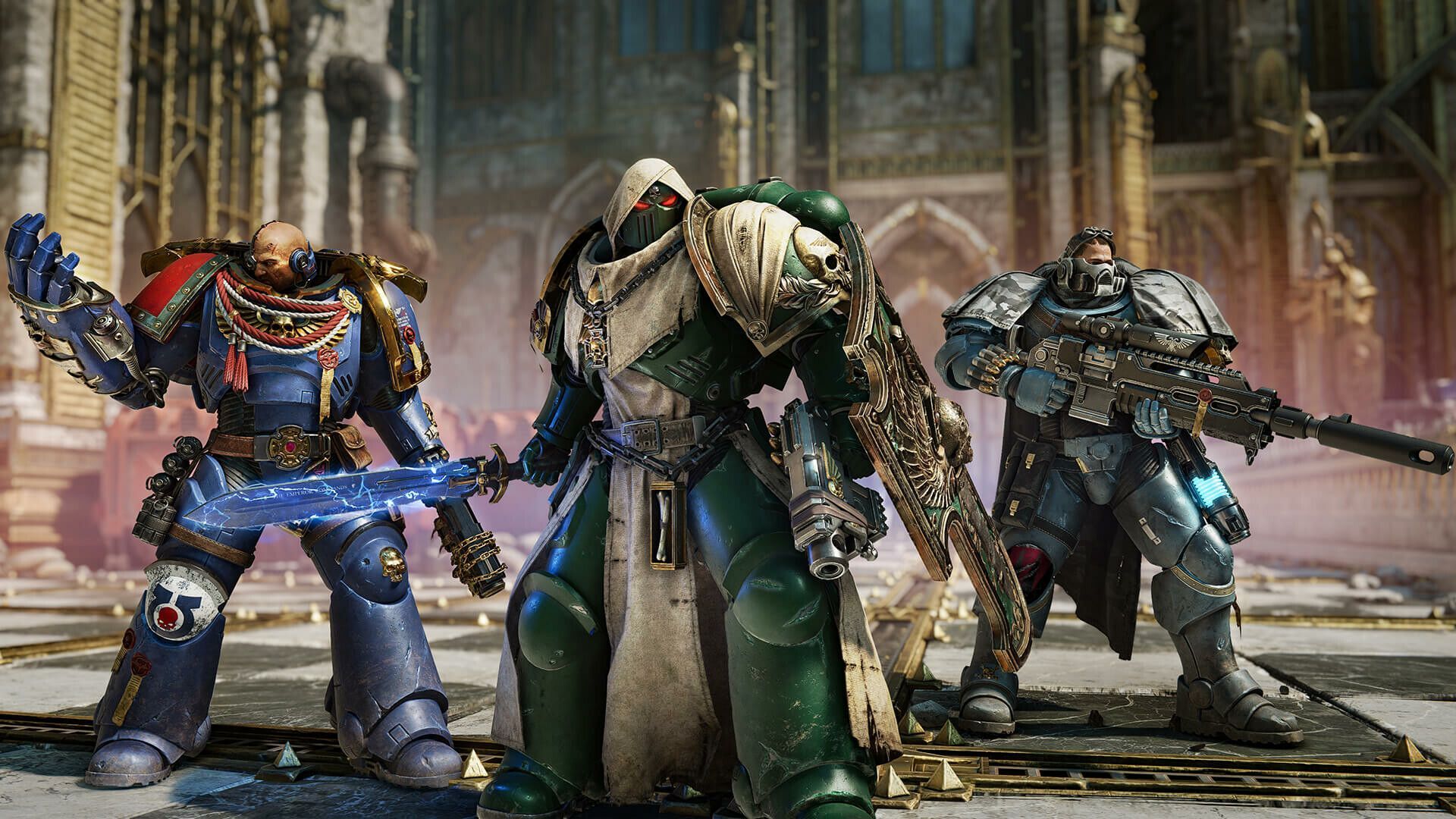
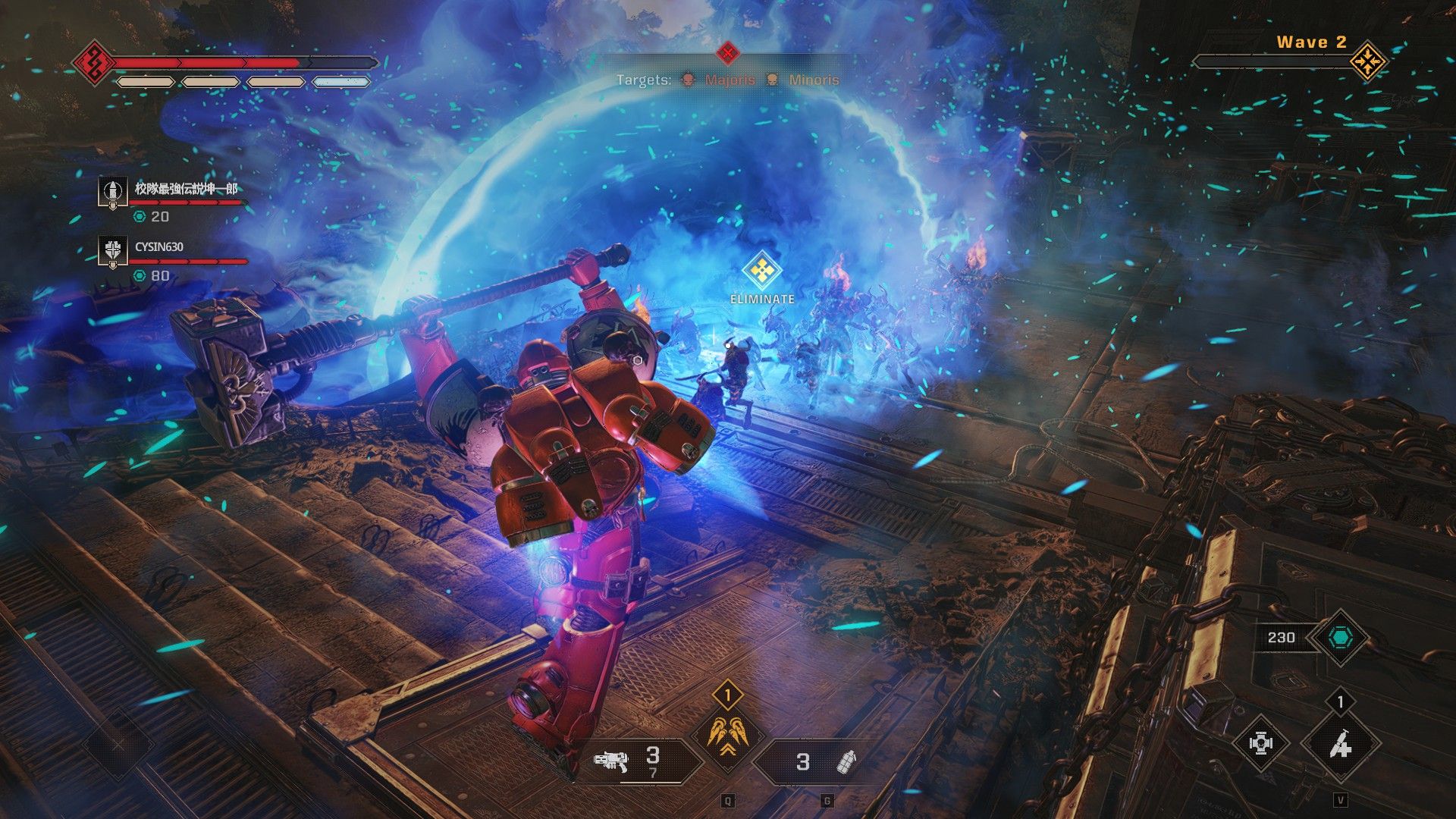
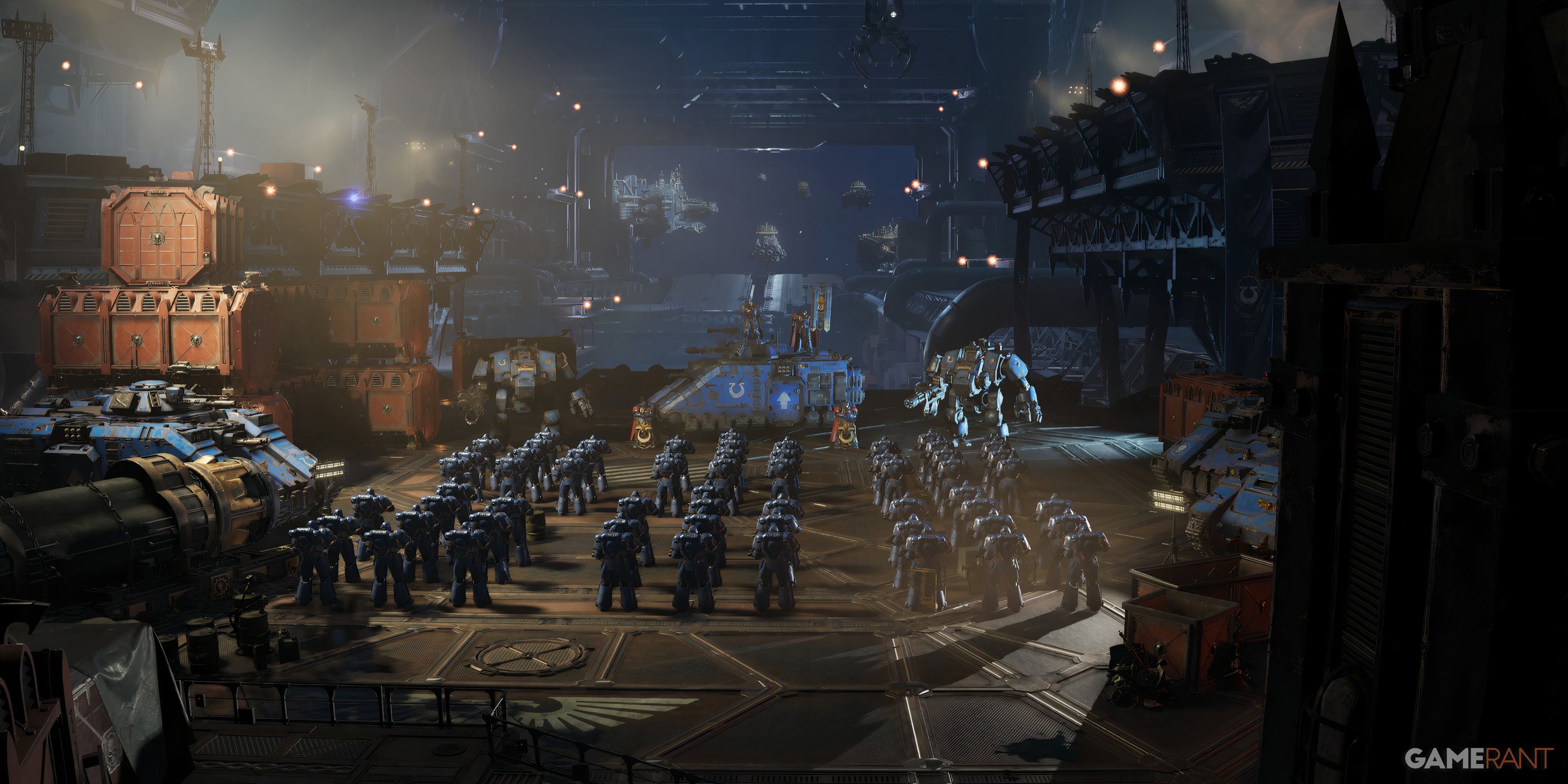
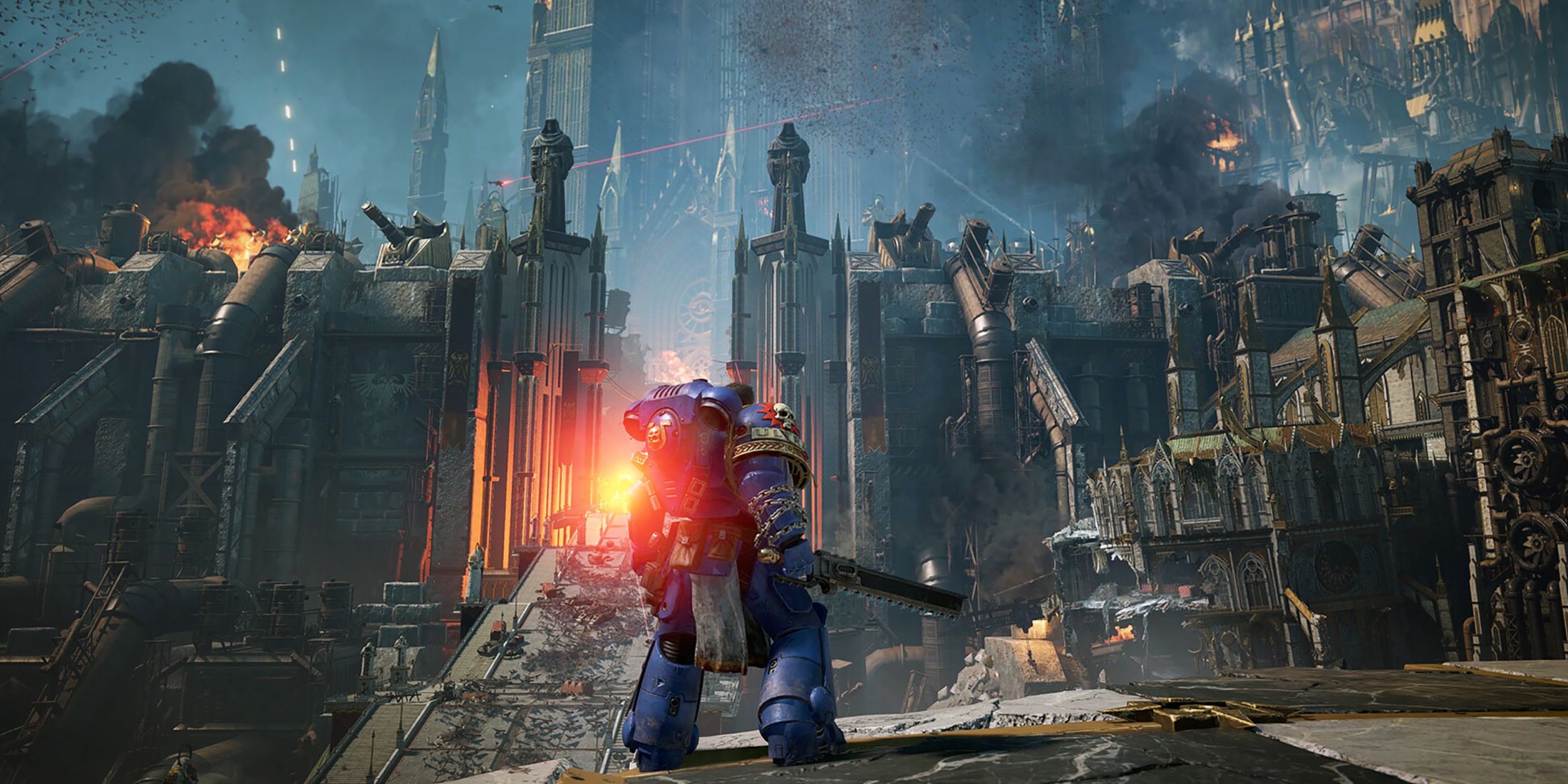
As a big shooter fan, I always thought keyboard and mouse was the way to go, but honestly, things aren’t always that simple! And with Space Marine 2, it’s a little different anyway. It’s not just a shooting game – you actually end up fighting a lot more up close and personal. Plus, the game helps you aim quite a bit, so you don’t need to be super precise with ranged attacks, which is great!
The default keyboard and mouse controls in Space Marine 2 feel a bit clunky and take some getting used to—you’ll likely need to practice or customize the keybindings. The controller is much easier to pick up and play immediately, as long as it’s functioning correctly.
When Space Marine 2 first released on Steam, some players had trouble with gamepad recognition. If you’re experiencing this, try turning off Steam Input.
Read More
- All Shadow Armor Locations in Crimson Desert
- All Skyblazer Armor Locations in Crimson Desert
- How to Get the Sunset Reed Armor Set and Hollow Visage Sword in Crimson Desert
- Marni Laser Helm Location & Upgrade in Crimson Desert
- Best Bows in Crimson Desert
- All Golden Greed Armor Locations in Crimson Desert
- All Helfryn Armor Locations in Crimson Desert
- How to Craft the Elegant Carmine Armor in Crimson Desert
- Wings of Iron Walkthrough in Crimson Desert
- Keeping Large AI Models Connected Through Network Chaos
2026-04-04 19:07