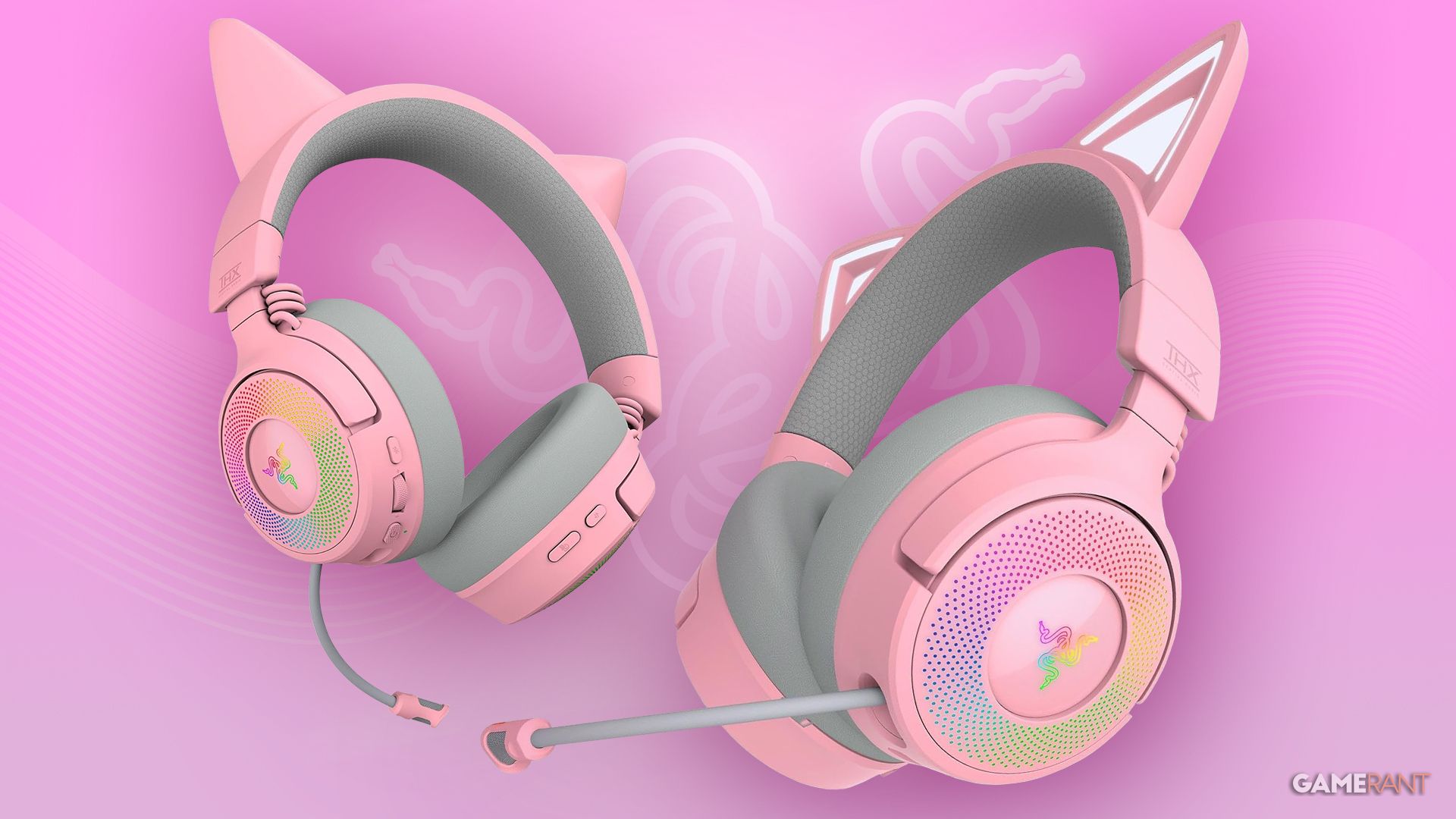
Razer’s Kraken Kitty headset is instantly recognizable and incredibly popular, especially with streamers and fans of kawaii culture. It’s become a staple in many streaming setups and a signature look for new Twitch personalities. Building on the success of the V2 Pro, released in late 2022, the new V3 lineup is now available with several helpful upgrades and improvements to this iconic cat-eared headset.
This time, there are two versions available. The Kraken Kitty V3 Pro is the more expensive one and offers better performance and wireless connection. If you’re looking for a cheaper option, the V3 X is lighter and only works with a wired connection using a standard 3.5mm headphone jack. I was really impressed with how customizable and comfortable the Pro version was for long gaming sessions. However, the bass wasn’t strong enough for listening to music.
Package Contents, Headset Design, and Comfort
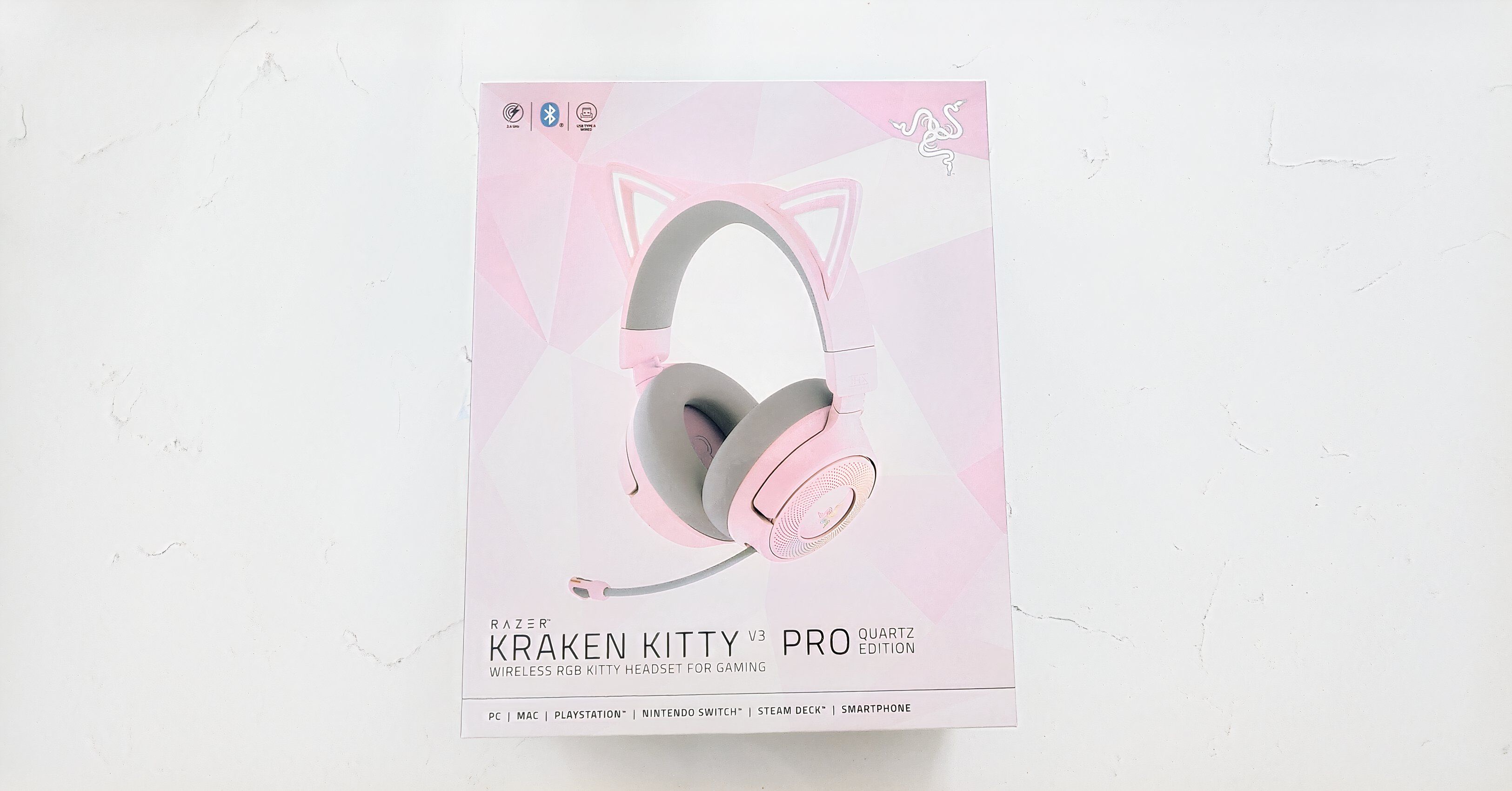
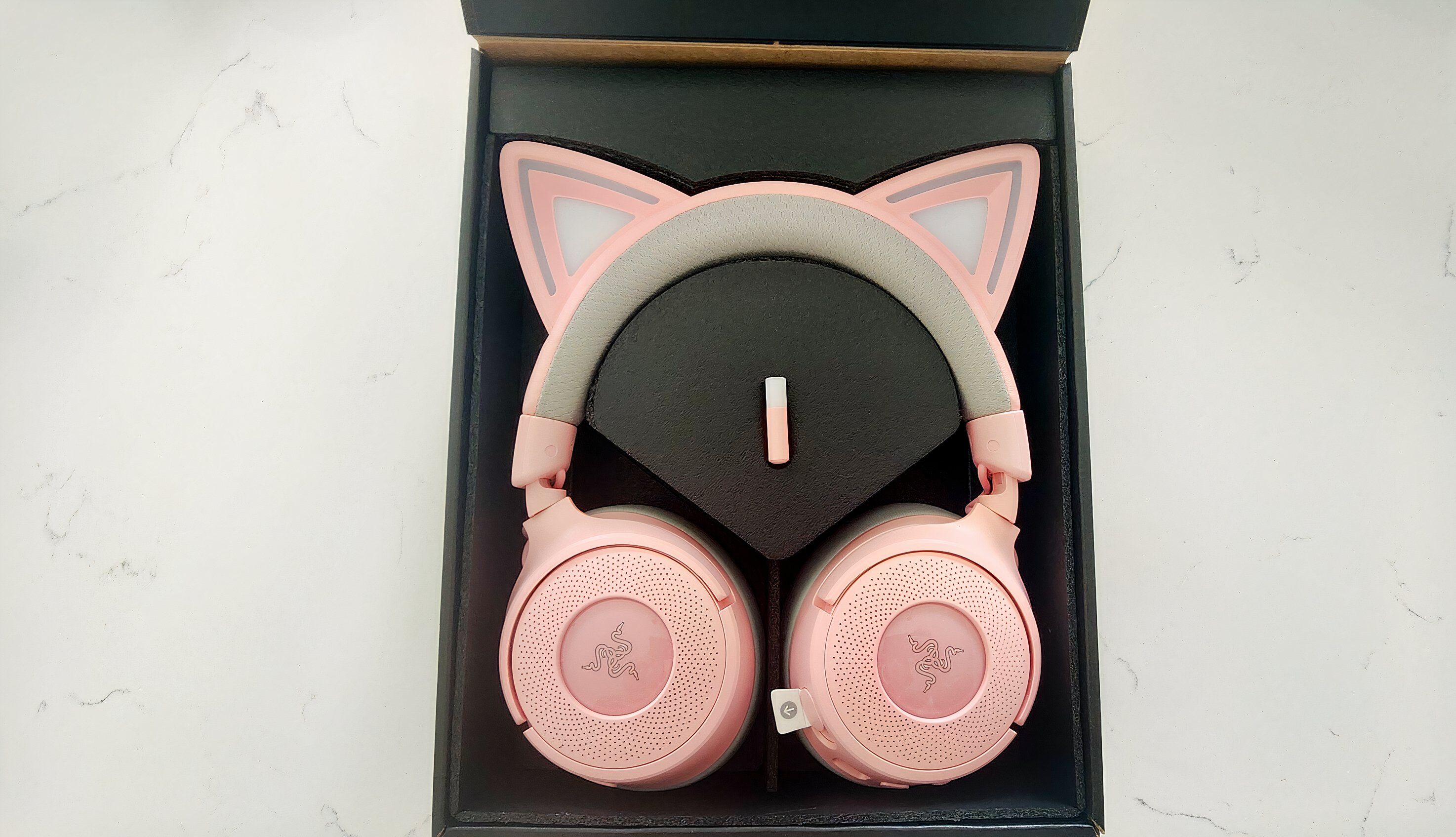
- Razer Kraken Kitty V3 Pro Gaming Headset
- USB Type C Razer HyperSpeed Wireless Dongle
- USB Type A to Type C Cable
- USB Type A to Type C adapter cable
- Informative Guide
The Kraken Kitty V3 Pro comes in attractive, minimalist packaging. Inside, you’ll find the headset itself, a matching dongle, and all the necessary cables, neatly organized. It’s available in the signature pink and white, as well as Razer’s classic black and green, or a clean white. The box highlights the headset’s versatility – it works with PCs, smartphones, PlayStation, Nintendo Switch, and even the Steam Deck, giving gamers plenty of options.
The Kraken Kitty headset adds extra enjoyment by linking its RGB lights to your games. For example, the cat ears might flash red when you take damage or glow gold when you level up. The lights also respond to what’s happening during streams. Plus, you can fine-tune every detail of the headset’s lighting to create exactly the look you want. I spent a surprising amount of time customizing the lights in the Razer Chroma app, and I’m still tweaking them!
The V3 Pro headphones are impressively light, but I started to feel some discomfort after wearing them for more than two or three hours and needed to take a break. However, everyone’s different – my husband wore them for over five hours during a long gaming session with no issues.
Audio Performance and Battery Life
The Kraken Kitty V3 Pro delivers immersive 7.1 surround sound thanks to THX Spatial Audio and powerful 40mm Razer Triforce Titanium drivers. Razer Synapse software lets you easily customize the audio, with features like Sound Normalization, which clarifies quiet sounds without making loud ones overwhelming, and a bass boost to emphasize low frequencies. While I personally wished the bass was a bit stronger even after adjustments, it wasn’t a major issue. It performed well during gaming, with clear explosions and spell effects, but didn’t quite deliver the same punch when listening to music at high volumes.
The built-in microphone is great for gaming with friends – it’s solid, doesn’t get in the way, and clearly picks up your voice, even when you whisper or there’s noise around. You have a lot of control over how it sounds, too, with options to block out background distractions and fine-tune the audio to your liking – and these adjustments really make a difference. Considering the $180 price, I’d expect this level of customization, and thankfully, Razer’s software is user-friendly and even enjoyable to use.
As a big fan of immersive experiences, I wasn’t shocked to see the battery life take a hit when I used the cool cat ears. I got a little over 60 hours of playtime with everything turned off, which is fantastic. But when I had the RGB lighting and haptic feedback going, it dropped down to around 10 hours. Honestly, it didn’t bother me much – I didn’t feel the need to have the lights on unless I was actually on camera. However, if you’re a streamer or someone who wants to enjoy all the features constantly, you’ll definitely need to factor that battery drain into your plans.
Customization Options
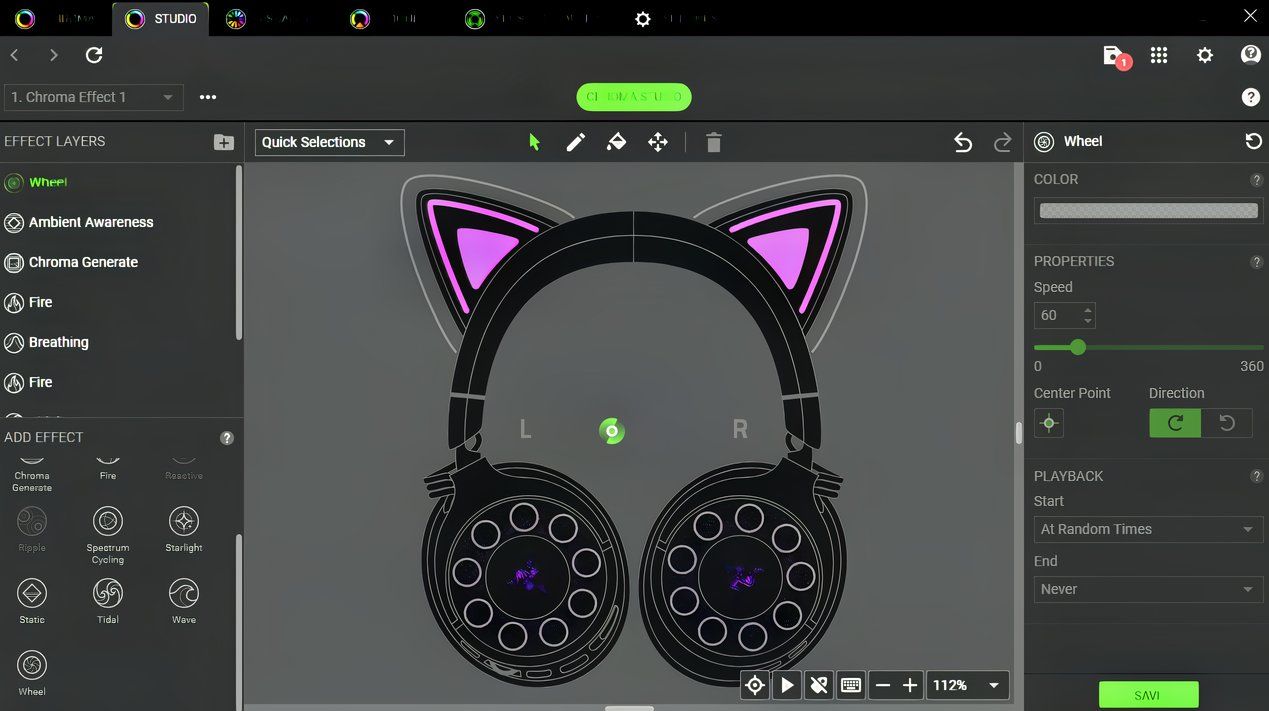 Image made by Game Rant
 The Kitty V3 Pro really shines with its customization options, and this is probably the biggest reason people will buy it. Razer is known for quality sound and PC accessories, but the sheer number of ways you can personalize this headset is incredible. The Razer Synapse software offers so many settings that it can feel a bit much for new users. I thought I’d just be able to change the color of the cat ears, but I was surprised by how much control I had over the lighting. I actually spent a full hour adjusting everything until it looked exactly the way I wanted.
What I really love about the V3 Pro isn’t just how customizable it is—I quickly became fascinated with the Audio-to-Haptics feature. It reacts to the sound coming from your computer and can even sync with certain games. While it’s most useful if you’re on video calls or streaming, even just watching yourself on webcam is a fun way to experience it. You could see it as a cool gimmick, but in a crowded headset market, it helps the V3 Pro stand out. It also inspired me to revisit some games I hadn’t played in a while just to see how it worked. For example, playing Hogwarts Legacy felt even more immersive with my cat ears lighting up with each spell, and winning big in Final Fantasy 14 was more exciting thanks to the flashing lights. Horror games are especially great—in Outlast 2, the lights even pulse with your character’s breathing.
Final Thoughts
The Razer Kraken Kitty V3 Pro is a well-made headset that lets players with a fun, pastel style show off their personality while gaming without sacrificing performance. Although I didn’t find it super comfortable for extended use, and the bass wasn’t as strong as I’d like, it’s still easy to recommend. It performs well overall and has an impressive number of lighting customization options.
The Razer Kraken Kitty V3 Pro costs $180, which is fairly expensive. It’s priced similarly to my preferred Razer headset, the BlackShark V2 Pro, which I find more comfortable and performs a bit better overall. However, the Kitty is clearly aimed at a specific audience – gamers who want a standout look. Those interested in the unique cat-ear lights probably won’t mind the minor performance differences, especially if they plan to use it for streaming or chatting with friends. Despite being a bit of a novelty item, the Kitty is well-made and Razer has clearly put a lot of effort into creating this now-iconic headset.
Read More
- All Shadow Armor Locations in Crimson Desert
- How to Get the Sunset Reed Armor Set and Hollow Visage Sword in Crimson Desert
- Best Bows in Crimson Desert
- Jujutsu Kaisen Season 3 Episode 12 Release Date
- Wings of Iron Walkthrough in Crimson Desert
- All Golden Greed Armor Locations in Crimson Desert
- All Helfryn Armor Locations in Crimson Desert
- How to Craft the Elegant Carmine Armor in Crimson Desert
- How To Beat Ator Archon of Antumbra In Crimson Desert
- Dark Marksman Armor Locations in Crimson Desert
2025-12-15 08:35