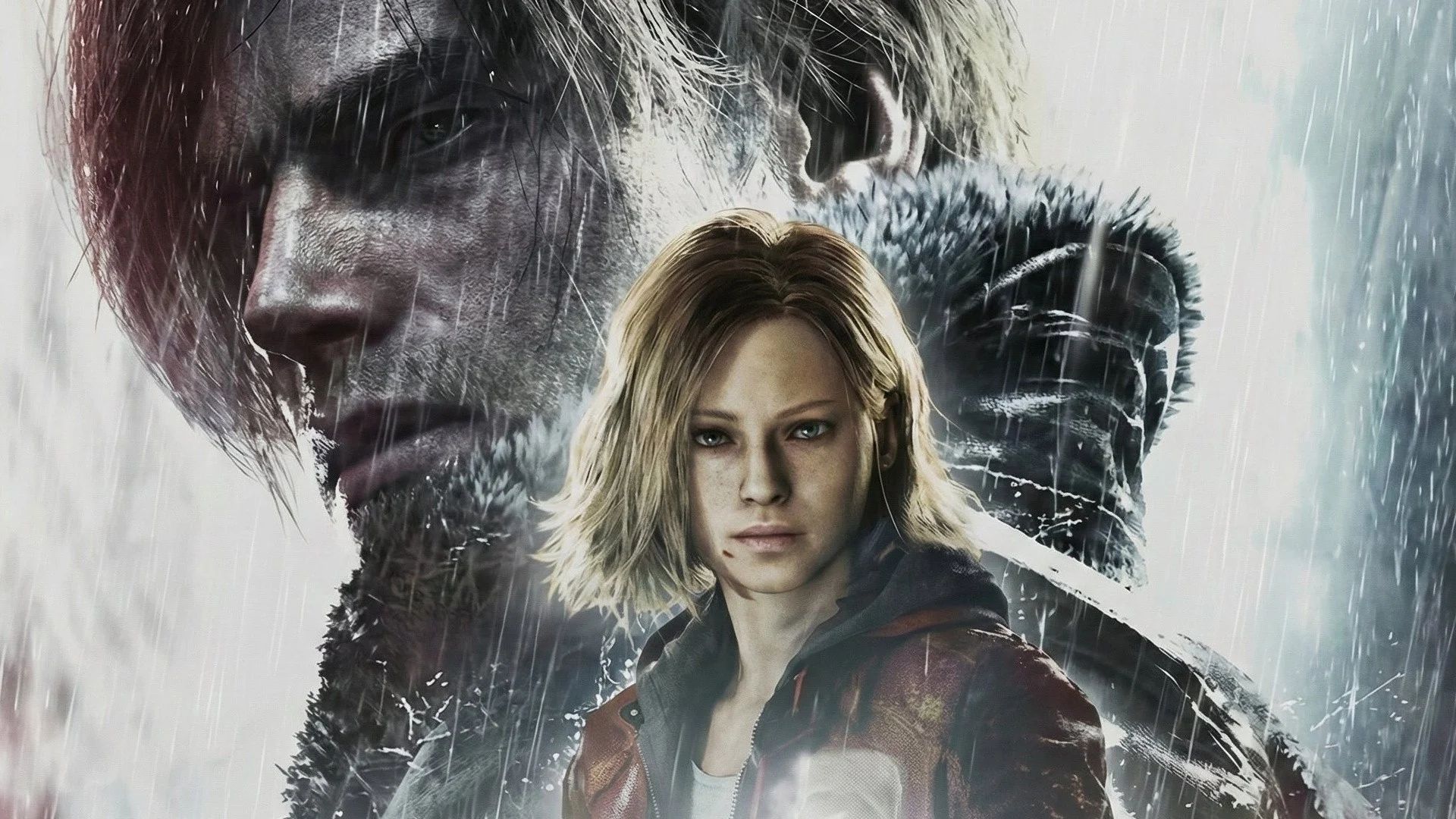
In Resident Evil Requiem, players experience the story through two main characters, Leon and Grace. The game blends different types of horror, putting players in intense survival and action-packed situations. As you navigate these scenarios, you’ll be able to switch between different camera angles to change how you play.
Resident Evil 9 lets you play with either a first-person or third-person camera, so everyone can enjoy the game their way. If you’re not sure which one to choose, we’ll guide you on the best camera settings for playing as both Leon and Grace.
Should You Play First-Person or Third-Person in Resident Evil 9?
We suggest playing with the third-person camera for both Grace and Leon. This perspective gives you a wider view of your surroundings, making it easier to spot enemies, find items, and check around corners for threats.
First-Person or Third-Person for Grace?
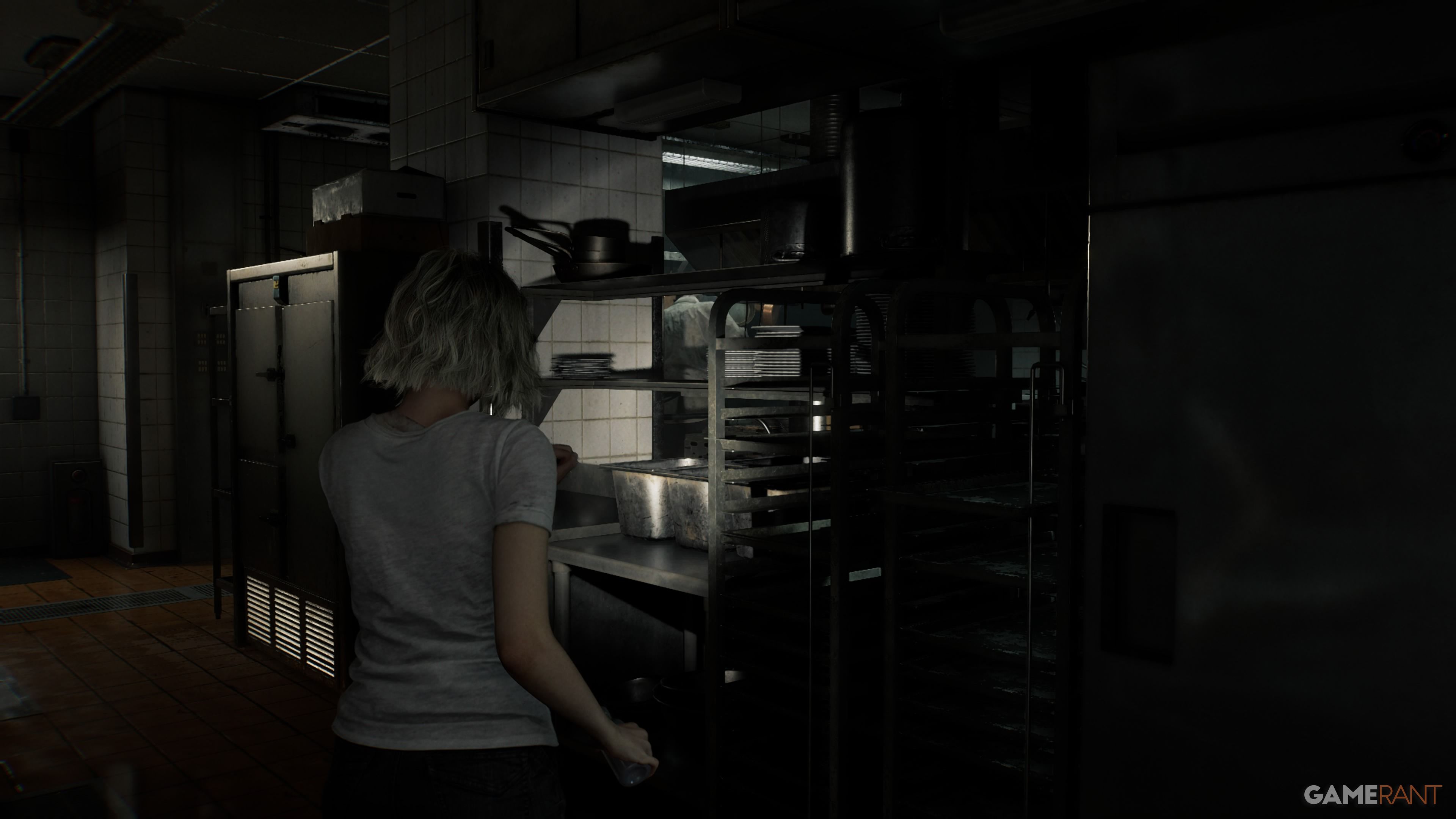
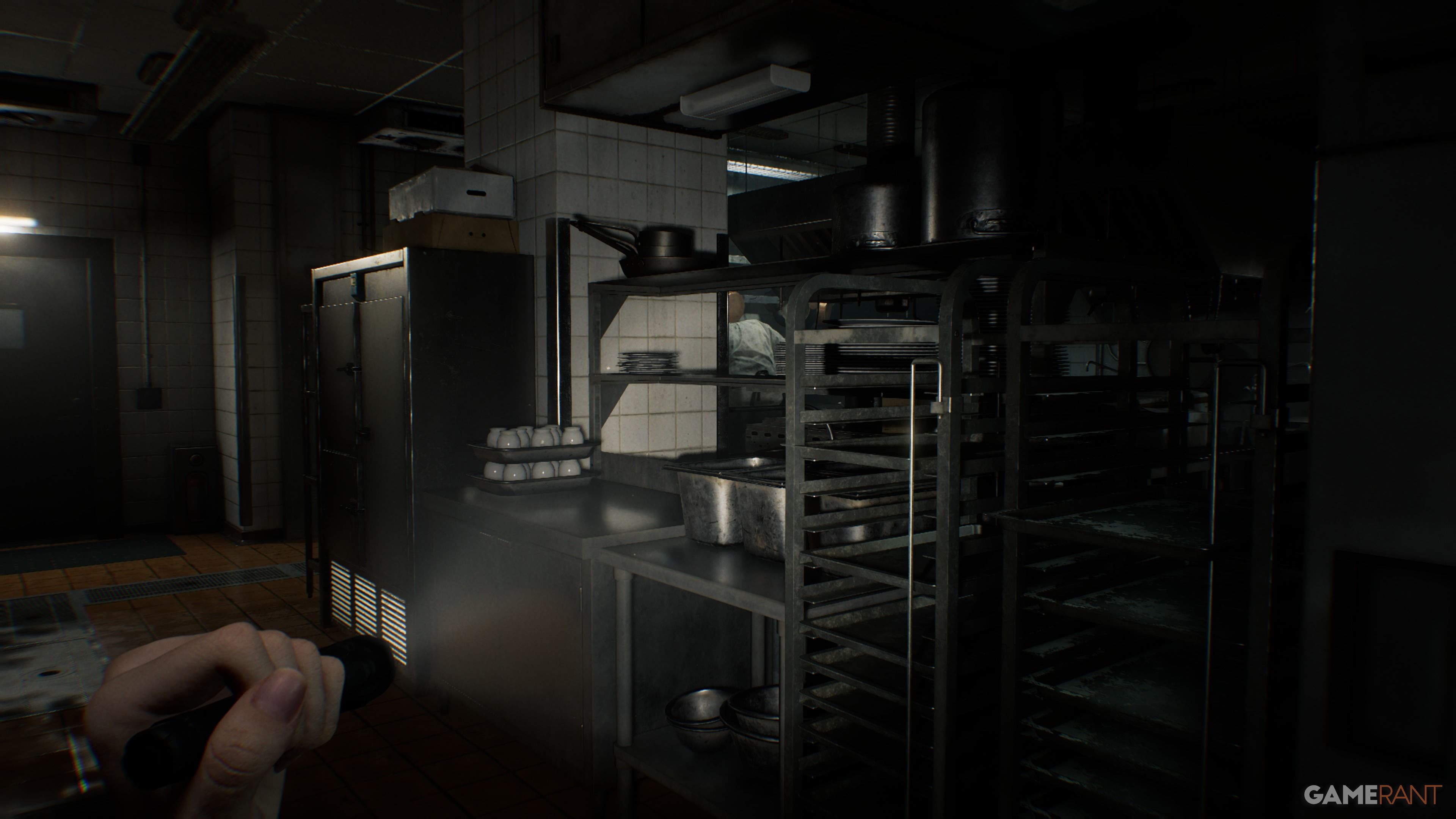
Grace’s gameplay focuses more on the terrifying aspects of survival horror compared to Leon’s. Players will experience more intense scares, sudden jumps, and a classic horror feel as they search for supplies, evade enemies, and face frightening situations. If you’re looking for a truly scary and suspenseful experience, we suggest playing as Grace in first-person.
Staying in first-person will make the game more immersive, especially since some scenes are specifically designed that way. Experiencing key moments from Grace’s perspective can be more impactful if the camera doesn’t switch to a wider view. However, if you prefer a greater sense of safety and control over your character’s movements, third-person is a better choice.
First-Person or Third-Person for Leon?
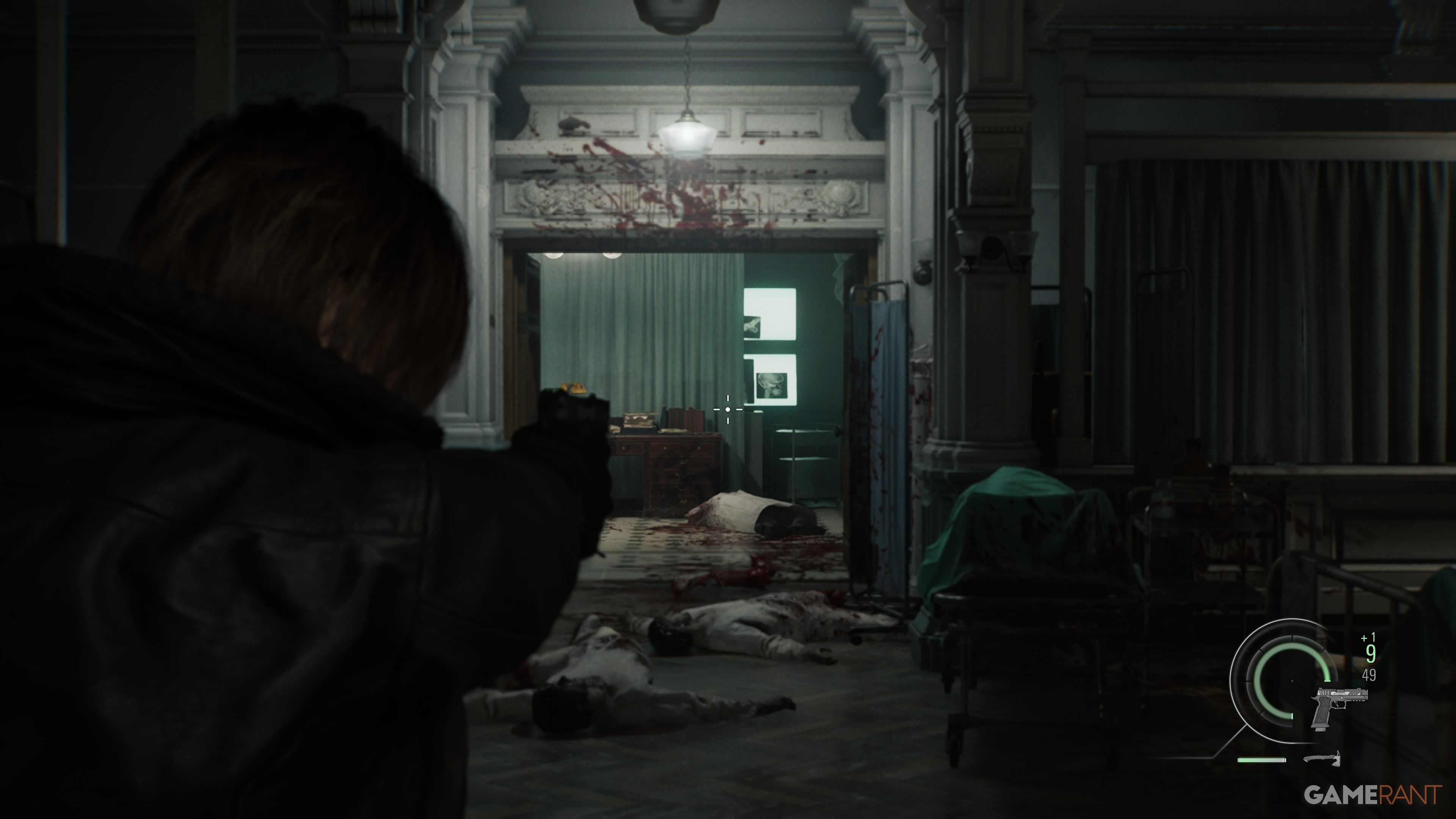
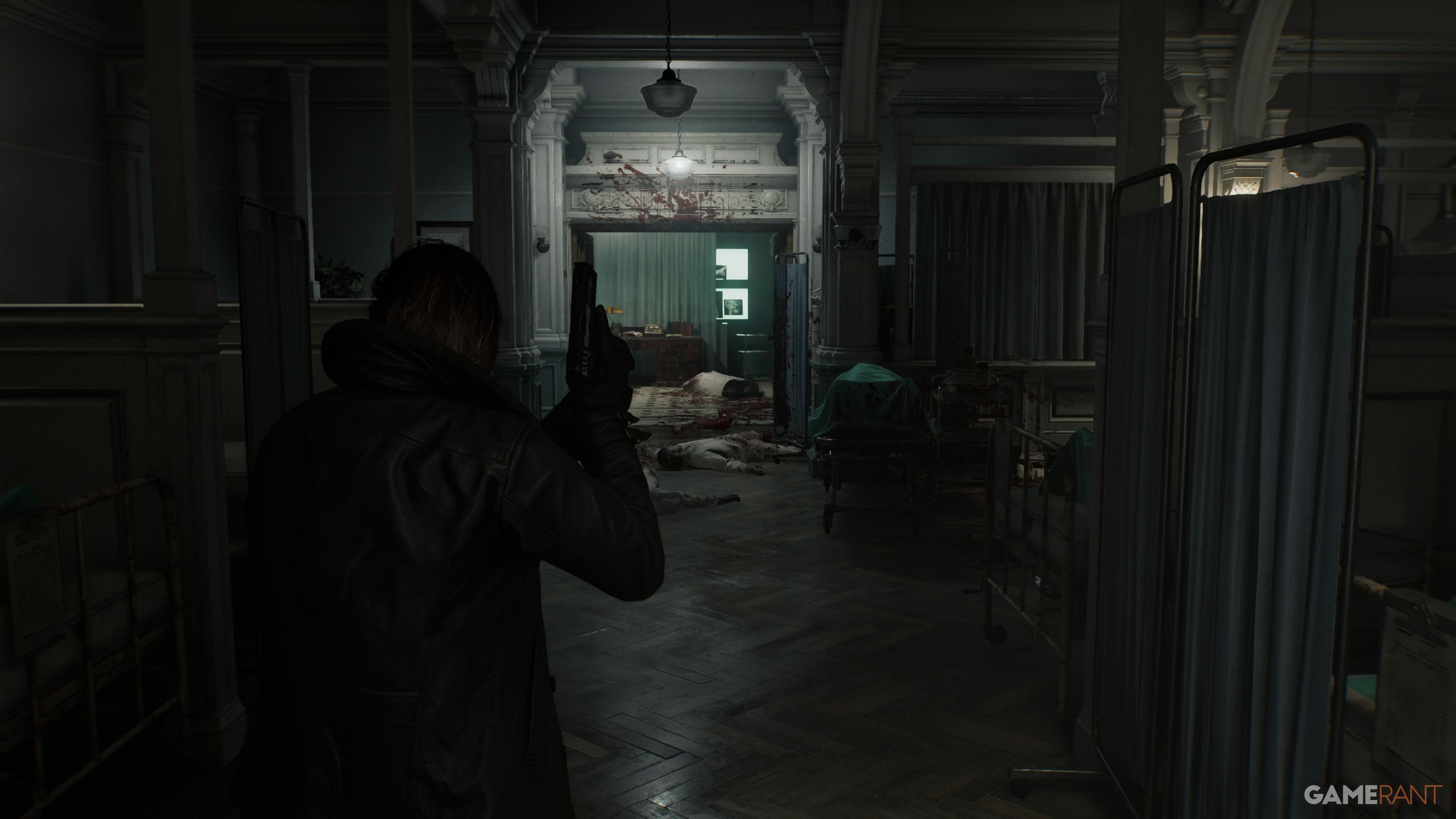
Leon plays much more like he did in Resident Evil 2 and Resident Evil 4, with a strong focus on action. Because of this, we suggest sticking with third-person mode when playing as Leon. First-person mode is a different way to experience him, but his fast-paced, combat-heavy gameplay feels best in third-person.
Using a third-person view lets you easily see your surroundings, dodge attacks, and quickly turn. It also gives you more freedom when shooting zombies and enemies, as the camera isn’t locked to a first-person perspective.
How to Change Camera Modes in Resident Evil 9
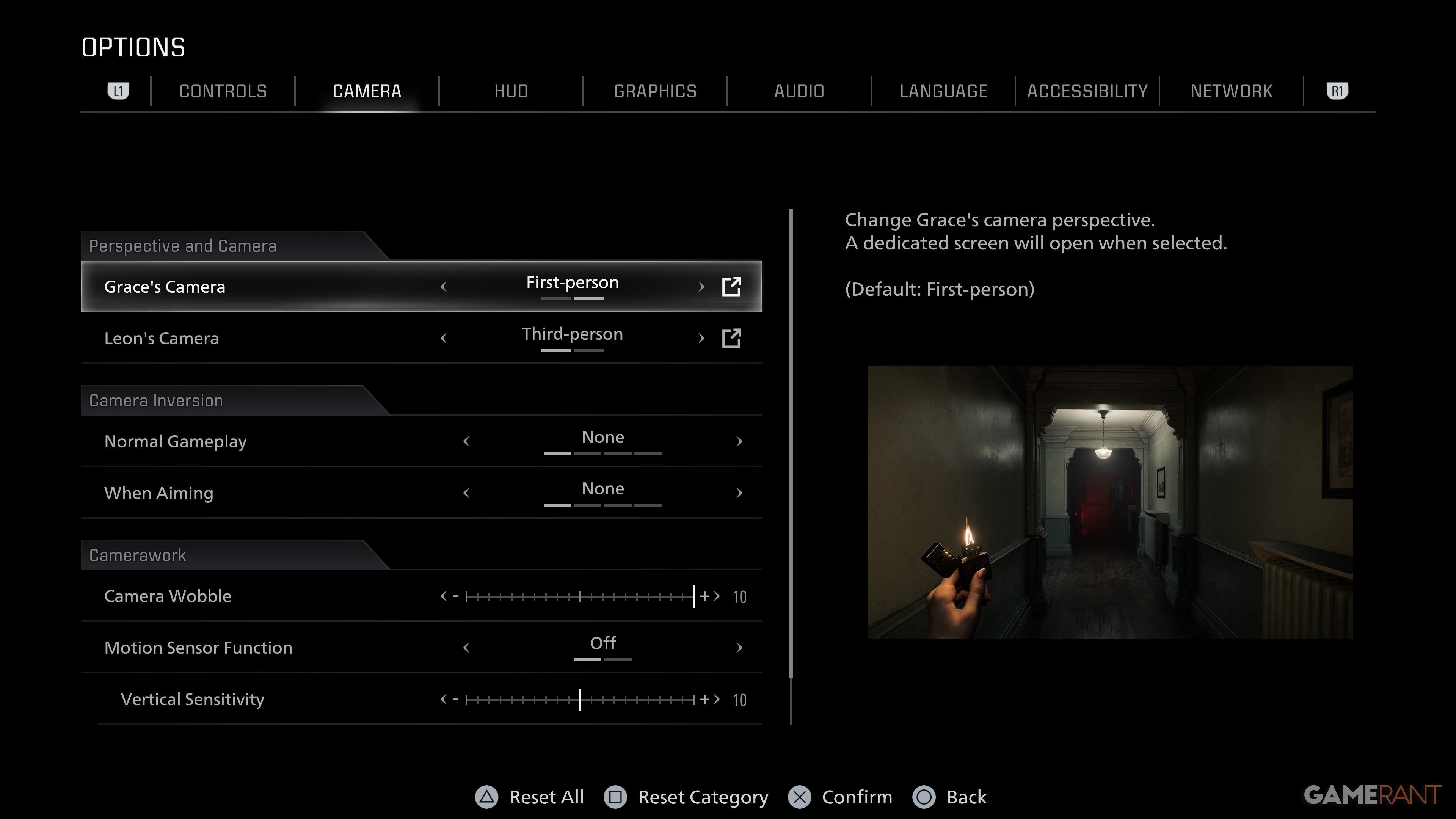
You can adjust the camera view in the Options menu. Press the Select button, then go to the Camera tab. Here, you’ll find settings for both Grace and Leon’s cameras, letting you easily switch between playing in first-person and third-person for either character.
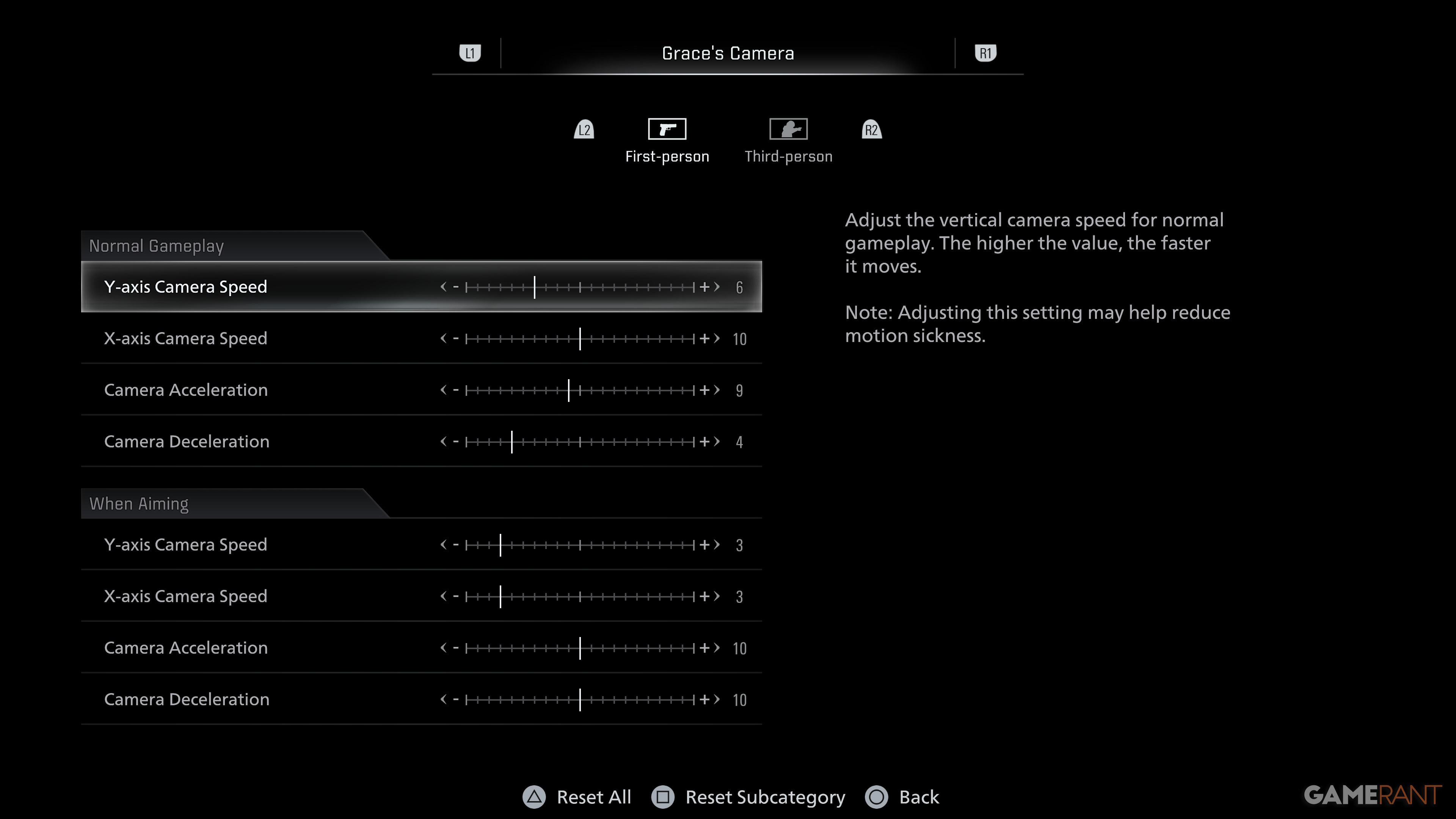
You can adjust how quickly the camera moves during gameplay and aiming by clicking on either Grace’s Camera or Leon’s Camera settings. This lets you customize both the speed and how smoothly the camera accelerates and decelerates, giving you more precise control.
Read More
- All Skyblazer Armor Locations in Crimson Desert
- How to Get the Sunset Reed Armor Set and Hollow Visage Sword in Crimson Desert
- All Shadow Armor Locations in Crimson Desert
- Marni Laser Helm Location & Upgrade in Crimson Desert
- All Helfryn Armor Locations in Crimson Desert
- All Golden Greed Armor Locations in Crimson Desert
- One Piece Chapter 1180 Release Date And Where To Read
- Best Bows in Crimson Desert
- All Icewing Armor Locations in Crimson Desert
- How to Beat Stonewalker Antiquum at the Gate of Truth in Crimson Desert
2026-02-26 14:45