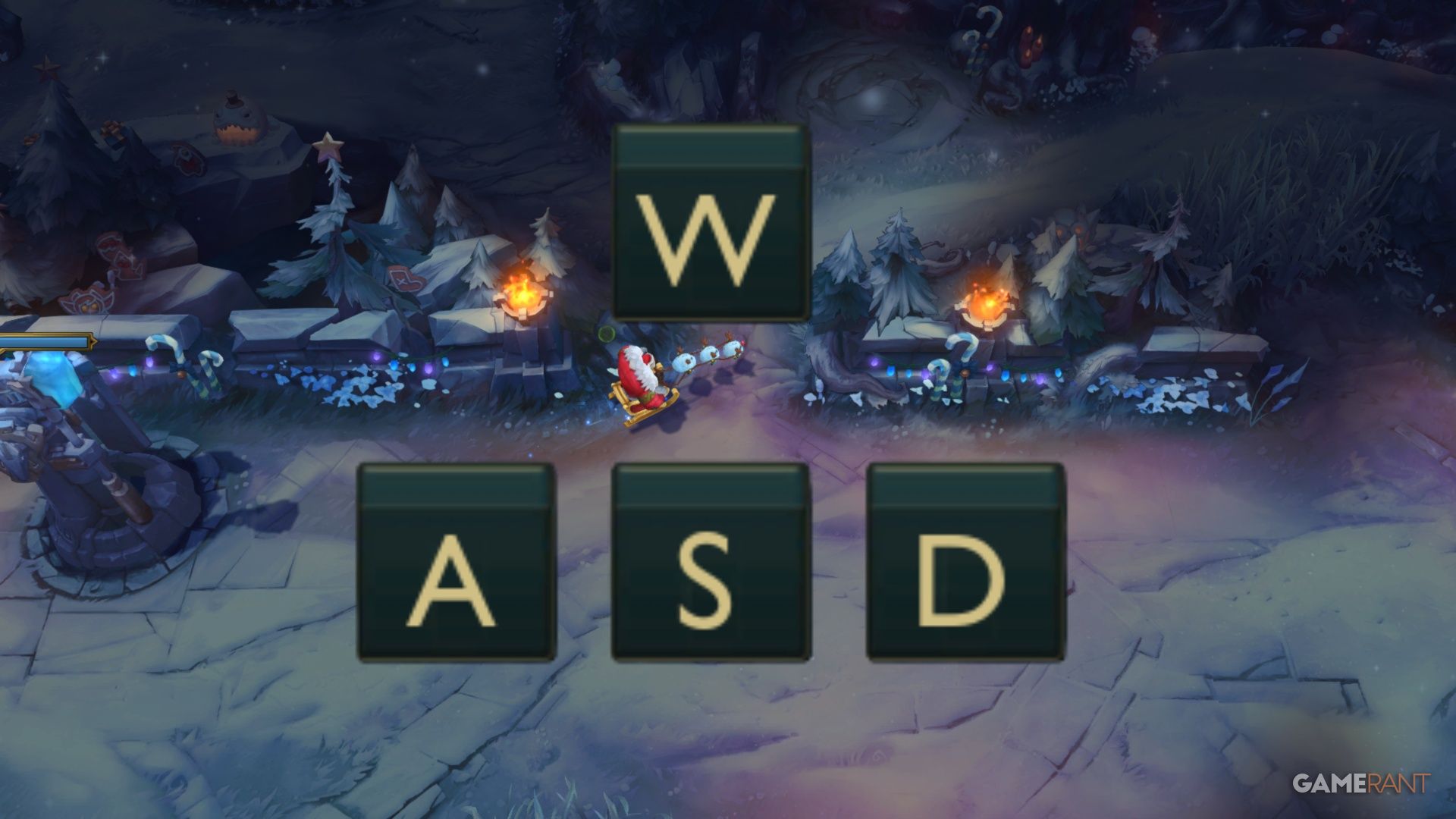
Adding WASD controls is a major update for League of Legends, offering players a new way to control their champions. Riot Games hopes this will make the game easier to pick up, especially for those familiar with these controls from other games, and broaden the game’s appeal.
You don’t have to use WASD keys to move in League of Legends – if you prefer using your mouse, you can skip this update. This guide will show you how to enable WASD movement if you’re interested, explain the new settings that come with it, and help you decide if switching is right for you.
When Will WASD Controls Be Released For League Of Legends

With Patch 25.24, released on December 3rd, 2025, players can now use WASD keys to control their champions in League of Legends. Initially, this new control scheme is only available on the OCE server.
We’re planning to launch WASD on other servers throughout the day. However, if players find a lot of problems with the version on the OCE servers, the launch on other servers might be postponed a little bit.
WASD has since been released for both EUW and NA, and possibly other servers too.
How To Enable WASD Controls In League Of Legends

To use WASD keys for movement in League of Legends, you’ll first need to be in a game mode. The Practice Tool is the easiest and most recommended place to test out these controls.
Go to the settings menu and find the Keybinds section. At the top, you’ll see an option to choose how you control the game – you can select either “Mouse (Point & Click)” or “Keyboard (WASD)”.
Remember to click save before exiting the option menu.
You cannot change to WASD in the main client currently; it must be done in-game.
When you change your control scheme, some key presses, like those for using abilities, will be different. But don’t worry! If you switch back to using the mouse, your original settings will be automatically restored. This lets you try out different controls without fear of losing your preferences.
Players can easily switch between these choices, but after 10 minutes, your selection is final and cannot be changed for the remainder of the game.
Settings For WASD Controls
Besides adjusting all the standard hotkeys when you change control schemes, there are also some specific settings you’ll need to configure for WASD controls.
Just beneath the keys for W, A, S, and D themselves, which can be changed, there are two options:

- Rotate WASD inputs relative to map lane orientation.
- Flash Handling Type: Cursor, Movement + Cursor if Aligned, or Movement
This setting controls how Flash moves – it can either track your mouse pointer or continue moving in the direction the character is already facing.
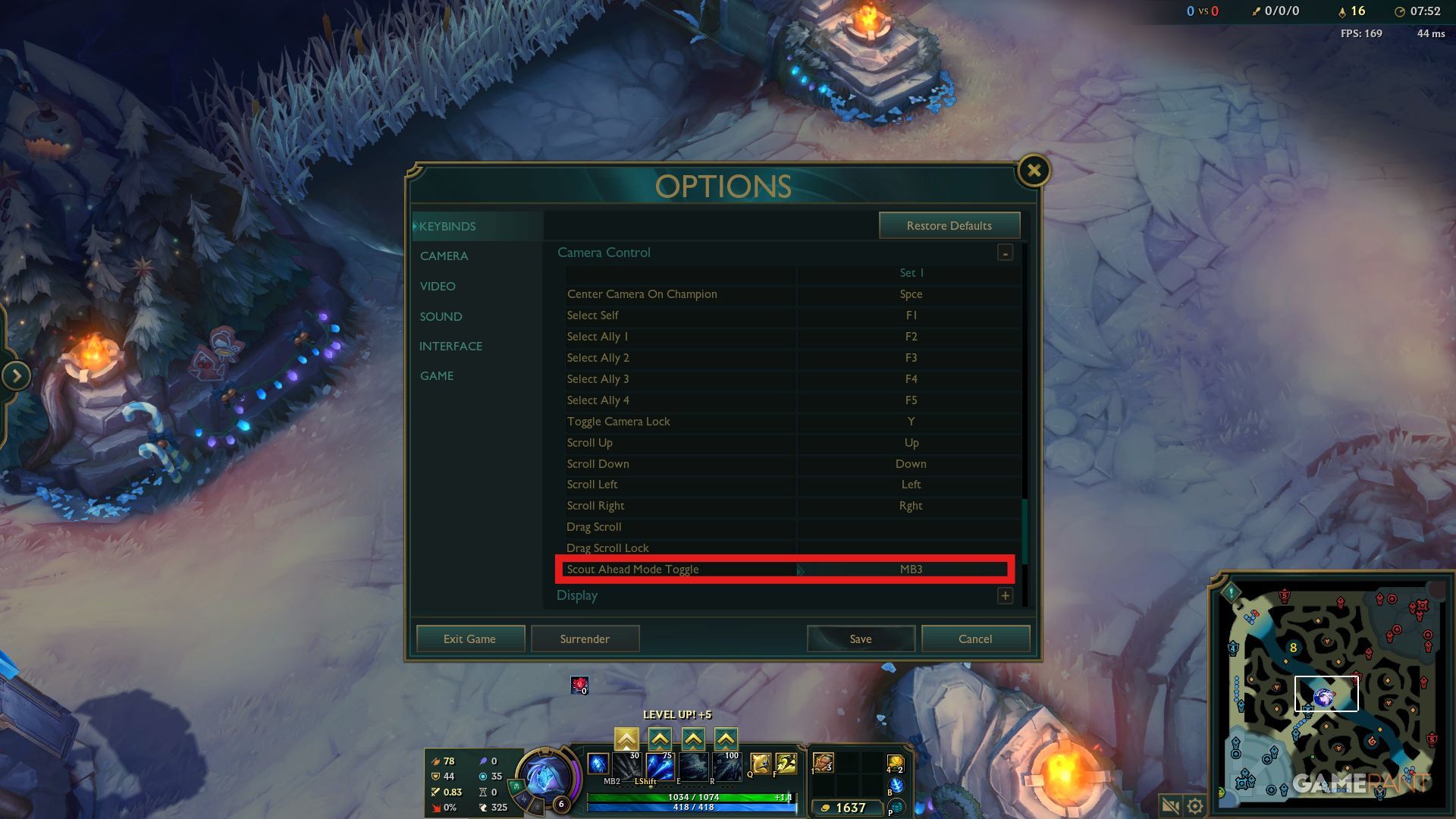
For players who use WASD to move, there’s a new feature called “Scout Ahead Mode Toggle” found in the Keybinds menu under Camera Control. It’s assigned to the Middle Mouse Button (MB3) by default and lets you view the game world independently of where your character is facing.
In the proper Camera settings, players can adjust the speed of Scout Ahead Mode.
When Can WASD Be Used?

As a player, I’m excited about the new WASD controls, but just so you know, when they first came out in Patch 25.24, you could only use them in some of the more casual game modes – not in ranked play. Here’s where they worked at launch:
| WASD Enabled | WASD Disabled |
|---|---|
| Custom Games | Normal Draft Pick |
| Practice Tool | Ranked Solo/Duo |
| Swiftplay | Ranked Flex |
| ARAM | |
| ARAM Mayhem | |
| Arena | |
| ARURF | |
| Co-op Vs AI |
Riot hasn’t announced a date for when WASD controls will be added to ranked and other game modes. They’re waiting until both they and players are confident that it’s working perfectly and is fair for everyone.
Sometimes, the WASD controls might be turned off for certain champions if we encounter issues or bugs. Currently, WASD is disabled for Briar and Taliyah.
Should You Use WASD Controls In League of Legends?

Now that players can choose to use WASD controls, and with it likely coming to ranked play, the big question is whether you should switch. Ultimately, it’s up to personal preference – there’s no right or wrong answer. Let’s consider what might work best for different types of players.
Should New Players Use WASD In League?

If you’re just starting League of Legends or are still learning to move your character with the mouse, using WASD controls is a really good choice – that’s actually why we added them! This is particularly helpful if you’re used to playing other games that use WASD for movement.
New players don’t have to stick with the WASD keys if they don’t want to. It’s a good idea to experiment with both control schemes and choose the one that feels most comfortable for you.
Should Veterans Use WASD In League?

Players who have been enjoying League of Legends for a long time, even since its beginning in 2009, don’t need to worry about the WASD controls or feel pressured to learn them. They can continue playing as they always have.
Look, if you’re comfortable sticking with point-and-click movement and using QWER for your abilities, that’s totally fine! You don’t have to switch to WASD. The developers are aiming for a point where both control schemes feel just as good and powerful, and they’ve promised they’ll never get rid of the original system. They really want to make sure everyone can play the way they prefer, and they’re listening to feedback to balance things out.
You can also try using WASD controls – you might actually like them better! It will take some getting used to, as you’ll need to relearn the controls and set up new keybindings, but it’s definitely possible.
Should ADC Players Use WASD In League?

Most veterans likely won’t need to switch to WASD controls, but it could be helpful for players who focus on Attack Damage Carry (ADC). WASD can make ‘kiting’ – moving while attacking – easier, allowing marksmen to deal more damage from a safe distance and avoid enemy attacks.
Recently, we made a small adjustment to kiting using WASD on the Public Beta Environment. It’s no longer as strong as it was, but it’s still a good strategy. Skilled players who want to switch to WASD will need to practice to get back to – and potentially exceed – their current kiting performance.
I’m curious to see if any pro players who usually play attack damage carries will try out the new changes, but honestly, regular players like me shouldn’t feel pressured to switch up how we play. Targeting with a simple click still works just as well as it always has!
Read More
- All Skyblazer Armor Locations in Crimson Desert
- How to Get the Sunset Reed Armor Set and Hollow Visage Sword in Crimson Desert
- All Shadow Armor Locations in Crimson Desert
- Marni Laser Helm Location & Upgrade in Crimson Desert
- All Golden Greed Armor Locations in Crimson Desert
- All Helfryn Armor Locations in Crimson Desert
- Keeping Large AI Models Connected Through Network Chaos
- Best Bows in Crimson Desert
- All Icewing Armor Locations in Crimson Desert
- How to Craft the Elegant Carmine Armor in Crimson Desert
2025-12-04 03:36