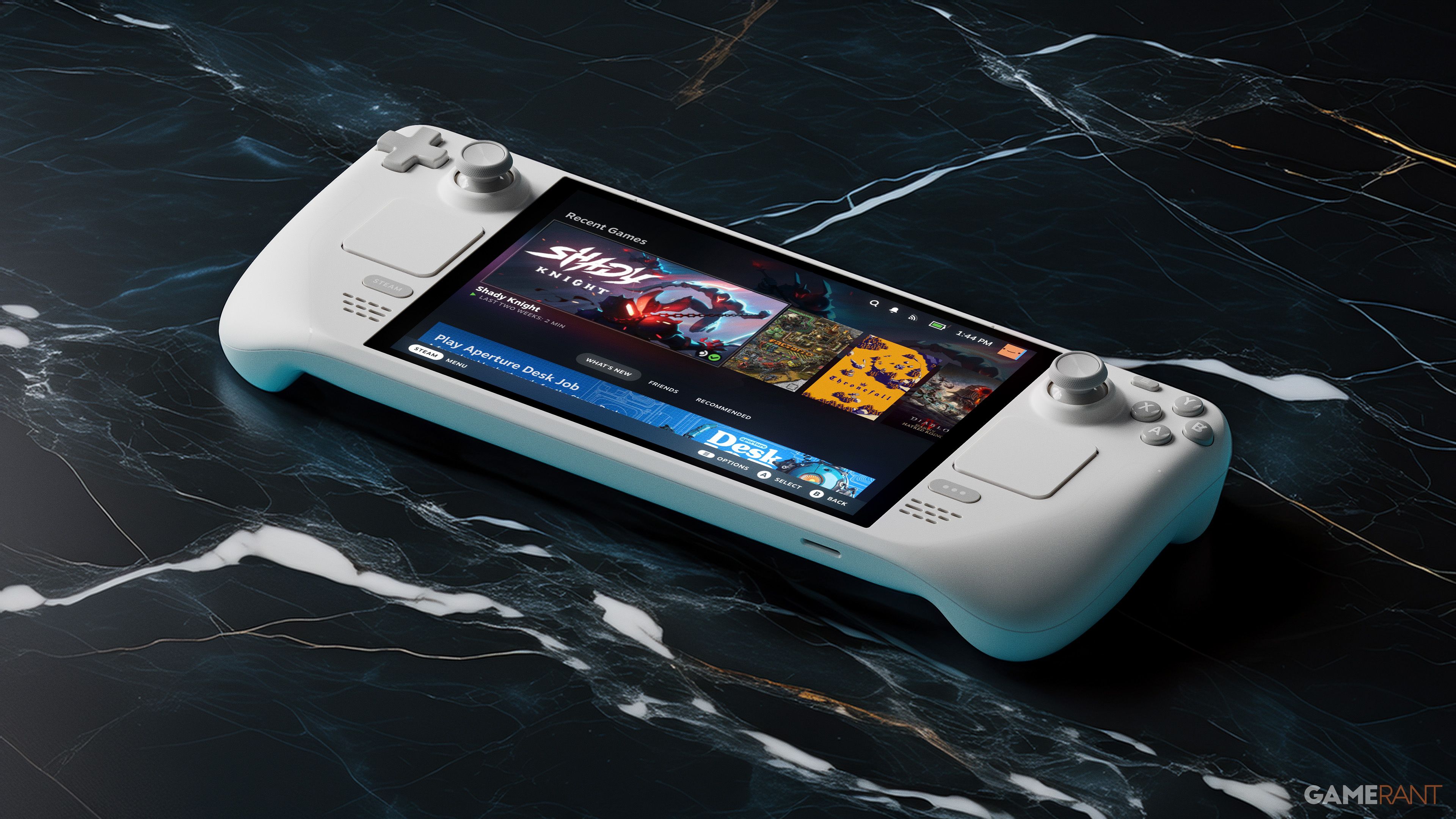
Valve recently added a highly requested feature to the Steam Deck: the ability to download games even when the screen is turned off. Steam Deck users have been asking for this for a while now, and it’s finally here!
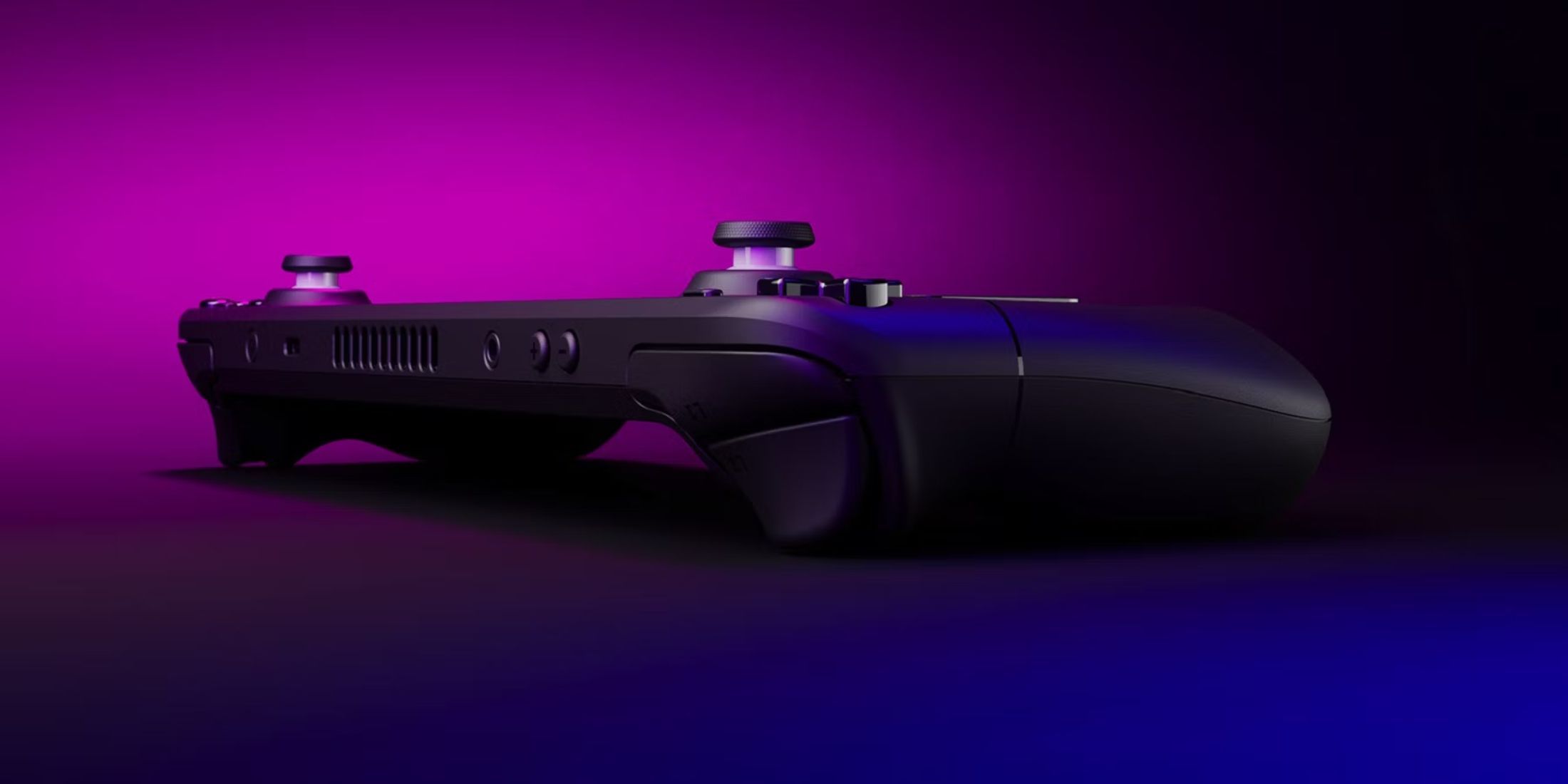
The Steam Deck has been a big hit for Valve, and it’s really shaken up PC gaming by popularizing portable handheld devices – we’re now seeing competitors like the Lenovo Legion Go and the Asus ROG Ally X. While people love playing their PC games on the go, the Steam Deck isn’t without its issues, and this new update fixes a problem users have been complaining about for a while.
Steam Deck Gets New Download Feature
Valve recently added a new feature to the Steam Deck called Display-Off Downloads. Now, Steam Decks participating in the Beta or Preview programs can download and install games, updates, and more while the screen is turned off, saving battery life. This feature is automatically enabled when the Steam Deck is plugged in, and can also be turned on for battery power in the system settings. If you start a download and leave the device idle, the screen will automatically turn off to conserve power. You can also manually turn off the display and continue downloading by pressing the power button and selecting the appropriate option.
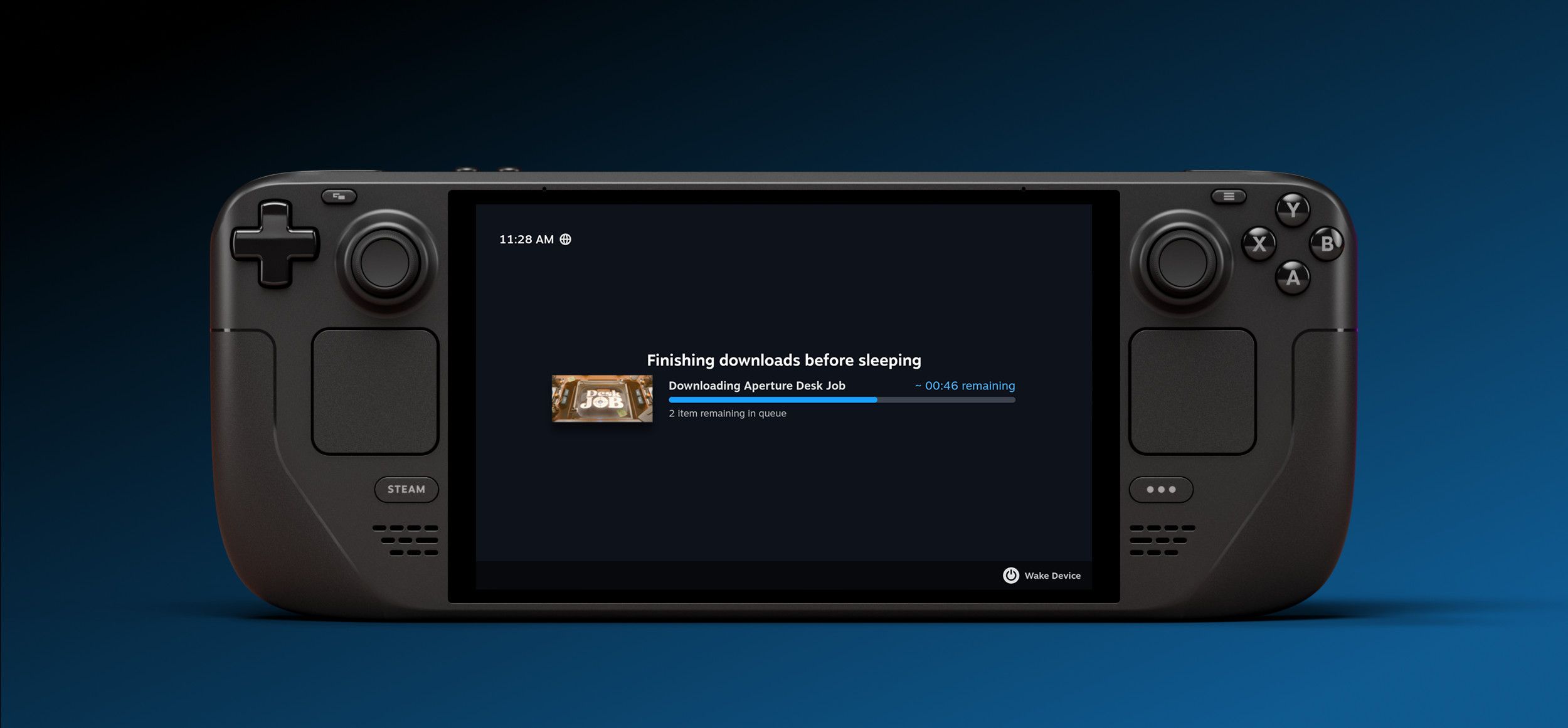
You can now easily check the progress of your downloads without fully turning on your Steam Deck. Simply pressing the power button while a download is in progress will show you what’s currently downloading, the estimated time remaining, and how many other downloads are waiting. Also, to prevent interruptions, your Steam Deck will automatically enter Sleep Mode when the battery reaches 20% during a download.
Users are generally happy with the new feature, but some are surprised it took Valve so long to implement it. When the Steam Deck launched in 2022, players had to keep the screen on while downloading games. Unlike the Nintendo Switch, which allows downloads in sleep mode, the Steam Deck didn’t have this option. This caused concerns about battery life and potentially damaging the screen, but those worries should now be resolved.
Read More
- All Skyblazer Armor Locations in Crimson Desert
- One Piece Chapter 1180 Release Date And Where To Read
- How to Get the Sunset Reed Armor Set and Hollow Visage Sword in Crimson Desert
- All Shadow Armor Locations in Crimson Desert
- How to Beat Stonewalker Antiquum at the Gate of Truth in Crimson Desert
- All Golden Greed Armor Locations in Crimson Desert
- Cassius Morten Armor Set Locations in Crimson Desert
- Grime 2 Map Unlock Guide: Find Seals & Fast Travel
- Marni Laser Helm Location & Upgrade in Crimson Desert
- USD RUB PREDICTION
2025-11-05 03:33