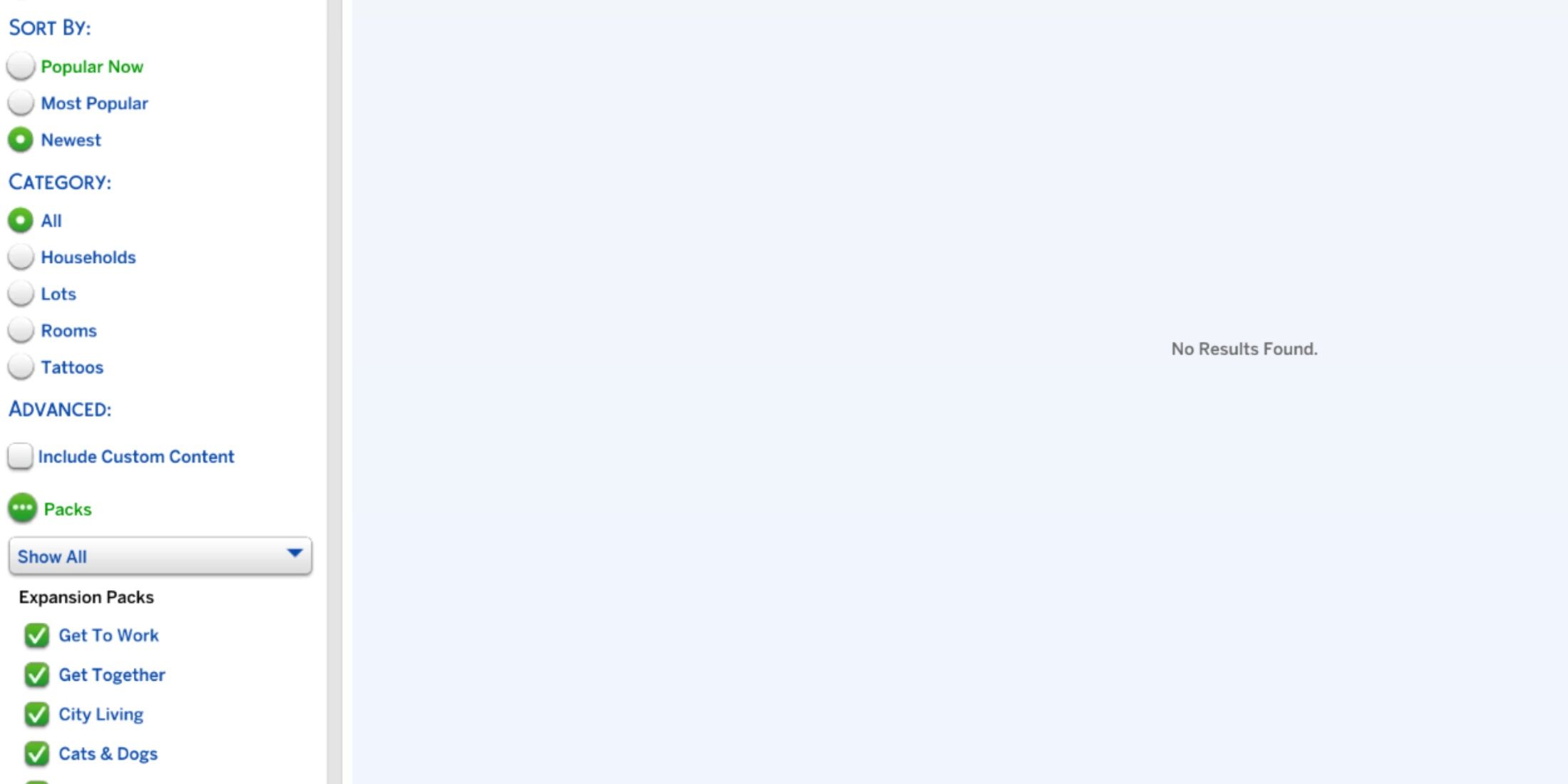
In The Sims 4, updates are rolled out quite frequently, and occasionally these updates can cause issues within the game. Lately, several players have encountered problems with the in-game Gallery, as it’s been loading slowly, not showing many or any results, and the filters appear to be malfunctioning.
The community has expressed their frustration over this issue, and it’s now the responsibility of the developers to release a patch to resolve it. In the meantime, players have tried various solutions and found some potential workarounds that could possibly address the problem with The Sims 4 gallery.
How to Fix The Sims 4 Gallery Not Loading
The Sims 4 Gallery No Result Found Issue
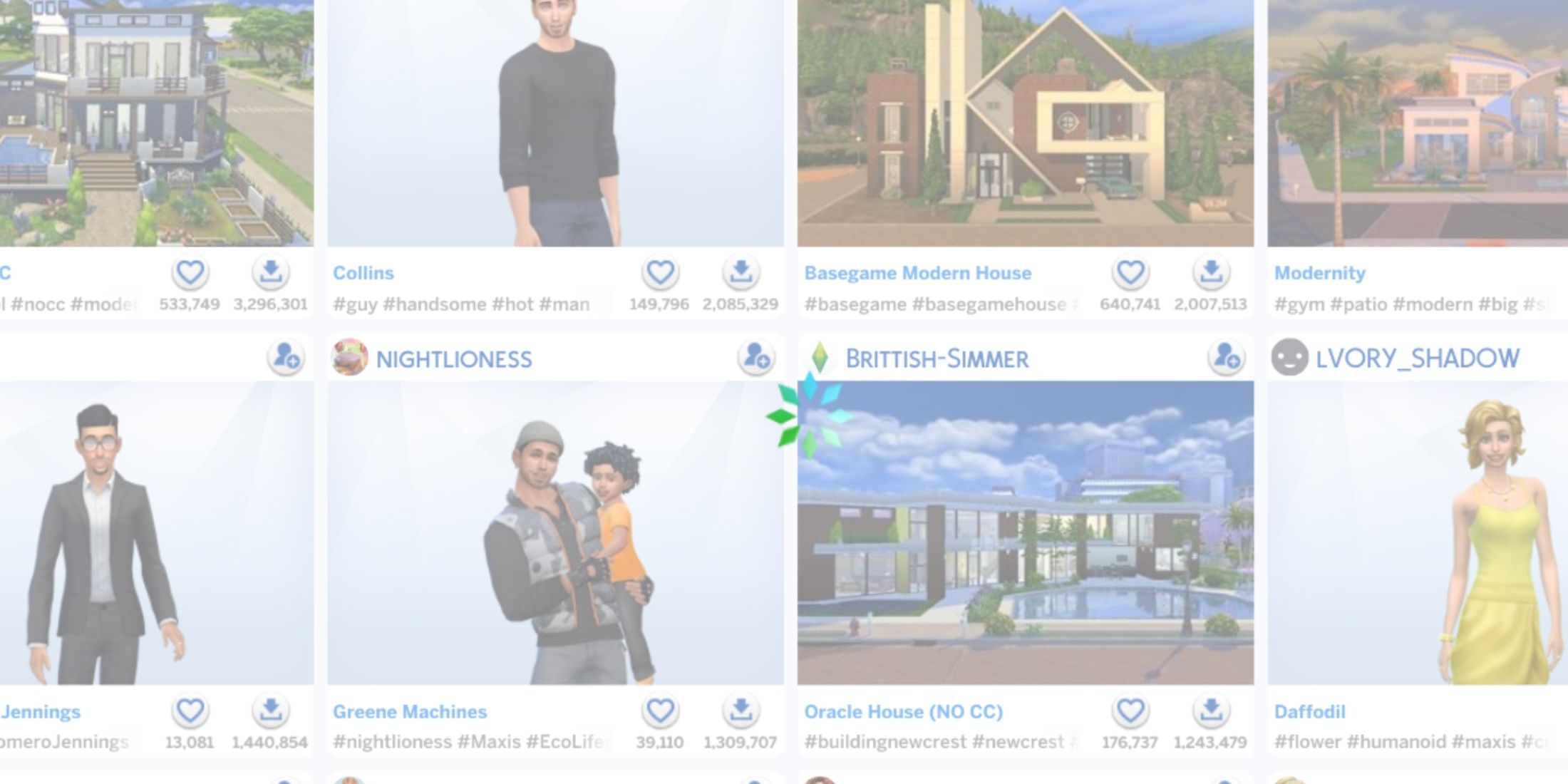
When attempting to troubleshoot issues with The Sims 4 gallery, simply disabling or uninstalling mods won’t help solve the problem as it currently stands. However, you can discover certain builds. Here’s a guide on how to find items in the gallery and reduce the chances of encountering the “No Results Found” issue:
1. Open The Sims 4 game.
2. Navigate to the Gallery tab located at the bottom left corner of the screen.
3. Use the search bar at the top to look for specific items, sets, or creators you’re interested in.
4. To increase your chances of avoiding the “No Results Found” problem, try using broader search terms or exploring different categories.
5. If possible, sort results by popularity or favorites to find items that have been well-received by other players.
Use the Following Filter
Content filters generally function effectively, meaning that by following a creator, viewers can usually access their content with ease.
Use Hashtags
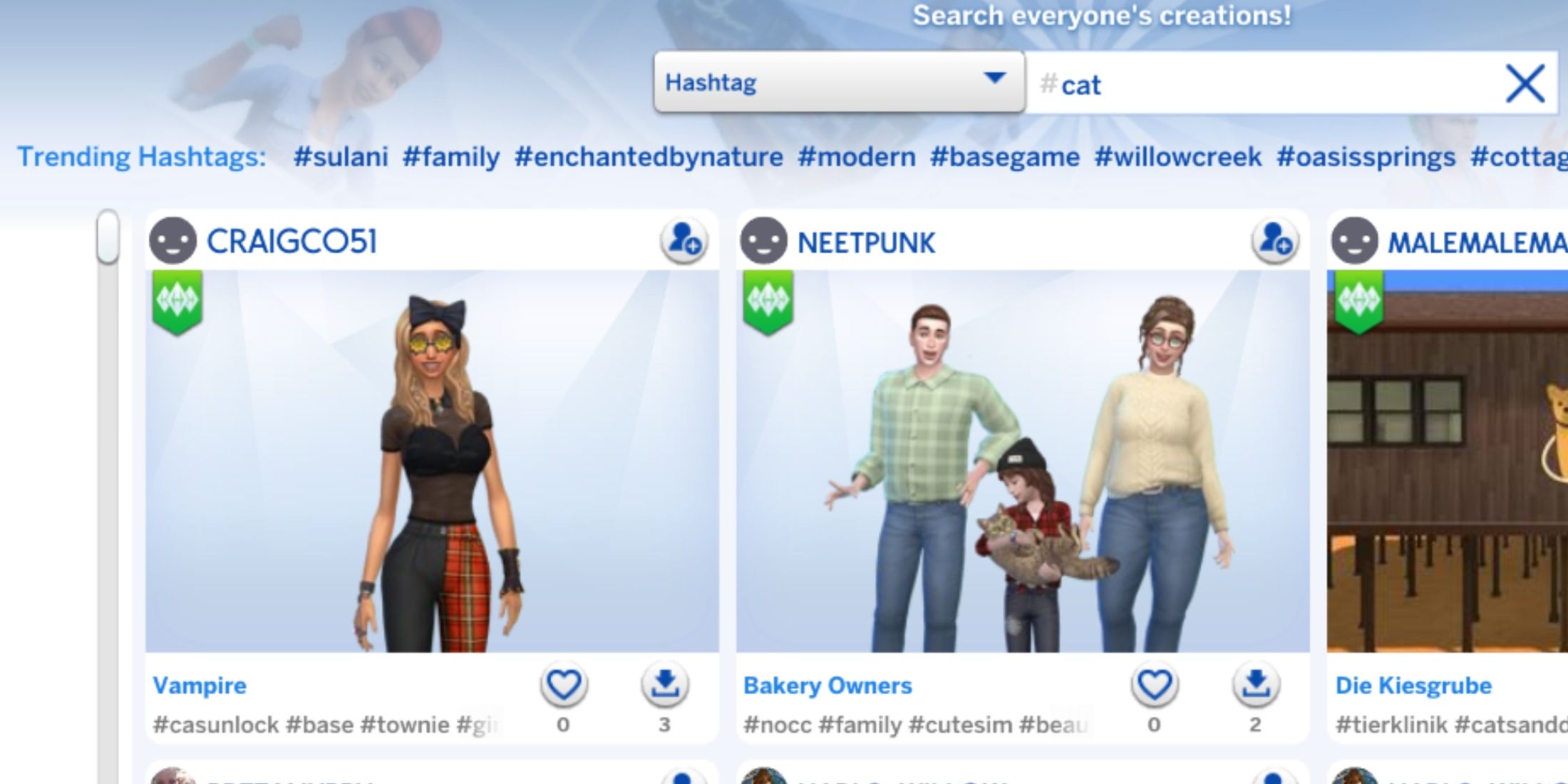
Using or choosing a popular hashtag enables you to find content that creators have linked to this tag.
Go Back and Forth With Tags and Filters
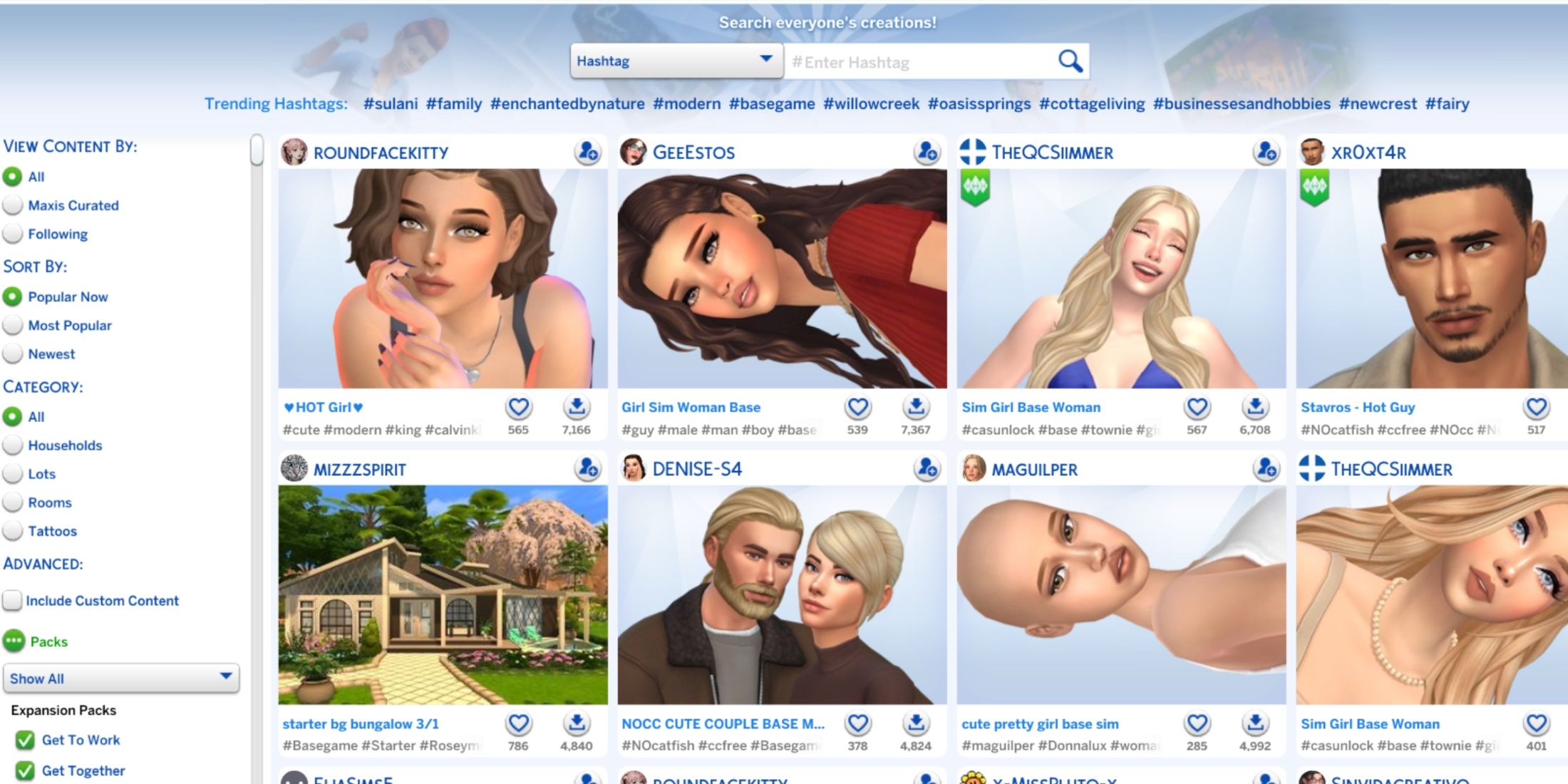
If the player realizes that a hashtag or filter is taking too much time to appear, they could switch to another one briefly, then try loading it again as a potential solution to refresh the content.
Although it may not always function perfectly, this feature can occasionally display the requested content for users to browse. However, there’s a possibility that it won’t load additional gallery uploads as you keep scrolling.
The Sims 4 Gallery Issues (August 2025)
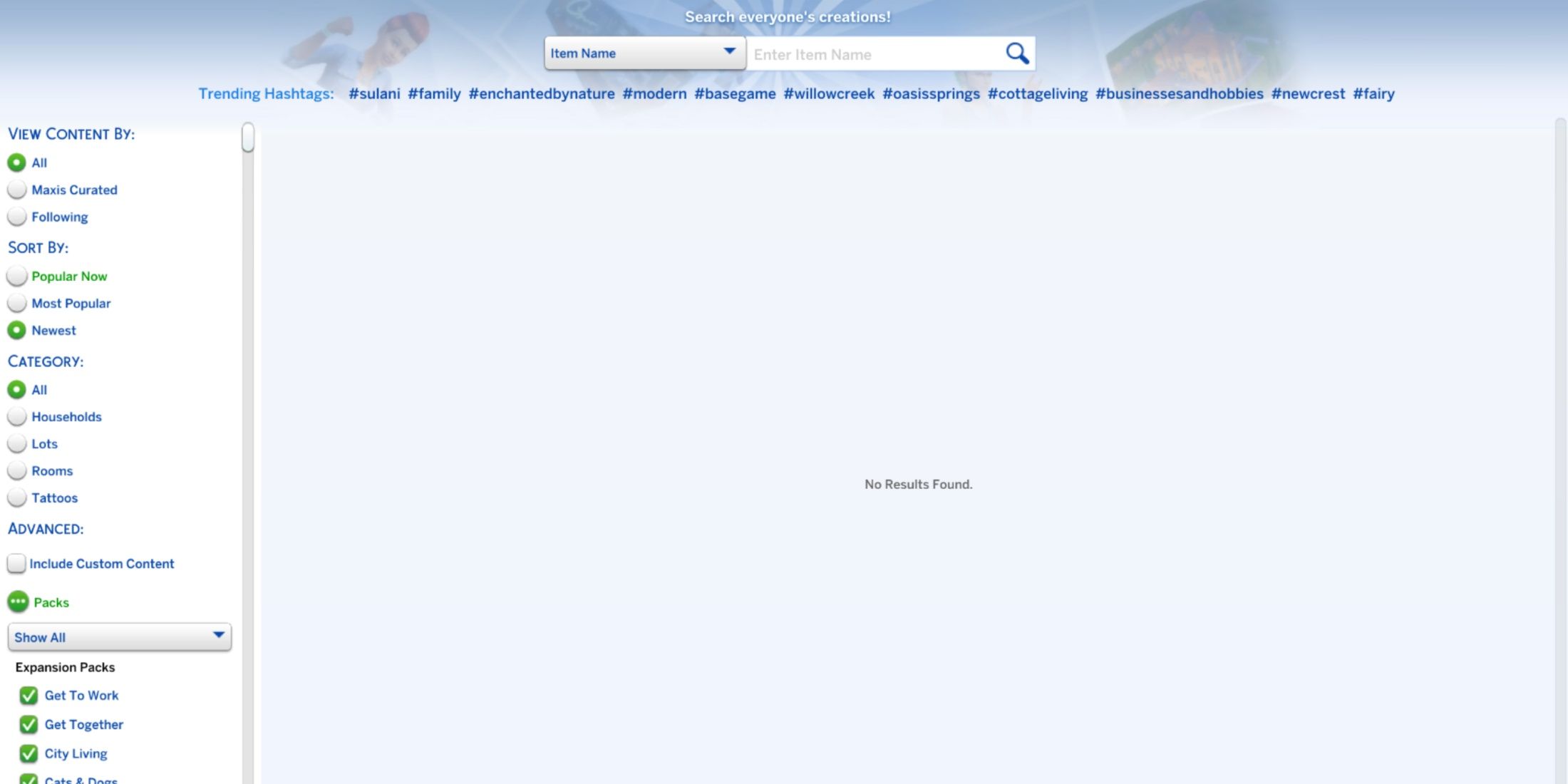
Here are the current issues with The Sims 4 gallery following the August 19 update:
- Hashtags and filters fail to load
- “No Results Found” message when searching for content
- Cannot sort searches by Popular, as it resets to Newest
- Cannot apply the Show Owned filter
- Cannot scroll down to load more gallery uploads
Read More
- All Skyblazer Armor Locations in Crimson Desert
- One Piece Chapter 1180 Release Date And Where To Read
- All Shadow Armor Locations in Crimson Desert
- How to Get the Sunset Reed Armor Set and Hollow Visage Sword in Crimson Desert
- New Avatar: The Last Airbender Movie Leaked Online
- Cassius Morten Armor Set Locations in Crimson Desert
- Grime 2 Map Unlock Guide: Find Seals & Fast Travel
- Amber Alert Secrets & CDs In Crime Scene Cleaner Act 2
- Euphoria Season 3 Release Date, Episode 1 Time, & Weekly Schedule
- How to Beat Stonewalker Antiquum at the Gate of Truth in Crimson Desert
2025-08-31 22:48