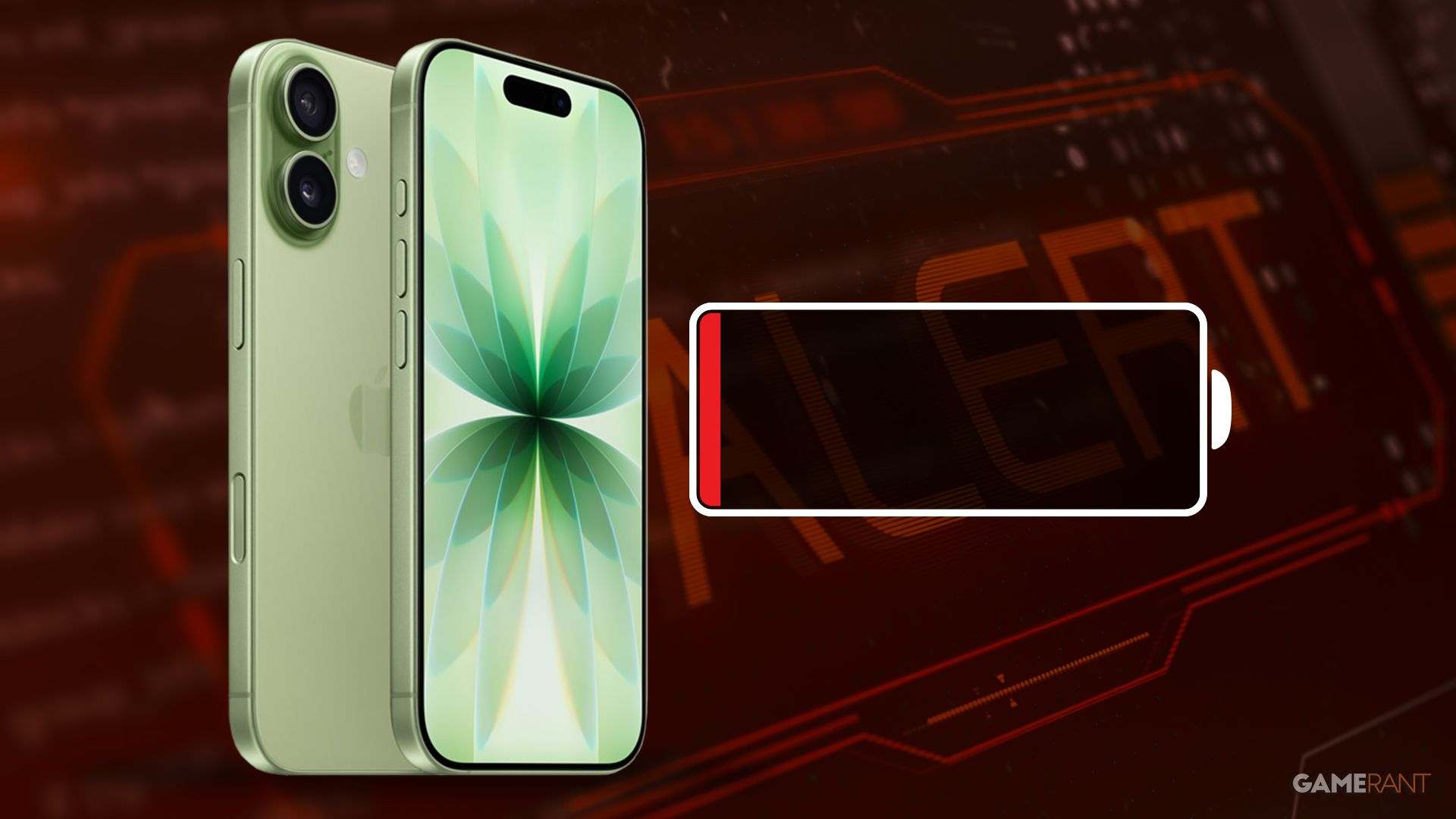
iPhone batteries naturally lose their charge over time, but there are simple steps Apple users can take to improve daily battery life. Turning off features like background app refresh and location services when you’re not actively using them can help. Since iPhones can be expensive, extending the life of an older device not only saves energy but also money.
Apple consistently adds new features and improvements with each new iPhone release. The iPhone 17 models focus on a smaller design, with the iPhone Air featuring incredibly thin bezels (5.6mm) and a titanium frame. These phones are powered by Apple’s new A19 and A19 Pro processors and include updated technology like Bluetooth 6.0, Wi-Fi 7, and Thread networking. Battery life is also improved, offering six to seven hours of use even with heavy demands, and up to eight hours on the iPhone 17 Pro Max. The iPhone 17 starts at $799 for the 256GB version, while the top-of-the-line iPhone 17 Pro Max with 2TB of storage costs a significant $1,999.
Try Turning Off These Three Settings On Your iPhone
- Background App Refresh
- Bluetooth
- Location Services
With smartphone prices likely to increase because of a shortage of RAM, extending the battery life of your current phone is more important than ever. iPhone users can significantly improve battery performance – potentially doubling it for a full day of typical use – by adjusting just three settings. Disabling Background App Refresh, and limiting the use of Bluetooth and Location Services are simple steps that can make a big difference. To turn off Background App Refresh, go to the Settings app, tap ‘General’, and then scroll down to find ‘Background App Refresh’. This stops apps from automatically updating in the background, saving valuable battery power.
Like with other wireless connections, leaving Bluetooth on when your iPhone isn’t connected to a speaker or headphones drains battery power. You can easily turn Bluetooth off through the Settings app or by swiping down from the top-right corner to access the Control Center. Also, the Nearby Interactions feature, which helps connect to nearby Apple devices, can impact battery life, so you can manage its permissions in the Privacy & Security settings to help conserve power.
Limiting Location Services Can Help Extend an Older iPhone’s Life
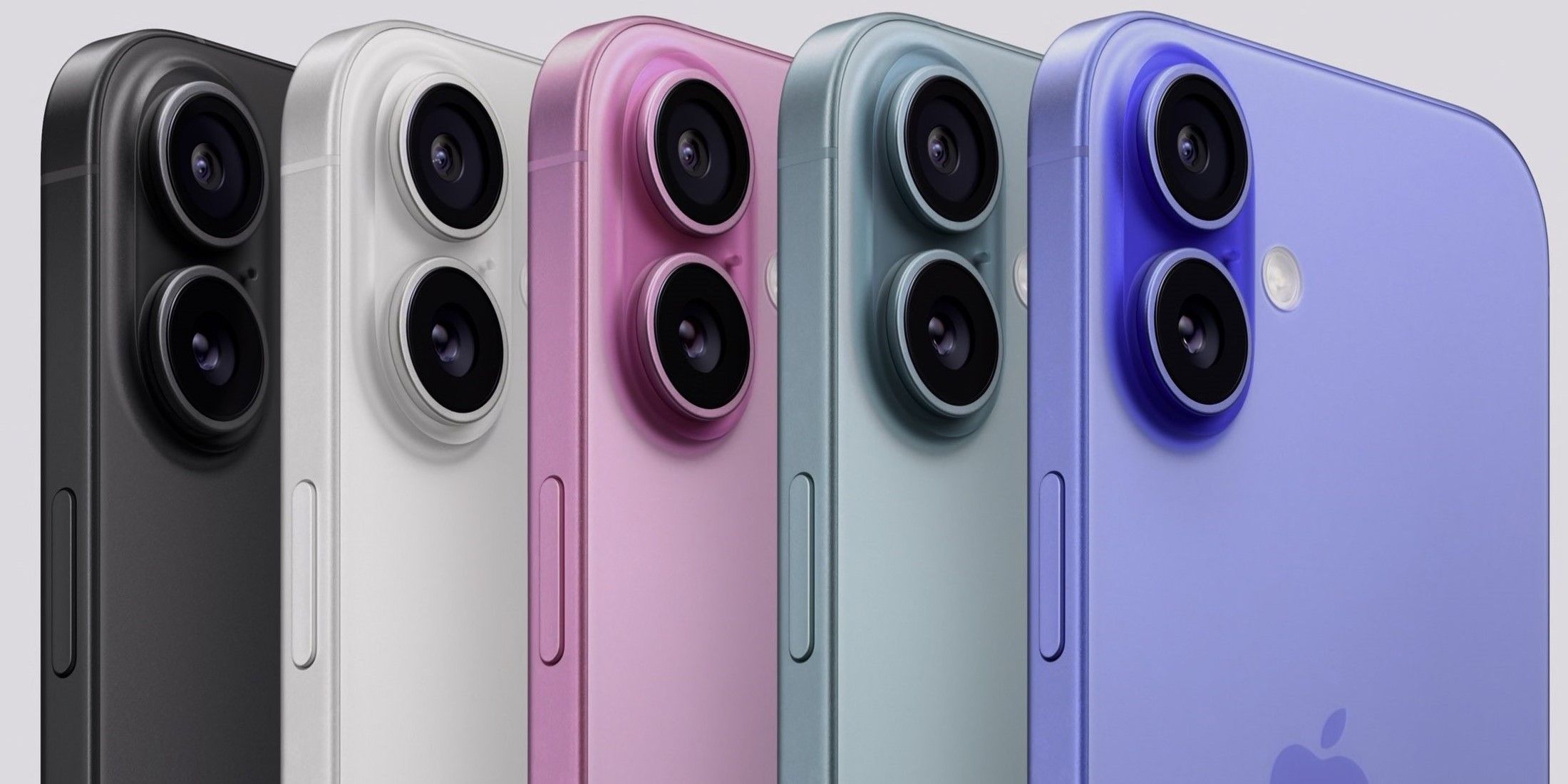
Over time, iPhone batteries naturally lose their ability to hold a charge. Even if you take good care of your iPhone 14 or an older model, its battery life will likely decrease with regular use. One of the biggest drains on your iPhone’s battery is Location Services, which uses technologies like GPS and Wi-Fi to pinpoint your location. While you can turn Location Services on or off completely, it’s best to customize these settings for each app. You can find these settings in the Privacy & Security menu of your iPhone’s Settings app. There, you can see which apps are always tracking your location and limit those that only need it when you’re actively using them. This will help extend your iPhone’s battery life.
Even though new game consoles, like the Switch 2, are improving battery life, iPhones and other everyday devices still don’t last as long as they used to, depending on how you use them. iPhone users can extend the life of their phones – and save money by avoiding upgrades – by being mindful of which apps and settings they’re using.
Read More
- All Shadow Armor Locations in Crimson Desert
- All Skyblazer Armor Locations in Crimson Desert
- How to Get the Sunset Reed Armor Set and Hollow Visage Sword in Crimson Desert
- Best Bows in Crimson Desert
- Marni Laser Helm Location & Upgrade in Crimson Desert
- All Helfryn Armor Locations in Crimson Desert
- All Golden Greed Armor Locations in Crimson Desert
- Wings of Iron Walkthrough in Crimson Desert
- How to Craft the Elegant Carmine Armor in Crimson Desert
- Keeping Large AI Models Connected Through Network Chaos
2025-12-18 14:12