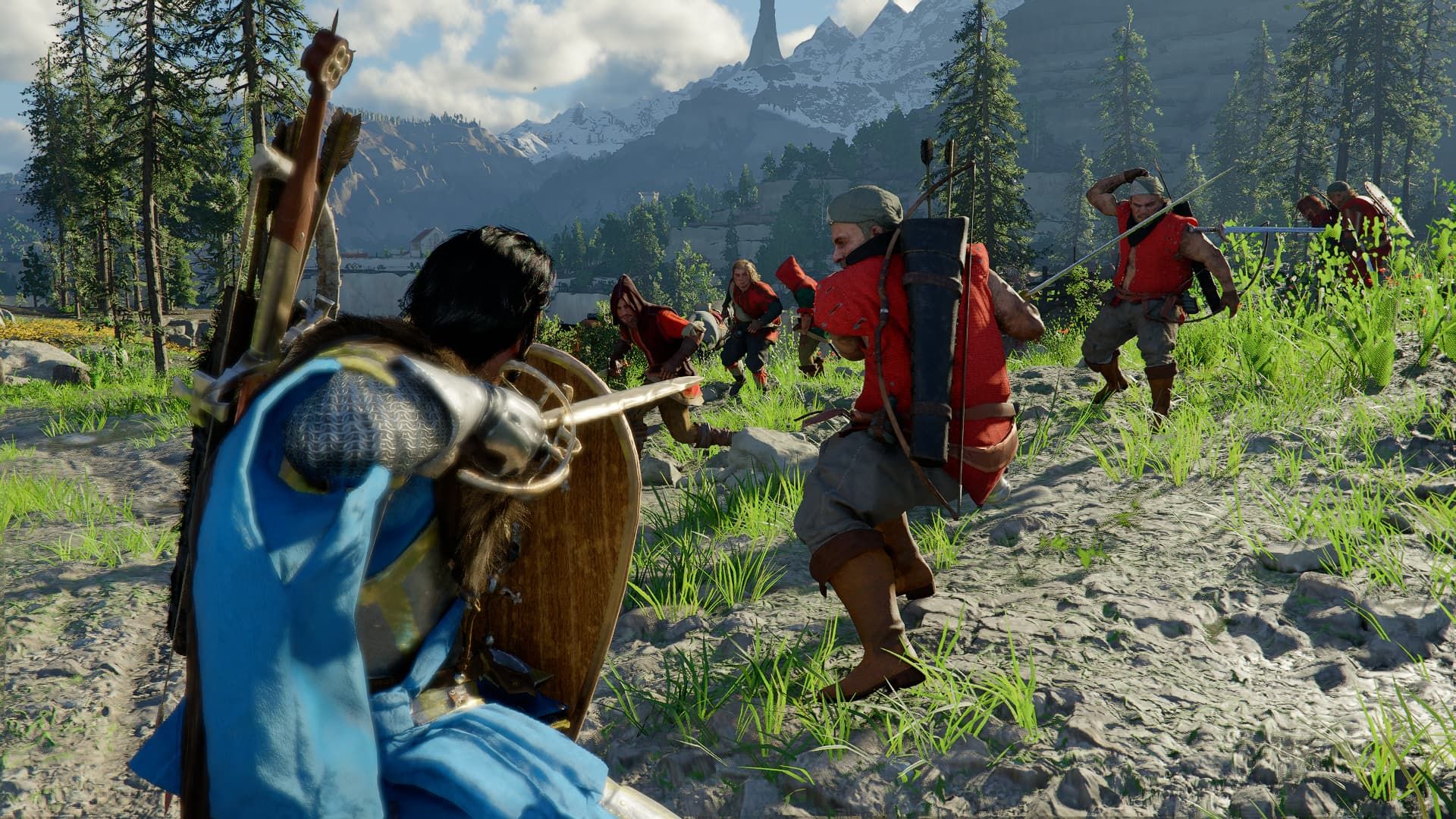
How you play Crimson Desert significantly impacts your experience. Although the game suggests using a controller, many players find that a mouse and keyboard offers better control. The game’s control system is a common point of debate – some players enjoy it, while others don’t. If you’re struggling with the controls, trying a different input method could be the solution.
Why Use Mouse and Keyboard Over Controller in Crimson Desert?
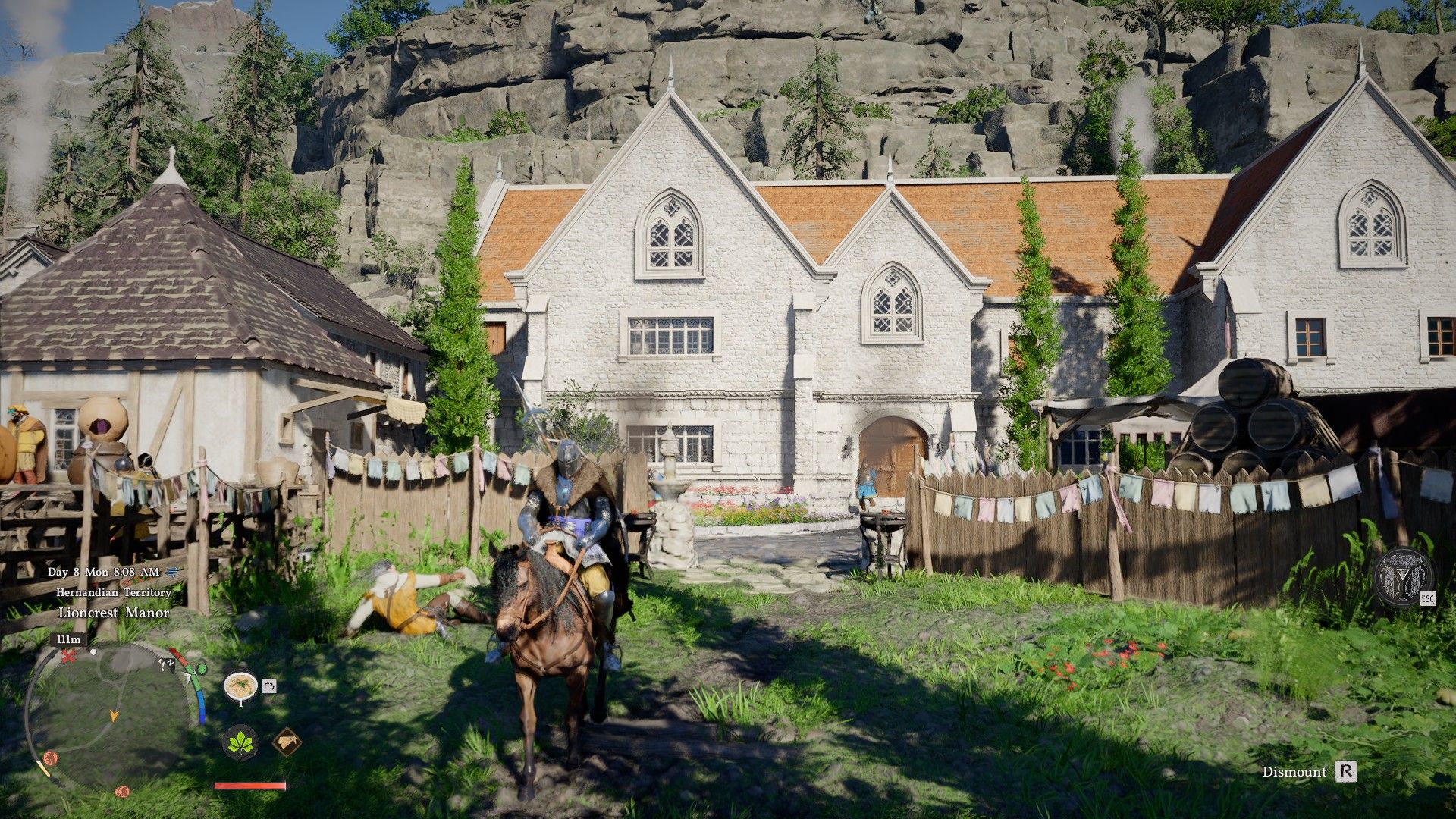
Players who’ve tried Crimson Desert have found the controls difficult to manage. Many actions require pressing several buttons at the same time, which feels clunky and frustrating. Using a mouse and keyboard makes the game easier to control because it provides better access to the buttons and allows players to customize the key bindings.
As of writing, Crimson Desert does not allow key rebinding for controllers.
Using a Controller Takes Practice
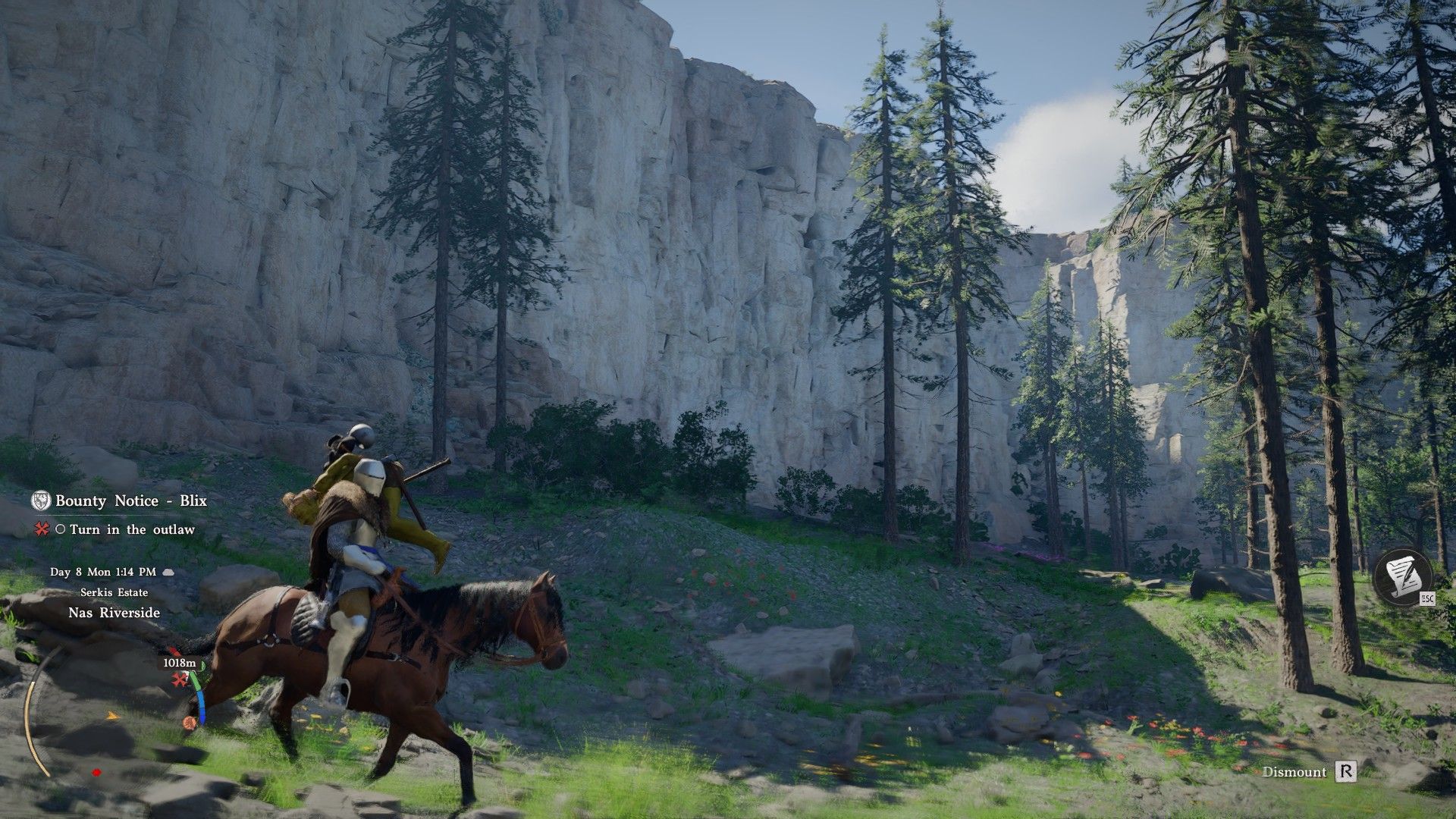
Ultimately, choosing between a controller and a keyboard comes down to what you prefer. We’ve found that using a mouse and keyboard in Crimson Desert can make combat feel smoother, although some of the key combinations might take some getting used to. At least with a mouse and keyboard, you won’t need to contort your hands into awkward positions just to perform moves that require pressing three buttons at once.
While Crimson Desert offers mouse and keyboard controls, they can sometimes feel a little clunky. For instance, you’ll normally use the F3 key to use healing items, and the game requires a lot of quick taps and holds. Fortunately, the essential combat controls are generally laid out using the standard WASD keys, and you can customize most controls to suit your preferences using your mouse’s side buttons. Specifically, remapping the dodge button (originally Left Alt) to M4 or M5 feels much more comfortable.
Some abilities, like Blinding Flash, can be tricky to master, no matter how you try to use them. The best way to learn is simply to practice. If you want to hone your skills with these more complex attacks, there are plenty of enemies to fight outside the cities. Just travel along the main roads, and you’re sure to encounter bandits.
How to Change Keybindings in Crimson Desert (PC)
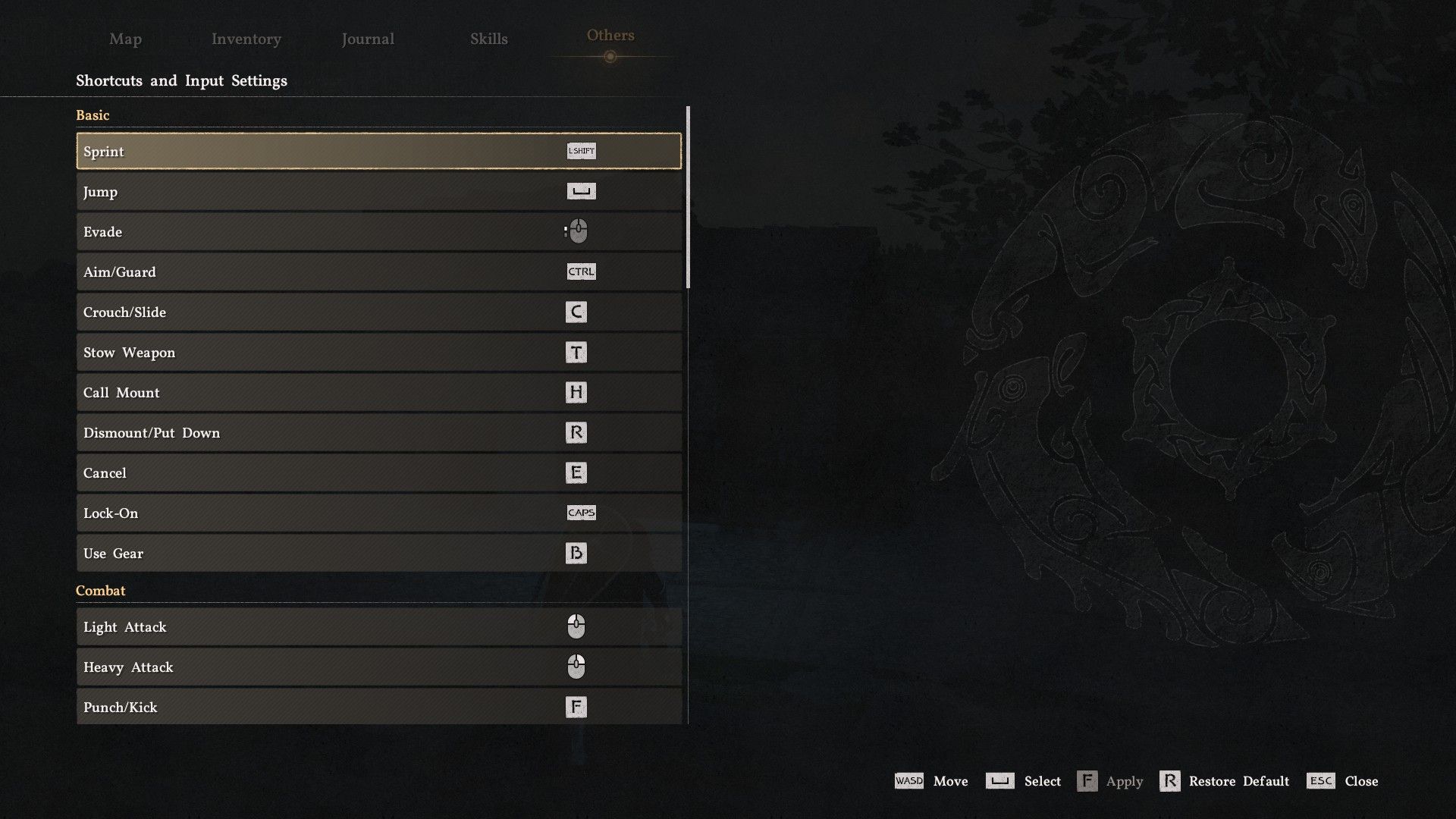
Press and hold the Esc, Start, or Options buttons to bring up a menu on the right side of the screen. Use the scroll wheel or D-pad to find and select the ‘Others’ tab. Inside, you’ll see an ‘Options’ tab with a ‘Settings’ button.
You can customize your keyboard controls through the Settings menu, specifically in the Input section under Shortcuts and Input Settings. While controller remapping isn’t currently supported, PC players can find mods that enable this functionality. The developers have also announced plans to improve the game’s controls overall, which should enhance the experience for everyone once implemented.
Read More
- All Skyblazer Armor Locations in Crimson Desert
- One Piece Chapter 1180 Release Date And Where To Read
- All Shadow Armor Locations in Crimson Desert
- How to Get the Sunset Reed Armor Set and Hollow Visage Sword in Crimson Desert
- New Avatar: The Last Airbender Movie Leaked Online
- Cassius Morten Armor Set Locations in Crimson Desert
- Grime 2 Map Unlock Guide: Find Seals & Fast Travel
- Amber Alert Secrets & CDs In Crime Scene Cleaner Act 2
- Euphoria Season 3 Release Date, Episode 1 Time, & Weekly Schedule
- How to Beat Stonewalker Antiquum at the Gate of Truth in Crimson Desert
2026-03-22 21:00