The December 2025 Xbox update is now available, introducing a variety of new features for Xbox devices. A key addition in this update is a highly requested feature for the Xbox mobile app, which has seen less use recently.
Earlier this year, Microsoft took away the ability to remotely play games on the Xbox mobile app, leaving many users feeling it wasn’t very useful. However, a recent update has changed that! The app now includes a long-awaited feature that fans have been asking for, giving people a good reason to download it again.
The Xbox December 2025 Update Adds a Store Page to The Xbox App
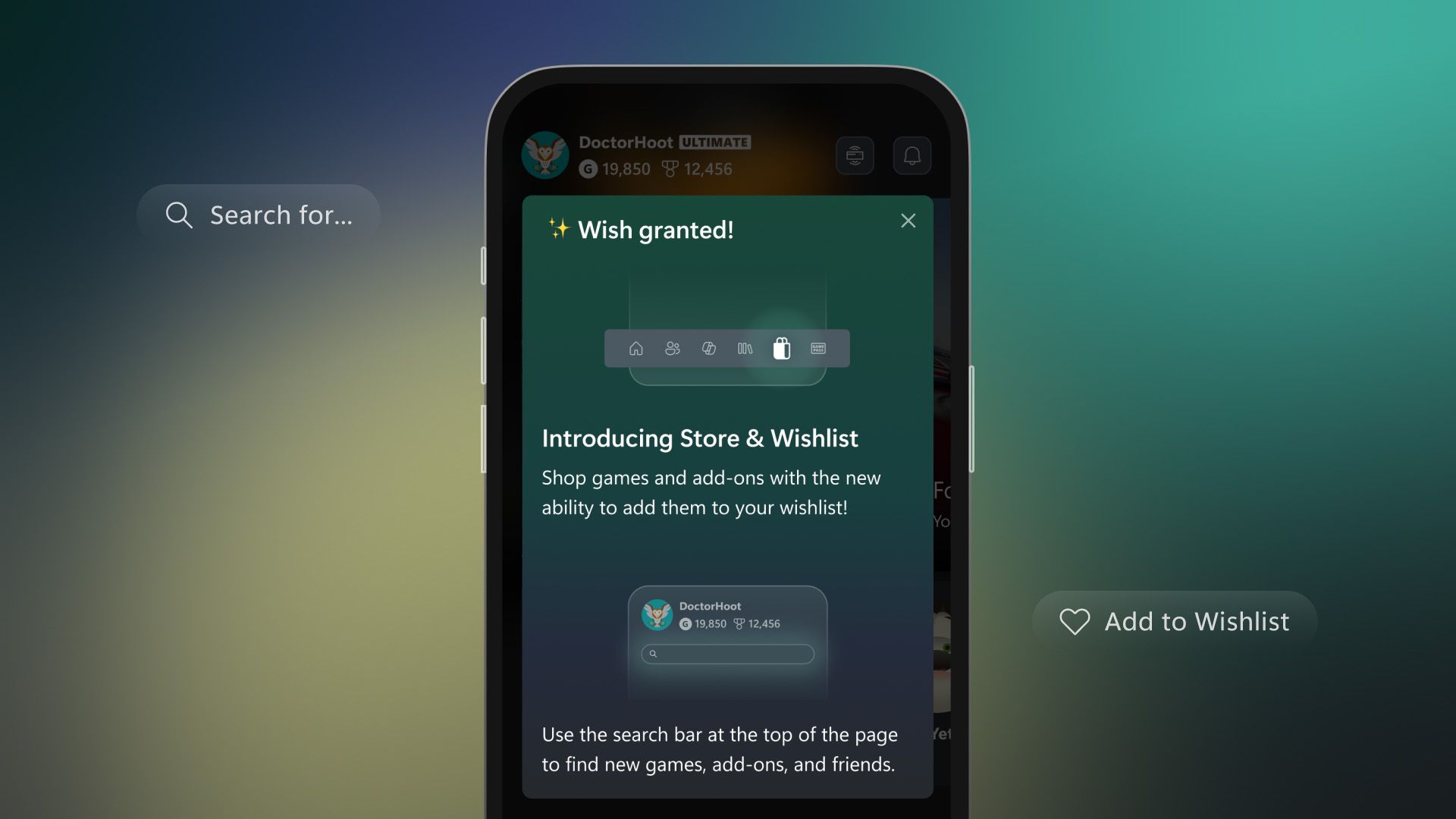 Image via Xbox
Microsoft added game purchasing and Xbox Game Pass subscriptions to the Xbox mobile app in April – the same month they removed Remote Play. However, the feature wasn’t very user-friendly. You could only search for specific games, not browse a wider selection like those on sale or a full list of available titles.
Starting December 16, 2025, the Xbox mobile app has a new Store section you can find at the bottom of the screen. It’s now easier to browse games with categories like “Deals,” “Top Paid,” and “Top Free,” plus a section for Xbox Play Anywhere titles. You can also find and purchase game add-ons, and add games to your Wishlist, all within the app.
Everything Else Announced in The Xbox December 2025 Update
Xbox Wireless Headset Gets Bluetooth Low Energy Audio Support
With its December 2025 Update, Xbox announced a new Bluetooth Low Energy Audio mode for the official Xbox Wireless Headset. This feature will be available on both Xbox consoles and Windows 11 PCs, and offers the following improvements:
- High fidelity audio with less latency than “Bluetooth Classic” audio
- Longer battery life
- Richer stereo sound
- Shared audio lets users share game audio across multiple Bluetooth devices (Only available in Xbox Preview)
If you have the newest Xbox Wireless Headset (released in October 2024), you’ll need to update its software to use the latest features. You can do this by downloading a firmware update through the Xbox Accessories app on your Xbox console or a computer running Windows 11.
Handheld Compatibility Program
Xbox is now using a system similar to Steam Deck’s, called the Handheld Compatibility Program, to show players how well games work on handheld devices. You’ll see symbols on game pages indicating compatibility: a green checkmark means the game is fully optimized, an ‘i’ means some settings might need tweaking, a stop sign means the game doesn’t work, and a question mark means it hasn’t been tested yet.
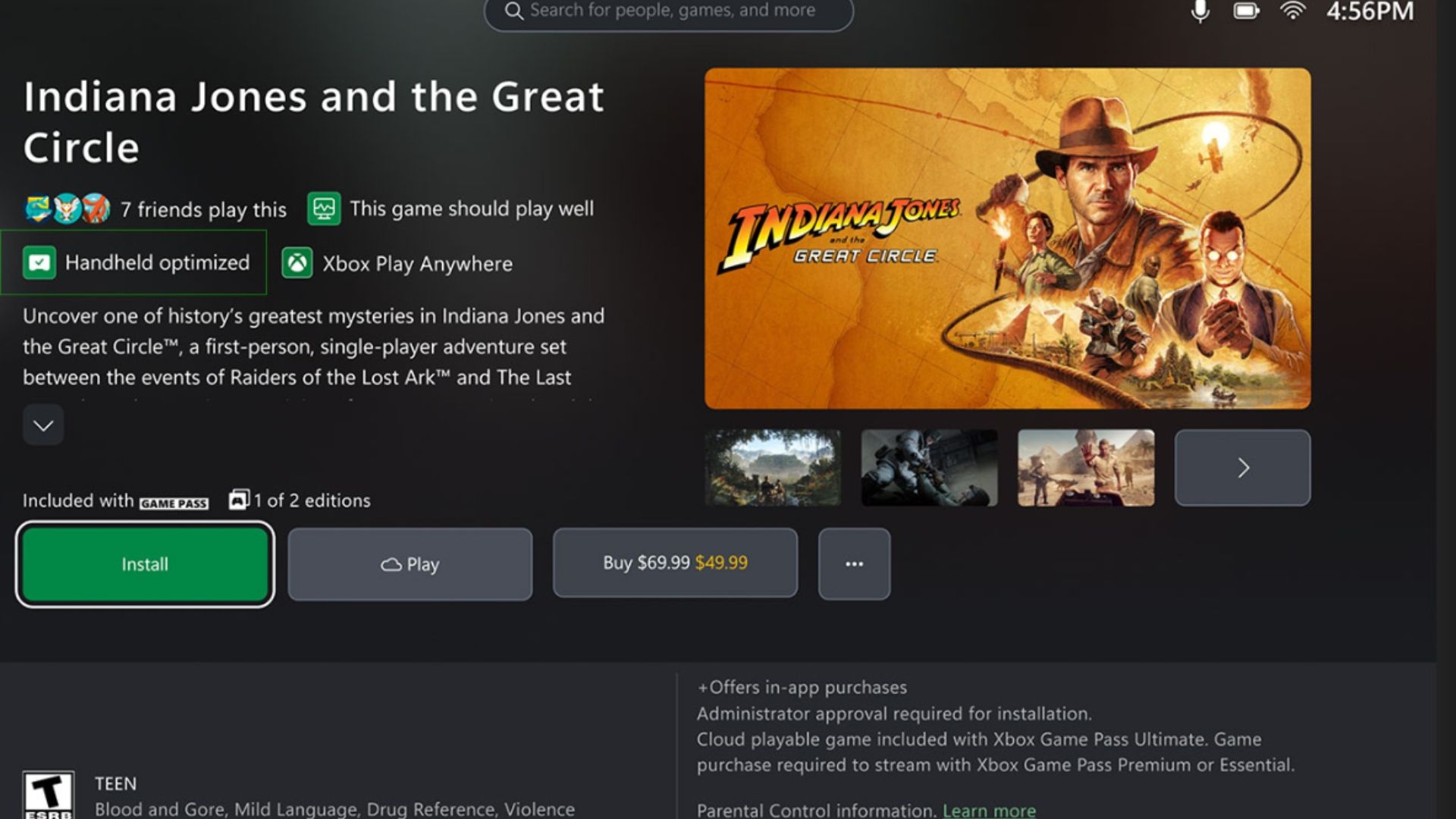 Image via Xbox
 Coming Soon to Xbox Retro Classics
This year in May, Xbox started a program called Retro Classics, working with Antstream Arcade. Through Xbox Game Pass Ultimate, players can access these older games, which come from classic consoles like the Atari 2600, Amiga, PlayStation, and SNES. Xbox recently announced that four more games will be added to the Retro Classics collection in the December 2025 Update.
- Codename: Iceman
- Plaque Attack
- Police Quest 2
- Space Shuttle
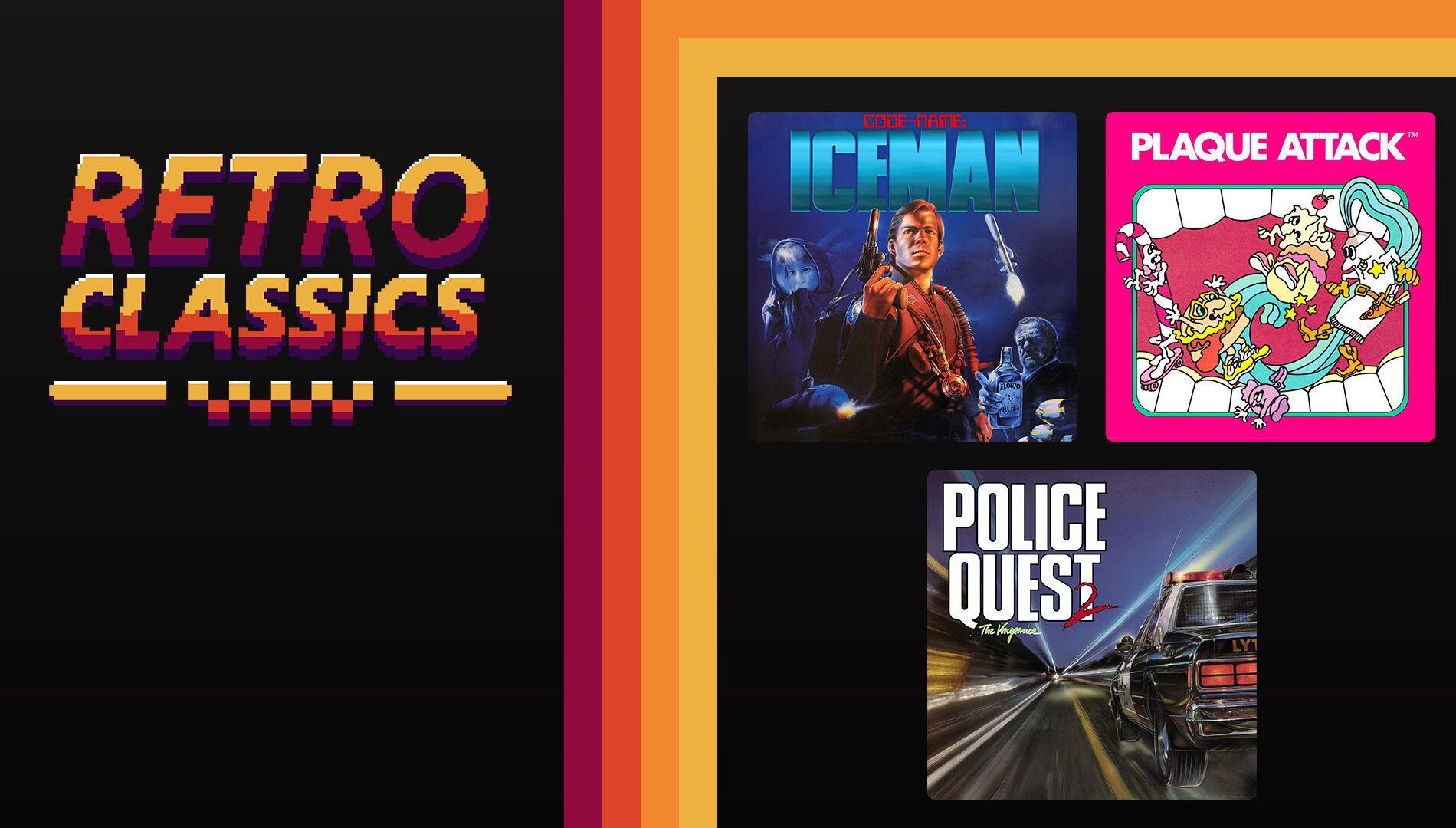 Image via Xbox
 Fallout on Xbox
During Xbox’s December 2025 update, they highlighted the upcoming Fallout game. They also re-showcased special Falloutthemed wireless Xbox and Xbox Elite controllers, which will only be available through the Xbox Design Lab. Plus, viewers got another look at a dynamic Fallout 76* background for Xbox Series X/S.
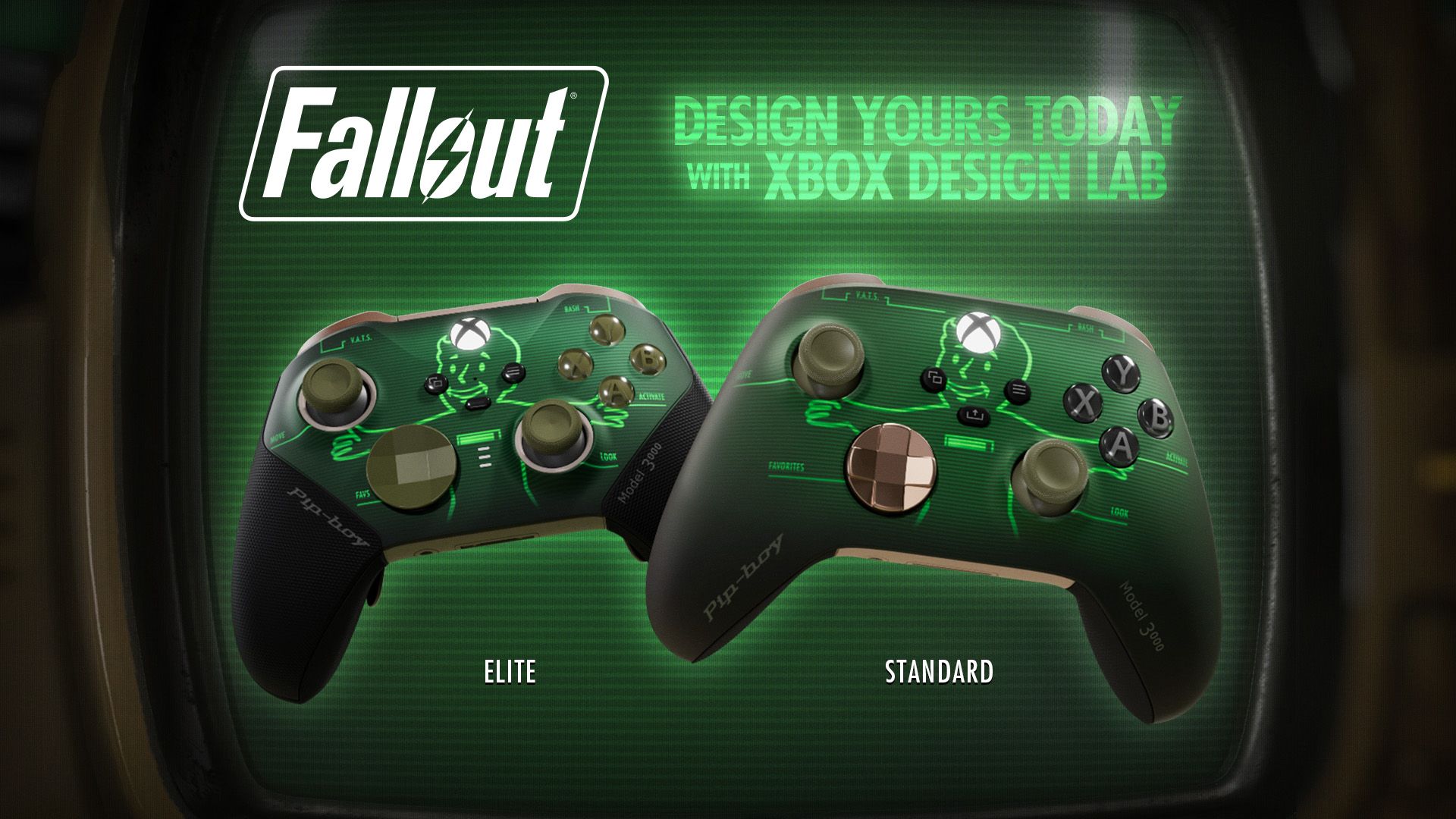 Image via Xbox
 Read More
- All Shadow Armor Locations in Crimson Desert
- How to Get the Sunset Reed Armor Set and Hollow Visage Sword in Crimson Desert
- Best Bows in Crimson Desert
- Jujutsu Kaisen Season 3 Episode 12 Release Date
- Wings of Iron Walkthrough in Crimson Desert
- All Golden Greed Armor Locations in Crimson Desert
- All Helfryn Armor Locations in Crimson Desert
- How To Beat Ator Archon of Antumbra In Crimson Desert
- How to Craft the Elegant Carmine Armor in Crimson Desert
- Dark Marksman Armor Locations in Crimson Desert
2025-12-16 22:05