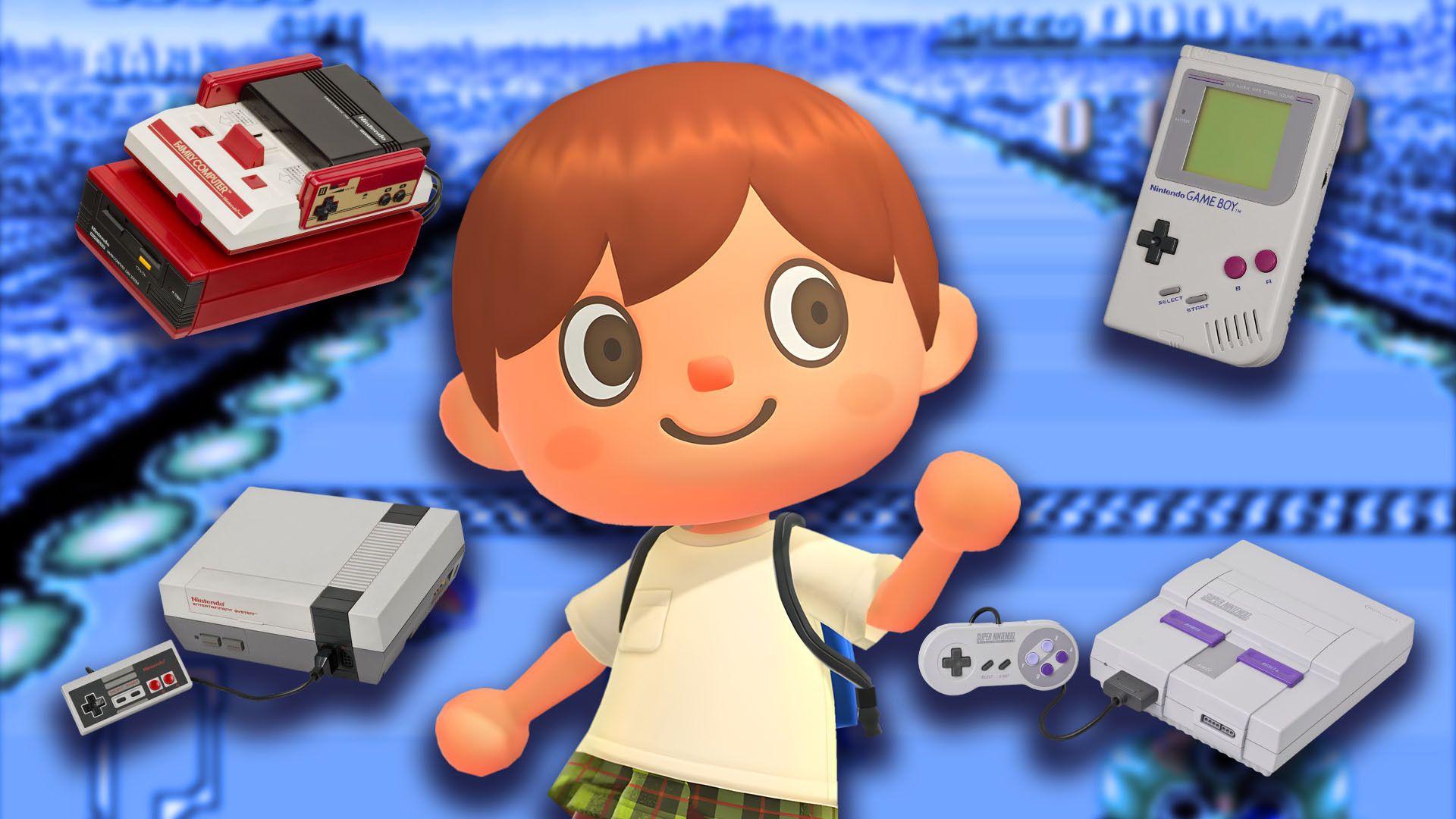
The recent 3.0 update for Animal Crossing: New Horizons lets you travel back in time by playing classic Nintendo games right on your island! If you’re excited to replay old favorites or collect all the new items, this guide will show you how to unlock and start playing every retro Nintendo console in Animal Crossing: New Horizons, and what you need to do to get them.
How to Get All Retro Nintendo Games in Animal Crossing New Horizons
How to Fully Upgrade the Hotel’s Catalog
To unlock the classic Nintendo consoles in Animal Crossing: New Horizons, you’ll need to work for Kapp’n’s family at their hotel. The consoles become available once you’ve helped the hotel enough to fully upgrade its selection – specifically, after the third and final upgrade. While it’s been unclear exactly how much work is needed, we discovered that completing the following tasks allowed us to order the consoles:
- Having at least a 3-star rating on your island.
- Decorating all 8 hotel rooms and the VIP room.
- Bringing a tourist to the hotel and decorating a VIP room for them.
- Completing 50 DIY requests for Kappn.
Okay, so here’s the deal: if my island ever falls below a 3-star rating before I get the catalog unlocked, I’m stuck until I fix it. Seriously, it doesn’t matter how many DIY projects I finish or how awesome I decorate the hotel – that catalog is locked down until my island is looking good again. It’s a bit frustrating, but I get it!
Once you’ve finished the requirements, speaking with Grams will unlock the ability to buy classic Nintendo consoles. You’ll find them in a new ‘Special’ section of the hotel catalog. You can purchase up to 5 consoles each day, and they’ll be delivered to you in the mail the following in-game day. Collecting all the Nintendo consoles will require 3,500 Hotel Tickets.
This catalog features seven classic Nintendo consoles. However, you can actually play only six different games, because the two Super NES consoles both offer the same game. Here’s a list of all the Nintendo consoles available in Animal Crossing: New Horizons.
| Console Name | Game | Price (Hotel Tickets) |
|---|---|---|
| Famicon | Clu Clu Land | 500 |
| Famicon Disk System | Ice Hockey | 500 |
| Game Boy | Dr. Mario | 500 |
| NES | Ice Climber | 500 |
| Super Famicon | Panel de Pon | 500 |
| Super NES (NTSC version) | F-Zero | 500 |
| Super NES (PAL version) | F-Zero | 500 |
The hotel shop will be selling the Nintendo Switch 2, but unlike the other new consoles they’re offering, it won’t include a pre-loaded mini-game.
How to Play Every Retro Nintendo Game in Animal Crossing New Horizons
To play classic Nintendo games within Animal Crossing: New Horizons, you’ll need to fulfill these requirements first:
- Own the in-game console in Animal Crossing: New Horizons that contains the game you want to play.
- A Nintendo Switch Online Membership.
To begin playing a new game, first put the game console either inside your house or somewhere on your island. Once it’s placed, simply press the A button to turn it on. The console will then tell you what game it has and give you the choice to play or leave it alone.
Once you choose to start the game, your Switch will connect to the internet to verify your Nintendo Switch Online membership. The game will then launch if your membership is valid.
Okay, so when I start up a game, I get the title screen with a bunch of ways to play. I use the B button on the left Joy-Con to cycle through those options, and then I hit the + button on the right Joy-Con to pick the one I want. If those button hints are getting annoying, I just quickly press down on the top of the right joystick – that hides them and centers the game on the screen, which is nice!
To quit the game, press and hold the ZL and ZR buttons until the screen goes black. This will take you back to your island on the console’s home screen.
Read More
- Forza Horizon 6: Find the Ohtani Treasure Chest Location
- NTE Drift Guide (& Best Car Mods for Drifting)
- LEGO Batman Legacy of the Dark Knight Batcave Minikits & WayneTech Caches
- How to Open Locked Door in Tenryu River in Nioh 3 (Dirty Key)
- Sega’s “Super Game” is Said to Release Next Month, But Nothing is Known About It
- Skyblivion Gets Encouraging Development Update
- GameRant Daily Crossword (February 10, 2026)
- New Steam Game is Like Pokemon If It Were a Sci-fi Shooter
- Dead as Disco Best Songs (Clear Beats & Stable BPMs)
- Asmongold reveals shocking detail about how much money he makes
2026-01-21 15:04