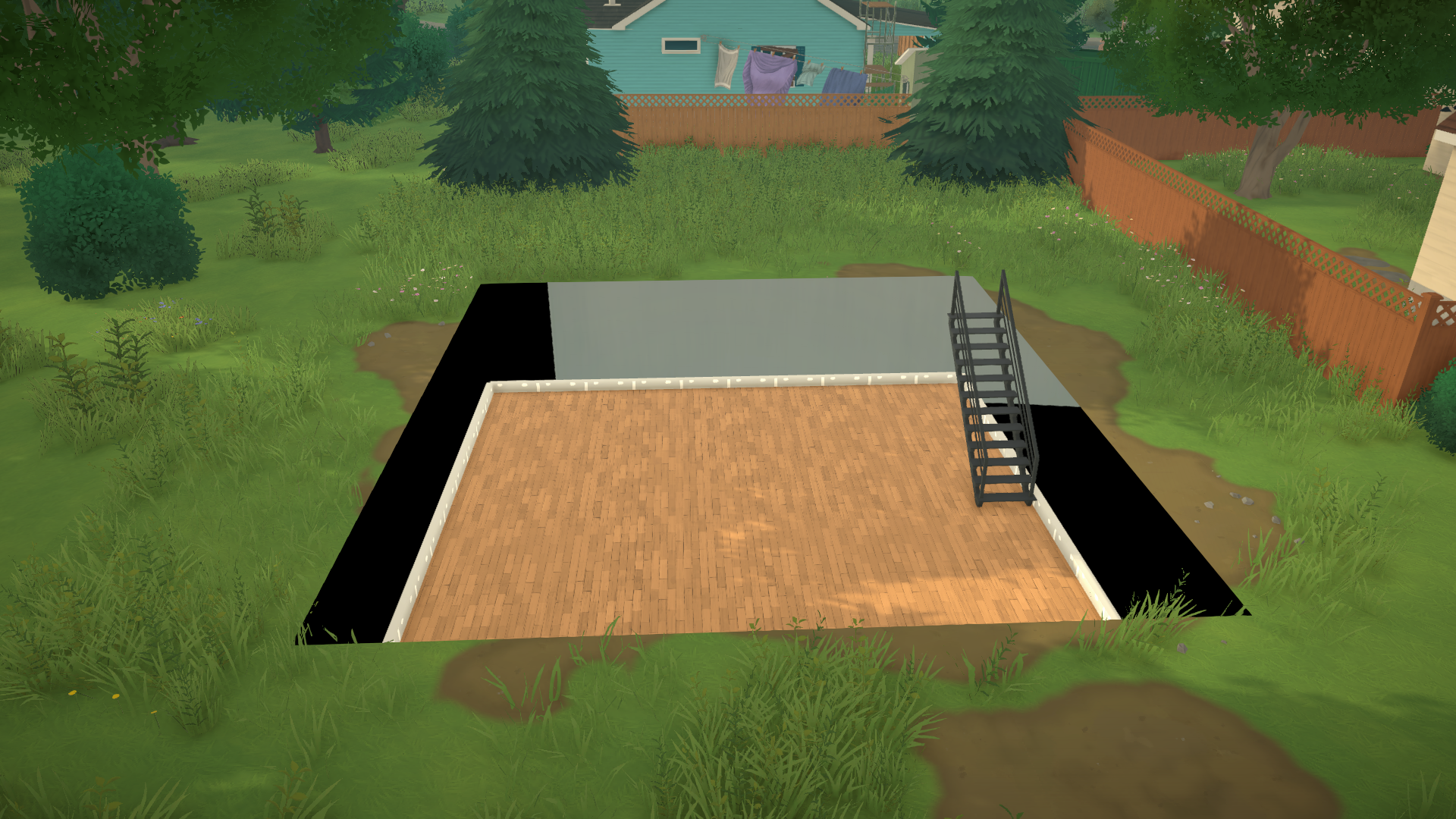
Basements add a lot of useful space to a home, so it’s natural to want to include one when building in Paralives. However, building basements is a bit more complex than constructing other parts of the house.
Because Paralives is still in development, not all features are ready. But there’s a clever workaround: you can build something like basements right now, and it’s a good temporary solution until the game gets official basement support in a future update.
Can You (Officially) Build Basements in Paralives?
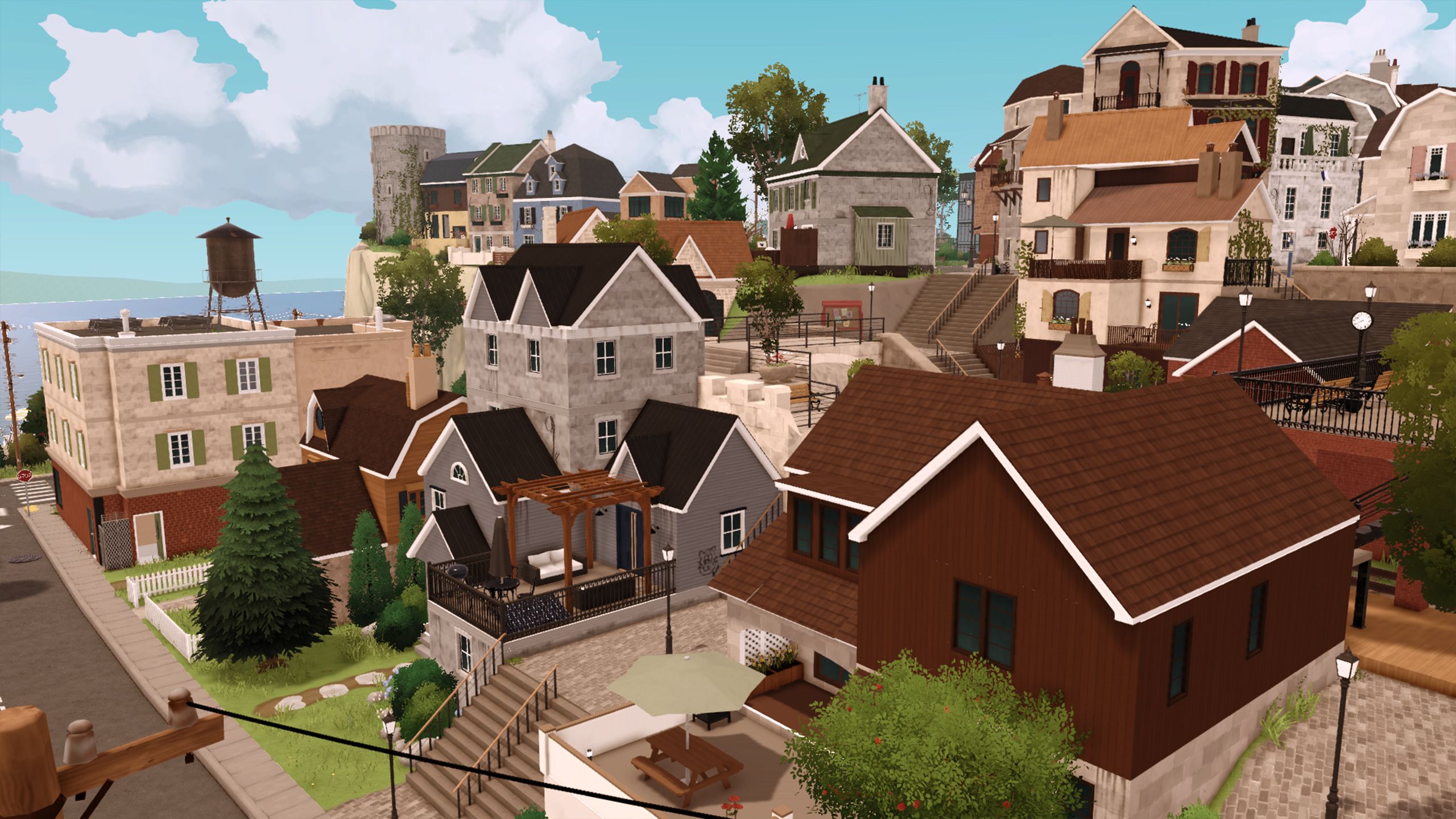
As a huge Paralives fan, I’m really excited about the future of the game! Right now, there aren’t any official ways to build basements in your homes, which is a bummer. But the good news is that basements are planned! The developers have said they’ll be added during the early access phase, which they’re aiming for sometime between 2026 and 2028. I can’t wait!
Don’t lose hope! We’ve got a guide on how to build a basement (the unofficial way) listed below!
How to Build a Basement in Paralives
In Paralives, you’ll need to start with an existing house to add a basement. Some of the pre-built homes already include basements, which are usually mostly empty except for a few items.
Building a basement in your custom home isn’t always straightforward, but here’s a detailed explanation of what it takes.
Step-by-Step Basement Tutorial
To begin, construct your house above ground with at least two floors. The shape of the lower level will become your basement.
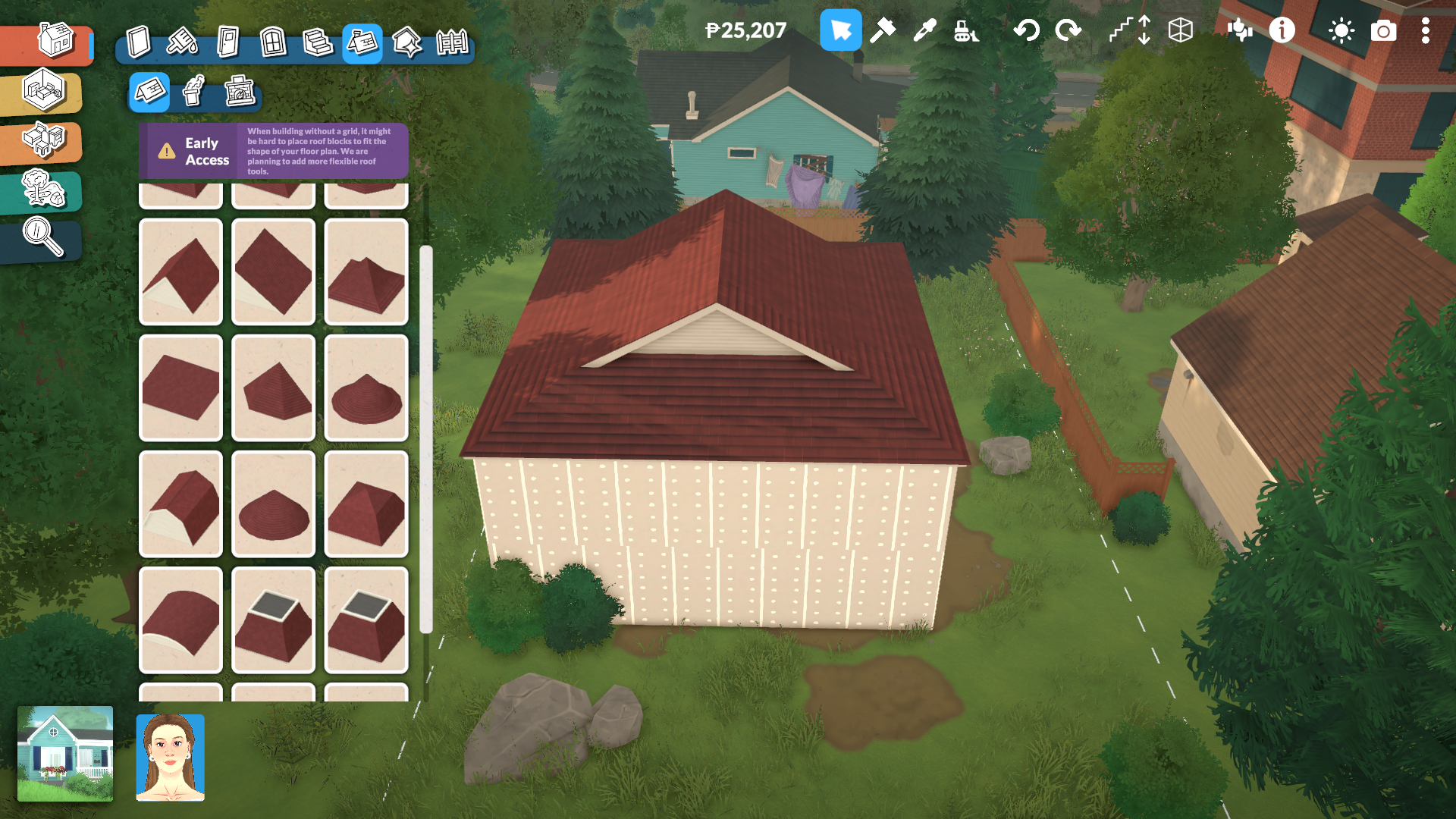
Once you have the outline ready, scroll out until the homes look like they do in map view.
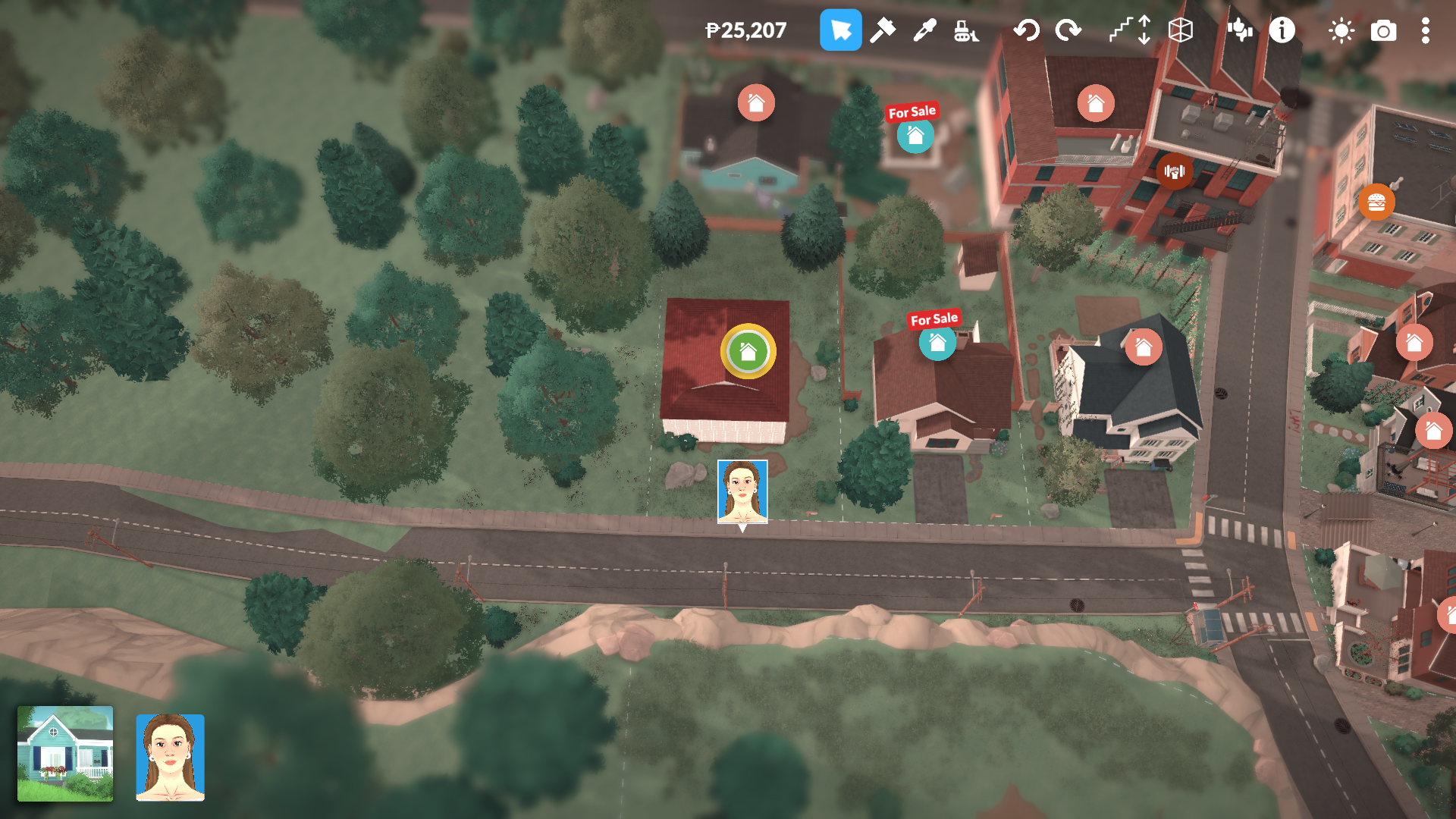
Click the lot and select the arrows to Move Lot.
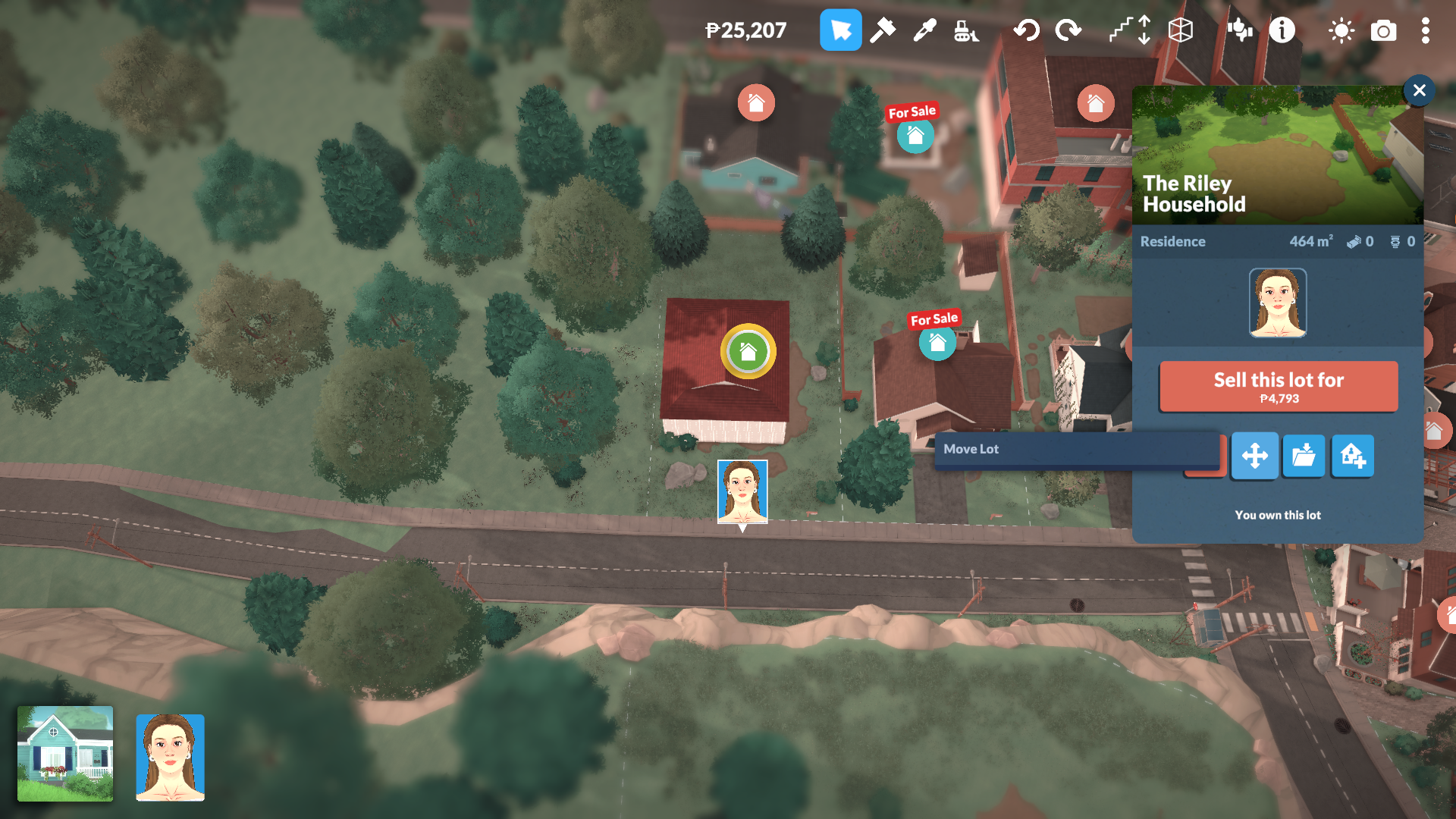
Click on the house, then hold down the Shift key while dragging your mouse downwards. This will lower your existing first floor and turn it into a basement.
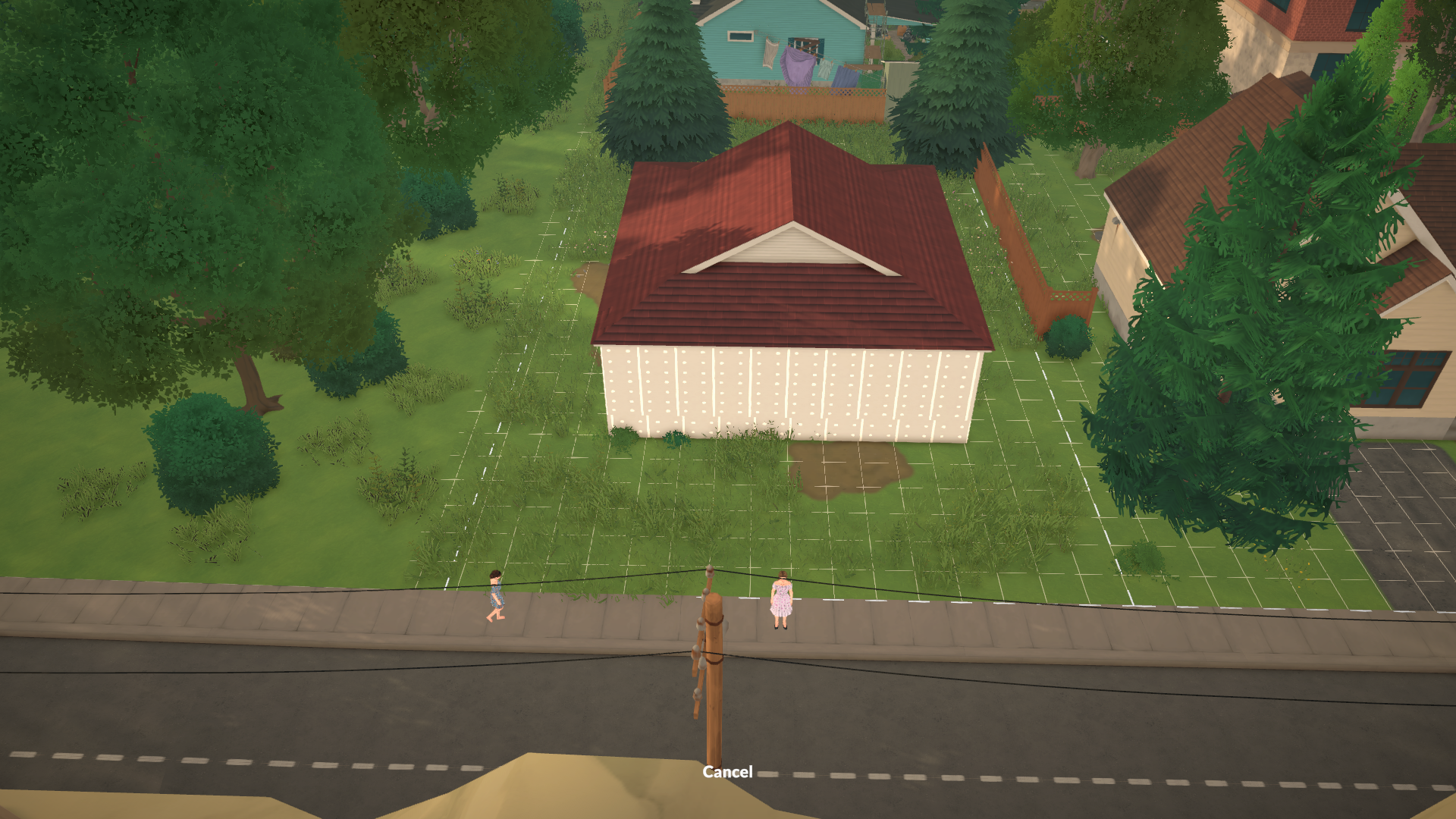
If you select your house and use the shift key to lower it, everything around it – like trees, bushes, and decorations – will be buried. After you’re finished, you’ll need to bring those items back up, and it’s much simpler if you’ve already stored them in your inventory.
To add stairs to your basement, first use the down arrow in the upper right corner to move down a level. Then, switch to Build Mode and place the stairs wherever you want them.
The developers at Paralives Studio have announced that new stair options will be added in a future update.
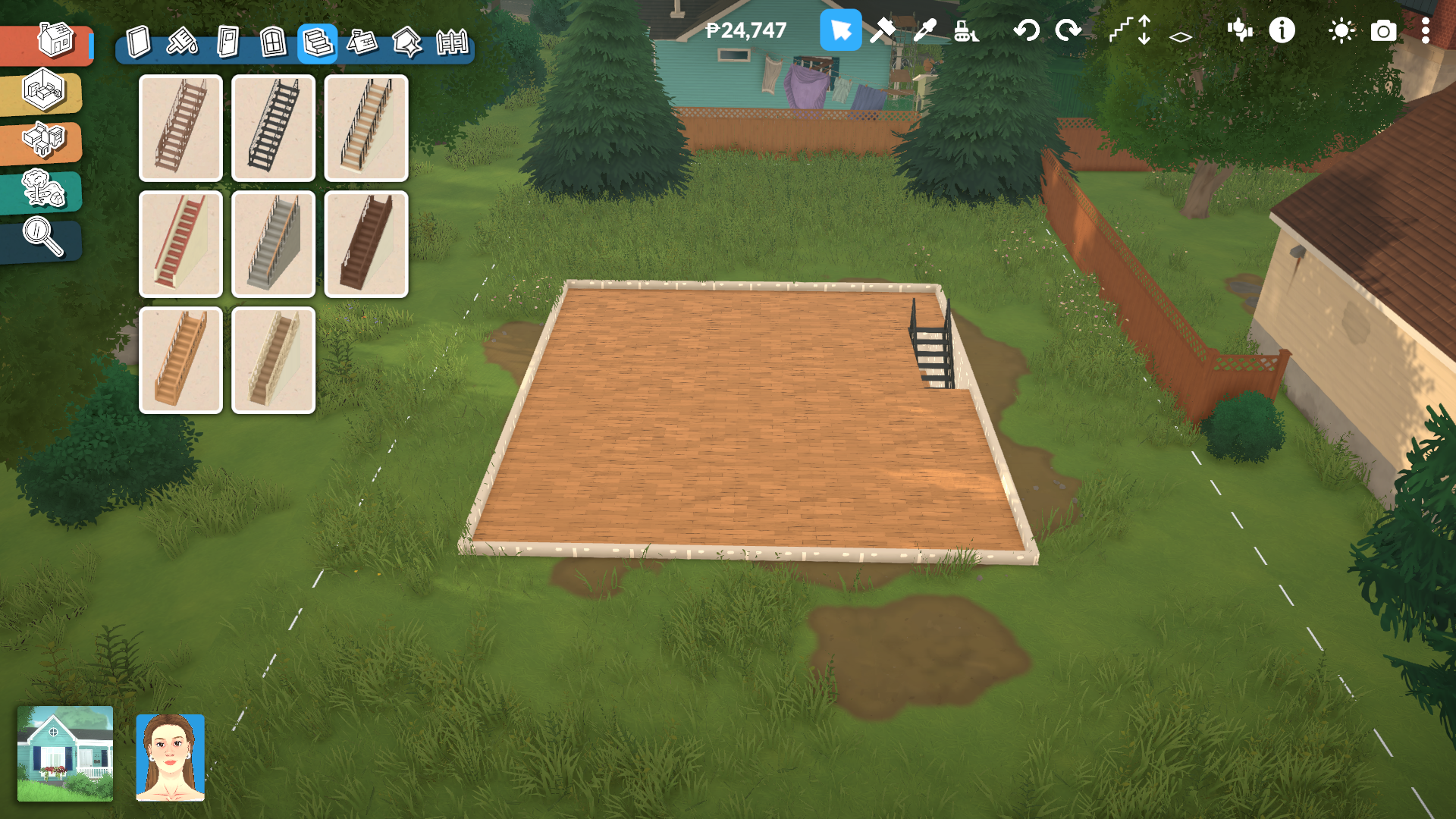
Now you can create a gaming space, storage area, workout room, or whatever fits your Para’s vibe!
Read More
- Forza Horizon 6: Find the Ohtani Treasure Chest Location
- LEGO Batman Legacy of the Dark Knight Batcave Minikits & WayneTech Caches
- Diablo 4 Best Loot Filter Codes
- NTE Drift Guide (& Best Car Mods for Drifting)
- USD RUB PREDICTION
- USD CNY PREDICTION
- Cookie Run Kingdom Timeline of Fate Update Guide
- PS Plus Monthly Games for June 2026 Wish List
- Top 10 Must-Watch Isekai Anime on Crunchyroll Revealed!
- GBP CNY PREDICTION
2026-05-27 13:08