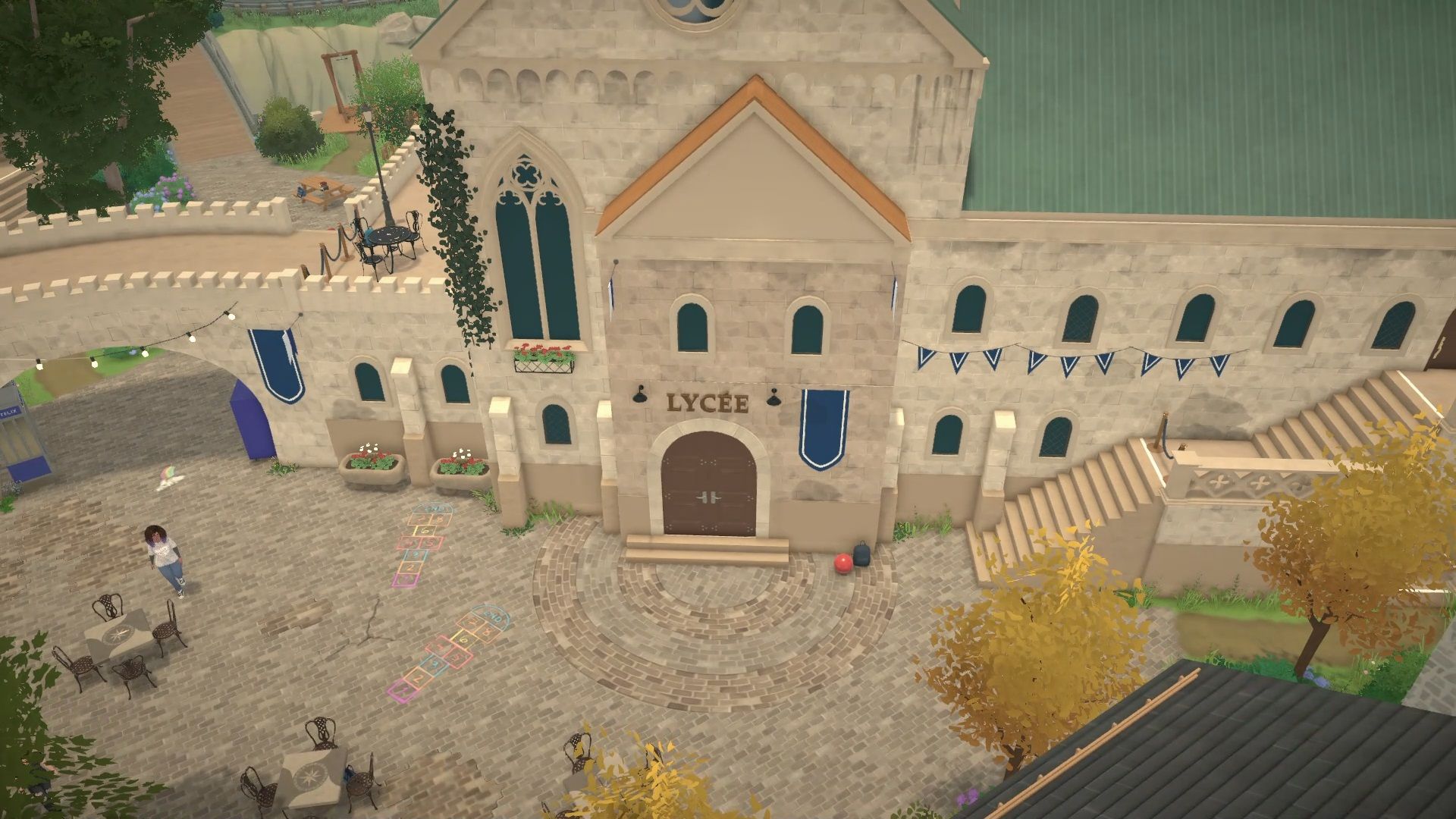
In Paralives, it’s surprisingly challenging to help your characters get good grades, no matter their age. This is largely due to how homework works. Unlike previous Sims games – where you could easily place and complete homework on a table (Sims 2 & 3) or find it in your Sim’s inventory (Sims 4) – Paralives doesn’t actually give you a homework object to interact with.
While homework isn’t the only thing that affects your grades, it’s a reliable way to help them improve, especially when it feels like they’re dropping quickly.
Passive Grade Changes
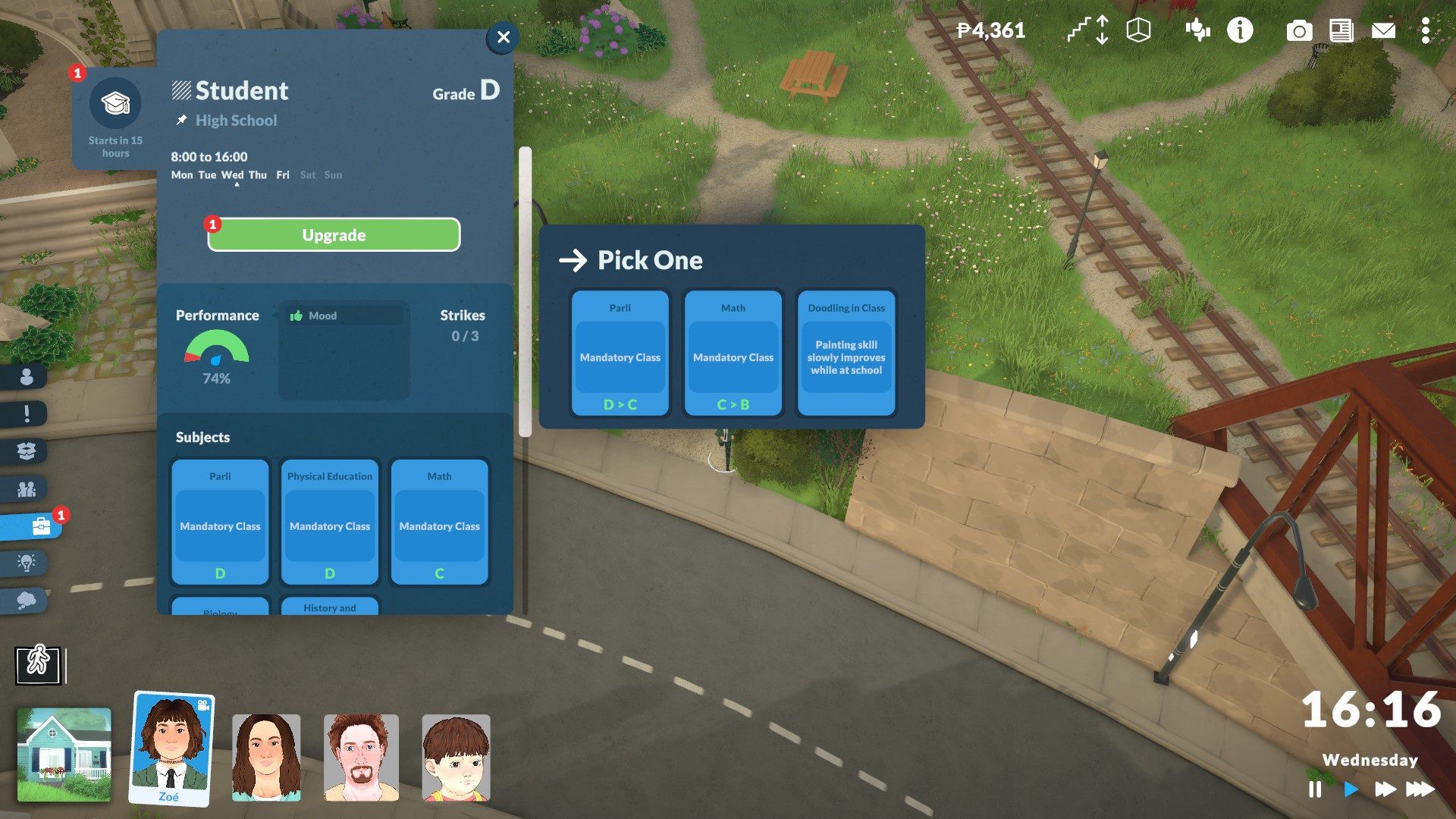
How your characters feel when they go to school affects their grades. If they’re in a bad mood or struggling with negative effects, they’re more likely to get a lower grade in a subject – for example, a B might drop to a C.
Checking the ‘Career’ tab for young characters reveals their school details. Here, you can see their current grade, how well they’re doing, what classes they’re taking, any special perks they’ve earned, and their homework. You’ll also visit this tab when your character gains a school upgrade point, which you can use to improve their grade in a subject or unlock a perk – often something that helps them learn skills faster.
Homework Assignments
I wasted a lot of time trying to find homework that hadn’t been assigned yet. You’ll know when your Para has homework because you’ll get a notification on the right side of the screen. You can then find the assignment details, including the deadline, by going to their career tab under their school information.
Okay, so the next hurdle in this game is figuring out how to actually do the assignment, and honestly, the game gives you zero clues! First, you need a working computer, which means hoping you’ve got a parent or guardian who has a job so you can afford even the cheapest setup – a computer, desk, and chair. It’s a bit of a grind just to get started!
Subscribe to the newsletter for Paralives homework and grade tips
When your Para has homework, you can manage it by selecting the computer. A “Do Homework” option will appear, and a menu will show you the available assignments for that Para. I haven’t tested it with multiple classes at once, but I expect the menu will list all current assignments if that happens.
Finishing homework will instantly raise your Para’s grade in a class by a whole letter grade. That’s why it’s important to complete every assignment. Grades are easier to lower than they are to raise, so take advantage of every opportunity to improve them. This is also a good reason to use upgrade points to boost grades whenever you can in Paralives.
Read More
- Forza Horizon 6: Find the Ohtani Treasure Chest Location
- NTE Drift Guide (& Best Car Mods for Drifting)
- LEGO Batman Legacy of the Dark Knight Batcave Minikits & WayneTech Caches
- How to Open Locked Door in Tenryu River in Nioh 3 (Dirty Key)
- Sega’s “Super Game” is Said to Release Next Month, But Nothing is Known About It
- Skyblivion Gets Encouraging Development Update
- GameRant Daily Crossword (February 10, 2026)
- New Steam Game is Like Pokemon If It Were a Sci-fi Shooter
- Dead as Disco Best Songs (Clear Beats & Stable BPMs)
- Asmongold reveals shocking detail about how much money he makes
2026-05-30 21:10