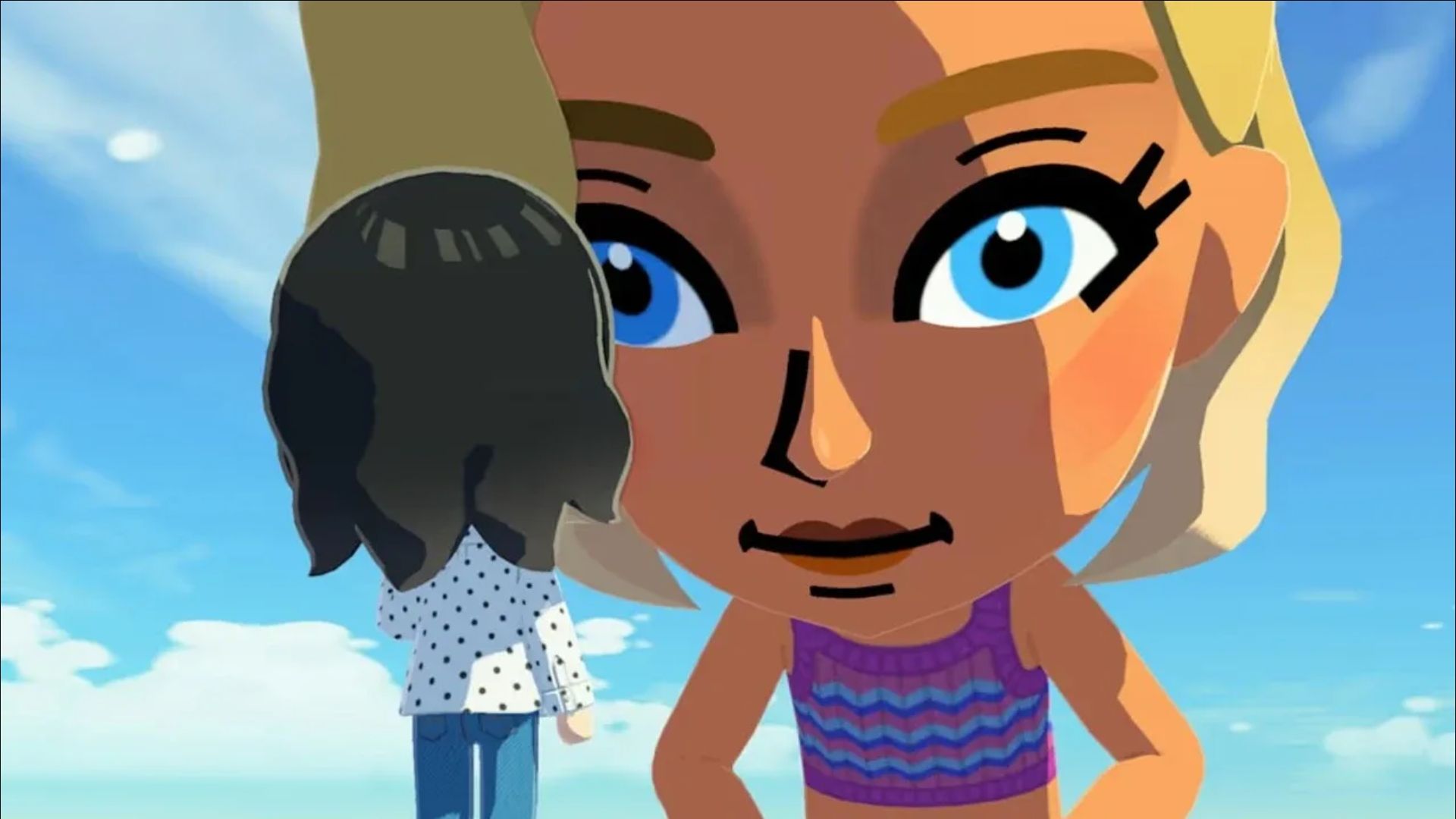
In Tomodachi Life: Living the Dream, the characters you create – called Miis – will live their own independent lives. They’ll chat with each other about all sorts of things, make friends, and play with items you provide. News and gossip can quickly spread throughout the town as Miis share topics with one another. As a player, you don’t directly control your Miis. Instead, you’ll create and nurture them, help them build relationships, develop the town, and ensure everyone is happy and well-cared for.
The game lets you interact with your Mii characters, and they’ll refer to you by a name you choose at the start. If you decide you don’t like that name later, you can easily change it in the game’s settings.
How to Change What Miis Call You in Tomodachi Life: Living the Dream
To change your player name, press the X button and select ‘Settings’ from the menu that appears on the right side of the screen.
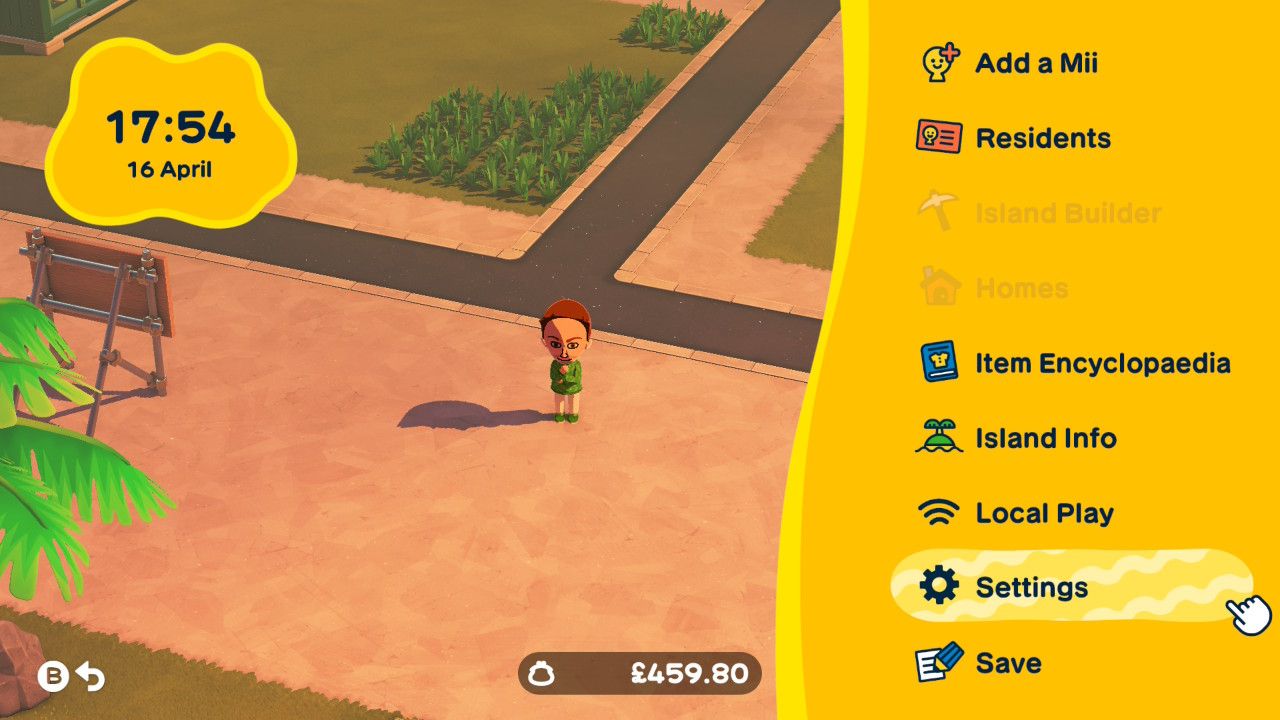
Next, go to ‘Player Settings’ and select the name listed next to ‘What Mii characters call you’ by pressing the A button. This will bring up a screen with some pre-made name choices at the bottom, as well as two more options located on either side of your current player name.
If you want to enter a name, choose the ‘I’ll type it out!’ option. Next to the name field, you’ll see a little mouth icon with lines. Click that icon to enter how you want the name to be pronounced. Sometimes, like with a name like ‘goat king’, you won’t even need to type a pronunciation – the game can often figure it out on its own.
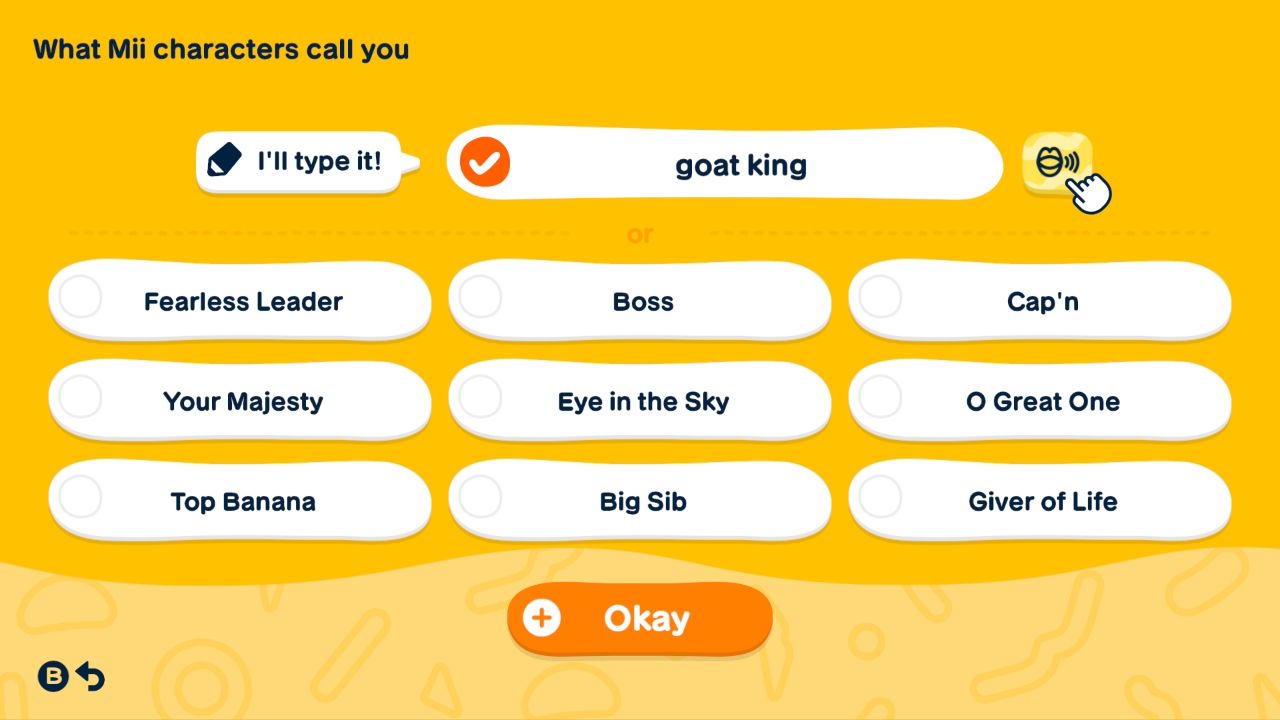
If the game isn’t saying a name correctly, you’ll need to spell it out phonetically – how it sounds. For instance, if you want the name ‘Rach’ pronounced correctly, you’d type ‘Raytch’.
To make sure the game says your name correctly, click the mouth icon next to it. If it’s still not quite right, keep tweaking the phonetic spelling until it sounds good to you.
This is the name your Miis will use when they talk to you directly, usually when they need your help – like making friends with another Mii. You can also customize your birthday, skin tone, and region in the ‘Player Settings’ menu.
You can also change or remove your Mii characters whenever you like. Plus, you’re still able to share screenshots and videos from the game, even though Nintendo has made it a bit harder.
Read More
- Forza Horizon 6: Find the Ohtani Treasure Chest Location
- NTE Drift Guide (& Best Car Mods for Drifting)
- LEGO Batman Legacy of the Dark Knight Batcave Minikits & WayneTech Caches
- USD RUB PREDICTION
- How to Open Locked Door in Tenryu River in Nioh 3 (Dirty Key)
- Skyblivion Gets Encouraging Development Update
- Sega’s “Super Game” is Said to Release Next Month, But Nothing is Known About It
- Dead as Disco Best Songs (Clear Beats & Stable BPMs)
- Asmongold reveals shocking detail about how much money he makes
- New Steam Game is Like Pokemon If It Were a Sci-fi Shooter
2026-04-16 20:53