
Okay, so in Pokemon Champions, you mostly get new Pokemon at the Recruit Ranch – that’s where you go in the menu – and by spending Victory Points, which is the main currency. But there’s more to it than that! This guide is going to cover everything – how to transfer Pokemon from Pokemon HOME and other games, plus how to make the most of daily drafts. If you’re serious about becoming a top-tier trainer and crushing it in Ranked Battles, I’ll show you everything you need to build a seriously powerful team.
How to Get More Pokemon in Pokemon Champions
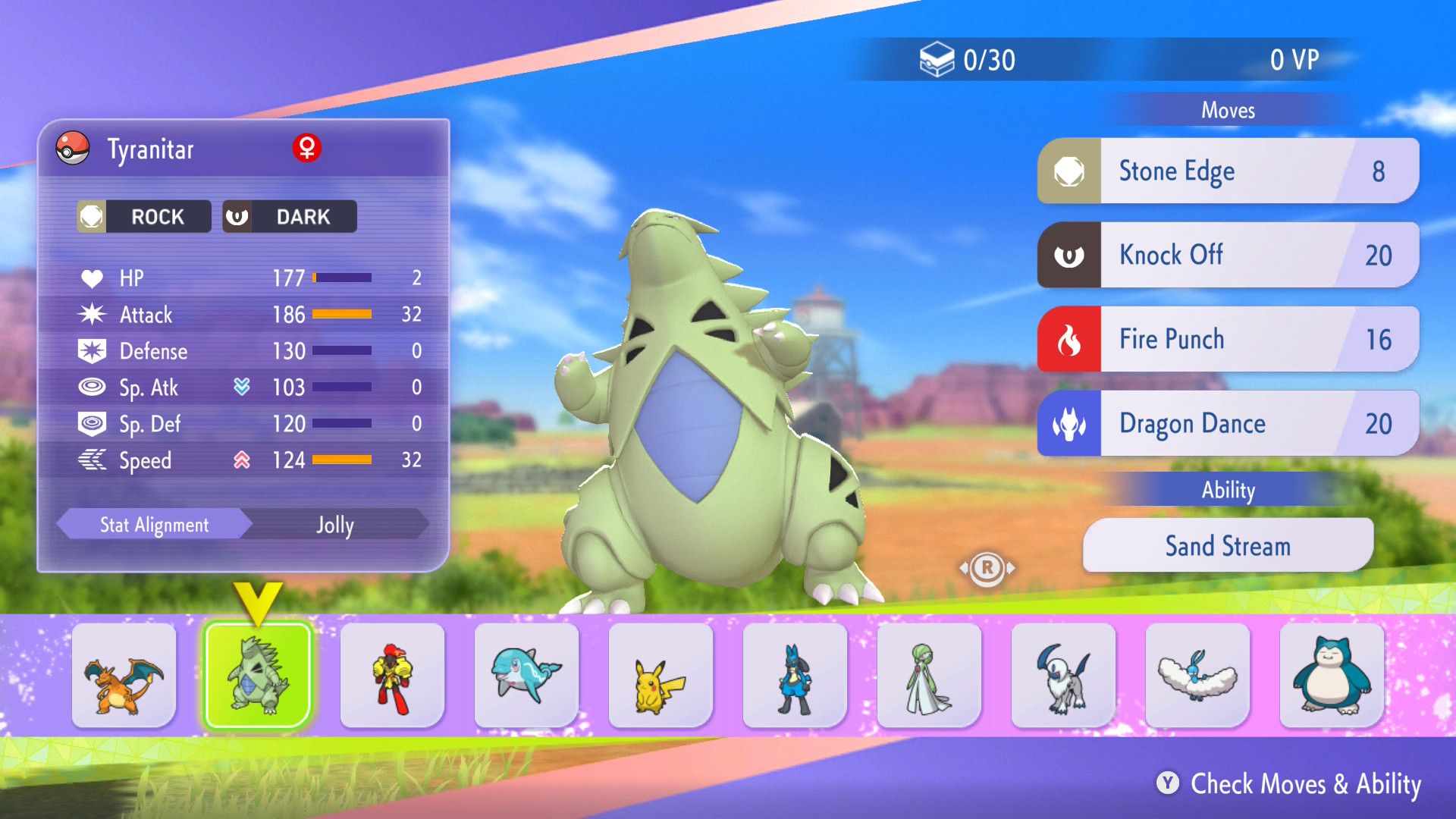
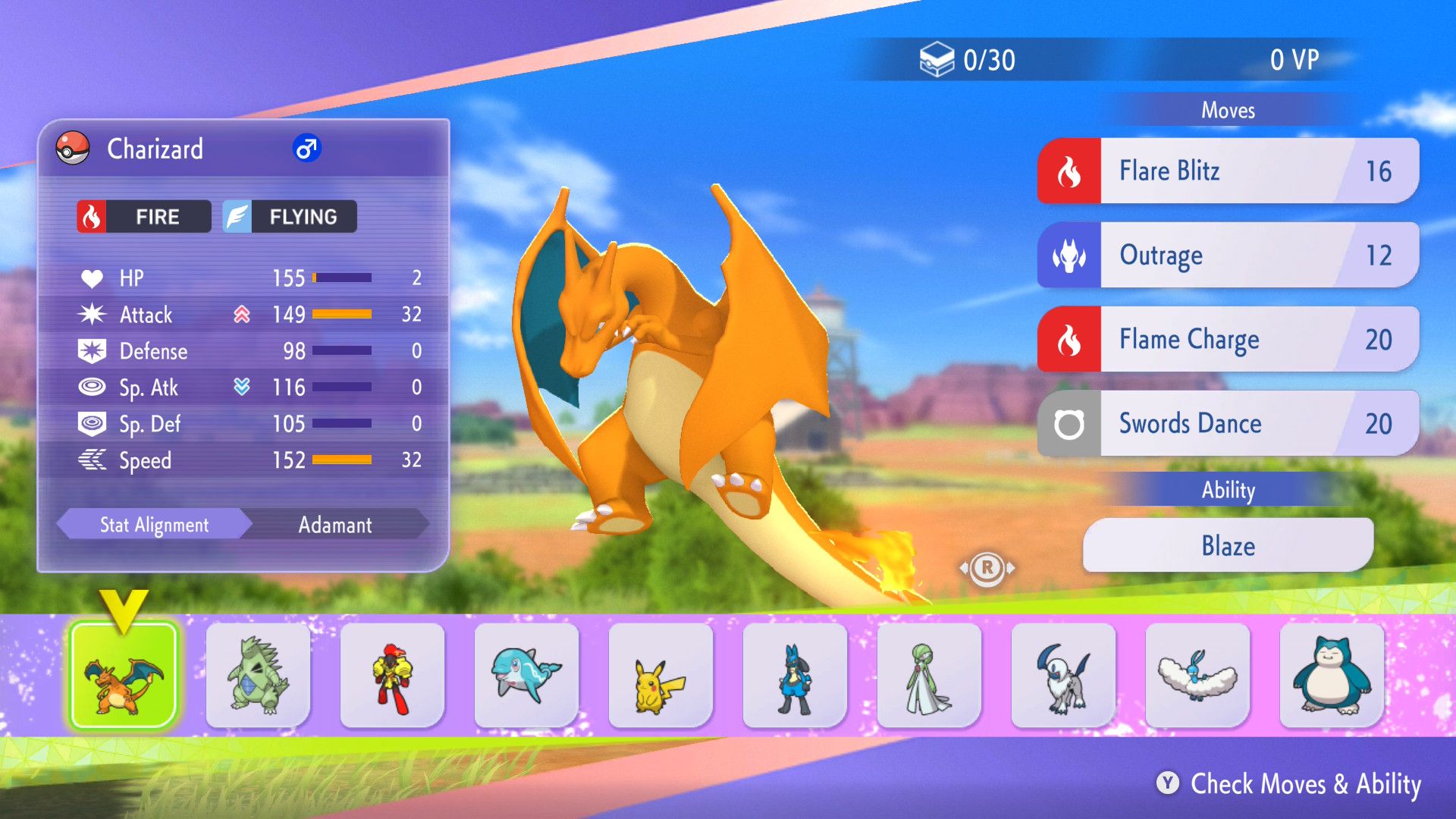
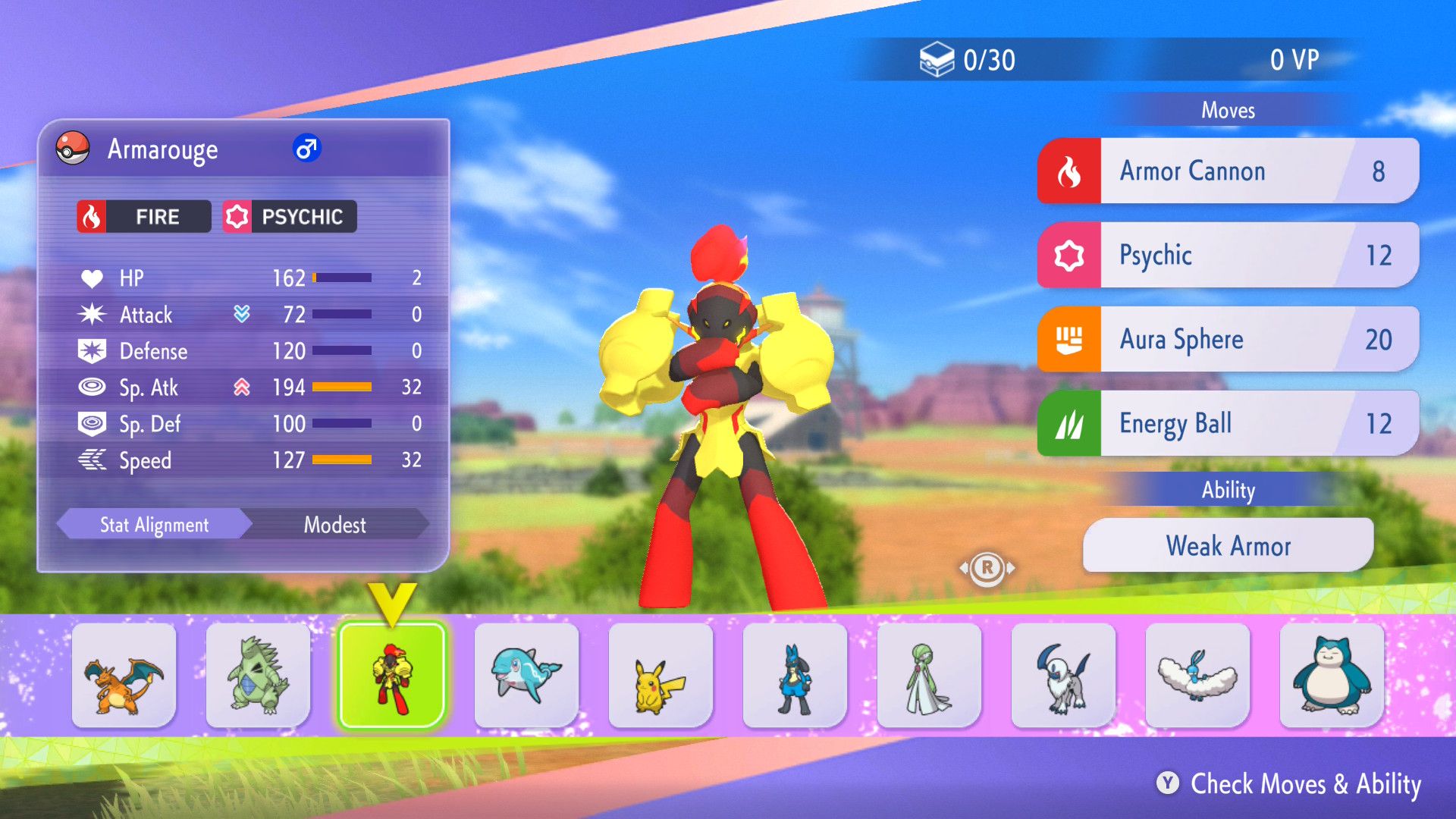
In Pokemon Champions, you can add new Pokemon to your team using the Recruit Ranch. This feature lets you choose one Pokemon each day from a rotating selection, called the Regular Roster M-A. It becomes available on April 8, 2026, at 2:00 AM UTC and runs until June 27, 2026, at 1:59 AM UTC. After that, the available Pokemon will refresh with a new group.
Players encounter new Pokémon every 22 hours without spending any premium currency. However, they can use premium currency or Quick Coupons to refresh the lineup faster and recruit Pokémon more quickly.
Every day, the Pokemon available are chosen randomly. To see which Pokemon you can choose from, here’s how to check:
- Go to Recruit
- Select Recruit Pokemon
- Select Roster Info
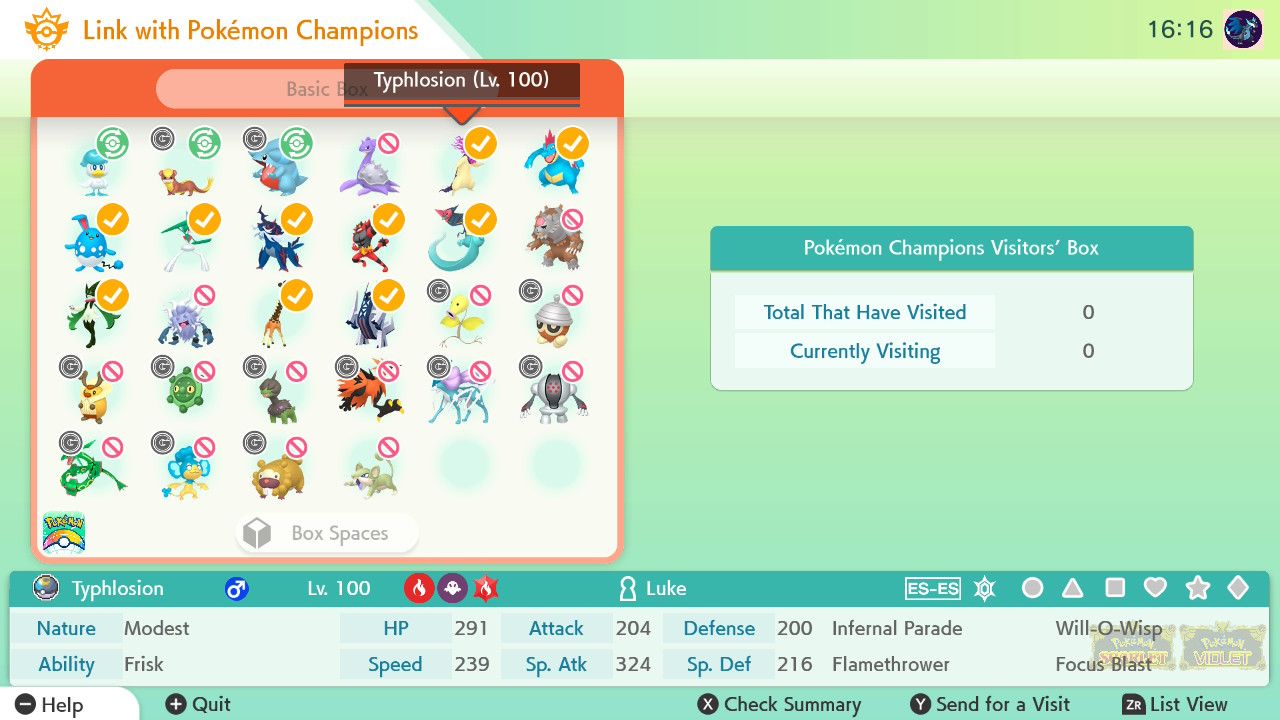
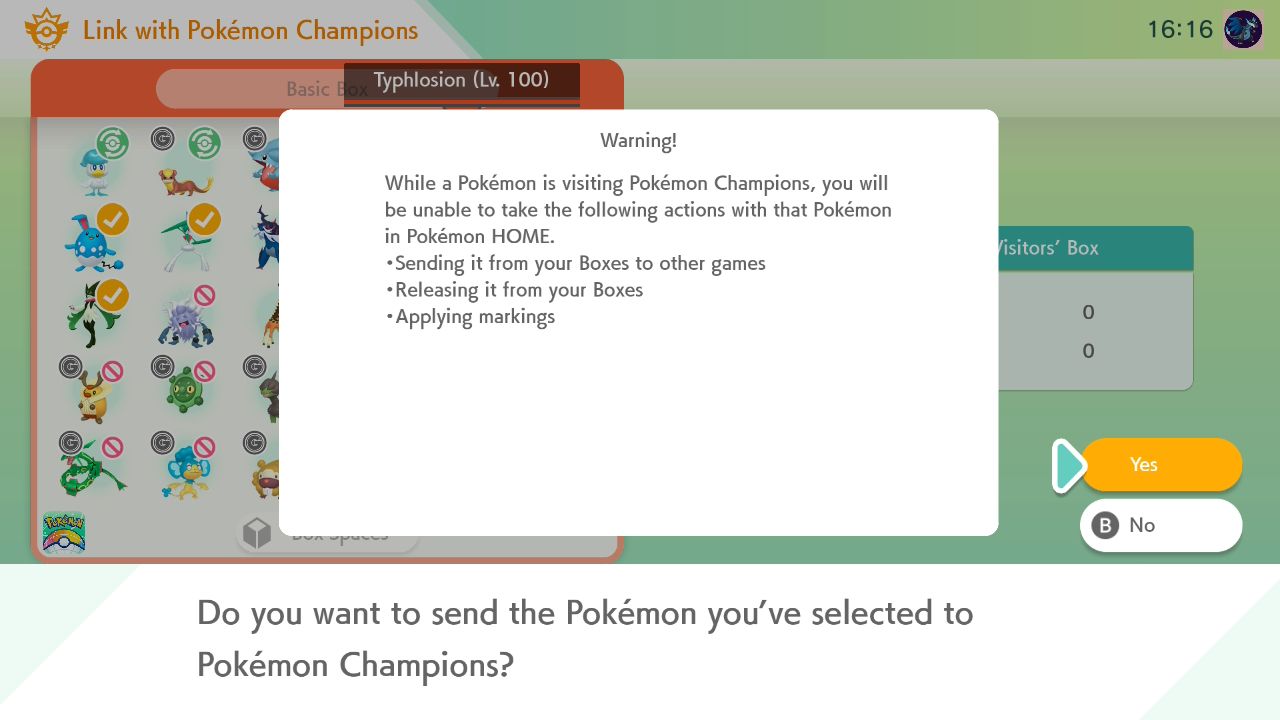
You can transfer Pokémon from other games into Pokémon Champions using Pokémon HOME. Here’s how: first, move Pokémon that meet the current competition rules into your Pokémon HOME storage, then follow the instructions.
- Log in to Pokemon HOME and select ‘Send Pokemon for a Visit to Pokemon Champions.’ (Lower Right Corner Option)
- Once inside, mark with (A) each Pokemon you want to send.
- To finish the process, press (Y).
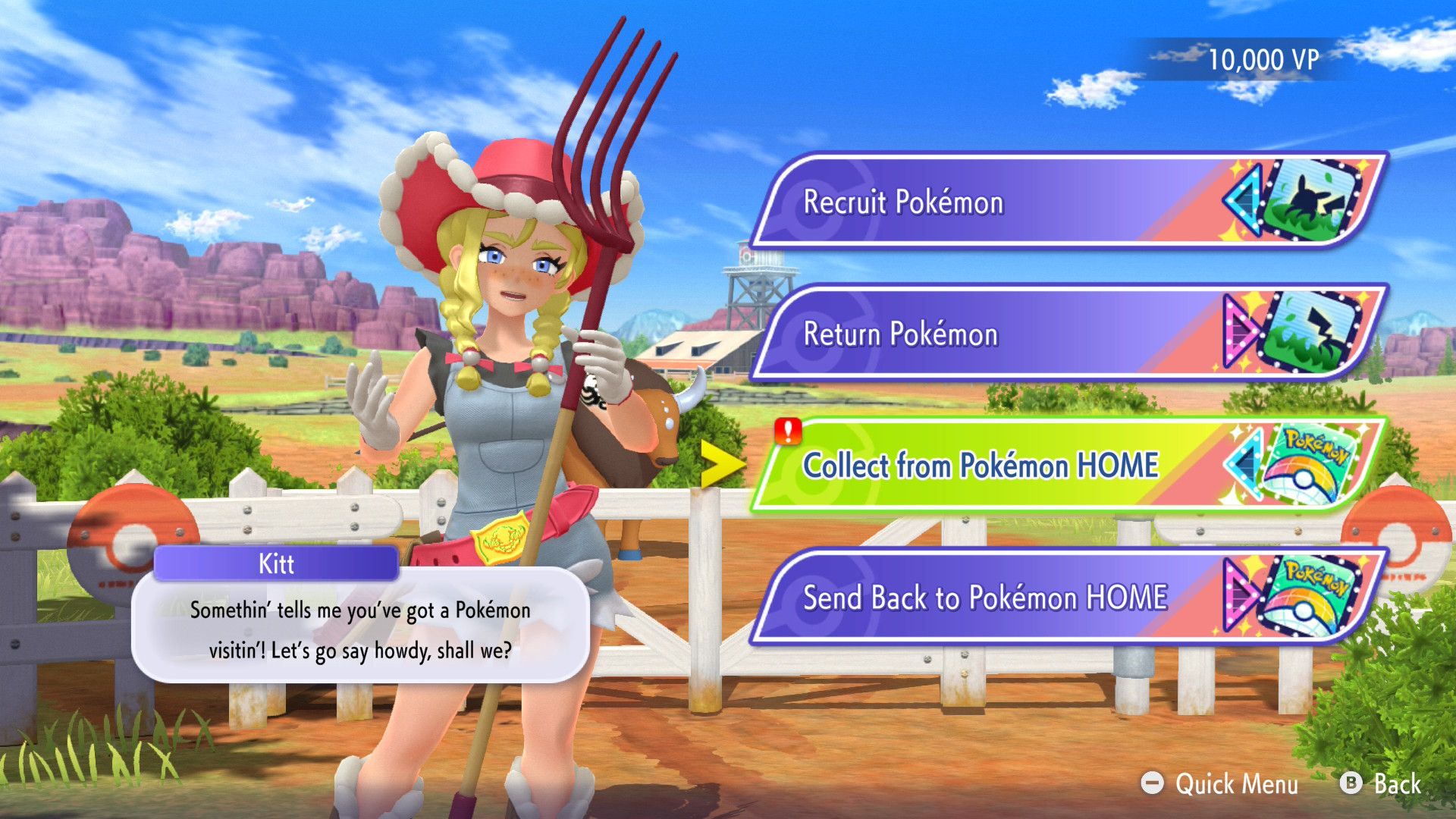
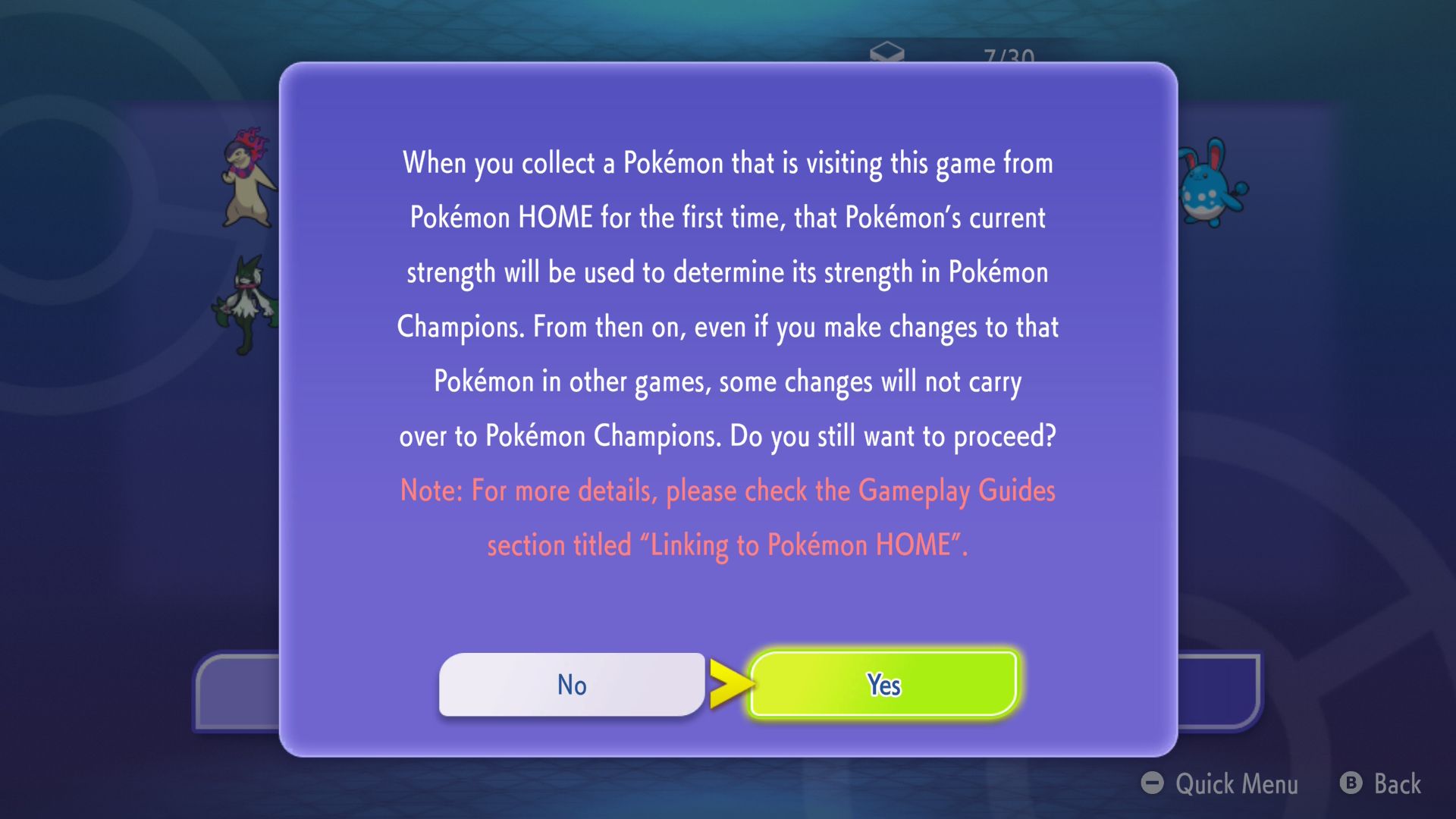
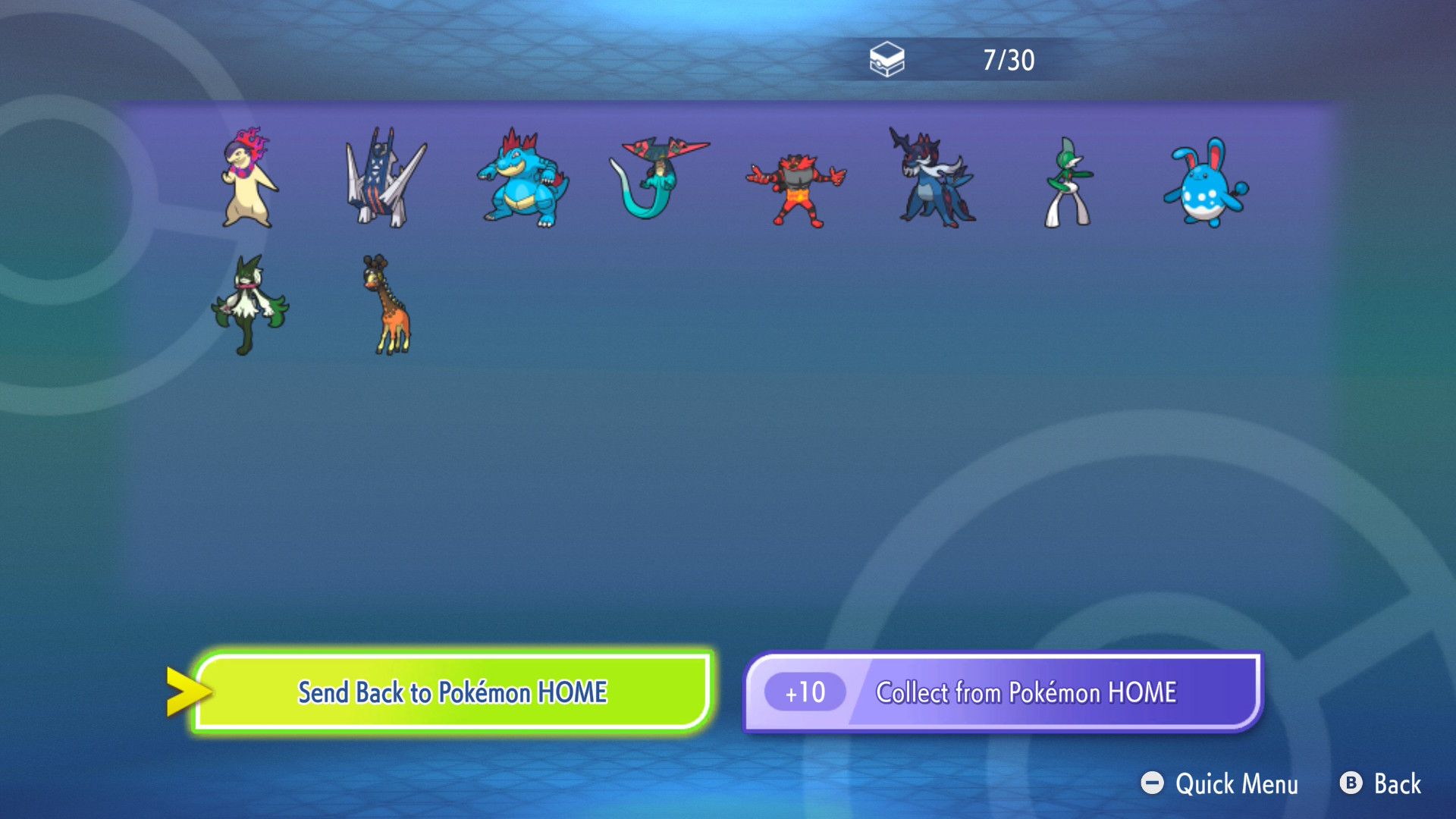
This action moves your chosen Pokémon to the Recruit area in Pokémon Champions. After that, you’ll need to choose ‘Collect from Pokémon HOME’.
Pokémon obtained through this method become permanently available for use. However, doing so creates a copy of the Pokémon, retaining its original ID number, the Poké Ball it was caught in, its moves, Ability, and Nature. The copied Pokémon will also have stats determined by the power level of the Pokémon Champion, ensuring a balanced game experience.
If you transfer a Pokémon to Pokémon HOME and then to another game, the original copy in Pokémon HOME stays as is, but you can’t use it. Sending that same Pokémon back to Pokémon HOME reactivates it, letting you use it again. However, you can’t change the Pokémon’s stats or details outside of games within the Pokémon Champions system.
Once a Pokémon is sent on a visit, it can’t be trained or leveled up further—this is to stop cheating and the use of illegally modified Pokémon. Any changes you make to that Pokémon in other games might not always be reflected in Pokémon Champions.
We’re planning to add special recruitment options soon. While details are limited right now, it’s likely these will allow you to recruit Legendary and Special Pokémon in future game updates.
Read More
- All Skyblazer Armor Locations in Crimson Desert
- How to Get the Sunset Reed Armor Set and Hollow Visage Sword in Crimson Desert
- All Shadow Armor Locations in Crimson Desert
- Marni Laser Helm Location & Upgrade in Crimson Desert
- All Helfryn Armor Locations in Crimson Desert
- All Golden Greed Armor Locations in Crimson Desert
- One Piece Chapter 1180 Release Date And Where To Read
- Best Bows in Crimson Desert
- All Icewing Armor Locations in Crimson Desert
- How to Beat Stonewalker Antiquum at the Gate of Truth in Crimson Desert
2026-04-08 22:34